


Tech Exhibition Hall 3D Model. Discover a stunning tech exhibition hall 3D model for your next project. This SketchUp resource is perfect for visualizing modern display spaces.
Elevate Your Designs with a Modern Tech Exhibition Hall 3D Model
In today’s fast-paced digital world, creating immersive and visually striking exhibition spaces is paramount for showcasing technological advancements. Whether you’re an architect, an event planner, or a 3D designer, having access to high-quality, pre-designed 3D models can significantly streamline your workflow and elevate your presentations. Posterfree.net is proud to present an exceptional tech exhibition hall 3D model, specifically "phong trien lam SketchUp (107)", designed to meet the demands of modern visualization projects.
The Power of "phong trien lam SketchUp (107)"
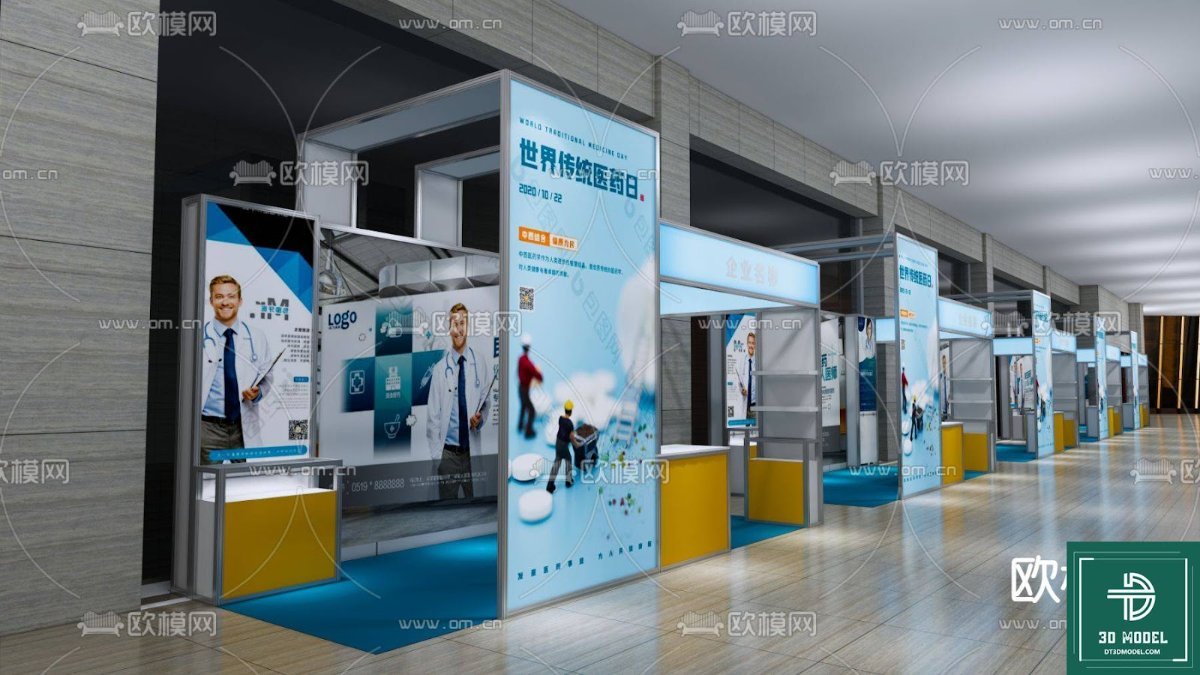
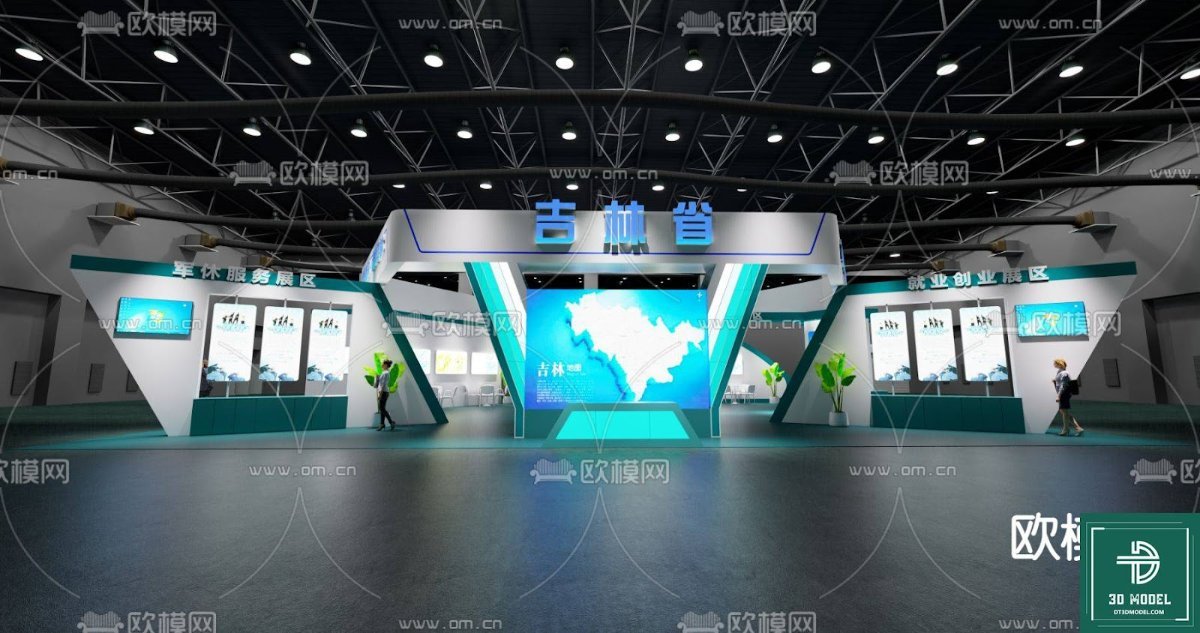
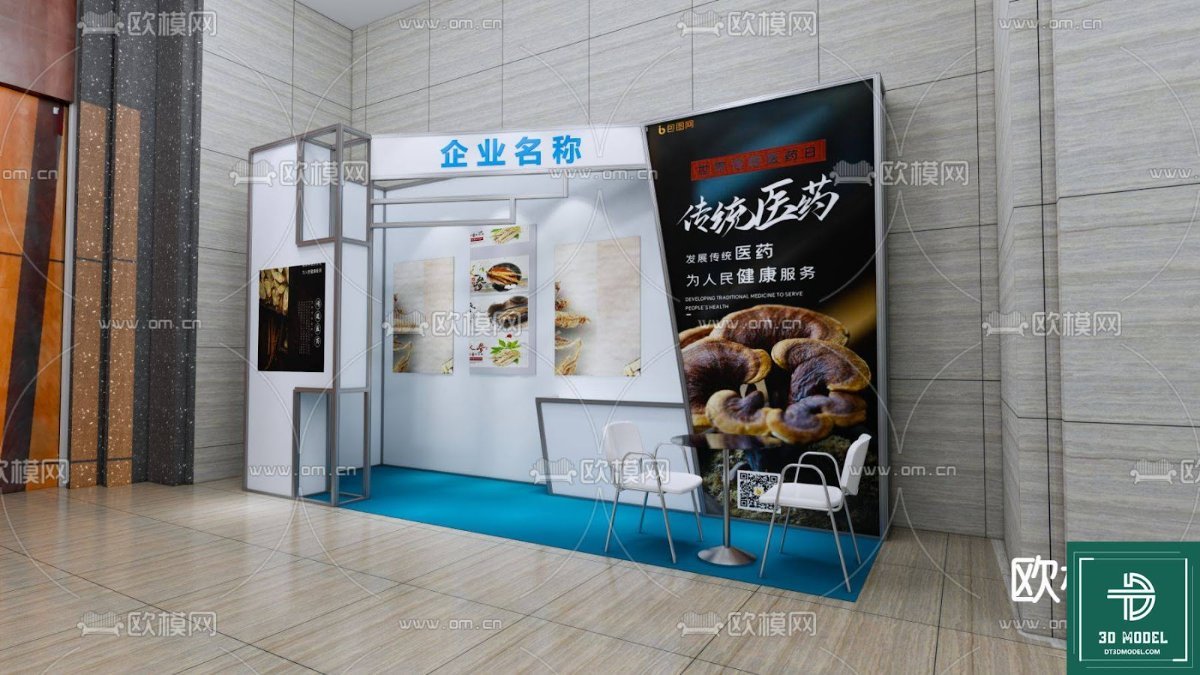
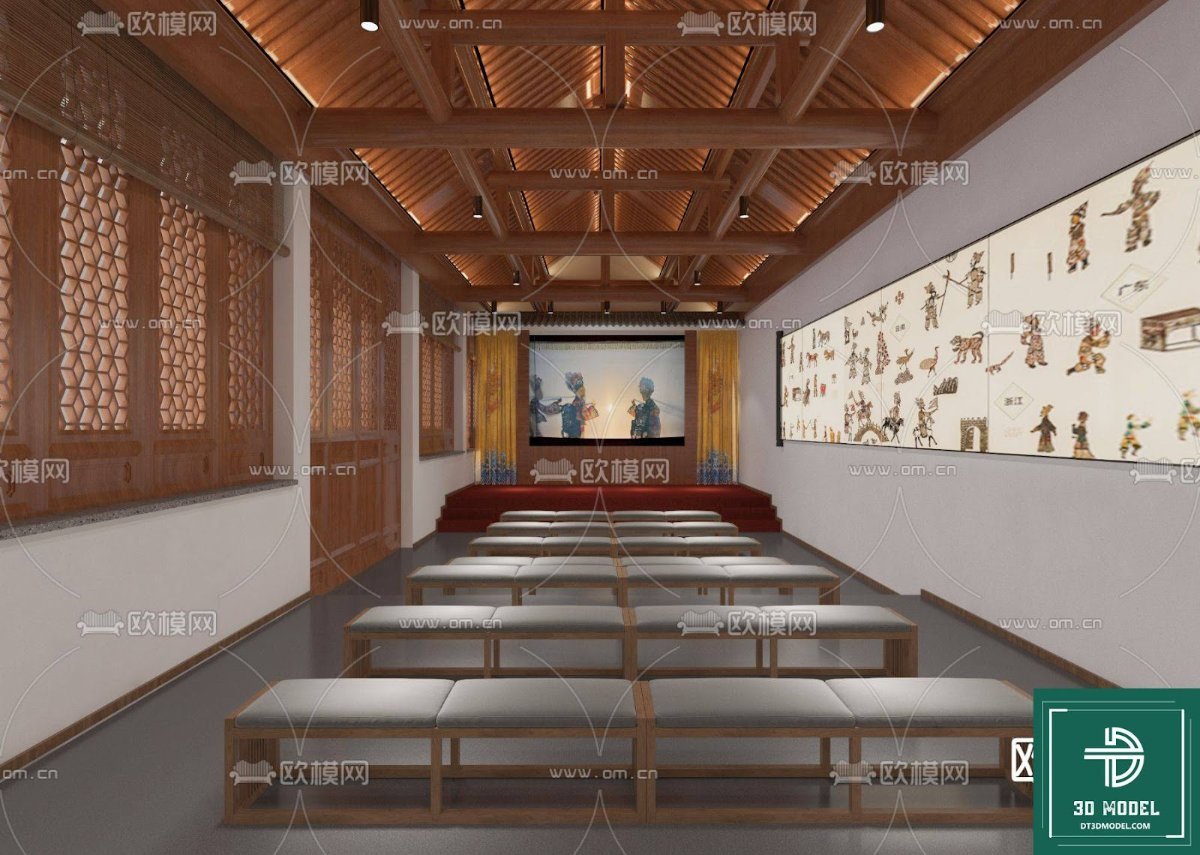
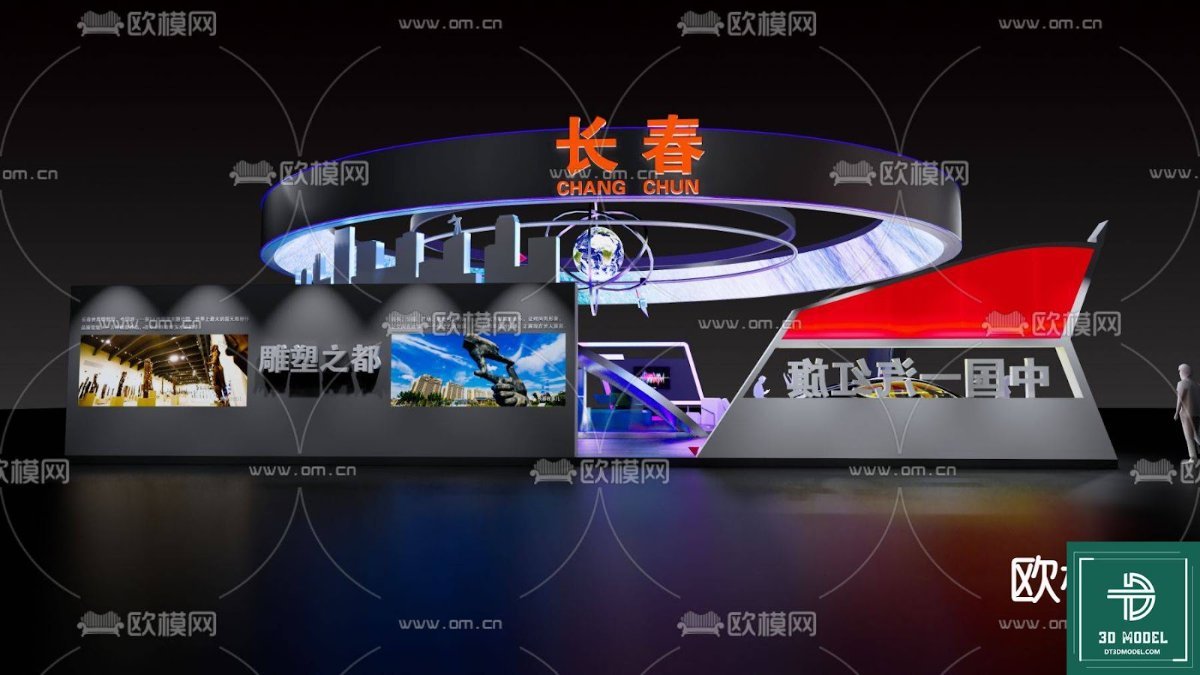
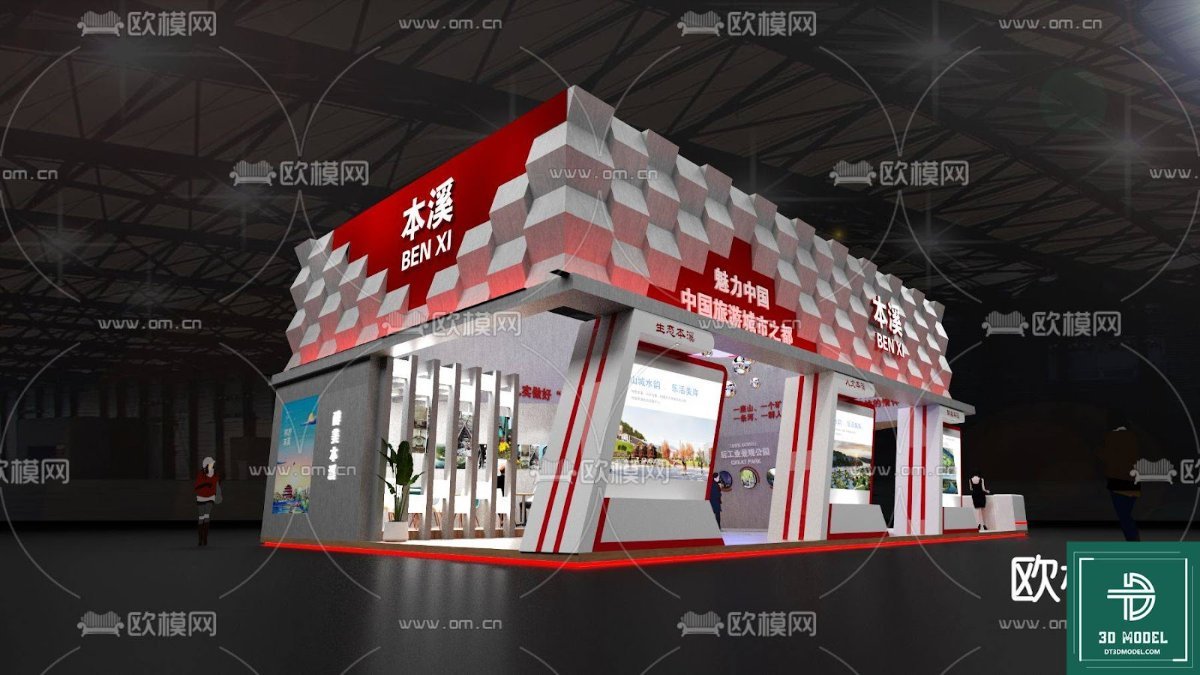
This particular 3D model, "phong trien lam SketchUp (107)", offers a sophisticated and futuristic design for a technology exhibition hall. It features sleek, curved walls with integrated digital displays, a central circular platform ideal for showcasing a key product or holographic projection, and dynamic lighting that enhances the overall high-tech ambiance. The model is meticulously crafted to provide a realistic and engaging environment, perfect for virtual tours, architectural renderings, or event simulations.
Why Choose a SketchUp 3D Model?
SketchUp is renowned for its user-friendly interface and robust capabilities in 3D modeling. For designers looking to quickly prototype, visualize, and present their ideas, SketchUp models are invaluable. This tech exhibition hall 3D model is provided in a format that ensures ease of integration into your existing SketchUp projects, allowing for quick modifications and customizations to fit your specific needs. The clean geometry and well-organized components within the model make it a joy to work with, even for those new to 3D design.
Detailed Analysis of the Model’s Features
Let’s delve deeper into the specific elements that make "phong trien lam SketchUp (107)" an outstanding resource:
1. Dynamic Layout and Architecture
- Curved Walls and Ceiling: The fluid, organic curves of the walls and ceiling create a sense of movement and modernity, guiding the viewer’s eye through the space. This design choice is typical of cutting-edge architectural trends in exhibition design.
- Central Display Platform: A prominent circular platform in the center serves as a focal point, perfect for highlighting a main exhibit. Its elevated position ensures visibility from all angles.
- Integrated Digital Screens: Large, high-resolution screens are seamlessly integrated into the walls, offering ample space for displaying interactive content, product videos, or informational graphics.
2. Lighting and Ambiance
- Ambient Blue Lighting: The predominant blue lighting scheme contributes to a futuristic and high-tech atmosphere, commonly associated with technology and innovation.
- Spotlighting: Strategic spotlights illuminate key areas, drawing attention to the central display and other important features.
- Reflective Surfaces: The polished floor and ceiling surfaces create reflections that add depth and sophistication to the scene, enhancing the overall realism.
3. Resolution and Detail
This tech exhibition hall 3D model boasts a high level of detail, ensuring that even close-up renders maintain their quality. The textures are sharp, and the geometric precision of the elements guarantees a professional finish in your visualizations. The resolution is optimized for both real-time viewing in SketchUp and high-quality rendering in external render engines.
Usage Instructions and Best Practices
Integrating "phong trien lam SketchUp (107)" into your projects is straightforward:
- Download: Obtain the SketchUp file from Posterfree.net.
- Import: Open the file directly in SketchUp or import it into an existing scene.
- Customize: Modify materials, lighting, and add your specific exhibits. The model is designed to be easily adaptable.
- Render: Utilize SketchUp’s native rendering capabilities or export to a dedicated rendering software for photorealistic results.
Pro Tip: Experiment with different lighting setups and material finishes to truly make this exhibition hall your own. Consider adding animated elements to the digital screens for an even more dynamic presentation.
The Posterfree.net Advantage
Posterfree.net is your go-to destination for premium graphic resources, and this tech exhibition hall 3D model is a testament to our commitment to quality. We understand the needs of designers and strive to provide assets that are not only visually appealing but also practical and easy to use. Our vast library of resources is curated to inspire creativity and support professionals across various industries. When you choose Posterfree.net, you’re choosing reliability, quality, and a partner in your creative journey.
Conclusion
The "phong trien lam SketchUp (107)" tech exhibition hall 3D model is an indispensable asset for anyone looking to design or visualize a modern, high-tech display environment. Its sophisticated design, attention to detail, and ease of use make it a standout resource. Download it today from Posterfree.net and transform your architectural visualizations and event designs into captivating realities. Unleash your creativity and impress your audience with a truly cutting-edge exhibition space.
Related Demo Images



Frequently Asked Questions
What software is required to use this 3D model?
This 3D model is provided in the SKP format, meaning it is designed to be used with SketchUp software.
Can I customize the colors and materials of the exhibition hall?
Yes, the model is fully customizable within SketchUp. You can easily change materials, colors, and even modify the geometry to suit your specific design requirements.
Is this model suitable for commercial projects?
Yes, resources from Posterfree.net are generally suitable for both personal and commercial projects, subject to our licensing terms. Please refer to the specific license details on the product page.
What is the resolution of the integrated digital screens?
While the model itself is high-resolution, the screens are placeholders. You can easily apply your own high-resolution textures or videos to them within SketchUp or your rendering software for optimal display quality.





























