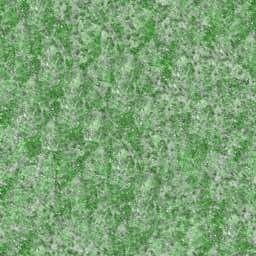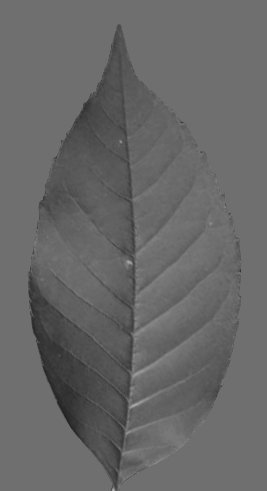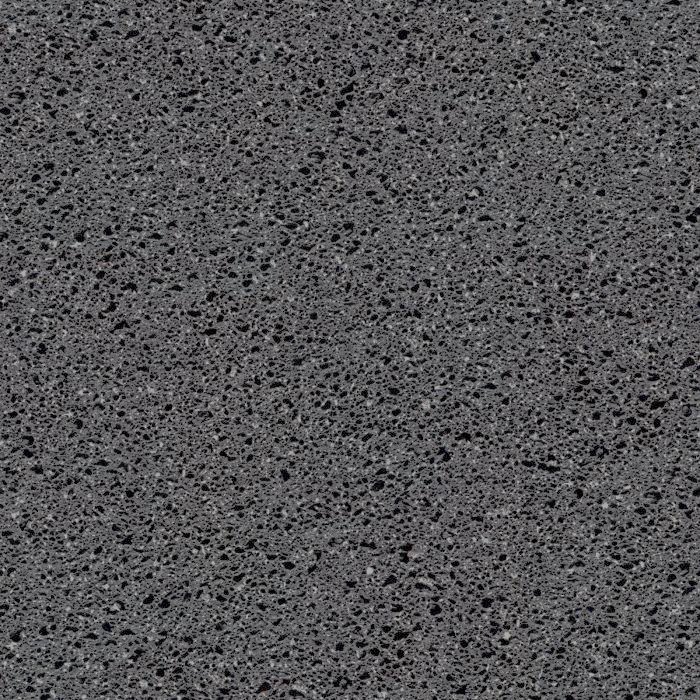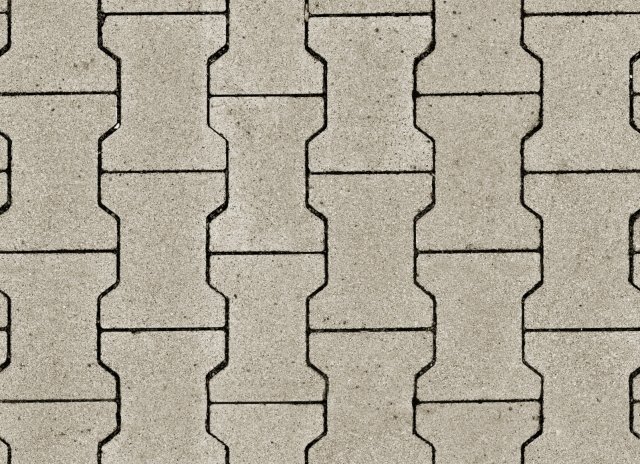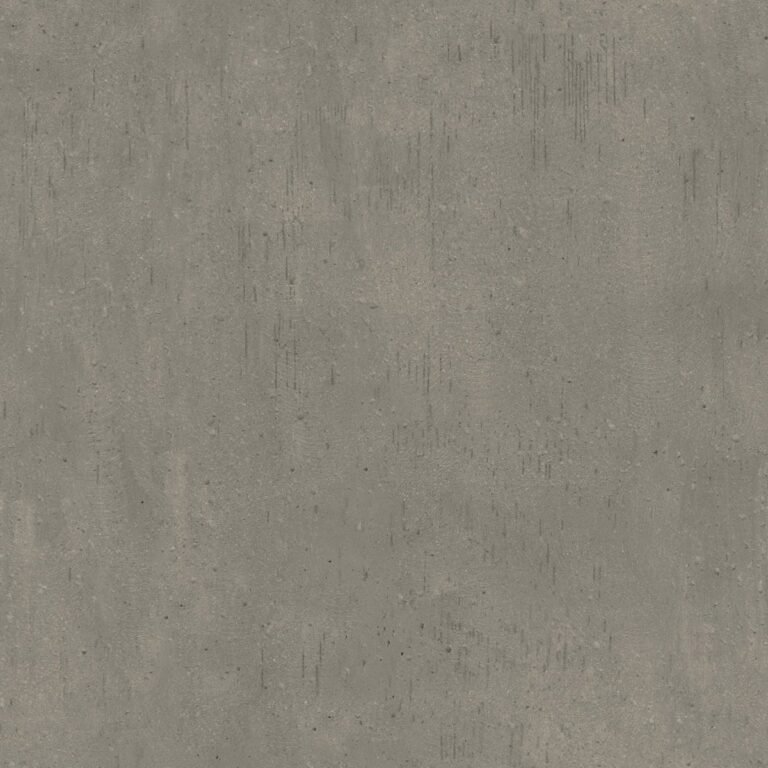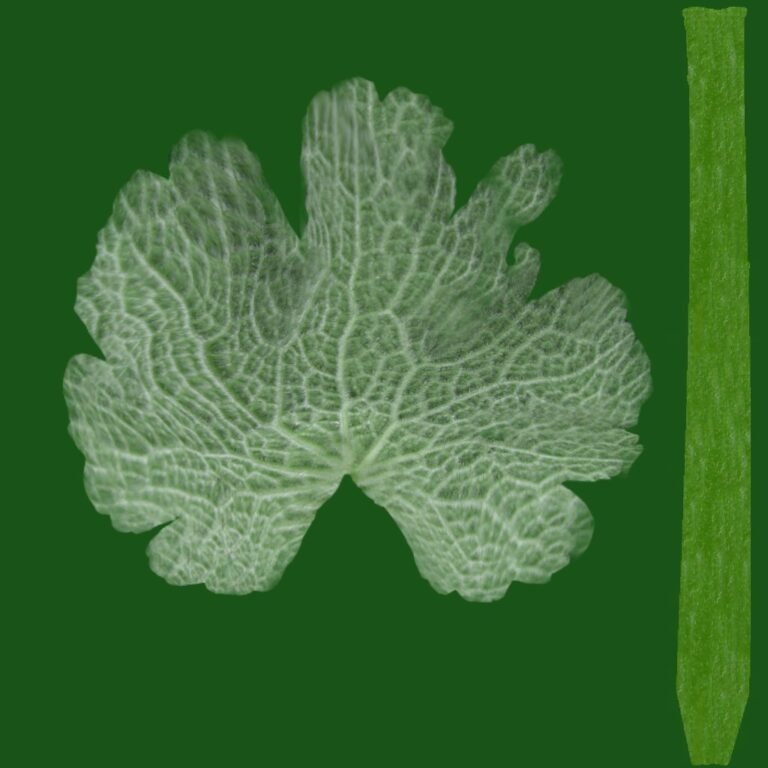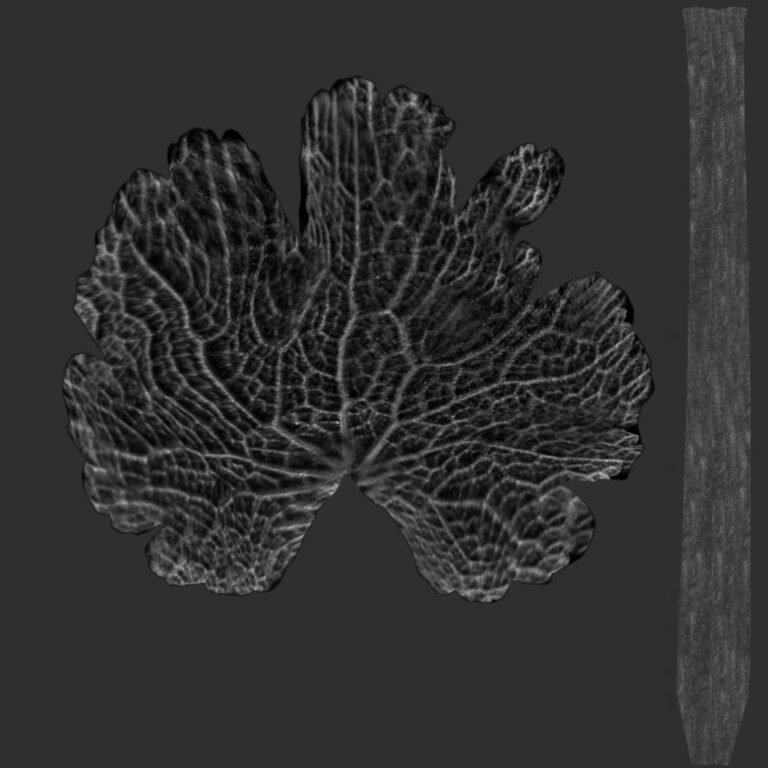
Specular Texture RRC 0. Discover the versatility of SpecularTexture_RRC_0, a premium specular texture for enhancing 3D models and digital art. Elevate your designs with this high-quality graphic resource.
Unlock Realism with SpecularTexture_RRC_0
In the intricate world of 3D rendering and digital design, achieving photorealism often hinges on the subtle details. Among these, specular textures play a paramount role. Today, we delve into a remarkable asset from Posterfree.net: SpecularTexture_RRC_0. This premium graphic resource is engineered to bring unparalleled depth and realism to your 3D models, making it an indispensable tool for game developers, architects, product designers, and digital artists alike.
What is a Specular Texture?
Before diving into the specifics of SpecularTexture_RRC_0, let’s briefly understand what a specular texture is. In 3D graphics, specular maps (or textures) define how light reflects off the surface of an object. They control the intensity and color of the specular highlight, which is the bright spot of light you see on shiny surfaces. A well-crafted specular texture can transform a flat, lifeless object into something that appears to have real-world material properties, such as metal, plastic, glass, or polished wood. It dictates where the surface is shiny and where it is dull, adding crucial visual information that enhances realism.
The Power of SpecularTexture_RRC_0
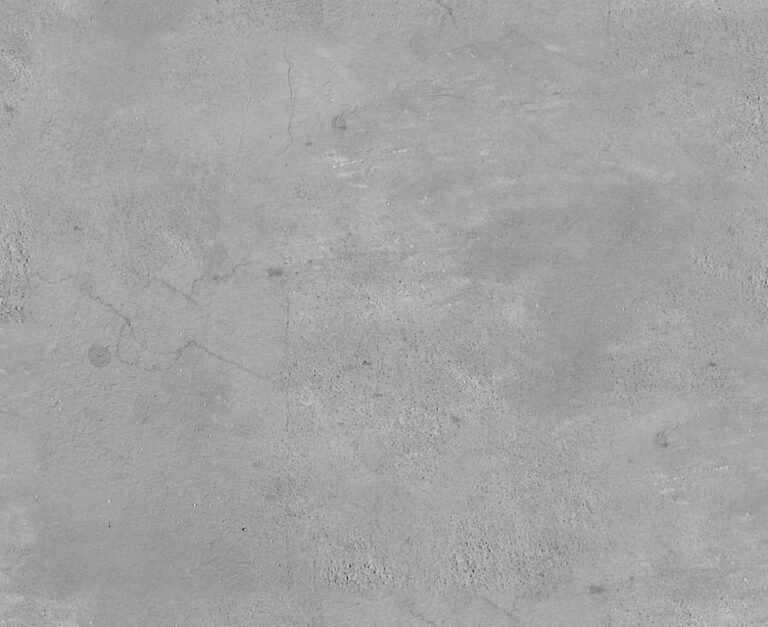
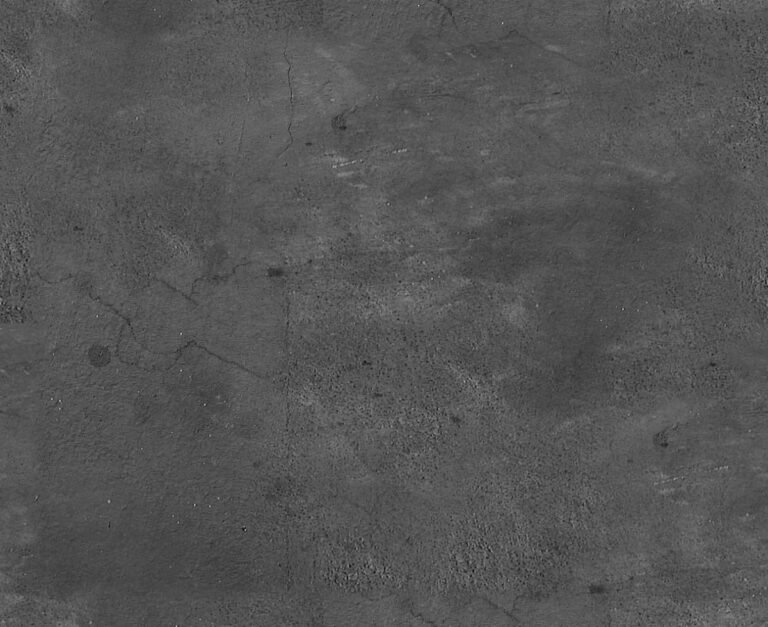
SpecularTexture_RRC_0 stands out as a high-quality, versatile specular texture designed to meet the demands of professional-grade projects. Its nuanced gradient and subtle variations are meticulously crafted to simulate realistic light reflection across a wide array of surfaces. Whether you’re aiming for a subtle sheen on a metallic object or a pronounced highlight on a glossy surface, this texture provides the flexibility and fidelity you need.
Key Features and Benefits:
- Exceptional Detail: The texture boasts fine-tuned gradients and smooth transitions, ensuring that specular highlights appear natural and artifact-free.
- Versatile Application: Suitable for various materials, including metals, plastics, ceramics, and even organic surfaces where a subtle shine is desired.
- Optimized for Performance: While delivering high visual quality, SpecularTexture_RRC_0 is also optimized to integrate seamlessly into your rendering pipelines without excessive computational overhead.
- Enhances Realism: By accurately defining how light interacts with your 3D models, this texture significantly boosts the overall realism and visual appeal of your scenes.
- Professional Grade: As with all resources from Posterfree.net, this texture meets professional standards, ensuring reliability and quality for your projects.
Technical Analysis: Format and Resolution
While specific format details are often provided upon download, premium textures like SpecularTexture_RRC_0 are typically offered in widely compatible formats such as JPEG, PNG, or TIFF. These formats ensure broad compatibility with most 3D software and game engines, including:
- Autodesk Maya: A staple in animation and visual effects.
- Blender: A powerful open-source 3D creation suite.
- 3ds Max: Widely used for architectural visualization and game development.
- Substance Painter/Designer: For advanced material creation and texturing workflows.
- Unity 3D / Unreal Engine: Leading game development platforms.
The resolution of SpecularTexture_RRC_0 is crucial for its effectiveness. High-resolution textures prevent pixelation and maintain crisp detail even when viewed up close or on large screens. Posterfree.net ensures that its resources, including this specular texture, are provided at resolutions that support high-fidelity rendering, typically 2K (2048×2048) or 4K (4096×4096) pixels, allowing for intricate detail and smooth specular reflections.
Usage Instructions: Integrating SpecularTexture_RRC_0 into Your Workflow
Integrating SpecularTexture_RRC_0 into your 3D projects is straightforward. Here’s a general guide:
1. Download the Texture
First, download SpecularTexture_RRC_0 from Posterfree.net. Ensure you have the correct file format for your software.
2. Open Your 3D Software
Launch your preferred 3D modeling and rendering software (e.g., Blender, Maya, 3ds Max).
3. Select Your Object and Material
Choose the 3D model you wish to apply the specular texture to. Access its material properties. Most 3D software uses a node-based or layered material system.
4. Connect the Specular Texture
Locate the ‘Specular Map’ or ‘Specular Color’ input in your material editor. Load SpecularTexture_RRC_0 into this slot. You might need to adjust the intensity or blend mode depending on your desired effect and the specific material setup.
5. Adjust and Refine
Experiment with the texture’s tiling, offset, and color values to achieve the perfect look. You may also combine it with other maps like normal maps or roughness maps for even greater realism. Render a test scene to see the effect of the specular texture in different lighting conditions.
Why Choose Posterfree.net for Your Graphic Resources?
Posterfree.net has established itself as a premier destination for high-quality graphic resources, and SpecularTexture_RRC_0 is a testament to our commitment to excellence. Our extensive library is curated to provide designers, artists, and developers with the tools they need to bring their visions to life. We understand the importance of detail, resolution, and versatility in digital assets, which is why every resource, including this exceptional specular texture, undergoes rigorous quality checks.
By choosing Posterfree.net, you gain access to:
- Premium Quality: All assets are crafted to professional standards.
- Diverse Selection: A wide range of textures, templates, vectors, and more.
- Ease of Use: Resources are designed for seamless integration into various workflows.
- Reliable Support: A dedicated team ready to assist with any queries.
Conclusion
SpecularTexture_RRC_0 is more than just a texture; it’s a gateway to enhanced realism and visual fidelity in your 3D projects. Its meticulous design and versatile application make it an invaluable asset for anyone serious about digital art and rendering. Elevate your creations with this premium specular texture, and experience the difference that high-quality resources from Posterfree.net can make. Explore our collection today and unlock the full potential of your designs.
Related Demo Images



Frequently Asked Questions
What is SpecularTexture_RRC_0 used for?
SpecularTexture_RRC_0 is a graphic resource used in 3D rendering to define how light reflects off the surface of an object, creating realistic highlights and enhancing material properties like shininess or dullness.
Is SpecularTexture_RRC_0 compatible with all 3D software?
Yes, SpecularTexture_RRC_0 is provided in widely compatible image formats (like JPG or PNG), making it suitable for use with most 3D software and game engines, including Blender, Maya, 3ds Max, Unity, and Unreal Engine.
How does a specular texture improve realism?
A specular texture improves realism by accurately controlling the intensity and shape of specular highlights, which are crucial for conveying an object’s material properties and how it interacts with light in a 3D scene.
What resolution is SpecularTexture_RRC_0 typically offered in?
To ensure high fidelity and detail, SpecularTexture_RRC_0 and similar premium textures from Posterfree.net are typically offered in high resolutions, such as 2K (2048×2048) or 4K (4096×4096) pixels.
Where can I find more high-quality textures like this?
You can find a wide range of high-quality graphic resources, including textures, templates, and vectors, on Posterfree.net, a reputable source for professional digital assets.