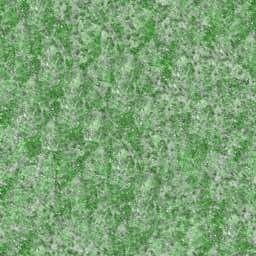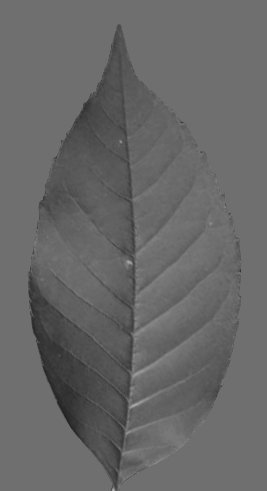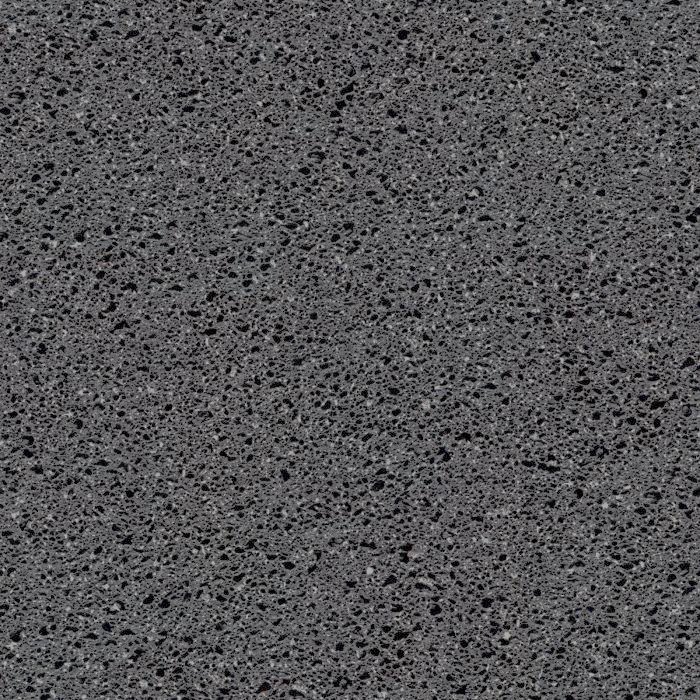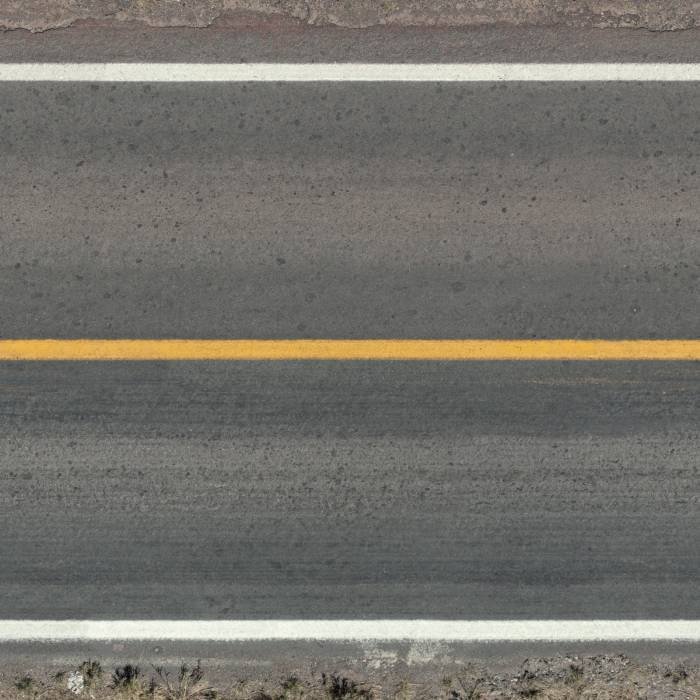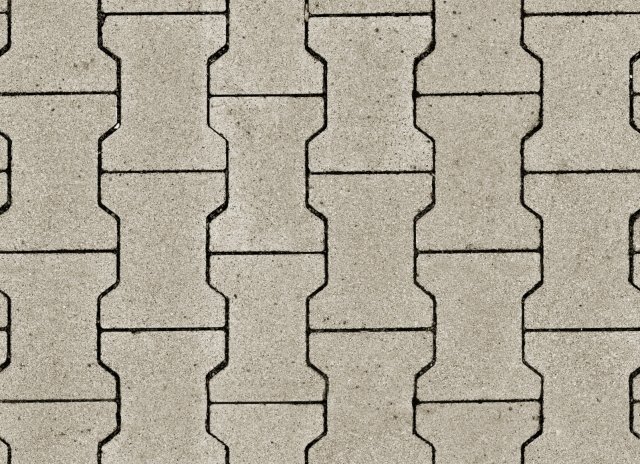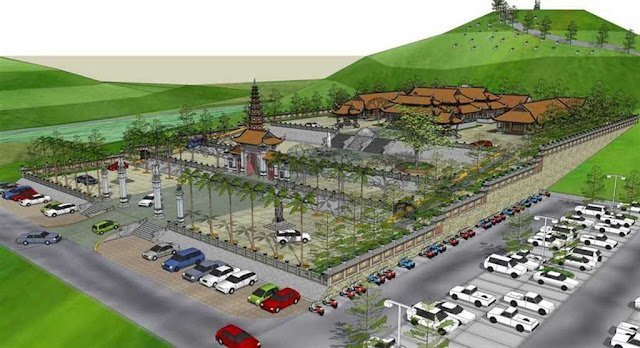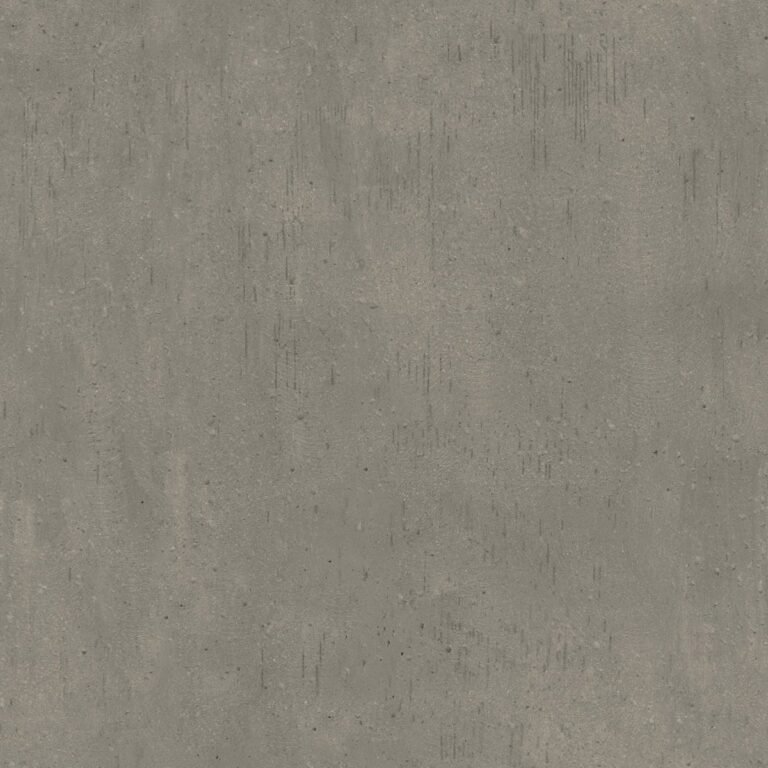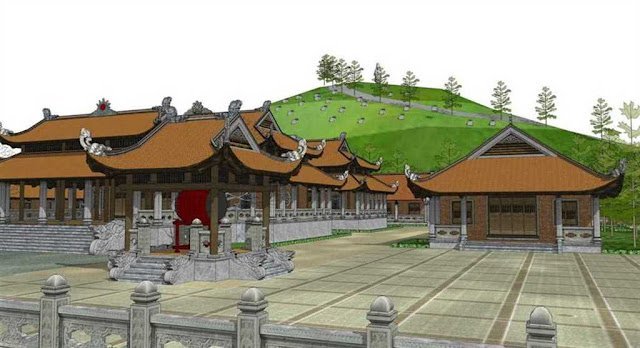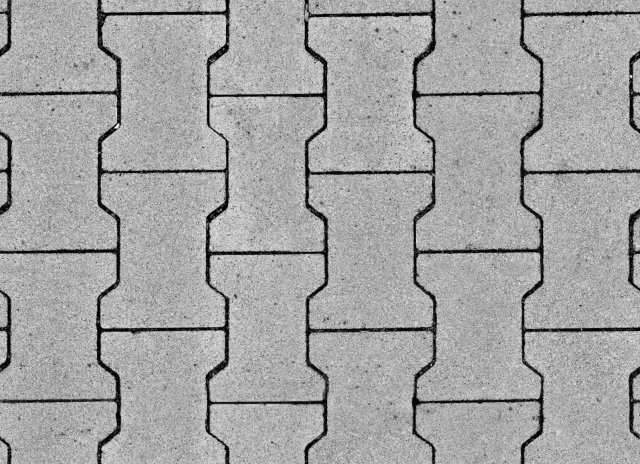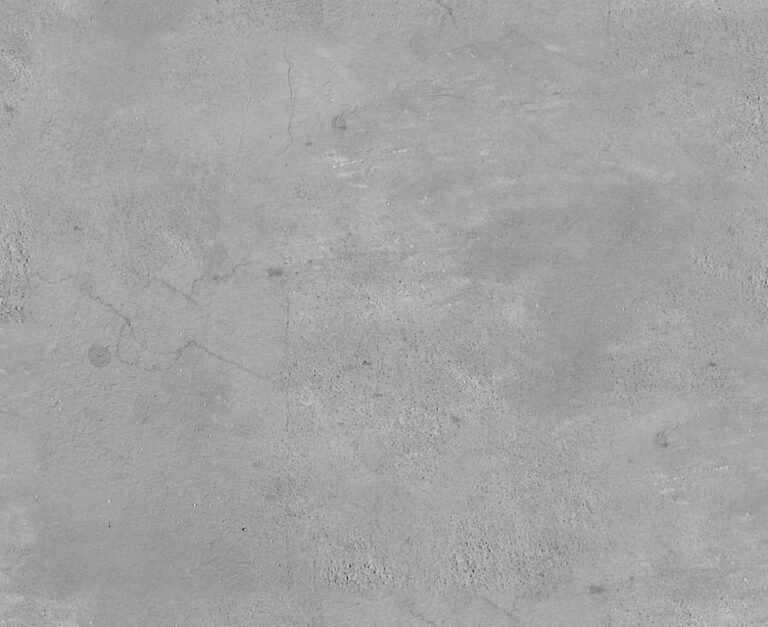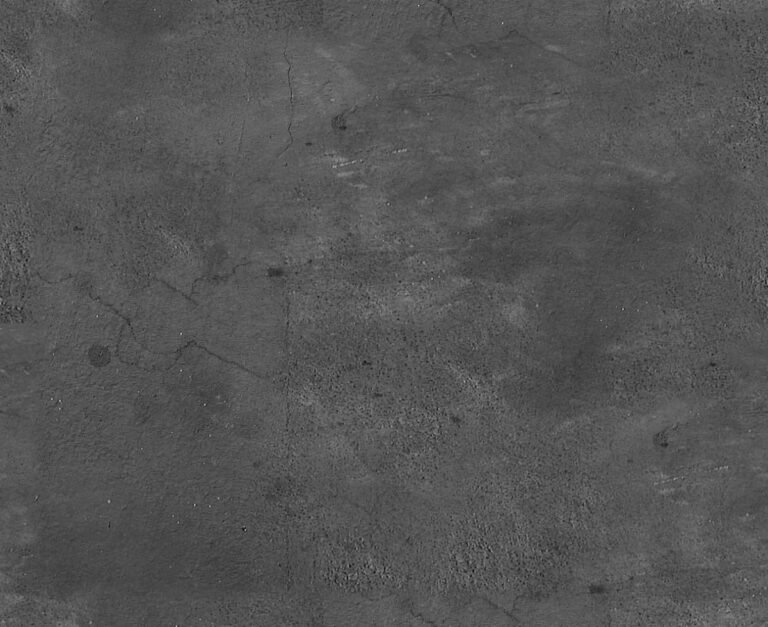
Specular Texture Graphic. Discover the versatility of our specular texture graphic, perfect for adding realistic reflections and highlights to your 3D models and digital art projects.
Enhance Your 3D Renders with a Premium Specular Texture Graphic
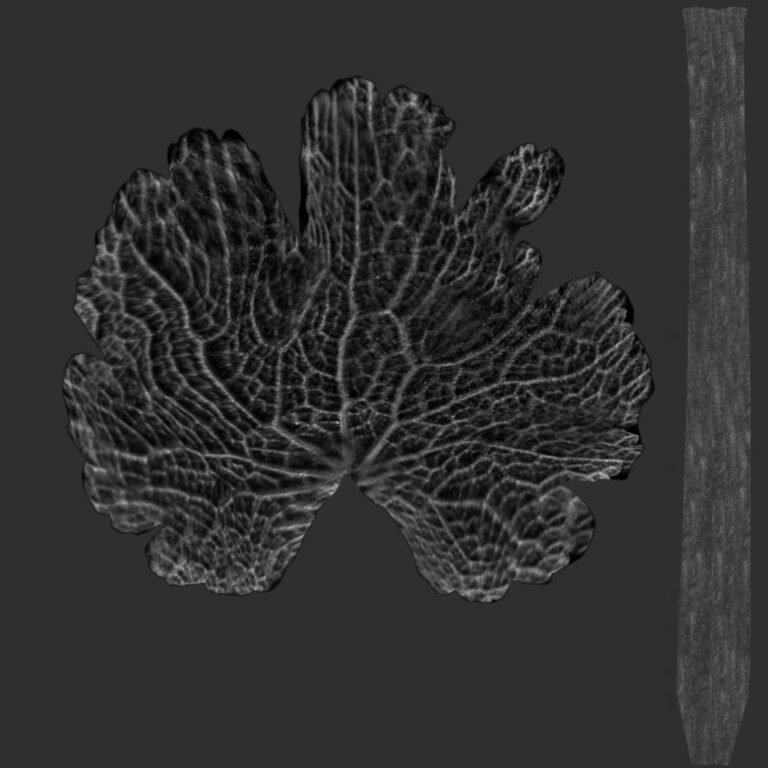
In the world of 3D rendering and digital art, achieving realism often boils down to the subtle details. One of the most critical elements in creating believable surfaces is the proper use of textures, and among them, the specular texture graphic stands out as indispensable. At Posterfree.net, we understand the demand for high-quality assets, and our 334091_Specular graphic is designed to elevate your projects with professional-grade reflections and highlights.
What is a Specular Texture Graphic?
A specular map, or specular texture graphic, is a grayscale image that dictates how much light a surface reflects in a 3D environment. Lighter areas on the map indicate more reflective surfaces, while darker areas represent less reflective or more diffuse materials. This control over specularity is crucial for rendering materials like polished metals, plastics, glass, and even skin with accurate visual properties. Without a well-crafted specular map, objects can appear flat, dull, or unnaturally uniform in their reflectivity.
The Importance of High-Quality Specular Maps
The quality of your specular texture graphic directly impacts the realism and visual appeal of your 3D models. A low-resolution or poorly designed map can lead to pixelation, jagged reflections, or an overall artificial look. Our 334091_Specular graphic is meticulously crafted to provide crisp, detailed information, ensuring that your rendered surfaces catch the light precisely as intended. This attention to detail is what sets Posterfree.net apart as a premium resource for graphic designers and 3D artists.
Features and Benefits of Our 334091_Specular Graphic
Our 334091_Specular graphic offers a range of features that make it an invaluable addition to your texture library:
- High Resolution: Designed for clarity and detail, ensuring smooth and realistic reflections even in close-up renders.
- Versatile Application: Suitable for a wide array of materials, from subtle sheens on organic surfaces to sharp glints on metallic objects.
- Seamless Integration: Compatible with most major 3D software and rendering engines, making it easy to incorporate into your existing workflows.
- Optimized for Performance: While high-quality, it’s designed to be efficient, helping to maintain reasonable render times without compromising visual fidelity.
Using a high-quality specular texture graphic like ours means less time tweaking settings and more time focusing on your creative vision. It provides a foundational layer of realism that can significantly enhance the perceived quality of your final renders.
How to Effectively Use Your Specular Texture Graphic
Integrating the 334091_Specular graphic into your 3D projects is straightforward, yet mastering its application can unlock incredible visual potential. Here’s a general guide:
- Import into Your 3D Software: Load the specular texture graphic into your material editor.
- Assign to Specular Channel: Connect the texture to the ‘Specular Color’, ‘Specular Level’, or ‘Reflection Glossiness’ channel of your material, depending on your software.
- Adjust Intensity: Use a multiplier or color correction node to fine-tune the overall intensity of the reflections. Lighter values will increase specularity, darker values will reduce it.
- Combine with Other Maps: For ultimate realism, combine this specular map with diffuse, normal, and displacement maps. Each map plays a crucial role in defining the surface properties.
- Test and Iterate: Render test shots from various angles and lighting conditions to see how the specular map behaves. Adjust as needed to achieve the desired effect.
Experimentation is key. A subtle specular map can add depth to a matte surface, while a strong one can make an object gleam. The 334091_Specular graphic provides the perfect starting point for these explorations.
Why Choose Posterfree.net for Your Graphic Resources?
Posterfree.net is dedicated to providing designers and artists with premium, high-quality graphic resources that empower creativity. Our extensive library is curated to meet professional standards, ensuring that every asset, including our specular texture graphic, is ready for immediate use in demanding projects. We pride ourselves on:
- Quality Assurance: Every graphic undergoes rigorous checks to ensure resolution, format, and artistic integrity.
- User-Friendly Experience: Our platform is designed for easy navigation and quick downloads, so you can find what you need without hassle.
- Diverse Selection: From textures and patterns to vectors and templates, we offer a broad range of resources to fuel every creative endeavor.
- Constant Updates: We continuously add new and trending graphics to keep your projects fresh and cutting-edge.
When you choose Posterfree.net, you’re not just downloading a graphic; you’re investing in a reliable partner for your creative journey. Our 334091_Specular graphic is a testament to our commitment to excellence, providing you with the tools to bring your most ambitious visions to life.
Conclusion
A well-chosen and expertly applied specular texture graphic can transform a good 3D render into an exceptional one. The 334091_Specular graphic from Posterfree.net offers the quality, versatility, and detail you need to achieve stunning realism in your digital creations. Elevate your textures, enhance your reflections, and let your designs shine with our premium graphic resources. Explore our collection today and discover why Posterfree.net is the go-to destination for professional designers worldwide.
Related Demo Images



Frequently Asked Questions
What is a specular texture graphic used for?
A specular texture graphic (or map) is used in 3D rendering to control the amount and intensity of light reflected by a surface. It helps create realistic highlights and sheens on materials.
How does a specular map work?
It’s typically a grayscale image where lighter areas indicate more reflective parts of a surface, and darker areas indicate less reflective parts. This tells the rendering engine how to calculate specular highlights.
Can I use this specular texture graphic with any 3D software?
Yes, our specular texture graphics are standard image files (like JPG or PNG) and are compatible with most major 3D software and rendering engines that support PBR (Physically Based Rendering) workflows.
What resolution is the 334091_Specular graphic?
The 334091_Specular graphic is provided in high resolution to ensure crisp details and smooth reflections, suitable for professional-grade renders.
Is this specular texture graphic free to use?
Please refer to the licensing information on Posterfree.net for specific usage rights and pricing details for the 334091_Specular graphic.