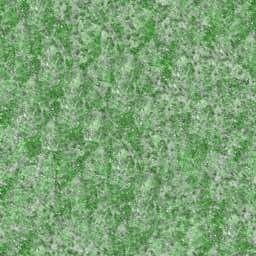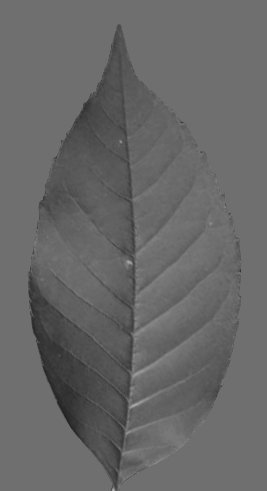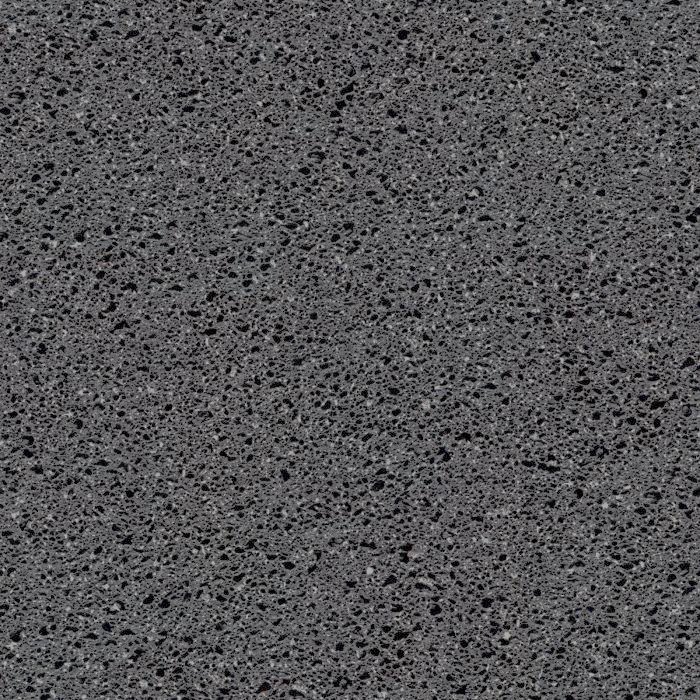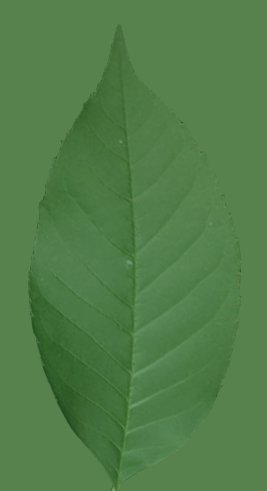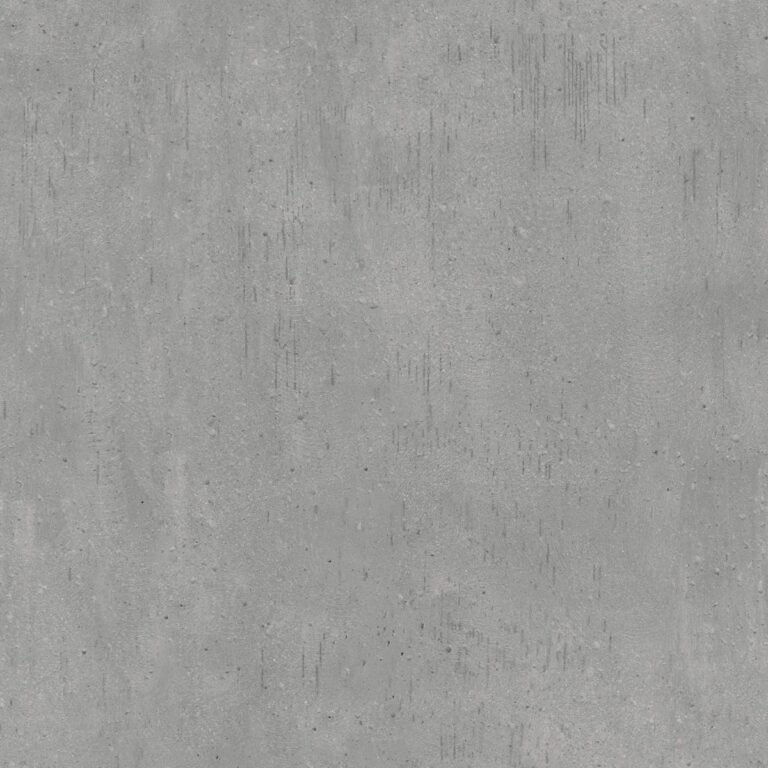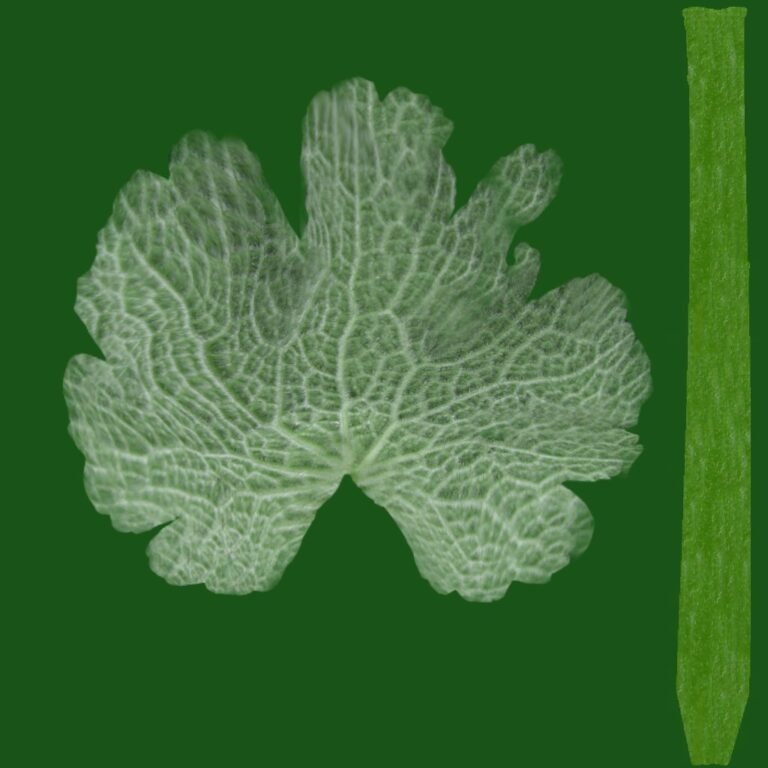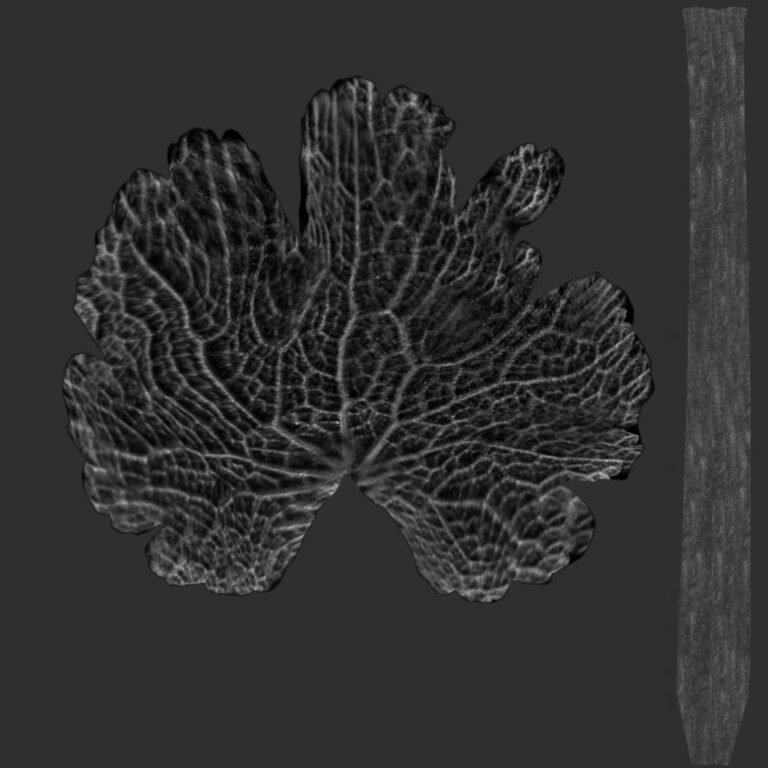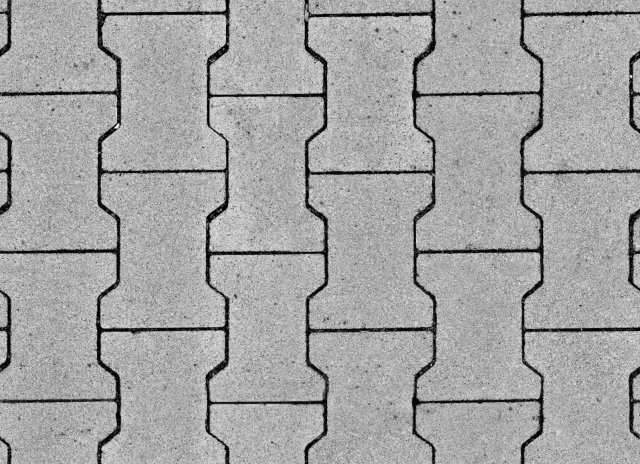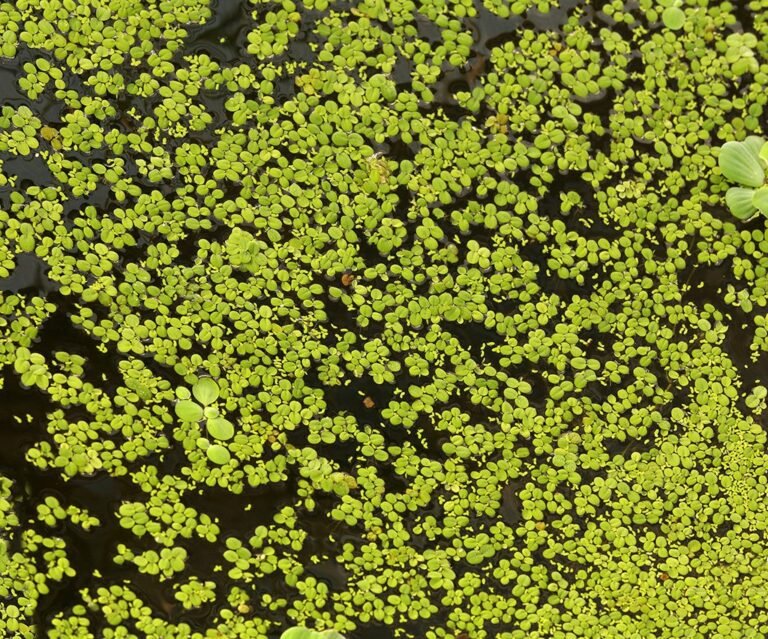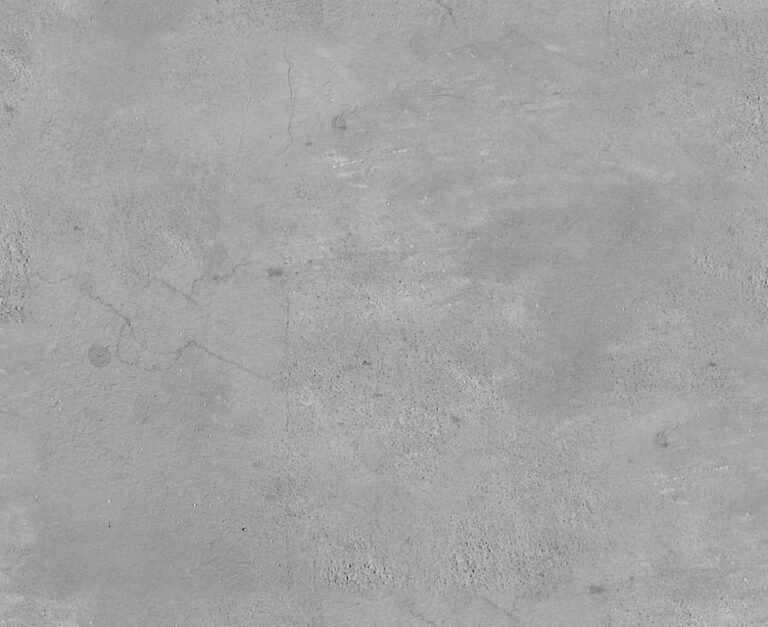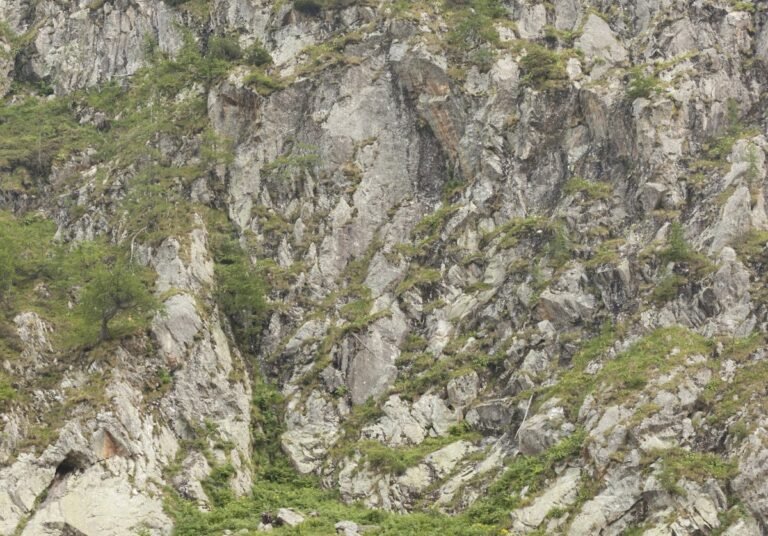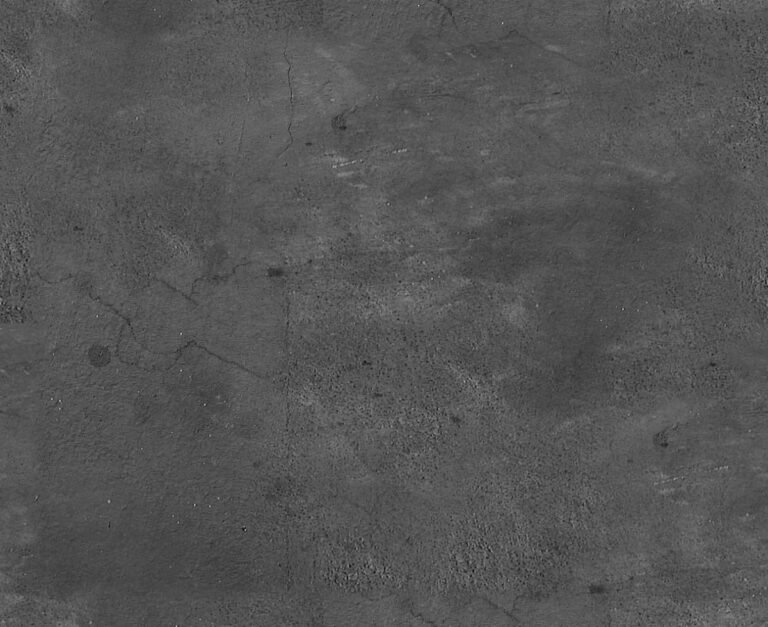
Specular Texture Graphic. Discover the versatile specular texture graphic from Posterfree.net, perfect for adding realistic light reflections and surface detail to your 3D models and digital art projects.
Enhance Your 3D Renders with a Premium Specular Texture Graphic
In the world of 3D modeling and rendering, realism is paramount. Achieving that photorealistic look often hinges on the subtle details of how light interacts with surfaces. This is where a high-quality specular texture graphic becomes indispensable. Posterfree.net is proud to present a versatile specular texture graphic (Resource ID: 264779_Specular) designed to elevate your digital creations, making them shine with authentic reflections and depth.
What is a Specular Texture Graphic?
A specular texture, often referred to as a specular map, is a grayscale image used in 3D rendering to define the intensity and color of specular highlights on a surface. Specular highlights are the bright spots of light that appear on glossy or shiny objects, indicating where light sources are directly reflecting off the surface. Essentially, a white area on a specular map indicates a highly reflective, shiny surface, while a black area indicates a non-reflective, matte surface. Grayscale values in between represent varying degrees of shininess.
This particular specular texture graphic from Posterfree.net is crafted to provide a neutral yet effective base for a wide range of materials. Its subtle variations allow for nuanced control over reflections, preventing surfaces from looking uniformly shiny or dull. This level of control is crucial for artists and designers aiming for professional-grade results.
Key Features and Benefits of Our Specular Texture Graphic
Our specular texture graphic (264779_Specular) offers several advantages for your design workflow:
- Universal Compatibility: This texture is designed to be compatible with most major 3D software packages, including Blender, Cinema 4D, 3ds Max, Maya, and more. Its standard grayscale format ensures easy integration into your existing material pipelines.
- High Resolution: While the exact resolution can vary based on the specific download, Posterfree.net consistently provides high-resolution assets. This ensures that even when zoomed in or used on large surfaces, the texture maintains its detail and avoids pixelation, crucial for close-up renders.
- Subtle Detail: The graphic features subtle, organic variations that mimic real-world surface imperfections. This prevents an overly perfect, artificial look, contributing significantly to realism. It’s not just a flat gradient; it has character.
- Versatility: This texture isn’t limited to a single material. It can be effectively used for metals, plastics, ceramics, wood finishes, and even organic surfaces where a hint of wetness or sheen is desired.
- Optimized for Performance: Despite its detail, the texture is optimized for efficient rendering, helping to keep your render times manageable without sacrificing quality.
How to Effectively Use This Specular Texture Graphic
Integrating this specular texture graphic into your 3D projects is straightforward, but understanding a few best practices can dramatically improve your results:
1. Assigning the Map
In most 3D software, you will load this grayscale image into the ‘Specular Map’ or ‘Glossiness Map’ slot of your material. Some render engines might use ‘Roughness’ or ‘Metallic’ maps instead, where a specular map might need to be inverted or adjusted. Always consult your software’s documentation for the specific material setup.
2. Adjusting Intensity
Once assigned, you can control the overall intensity of the specular reflections using a multiplier or slider within your material settings. This allows you to fine-tune how shiny or dull your surface appears, from a highly polished metal to a subtly waxed wood.
3. Combining with Other Maps
For ultimate realism, combine this specular map with other texture maps such as diffuse (color), normal/bump (surface detail), and roughness maps. The interplay between these maps is what truly brings a surface to life. For instance, a normal map might create tiny bumps, and the specular map will ensure those bumps reflect light appropriately.
4. Experimentation is Key
Don’t be afraid to experiment! Try using the specular texture graphic on different materials and with various lighting setups. Observe how changes in light direction and intensity affect the reflections. This iterative process is essential for mastering material creation.
Why Choose Posterfree.net for Your Graphic Resources?
Posterfree.net is renowned for providing a vast library of high-quality, professional graphic resources, and this specular texture graphic is no exception. We understand the demands of modern design and strive to offer assets that are not only visually appealing but also technically sound and easy to integrate into your projects.
Our commitment to quality means that every resource, including our textures, is meticulously crafted to meet industry standards. When you choose Posterfree.net, you’re choosing reliability, versatility, and a partner in your creative journey. Whether you’re a seasoned 3D artist, a game developer, or a graphic designer venturing into 3D, our resources are designed to save you time and elevate your output.
Conclusion
A well-chosen specular texture graphic can be the difference between a flat, unconvincing render and a vibrant, lifelike scene. The 264779_Specular graphic from Posterfree.net offers the quality and flexibility you need to achieve stunning results. Download it today and start adding that extra layer of realism and polish to all your 3D models and digital art projects. Let your creations truly reflect brilliance!
Frequently Asked Questions about Specular Textures
Related Demo Images



Frequently Asked Questions
What is the primary purpose of a specular texture graphic?
The primary purpose of a specular texture graphic is to control the intensity and appearance of specular highlights (shiny reflections) on a 3D model’s surface, making it appear more realistic.
Can I use this specular texture with any 3D software?
Yes, this specular texture graphic is a standard grayscale image, making it compatible with virtually all major 3D software and render engines that support specular or glossiness maps.
How does a specular map differ from a normal map?
A specular map controls shininess and reflectivity, while a normal map provides fine surface detail and bumps without adding actual geometry. They work together to create realistic materials.
Is this texture suitable for both metallic and non-metallic surfaces?
Absolutely. While crucial for metals, this versatile specular texture can also enhance plastics, ceramics, wood, and other materials where varying degrees of shininess are desired.