

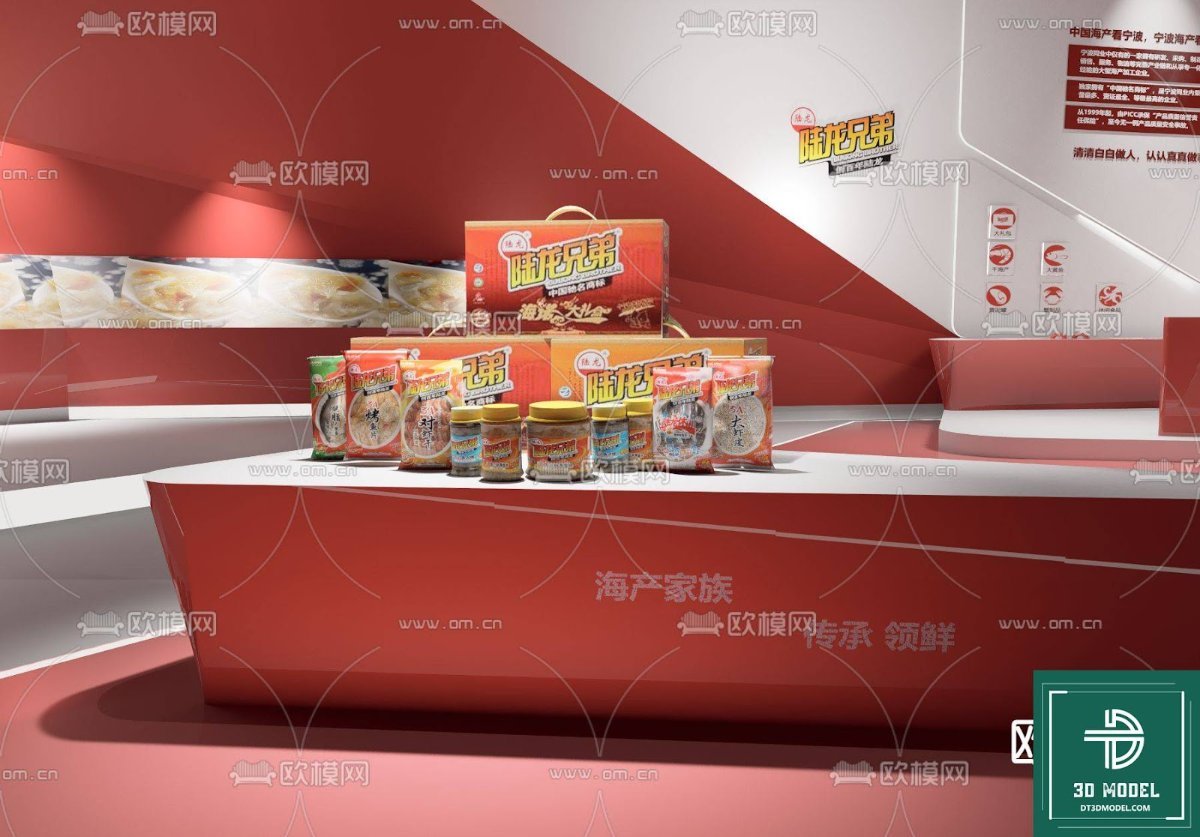
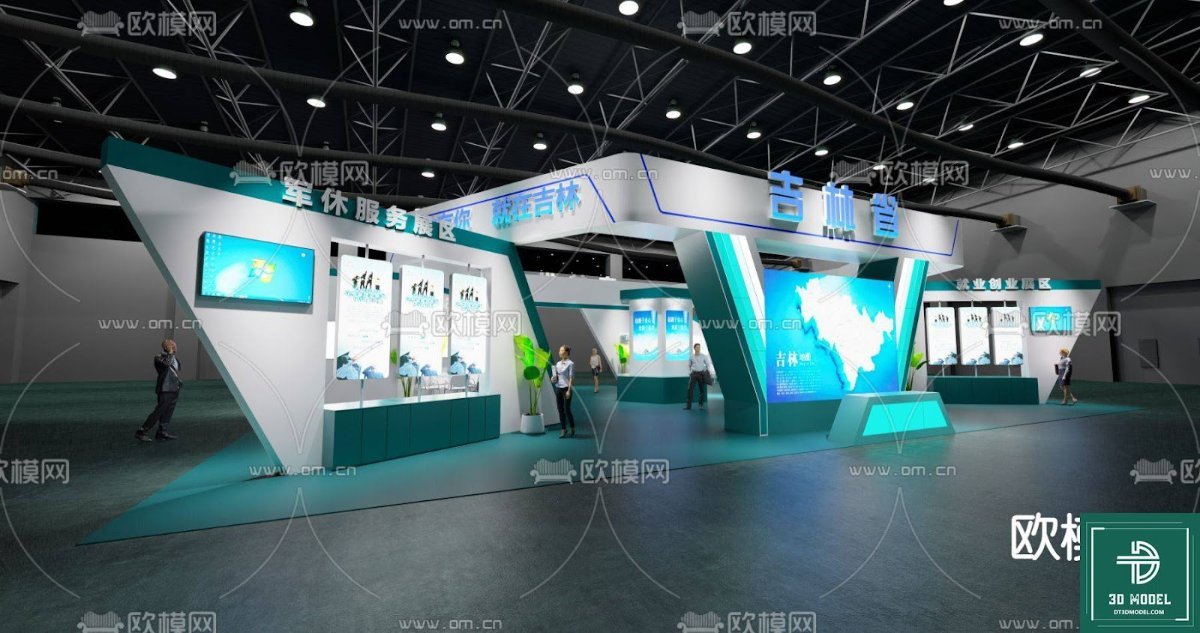
SketchUp Exhibition Stand Model. Discover a versatile SketchUp exhibition stand model, perfect for showcasing products. This 3D asset is ideal for designers and marketers looking for a professional display solution.
Elevate Your Product Presentation with a Premium SketchUp Exhibition Stand Model
In today’s competitive market, a compelling product presentation is crucial for capturing attention and driving sales. Whether you’re planning for a trade show, a retail display, or an internal showcase, having a well-designed exhibition stand can make all the difference. Posterfree.net is proud to offer a high-quality SketchUp Exhibition Stand model, ‘phong trien lam SketchUp (133)’, designed to help you visualize and implement stunning product displays with ease and efficiency.
The Power of 3D Visualization: Why Choose a SketchUp Model?
SketchUp is renowned for its user-friendly interface and robust 3D modeling capabilities, making it a favorite among architects, interior designers, and product marketers. Our SketchUp exhibition stand model leverages these strengths, providing you with a flexible and detailed asset that can be easily integrated into your projects. Instead of relying on abstract ideas or costly physical prototypes, you can explore various layouts, branding elements, and product placements in a virtual environment. This not only saves time and resources but also allows for iterative design improvements before any physical construction begins.
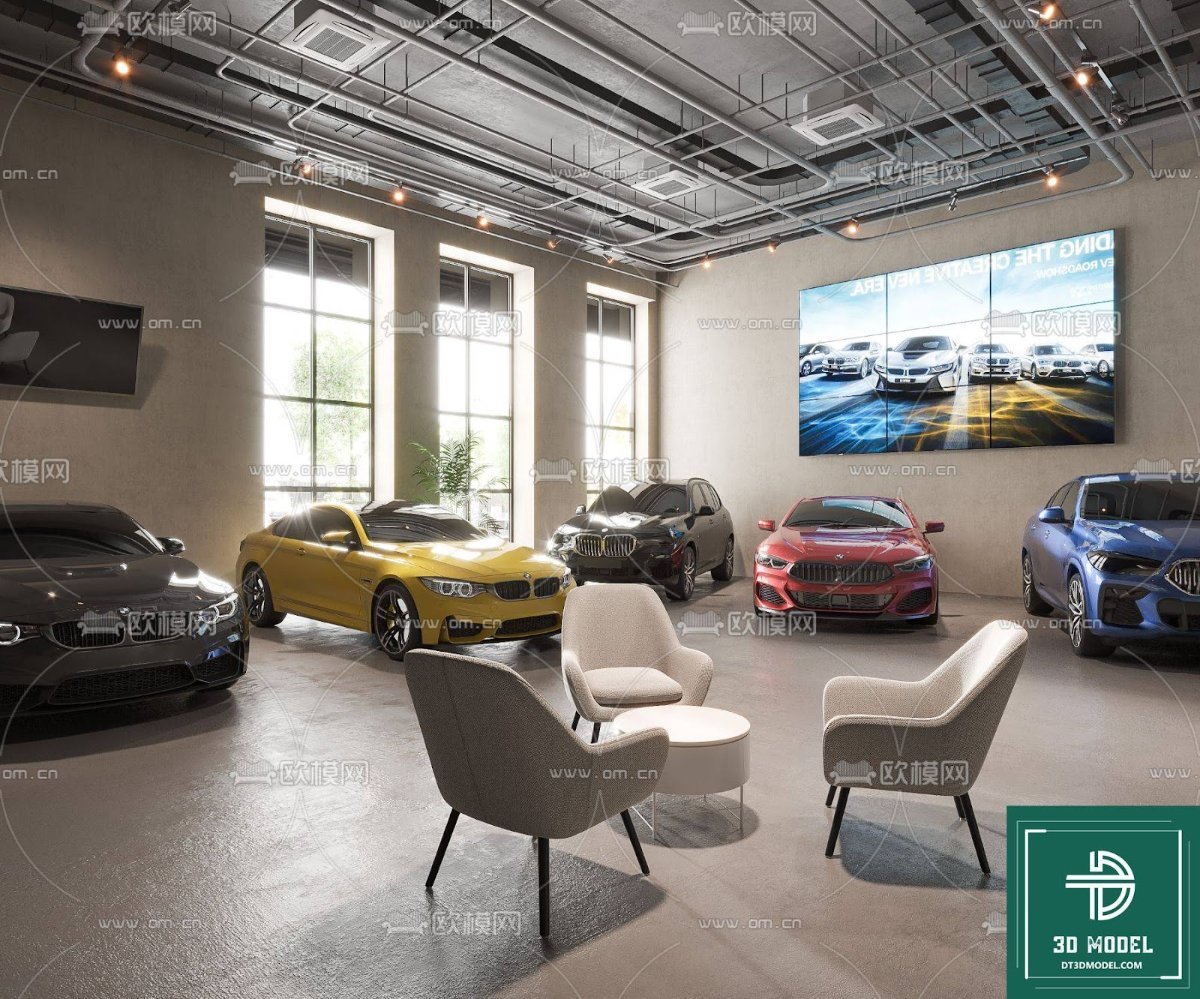
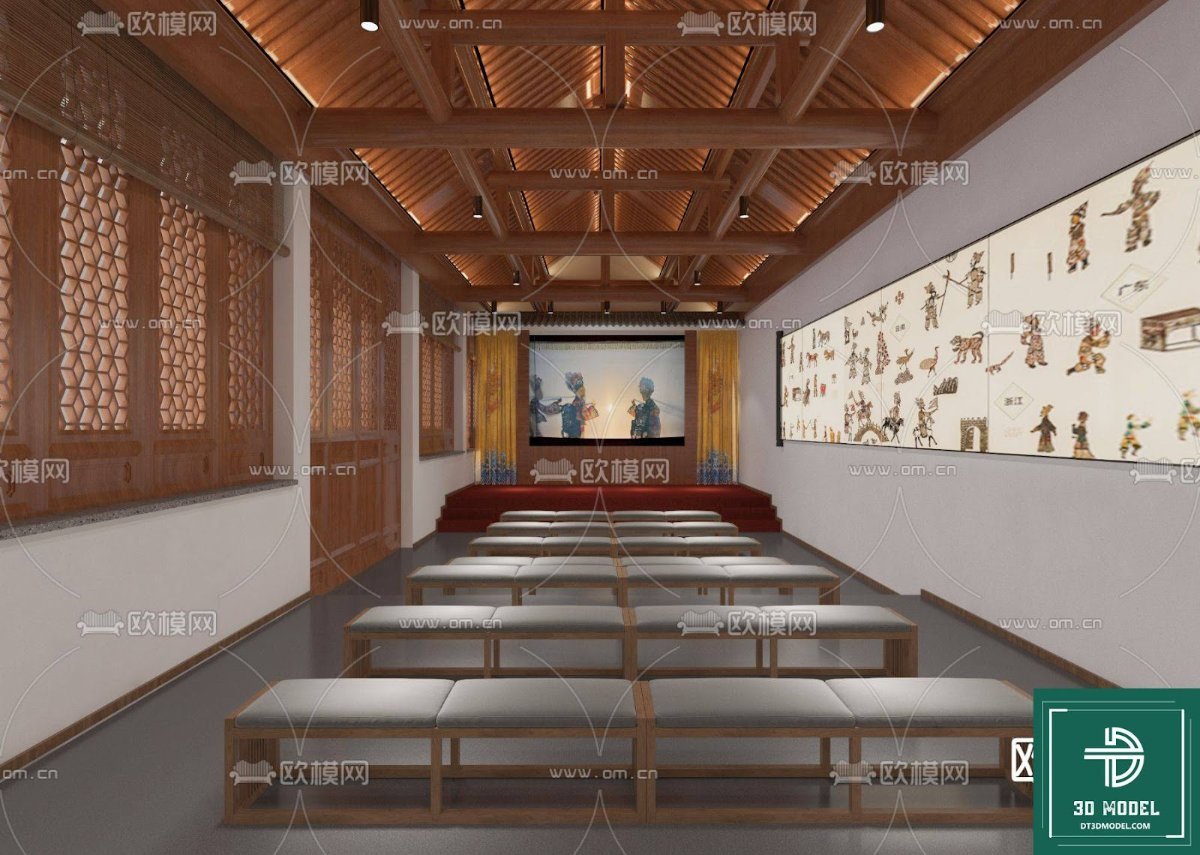
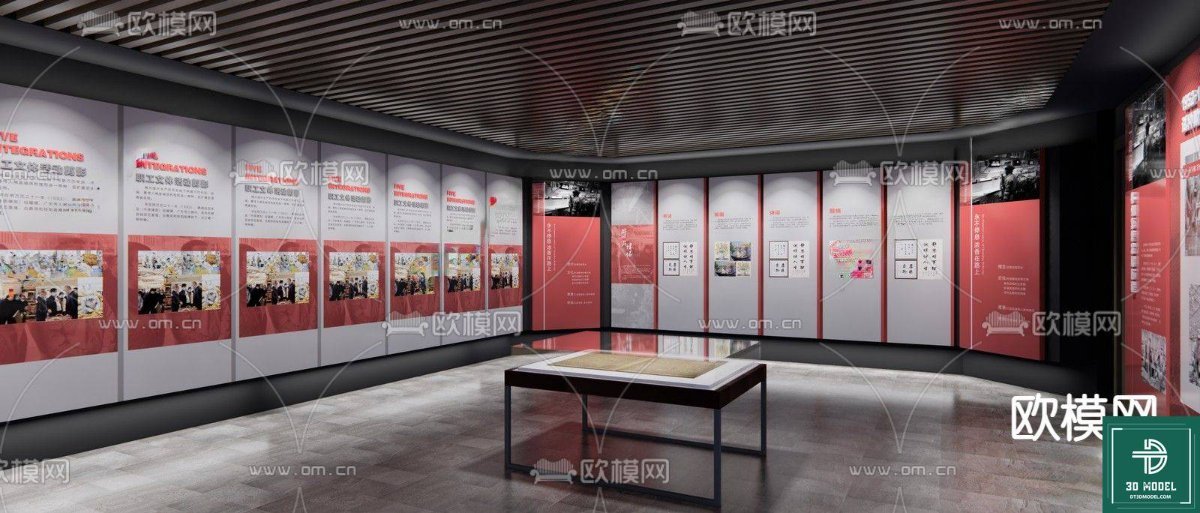
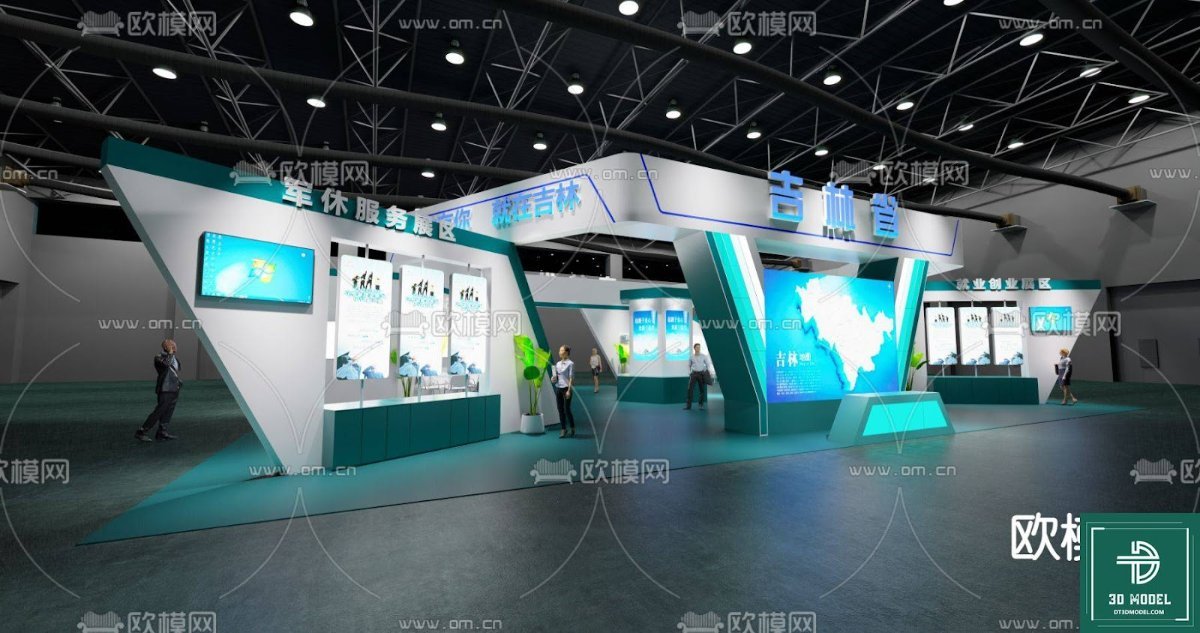
The ‘phong trien lam SketchUp (133)’ model is meticulously crafted, offering a realistic representation of a modern exhibition space. It features clean lines, ample display areas, and a contemporary aesthetic that can be adapted to suit a wide range of products, from food and beverages to electronics and fashion. The attention to detail ensures that your rendered visualizations will be professional and impactful, helping you to convey your vision effectively to clients and stakeholders.
Key Features and Benefits of This SketchUp Exhibition Stand
This particular SketchUp Exhibition Stand model stands out due to several key features:
- Versatile Design: The stand’s modular nature allows for various configurations, making it suitable for different exhibition sizes and product types.
- Realistic Textures and Materials: The model comes with pre-applied textures that mimic real-world materials, enhancing the visual fidelity of your renders.
- Optimized for Performance: While detailed, the model is optimized to ensure smooth navigation and rendering within SketchUp, even on moderately powerful systems.
- Easy Customization: Users can easily modify colors, add branding elements, and integrate their specific product models into the stand.
- High Resolution: The model is designed with high resolution in mind, ensuring crisp and clear visuals for both close-up renders and overall scene views.
Utilizing a pre-made model like this from Posterfree.net significantly reduces design time. Instead of building an exhibition stand from scratch, you can focus on the creative aspects of product placement and branding. This efficiency is invaluable for agencies and businesses working under tight deadlines.
How to Effectively Use Your New Exhibition Stand Model
Integrating the ‘phong trien lam SketchUp (133)’ model into your workflow is straightforward:
- Download and Import: After downloading the model from Posterfree.net, simply import it into your SketchUp project.
- Customize the Layout: Adjust the modular components to fit your desired space and product display requirements.
- Add Your Products: Place your 3D product models onto the shelves and display areas. Ensure proper scaling and positioning for realism.
- Incorporate Branding: Apply your company logos, slogans, and brand colors to the stand’s surfaces.
- Set Up Lighting and Camera: Experiment with different lighting scenarios and camera angles to highlight your products effectively.
- Render Your Scene: Use SketchUp’s rendering capabilities or a third-party renderer to produce high-quality images or animations of your exhibition stand.
For best results, consider the overall narrative you want to convey. How will visitors interact with the stand? What message should they take away? The flexibility of this SketchUp Exhibition Stand allows you to answer these questions visually.
Posterfree.net: Your Go-To Resource for Premium Graphic Assets
Posterfree.net is committed to providing designers, marketers, and businesses with a vast library of high-quality graphic resources. Our collection includes everything from 3D models and vectors to templates and mockups, all designed to streamline your creative process and elevate your projects. We understand the importance of reliable, professional assets, and our ‘phong trien lam SketchUp (133)’ model is a testament to our dedication to excellence.
By choosing Posterfree.net, you gain access to a curated selection of resources that are not only aesthetically pleasing but also technically sound and easy to use. Our assets are regularly updated and reviewed to ensure they meet the highest industry standards, empowering you to create stunning visuals without compromise. Trust Posterfree.net to be your partner in design, providing the tools you need to bring your creative visions to life.
Conclusion
The ‘phong trien lam SketchUp (133)’ SketchUp Exhibition Stand model is an indispensable tool for anyone looking to create impactful product displays. Its detailed design, ease of customization, and compatibility with SketchUp make it a superior choice for visualizing your next exhibition or retail space. Download this premium asset from Posterfree.net today and transform your product presentations into engaging visual experiences that captivate your audience and drive success.
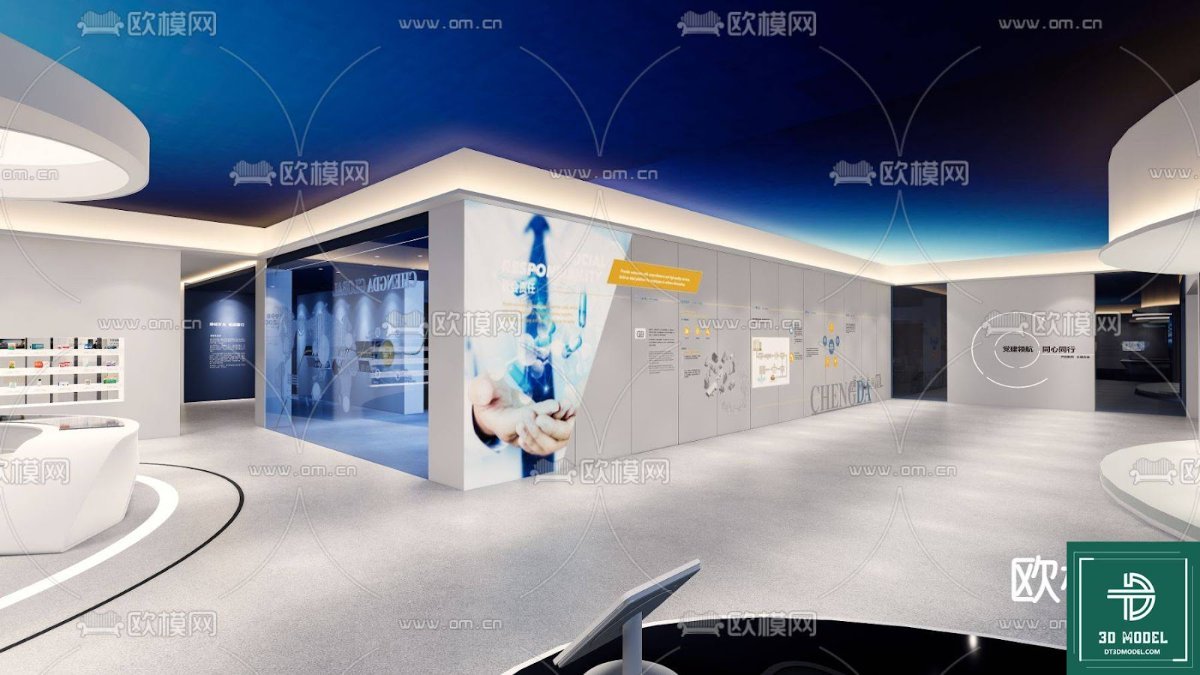
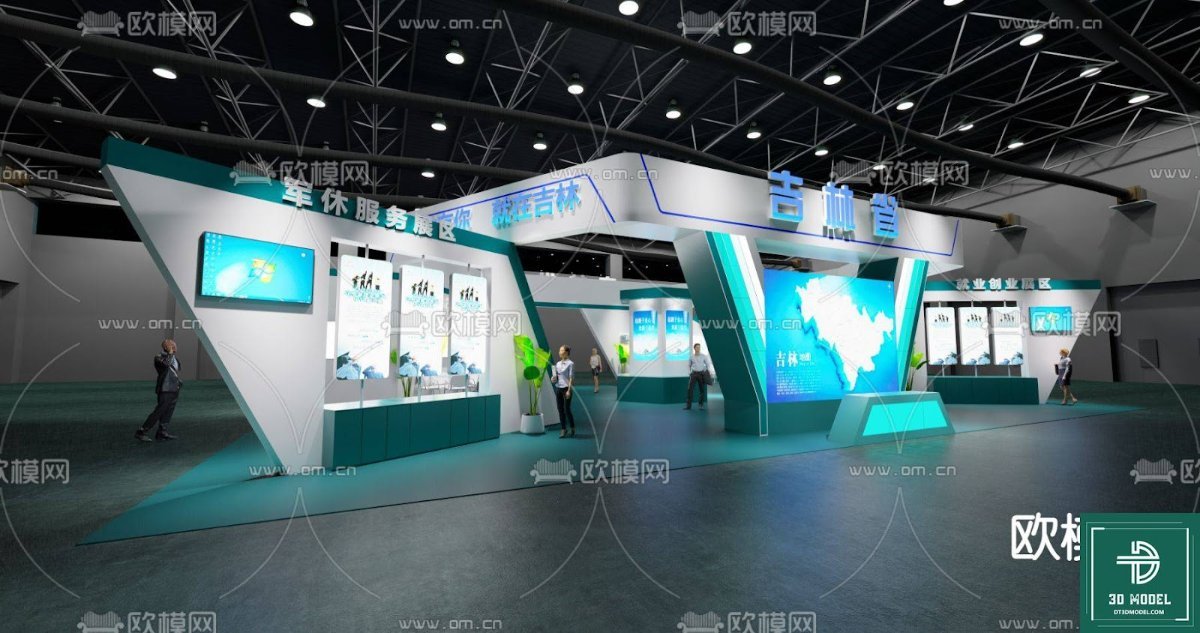
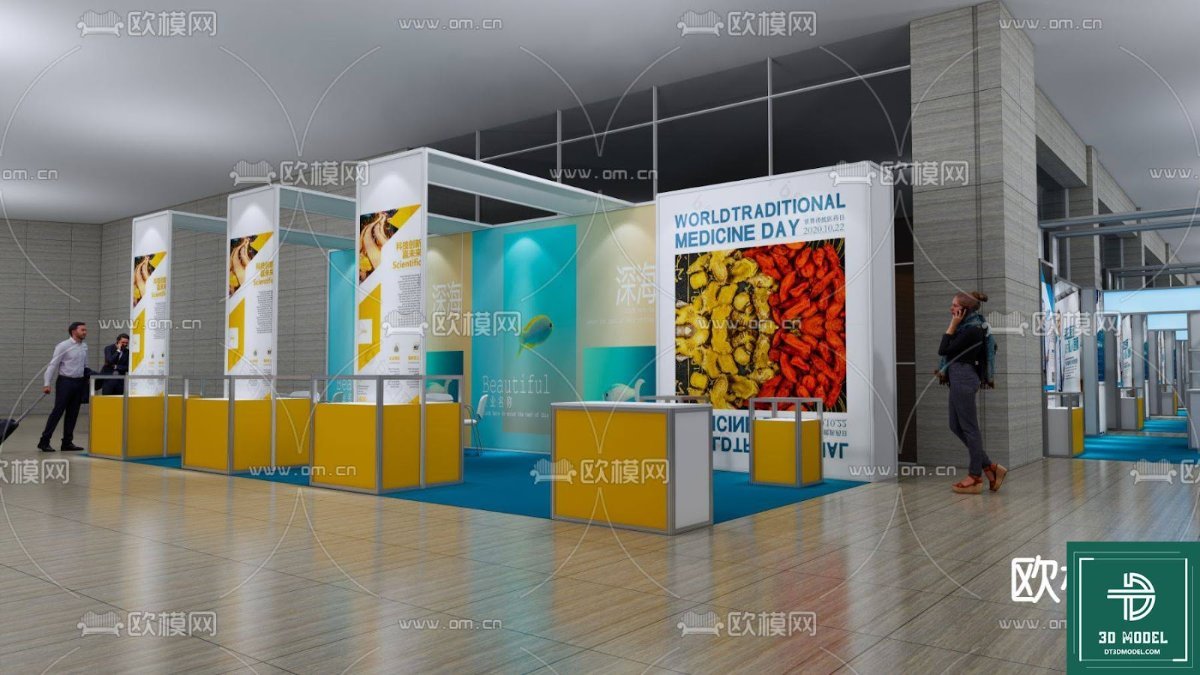
Hình ảnh demo liên quan
Câu hỏi thường gặp
What software is required to use this exhibition stand model?
This model is designed for SketchUp, so you will need SketchUp Pro or SketchUp Free (web version) to open and edit it.
Can I customize the colors and branding on the stand?
Yes, the SketchUp model allows for easy customization of colors, textures, and the addition of your own branding elements and logos.
Is this model suitable for commercial use?
Yes, resources from Posterfree.net, including this SketchUp exhibition stand model, are generally suitable for both personal and commercial projects, subject to our licensing terms.
What is the resolution of the model?
The model is created with high detail, ensuring excellent resolution for various rendering purposes, from close-ups to wide shots of the exhibition space.





























