

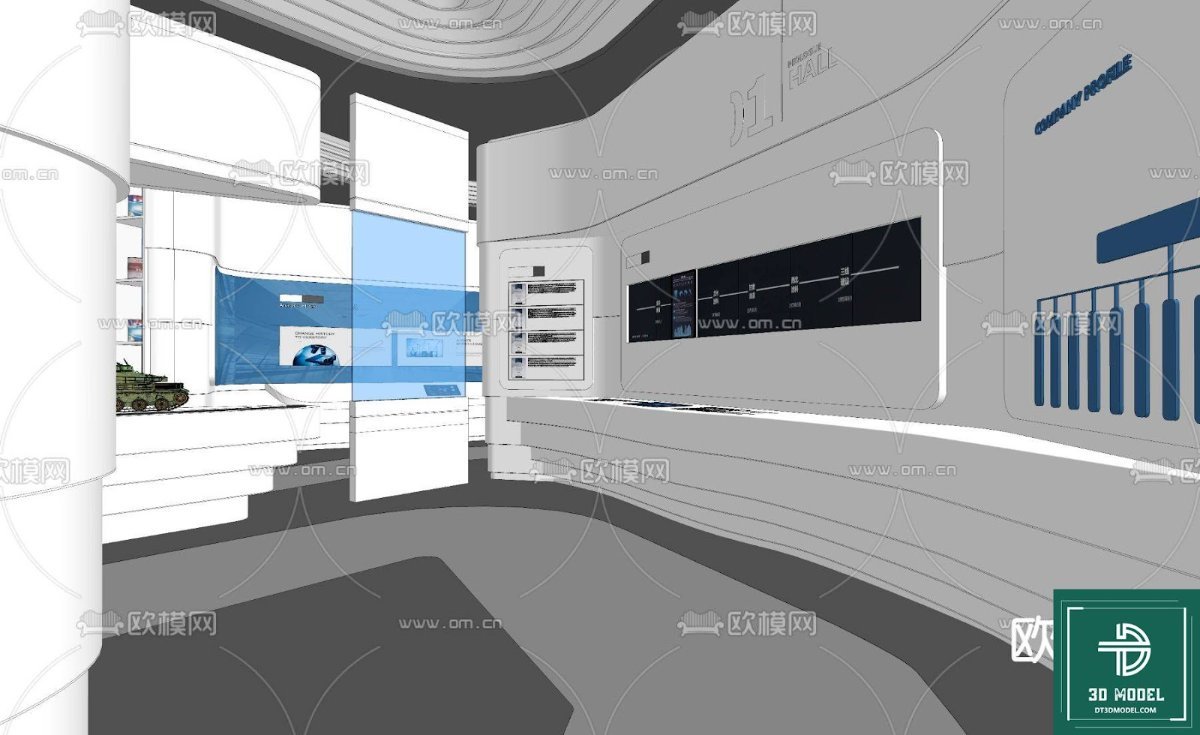
SketchUp Exhibition Hall Model. Download a free SketchUp exhibition hall model from Posterfree.net. This detailed 3D model is perfect for architectural visualization and design projects, enhancing your presentations.
Unveiling the Power of a SketchUp Exhibition Hall Model
In the dynamic world of architectural design and visualization, having access to high-quality 3D models is paramount. Whether you’re an architect, interior designer, or a student, a well-crafted SketchUp exhibition hall model can significantly streamline your workflow and elevate your project presentations. Posterfree.net is proud to offer a premium, free-to-download SketchUp exhibition hall model, providing an invaluable resource for professionals and enthusiasts alike.
Why a SketchUp Exhibition Hall Model is Essential for Your Projects
An exhibition hall is a complex space, often requiring intricate layouts, lighting schemes, and material considerations. Designing such a space from scratch in 3D can be incredibly time-consuming. This is where a pre-built, high-quality SketchUp exhibition hall model becomes indispensable. It serves as a foundational template, allowing you to:
- Visualize Layouts: Experiment with different booth configurations, visitor flow, and display arrangements with ease.
- Test Lighting Scenarios: Simulate various lighting conditions to understand their impact on the overall ambiance and visibility of exhibits.
- Integrate Exhibits: Seamlessly place your proposed exhibits, furniture, and signage within a realistic 3D environment.
- Present Concepts Effectively: Offer clients and stakeholders a clear, immersive understanding of your design vision.
- Save Time and Resources: Drastically reduce the time spent on modeling basic structures, allowing you to focus on design details and innovation.
The SketchUp exhibition hall model available on Posterfree.net is designed with these needs in mind, offering a robust starting point for any exhibition-related project.
Detailed Analysis of the Posterfree.net SketchUp Exhibition Hall Model
Our SketchUp exhibition hall model (Phong trien lam SketchUp (45)) is meticulously crafted to provide both aesthetic appeal and practical utility. Upon downloading this resource, you’ll discover a model that boasts:
Exceptional Format and Compatibility
The model is provided in the native SketchUp format (.skp), ensuring seamless integration into your existing SketchUp workflow. This means you won’t encounter compatibility issues or require additional conversion software. SketchUp’s user-friendly interface makes it easy to open, navigate, and modify the model, even for those new to 3D design.
Optimized Resolution and Detail
While maintaining a manageable file size for efficient use, the model offers a high level of detail. The architectural elements, wall panels, display areas, and even subtle textures are rendered with precision. This balance ensures that your renders and walkthroughs will look professional without bogging down your system. The clean geometry also makes it easy to subdivide or simplify elements if needed for specific project requirements.
Versatile Usage Instructions
Using this SketchUp exhibition hall model is straightforward. Once downloaded and opened in SketchUp, you can:
- Explore the Existing Layout: Familiarize yourself with the current design, including the main hall, potential display zones, and circulation paths.
- Customize Materials and Textures: Easily apply your own material libraries to walls, floors, and other surfaces to match your brand or design aesthetic.
- Add Your Exhibits: Import your 3D models of products, artworks, or interactive displays and position them within the hall.
- Adjust Lighting: Utilize SketchUp’s built-in lighting tools or integrate V-Ray/Enscape for advanced rendering to create realistic lighting scenarios.
- Modify Structural Elements: The model is designed to be flexible, allowing you to resize rooms, add partitions, or even remove elements to suit your specific exhibition requirements.
This flexibility makes the model suitable for a wide range of applications, from small art installations to large-scale trade shows.
The Posterfree.net Advantage: Your Go-To for Premium Resources
Posterfree.net has established itself as a leading platform for high-quality graphic resources, and our 3D models are no exception. We understand the demands of creative professionals and strive to provide assets that are not only visually appealing but also functionally robust. Our commitment to excellence means:
- Curated Selection: Every resource, including this SketchUp exhibition hall model, is carefully selected and vetted for quality.
- Free Access: We believe in empowering creators, which is why many of our premium resources are available for free download.
- Regular Updates: Our library is constantly growing, ensuring you always have access to fresh and relevant content.
- User-Friendly Experience: Our website is designed for easy navigation and quick downloads, so you can spend less time searching and more time creating.
When you choose Posterfree.net, you’re not just downloading a file; you’re gaining a reliable partner in your creative journey. Our SketchUp exhibition hall model exemplifies our dedication to providing top-tier resources that help you achieve your design goals with efficiency and flair.
Beyond the Exhibition Hall: Expanding Your SketchUp Library
While this SketchUp exhibition hall model is a fantastic starting point, remember that Posterfree.net offers a vast array of other SketchUp models and graphic resources. From furniture and fixtures to landscaping elements and urban environments, you can find everything you need to populate your scenes and bring your architectural visions to life. Explore our categories to discover more assets that can complement your exhibition hall design, such as:
- Retail display models
- Event furniture
- Lighting fixtures
- Signage templates
By leveraging the diverse collection at Posterfree.net, you can create comprehensive and stunning visualizations that captivate your audience.
Conclusion: Elevate Your Designs with a Free SketchUp Exhibition Hall Model
In conclusion, the SketchUp exhibition hall model from Posterfree.net is an indispensable tool for anyone involved in architectural visualization, interior design, or event planning. Its high quality, ease of use, and versatility make it a valuable asset for both seasoned professionals and budding designers. Download this free resource today and experience the Posterfree.net difference – premium graphics that empower your creativity. Let this model be the foundation upon which you build your next groundbreaking exhibition design. Your clients will be impressed, and your workflow will thank you.
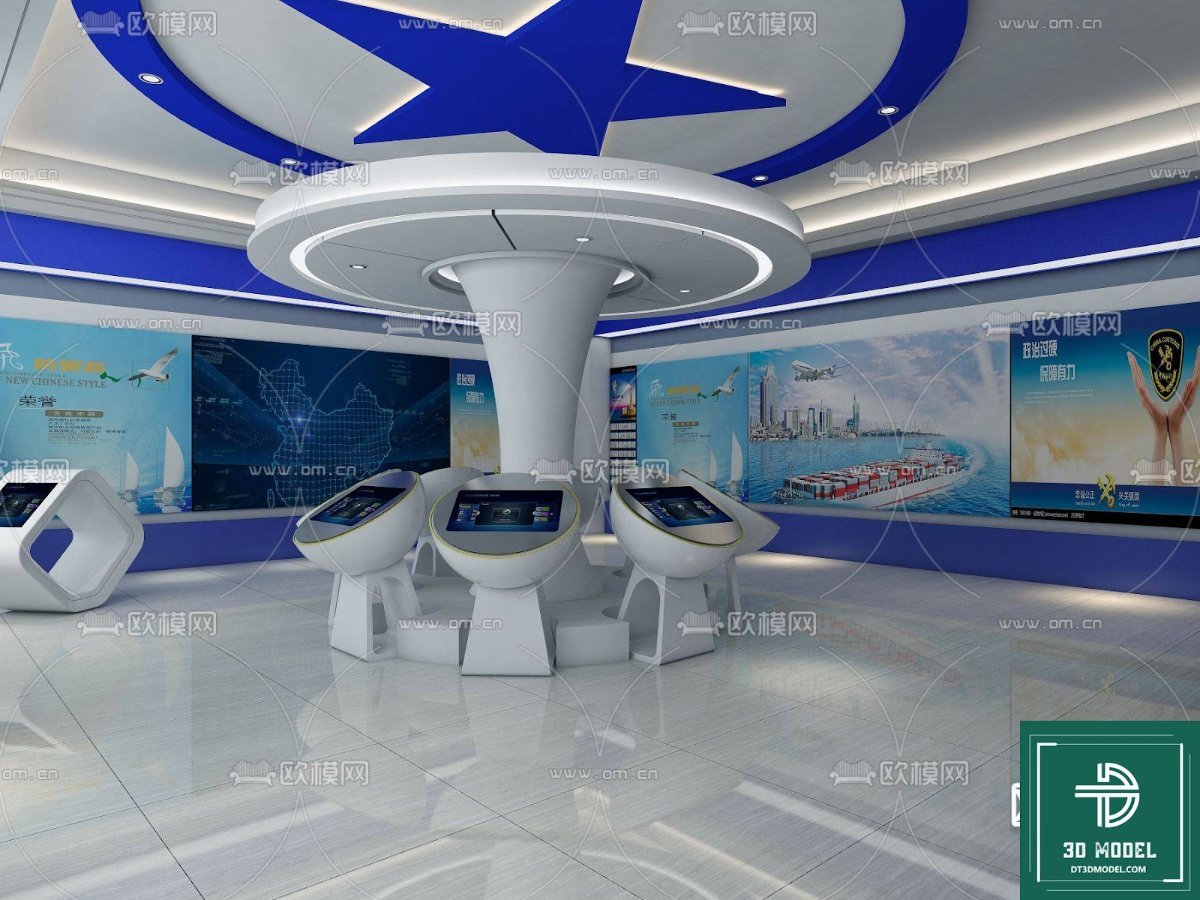
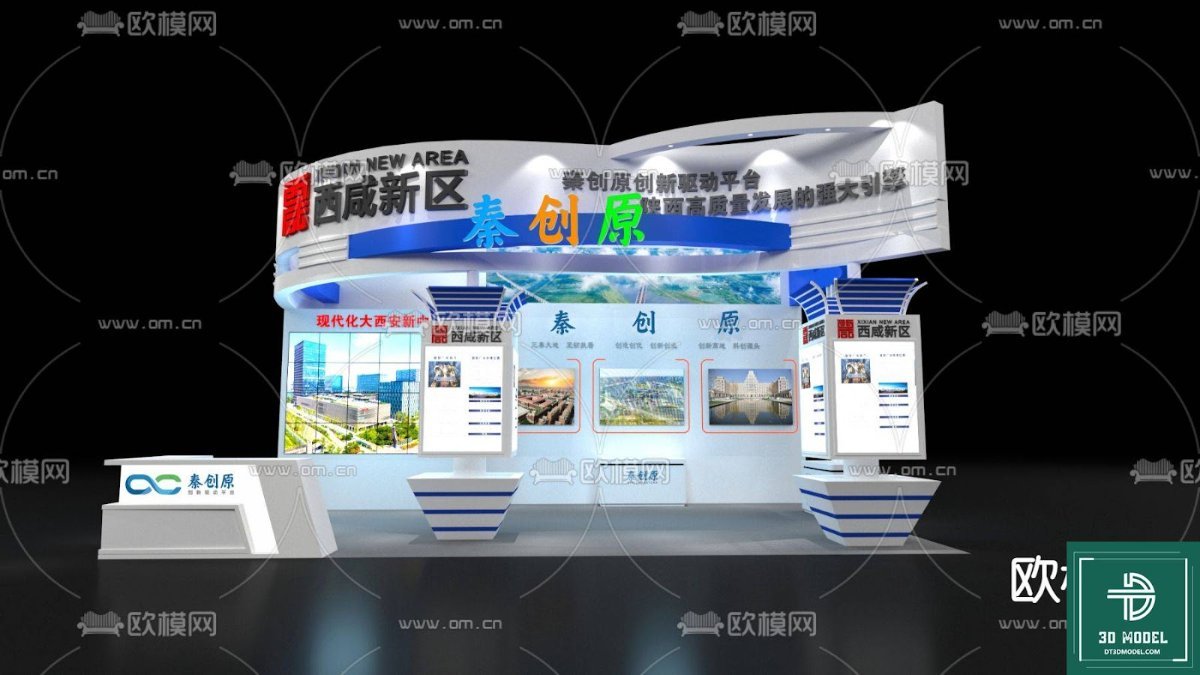
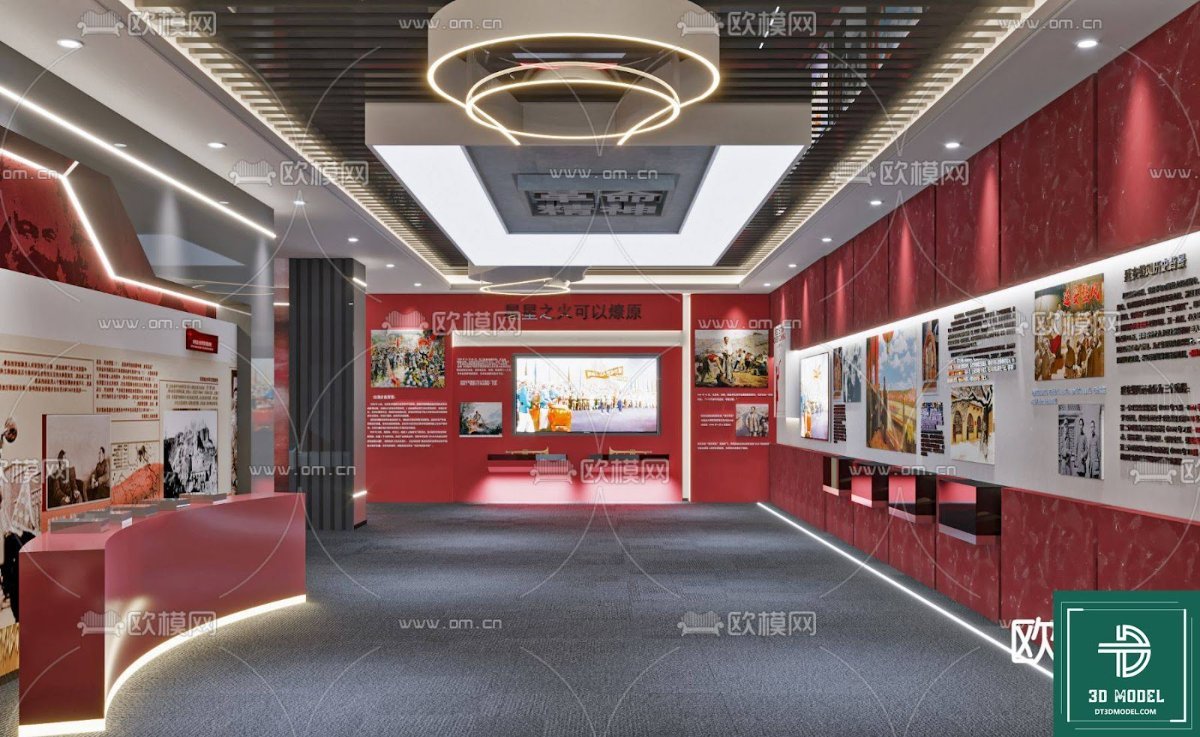
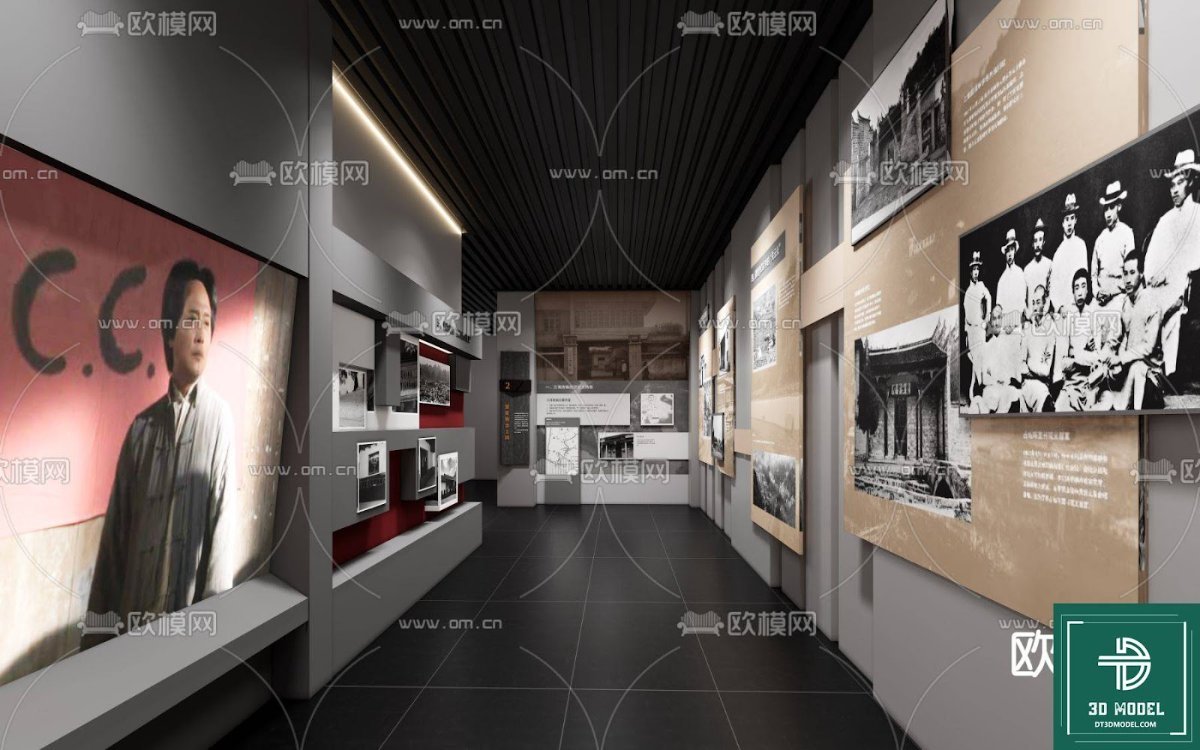
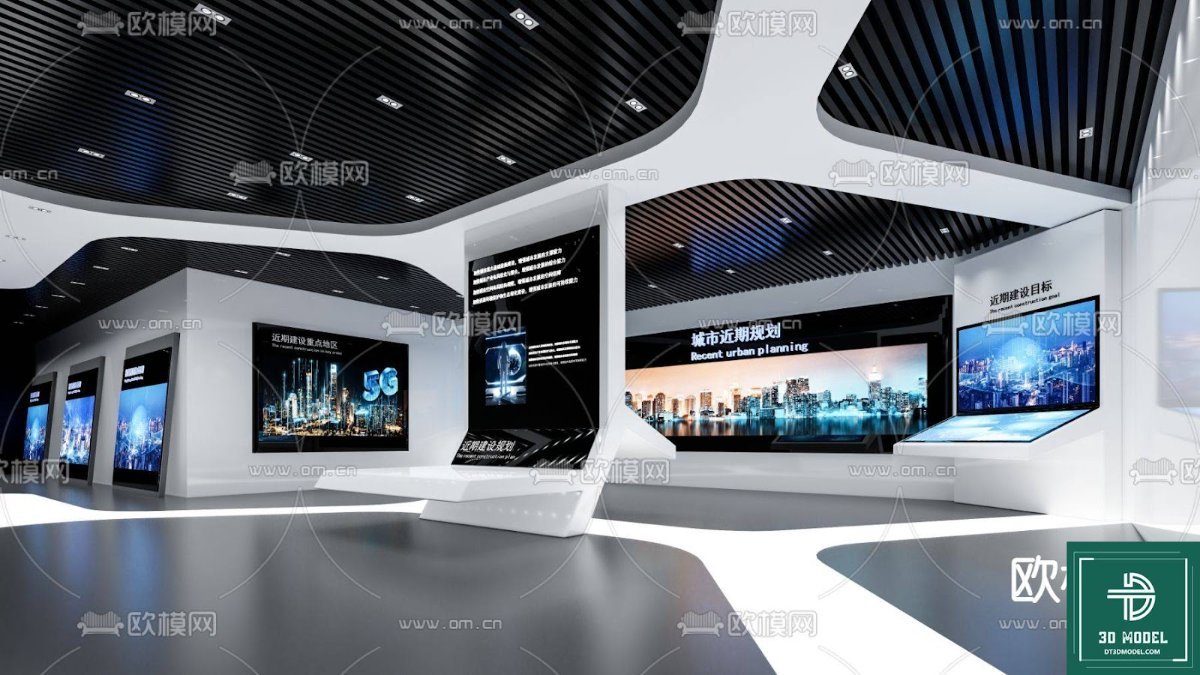
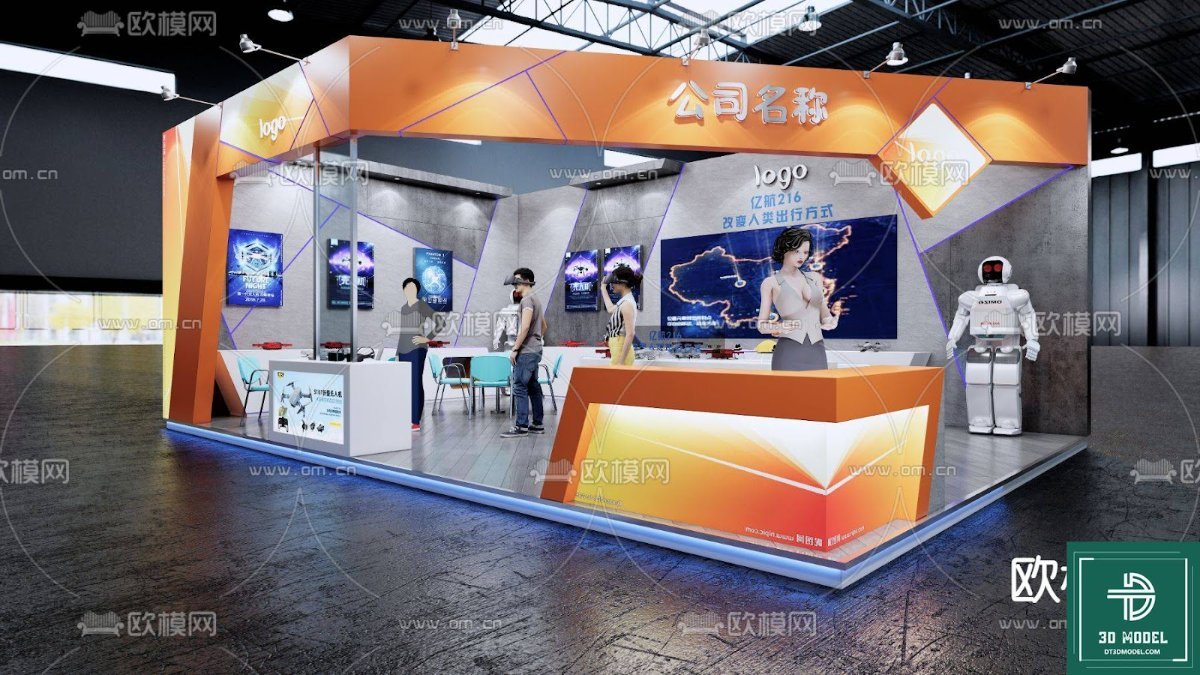
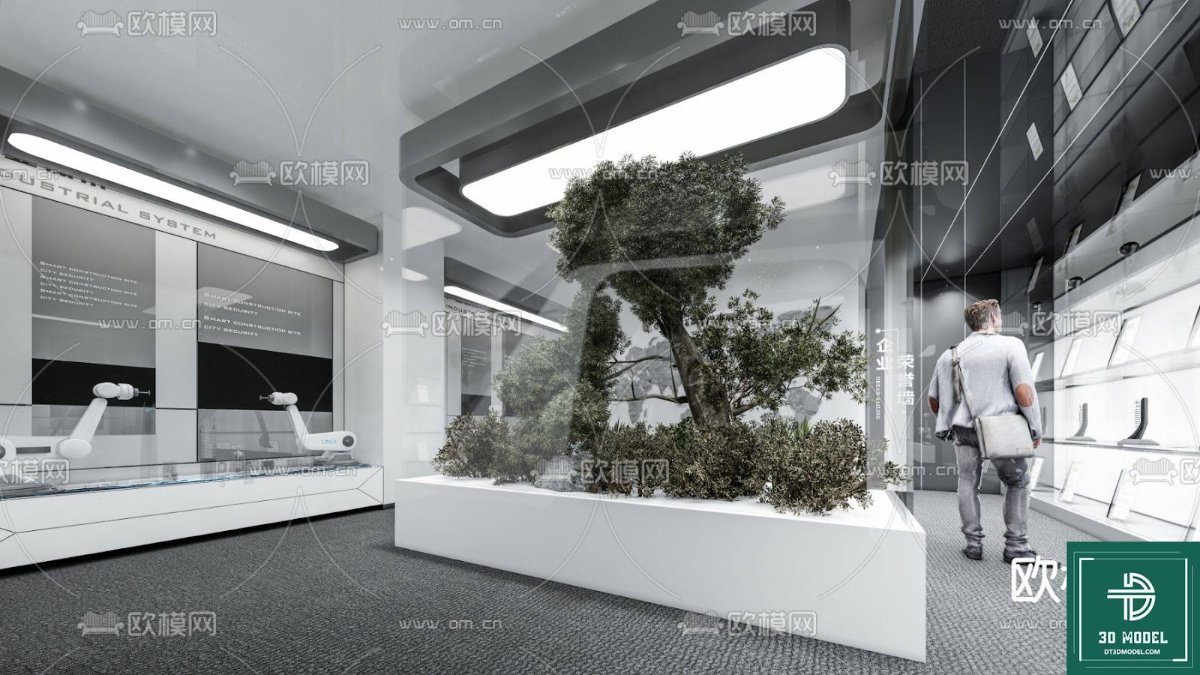
Hình ảnh demo liên quan


Câu hỏi thường gặp
What is a SketchUp exhibition hall model?
A SketchUp exhibition hall model is a pre-designed 3D digital representation of an exhibition space, created using SketchUp software. It provides a detailed structure that designers can customize for various events and displays.
How can I use this SketchUp exhibition hall model?
You can use this model for architectural visualization, interior design projects, event planning, and client presentations. It allows you to experiment with layouts, lighting, and exhibit placement within a realistic 3D environment.
Is the SketchUp exhibition hall model free to download?
Yes, the SketchUp exhibition hall model (Phong trien lam SketchUp (45)) is available for free download on Posterfree.net, offering a premium resource without cost.
What software is required to open this model?
You will need SketchUp software (any recent version) to open and work with this .skp file. The model is fully compatible with SketchUp’s native environment.
Can I modify the downloaded SketchUp exhibition hall model?
Absolutely! The model is designed to be fully customizable. You can change materials, add or remove elements, adjust dimensions, and integrate your own 3D assets to suit your specific project needs.





























