

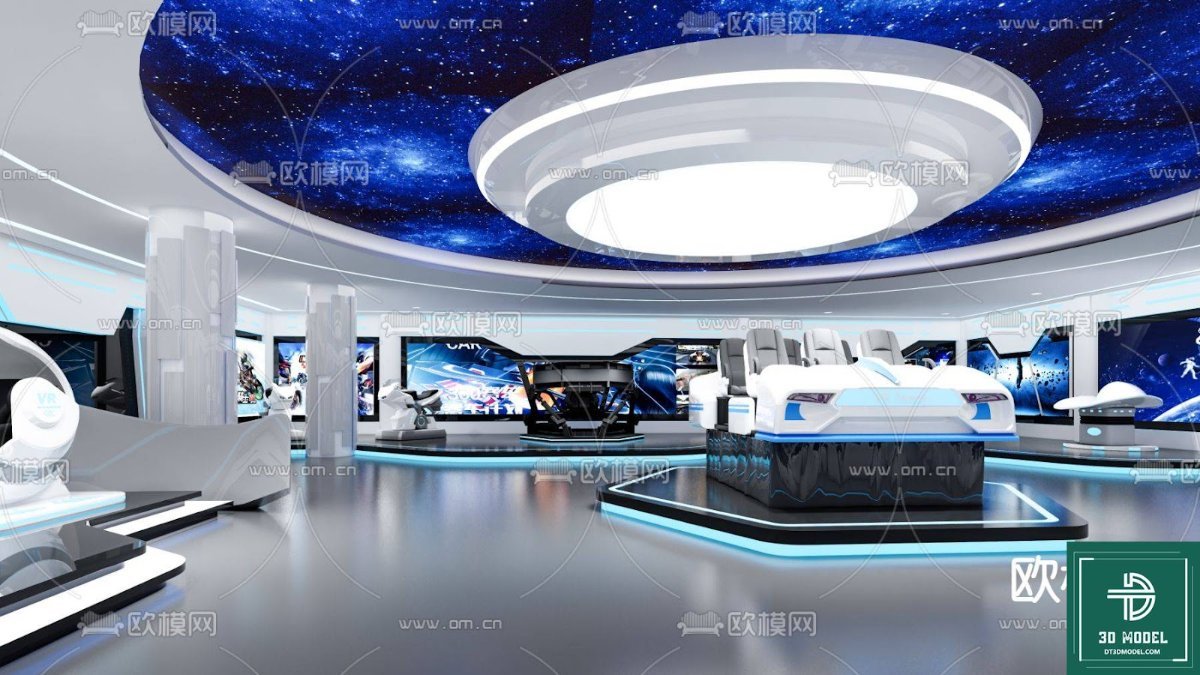
SketchUp Exhibition Hall 3D Model. Discover a stunning SketchUp Exhibition Hall 3D model, perfect for architectural visualization and event planning. Download this premium resource from Posterfree.net today.
Elevate Your Designs with a Premium SketchUp Exhibition Hall 3D Model
In the dynamic world of architectural visualization and event planning, having access to high-quality 3D models is paramount. Posterfree.net is proud to present an exceptional SketchUp Exhibition Hall 3D model, meticulously crafted to bring your conceptual designs to life. This resource, titled "phong trien lam SketchUp (100)," is more than just a model; it’s a gateway to creating immersive and professional presentations that captivate your audience.
The Power of a Well-Designed Exhibition Space
An exhibition hall is a canvas for innovation, a stage for showcasing products, ideas, and experiences. Whether you’re an architect designing a new convention center, an event planner visualizing a trade show, or a marketer conceptualizing a product launch, a detailed 3D model of an exhibition space is indispensable. It allows for:
- Realistic Visualization: See how your designs will look and feel in a true-to-life environment.
- Effective Space Planning: Optimize layouts, traffic flow, and booth placements with precision.
- Client Presentations: Impress clients with stunning, interactive walkthroughs of proposed spaces.
- Early Problem Detection: Identify and resolve potential design flaws before construction begins.
Our SketchUp Exhibition Hall model provides all these benefits and more, offering a robust foundation for any project.
Unveiling the "phong trien lam SketchUp (100)" Model
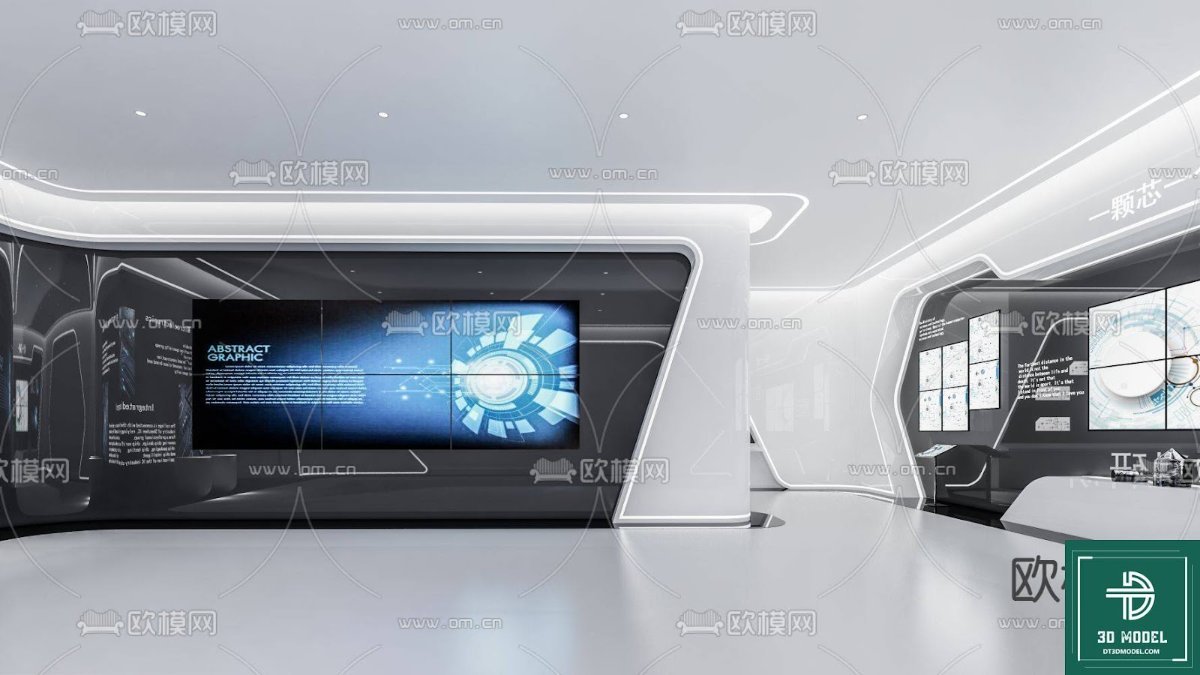
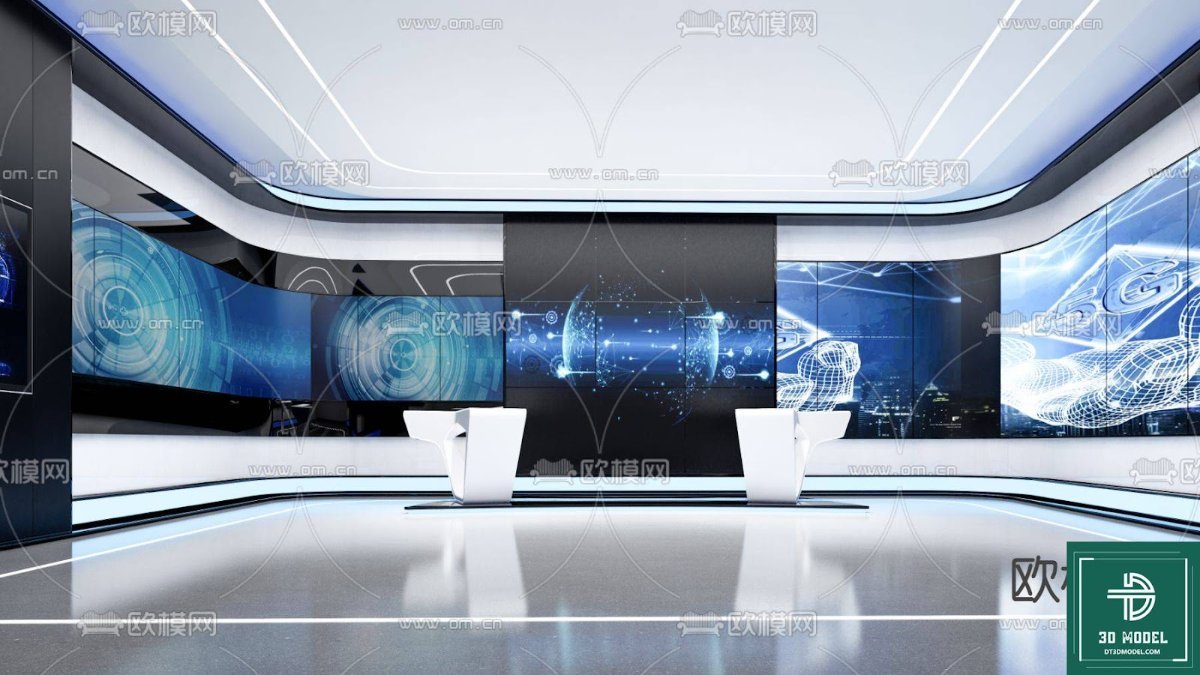
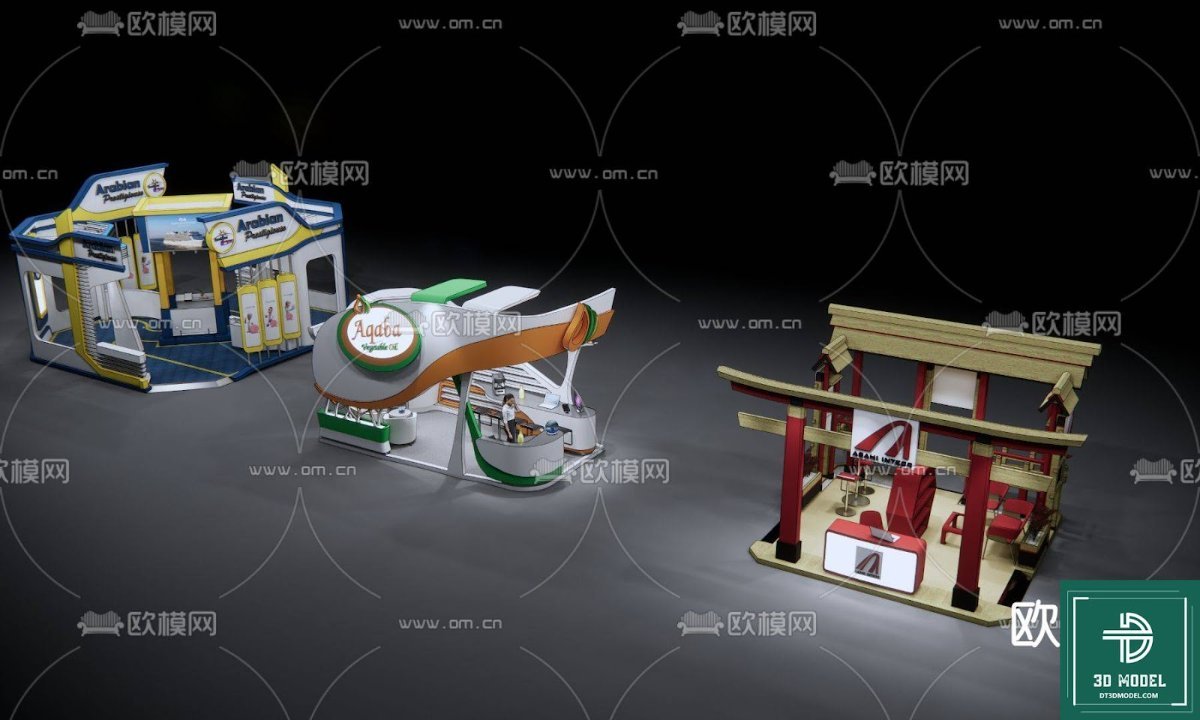
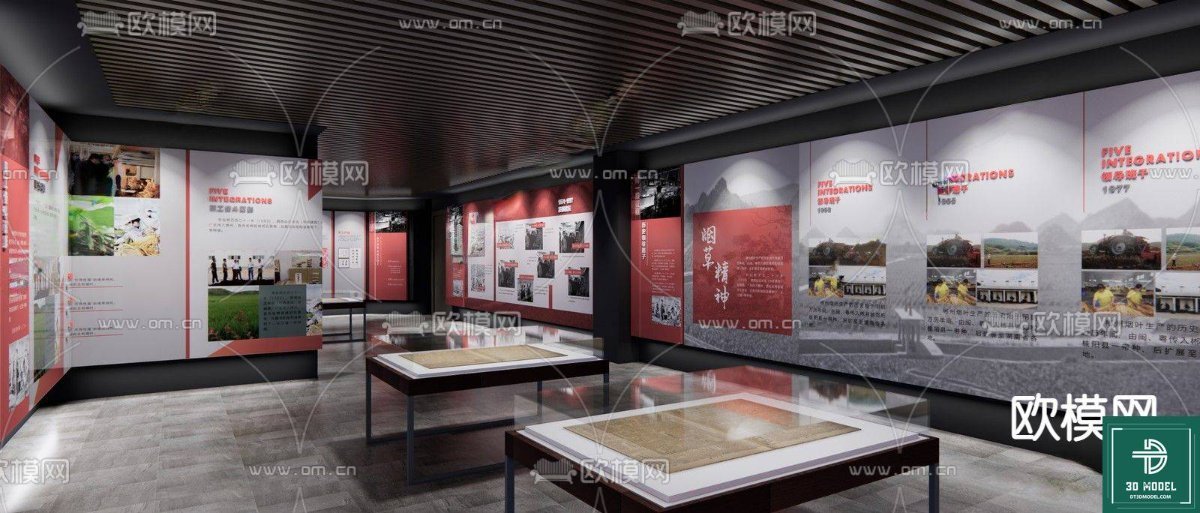
This particular 3D model stands out due to its comprehensive detailing and modern aesthetic. The image showcases a futuristic exhibition hall, characterized by its sleek lines, expansive open spaces, and sophisticated lighting. The ceiling features a captivating starry night sky motif, adding a touch of wonder and grandeur to the environment. The central area highlights a futuristic vehicle on a display platform, surrounded by interactive screens and minimalist architectural elements.
Key Features and Design Elements:
- Modern Architectural Style: Clean, contemporary design suitable for a variety of exhibitions.
- Dynamic Lighting: Integrated lighting solutions, including ambient and spotlighting, to enhance visual appeal.
- Interactive Displays: Placeholder screens and display areas ready for your custom content.
- Spacious Layout: Ample room for booths, exhibits, and visitor circulation.
- Futuristic Accents: Elements like the central display vehicle and ceiling design evoke a sense of innovation.
This model is designed to be highly versatile, allowing users to adapt it to various exhibition themes, from technology showcases to art installations.
Why Choose SketchUp for Exhibition Hall Design?
SketchUp is renowned for its user-friendly interface and powerful 3D modeling capabilities, making it a favorite among architects, interior designers, and hobbyists alike. Its intuitive tools allow for quick conceptualization and detailed modeling. When you download a SketchUp Exhibition Hall model from Posterfree.net, you benefit from:
- Ease of Use: Modify and customize the model with relative ease, even if you’re not an advanced 3D artist.
- Extensive Component Library: SketchUp’s vast ecosystem means you can easily populate your exhibition hall with additional furniture, fixtures, and props.
- Rendering Compatibility: Export your SketchUp model to various rendering engines for photorealistic outputs.
- Collaboration: Share your designs effortlessly with clients and team members.
Optimizing Your Use of the Model
To get the most out of your "phong trien lam SketchUp (100)" model, consider these tips:
- Customization: Don’t hesitate to modify the colors, textures, and materials to match your specific brand or exhibition theme.
- Populate with Exhibits: Add your own 3D models of products, artworks, or interactive displays to fill the space.
- Lighting Studies: Experiment with different lighting scenarios to create various moods and highlight key areas.
- Walkthrough Animations: Create animated walkthroughs to give clients a dynamic tour of the exhibition hall.
- Render for Realism: Use a rendering plugin (like V-Ray, Enscape, or Lumion) to achieve stunning, photorealistic images and videos.
Posterfree.net: Your Go-To Source for Premium Graphic Resources
At Posterfree.net, we are committed to providing designers, architects, and creatives with a vast library of high-quality, professional graphic resources. Our collection includes everything from vectors and templates to 3D models like this exquisite SketchUp Exhibition Hall. We understand the importance of reliable and inspiring assets in bringing your visions to fruition.
Each resource on Posterfree.net is curated to meet stringent quality standards, ensuring that you receive files that are well-organized, easy to use, and visually impactful. We strive to be the premium resource for all your design needs, helping you save time and elevate the quality of your projects.
Download Your SketchUp Exhibition Hall Today
Ready to transform your architectural visualizations and event designs? The "phong trien lam SketchUp (100)" 3D model is available for download now. Unlock the potential to create breathtaking exhibition spaces that leave a lasting impression. Visit Posterfree.net and explore our extensive collection of resources designed to empower your creativity.
Frequently Asked Questions about SketchUp 3D Models
Hình ảnh demo liên quan
Câu hỏi thường gặp
What software is required to open this 3D model?
This model is in SKP format, meaning it requires SketchUp software (or compatible viewers) to open and edit.
Can I modify the textures and materials of the exhibition hall?
Yes, SketchUp allows for extensive customization of textures, materials, and colors within the model to suit your specific design requirements.
Is this model suitable for commercial projects?
Please refer to the licensing terms on Posterfree.net for specific usage rights regarding commercial projects. Generally, our resources are designed for professional use.
What is the typical resolution of SketchUp models?
SketchUp models are vector-based, meaning their resolution is scalable. The quality of rendered output depends on your rendering engine settings and the detail of the model itself.





























