

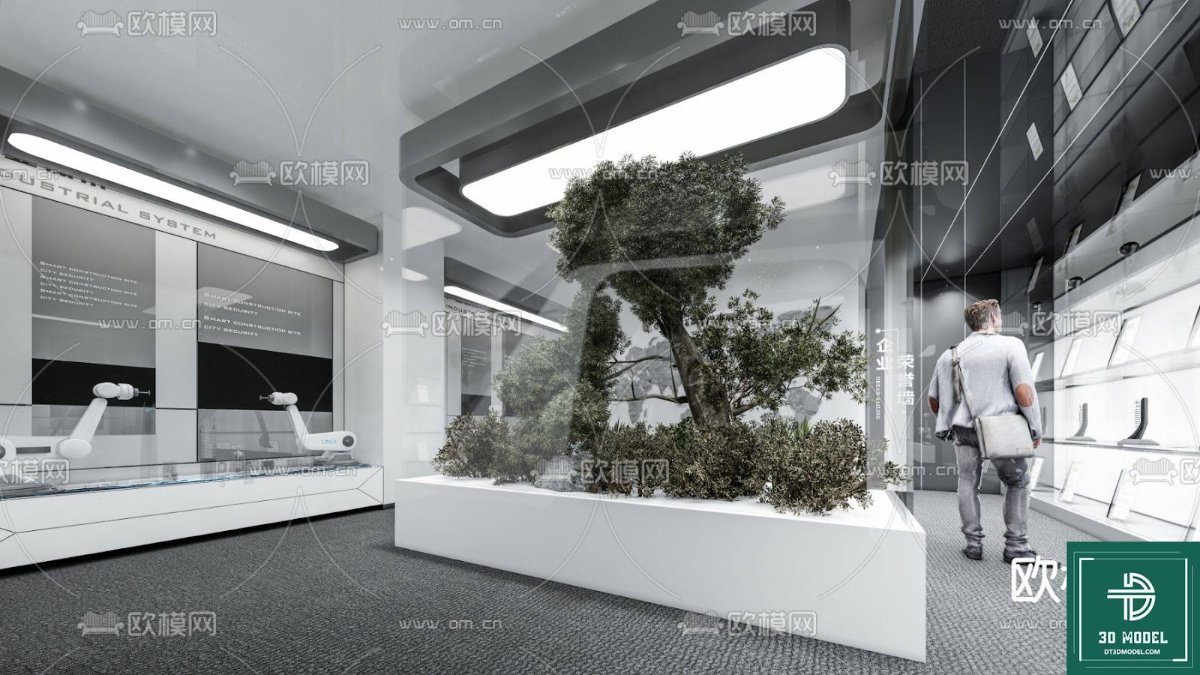
SketchUp Exhibition Hall 3D Model. Download a premium SketchUp Exhibition Hall 3D model for your architectural visualizations. Perfect for modern display spaces, available at Posterfree.net.
Elevate Your Designs with a Premium SketchUp Exhibition Hall 3D Model
Are you an architect, interior designer, or 3D visualizer looking for high-quality assets to bring your projects to life? Look no further than Posterfree.net, your trusted source for premium graphic resources. Today, we’re diving into an exceptional asset: the SketchUp Exhibition Hall 3D model. This meticulously crafted model, known as ‘Phong trien lam SketchUp (65)’, offers unparalleled detail and versatility, making it an indispensable tool for a wide range of design applications.
What Makes This SketchUp Exhibition Hall Model Stand Out?
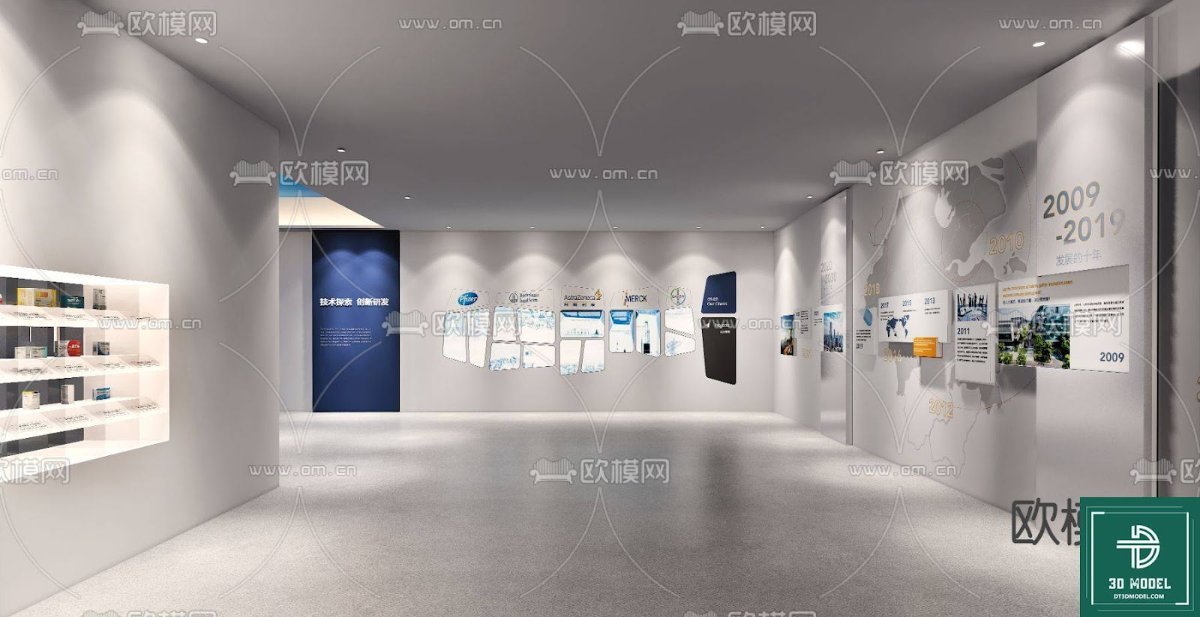
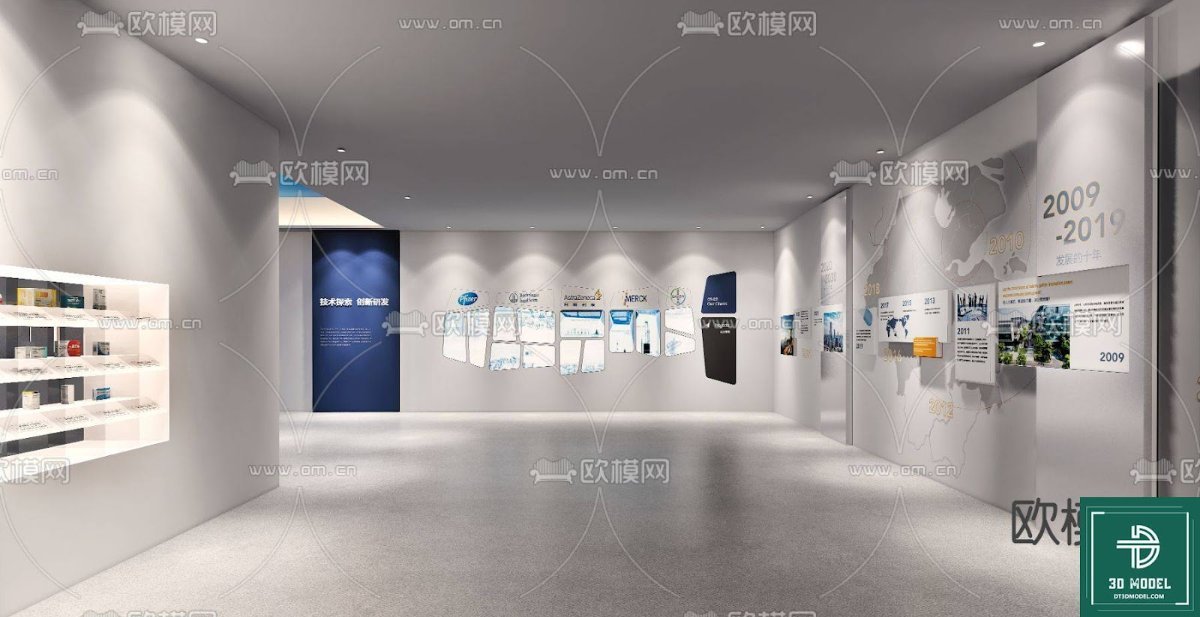
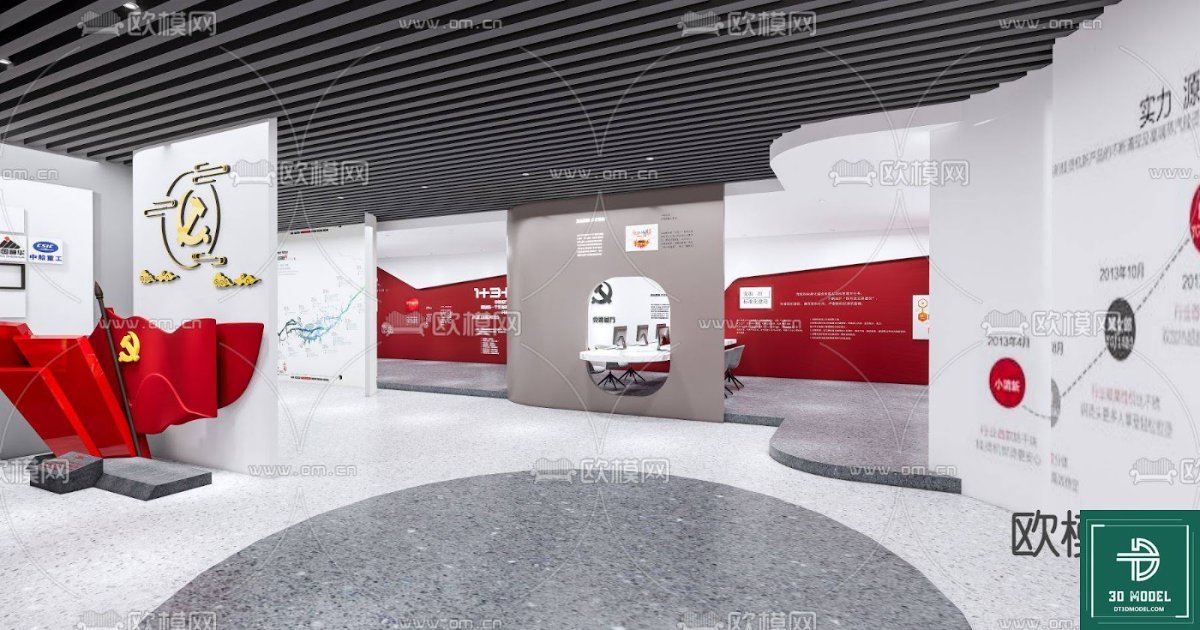
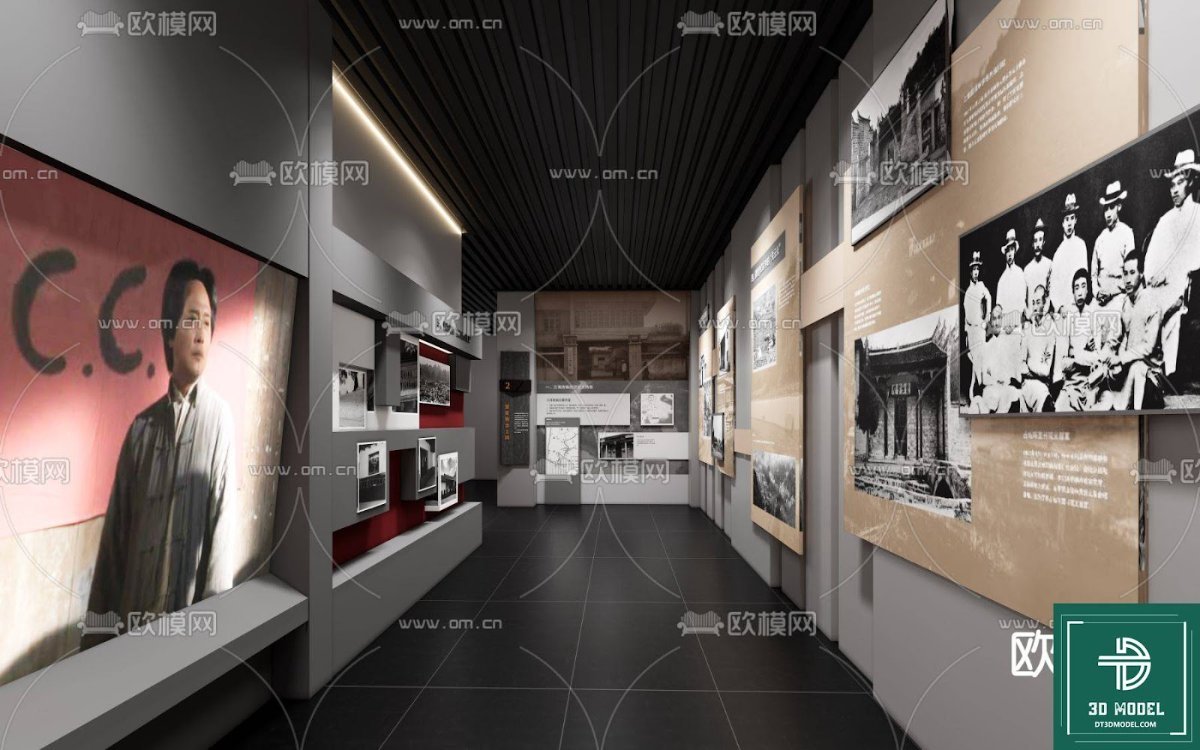
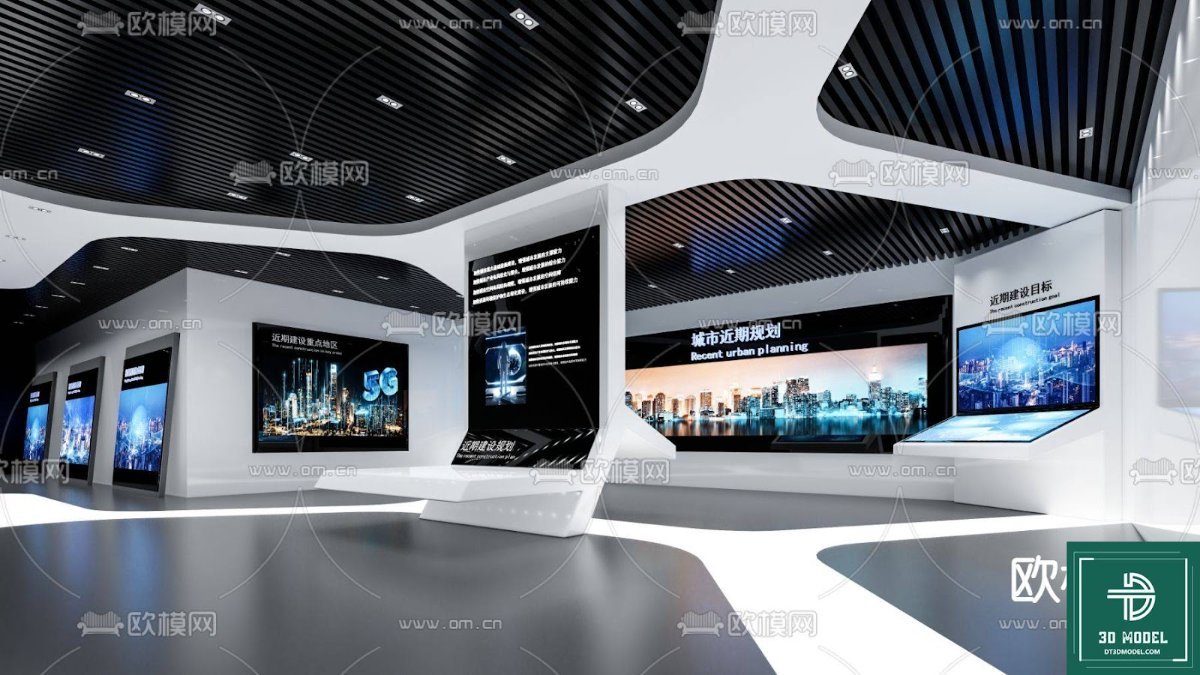
The ‘Phong trien lam SketchUp (65)’ model is not just any 3D asset; it’s a complete, ready-to-render environment designed to save you countless hours of modeling. This particular exhibition hall features a sleek, modern aesthetic with clean lines, ample lighting, and a striking central botanical display. The design emphasizes open space and natural elements, creating an inviting yet sophisticated atmosphere perfect for showcasing products, art, or information.
Key Features and Design Elements:
- Modern Architectural Style: The hall boasts a contemporary design with minimalist elements, large glass panels, and integrated lighting, reflecting current trends in exhibition space architecture.
- Central Botanical Feature: A prominent, glass-enclosed tree serves as a focal point, introducing a touch of nature and biophilic design into the modern setting. This element adds visual interest and a sense of tranquility.
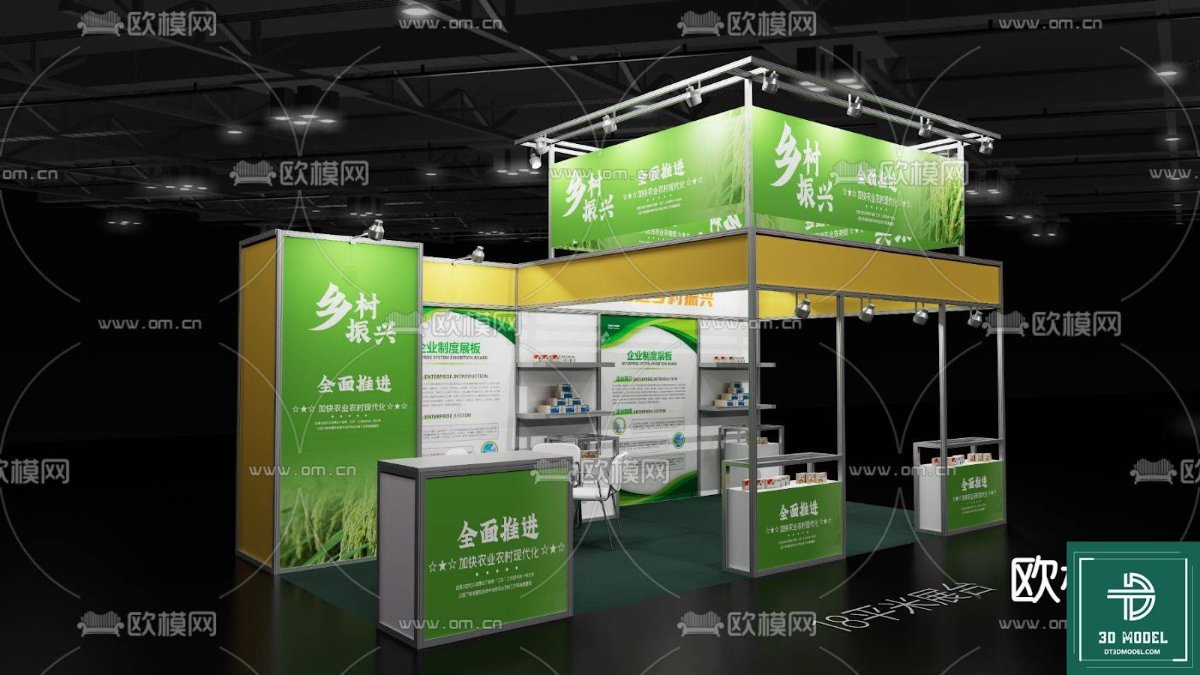
- Integrated Display Areas: The model includes various display solutions, such as wall-mounted panels for information or graphics and sleek pedestals, ideal for showcasing exhibits or products.
- Realistic Lighting Setup: The scene comes with a well-thought-out lighting scheme, featuring long, linear ceiling lights that provide even illumination, enhancing the realism of your renders.
- High-Quality Textures and Materials: Every surface, from the polished floors to the textured walls and the lush greenery, is rendered with high-resolution textures, ensuring a professional and realistic final output.
Who Can Benefit from This SketchUp Exhibition Hall Model?
This versatile 3D model is a game-changer for various professionals:
- Architects: Use it as a base for designing new exhibition centers, museums, or corporate lobbies. Modify elements to fit specific client briefs and present your vision with stunning realism.
- Interior Designers: Experiment with different layouts, furniture arrangements, and material palettes within a pre-built, high-quality environment. It’s perfect for visualizing retail spaces, galleries, or event venues.
- 3D Visualizers & Renderers: Save significant time on modeling complex structures. Focus on lighting, texturing, and rendering to produce breathtaking visualizations for your portfolio or clients.
- Event Planners: Visualize potential exhibition layouts for conferences, trade shows, or product launches, helping clients understand the spatial dynamics and aesthetic appeal.
- Students & Educators: A fantastic resource for learning SketchUp and architectural visualization techniques, providing a complex yet well-organized scene to study and manipulate.
Technical Specifications and Usage Instructions
The ‘Phong trien lam SketchUp (65)’ model is provided in a standard SketchUp format, ensuring compatibility with your existing workflow. The ZIP file contains the necessary .skp file, which can be easily imported into SketchUp. For optimal performance and rendering quality, we recommend using the latest version of SketchUp along with a powerful rendering engine like V-Ray, Enscape, or Lumion.
Tips for Maximizing Your Use:
- Explore Layers and Groups: The model is likely organized with layers and groups. Utilize these to easily hide/show elements, modify specific parts, or add your own content without disrupting the overall structure.
- Customize Materials: While the default materials are high-quality, don’t hesitate to experiment with different textures and colors to match your specific project requirements or branding.
- Populate with Assets: Add your own 3D models of products, furniture, or human figures to bring the scene to life and demonstrate its functionality.
- Experiment with Lighting: Adjust the existing lights or add new ones to create different moods and emphasize specific areas of the exhibition hall.
- Render from Multiple Angles: Showcase the versatility of the space by rendering views from various perspectives, highlighting different design features.
Why Choose Posterfree.net for Your 3D Assets?
Posterfree.net is renowned for providing a vast collection of premium graphic resources, and our 3D models are no testament to our commitment to quality and utility. When you download resources from Posterfree.net, you’re not just getting a file; you’re gaining access to:
- High-Quality Standards: Every asset is carefully curated to meet professional standards, ensuring clean geometry, optimized file sizes, and realistic details.
- Time-Saving Solutions: Our pre-made models and templates significantly reduce design time, allowing you to focus on creativity rather incredibly repetitive modeling tasks.
- Diverse Selection: From architectural models to graphic templates and vectors, we offer a comprehensive range of resources to support all your creative endeavors.
- User-Friendly Experience: Our platform is designed for easy navigation and quick downloads, ensuring a seamless experience from selection to integration into your projects.
The ‘Phong trien lam SketchUp (65)’ SketchUp Exhibition Hall 3D model is an excellent example of the caliber of resources available at Posterfree.net. It empowers designers to create stunning visualizations with ease and efficiency. Elevate your next architectural or interior design project by incorporating this exceptional 3D model into your workflow. Download it today and experience the Posterfree.net difference!
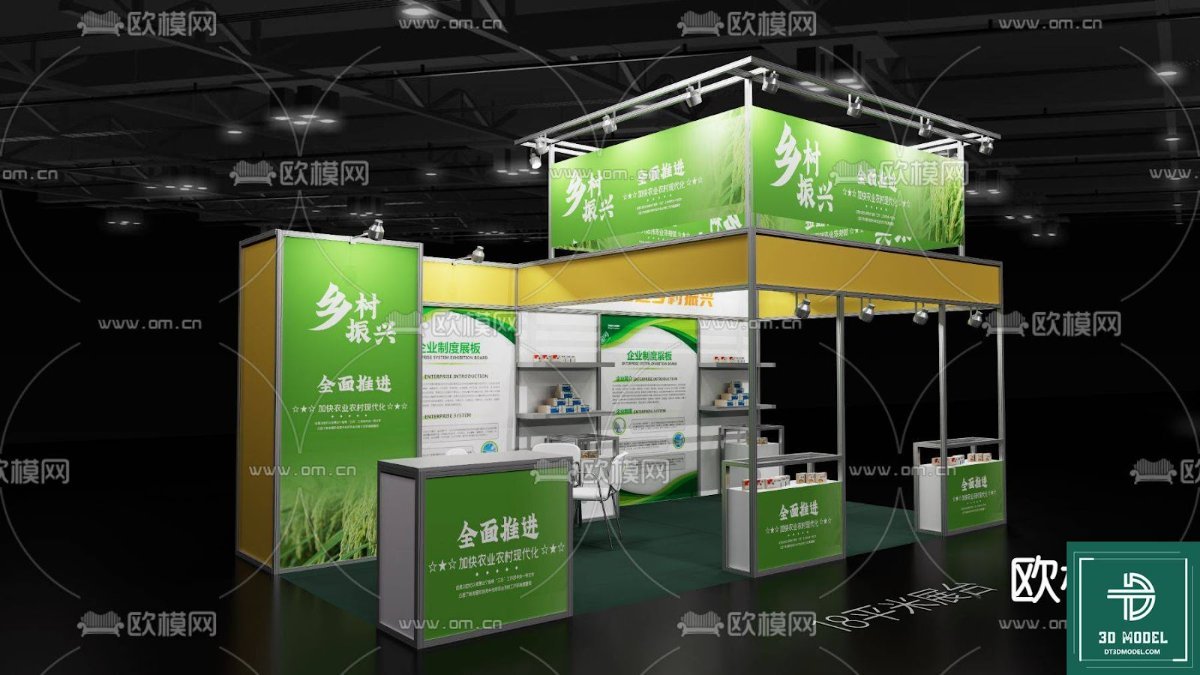
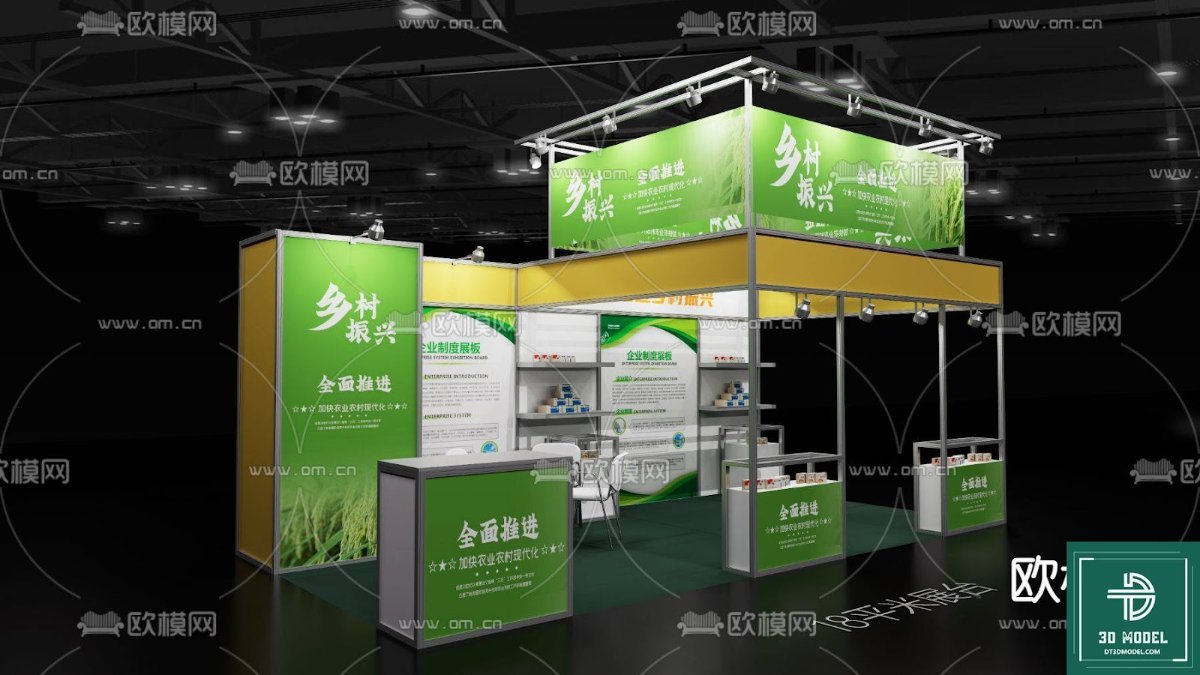
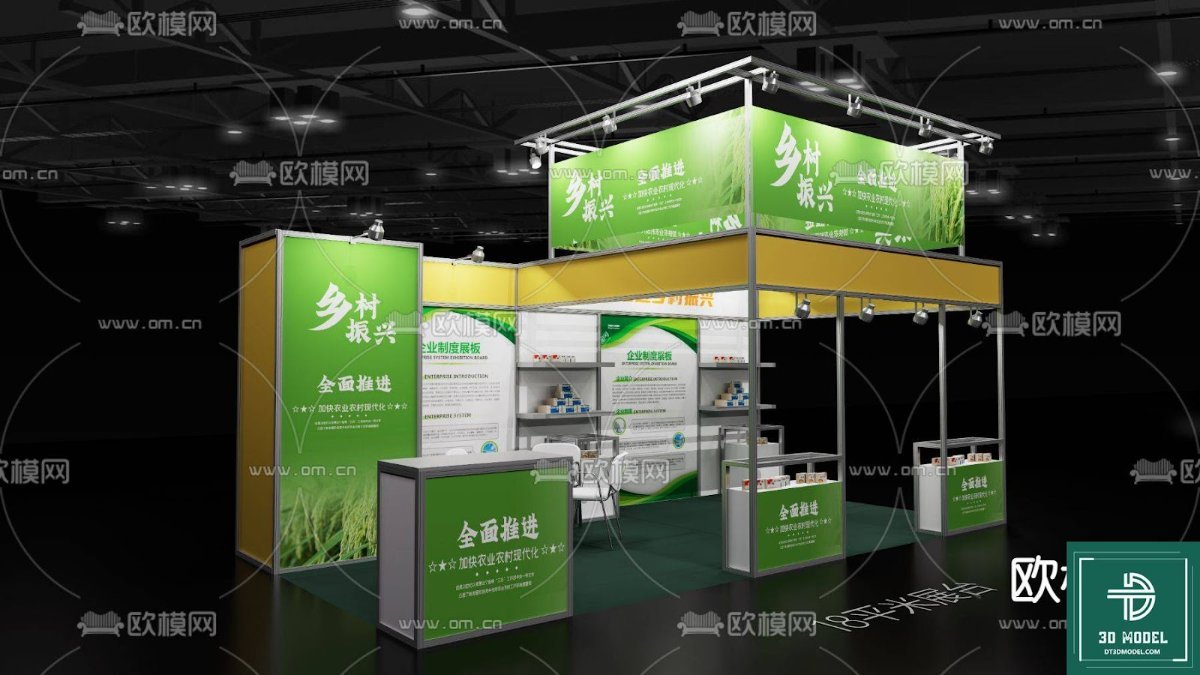
Hình ảnh demo liên quan
Câu hỏi thường gặp
What software is required to use this SketchUp Exhibition Hall model?
This model is provided in .skp format, so you will need SketchUp software (preferably a recent version) to open and work with it. For rendering, you might use V-Ray, Enscape, Lumion, or other compatible renderers.
Can I modify the design of the exhibition hall?
Yes, absolutely! The SketchUp model is fully editable. You can modify layouts, change materials, add or remove elements, and customize it to fit your specific project requirements.
Is this model suitable for commercial projects?
Yes, resources downloaded from Posterfree.net are generally suitable for both personal and commercial projects, subject to our licensing terms. Please refer to the specific license details on the product page for full information.
What is included in the download file?
The download typically includes the main .skp file for the SketchUp Exhibition Hall model. Depending on the asset, it might also include associated texture files or preview images within the ZIP archive.





























