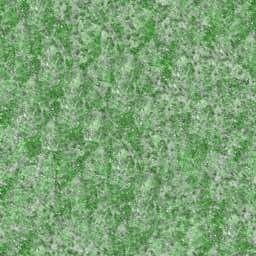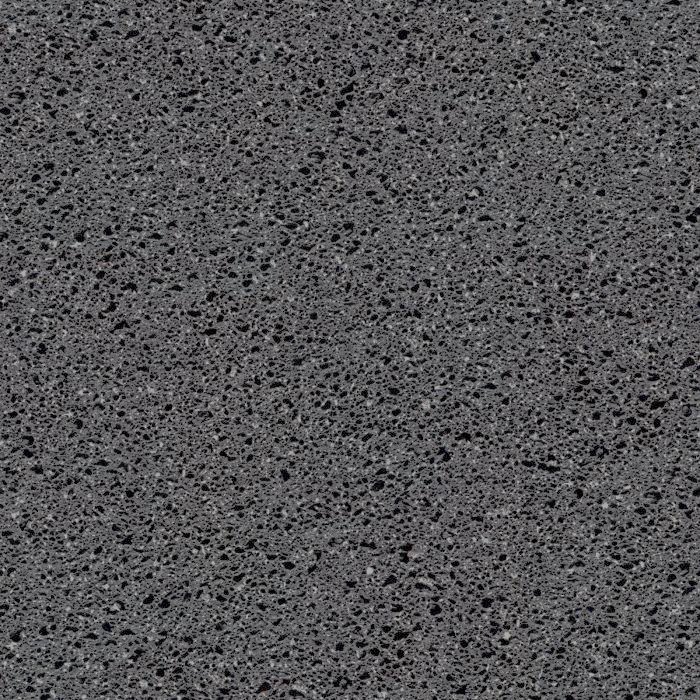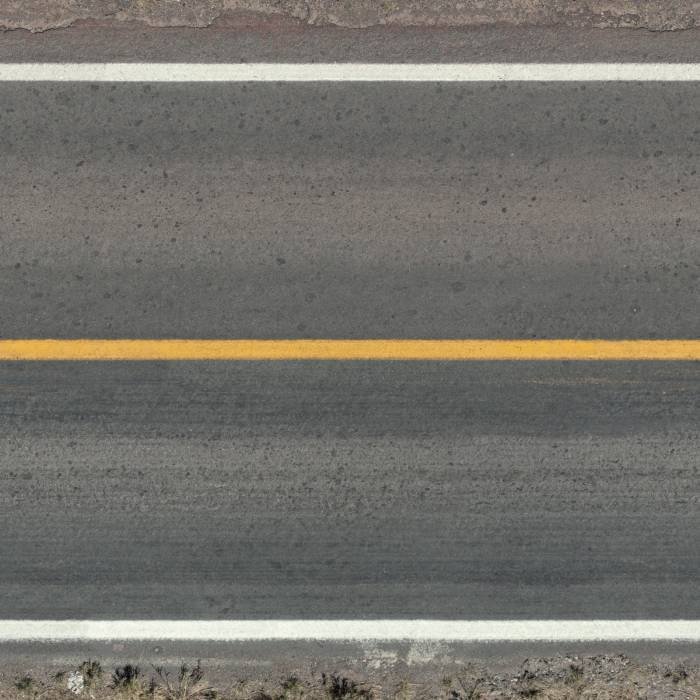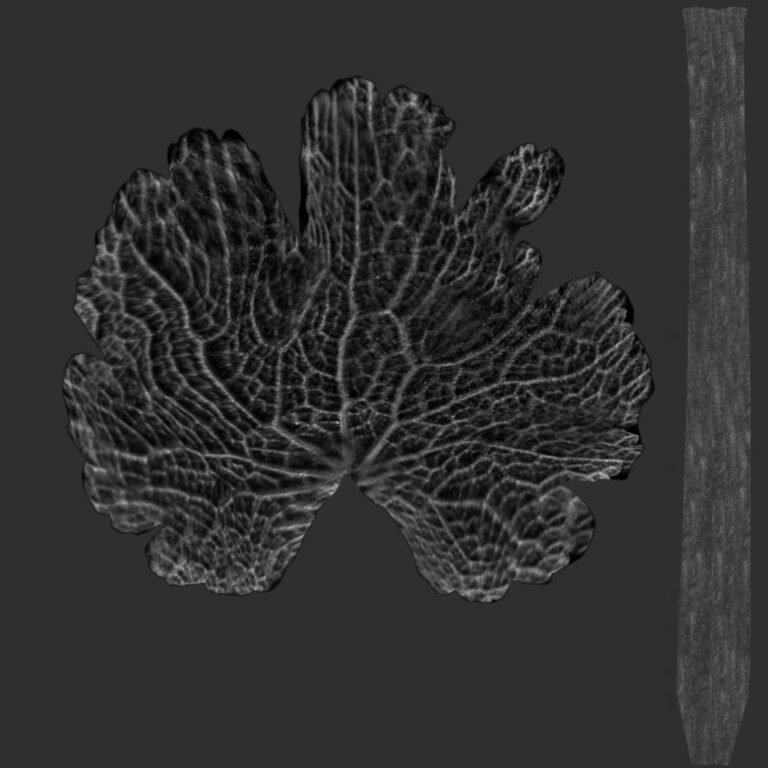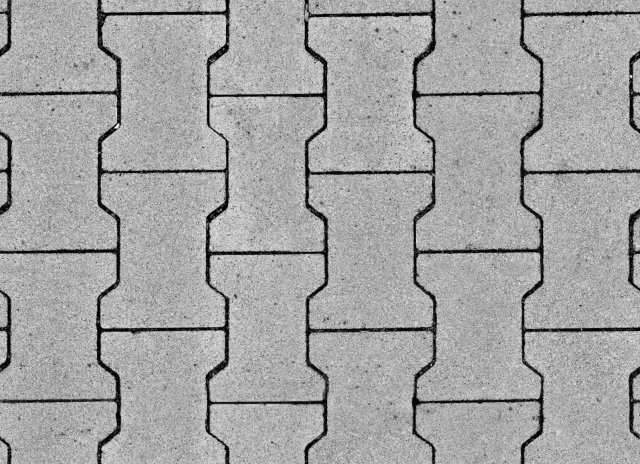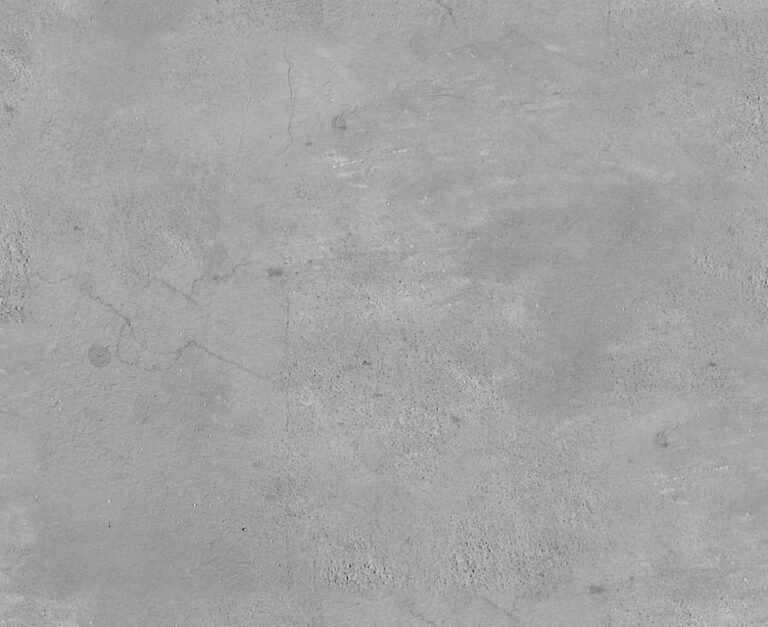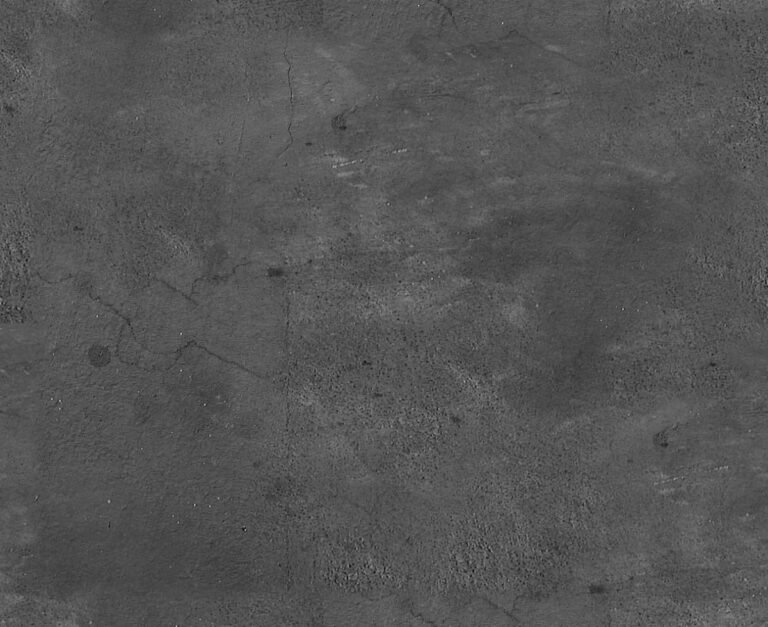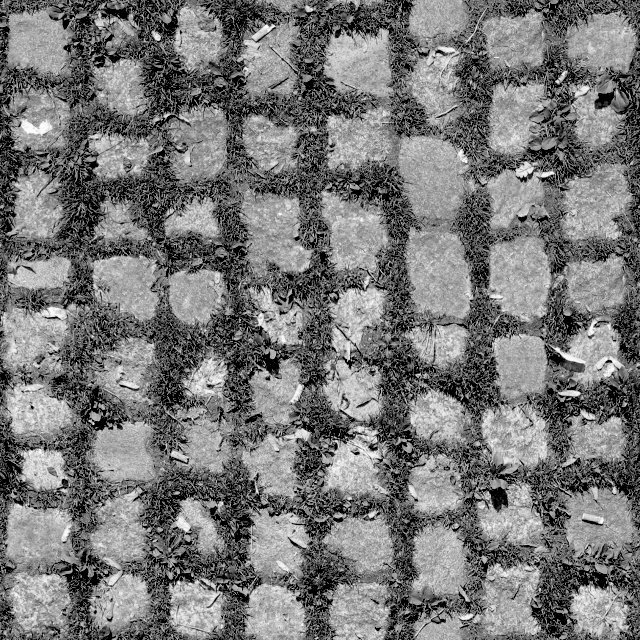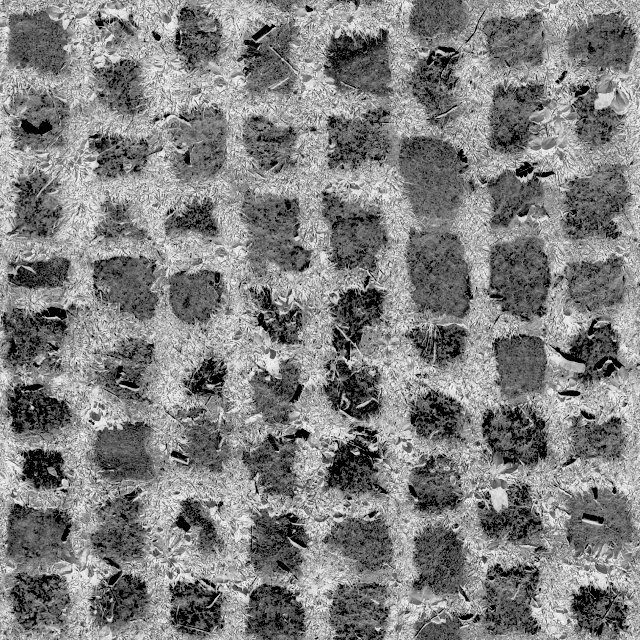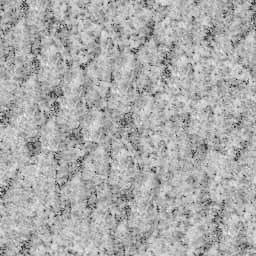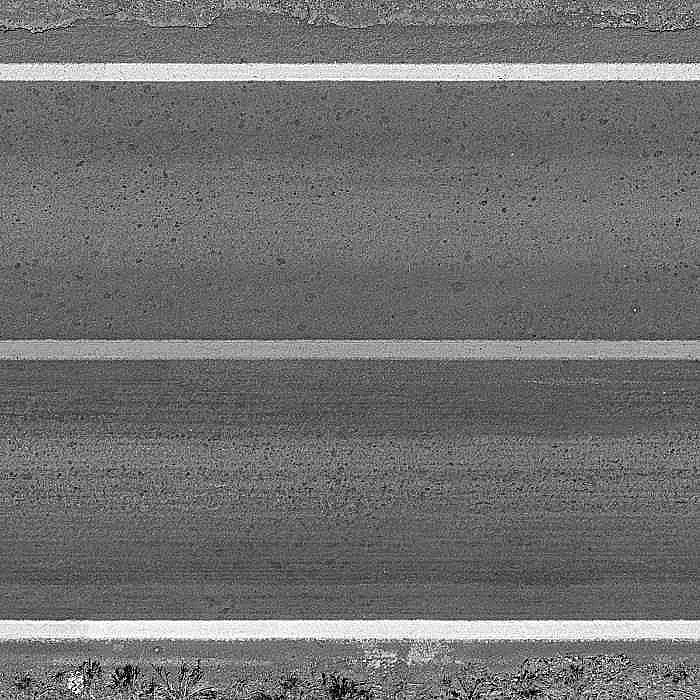
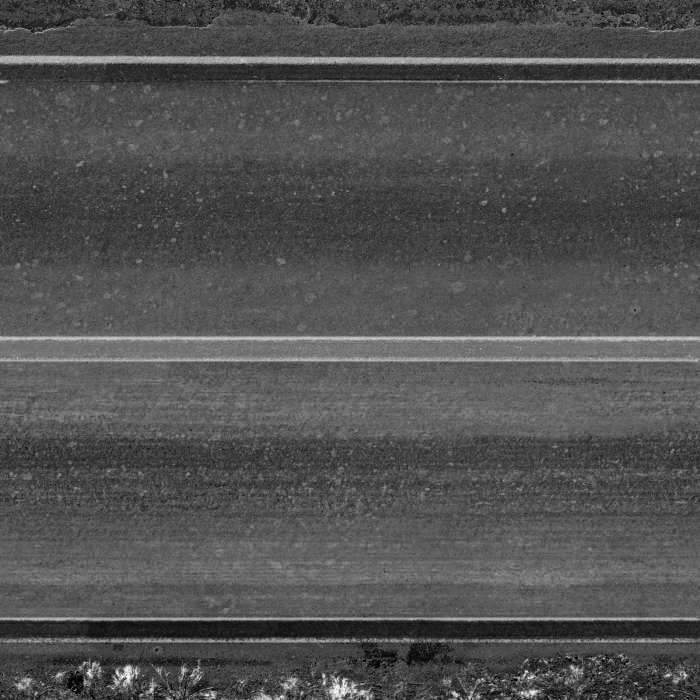
Road Texture Bump Map. Discover our high-quality road texture bump map, perfect for adding realistic depth and detail to your 3D renders and graphic designs. Enhance your projects with this essential asset.
Unlocking Realism: The Power of a Road Texture Bump Map
In the intricate world of 3D rendering and graphic design, achieving photorealism often hinges on the smallest details. One such crucial element is the road texture bump map. At Posterfree.net, we understand the demand for high-quality, versatile assets, and our collection includes exceptional bump maps designed to elevate your projects. This article delves into the significance of bump maps, specifically focusing on our premium road texture offering, and how it can transform your digital environments.
What is a Bump Map and Why is it Essential?
A bump map is a grayscale image that stores information about the height of a surface. Unlike displacement maps, which actually alter the geometry of an object, bump maps simulate depth and surface irregularities by manipulating the way light interacts with the surface normals during rendering. This creates the illusion of bumps, grooves, and textures without adding polygons, making them incredibly efficient for performance.
- Efficiency: Adds detail without increasing polygon count, optimizing render times.
- Realism: Simulates surface imperfections like cracks, gravel, and asphalt texture.
- Versatility: Can be applied to various surfaces, from roads to walls and terrains.
For a road texture bump map, this means you can instantly give your digital roads the worn, gritty, and uneven appearance of real asphalt, complete with subtle cracks and aggregate details, all without the computational overhead of true displacement.
Analyzing Our Premium Road Texture Bump Map
Our featured road texture bump map, available at Posterfree.net, is meticulously crafted to provide unparalleled realism. Let’s break down its characteristics:
Format and Resolution
This bump map is typically provided in high-resolution image formats, ensuring crisp detail even in close-up renders. Common formats include JPG, PNG, or TIFF, offering compatibility with virtually all major 3D software packages and game engines. The high resolution means that the subtle variations in the road surface – from the coarse aggregate to the fine cracks – are accurately represented, allowing for incredibly convincing visual output.
Detail and Nuance
Upon closer inspection, you’ll notice the intricate details captured within this bump map. It features:
- Asphalt Grain: A fine, granular texture mimicking the composition of asphalt.
- Subtle Cracks: Delicate lines and fissures that suggest wear and age.
- Pebble/Aggregate Variation: Slight height differences that give the road a natural, uneven feel.
- Lane Markings: The white lines are subtly raised or depressed, adding to the realism.
These elements combine to create a highly believable surface that reacts dynamically to lighting, casting realistic shadows and highlights that bring your digital roads to life.
How to Effectively Use Your Road Texture Bump Map
Integrating a road texture bump map into your 3D workflow is straightforward, yet incredibly impactful. Here’s a general guide:
Step-by-Step Usage Instructions
- Apply Base Material: Start by applying a base diffuse (color) and specular (reflectivity) texture to your road mesh.
- Load Bump Map: In your 3D software’s material editor (e.g., Blender, 3ds Max, Maya, Cinema 4D, Unreal Engine, Unity), locate the ‘Bump’ or ‘Normal Map’ slot.
- Connect Texture: Load the road texture bump map into this slot. Most software will automatically interpret it correctly.
- Adjust Strength: Experiment with the ‘Strength’ or ‘Intensity’ parameter. A subtle value often yields the most realistic results. Too high, and the surface can look overly bumpy or artificial.
- Tile and Scale: Ensure the bump map tiles seamlessly with your base textures. Adjust the UV mapping and scaling to match the size of your road.
- Render and Refine: Perform test renders and make further adjustments to lighting and material properties until you achieve the desired level of realism.
Remember, the goal is to enhance, not overpower, the underlying surface. A well-integrated bump map works in harmony with other textures to create a cohesive and believable scene.
Why Choose Posterfree.net for Your Graphic Resources?
Posterfree.net is renowned as a premium destination for high-quality graphic resources, and our road texture bump map is a testament to our commitment to excellence. We pride ourselves on offering assets that are not only visually stunning but also technically robust and easy to integrate into your projects.
- Curated Quality: Every asset is carefully selected and reviewed to meet professional standards.
- Versatility: Our resources are designed to be adaptable across various design and 3D applications.
- Regular Updates: We continuously expand our library with fresh, relevant content.
- User-Friendly: Our platform is intuitive, making it easy to find and download the assets you need.
Whether you’re an architect visualizing a new urban landscape, a game developer crafting immersive environments, or a graphic designer creating stunning visuals, our road texture bump map provides the foundation for unparalleled realism. Elevate your renders, save valuable time, and achieve professional results with the trusted resources from Posterfree.net.
Beyond the Road: Expanding Your Texture Library
While a high-quality road texture bump map is indispensable, consider expanding your texture library with other essential assets. Posterfree.net offers a wide array of textures, including:
- Pavement Textures: For sidewalks, plazas, and pedestrian areas.
- Concrete Textures: Versatile for buildings, walls, and industrial settings.
- Dirt and Gravel Textures: Perfect for off-road paths and natural environments.
- Seamless Textures: Crucial for large surfaces to avoid visible tiling.
By combining various bump maps and textures, you can create incredibly rich and detailed scenes that captivate your audience. Invest in quality assets from Posterfree.net and watch your designs come to life with unprecedented realism and depth.
Related Demo Images



Frequently Asked Questions
What is a bump map?
A bump map is a grayscale image used in 3D rendering to simulate surface irregularities and depth, making a surface appear bumpy or textured without altering its actual geometry. It works by changing how light interacts with the surface normals.
How does a road texture bump map improve realism?
A road texture bump map adds realistic details like asphalt grain, subtle cracks, and aggregate variations to your digital roads. This creates the illusion of wear and age, making the road look more authentic and react realistically to lighting conditions in your renders.
What 3D software is compatible with this bump map?
Our road texture bump map is compatible with virtually all major 3D software packages and game engines, including Blender, 3ds Max, Maya, Cinema 4D, Unreal Engine, Unity, and more. It is provided in standard image formats like JPG, PNG, or TIFF.
Can I use this bump map for commercial projects?
Yes, resources from Posterfree.net are generally available for use in both personal and commercial projects, subject to our licensing terms. Please refer to the specific license details on our website for full information.
How do I adjust the intensity of the bump map?
In your 3D software’s material editor, there will typically be a ‘Strength’ or ‘Intensity’ parameter associated with the bump map slot. You can adjust this value to control how pronounced the simulated bumps and textures appear on the surface.