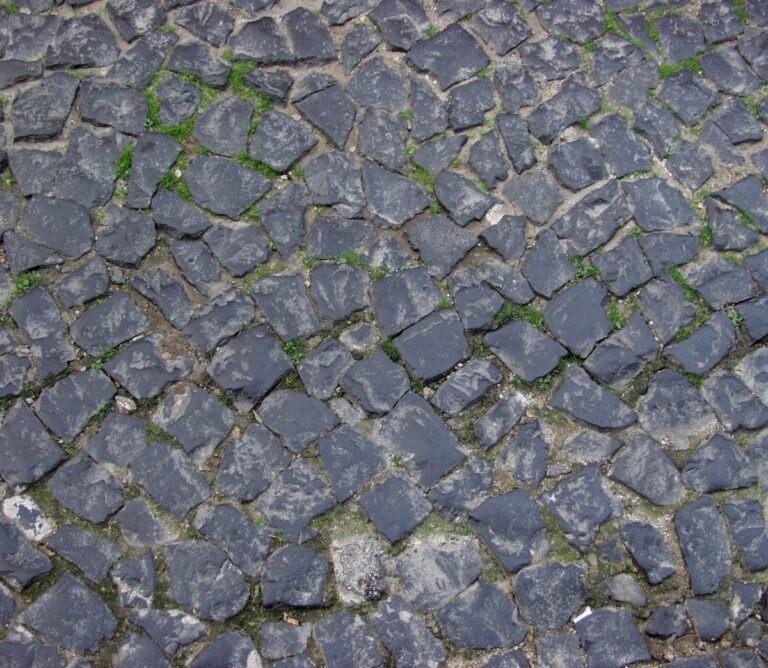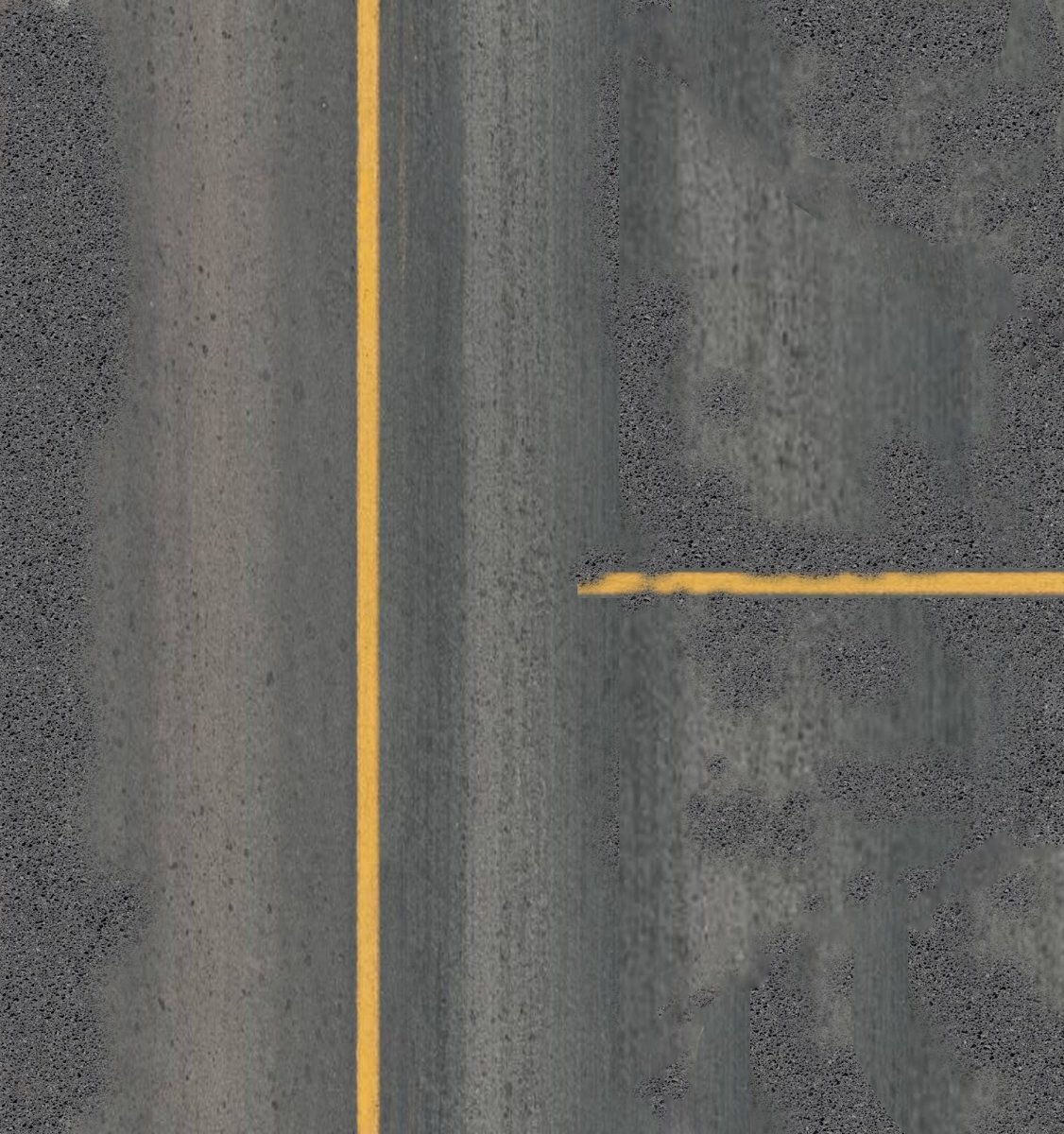
Road Texture for 3D Models. Discover high-quality road texture for your 3D models and architectural visualizations. Enhance realism with this essential graphic resource from Posterfree.net.
Elevate Your 3D Projects with Premium Road Texture
In the world of 3D modeling and architectural visualization, realism is paramount. Every detail, no matter how small, contributes to the overall immersion and credibility of your scene. One often-overlooked yet critical element is the ground surface, particularly roads. A high-quality road texture can transform a generic scene into a vibrant, believable environment. At Posterfree.net, we understand this need and offer a vast collection of premium graphic resources, including this exceptional road texture, designed to meet the demands of professional designers and hobbyists alike.
The Importance of Realistic Road Textures in 3D Design
Why is a good road texture so crucial? Imagine a meticulously rendered car model or a stunning architectural building placed on a flat, untextured gray plane. The scene immediately loses its impact. Roads are integral to urban and suburban landscapes, providing context, guiding the eye, and grounding your subjects. A realistic road texture:
- Adds Depth and Dimension: Varied tones, cracks, and markings give the illusion of real-world wear and tear.
- Enhances Realism: Accurate asphalt patterns, lane lines, and subtle imperfections make your scene feel authentic.
- Improves Visual Storytelling: The condition of the road can subtly convey information about the environment – is it a busy highway, a quiet suburban street, or a neglected path?
- Complements Other Assets: A good road texture seamlessly integrates with vehicles, buildings, and environmental elements, creating a cohesive visual narrative.
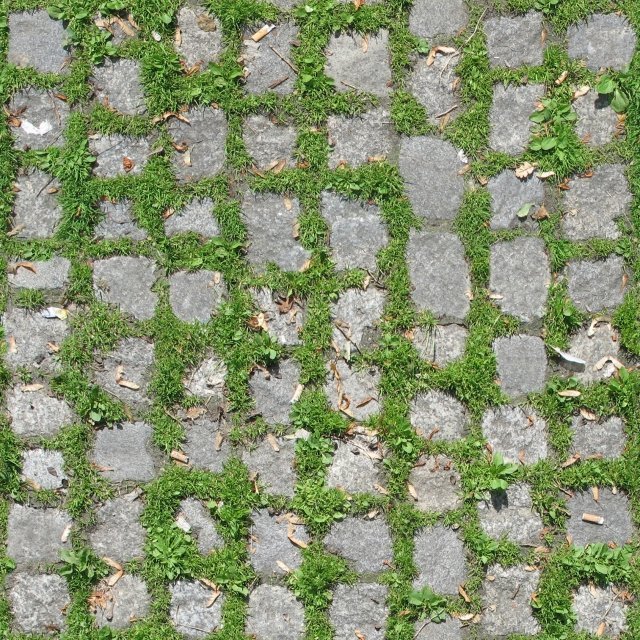
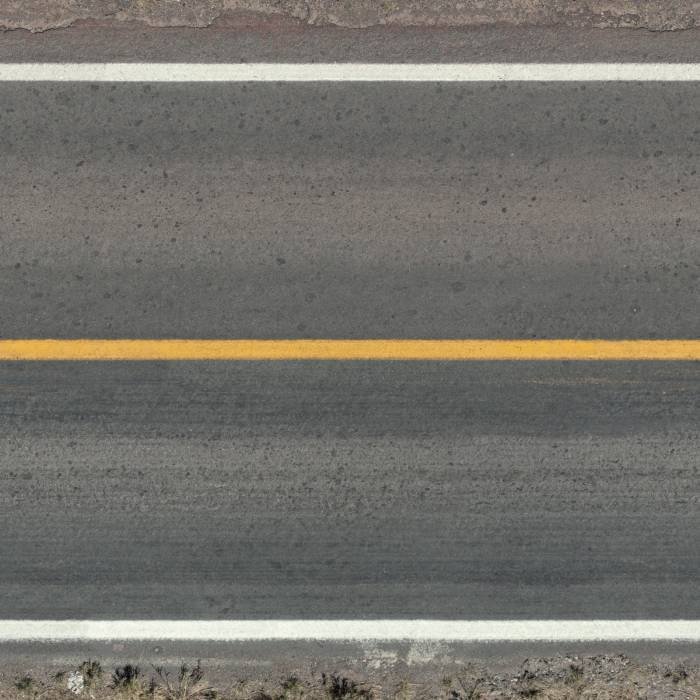
This specific road texture from Posterfree.net features a realistic asphalt surface with clear yellow lane markings, indicative of a well-maintained road. The subtle variations in tone and texture capture the essence of real asphalt, making it an ideal choice for a wide range of 3D applications.
Analyzing the Road Texture: Format, Resolution, and Versatility
Our featured road texture is provided in a high-resolution format, ensuring crisp details even when viewed up close or used in large-scale renders. While the specific file format can vary, Posterfree.net typically provides textures in widely compatible formats such as JPEG, PNG, or even seamless PBR (Physically Based Rendering) maps for advanced rendering engines. This versatility ensures that you can integrate this texture into virtually any 3D software, including:
- Blender: Perfect for creating realistic environments for animations and architectural renders.
- 3ds Max: Ideal for complex scene assembly and high-fidelity visualizations.
- Cinema 4D: Great for motion graphics and product visualizations requiring detailed ground surfaces.
- SketchUp: Enhances architectural models with realistic site context.
- Unreal Engine/Unity: Essential for game development and real-time architectural walkthroughs.
The seamless nature of this texture means it can be tiled repeatedly without visible seams, allowing you to cover vast areas efficiently. The clear yellow lines are distinct, making it easy to use for roads with single or double solid lines, or even to adapt for dashed lines by masking or editing. The slightly worn appearance adds character without being overly distracting, striking a perfect balance for general-purpose road surfaces.
Seamless Integration and Usage Instructions
Integrating this road texture into your 3D workflow is straightforward. Here’s a general guide:
- Download the Texture: Access the high-resolution file from Posterfree.net.
- Import into Your 3D Software: Load the image file into your chosen 3D application’s material editor.
- Create a Material: Assign the texture to the diffuse/albedo channel of a new material.
- Apply to Geometry: Apply this material to your road mesh. Ensure your UVs are properly unwrapped for optimal tiling.
- Adjust Tiling and Scale: Experiment with the tiling parameters to achieve the desired scale and repetition of the asphalt pattern and lane markings.
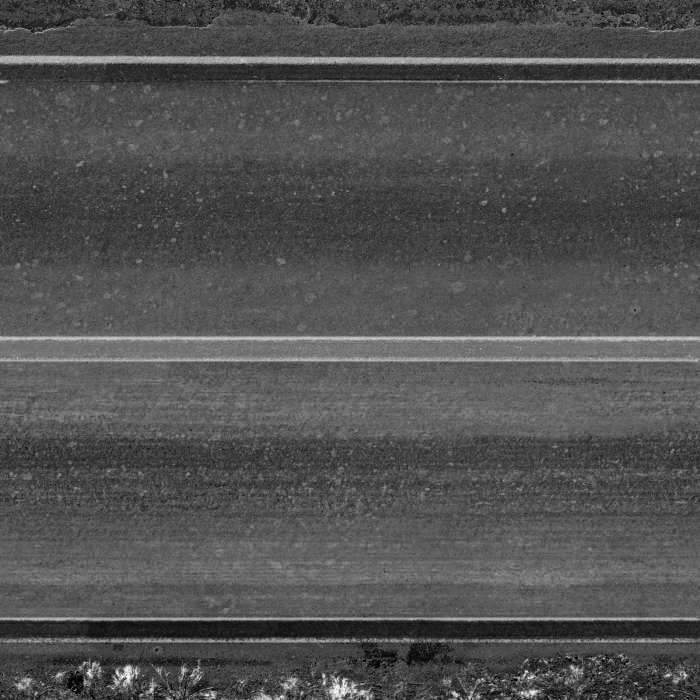
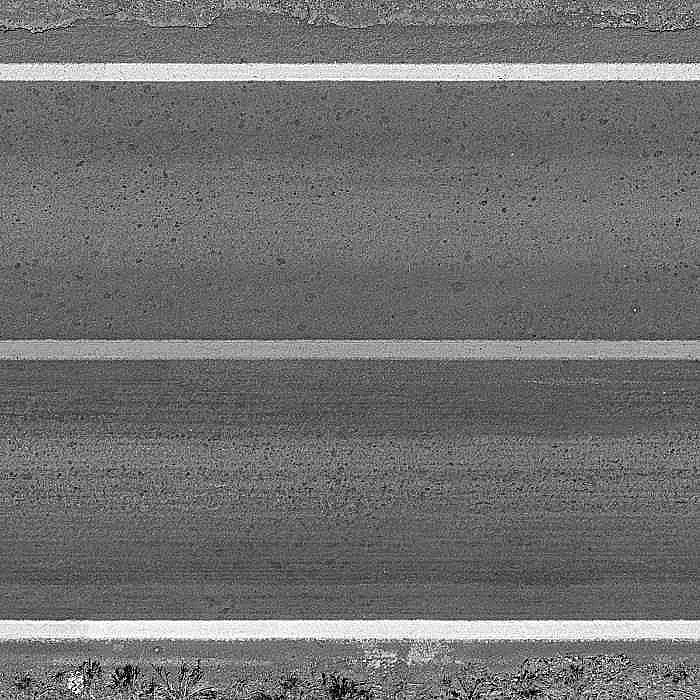
- Enhance with PBR Maps (if available): For advanced realism, consider using additional maps like normal, roughness, and displacement maps (which may be included with premium texture packs or generated from the diffuse map) to add depth to the asphalt and make it react realistically to light.
For best results, consider layering this texture with subtle dirt, grime, or wetness maps depending on your scene’s narrative. The versatility of this base road texture provides an excellent foundation for further customization.
Why Choose Posterfree.net for Your Graphic Resources?
Posterfree.net is renowned for providing a vast and diverse collection of high-quality graphic resources that cater to a wide array of creative needs. Our commitment to excellence ensures that every asset, including this premium road texture, meets professional standards. When you choose Posterfree.net, you benefit from:
- Premium Quality: All our resources are meticulously crafted and curated to ensure high resolution and professional-grade detail.
- Extensive Library: From textures and backgrounds to vectors and mockups, we offer a comprehensive range of assets.
- Ease of Use: Our resources are designed for seamless integration into popular design software.
- Regular Updates: We continuously add new and trending resources to keep your projects fresh and innovative.
- Reliable Support: Our team is dedicated to assisting you with any queries or needs.
Whether you’re an architect visualizing a new urban development, a game developer crafting immersive environments, or a graphic designer creating stunning visuals, Posterfree.net is your go-to source for premium graphic assets. This road texture is just one example of the quality and utility you can expect from our platform.
Conclusion: Paving the Way for Realism
A realistic road texture is an indispensable asset for any 3D artist aiming for photorealism. This high-quality texture from Posterfree.net provides the perfect foundation for creating believable and immersive environments. Its detailed asphalt surface and clear lane markings offer versatility and ease of use, making it an excellent addition to your texture library. Elevate your 3D models and visualizations today with the premium resources available at Posterfree.net – where quality meets creativity.
Related Demo Images


Frequently Asked Questions
What is a road texture used for?
A road texture is used in 3D modeling and architectural visualization to create realistic ground surfaces, specifically roads, highways, and streets. It adds realism, depth, and context to 3D scenes.
Is this road texture seamless?
Yes, this road texture is designed to be seamless, meaning it can be tiled repeatedly without visible edges, allowing you to cover large areas efficiently in your 3D projects.
What software is this road texture compatible with?
This road texture is compatible with most 3D software applications that support image textures, including Blender, 3ds Max, Cinema 4D, SketchUp, Unreal Engine, Unity, and more.
Can I modify the lane markings on this texture?
Yes, while the texture comes with yellow lane markings, you can easily modify or remove them using image editing software (like Photoshop) or by applying masks within your 3D software’s material editor to suit your specific design needs.
Why should I get textures from Posterfree.net?
Posterfree.net offers premium quality, high-resolution graphic resources, including textures, that are meticulously crafted for professional use. Our extensive library and commitment to excellence ensure you get the best assets for your creative projects.