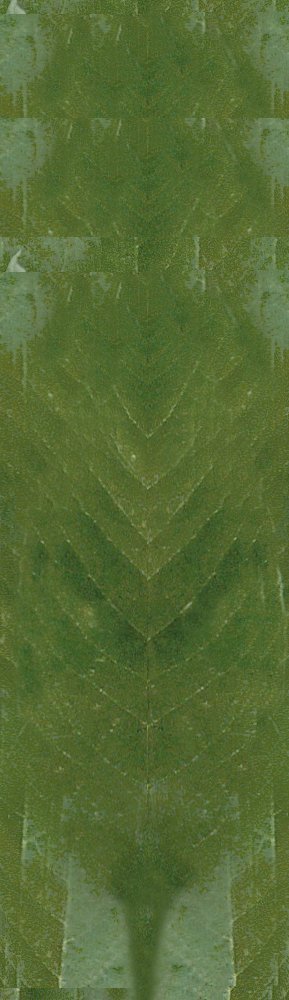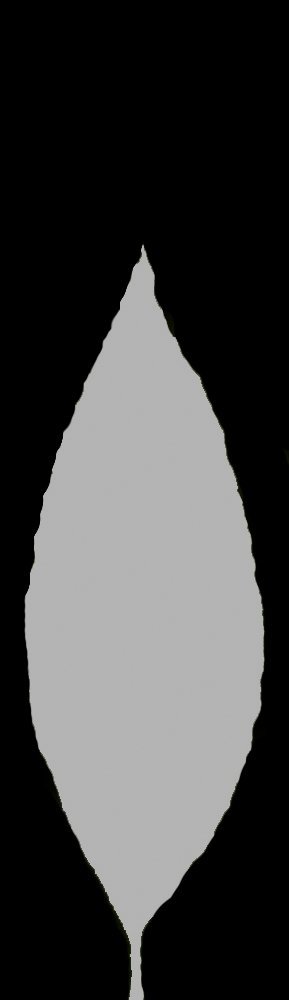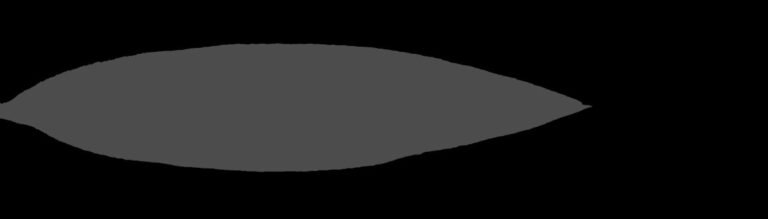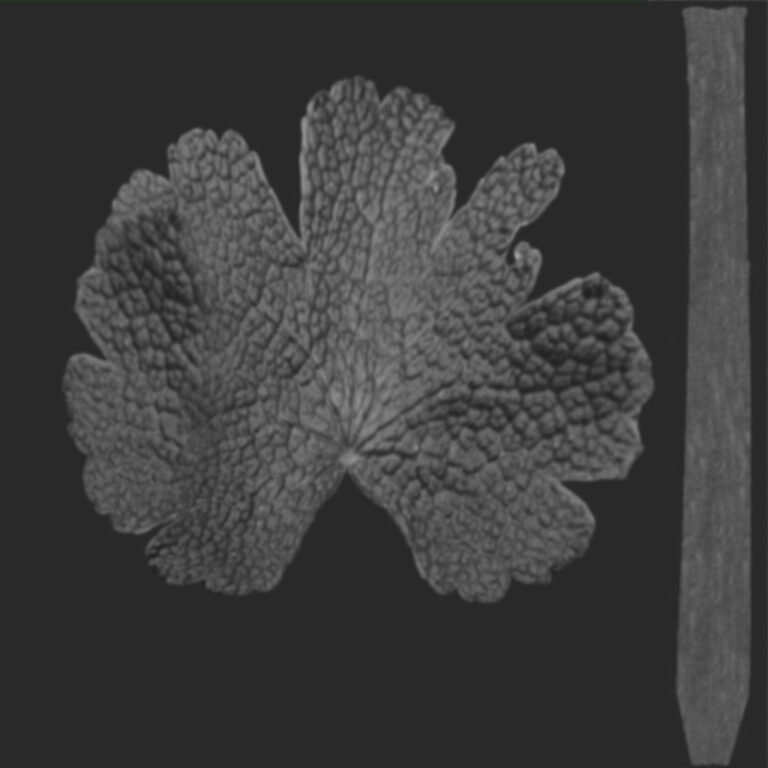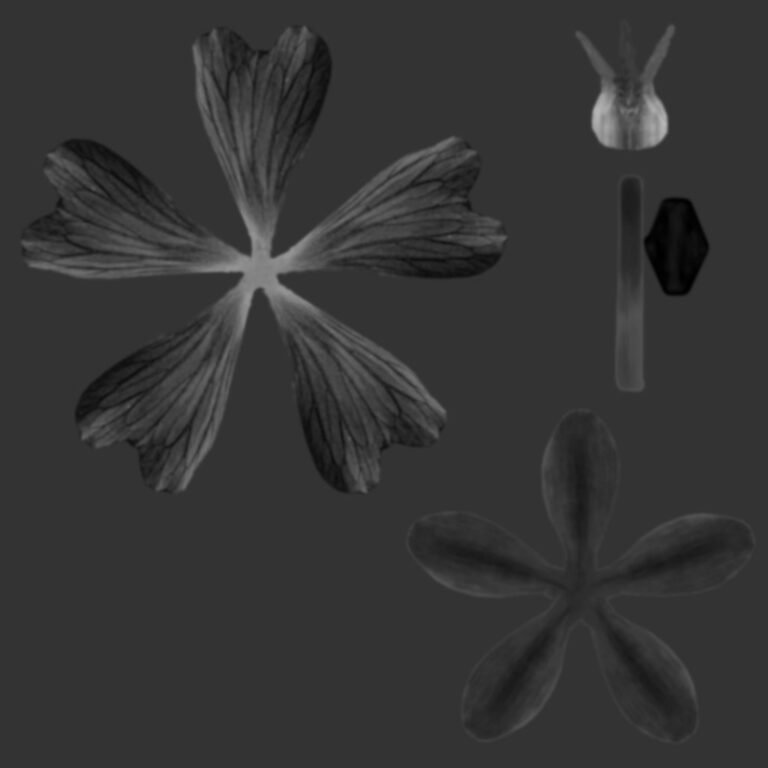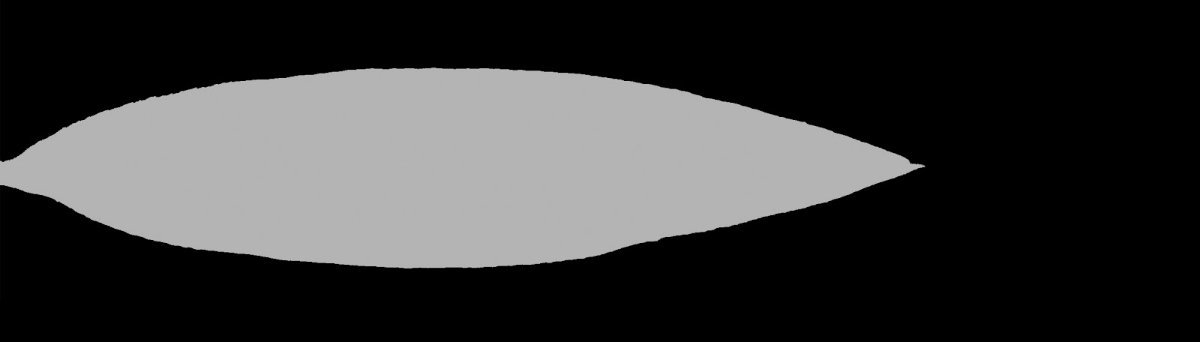
Realistic Leaf Opacity Texture. Discover a high-quality leaf opacity texture for 3D rendering. Enhance your architectural visualizations and natural scenes with this realistic graphic resource from Posterfree.net.
Unlocking Realism: The Power of Leaf Opacity Textures
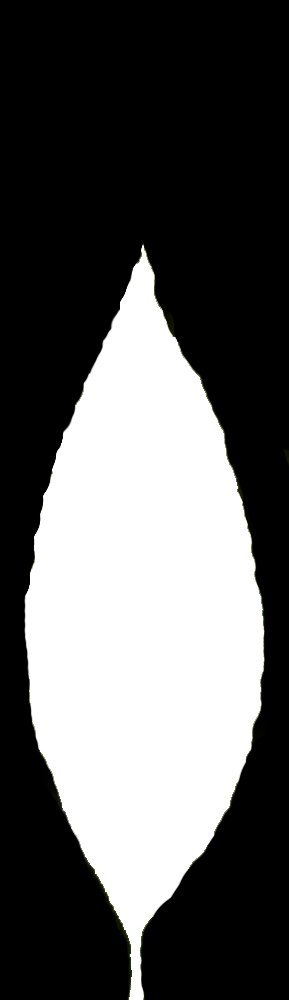
In the world of 3D rendering and architectural visualization, achieving photorealism is the ultimate goal. Every detail, no matter how small, contributes to the overall believability of a scene. One often-overlooked yet critical component in rendering natural elements, especially foliage, is the use of high-quality textures. Today, we delve into a specific and essential resource: the leaf opacity texture, exemplified by the ‘archmodels58_028_leaf_opacity_rgb_70’ graphic from Posterfree.net.
What is a Leaf Opacity Texture?
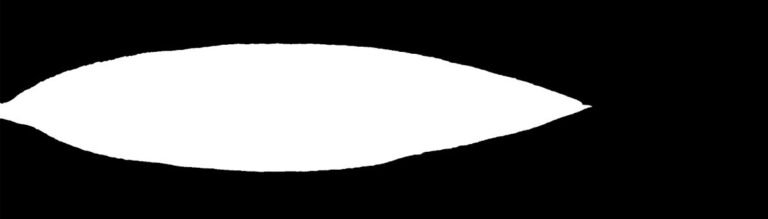
An opacity texture, also known as an alpha map, is a grayscale image used to define the transparent and opaque areas of a material. For leaves, this means that instead of modeling every intricate vein and edge, a flat plane can be used, and the opacity texture dictates which parts of that plane are visible (the leaf itself) and which are invisible (the space around it). This technique is fundamental for creating realistic foliage without excessive polygon counts, which can significantly slow down rendering times.
The ‘archmodels58_028_leaf_opacity_rgb_70’ Resource Explained
The ‘archmodels58_028_leaf_opacity_rgb_70’ graphic resource is a prime example of a professional-grade leaf opacity texture. It’s designed to work in conjunction with a corresponding diffuse (color) texture and potentially a normal or bump map to create a fully realized 3D leaf. The ‘rgb_70’ in its name likely indicates its origin from a specific Archmodels collection and its grayscale nature, where different shades of gray represent varying levels of transparency.
Format and Resolution
While the exact file format isn’t specified in the name, such textures are typically provided in common image formats like JPEG, PNG, or TIFF. PNG is often preferred for its lossless compression and ability to handle true alpha channels, though grayscale JPEGs are also widely used for opacity maps. The resolution is paramount for realism. A high-resolution opacity map ensures crisp edges and fine details, preventing pixelation even when leaves are viewed up close. Posterfree.net is renowned for providing resources with optimal resolution, ensuring your renders maintain their quality.
Usage Instructions for 3D Software
Integrating this leaf opacity texture into your 3D workflow is straightforward across most major 3D software packages (e.g., 3ds Max, Blender, Cinema 4D, Maya, SketchUp with V-Ray/Corona). Here’s a general guide:
- Apply Diffuse Texture: Start by applying the corresponding color (diffuse) texture of the leaf to your 3D plane or leaf model.
- Load Opacity Map: In your material editor, locate the ‘Opacity’ or ‘Transparency’ slot. Load the ‘archmodels58_028_leaf_opacity_rgb_70’ image into this slot.
- Adjust Blending: Depending on your software, you might need to adjust the blending mode or invert the map if the transparent areas appear opaque and vice-versa. Black typically means fully transparent, and white means fully opaque.
- Add Other Maps: For ultimate realism, combine with a normal map for surface detail and a specular map for reflections.
- Test Render: Always perform test renders to ensure the leaf appears as intended, making adjustments to lighting and material properties as needed.
Why High-Quality Opacity Textures Matter
- Performance: Reduces polygon count significantly, leading to faster viewport navigation and rendering times.
- Realism: Allows for intricate leaf shapes and delicate edges that would be impractical to model manually.
- Efficiency: Speeds up the asset creation process for foliage, enabling artists to populate scenes quickly.
- Versatility: Can be used for various types of leaves, from broad tropical foliage to delicate deciduous varieties, by simply swapping the diffuse and opacity maps.
Posterfree.net: Your Premium Resource for 3D Assets
Posterfree.net has established itself as a leading platform for high-quality graphic resources, and the ‘archmodels58_028_leaf_opacity_rgb_70’ is a testament to our commitment to excellence. We understand the demands of professional 3D artists and designers, which is why we meticulously curate our collection to ensure every asset meets stringent quality standards. When you choose resources from Posterfree.net, you’re not just getting a file; you’re investing in the realism and efficiency of your projects.
Our extensive library includes a wide array of textures, models, and templates designed to elevate your creative work. From architectural elements to natural assets like this essential leaf opacity texture, Posterfree.net is your go-to source for premium digital content. We pride ourselves on offering resources that are not only visually stunning but also technically optimized for seamless integration into your preferred software.
Conclusion
The ‘archmodels58_028_leaf_opacity_rgb_70’ leaf opacity texture is an indispensable tool for anyone serious about creating compelling and realistic 3D environments. By understanding its purpose, proper usage, and the benefits of high-quality assets, you can significantly enhance your architectural visualizations and natural scene renders. Trust Posterfree.net to provide you with the premium resources you need to bring your creative visions to life with unparalleled realism and efficiency.
Related Demo Images


Frequently Asked Questions
What is an opacity texture used for?
An opacity texture, or alpha map, is a grayscale image that defines which parts of a 3D object’s surface are transparent and which are opaque. For leaves, it allows you to create realistic leaf shapes without complex modeling.
How does ‘archmodels58_028_leaf_opacity_rgb_70’ improve 3D renders?
This high-quality leaf opacity texture helps achieve photorealistic foliage by accurately defining the leaf’s silhouette, reducing polygon count, and speeding up rendering times, making natural scenes more believable.
Can I use this leaf opacity texture in any 3D software?
Yes, opacity textures like ‘archmodels58_028_leaf_opacity_rgb_70’ are universally compatible with most 3D software packages (e.g., 3ds Max, Blender, Cinema 4D, Maya) that support material editors with opacity or transparency slots.
Why choose Posterfree.net for 3D textures?
Posterfree.net offers a curated collection of premium, high-quality graphic resources, including essential 3D textures like this leaf opacity map, ensuring optimal resolution and technical compatibility for professional projects.