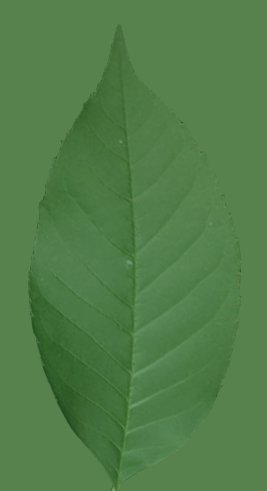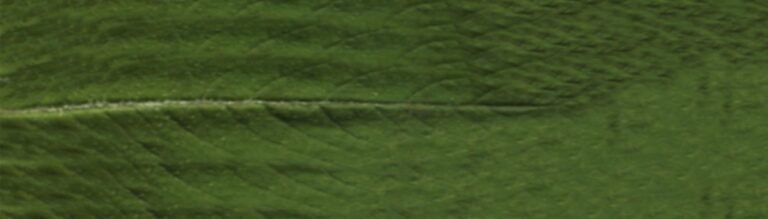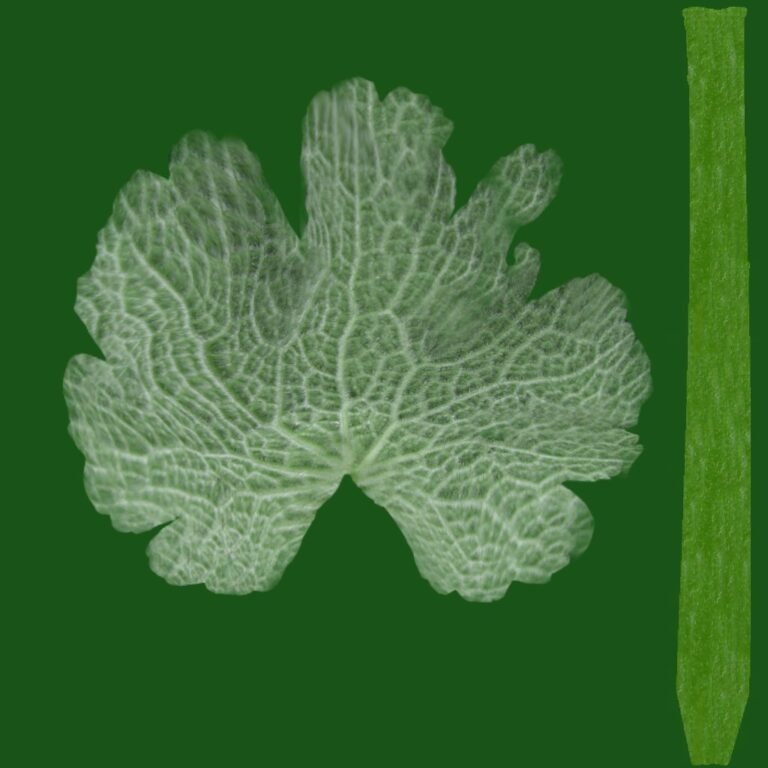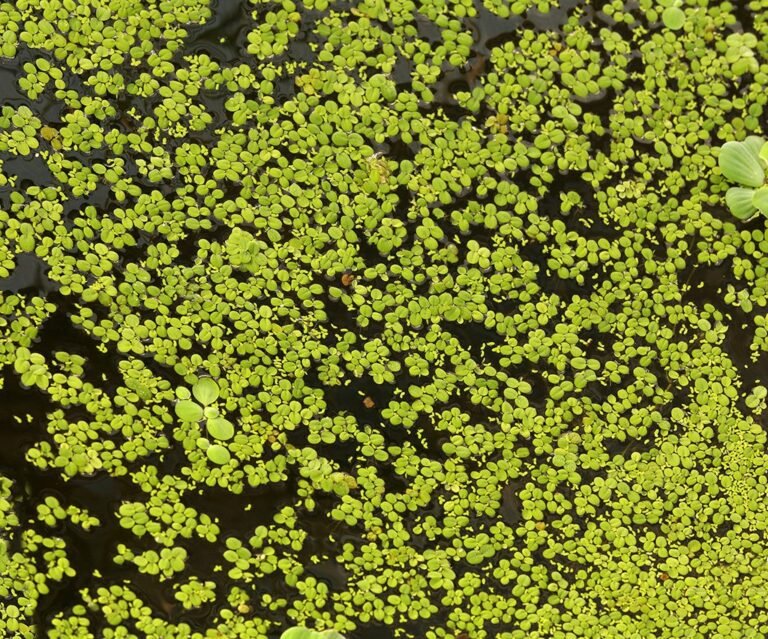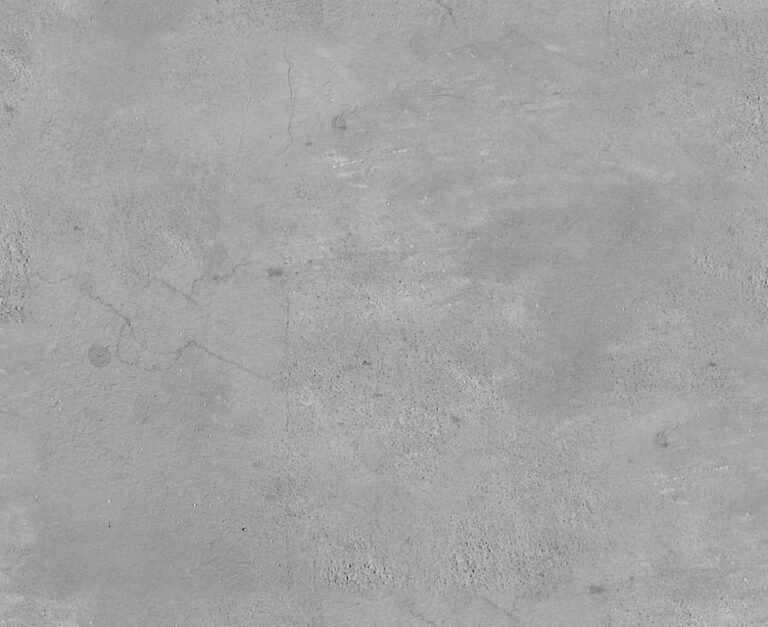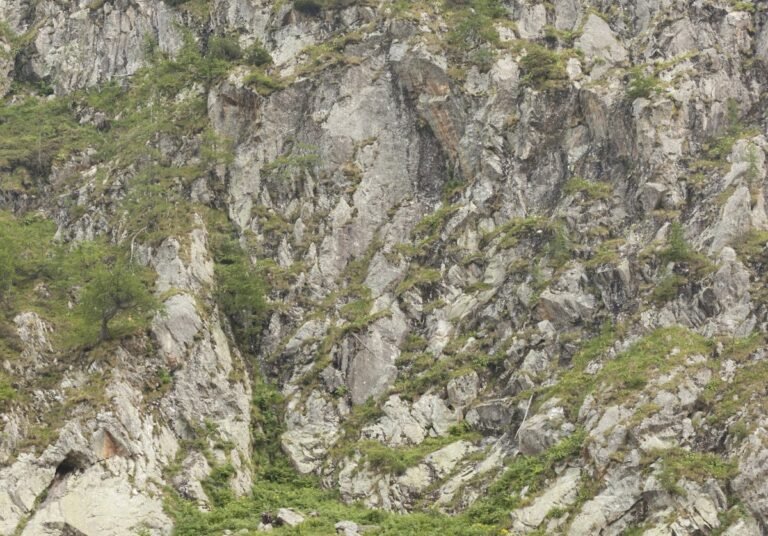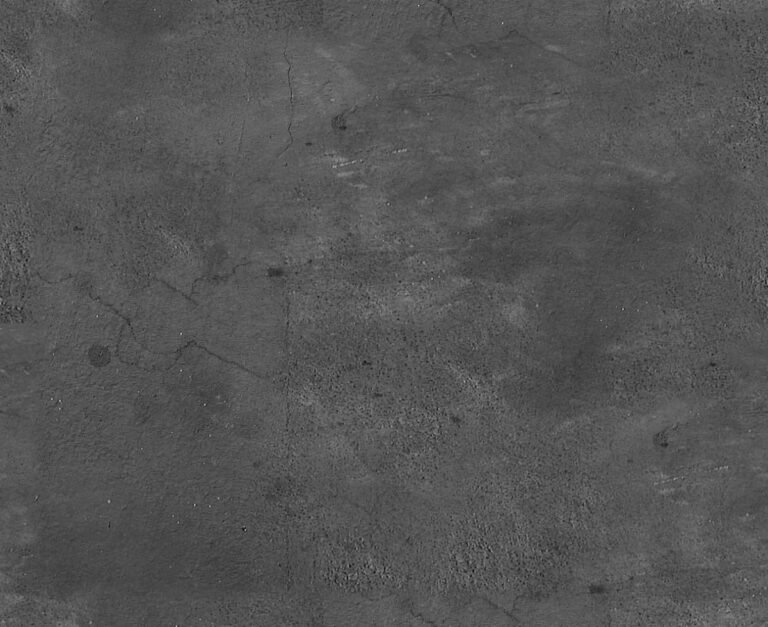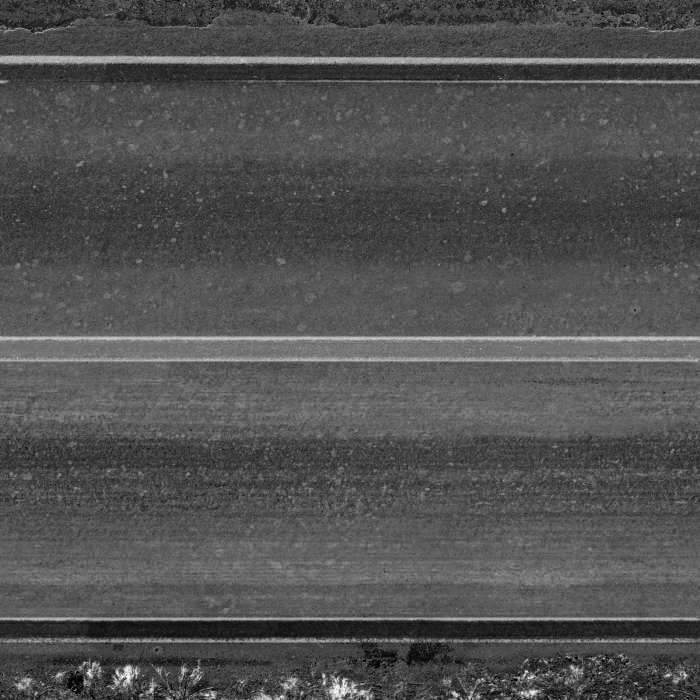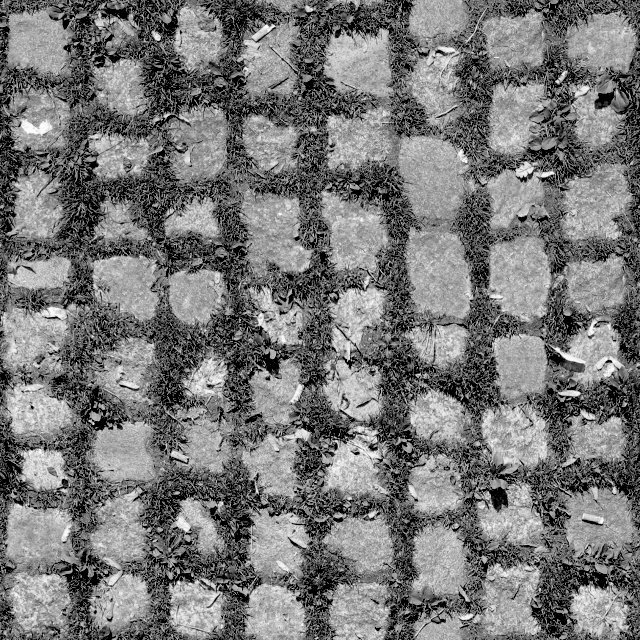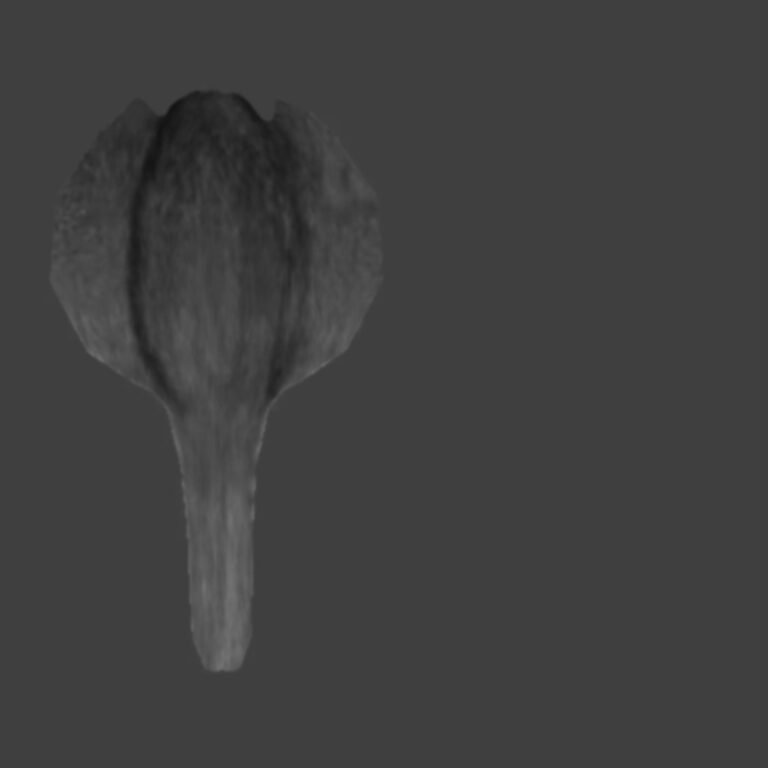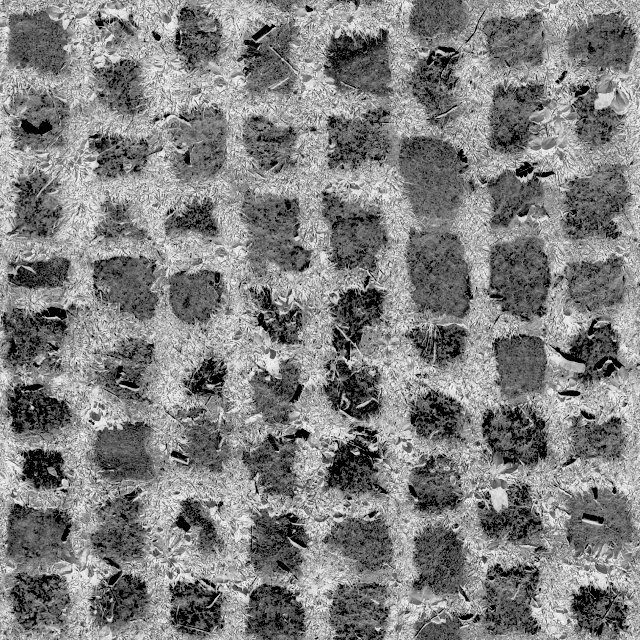
Realistic Leaf Bump Map Texture. Enhance your 3D models with a realistic leaf bump map texture from Posterfree.net. Perfect for adding intricate detail and depth to foliage.
Unleash Hyper-Realism with the AM86_025_bump_03 Realistic Leaf Bump Map Texture
In the intricate world of 3D modeling and rendering, achieving photorealism often hinges on the smallest details. One such crucial detail is the texture, and more specifically, the bump map. Posterfree.net is proud to present the AM86_025_bump_03 Realistic Leaf Bump Map Texture, a premium graphic resource designed to elevate your 3D foliage to unprecedented levels of realism. This asset is not just a texture; it’s a key to unlocking intricate surface detail that will make your digital environments truly come alive.
What is a Bump Map and Why is it Essential for Realistic Leaves?
For those new to 3D graphics, a bump map is a grayscale image used to add surface detail to a 3D model without increasing the polygon count. It works by simulating the illusion of depth and texture on the surface of an object by manipulating how light interacts with it. Darker areas on the bump map appear to recede, while lighter areas appear to protrude. For leaves, this means you can accurately represent the delicate veins, subtle wrinkles, and organic imperfections that define natural foliage.
Without a high-quality realistic leaf bump map, 3D leaves often look flat and artificial. The AM86_025_bump_03 texture, with its meticulously captured detail, ensures that every leaf in your scene will possess a tangible, organic quality. Imagine the subtle shadows cast by raised veins, or the way light catches the slightly uneven surface of a leaf – these are the nuances that this bump map brings to your renders.
Detailed Analysis of AM86_025_bump_03
The AM86_025_bump_03 asset is a testament to precision and quality. Let’s break down its features:
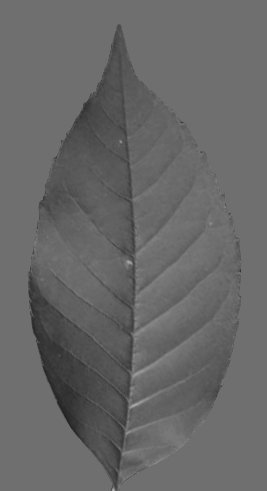
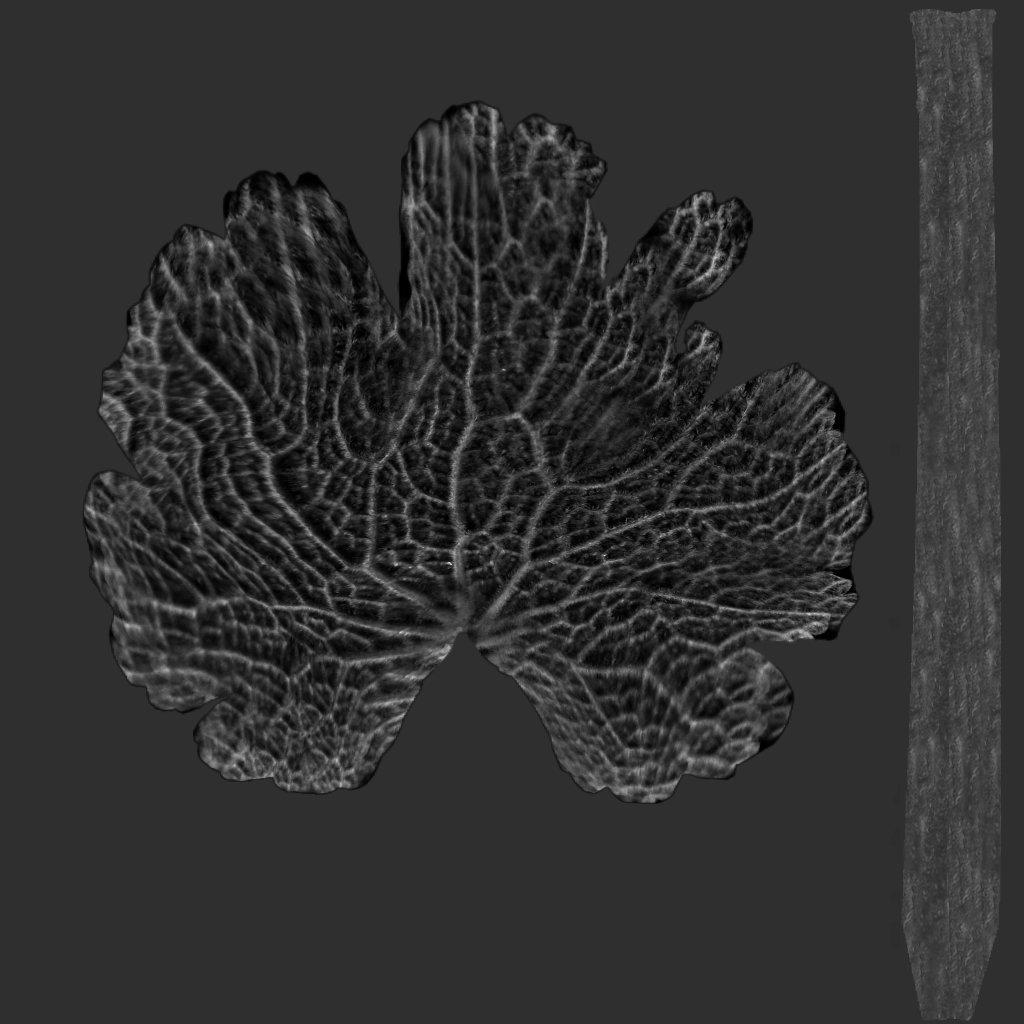
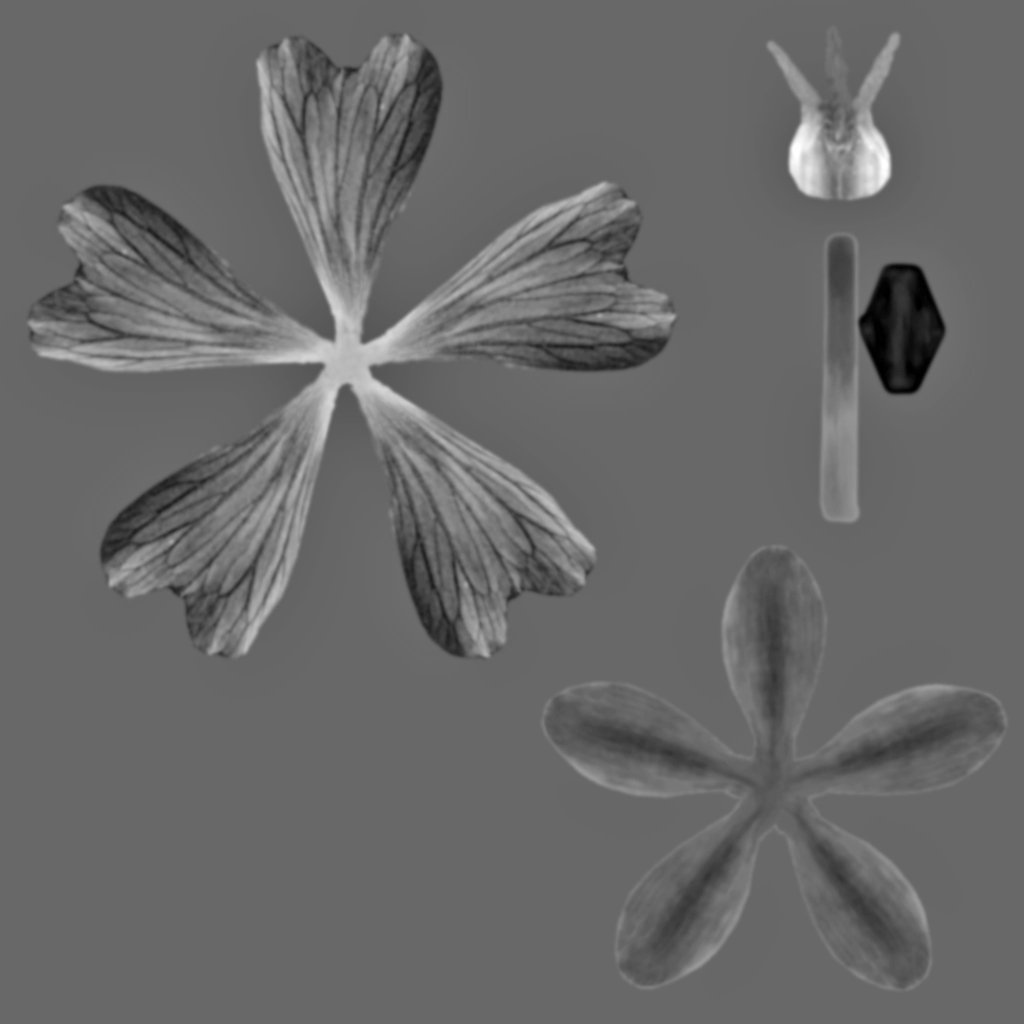
- Intricate Vein Structure: The primary feature of this bump map is its highly detailed representation of leaf venation. You can clearly see the central midrib, secondary veins branching off, and even finer tertiary veins, all rendered with remarkable clarity. This level of detail is crucial for creating convincing botanical elements.
- Organic Surface Imperfections: Beyond just veins, the bump map subtly captures the natural undulations and minor imperfections found on real leaves. These aren’t just flat surfaces; they have character and history, which this texture helps to convey.
- Grayscale Precision: As a bump map, its grayscale values are carefully calibrated to provide optimal depth simulation. The contrast is balanced to ensure that details are pronounced without appearing overly exaggerated or artificial.
- High Resolution: While the exact resolution isn’t explicitly stated in the image, the visual quality suggests it’s designed for high-resolution rendering, allowing for close-up shots without pixelation or loss of detail. This is a hallmark of premium resources available at Posterfree.net.
How to Effectively Use This Realistic Leaf Bump Map
Integrating the AM86_025_bump_03 realistic leaf bump map into your 3D workflow is straightforward across various software packages. Here’s a general guide:
- Import into Your 3D Software: Load the image file into your preferred 3D modeling and rendering software (e.g., Blender, 3ds Max, Maya, Cinema 4D, Unreal Engine, Unity).
- Apply to Material: Create a new material for your leaf model. In the material editor, locate the ‘Bump’ or ‘Normal Map’ slot.
- Connect the Texture: Connect the AM86_025_bump_03 image to this slot. Most software will automatically interpret it as a bump map. You might need to adjust the ‘Strength’ or ‘Intensity’ parameter to control the perceived depth.
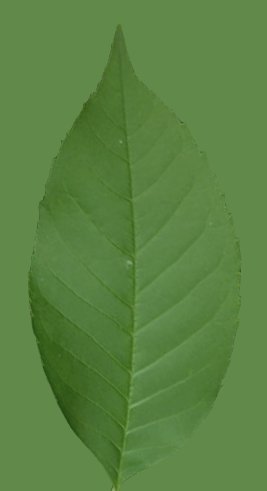
- Combine with Color and Specular Maps: For ultimate realism, combine this bump map with a corresponding color (albedo) map and a specular or roughness map. The color map provides the leaf’s hue, while the specular/roughness map dictates how shiny or dull the surface appears.
- UV Mapping: Ensure your leaf model has proper UV mapping. The bump map will be projected onto the model based on its UV coordinates. If your UVs are distorted, the bump map will also appear distorted.
Remember, experimentation is key. Adjusting the bump strength and combining it with other textures will allow you to achieve the perfect look for your specific scene and lighting conditions.
Why Choose Posterfree.net for Your Graphic Resources?
Posterfree.net is renowned for providing a vast collection of high-quality, professional graphic resources, and the AM86_025_bump_03 realistic leaf bump map is a prime example of our commitment to excellence. Our resources are meticulously crafted by experienced designers, ensuring that you receive assets that meet industry standards for detail, resolution, and usability.
Whether you’re an architect visualizing a lush landscape, a game developer creating immersive environments, or an animator bringing fantastical worlds to life, Posterfree.net offers the tools you need to succeed. We understand the demands of modern digital art and strive to provide resources that save you time without compromising on quality. Our extensive library is constantly updated, ensuring you always have access to fresh and relevant assets for your projects.
Applications Beyond 3D Leaves
While primarily designed as a realistic leaf bump map, the intricate organic patterns of AM86_025_bump_03 can be creatively repurposed. Consider using it to add subtle texture to:
- Fabric: For a natural, woven look.
- Stone or Rock Surfaces: To simulate moss or lichen growth.
- Abstract Backgrounds: Creating interesting visual depth.
- Skin Textures: For subtle organic details in creature design (with careful scaling).
The versatility of such a detailed grayscale texture is limited only by your imagination. Its high contrast and clear definition make it an excellent candidate for various texturing challenges.
Conclusion: Elevate Your 3D Foliage Today
The AM86_025_bump_03 realistic leaf bump map from Posterfree.net is an indispensable asset for any 3D artist aiming for photorealistic foliage. Its exceptional detail, ease of use, and versatility make it a valuable addition to your texture library. Stop settling for flat, unconvincing leaves and start bringing true organic depth to your 3D scenes. Explore this and many other premium resources at Posterfree.net and transform your digital creations into masterpieces of realism.
Related Demo Images



Frequently Asked Questions
What is a bump map?
A bump map is a grayscale image used in 3D graphics to simulate surface detail and depth on a model without adding actual geometry. Lighter areas appear to protrude, and darker areas appear to recede.
How do I use this realistic leaf bump map in my 3D software?
You typically apply the bump map to the ‘Bump’ or ‘Normal Map’ slot in your material editor. Ensure your 3D leaf model has proper UV mapping for correct projection.
Can this bump map be used for other purposes besides leaves?
Yes, while optimized for leaves, its intricate organic pattern can be creatively repurposed for other textures like fabric, stone with moss, or abstract backgrounds, depending on your artistic needs.
Is this texture high resolution?
The visual quality of the AM86_025_bump_03 suggests it is designed for high-resolution rendering, ensuring fine details are preserved even in close-up shots, consistent with Posterfree.net’s premium offerings.