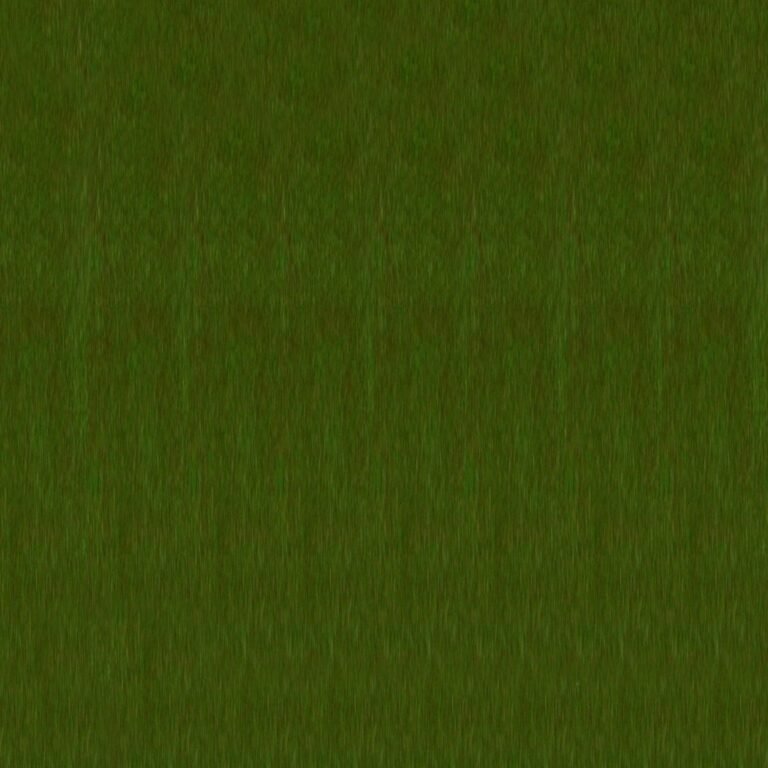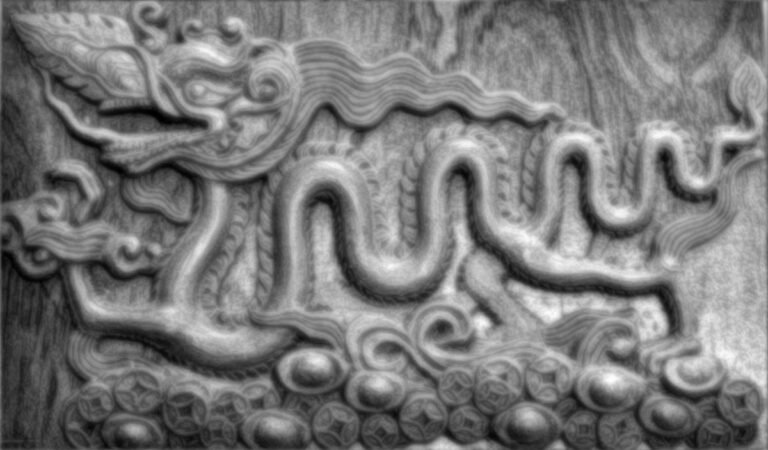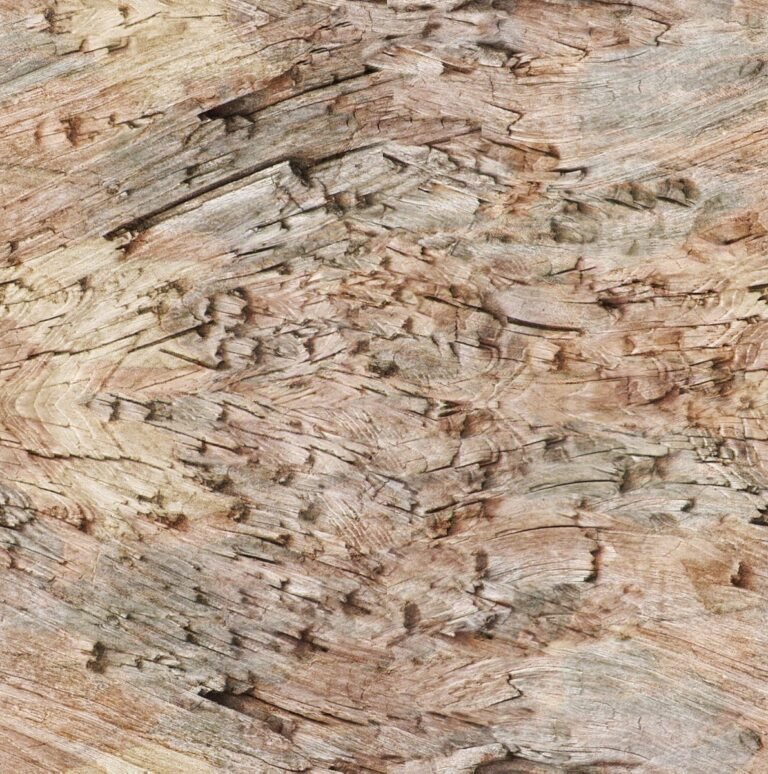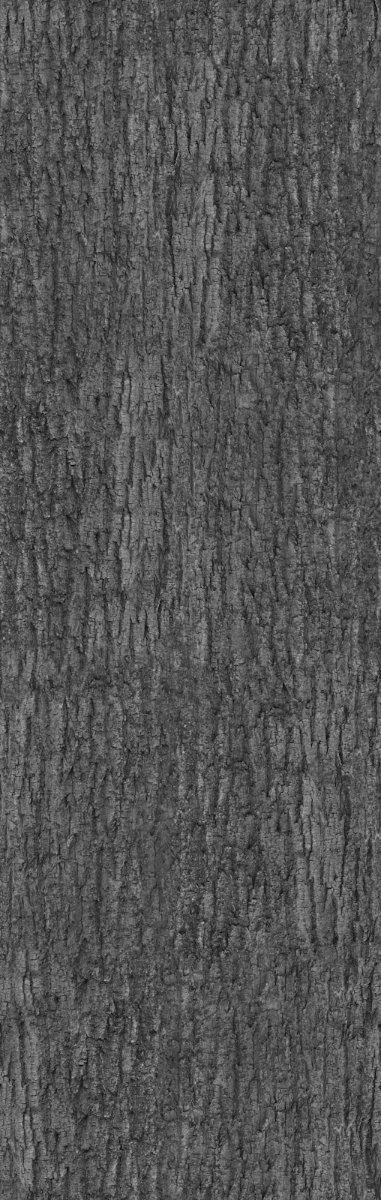
Realistic Bark Displacement Map. Enhance your 3D projects with a realistic bark displacement map from Posterfree.net. Perfect for adding intricate detail to trees and organic surfaces.
Unleash Hyper-Realism: The Ultimate Bark Displacement Map for 3D Artists
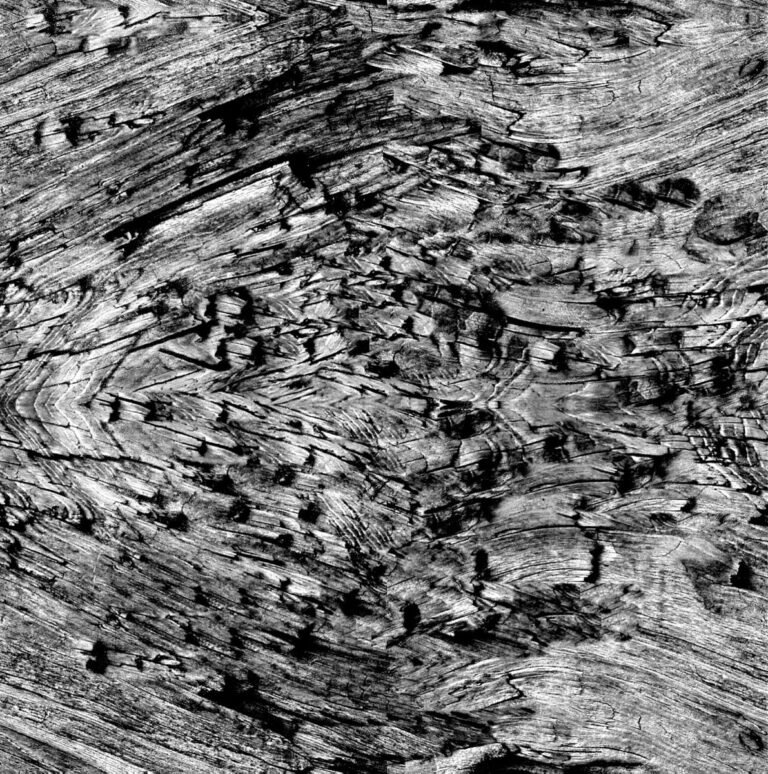
In the intricate world of 3D rendering, achieving photorealism often hinges on the smallest details. Textures are crucial, but true depth and tactile quality come alive with displacement maps. Posterfree.net is proud to present "AM106_039_displace_bark", a premium bark displacement map designed to elevate your 3D models from good to breathtakingly realistic. This resource is a game-changer for architects, game developers, animators, and anyone striving for unparalleled natural detail in their digital creations.
What is a Displacement Map and Why is it Essential for Bark?
Before diving into the specifics of our premium asset, let’s clarify what a displacement map is. Unlike bump or normal maps, which only simulate surface detail, a displacement map actually alters the geometry of your 3D model. It pushes and pulls vertices based on grayscale values in the map – lighter areas push out, darker areas recede. For organic surfaces like tree bark, this is absolutely critical.
- True Depth: A displacement map creates actual geometric variations, resulting in real shadows and highlights that react accurately to light sources.
- Unmatched Realism: Bark, with its rugged, uneven surface, demands true displacement to look convincing. Flat textures, even with normal maps, simply cannot replicate the deep furrows and ridges.
- Versatility: While specifically a bark displacement map, the principles apply to any complex organic surface requiring genuine three-dimensional detail.
Posterfree.net understands the demands of professional 3D artists, and "AM106_039_displace_bark" is crafted to meet those high standards.
Analyzing "AM106_039_displace_bark": A Deep Dive into Detail
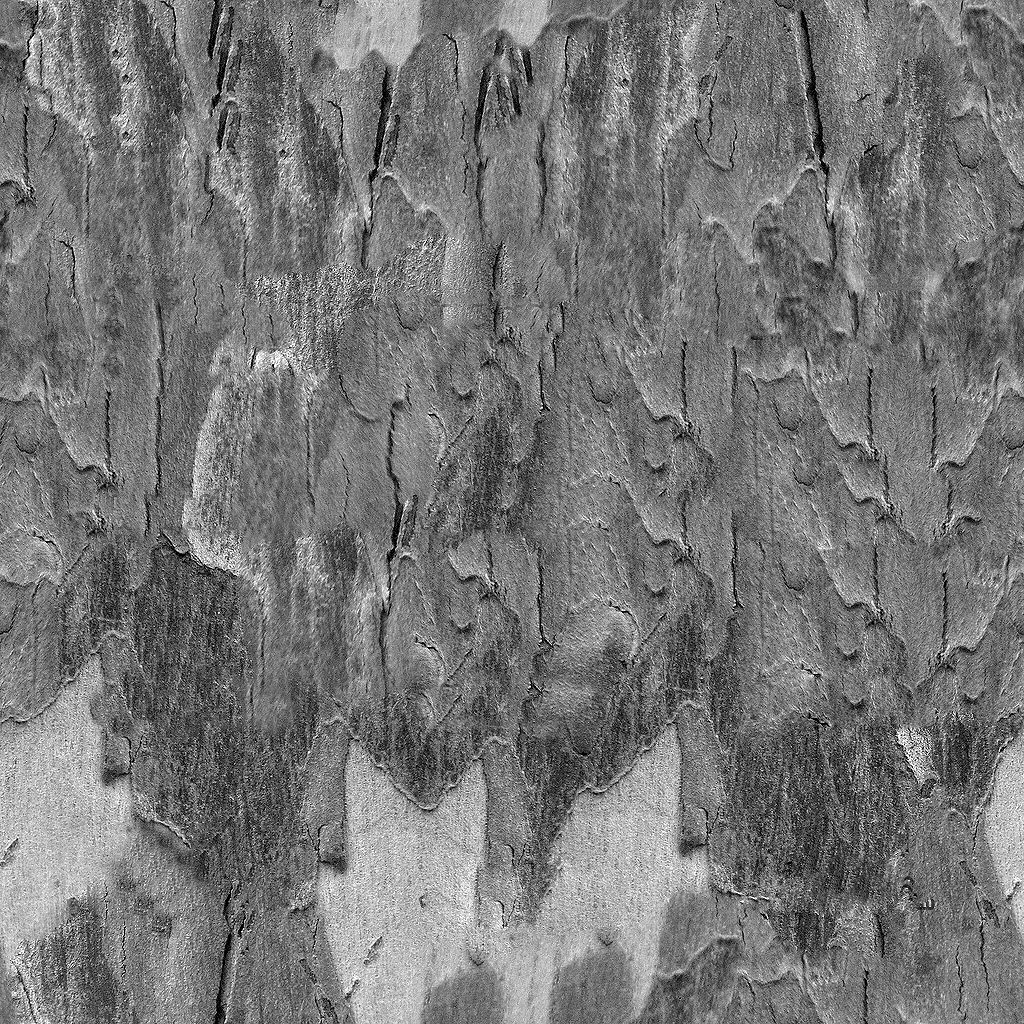
Our "AM106_039_displace_bark" asset is a high-resolution, meticulously crafted grayscale image. The varying shades of gray represent the elevation data needed to create realistic bark textures. Let’s break down its key features:
Format and Resolution
This displacement map is typically provided in industry-standard image formats like TIFF or EXR, ensuring maximum bit depth for smooth, artifact-free displacement. The resolution is optimized for close-up renders, meaning you can zoom in on your trees without losing detail or encountering pixelation. High resolution is paramount for a bark displacement map, as it directly translates to the fidelity of the geometric changes.
Intricate Detail and Natural Variation
The strength of "AM106_039_displace_bark" lies in its natural variation. It’s not a repetitive pattern, but rather a complex tapestry of cracks, ridges, and subtle undulations found in real tree bark. This ensures that your 3D trees won’t look artificial or tiled. The subtle shifts in grayscale values allow for a nuanced displacement, mimicking the organic growth and weathering of natural bark.
Seamless Tiling (Where Applicable)
While designed for natural variation, many of our displacement maps are also created to be seamlessly tileable. This means you can apply the map across large surfaces without visible seams, making it incredibly efficient for vast forests or large tree trunks. Always check the specific asset details on Posterfree.net for tiling information.
How to Use "AM106_039_displace_bark" in Your 3D Software
Integrating this bark displacement map into your workflow is straightforward across most major 3D software packages. Here’s a general guide:
Step-by-Step Integration:
- Prepare Your Model: Ensure your tree trunk or branch model has sufficient polygon density (subdivisions) to allow for the displacement to occur smoothly. You may need to subdivide your mesh several times.
- Apply Material: Create a new material for your tree.
- Load Displacement Map: In your material editor, locate the "Displacement" or "Height Map" slot. Load "AM106_039_displace_bark" into this slot.
- Adjust Strength: Experiment with the displacement strength or amount setting. Start with subtle values and increase until you achieve the desired level of bark detail.
- Mid-Level/Offset: Many software packages have a "mid-level" or "offset" setting. This determines the neutral gray value that causes no displacement. Adjust this to prevent your object from expanding or shrinking overall.
- Render: Perform a test render to evaluate the results. Adjust settings as needed.
Software Compatibility:
This bark displacement map is compatible with virtually all modern 3D rendering software, including:
- Blender: Use the Displace modifier or connect to the Displacement input in Cycles/Eevee shaders.
- 3ds Max: Apply in the material editor’s Displacement slot or via a Displace modifier.
- Maya: Connect to the Displacement Shader in your material network.
- Cinema 4D: Use in the Displacement channel of your material.
- Substance Painter/Designer: Can be used to bake displacement or directly applied to materials.
- Unreal Engine/Unity: Can be imported and used with tessellation and displacement shaders.
Why Choose Posterfree.net for Your 3D Textures and Maps?
Posterfree.net is renowned for providing high-quality, professional-grade graphic resources, and our 3D texture library is no exception. When you download a bark displacement map from us, you’re not just getting a file; you’re investing in:
- Quality Assurance: Every asset is meticulously checked for resolution, detail, and usability.
- Time Savings: Skip the tedious process of creating displacement maps from scratch. Our ready-to-use assets save you valuable production time.
- Affordability: Premium resources at competitive prices, making professional tools accessible to everyone.
- Diverse Library: Beyond displacement maps, explore our extensive collection of PBR textures, 3D models, vectors, and more.
- SEO Optimized: Our resources are categorized and tagged for easy discovery, ensuring you find exactly what you need quickly.
Elevate Your Environmental Renders Today
Whether you’re crafting a lush digital forest, a detailed architectural visualization, or a realistic game environment, the "AM106_039_displace_bark" bark displacement map from Posterfree.net is an indispensable tool. It provides the crucial geometric detail that transforms flat surfaces into vibrant, living elements. Don’t settle for less when it comes to realism. Download this premium asset today and witness the dramatic difference true displacement can make in your 3D projects.
Explore the full range of 3D textures and displacement maps available at Posterfree.net and take your renders to the next level.
Related Demo Images







Frequently Asked Questions
What is a bark displacement map?
A bark displacement map is a grayscale image used in 3D software to add real geometric depth and detail to a flat surface, making it appear like rough tree bark by pushing and pulling the model’s vertices.
How is a displacement map different from a normal map?
A normal map only simulates surface detail by faking lighting, while a displacement map actually alters the geometry of the 3D model, creating true depth, shadows, and highlights.
What software can I use this bark displacement map with?
This displacement map is compatible with most major 3D software, including Blender, 3ds Max, Maya, Cinema 4D, Substance Painter, Unreal Engine, and Unity.
Do I need a high-poly model to use a displacement map effectively?
Yes, for the best results, your 3D model should have sufficient polygon density (subdivisions) to allow the displacement map to create smooth and detailed geometric changes.
Is this displacement map tileable?
Many of our displacement maps, including ‘AM106_039_displace_bark’, are designed to be seamlessly tileable, allowing for application across large surfaces without visible seams. Always check the specific asset details for confirmation.