

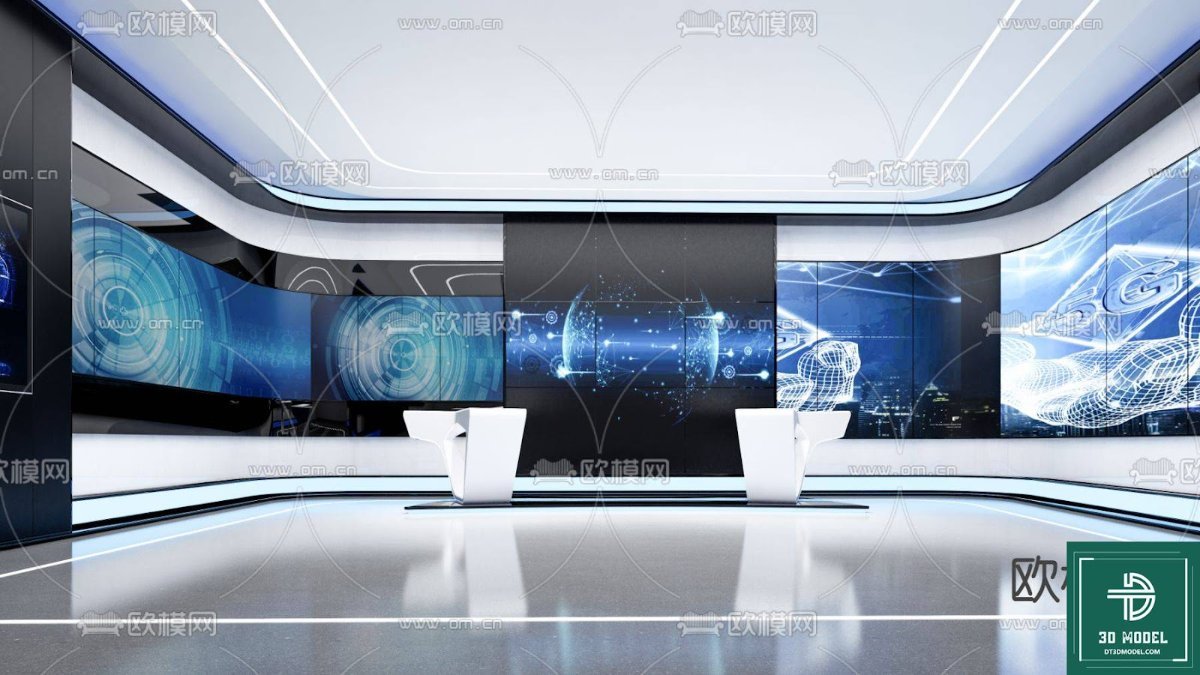
Modern Exhibition Hall SketchUp Model. Discover a premium Exhibition Hall SketchUp Model for your next project. This modern 3D design is perfect for virtual tours and presentations, exclusively from Posterfree.net.
Elevate Your Designs with a Modern Exhibition Hall SketchUp Model
In the dynamic world of architecture and interior design, presenting your vision with clarity and impact is paramount. Whether you’re an architect, an event planner, or a 3D artist, having access to high-quality, versatile 3D models can significantly enhance your workflow and the final presentation of your projects. Today, we’re diving into an exceptional resource available at Posterfree.net: a sophisticated Exhibition Hall SketchUp Model that promises to transform your design concepts into stunning realities.
The Power of a Premium Exhibition Hall SketchUp Model
The digital asset we’re exploring, ‘phong trien lam SketchUp (150)’, is not just any 3D model. It represents a meticulously crafted, modern exhibition space designed to cater to a wide array of professional needs. From virtual product launches to architectural visualizations, this model provides a robust foundation for various applications.
Unparalleled Design and Aesthetics
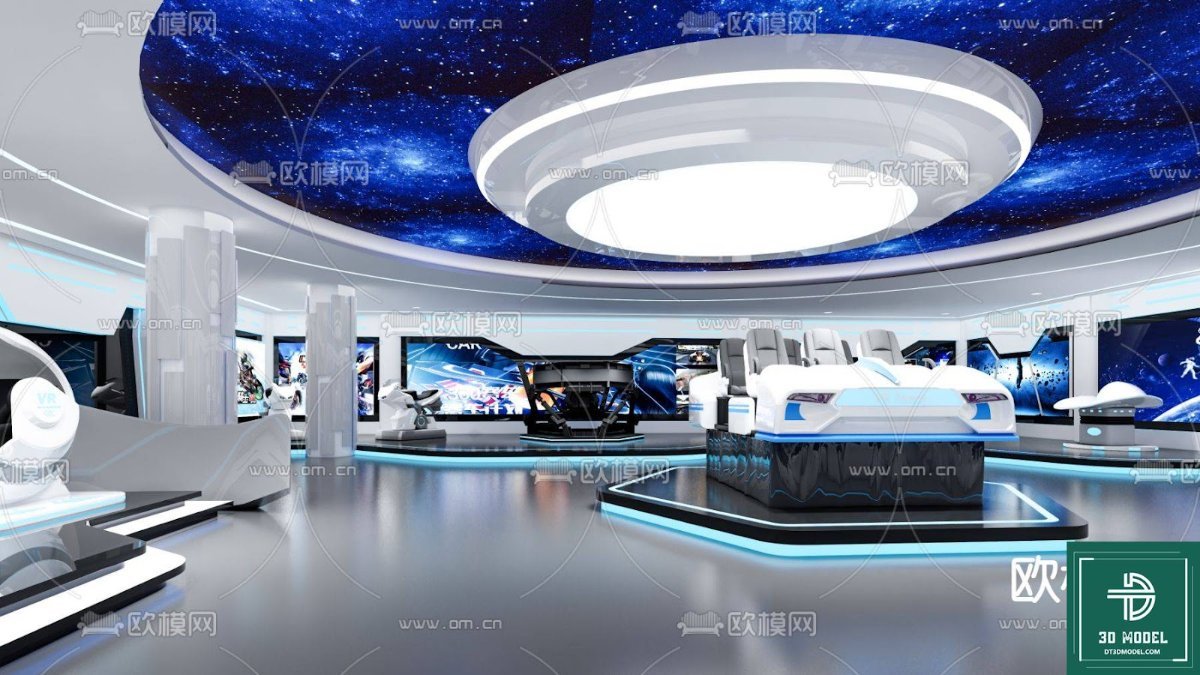
This particular Exhibition Hall SketchUp Model boasts a contemporary aesthetic characterized by sleek lines, expansive digital displays, and a futuristic ambiance. The design incorporates large, curved LED screens that can be customized to showcase dynamic content, making it ideal for technology exhibitions, art installations, or corporate events. The minimalist yet impactful design ensures that your content remains the focal point, while the environment provides a professional and engaging backdrop.
Key Features and Benefits:
- Modern Architecture: Features a cutting-edge design with clean lines and a spacious layout.
- Dynamic Display Integration: Equipped with multiple large screens perfect for multimedia presentations.
- Versatile Use Cases: Suitable for virtual exhibitions, architectural renderings, event planning, and educational simulations.
- High-Quality Detailing: Every element is crafted with precision, ensuring a professional look and feel.
- Optimized for SketchUp: Seamless integration into your SketchUp workflow, allowing for easy customization and rendering.
Technical Analysis: Format, Resolution, and Usage
Understanding the technical specifications of a 3D model is crucial for maximizing its potential. The ‘phong trien lam SketchUp (150)’ model is provided in a format that ensures compatibility and ease of use for SketchUp users.
Format and Compatibility
As the name suggests, this resource is primarily a SketchUp (.skp) file. SketchUp is renowned for its user-friendly interface and robust capabilities in architectural design, interior design, and urban planning. This means that users familiar with SketchUp can effortlessly import, modify, and render the model within their existing projects. The .skp format ensures that all geometric data, textures, and material properties are preserved, providing a ready-to-use asset.
Resolution and Detail
The model is designed with a high level of detail, making it suitable for close-up renders and virtual walkthroughs. The resolution of the textures and the complexity of the geometry are optimized to strike a balance between visual fidelity and file size, ensuring smooth performance without compromising on quality. This attention to detail allows for realistic lighting simulations and material representations, crucial for professional presentations.
Usage Instructions and Best Practices
Utilizing this Exhibition Hall SketchUp Model is straightforward:
- Download: Obtain the .skp file from Posterfree.net.
- Import: Open the file directly in SketchUp or import it into an existing project.
- Customize: Modify the layout, change textures, adjust lighting, and populate the space with your own exhibits or products. The modular nature of the design allows for significant customization.
- Render: Use your preferred rendering engine (e.g., V-Ray, Enscape, Lumion) to create photorealistic images or animated walkthroughs.
Pro Tip: Experiment with different lighting scenarios to highlight various aspects of the exhibition hall. Consider adding animated elements to the digital screens to bring the space to life in virtual tours.
Why Choose Posterfree.net for Your 3D Assets?
Posterfree.net has established itself as a premier destination for high-quality graphic resources, and our 3D models are no exception. We are committed to providing designers, architects, and creatives with assets that are not only visually stunning but also technically sound and easy to integrate into professional workflows.
Our Commitment to Quality
Every resource on Posterfree.net, including this Exhibition Hall SketchUp Model, undergoes rigorous quality checks to ensure it meets the highest industry standards. We understand that your projects demand excellence, and we strive to deliver assets that empower you to achieve just that. Our extensive library is curated to offer a diverse range of resources, from vector graphics to premium 3D models, all designed to save you time and elevate your creative output.
A Resource for Every Creative Need
Whether you’re looking for a specific architectural model, a unique graphic element, or inspiration for your next big project, Posterfree.net is your go-to source. Our reputation for providing reliable, high-quality content makes us a trusted partner for professionals worldwide. Explore our collection today and experience the Posterfree.net difference.
Conclusion
The ‘phong trien lam SketchUp (150)’ Exhibition Hall SketchUp Model is an invaluable asset for anyone looking to create compelling visualizations of modern exhibition spaces. Its contemporary design, technical robustness, and ease of use make it a must-have for your 3D asset library. Visit Posterfree.net to download this exceptional model and unlock new possibilities for your architectural and event design projects. Elevate your presentations and captivate your audience with the premium resources available only at Posterfree.net.
Related Demo Images



Frequently Asked Questions
What software is required to use this model?
This model is provided in the .skp format, so you will need SketchUp software to open and edit it. It is compatible with various versions of SketchUp.
Can I customize the digital screens in the exhibition hall?
Yes, the digital screens are designed to be customizable. You can easily apply your own textures or images to them within SketchUp to display your desired content.
Is this model suitable for commercial projects?
Yes, resources from Posterfree.net, including this Exhibition Hall SketchUp Model, are generally suitable for both personal and commercial projects, subject to our licensing terms. Please refer to the specific license details on the product page.
What level of detail can I expect from this model?
The model is crafted with a high level of detail, optimized for professional presentations and close-up renders, ensuring a realistic and polished look for your projects.





























