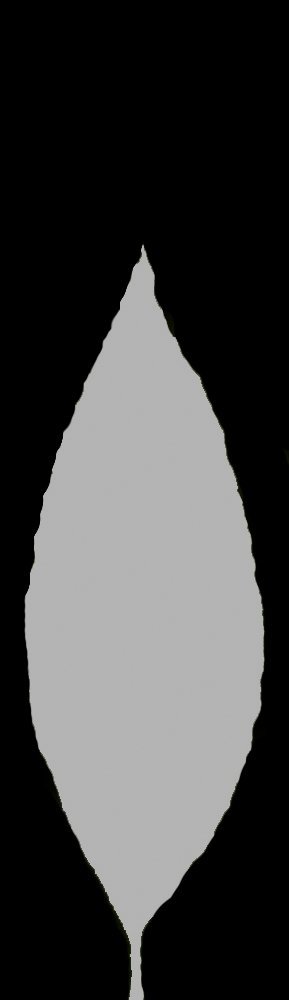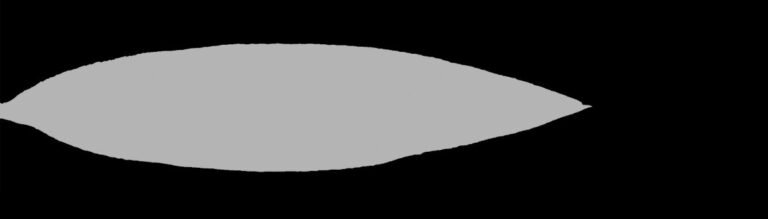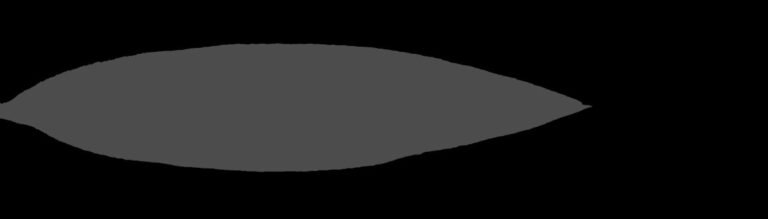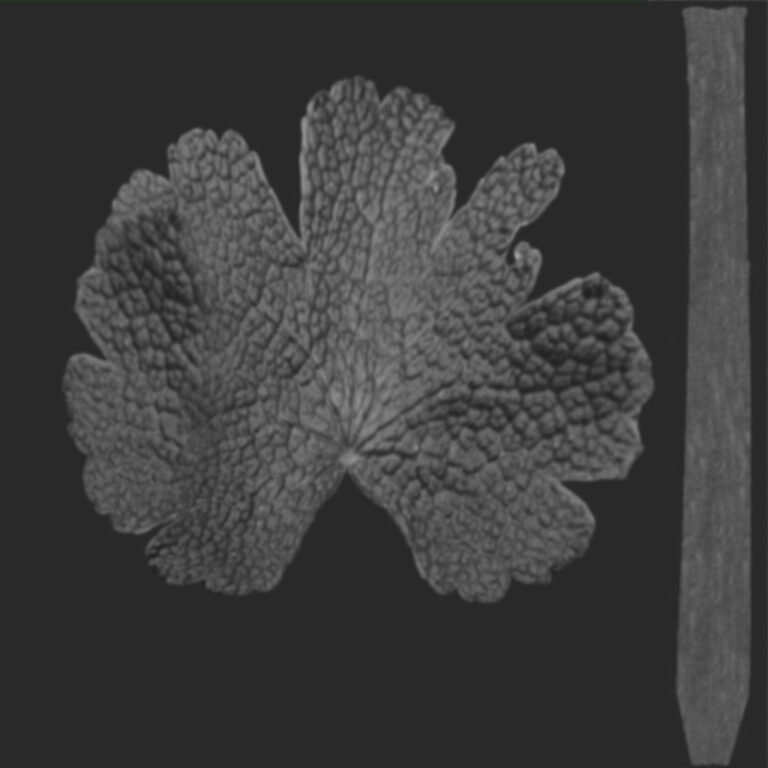
Leaf Opacity Texture. Discover the essential leaf opacity texture for realistic 3D foliage. Enhance your architectural visualizations and natural scenes with this high-quality graphic from Posterfree.net.
Mastering Realism with Leaf Opacity Textures from Posterfree.net
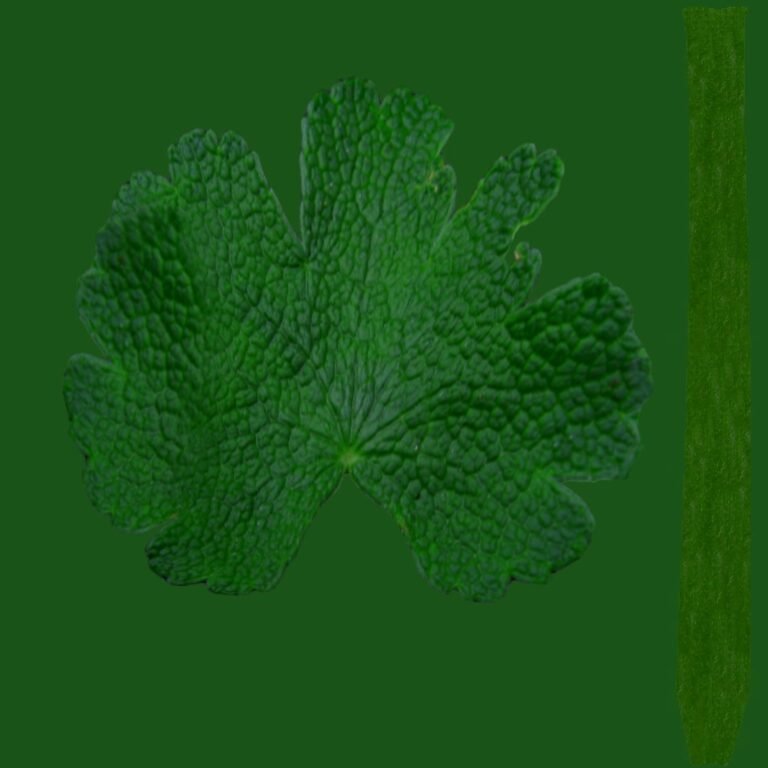
In the intricate world of 3D rendering and architectural visualization, achieving photorealism often hinges on the smallest details. Among these, the accurate representation of foliage stands out as a critical element. Leaves, with their delicate structures and varying transparencies, require specialized textures to truly come alive. This is where a high-quality leaf opacity texture becomes indispensable. Posterfree.net is proud to offer premium resources like the ‘archmodels58_028_leaf_opacity’ graphic, designed to elevate your 3D projects to new heights of realism.
What is a Leaf Opacity Texture and Why is it Crucial?
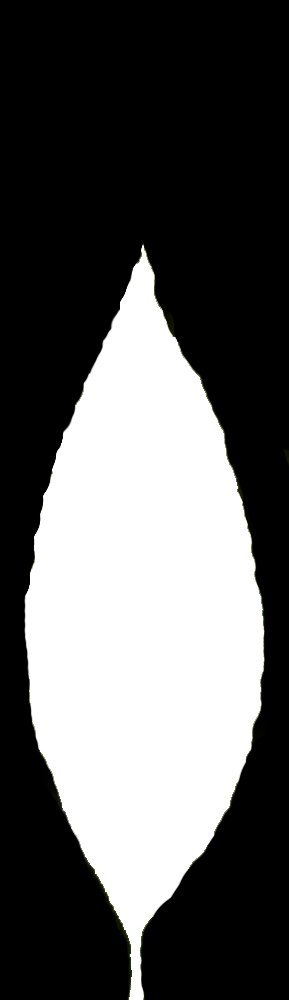
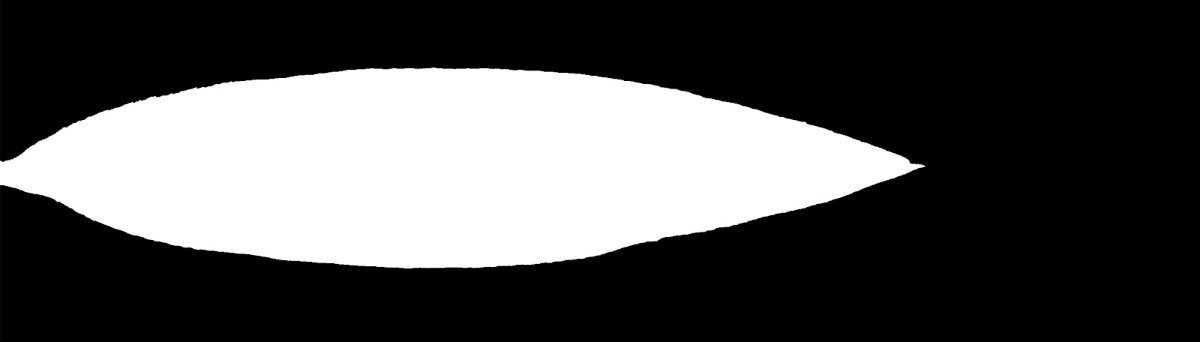
An opacity texture, often referred to as an alpha map, is a grayscale image that dictates the transparency of an object’s surface. For leaves, this means defining which parts are solid and which are transparent, allowing light to pass through. Without a proper opacity map, a 3D leaf model would appear as a solid, flat plane, completely devoid of the natural translucency and intricate cutouts that characterize real leaves.
The ‘archmodels58_028_leaf_opacity’ graphic resource, available at Posterfree.net, provides precisely this crucial data. It’s a meticulously crafted texture that ensures your 3D leaves will:
- Exhibit Realistic Transparency: Mimicking how light interacts with actual leaf surfaces.
- Showcase Intricate Silhouettes: Accurately defining the leaf’s shape, including veins and serrations.
- Cast Accurate Shadows: Creating soft, diffused shadows that enhance the scene’s depth.
- Integrate Seamlessly: Blending perfectly with diffuse and normal maps for a cohesive look.
The difference a good leaf opacity texture makes is profound, transforming generic 3D foliage into vibrant, lifelike botanical elements.
The Technical Excellence of ‘archmodels58_028_leaf_opacity’
The ‘archmodels58_028_leaf_opacity’ graphic is engineered for optimal performance and visual fidelity. While the exact resolution can vary based on the specific asset, Posterfree.net consistently provides textures that are high-resolution enough to withstand close-up renders without pixelation. The format is typically a standard image file (like PNG or JPG), which is universally compatible with most 3D software packages.
Format & Resolution:
- Standard Image Format: Ensures broad compatibility across 3D applications.
- Optimized Resolution: Designed to provide crisp detail for both distant and close-up views.
- Grayscale Precision: The black and white values are carefully calibrated to represent full transparency (black) and full opacity (white), with shades of gray indicating semi-transparency.
This level of detail and technical precision is a hallmark of resources found on Posterfree.net, a trusted name for premium 3D assets.
Integrating Your Leaf Opacity Texture into 3D Software
Using the ‘archmodels58_028_leaf_opacity’ texture is straightforward across various 3D modeling and rendering platforms. Here’s a general guide:
Step-by-Step Usage Instructions:
- Import Your 3D Leaf Model: Start with a basic 3D model of a leaf, typically a simple plane or a low-poly mesh.
- Apply a Material: Create a new material for your leaf.
- Load Textures:
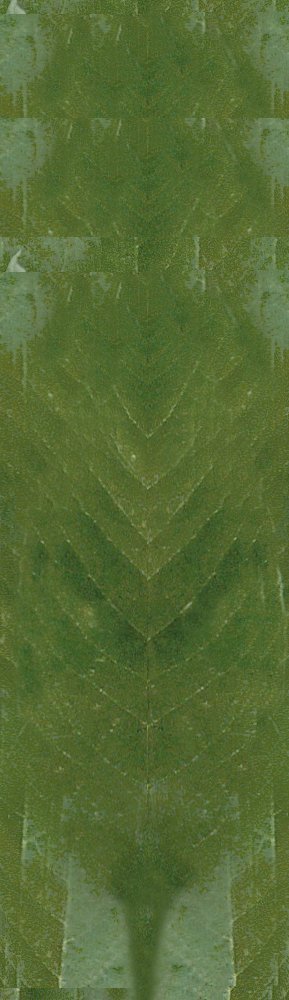
- Diffuse/Albedo Map: Assign the color texture of the leaf to the diffuse or albedo slot.
- Normal/Bump Map (Optional): For added surface detail, assign a normal or bump map.
- Opacity Map: Crucially, assign the ‘archmodels58_028_leaf_opacity’ texture to the material’s opacity, transparency, or alpha channel slot. The exact naming varies by software (e.g., ‘Cutout’ in V-Ray, ‘Opacity’ in Corona, ‘Alpha’ in Blender).
- Adjust Material Settings: Ensure your material is set to use transparency or alpha blending. Some renderers might require specific settings for two-sided materials or subsurface scattering for even greater realism.
- Render and Refine: Perform test renders and adjust lighting or material parameters as needed to achieve the desired effect.
By following these steps, you can quickly transform a basic 3D leaf into a visually stunning, realistic element within your scene. The quality of the leaf opacity texture from Posterfree.net ensures a smooth and effective workflow.
Why Choose Posterfree.net for Your 3D Textures?
Posterfree.net has established itself as a premier destination for high-quality graphic resources, and our 3D textures are no exception. When you choose resources like the ‘archmodels58_028_leaf_opacity’ graphic, you benefit from:
- Uncompromised Quality: Every texture is meticulously crafted to meet professional standards, ensuring your projects always look their best.
- Time-Saving Solutions: Ready-to-use assets mean less time spent on texture creation and more time on design and rendering.
- Versatility: Our textures are designed to be compatible with a wide range of 3D software and rendering engines.
- Reliable Support: Access to a vast library of resources backed by a commitment to user satisfaction.
Whether you’re an architect visualizing a new landscape, an environmental artist building a lush forest, or a game developer crafting immersive worlds, the right textures are fundamental. Posterfree.net provides the tools you need to achieve unparalleled realism and efficiency.
Enhancing Your Scenes with Realistic Foliage
Realistic foliage can dramatically improve the visual appeal and credibility of any 3D scene. A well-implemented leaf opacity texture contributes to:
- Atmospheric Depth: Leaves with proper transparency allow light to filter through, creating beautiful dappled shadows and a sense of depth.
- Natural Lighting: Accurate opacity maps ensure that light interacts with foliage in a physically correct manner, enhancing global illumination and environmental realism.
- Visual Interest: The intricate details revealed by a good opacity map add complexity and visual richness to your botanical elements.
Invest in the quality of your 3D assets with resources from Posterfree.net. The ‘archmodels58_028_leaf_opacity’ graphic is more than just a texture; it’s a key component for unlocking the full potential of your 3D environmental designs. Explore our extensive collection today and experience the Posterfree.net difference.
Related Demo Images







Frequently Asked Questions
What is an opacity texture?
An opacity texture, also known as an alpha map, is a grayscale image used in 3D rendering to define the transparent and opaque areas of a surface. Black typically represents full transparency, while white represents full opacity.
Why is a leaf opacity texture important for 3D models?
A leaf opacity texture is crucial for creating realistic 3D foliage. It allows light to pass through the transparent parts of the leaf, defines its intricate silhouette, and ensures accurate shadows, making the leaf appear lifelike rather than a solid, flat object.
What software is compatible with this leaf opacity texture?
The ‘archmodels58_028_leaf_opacity’ texture, being a standard image format, is compatible with virtually all major 3D software packages and rendering engines, including 3ds Max, Blender, Cinema 4D, Maya, V-Ray, Corona, and Octane Render.
How do I apply this opacity texture in my 3D software?
You typically assign the opacity texture to the material’s opacity, transparency, or alpha channel slot. You may also need to ensure your material settings are configured for transparency or alpha blending to see the effect correctly.
Does Posterfree.net offer other 3D textures?
Yes, Posterfree.net offers a wide range of high-quality 3D textures, including diffuse maps, normal maps, displacement maps, and various other opacity textures, to help you create stunning and realistic 3D environments.