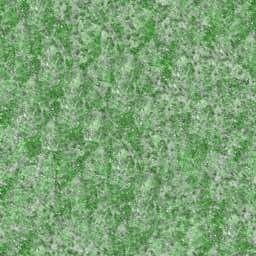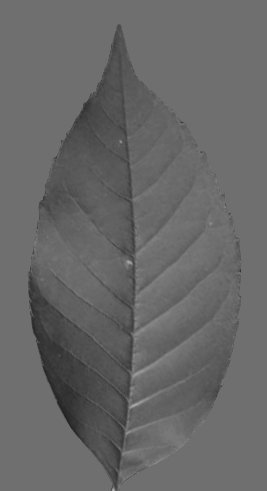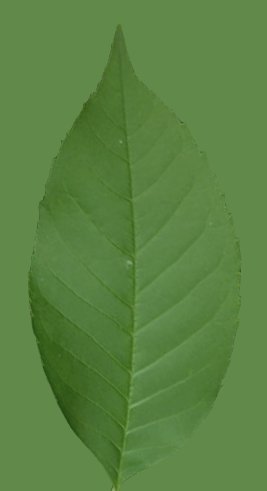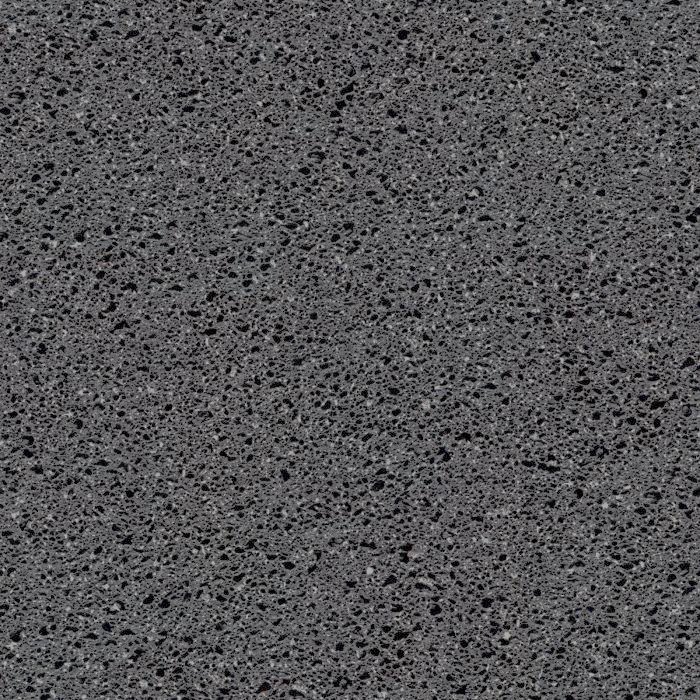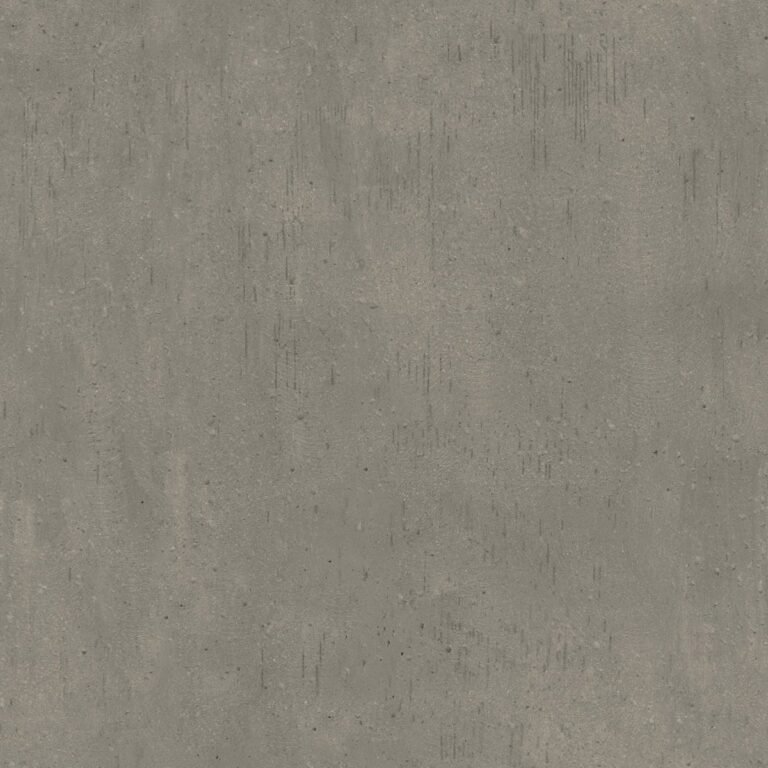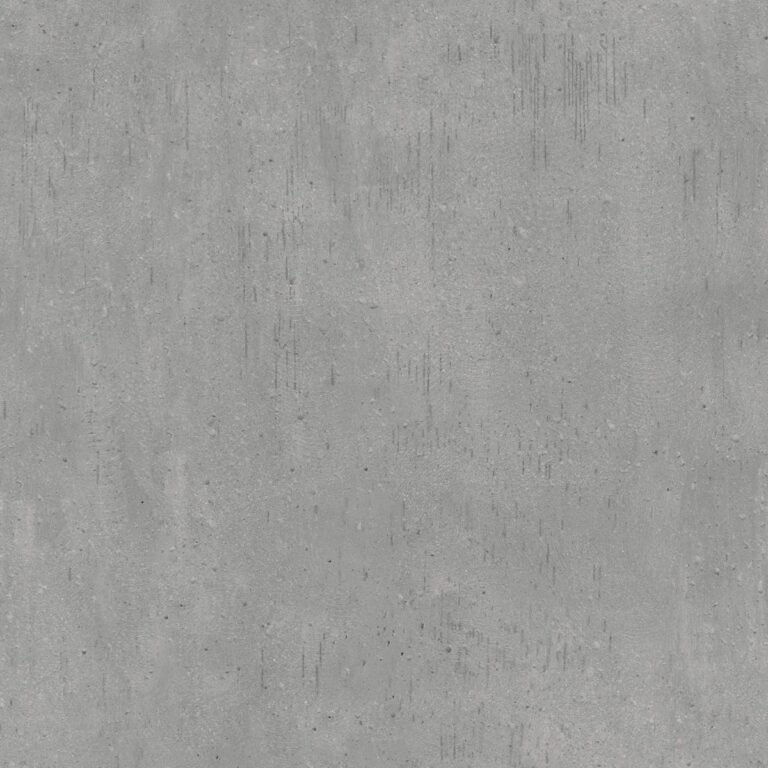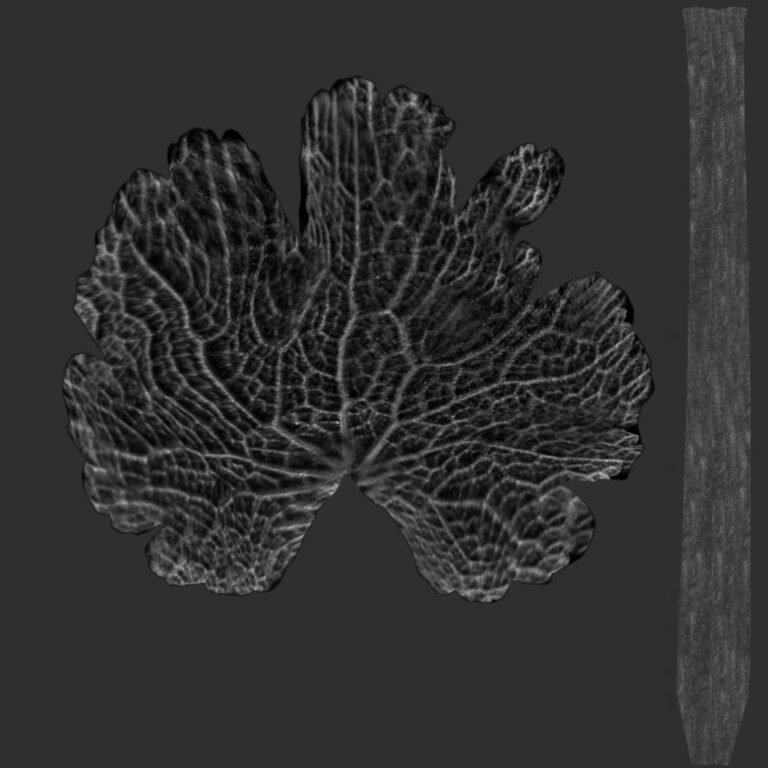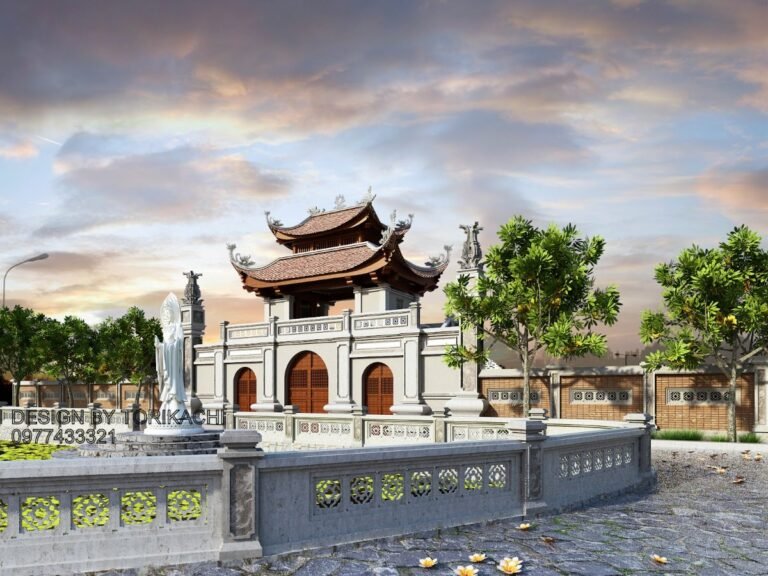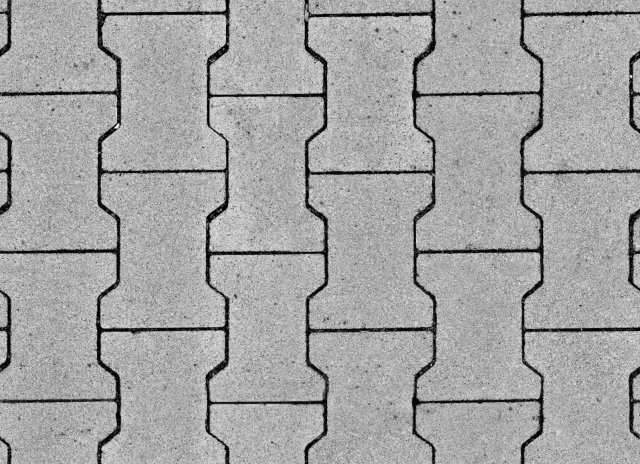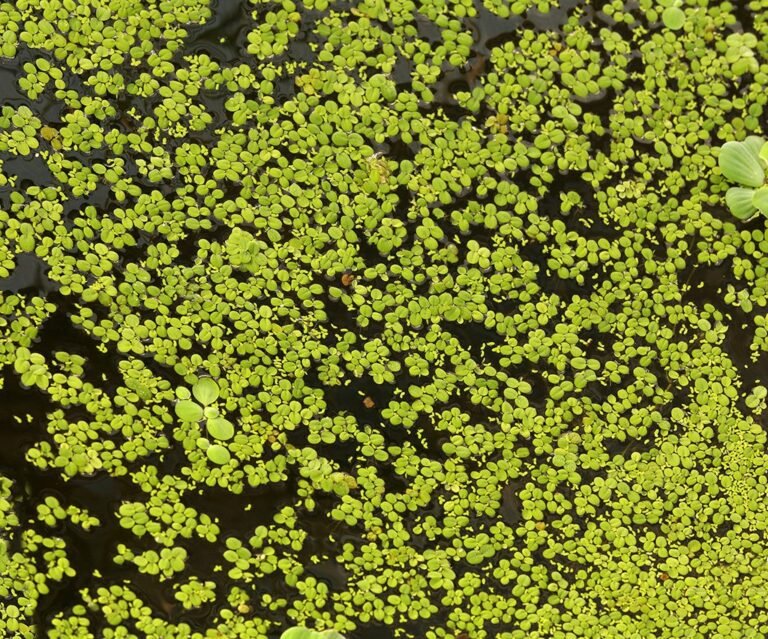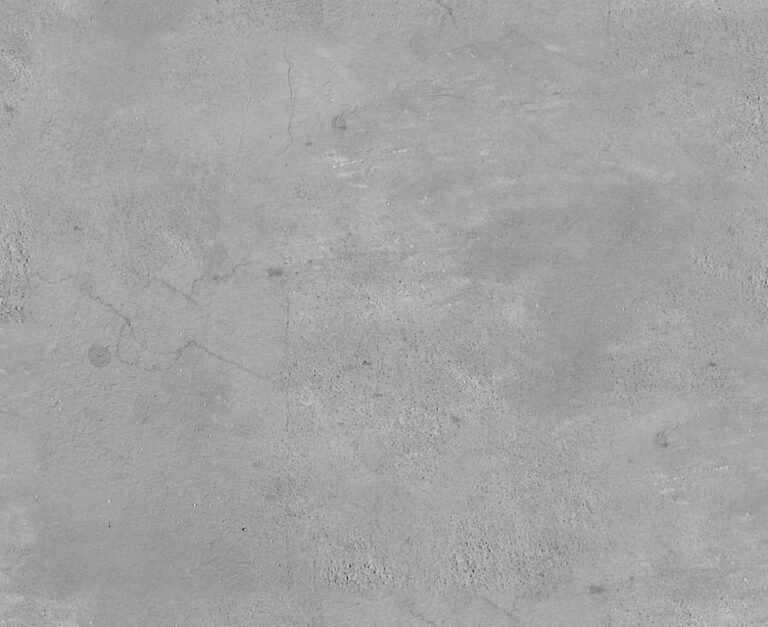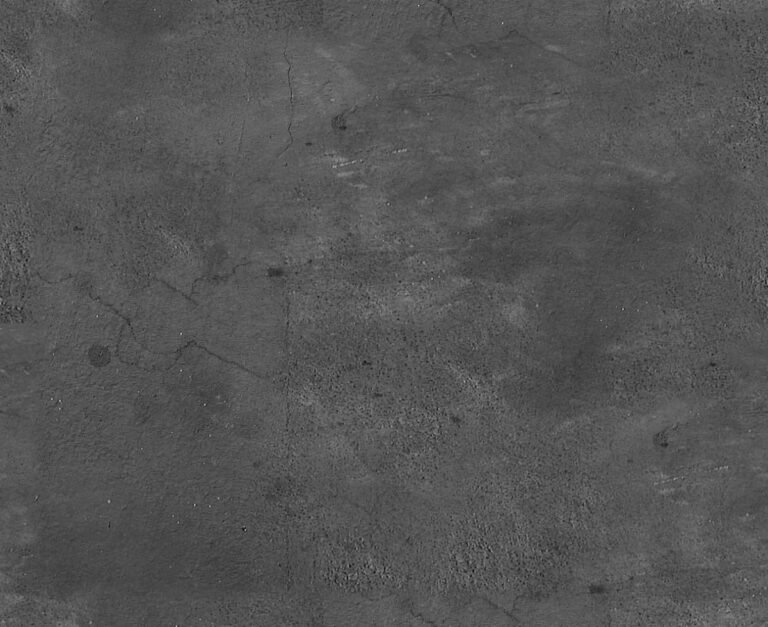
Glossiness Texture Vector. Discover the perfect glossiness texture vector for your designs. Enhance visual appeal with high-quality, versatile glossiness textures from Posterfree.net.
Elevate Your Designs with Premium Glossiness Texture Vectors
In the dynamic world of graphic design, the subtle nuances often make the biggest impact. One such element is texture, and specifically, a high-quality glossiness texture vector can transform a flat design into something truly captivating. At Posterfree.net, we understand the power of these details, which is why we offer an extensive collection of premium graphic resources, including the versatile ‘264779_Glossiness’ asset.
What is a Glossiness Texture Vector?
A glossiness texture vector is a digital graphic element designed to simulate the reflective, smooth, and often shiny surface of an object. Unlike raster images, vectors are scalable without loss of quality, making them ideal for a wide range of applications from small icons to large-format prints. Our ‘264779_Glossiness’ resource is crafted to provide that perfect sheen, adding depth and a professional finish to your projects.
Imagine a sleek product advertisement, a futuristic UI design, or an elegant branding element – all can benefit immensely from the right glossiness. This particular vector offers a nuanced, subtle gloss effect that can be layered over various elements to give them a polished, high-end appearance. It’s not just about adding shine; it’s about conveying quality and sophistication.
Key Features and Benefits of ‘264779_Glossiness’
The ‘264779_Glossiness’ asset from Posterfree.net stands out due to several key features:
- Vector Scalability: Being a vector, this glossiness texture can be scaled to any size without pixelation, ensuring crisp and clear results whether used on a business card or a billboard.
- High Resolution: Designed with precision, it offers exceptional detail and clarity, making your designs look sharp and professional.
- Versatile Application: This texture is incredibly adaptable. Use it for:
- Product mockups to simulate shiny surfaces.
- UI/UX design for buttons, icons, and backgrounds.
- Branding and logo design to add a premium feel.
- Digital art and illustrations for realistic reflections.
- Web design elements to create modern aesthetics.
- Ease of Customization: As a vector, it can be easily manipulated in popular design software like Adobe Illustrator or Affinity Designer. You can adjust its opacity, color, and blend modes to perfectly match your project’s aesthetic.
- Professional Finish: It provides that coveted ‘finished’ look, elevating your work from good to outstanding.
How to Effectively Use Your Glossiness Texture Vector
Utilizing the ‘264779_Glossiness’ asset is straightforward, even for designers new to vector textures. Here’s a step-by-step guide:
1. Download and Import
Once you’ve acquired the ‘264779_Glossiness’ resource from Posterfree.net, download the file. Open your preferred vector editing software (e.g., Adobe Illustrator, CorelDRAW, Inkscape) and import the file. It will typically come in formats like AI, EPS, or SVG, ensuring broad compatibility.
2. Layering and Positioning
Place the glossiness texture on a new layer above the element you wish to enhance. Experiment with its position and rotation to find the most natural-looking reflection or highlight. Think about the light source in your design – where would the shine naturally fall?
3. Adjusting Blend Modes and Opacity
This is where the magic happens. In your design software, explore different blend modes (e.g., Screen, Overlay, Soft Light) to see how the glossiness interacts with the underlying layer. Adjust the opacity to control the intensity of the shine. A subtle gloss often looks more realistic and sophisticated than an overpowering one.
4. Masking and Clipping
To ensure the glossiness only appears on your desired object, use masking or clipping paths. This will confine the texture within the boundaries of your shape, creating a clean and professional effect without spilling over.
5. Color and Gradient Customization
While glossiness often implies white or light reflections, don’t hesitate to experiment with subtle color tints or gradients within the texture itself. This can help it blend more seamlessly with your overall color palette or create unique stylistic effects.
Why Choose Posterfree.net for Your Graphic Needs?
Posterfree.net has established itself as a premier destination for high-quality graphic resources. Our commitment to excellence is reflected in every asset we offer, including this exceptional glossiness texture vector. We pride ourselves on:
- Curated Collection: Every resource is carefully selected and designed to meet professional standards.
- User-Friendly Experience: Our platform is designed for easy navigation and quick downloads, so you can find what you need without hassle.
- Versatile Formats: We provide assets in industry-standard formats, ensuring compatibility with your existing workflow.
- Regular Updates: Our library is constantly growing with fresh, trending designs to keep your projects cutting-edge.
- Exceptional Value: We believe in providing premium resources that offer incredible value to designers of all levels.
Beyond Glossiness: Exploring Other Textures
While glossiness adds a sleek touch, Posterfree.net offers a vast array of other textures to diversify your design toolkit. Consider exploring:
- Matte Textures: For a soft, non-reflective finish.
- Rough Textures: To add grit, wear, or natural elements.
- Metallic Textures: For a luxurious, industrial, or futuristic feel.
- Fabric Textures: To simulate textiles and soft goods.
Combining different textures can create rich, multi-layered designs that truly stand out. The ‘264779_Glossiness’ asset serves as an excellent foundation or a perfect finishing touch, demonstrating the versatility and quality you can expect from Posterfree.net.
Conclusion
A well-applied glossiness texture vector can significantly enhance the perceived quality and professionalism of your graphic designs. The ‘264779_Glossiness’ resource from Posterfree.net offers designers a high-resolution, scalable, and customizable tool to achieve stunning visual effects. Elevate your projects, impress your audience, and streamline your workflow by integrating our premium graphic assets. Explore our collection today and discover the difference quality makes!
Related Demo Images



Frequently Asked Questions
What is a glossiness texture vector?
A glossiness texture vector is a scalable graphic element that simulates the reflective and shiny surface of an object, adding depth and a polished look to designs without losing quality.
Can I use this glossiness texture for commercial projects?
Yes, all resources from Posterfree.net, including the ‘264779_Glossiness’ asset, are typically available for commercial use under our licensing terms. Please check the specific license details on the product page.
What software do I need to edit this vector texture?
You will need vector editing software such as Adobe Illustrator, CorelDRAW, Inkscape, or Affinity Designer to open and customize the glossiness texture vector.
How can I make the glossiness effect look more subtle?
To make the glossiness effect more subtle, you can adjust the opacity of the texture layer in your design software. Experimenting with different blend modes can also help achieve a softer look.