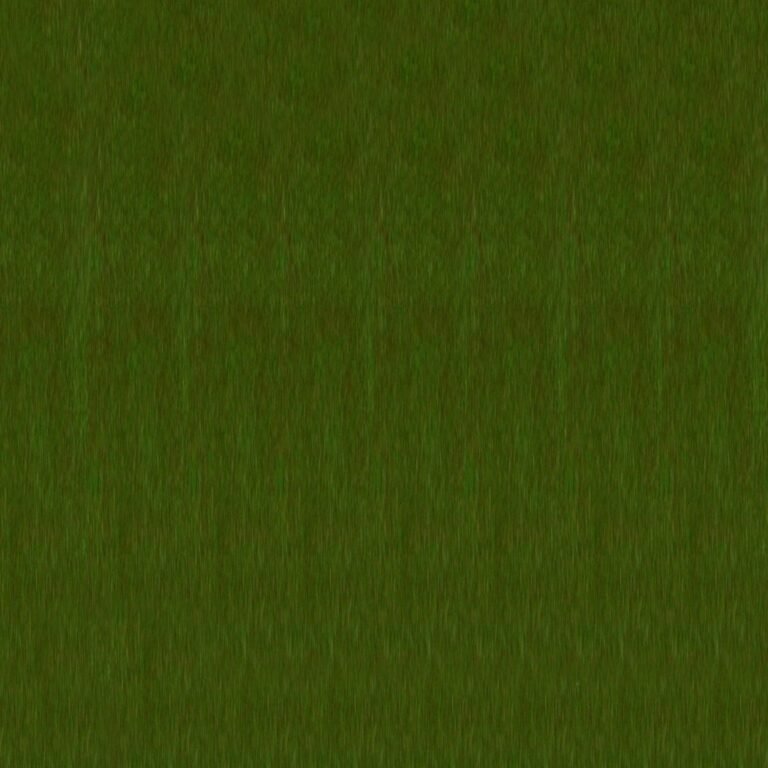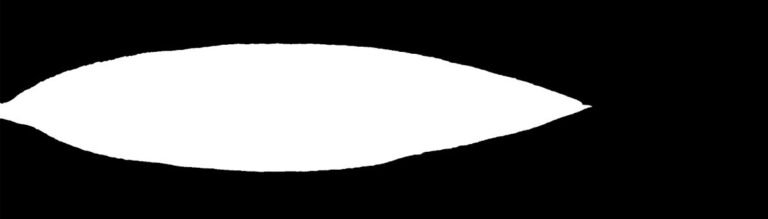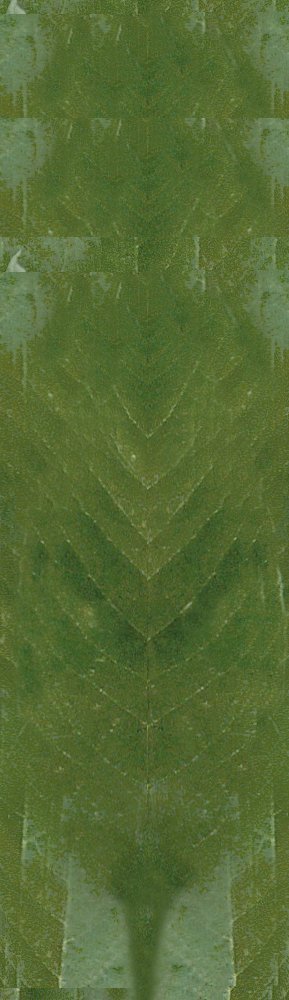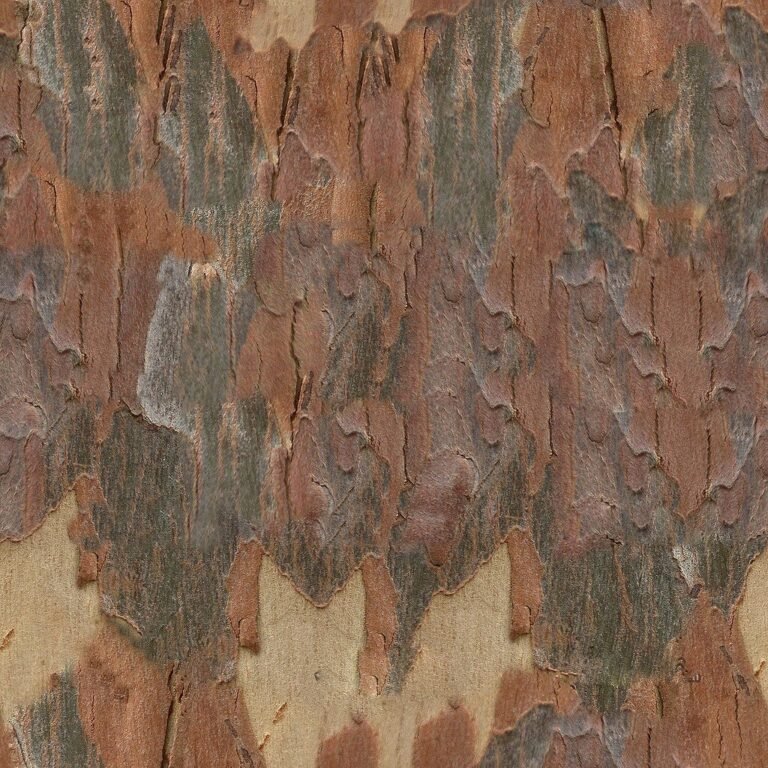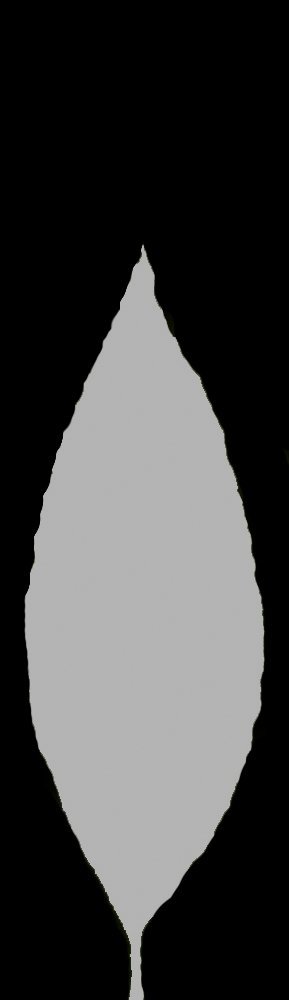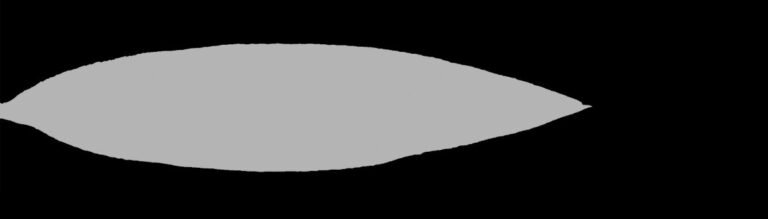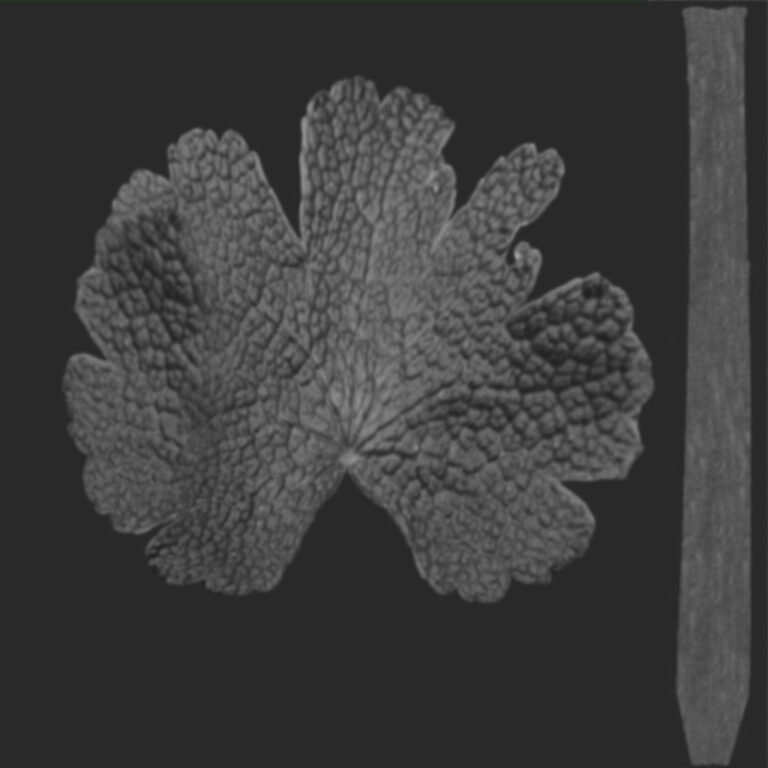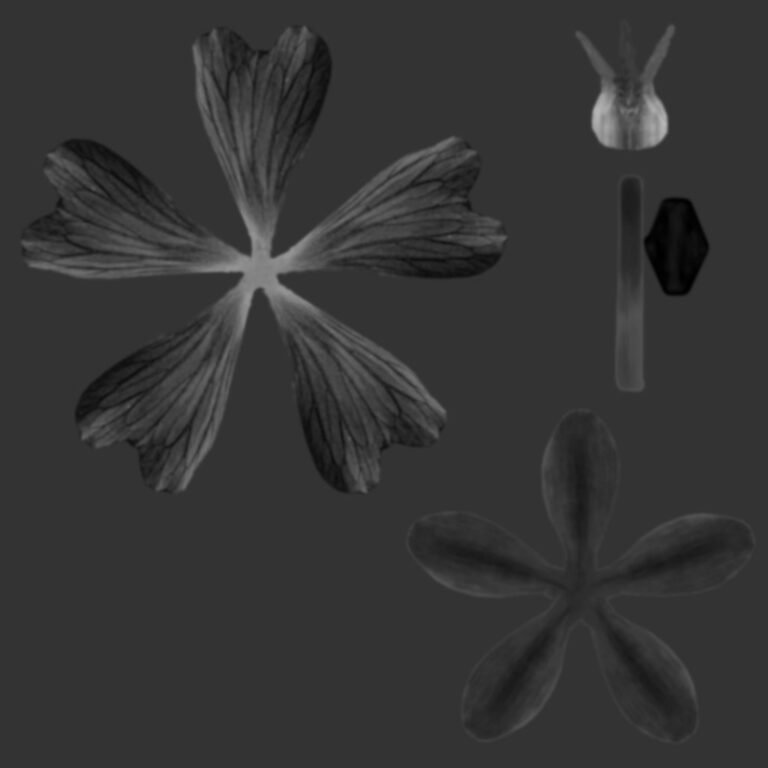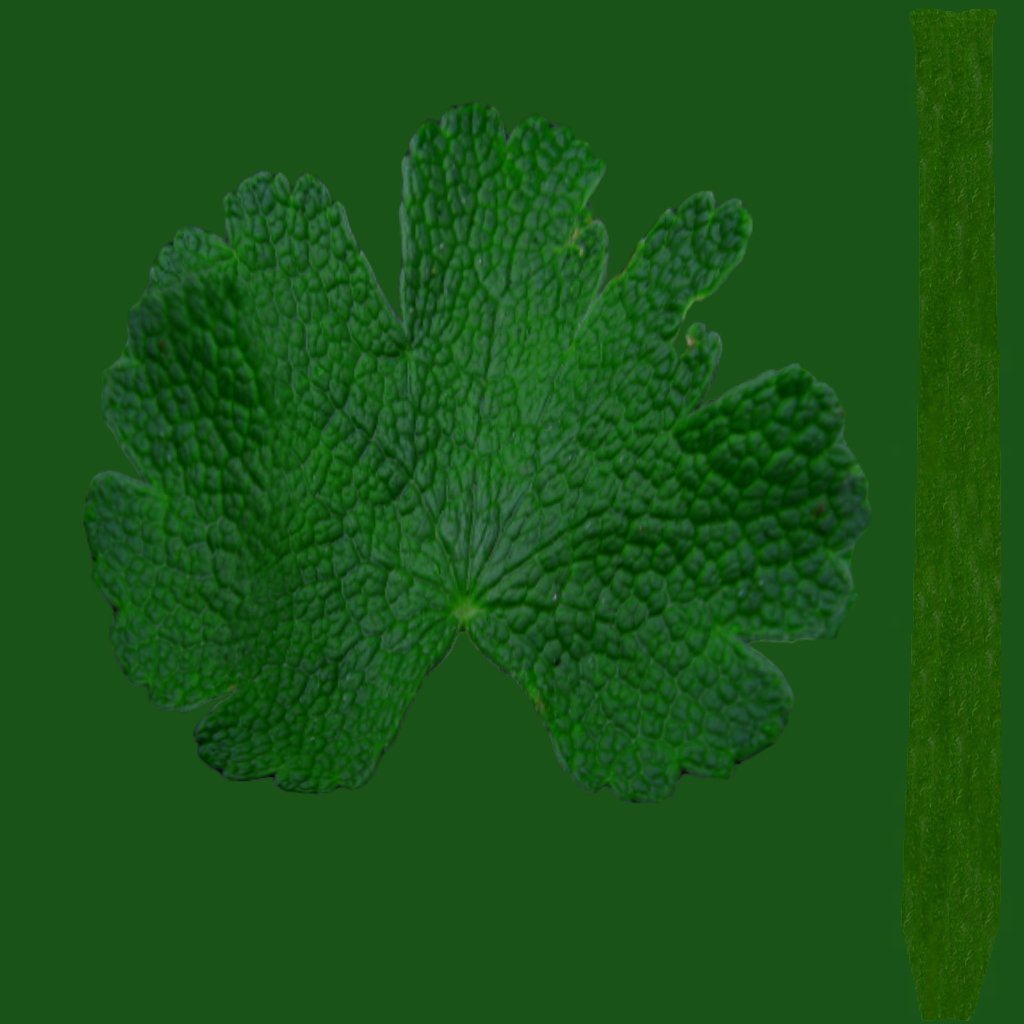
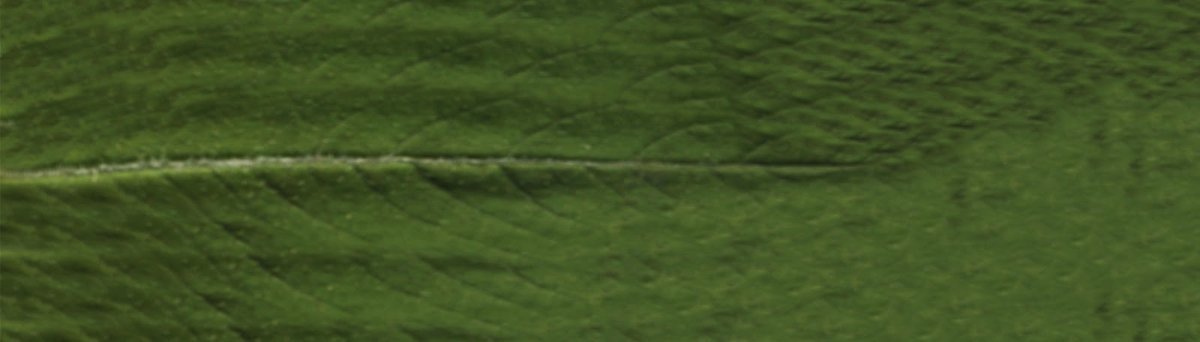
Geranium Leaf Texture Download. Discover high-quality geranium leaf texture for your 3D projects. This realistic texture, AM86_025_diffuse_04, is perfect for adding natural detail and realism to your designs.
Enhance Your 3D Projects with Realistic Geranium Leaf Texture
In the world of 3D modeling and rendering, realism is paramount. Every detail, no matter how small, contributes to the overall authenticity of a scene. When it comes to natural elements like plants and foliage, having access to high-quality, detailed textures is crucial. Posterfree.net is proud to present a premium resource that will elevate your botanical renders: the geranium leaf texture, specifically identified as AM86_025_diffuse_04. This exceptional texture is designed to bring unparalleled realism to your digital flora, making your 3D environments truly come alive.
The Importance of High-Quality Textures in 3D Design
For 3D artists, designers, and architects, textures are the skin of their creations. They define the surface properties, colors, and intricate details that transform a basic mesh into a believable object. Low-resolution or poorly detailed textures can instantly break the illusion of reality, no matter how well-modeled an object might be. This is especially true for organic elements like leaves, which possess complex venation, subtle color variations, and distinct surface characteristics.
Our AM86_025_diffuse_04 geranium leaf texture provides the intricate details needed to achieve photorealistic results. It captures the unique bumpy, slightly velvety surface of a geranium leaf, along with its characteristic lobed shape and vibrant green hue. This attention to detail ensures that your virtual plants will look as convincing as their real-world counterparts.
Unpacking the AM86_025_diffuse_04 Geranium Leaf Texture
The AM86_025_diffuse_04 texture is a diffuse map, which is the primary color and detail map for any 3D asset. It provides the base color information and the fine surface details that are visible under direct lighting. Let’s delve into what makes this particular texture a must-have for your asset library:
Exceptional Detail and Resolution
This geranium leaf texture boasts a high resolution, ensuring that even when viewed up close, the intricate details of the leaf surface remain sharp and clear. The subtle bumps, depressions, and natural imperfections that give a leaf its organic feel are all faithfully reproduced. This level of detail is critical for close-up renders or for scenes where foliage plays a prominent role.
Natural Color Fidelity
The color palette of AM86_025_diffuse_04 is carefully calibrated to reflect the natural vibrancy of a healthy geranium leaf. It features a rich, varied green that avoids the flatness often found in generic textures. The slight variations in tone across the leaf surface add to its organic authenticity, making it appear as if it has been freshly picked from a garden.
Versatility in Application
While specifically a geranium leaf texture, the general characteristics of this asset make it versatile for various botanical applications. It can be adapted for other similar broadleaf plants or used as a base for creating unique foliage types. Its clean, isolated presentation allows for easy integration into different 3D software and workflows.
How to Integrate the Geranium Leaf Texture into Your Workflow
Integrating the AM86_025_diffuse_04 geranium leaf texture into your 3D projects is straightforward, regardless of your preferred software (e.g., Blender, 3ds Max, Maya, Cinema 4D, SketchUp). Here’s a general guide:
- Download the Texture: Obtain the texture file from Posterfree.net.
- Prepare Your 3D Model: Ensure you have a suitable 3D model of a leaf or a plant where this texture will be applied.
- Open Your 3D Software: Launch your chosen 3D modeling and rendering application.
- Create a Material: In your software’s material editor, create a new material.
- Load the Diffuse Map: Assign the AM86_025_diffuse_04 texture to the ‘Diffuse Color’ or ‘Base Color’ slot of your material.
- Apply to Mesh: Apply this newly created material to your leaf or plant mesh.
- Adjust UV Mapping: Ensure your model’s UV mapping is correctly set up so the texture appears without stretching or distortion. You may need to adjust scaling or rotation.
- Add Other Maps (Optional but Recommended): For ultimate realism, consider adding other maps like normal maps, roughness maps, or translucency maps (if available or created from this diffuse map) to further define surface details and light interaction.
Why Choose Posterfree.net for Your 3D Texture Needs?
Posterfree.net is renowned as a premium resource for high-quality graphic assets, and our 3D texture library is no exception. We understand the demands of professional 3D artists and strive to provide resources that meet the highest standards of quality and usability.
- Curated Selection: Every asset, including this geranium leaf texture, is carefully selected for its quality and relevance.
- Professional Grade: Our textures are suitable for a wide range of applications, from architectural visualization to game development and animation.
- Ease of Access: We make it simple to find and download the assets you need, streamlining your creative process.
- Regular Updates: Our library is continuously growing, ensuring you always have access to fresh and innovative resources.
By choosing Posterfree.net, you’re not just downloading a file; you’re investing in the quality and efficiency of your creative workflow. Our commitment to providing top-tier resources means you can focus on bringing your artistic visions to life with confidence.
Beyond the Diffuse Map: Creating a Complete Material
While the AM86_025_diffuse_04 serves as an excellent foundation, a truly realistic leaf material often requires more than just a diffuse map. To achieve the best results with your geranium leaf texture, consider:
- Normal Map: To simulate the fine surface bumps and veins without adding complex geometry.
- Roughness/Glossiness Map: To control how light reflects off the leaf surface, indicating areas that are shinier or duller.
- Translucency/Subsurface Scattering Map: Essential for leaves, as light often passes through them, giving them a soft, glowing appearance when backlit.
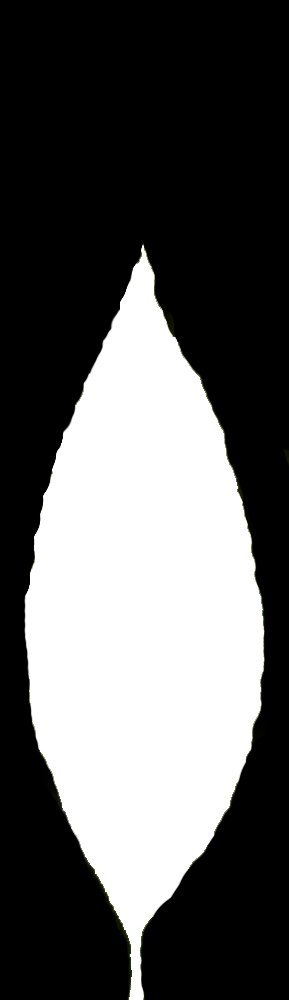
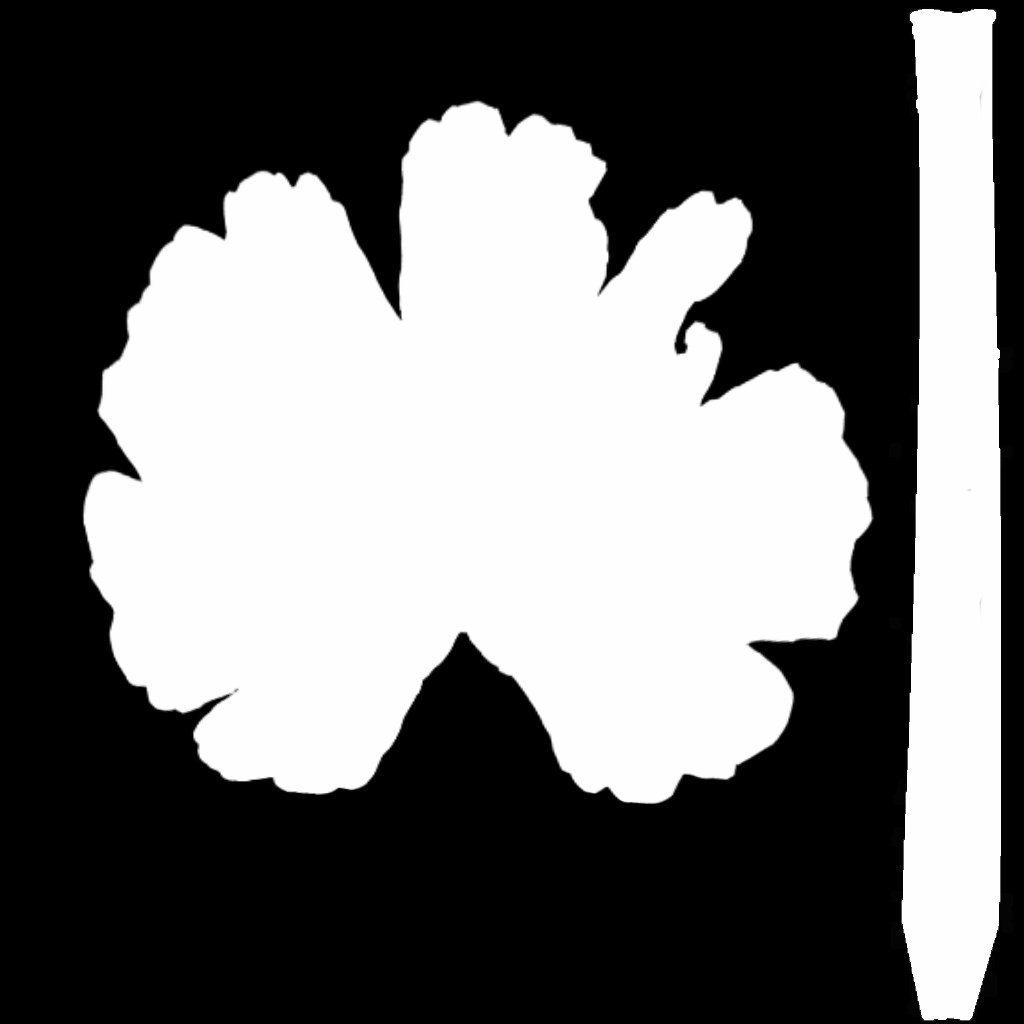
- Opacity Map: If the leaf shape is not perfectly square, an opacity map will define the exact outline, allowing for complex shapes.
Even if these additional maps are not directly provided, the high quality of the diffuse map makes it an excellent source for generating them using various texture creation tools or even within your 3D software.
Conclusion: Elevate Your Renders with Posterfree.net
The AM86_025_diffuse_04 geranium leaf texture from Posterfree.net is more than just a graphic asset; it’s a tool for achieving unparalleled realism in your 3D botanical renders. Its high resolution, natural color fidelity, and intricate detail make it an indispensable resource for any 3D artist aiming for photorealistic results. Trust Posterfree.net to provide the premium textures that will transform your digital creations into stunning visual masterpieces. Download this exceptional geranium leaf texture today and see the difference quality makes!
Related Demo Images


Frequently Asked Questions
What is a diffuse map?
A diffuse map is a texture that defines the base color and surface detail of a 3D model. It’s the primary texture that gives an object its visual appearance under direct light, without accounting for reflections or bumps.
How can I use this geranium leaf texture in my 3D software?
You can load this texture into your 3D software’s material editor and assign it to the ‘Diffuse Color’ or ‘Base Color’ slot of your material. Then, apply this material to your leaf or plant 3D model, ensuring proper UV mapping.
Is this texture suitable for close-up renders?
Yes, the AM86_025_diffuse_04 geranium leaf texture is provided in high resolution with intricate details, making it perfectly suitable for close-up renders where realism is crucial.
Can I generate other maps (like normal or roughness) from this diffuse texture?
While this specific download is a diffuse map, its high quality and detail make it an excellent source for generating other maps (like normal, roughness, or even translucency) using dedicated texture generation software or tools within your 3D application.