

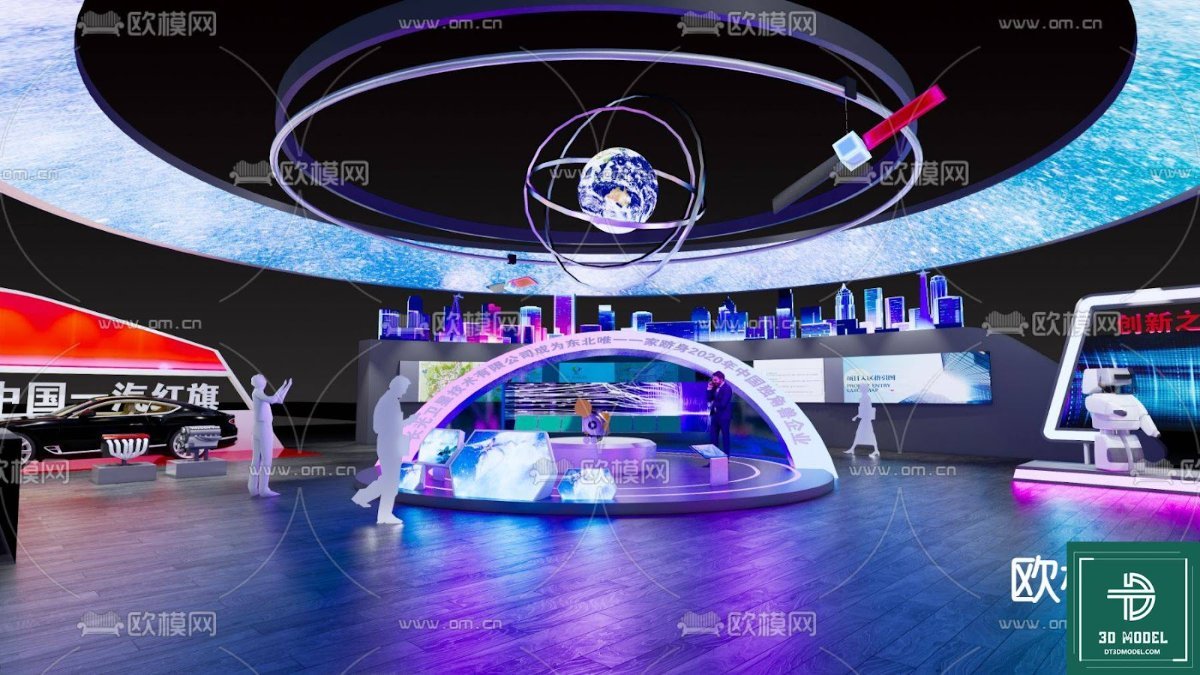
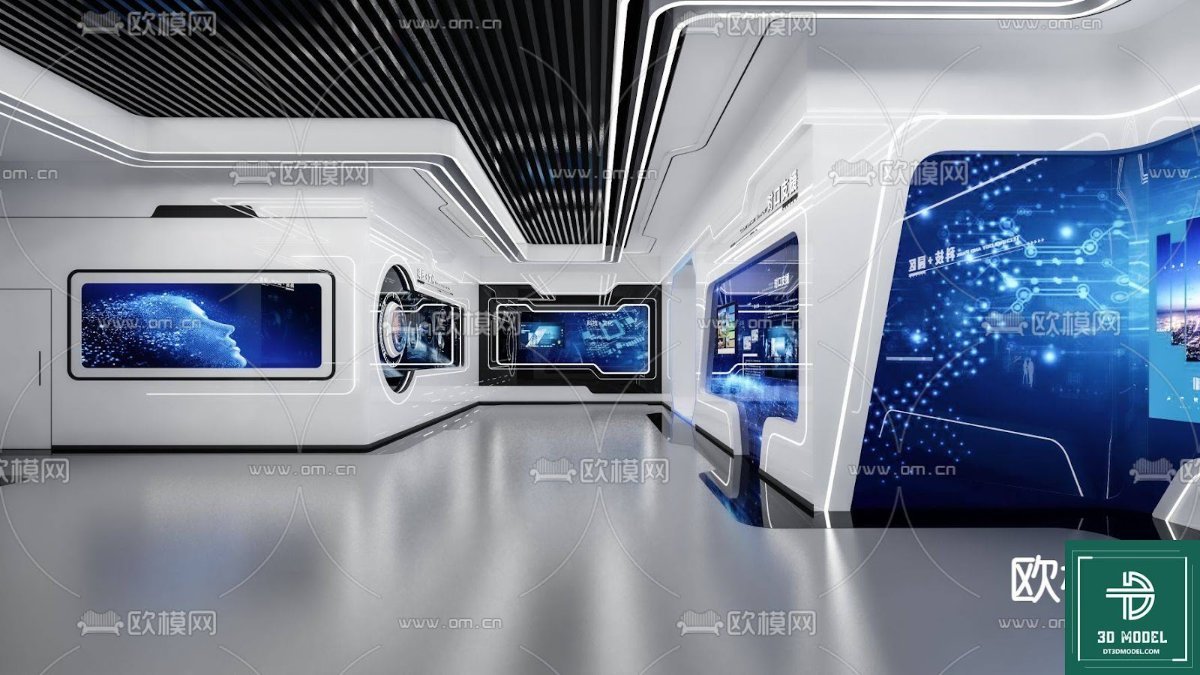
Exhibition SketchUp 3D Model. Explore a stunning Exhibition SketchUp 3D Model for your next design project. This detailed model is perfect for visualizing modern exhibition spaces and events.
Unveiling the Modern Exhibition SketchUp 3D Model: Your Gateway to Immersive Design
In the dynamic world of event planning and architectural visualization, having access to high-quality 3D models is paramount. Posterfree.net is proud to present an exceptional Exhibition SketchUp 3D Model, a versatile resource designed to elevate your creative projects. This model, identified as “phong trien lam SketchUp (24)”, offers an intricate and realistic foundation for designing captivating exhibition spaces, trade show booths, and interactive displays. With its detailed structure and modern aesthetic, it’s an indispensable tool for designers, architects, and event organizers alike.
Why Choose Our Exhibition SketchUp 3D Model?
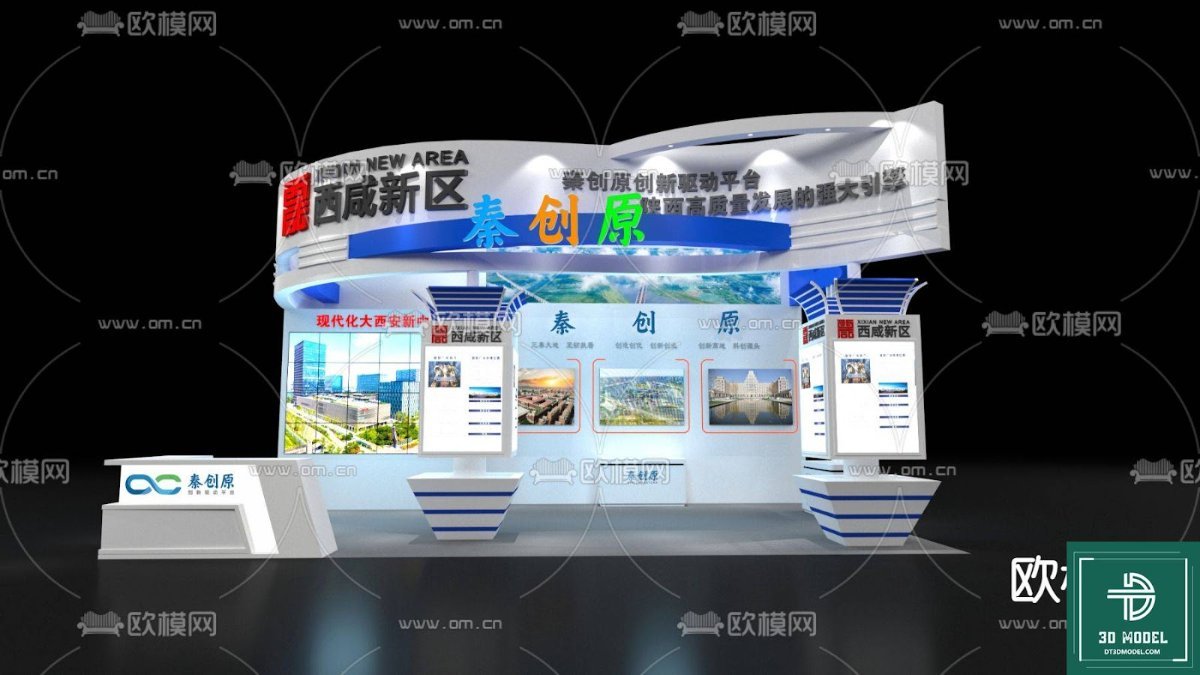
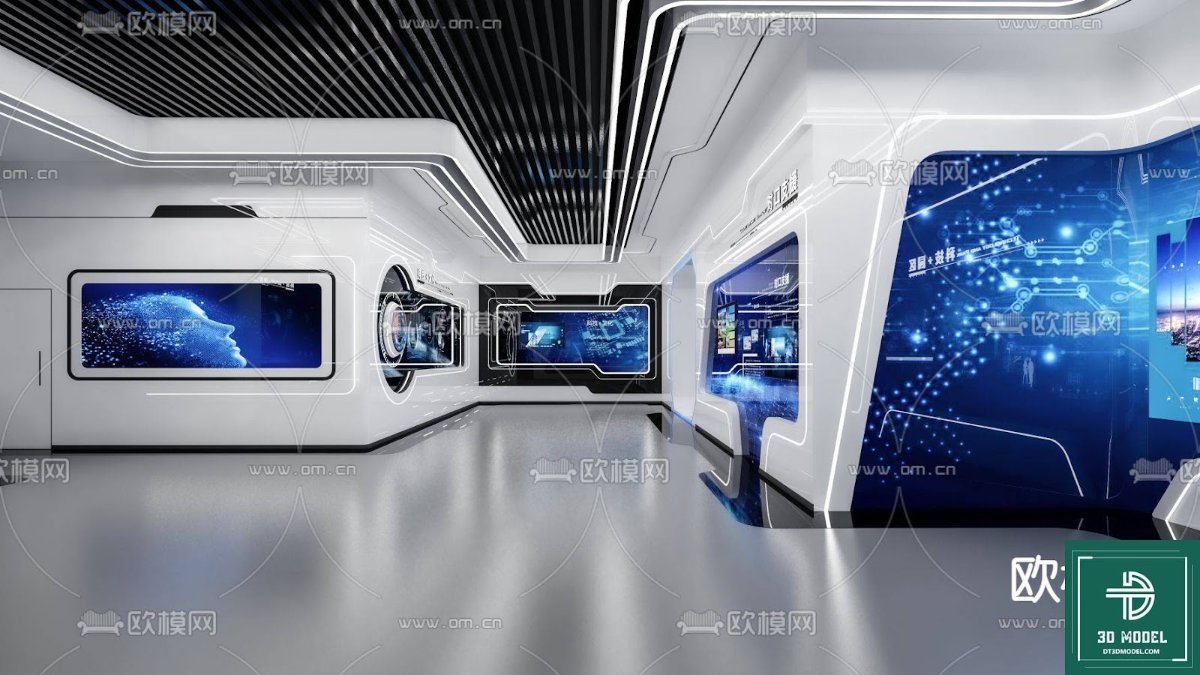
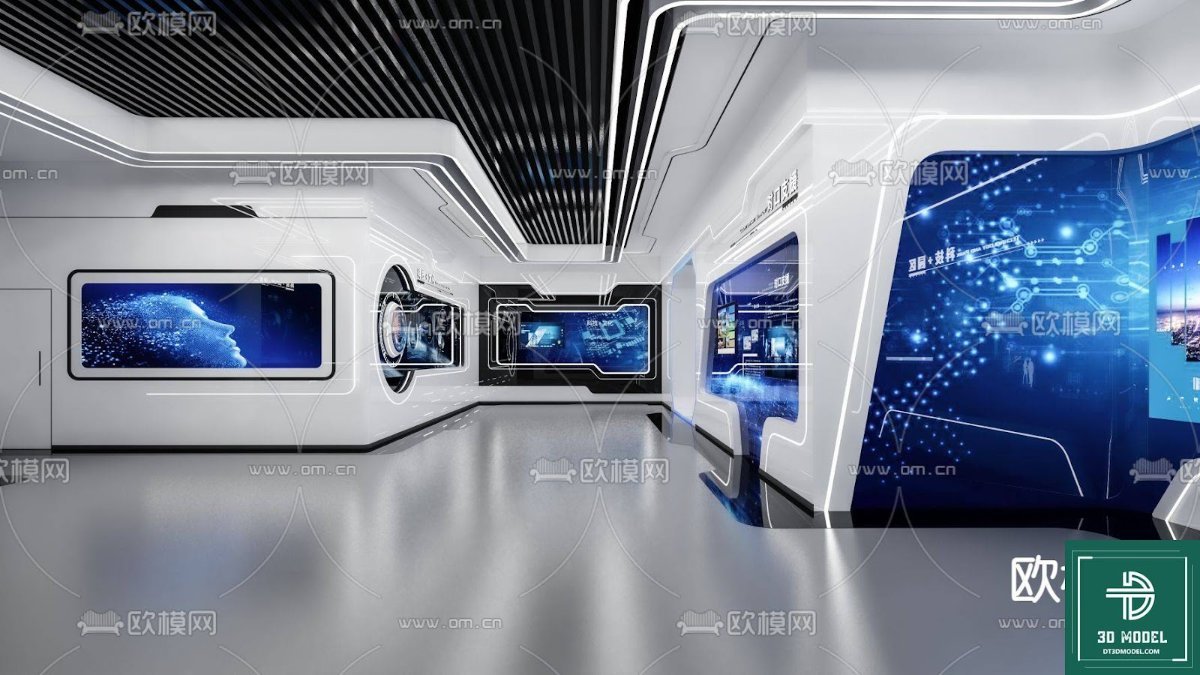
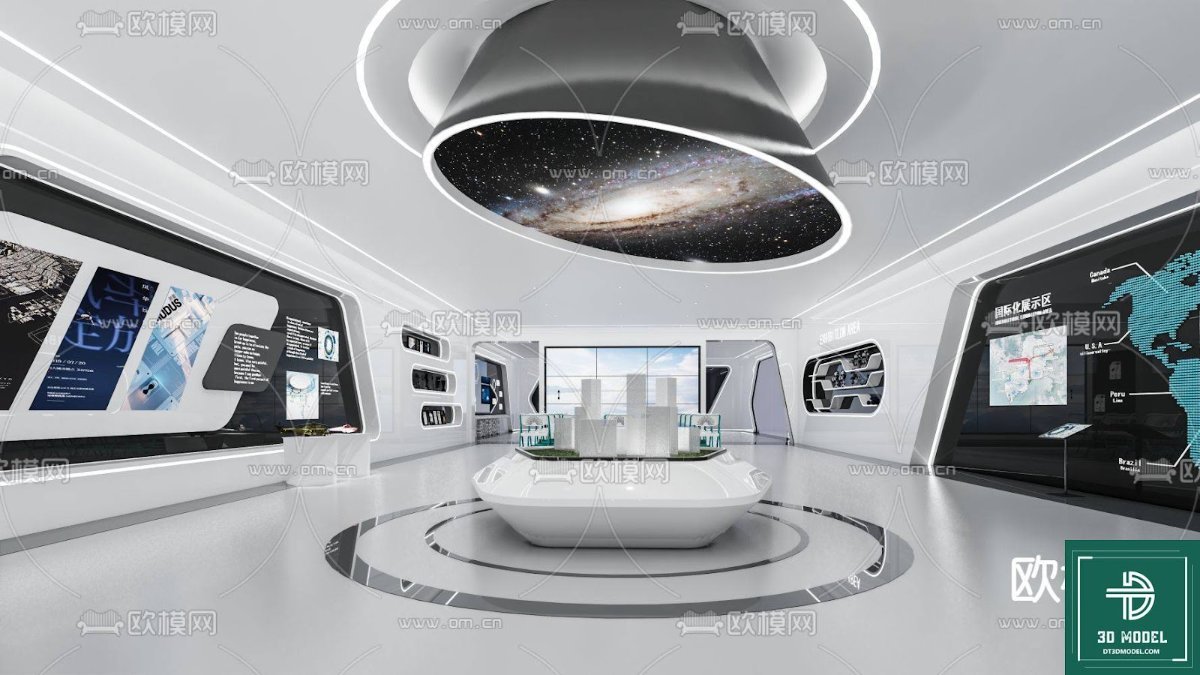
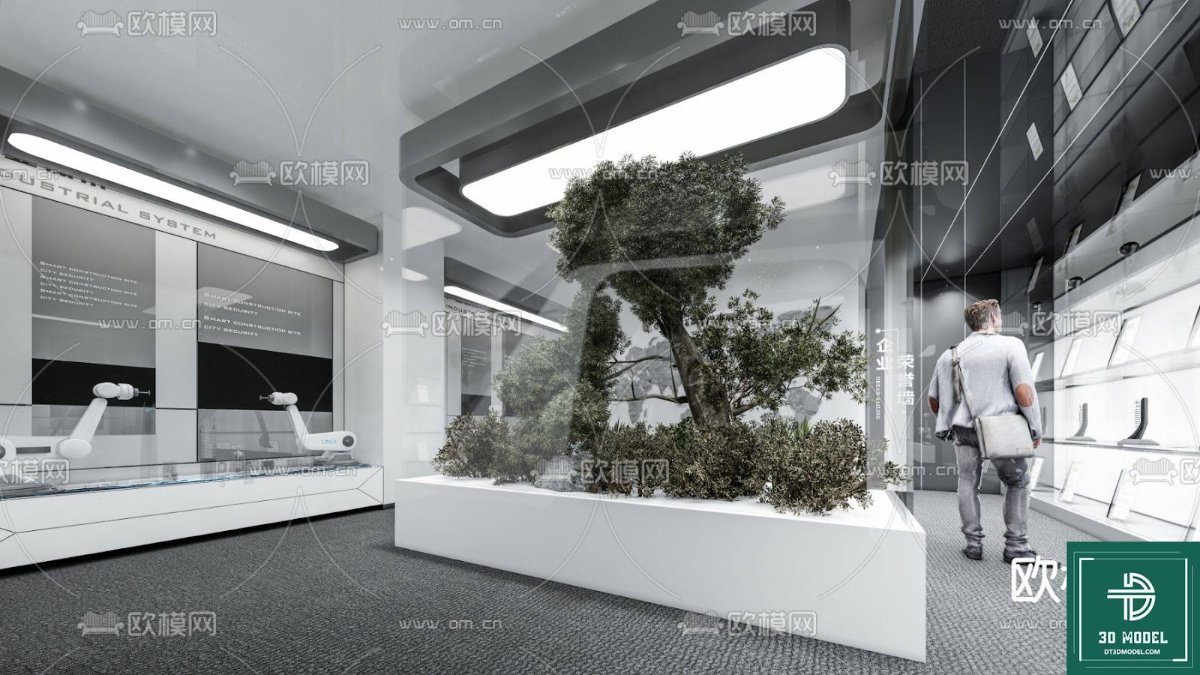
Our Exhibition SketchUp 3D Model stands out for several compelling reasons. Firstly, its comprehensive design captures the essence of a contemporary exhibition hall, complete with various display areas, interactive zones, and ambient lighting elements. This level of detail allows for precise planning and visualization, ensuring that every aspect of your exhibition is meticulously considered before physical implementation. The model’s inherent flexibility means it can be adapted to a multitude of themes and purposes, from technology showcases to art installations.
Secondly, the model is crafted with user-friendliness in mind. SketchUp is renowned for its intuitive interface, and this model leverages that accessibility, making it easy for both seasoned professionals and newcomers to navigate and customize. You can effortlessly modify layouts, integrate custom branding, and experiment with different lighting schemes to achieve your desired atmosphere. This ease of use significantly reduces design time and allows for more creative exploration.
Thirdly, the visual fidelity of this Exhibition SketchUp 3D Model is exceptional. The renderings produced from this model are highly realistic, providing a clear and compelling preview of the final exhibition space. This is crucial for presentations to clients, stakeholders, and marketing teams, as it helps convey the vision and impact of the event with unparalleled clarity. The model includes elements such as sleek display stands, interactive screens, and even subtle human figures to give a sense of scale and activity, making your visualizations truly come alive.
Key Features and Benefits of the Exhibition SketchUp 3D Model
- Modern Aesthetic: The design reflects current trends in exhibition architecture, featuring clean lines, dynamic lighting, and open spaces.
- Detailed Components: Includes various display modules, seating areas, information kiosks, and decorative elements.
- Interactive Zones: Specific areas are designed to simulate interactive experiences, perfect for technology or product launches.
- Scalability: Easily adaptable to different sizes and configurations, allowing for customization to fit specific venue requirements.
- High-Quality Textures: Utilizes realistic textures and materials to enhance visual appeal and authenticity.
- Optimized for SketchUp: Ensures smooth performance and compatibility within the SketchUp environment.
Applications of the Exhibition SketchUp 3D Model
The versatility of this Exhibition SketchUp 3D Model makes it suitable for a wide array of applications:
- Event Planning: Visualize and plan trade shows, conferences, product launches, and corporate events.
- Architectural Design: Integrate into larger architectural projects to showcase specific exhibition areas within a building.
- Interior Design: Experiment with different layouts and furniture arrangements for temporary or permanent exhibition spaces.
- Marketing and Sales: Create compelling visual presentations for potential exhibitors, sponsors, and attendees.
- Educational Purposes: A valuable resource for students and educators in architecture, interior design, and event management courses.
How to Utilize This Premium Resource from Posterfree.net
Accessing and utilizing this Exhibition SketchUp 3D Model from Posterfree.net is straightforward. Once downloaded, you can open the file directly in SketchUp. From there, you have complete control to customize every aspect. Consider these tips for optimal usage:
- Customization: Modify colors, textures, and materials to align with your brand guidelines or event theme.
- Lighting: Experiment with different lighting setups to create various moods and highlight specific areas.
- Content Integration: Add your own 3D models of products, signage, and interactive content to personalize the space.
- Animation: If you have animation capabilities in SketchUp or a compatible rendering software, you can create virtual walkthroughs of the exhibition.
- Rendering: Use a high-quality rendering engine to produce photorealistic images and videos for presentations.
Posterfree.net is renowned for providing premium graphic resources, and this Exhibition SketchUp 3D Model is no exception. We are committed to offering assets that not only meet but exceed the expectations of creative professionals. Our curated collection ensures that you always find high-quality, reliable, and inspiring resources for your projects. By choosing Posterfree.net, you are investing in excellence and efficiency, empowering your designs to reach their full potential.
Technical Specifications and Compatibility
This Exhibition SketchUp 3D Model is provided in a format compatible with SketchUp, ensuring seamless integration into your existing workflow. The model is meticulously structured with layers and groups, allowing for easy manipulation and organization of elements. While specific resolution details can vary based on your rendering settings, the base model is optimized for high-quality output, making it suitable for both screen-based presentations and print materials.
In conclusion, the “phong trien lam SketchUp (24)” Exhibition SketchUp 3D Model from Posterfree.net is more than just a file; it’s a powerful tool that unlocks new possibilities for visualizing and designing modern exhibition spaces. Its detailed construction, ease of use, and stunning visual fidelity make it an essential asset for anyone looking to create impactful and memorable events. Elevate your designs and bring your visions to life with this premium resource.
Hình ảnh demo liên quan

Câu hỏi thường gặp
What software is required to use this 3D model?
This 3D model is designed for use with SketchUp software. You will need a compatible version of SketchUp to open and edit the file.
Can I customize the colors and textures of the exhibition space?
Yes, the model is fully customizable. You can easily modify colors, apply different textures, and change materials within SketchUp to match your specific design requirements or branding.
Is this model suitable for commercial projects?
Yes, resources from Posterfree.net, including this Exhibition SketchUp 3D Model, are generally suitable for both personal and commercial projects, subject to our licensing terms. Please refer to the specific license details on Posterfree.net for full information.
Does the model include lighting effects?
The model includes elements that suggest lighting setups, and you can further enhance these with SketchUp’s native lighting tools or external rendering plugins to achieve realistic lighting effects.





























