

Exhibition Hall SketchUp Model. Discover a premium exhibition hall SketchUp model for your design projects. This detailed 3D model is perfect for architects and designers seeking high-quality visuals.
Elevate Your Designs with a Premium Exhibition Hall SketchUp Model
In the dynamic world of architectural visualization and interior design, having access to high-quality 3D models is paramount. Whether you’re an architect, an interior designer, or a student working on a presentation, a detailed and well-crafted exhibition hall SketchUp model can significantly enhance your project. Posterfree.net is proud to present an exceptional resource that meets these demands: a meticulously designed exhibition hall SketchUp model, ready to be integrated into your next masterpiece.
The Power of a Professional 3D Model
A professional 3D model isn’t just a visual aid; it’s a foundational tool that allows you to explore design possibilities, present concepts with clarity, and make informed decisions. Our featured exhibition hall model offers:
- Realistic Representation: Experience a true-to-life depiction of an exhibition space, complete with intricate details and textures.
- Design Flexibility: Easily modify layouts, materials, and lighting to suit your specific project requirements.
- Time-Saving: Eliminate the need to build complex structures from scratch, allowing you to focus on creative aspects.
- Enhanced Presentations: Impress clients and stakeholders with stunning visualizations and virtual walkthroughs.
Detailed Analysis of the Exhibition Hall SketchUp Model
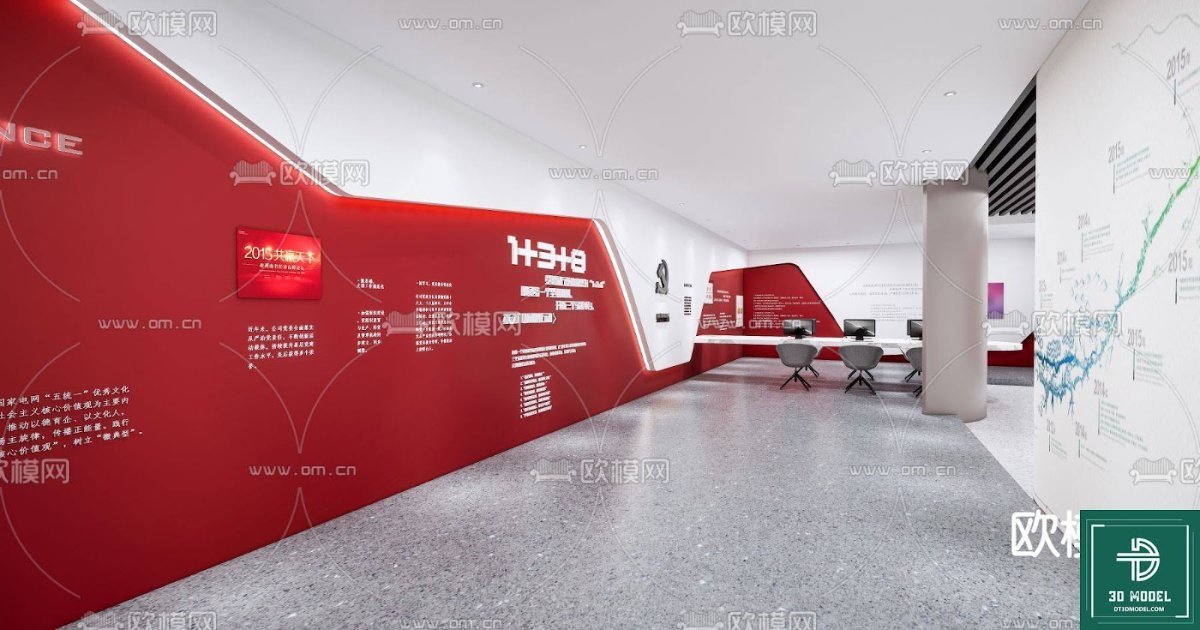
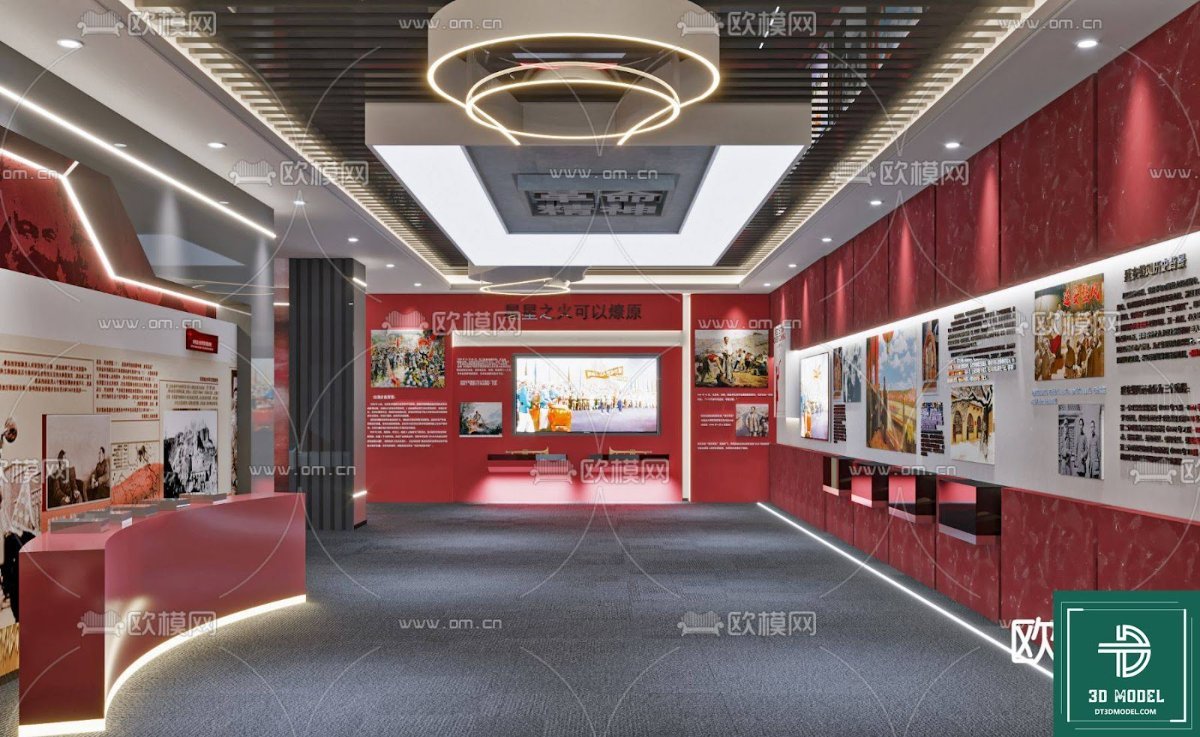
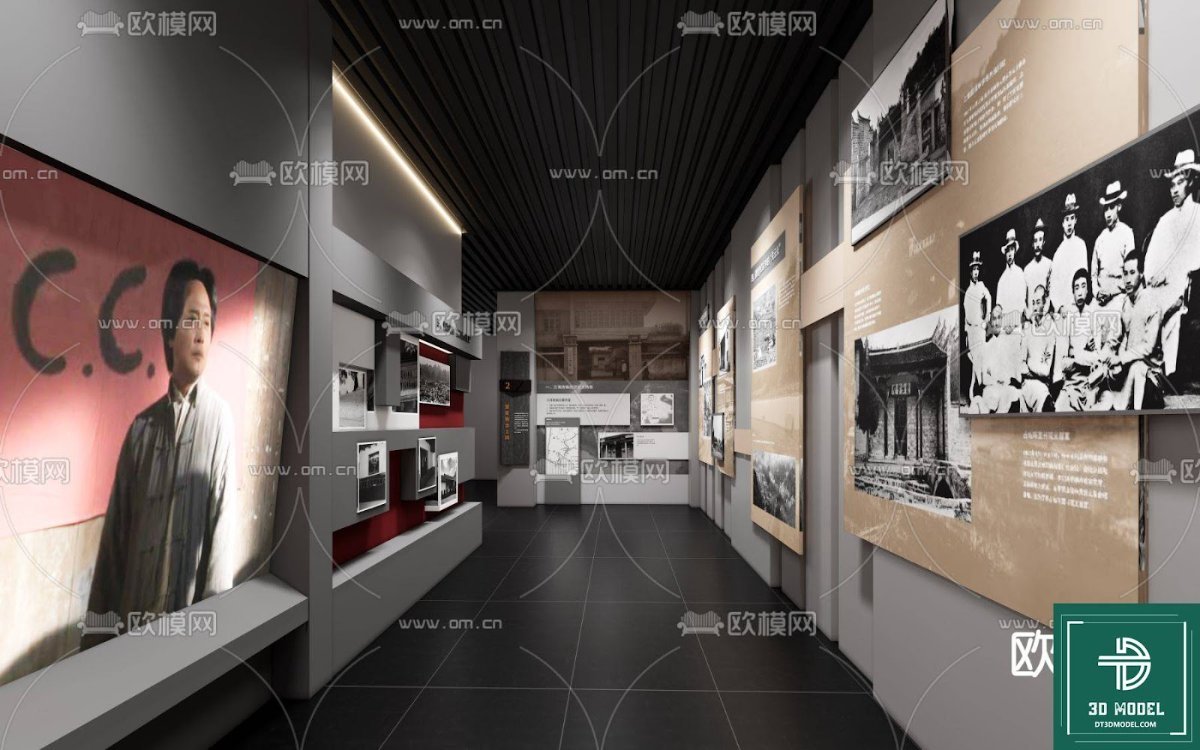
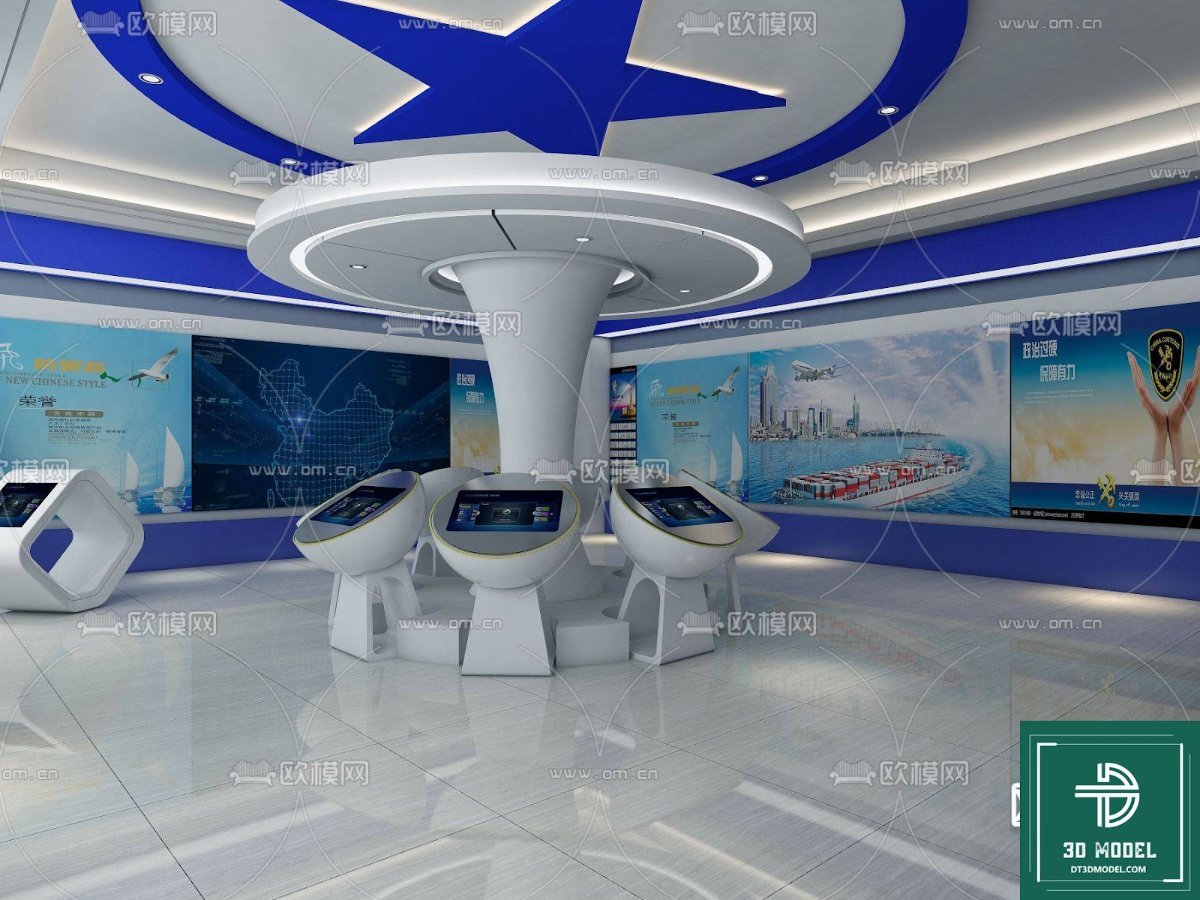
This particular exhibition hall SketchUp model (phong trien lam SketchUp (12)) stands out due to its thoughtful design and practical features. The model showcases a modern exhibition space characterized by bold red accent walls, clean white surfaces, and a sleek grey floor. The layout includes interactive display areas, informational graphics integrated into the walls, and a functional seating arrangement for visitors or discussions. The use of strong geometric lines and a minimalist aesthetic creates a contemporary and inviting atmosphere, ideal for various exhibition themes.
Key Design Elements:
The model features several key elements that contribute to its overall appeal and functionality:
- Dynamic Wall Design: The striking red walls are not just decorative; they incorporate integrated display panels and textual information, suggesting a narrative flow for exhibits.
- Interactive Zones: Designated areas with tables and chairs indicate potential interactive stations or consultation points, crucial for engaging visitors.
- Lighting Considerations: While not explicitly detailed in the image, the clean surfaces and open layout suggest ample opportunities for sophisticated lighting design, both natural and artificial.
- Materiality: The combination of smooth, reflective flooring and matte wall finishes creates a sophisticated material palette that can be further customized.
Optimal Resolution and Format for Your Projects
Our exhibition hall SketchUp model is provided in a format that ensures maximum compatibility and ease of use for designers. SketchUp models are renowned for their user-friendliness and integration with various rendering engines, making them a preferred choice for professionals. The resolution of the model is optimized to provide sharp details without overburdening your system, ensuring smooth navigation and rendering performance. This balance is crucial for efficient workflow and high-quality output.
Seamless Integration and Usage Instructions
Integrating this exhibition hall SketchUp model into your project is straightforward. Once downloaded from Posterfree.net, you can open the .skp file directly in SketchUp. From there, you have full control to:
- Customize Materials: Apply your preferred textures and colors to walls, floors, and furniture.
- Adjust Layout: Modify the placement of elements or introduce new ones to fit your exhibition concept.
- Set Up Lighting: Experiment with different lighting schemes to create the desired ambiance.
- Render Stunning Visuals: Utilize SketchUp’s rendering capabilities or export to external renderers for photorealistic images and animations.
This model serves as an excellent starting point, saving you countless hours of modeling from scratch and allowing you to focus on the creative aspects of your design.
Why Choose Posterfree.net for Your 3D Models?
Posterfree.net is dedicated to providing premium graphic resources that empower designers and creatives worldwide. Our reputation is built on delivering high-quality, meticulously crafted assets that meet professional standards. When you choose Posterfree.net, you benefit from:
- Curated Selection: We offer a carefully selected range of resources, ensuring quality and relevance.
- Ease of Access: Our platform is designed for a seamless user experience, making it easy to find and download what you need.
- Reliable Support: We are committed to supporting our community of designers.
- Value for Money: Access premium resources that significantly enhance your projects without breaking the bank.
This exhibition hall SketchUp model is just one example of the exceptional resources available on our platform. We understand the demands of the design industry and strive to provide tools that not only meet but exceed expectations.
Conclusion
A well-designed exhibition space can leave a lasting impression, and with the right tools, you can bring your vision to life with unparalleled precision and creativity. The exhibition hall SketchUp model from Posterfree.net offers a robust and versatile foundation for your next design project. Its modern aesthetic, detailed construction, and ease of customization make it an invaluable asset for anyone looking to create stunning architectural visualizations. Explore this and many other premium resources at Posterfree.net and elevate your design game today!
Hình ảnh demo liên quan
Câu hỏi thường gặp
What software is required to use this model?
This model is in SketchUp (.skp) format, so you will need SketchUp software to open and edit it.
Can I customize the colors and materials in the model?
Yes, the SketchUp model allows for full customization of colors, textures, and materials to match your specific design requirements.
Is this model suitable for commercial projects?
Please refer to the licensing terms on Posterfree.net for specific details regarding commercial use of our resources.
What is the resolution of the model?
The model is optimized for high detail without compromising performance, ensuring a balance between visual quality and usability in your projects.





























