

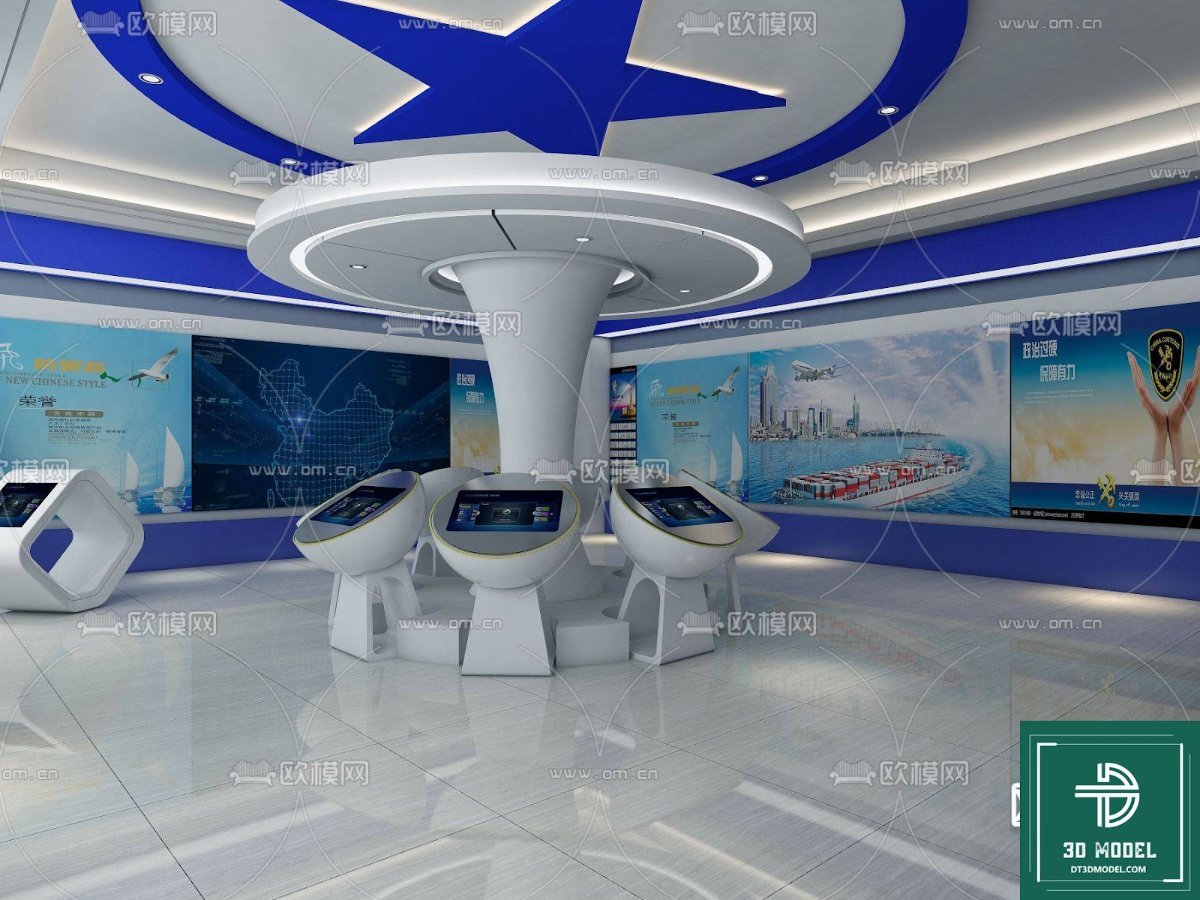
Exhibition Hall SketchUp Model. Explore a stunning exhibition hall SketchUp model, perfect for modern display designs. Download this high-quality resource for your next architectural project.
Unlock Modern Design with an Exhibition Hall SketchUp Model
In the dynamic world of architectural visualization and interior design, having access to high-quality 3D models is paramount. Whether you’re an architect, an interior designer, or a student, a well-crafted exhibition hall SketchUp model can be the cornerstone of your next project. At Posterfree.net, we pride ourselves on offering premium graphic resources that empower your creativity and streamline your workflow. This particular SketchUp model, ‘phong trien lam SketchUp (97)’, is a shining example of our commitment to excellence, providing a detailed and versatile foundation for your exhibition space designs.
The Power of a Premium SketchUp Model
SketchUp is renowned for its user-friendly interface and robust capabilities in 3D modeling. A meticulously designed exhibition hall SketchUp model allows you to:
- Visualize Concepts: Bring your ideas to life with realistic renderings and walkthroughs.
- Iterate Designs: Easily experiment with different layouts, materials, and lighting scenarios.
- Present Professionally: Impress clients with compelling visuals that clearly communicate your vision.
- Save Time and Resources: Start with a pre-built structure and focus on the unique elements of your design.
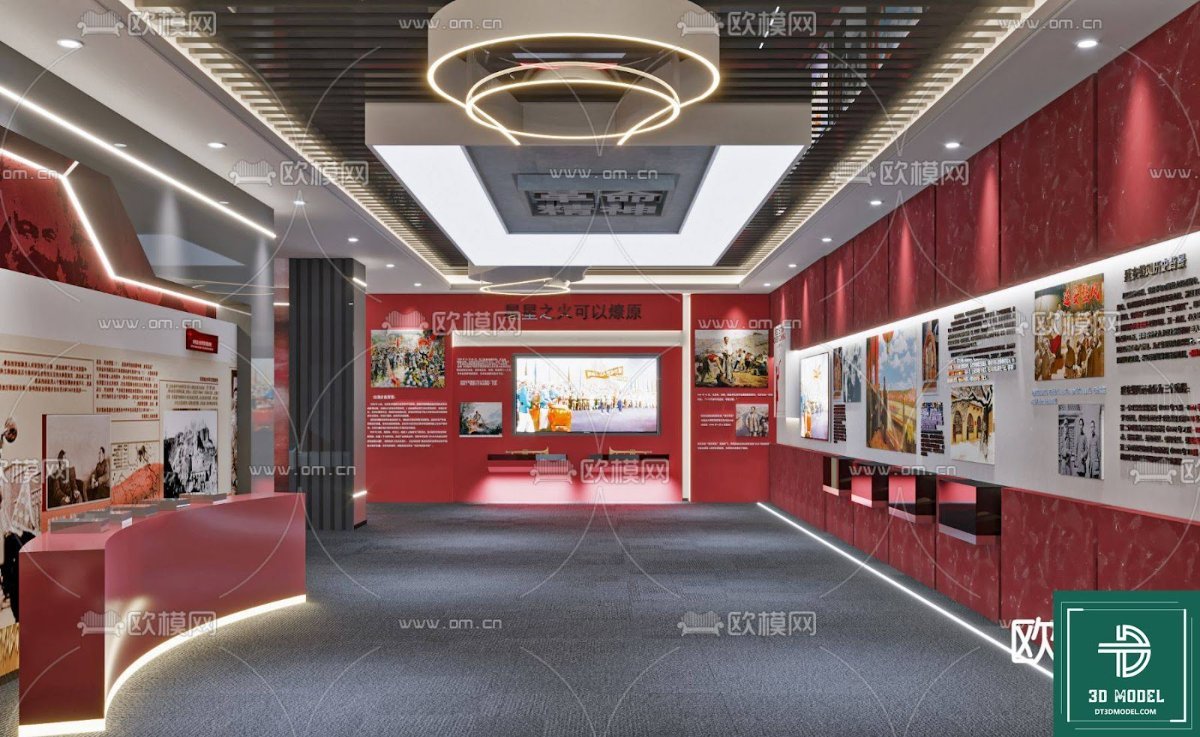
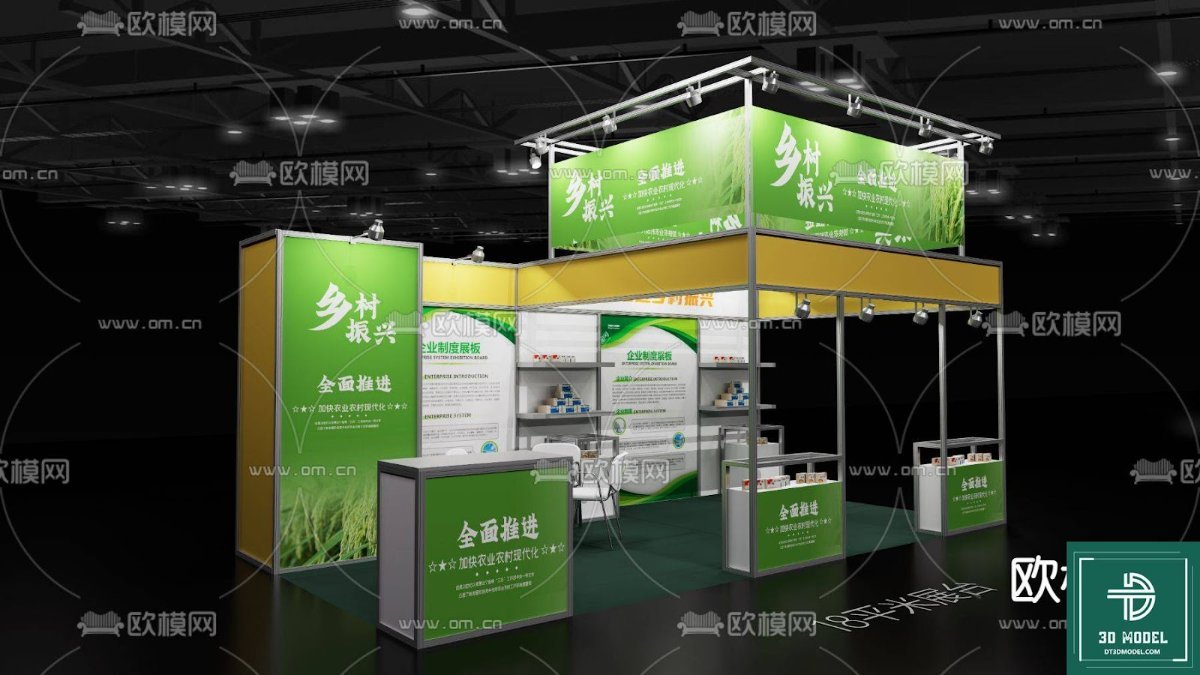
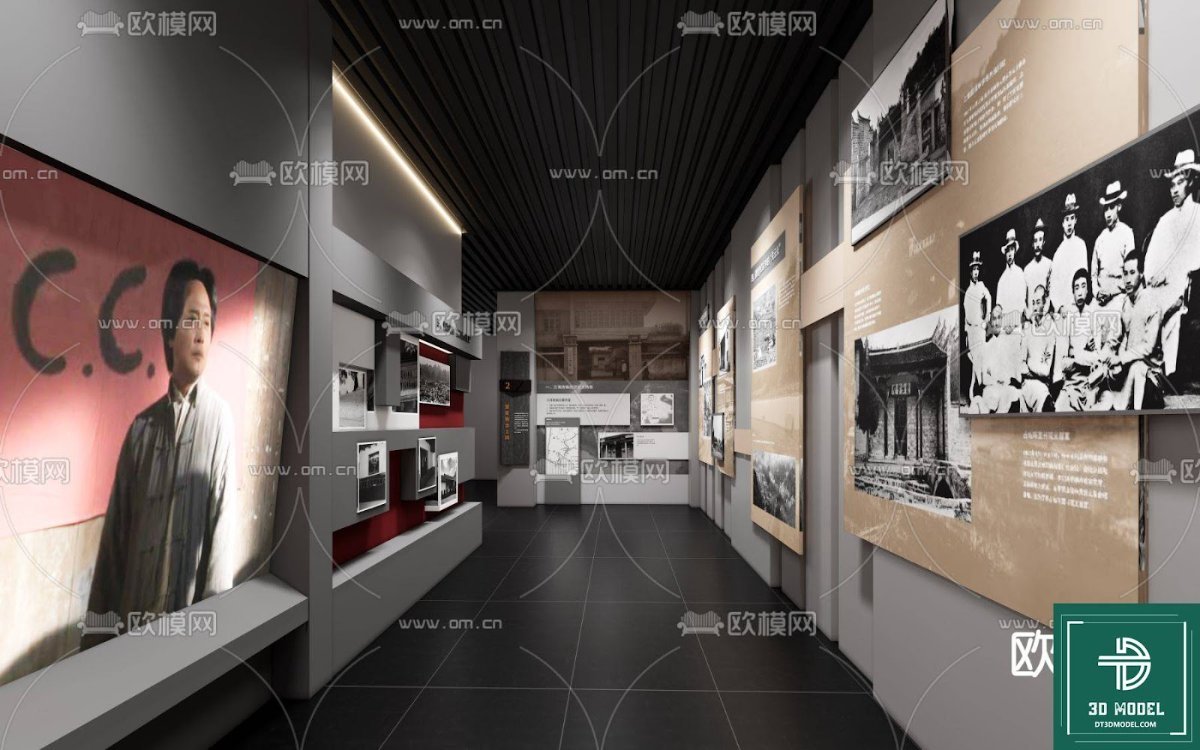
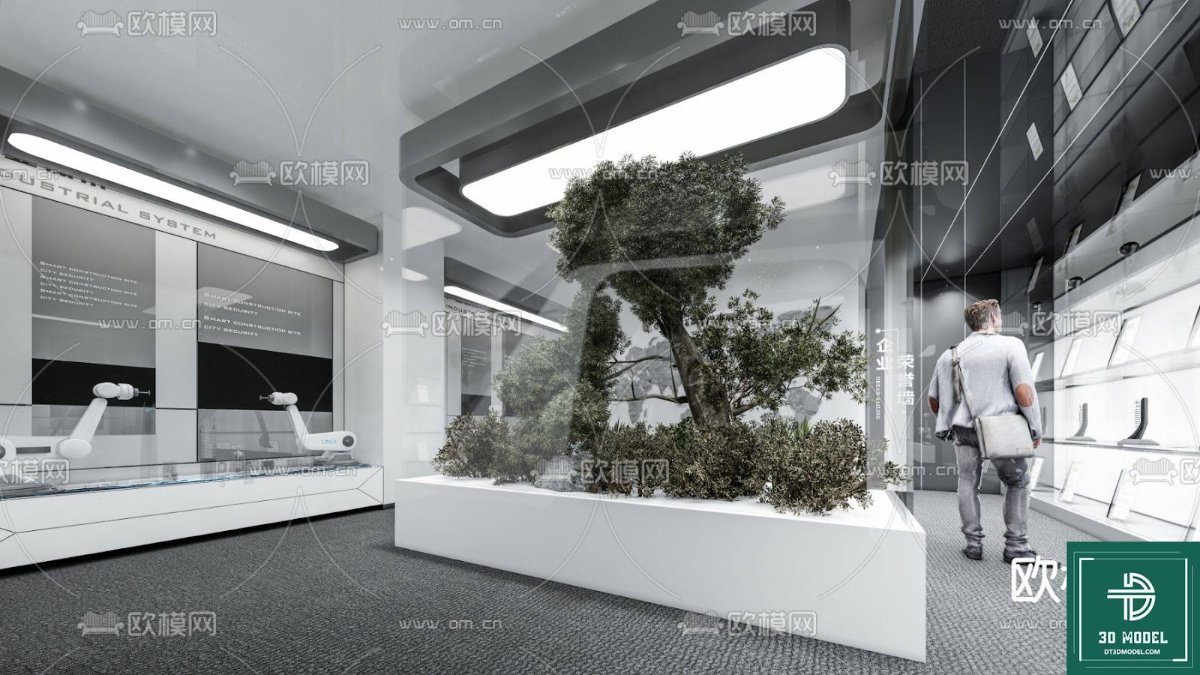
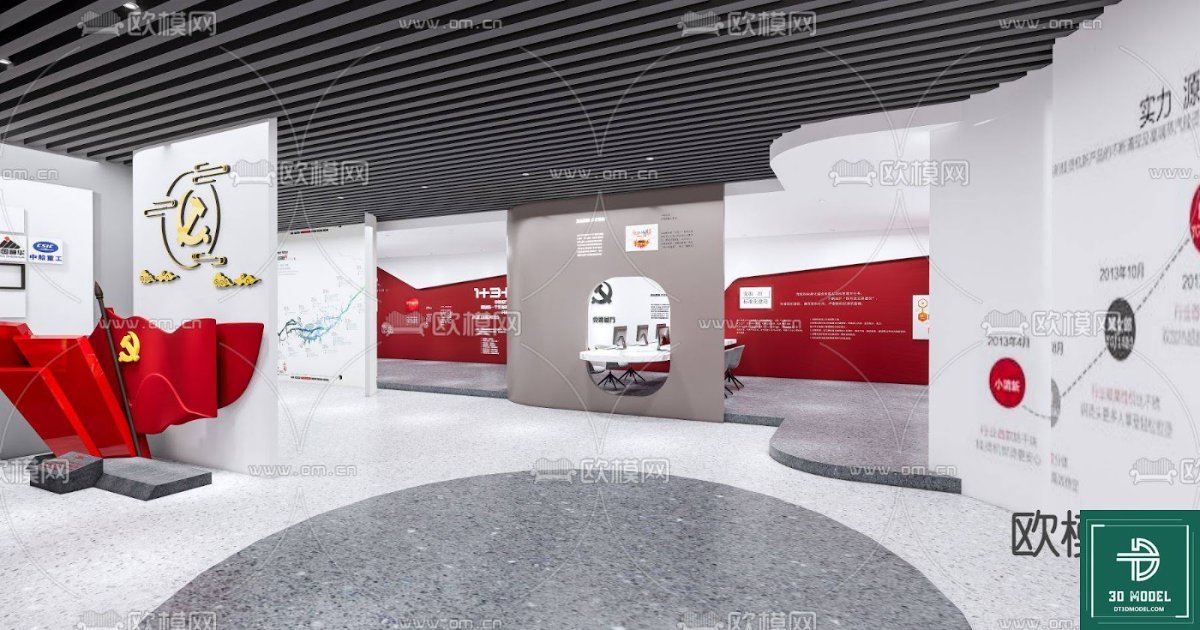
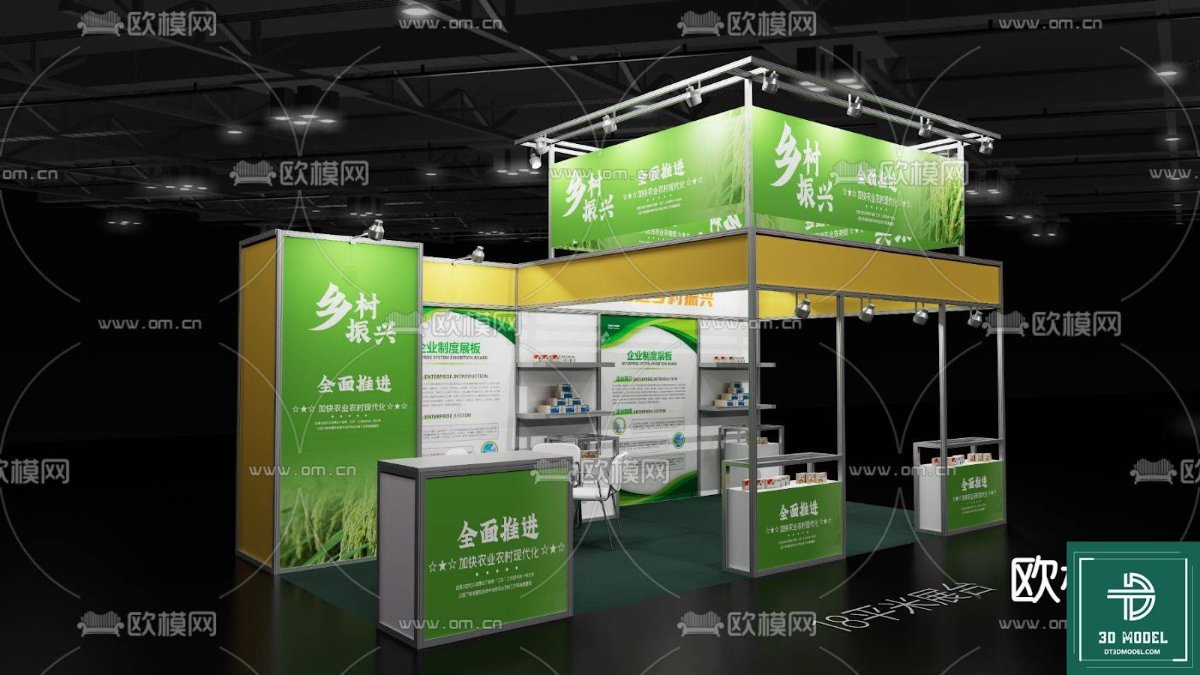
This specific model offers a contemporary exhibition space, complete with interactive kiosks and a striking blue and white color scheme. The central information desk and surrounding display areas are thoughtfully designed, making it ideal for technology showcases, corporate presentations, or educational exhibits.
Detailed Analysis of ‘phong trien lam SketchUp (97)’
Our ‘phong trien lam SketchUp (97)’ model is more than just a basic shell; it’s a comprehensive resource designed for immediate integration into your projects. Let’s delve into its key features:
Format and Compatibility
This resource is provided in the native SketchUp (.skp) format, ensuring seamless compatibility with all versions of SketchUp. This means you can open, modify, and render the model without any conversion hassles. The .skp format also allows for easy integration with various rendering engines and other architectural software that supports SketchUp files.
Resolution and Detail
The model boasts a high level of detail, from the intricate ceiling design with its prominent blue star motif to the sleek, modern interactive kiosks. The reflective floor surfaces and well-defined wall panels contribute to a realistic visual experience. This high resolution ensures that your renders will be crisp and professional, even when zoomed in on specific elements. Every component, from the structural elements to the furniture, is modeled with precision, allowing for close-up shots and detailed presentations.
Architectural Style and Aesthetics
The design aesthetic is distinctly modern and futuristic, characterized by clean lines, geometric shapes, and a vibrant color palette. The dominant blue and white scheme evokes a sense of technology, innovation, and professionalism, making it suitable for a wide range of exhibition themes. The circular central structure acts as a focal point, drawing visitors in, while the surrounding interactive displays encourage engagement. The subtle use of lighting elements further enhances the contemporary feel, creating an inviting and dynamic environment.
Usage Instructions and Best Practices
Utilizing this exhibition hall SketchUp model effectively is straightforward. Here are some tips:
- Download and Open: Simply download the .skp file from Posterfree.net and open it directly in SketchUp.
- Customize Materials: Easily change the colors, textures, and materials of any surface to match your brand or exhibition theme. SketchUp’s material editor makes this process intuitive.
- Populate with Content: Add your specific exhibits, signage, and branding elements to the display panels and kiosks.
- Adjust Lighting: Experiment with different lighting setups to create various moods and highlight key areas. Consider both natural and artificial light sources.
- Render for Impact: Use a rendering plugin (like V-Ray, Enscape, or Lumion) to produce photorealistic images and animations of your customized exhibition hall.
Remember to organize your layers within SketchUp for easier management of different elements. This will allow you to toggle visibility, lock objects, and maintain a clean workflow, especially when collaborating on larger projects.
Why Choose Posterfree.net for Your Graphic Resources?
Posterfree.net is your go-to destination for premium graphic assets. Our extensive library includes a wide array of high-quality vectors, templates, and 3D models, all designed to meet the rigorous demands of creative professionals. When you choose Posterfree.net, you benefit from:
- Unmatched Quality: Every resource is meticulously crafted by experienced designers.
- Diverse Selection: A vast collection catering to various industries and design needs.
- Ease of Use: Files are organized and optimized for seamless integration into your projects.
- Regular Updates: Our library is constantly growing with fresh and relevant content.
This exhibition hall SketchUp model is just one example of the exceptional resources you’ll find on our platform. We are dedicated to providing tools that not only save you time but also elevate the quality of your final output. Trust Posterfree.net to be your partner in design excellence.
Conclusion
A well-designed exhibition space can leave a lasting impression, and with the ‘phong trien lam SketchUp (97)’ model from Posterfree.net, you have a powerful tool at your fingertips. Its modern aesthetic, detailed construction, and ease of customization make it an invaluable asset for any architectural or interior design project. Download this premium exhibition hall SketchUp model today and transform your design concepts into stunning realities. Explore the possibilities and let your creativity flourish with Posterfree.net.
Hình ảnh demo liên quan
Câu hỏi thường gặp
What software is required to use this model?
This model is in .skp format and requires SketchUp software to open and edit.
Can I customize the colors and materials in the model?
Yes, all materials and colors within the SketchUp model can be easily customized to suit your specific design requirements.
Is this model suitable for commercial projects?
Yes, resources from Posterfree.net are generally suitable for both personal and commercial projects, subject to our licensing terms.
What level of detail can I expect from this model?
The ‘phong trien lam SketchUp (97)’ model offers a high level of detail, including intricate ceiling designs, interactive kiosks, and reflective surfaces, ensuring professional-quality renders.





























