

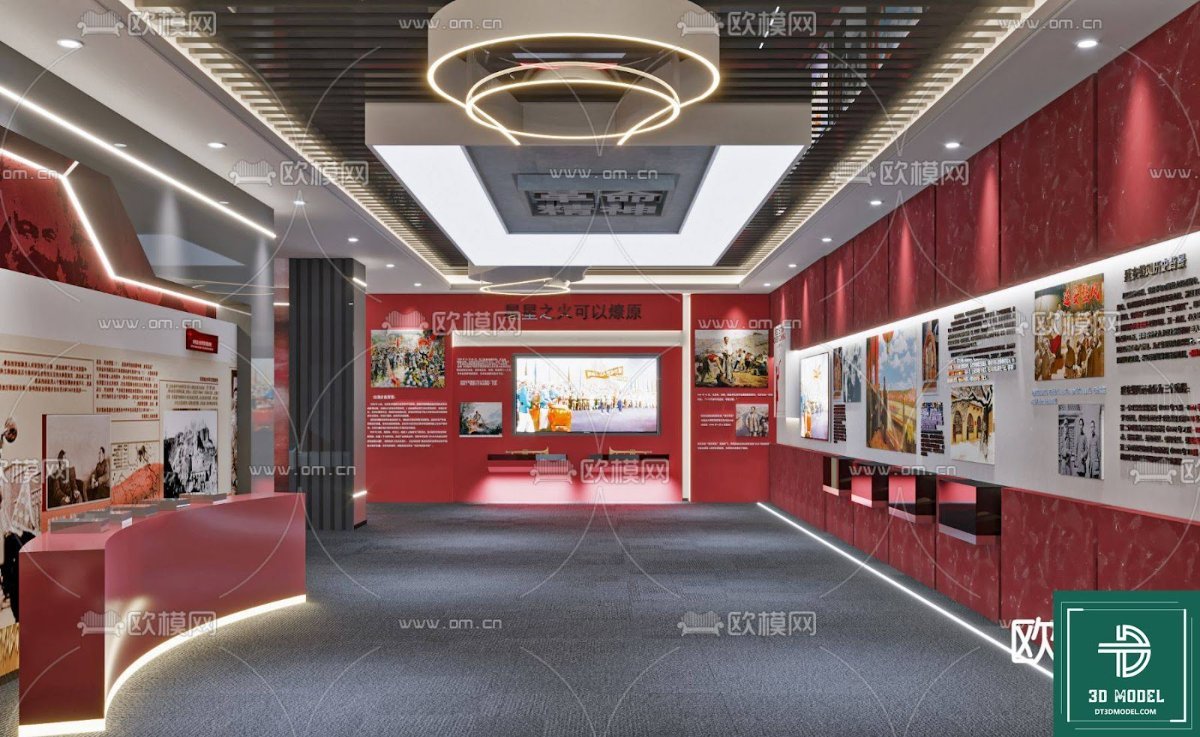
Exhibition Hall SketchUp Model. Discover a premium Exhibition Hall SketchUp Model for your architectural and interior design projects. This detailed 3D model is perfect for visualizing modern exhibition spaces.
Transform Your Designs with a Premium Exhibition Hall SketchUp Model
In the dynamic world of architectural visualization and interior design, having access to high-quality 3D models is paramount. Whether you’re an architect, an interior designer, or a student, the ability to quickly integrate detailed and realistic models into your projects can significantly enhance your workflow and the final presentation. Today, we’re diving deep into a fantastic resource that embodies this need: the Exhibition Hall SketchUp Model available exclusively at Posterfree.net.
Why Choose a Dedicated Exhibition Hall SketchUp Model?
Designing an exhibition hall is a complex endeavor. It requires careful consideration of space, flow, lighting, and the overall visitor experience. A pre-designed, high-quality SketchUp model offers numerous advantages:
- Time-Saving: Instead of building every element from scratch, you can import a complete, well-structured model, saving countless hours.
- Inspiration & Reference: It provides a solid foundation and a source of inspiration for your own creative ideas.
- Professional Presentation: A detailed model allows for stunning renders and walkthroughs, impressing clients and stakeholders.
- Scalability: Easily modify and adapt the existing layout to suit specific project requirements.
Detailed Analysis of the Exhibition Hall SketchUp Model
The Exhibition Hall SketchUp Model from Posterfree.net is a prime example of a meticulously crafted 3D asset. Let’s break down its key features:
Impeccable Design and Layout
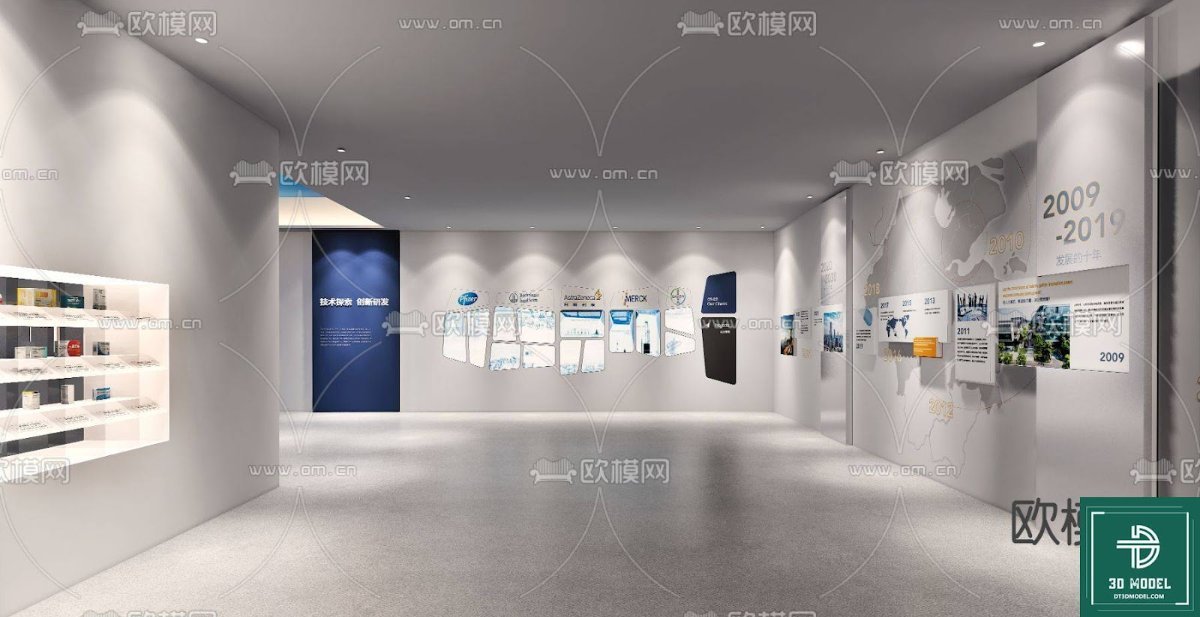
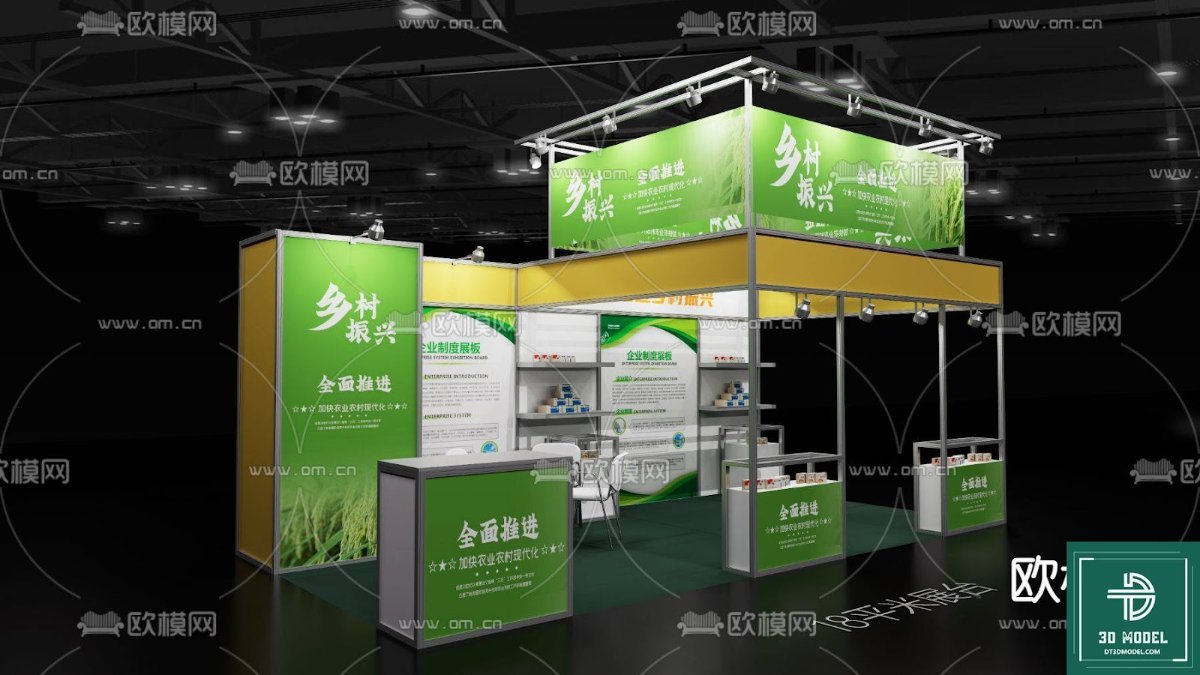
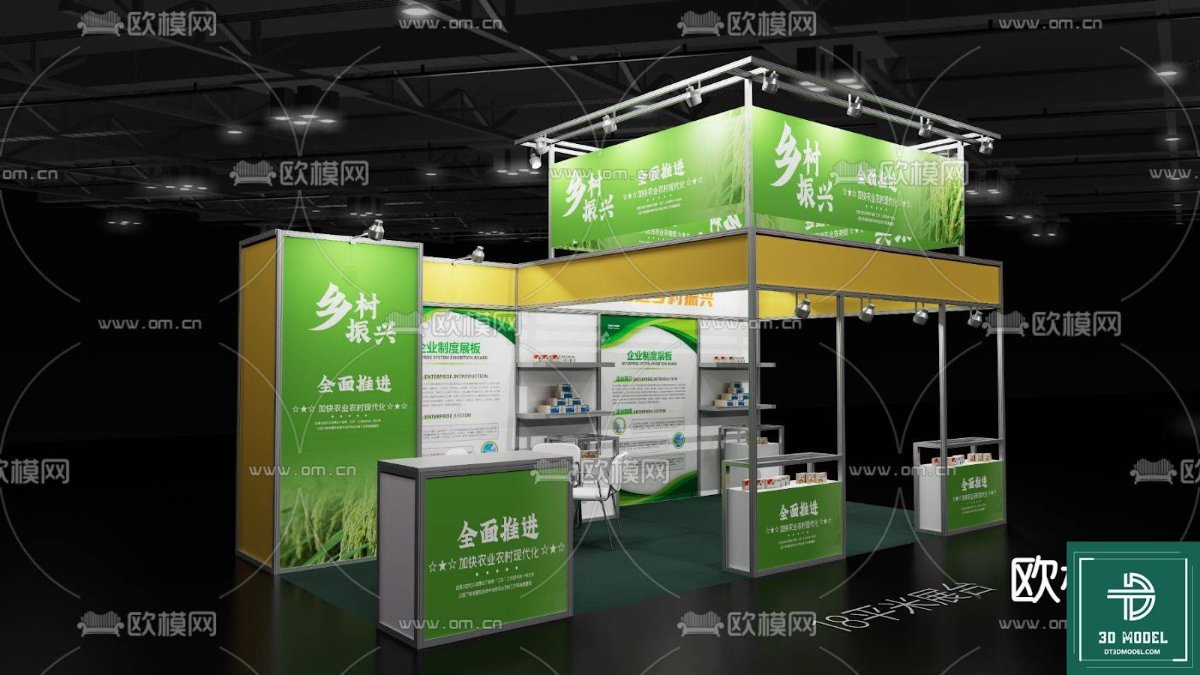
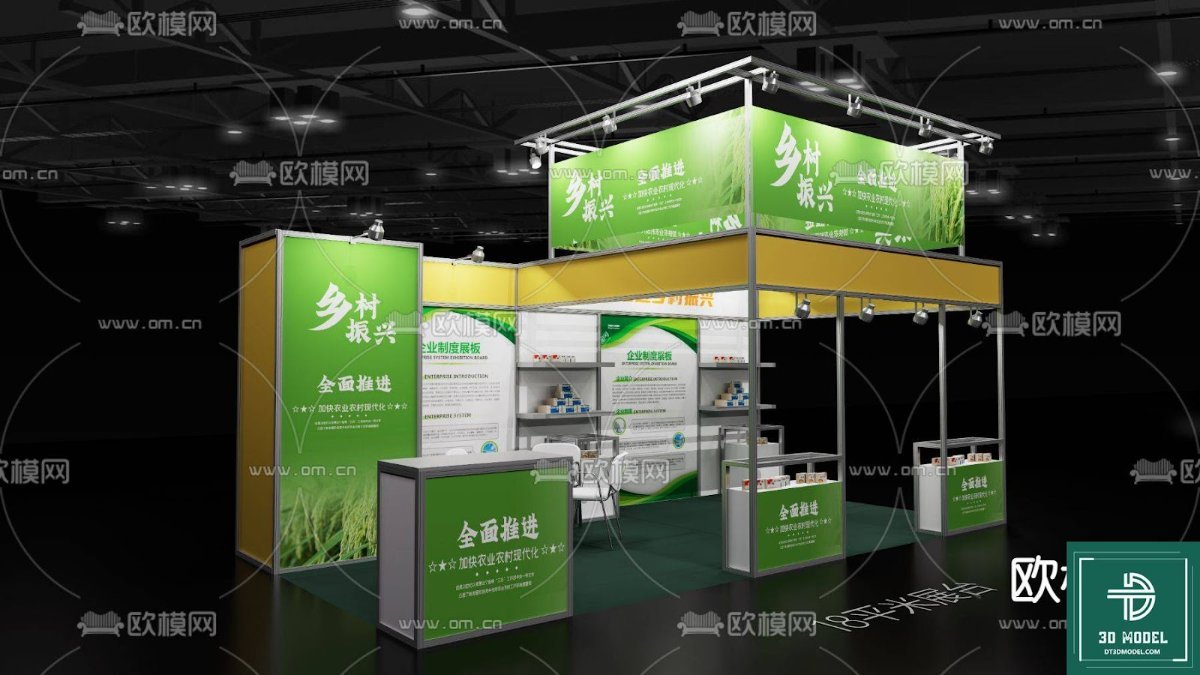
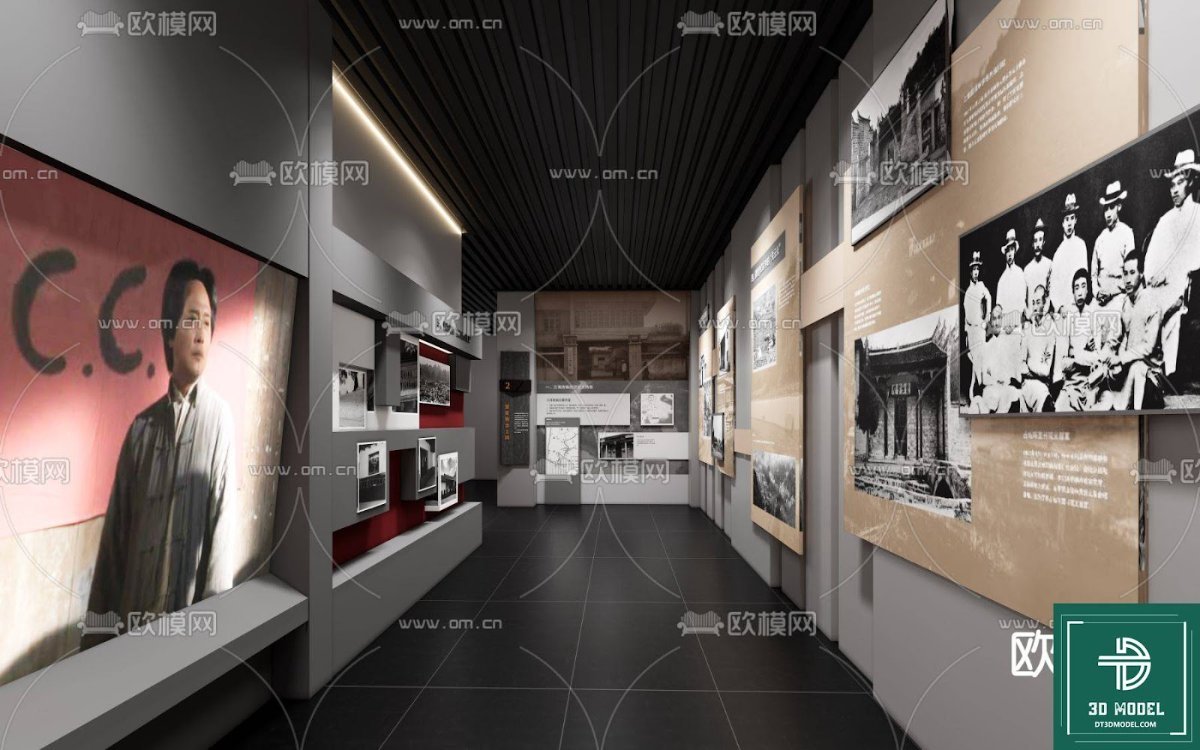
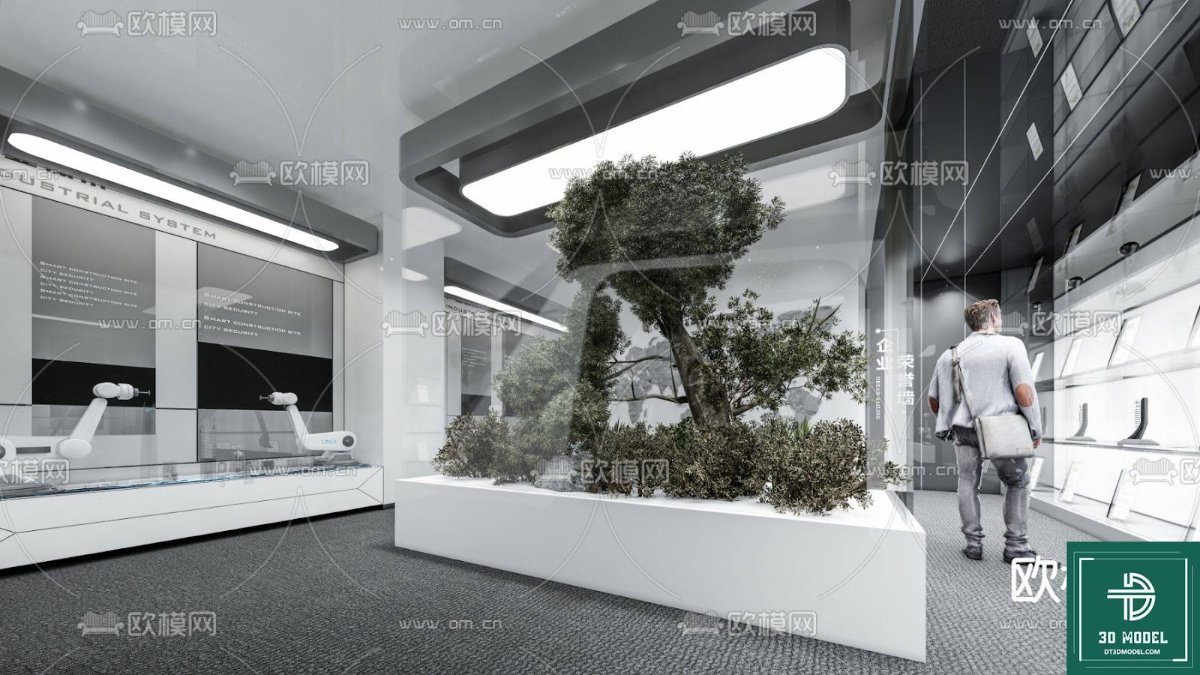
The model showcases a modern and sophisticated exhibition space, characterized by its clean lines, strategic lighting, and thoughtful arrangement. The dominant red and white color scheme creates a vibrant yet professional atmosphere, ideal for showcasing various exhibits. The layout includes:
- Spacious Central Area: Perfect for large displays or interactive installations.
- Wall-Mounted Displays: Numerous sections along the walls are designed for informational panels, artwork, or product showcases.
- Reception/Information Desk: A sleek, illuminated counter suggests a welcoming entry point for visitors.
- Integrated Lighting: A combination of recessed ceiling lights, track lighting, and decorative chandeliers ensures optimal illumination and highlights key areas.
- Multimedia Integration: A large central screen is incorporated, indicating readiness for digital presentations or video content.
Resolution and Detail
This SketchUp model is designed with a high level of detail, ensuring that even close-up renders maintain clarity and realism. Every element, from the texture of the flooring to the subtle reflections on the ceiling, is rendered with precision. This attention to detail is crucial for creating convincing visualizations that truly bring your designs to life.
Format and Compatibility
The primary format for this resource is SketchUp (SKP), making it directly compatible with Trimble SketchUp software. This ensures seamless integration for users already familiar with the platform. SketchUp’s intuitive interface allows for easy manipulation, modification, and rendering of the model.
How to Effectively Use This Exhibition Hall SketchUp Model in Your Projects
Leveraging this Exhibition Hall SketchUp Model to its full potential is straightforward:
- Download from Posterfree.net: Access the premium resource directly from our website.
- Import into SketchUp: Open the SKP file in your SketchUp application.
- Customize & Modify: Adjust colors, textures, and even the layout to match your specific project requirements. You can add your own exhibits, furniture, and branding elements.
- Render & Visualize: Utilize SketchUp’s rendering capabilities or integrate with external rendering engines (like V-Ray, Enscape, or Lumion) to produce photorealistic images and immersive walkthroughs.
- Client Presentations: Use the rendered visuals to present your design concepts to clients, allowing them to fully grasp the spatial experience.
Why Posterfree.net is Your Go-To Resource for 3D Models
At Posterfree.net, we pride ourselves on being a premier destination for high-quality graphic resources, and our 3D model collection is no exception. We understand the demands of creative professionals and strive to provide assets that are not only aesthetically pleasing but also functional and easy to integrate into various workflows. Our commitment to excellence means:
- Curated Selection: Every resource, including this Exhibition Hall SketchUp Model, is carefully selected and vetted for quality.
- User-Friendly Experience: Our platform is designed for easy navigation and quick downloads.
- Diverse Range: We offer a wide array of resources to cater to different design needs, from 3D models to vectors and PSD templates.
- Regular Updates: We continuously add new and trending resources to keep your creative toolkit fresh and relevant.
Investing in premium resources like this Exhibition Hall SketchUp Model from Posterfree.net is an investment in your project’s success. It empowers you to create stunning, professional-grade visualizations with efficiency and confidence.
Conclusion
The Exhibition Hall SketchUp Model is an indispensable asset for anyone involved in architectural visualization or interior design. Its detailed design, high resolution, and ease of use make it a valuable addition to any designer’s toolkit. By leveraging this premium resource from Posterfree.net, you can elevate your projects, streamline your workflow, and create truly captivating exhibition spaces. Explore this model today and unlock new possibilities for your designs!
Hình ảnh demo liên quan
Câu hỏi thường gặp
What software is required to use this Exhibition Hall SketchUp Model?
This model is provided in SKP format, so you will need Trimble SketchUp software to open and edit it. Compatibility with various versions of SketchUp is generally good, but using a recent version is recommended for optimal performance.
Can I modify the colors and textures of the Exhibition Hall SketchUp Model?
Yes, absolutely! The SketchUp format allows for extensive customization. You can easily change colors, apply different textures, and even rearrange elements within the model to suit your specific design vision and project requirements.
Is this Exhibition Hall SketchUp Model suitable for commercial projects?
Yes, resources from Posterfree.net are generally suitable for both personal and commercial projects, subject to our licensing terms. Please refer to the specific license details on the product page for full information regarding usage rights.
How detailed is the Exhibition Hall SketchUp Model?
The model is designed with a high level of detail, ensuring realistic renders and presentations. From the lighting fixtures to the wall displays and flooring, careful attention has been paid to create a comprehensive and visually rich environment.





























