


Exhibition Hall SketchUp Model. Discover a detailed exhibition hall SketchUp model, perfect for architects and designers. This resource offers realistic museum and gallery layouts for your projects.
Design Your Perfect Display with an Exhibition Hall SketchUp Model
In the world of architectural design and interior planning, precision and realism are paramount. Whether you’re conceptualizing a museum, an art gallery, or a corporate display space, having a high-quality exhibition hall SketchUp model can dramatically streamline your workflow and elevate your presentations. Posterfree.net is proud to offer an exceptional resource: a meticulously crafted SketchUp model of an exhibition hall, designed to meet the rigorous demands of professional designers and students alike.
Unveiling the Details of Our Exhibition Hall SketchUp Model
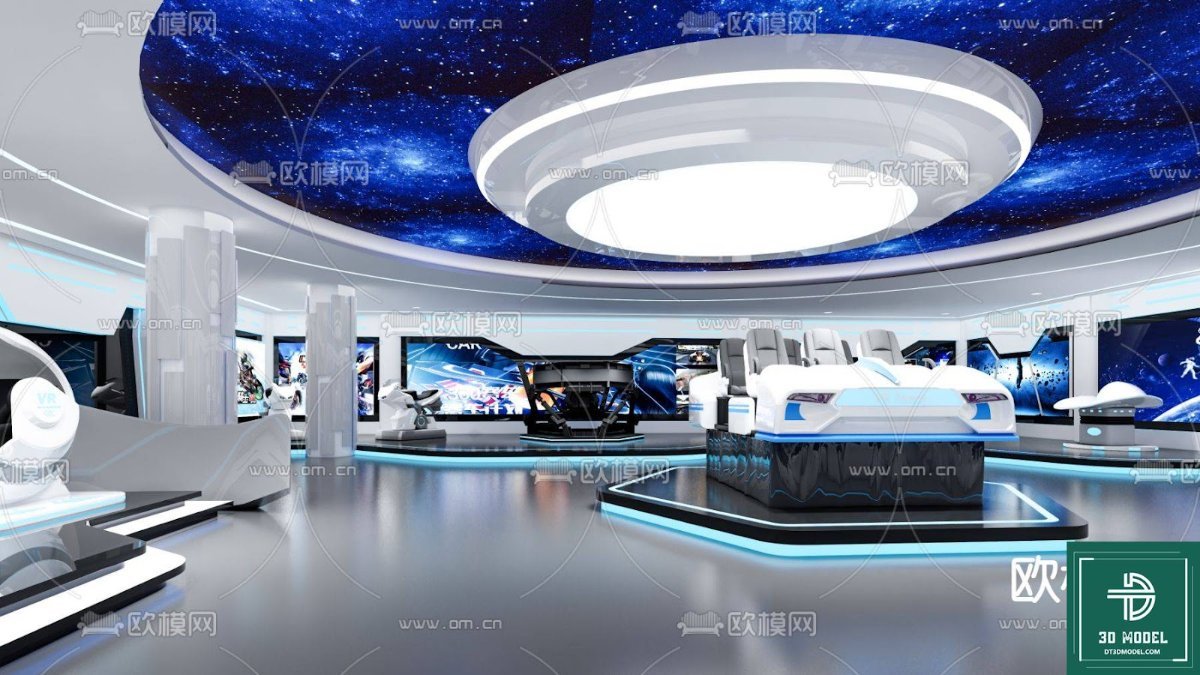
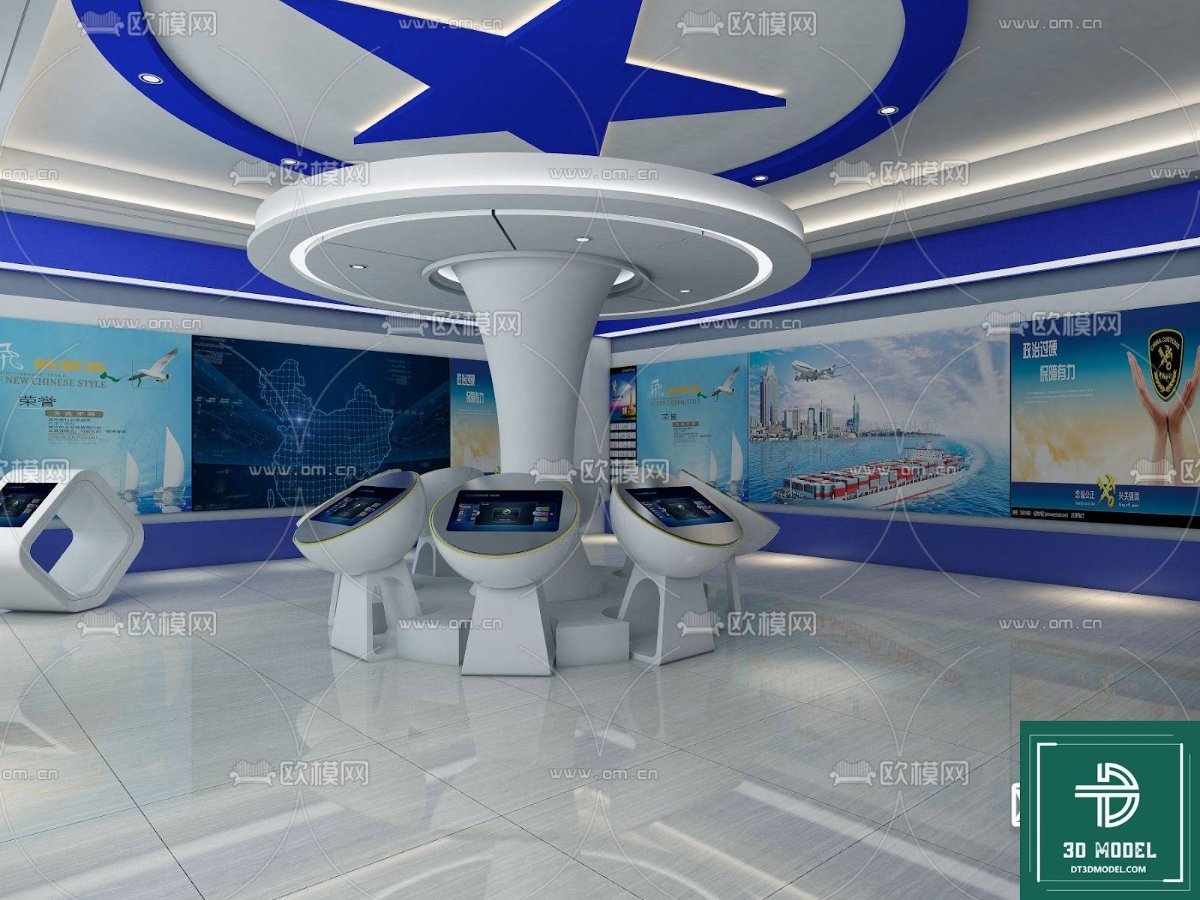
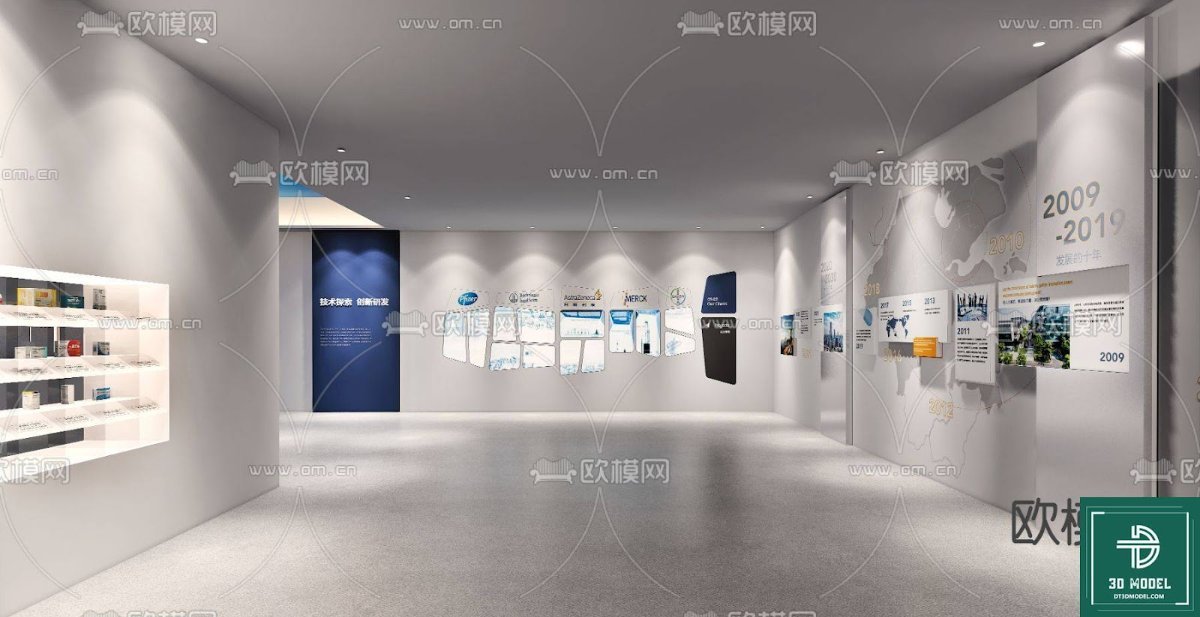
The phong trien lam SketchUp (146) model available on Posterfree.net is more than just a 3D file; it’s a comprehensive environment ready for your creative input. This model captures the essence of a modern exhibition space, complete with intricate architectural details, lighting setups, and display arrangements. The design features a thoughtful layout that guides visitors through various exhibits, making it ideal for simulating real-world experiences.
Format and Compatibility
This premium resource is provided in SketchUp format, ensuring seamless integration into your existing SketchUp projects. SketchUp is renowned for its user-friendly interface and robust 3D modeling capabilities, making this model accessible to a wide range of users, from seasoned professionals to those new to 3D design. The file is optimized for performance, allowing for smooth navigation and rendering even on moderately powered systems.
Realistic Resolution and Textures
The model boasts high-resolution textures and materials, contributing to its photorealistic appearance. From the polished floors to the textured walls and display panels, every surface has been carefully considered to provide an authentic visual experience. The lighting setup within the model is designed to highlight exhibits effectively, mimicking the controlled illumination found in professional galleries and museums. This attention to detail ensures that your renderings will be both stunning and convincing.
Versatile Applications for Your Projects
The utility of an exhibition hall SketchUp model extends across numerous disciplines:
- Architectural Visualization: Present your architectural concepts for museums, galleries, or cultural centers with unparalleled realism.
- Interior Design: Experiment with different interior layouts, furniture arrangements, and exhibit placements.
- Event Planning: Visualize event spaces for trade shows, product launches, or art exhibitions.
- Educational Purposes: A valuable tool for students studying architecture, interior design, or exhibition design.
- Virtual Tours: Create immersive virtual walkthroughs for clients or stakeholders, allowing them to experience the space before it’s built.
How to Utilize This Exhibition Hall SketchUp Model
Integrating this model into your workflow is straightforward. Once downloaded from Posterfree.net, you can open it directly in SketchUp. From there, you have full control to customize the space:
- Modify Layouts: Adjust wall placements, add or remove partitions, and reconfigure display areas to suit your specific exhibition needs.
- Insert Exhibits: Populate the hall with your own 3D models of artworks, artifacts, or products.
- Experiment with Lighting: Adjust existing light sources or add new ones to create different moods and highlight specific features.
- Apply Custom Materials: Change floorings, wall finishes, and display materials to match your brand or design aesthetic.
- Render High-Quality Images: Use SketchUp’s rendering capabilities or integrate with external rendering engines (like V-Ray or Enscape) to produce photorealistic images and animations.
Why Choose Posterfree.net for Your Design Resources?
Posterfree.net has established itself as a premier destination for high-quality graphic and 3D design resources. Our commitment to excellence ensures that every asset, including this exhibition hall SketchUp model, meets professional standards. We understand the demands of the design industry and strive to provide resources that are not only visually appealing but also practical and easy to use.
Our extensive library is curated to support designers across various fields, offering everything from vector graphics to complex 3D models. When you choose Posterfree.net, you’re not just downloading a file; you’re gaining access to a reliable partner in your creative journey. We prioritize user experience, offering clear descriptions, easy download processes, and resources that truly make a difference in your projects.
Frequently Asked Questions (FAQ)
- Q: What software is required to use this model?
- A: This model is specifically designed for SketchUp. You will need SketchUp Pro or SketchUp Free (web version) to open and edit the file.
- Q: Can I modify the existing layout of the exhibition hall?
- A: Absolutely! The model is fully editable within SketchUp, allowing you to customize walls, displays, and other architectural elements to fit your project’s requirements.
- Q: Are textures and materials included with the model?
- A: Yes, the model comes with all necessary high-resolution textures and materials embedded, ensuring a realistic appearance right out of the box.
- Q: Is this model suitable for commercial projects?
- A: Our resources are generally suitable for both personal and commercial projects, subject to our licensing terms. Please refer to the specific license details on the product page for full information.
- Q: How can I achieve photorealistic renders with this model?
- A: While SketchUp itself can produce good renders, for photorealistic results, we recommend using a dedicated rendering engine like V-Ray, Enscape, or Lumion, which integrate seamlessly with SketchUp.
Elevate your design projects today with the exceptional exhibition hall SketchUp model from Posterfree.net. Experience the blend of detail, versatility, and professional quality that sets our resources apart.
Related Demo Images



Frequently Asked Questions
What software is required to use this model?
This model is specifically designed for SketchUp. You will need SketchUp Pro or SketchUp Free (web version) to open and edit the file.
Can I modify the existing layout of the exhibition hall?
Absolutely! The model is fully editable within SketchUp, allowing you to customize walls, displays, and other architectural elements to fit your project’s requirements.
Are textures and materials included with the model?
Yes, the model comes with all necessary high-resolution textures and materials embedded, ensuring a realistic appearance right out of the box.
Is this model suitable for commercial projects?
Our resources are generally suitable for both personal and commercial projects, subject to our licensing terms. Please refer to the specific license details on the product page for full information.
How can I achieve photorealistic renders with this model?
While SketchUp itself can produce good renders, for photorealistic results, we recommend using a dedicated rendering engine like V-Ray, Enscape, or Lumion, which integrate seamlessly with SketchUp.





























