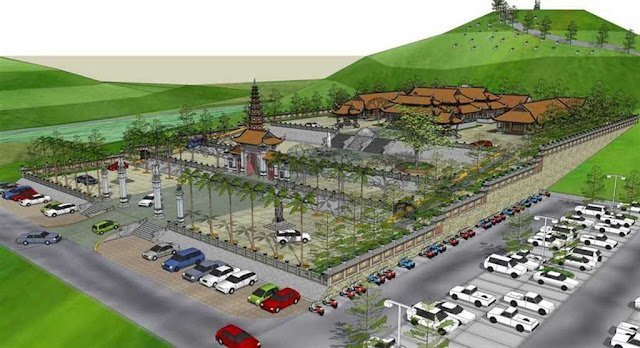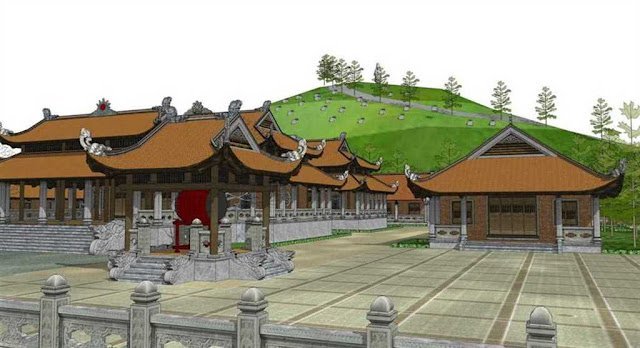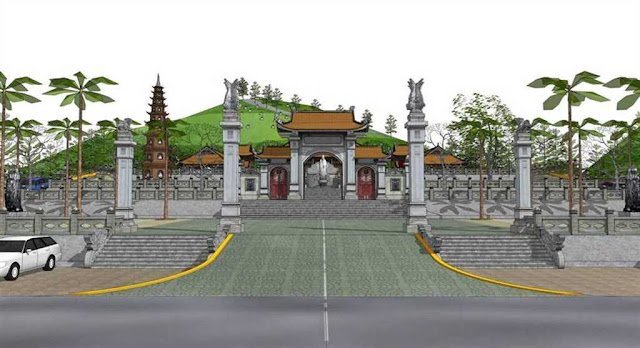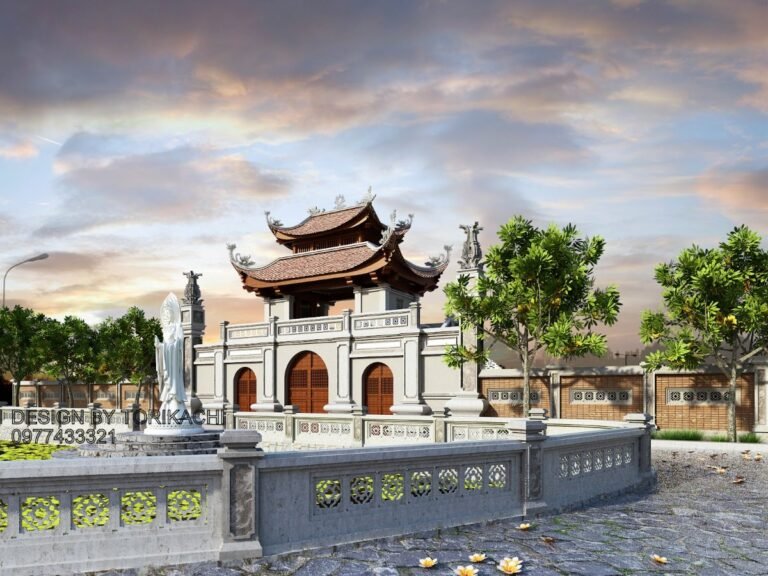
Exhibition Hall SketchUp Model. Discover a premium Exhibition Hall SketchUp Model for your architectural visualization needs. Perfect for designers and students, this model offers detailed interiors and realistic lighting.
Elevate Your Designs with a Premium Exhibition Hall SketchUp Model
In the dynamic world of architectural visualization and interior design, having access to high-quality 3D models is paramount. Whether you’re a seasoned professional or an aspiring student, the right resources can significantly enhance your project’s realism and presentation. Today, we’re diving deep into an exceptional asset from Posterfree.net: the Exhibition Hall SketchUp Model. This meticulously crafted model is designed to provide a robust foundation for various display and gallery projects, offering unparalleled detail and versatility.
What Makes This Exhibition Hall SketchUp Model Stand Out?
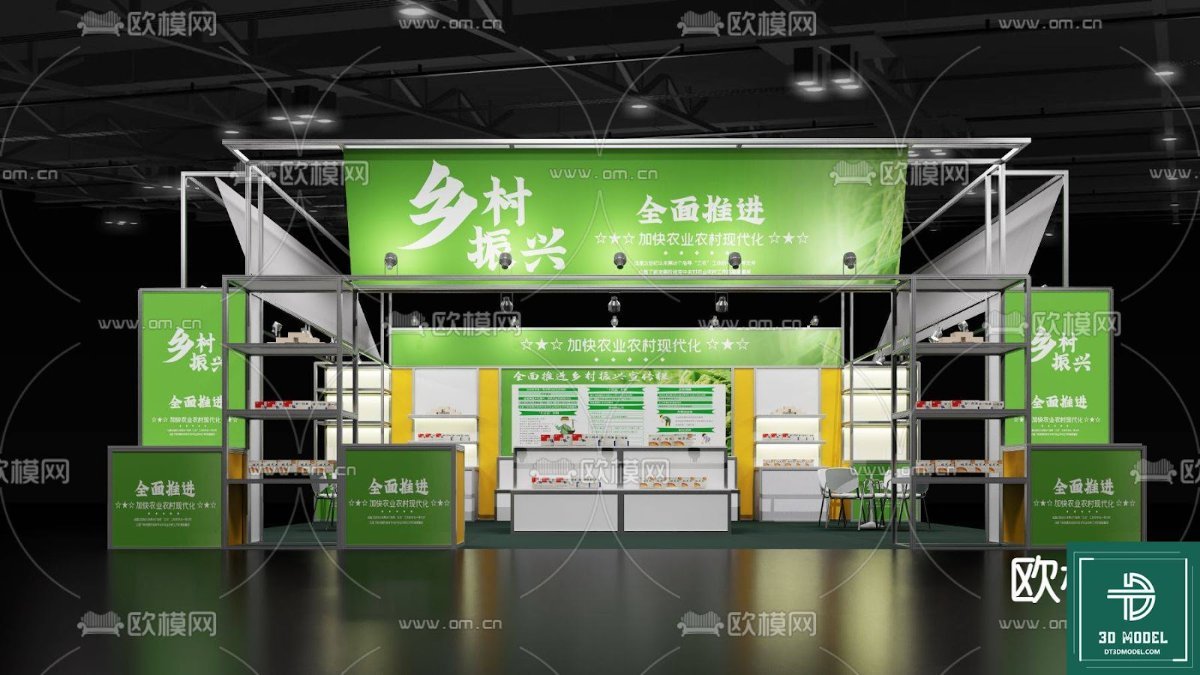
The Exhibition Hall SketchUp Model (49) is not just another generic 3D asset. It’s a comprehensive solution for anyone looking to visualize an exhibition space with precision and style. Here’s a breakdown of its key features and why it’s a must-have:
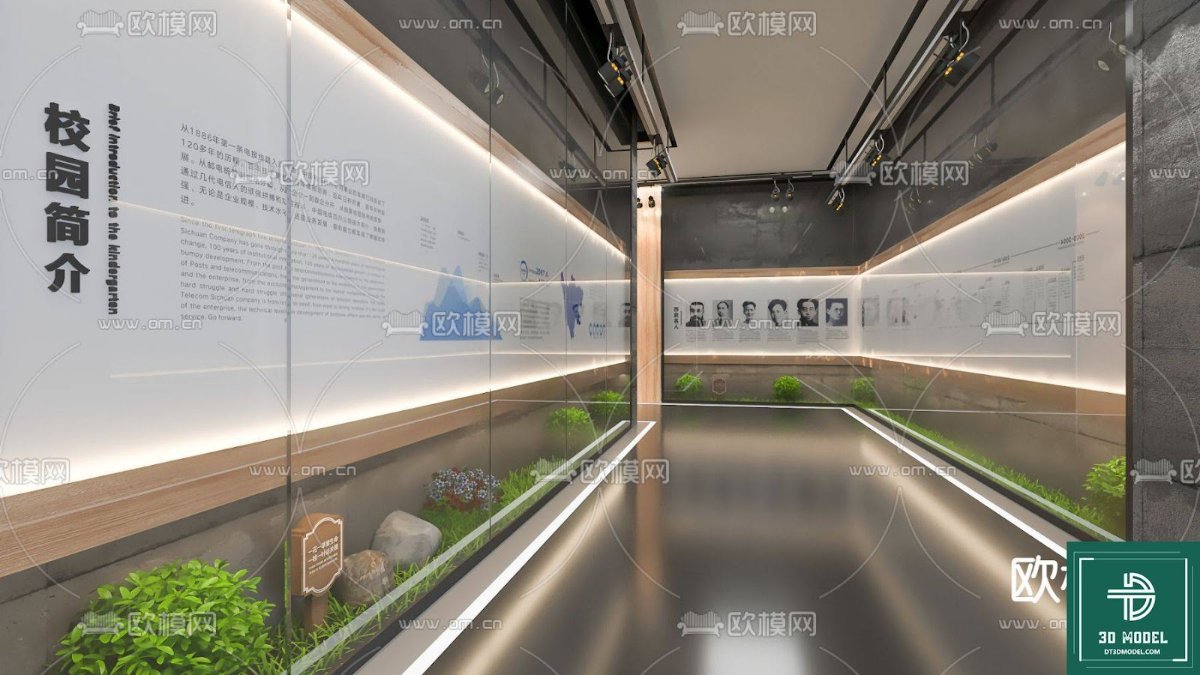
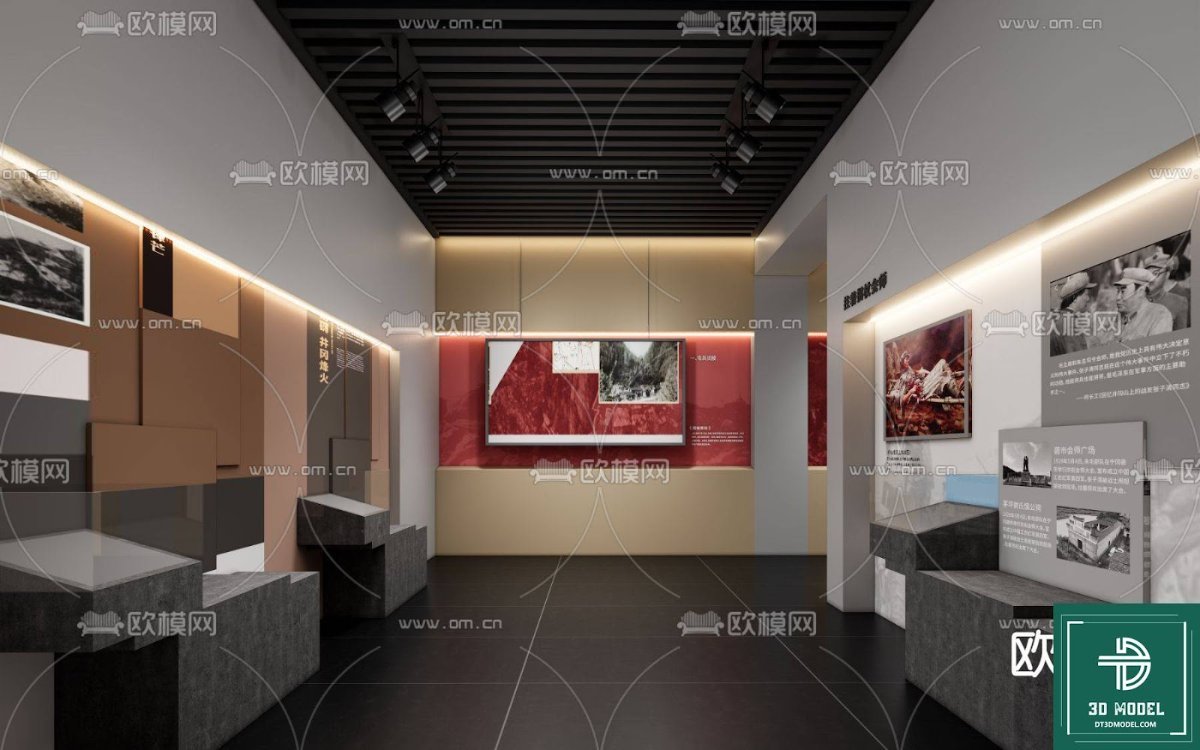
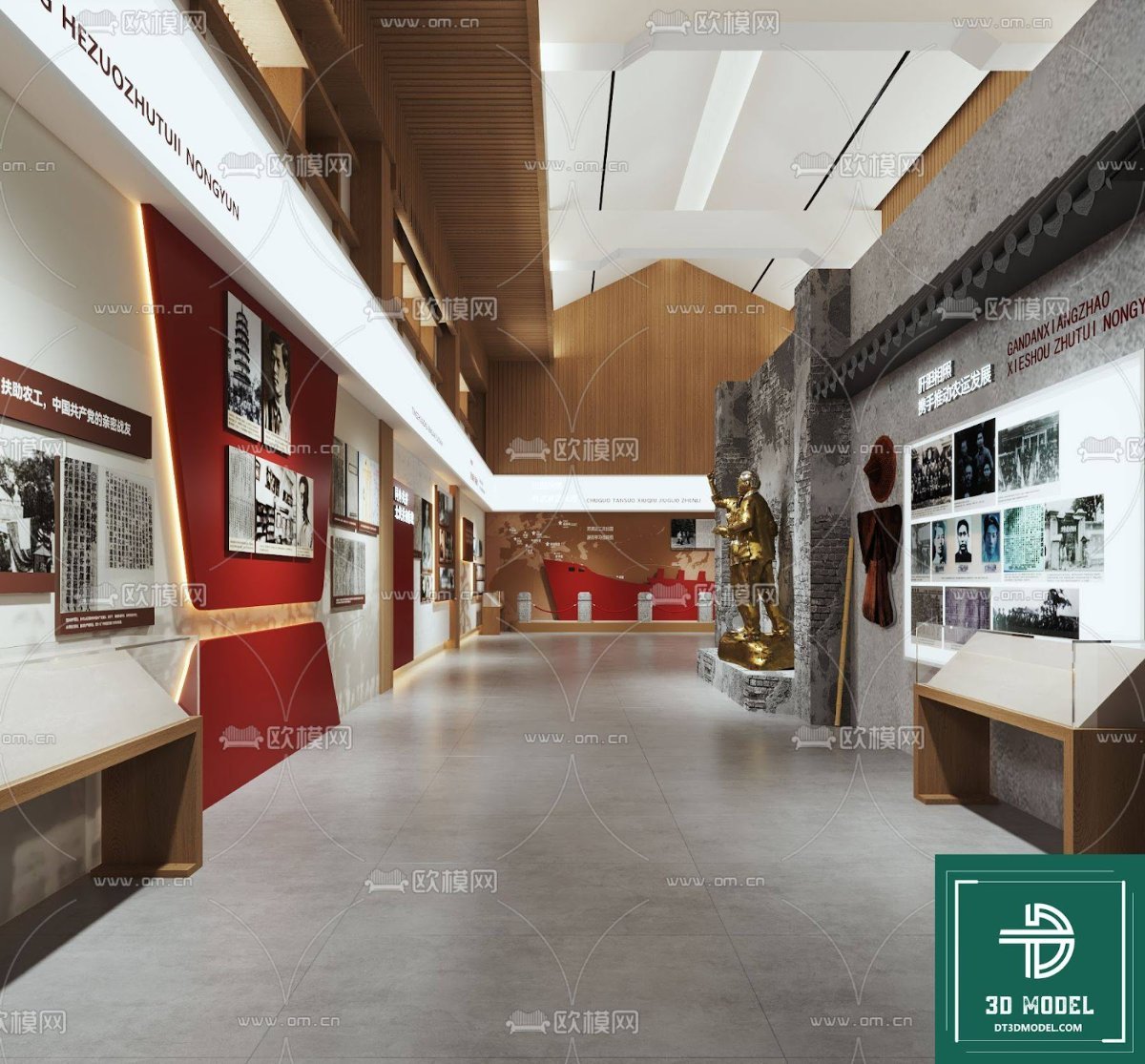
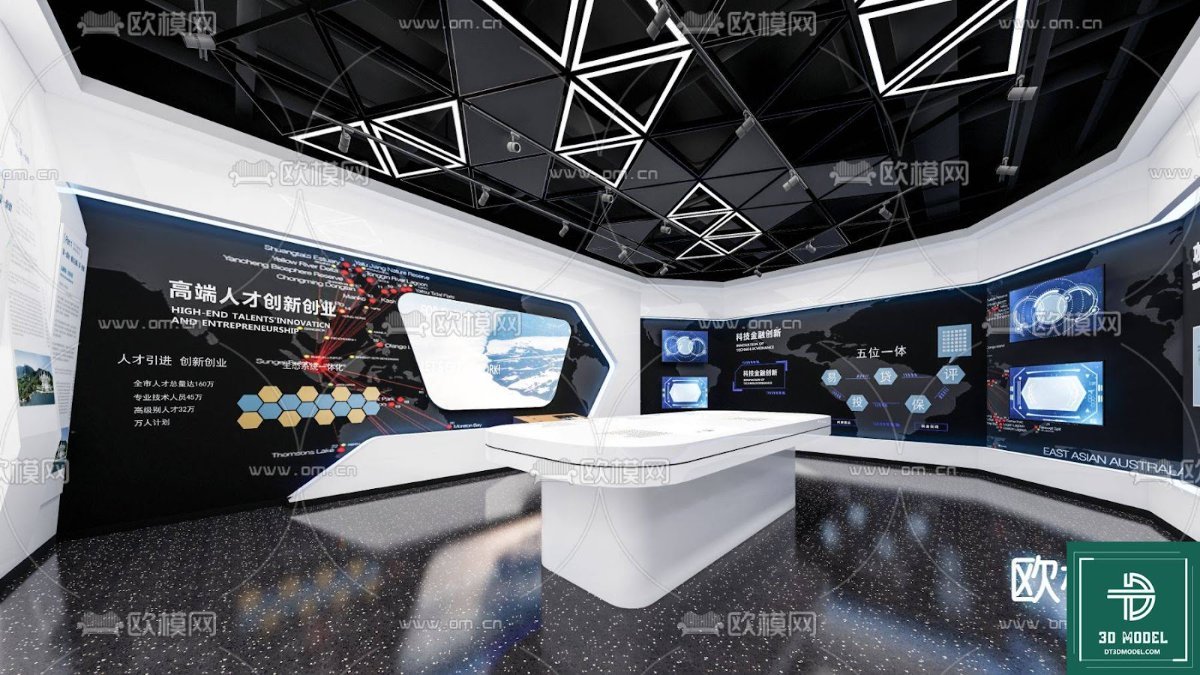
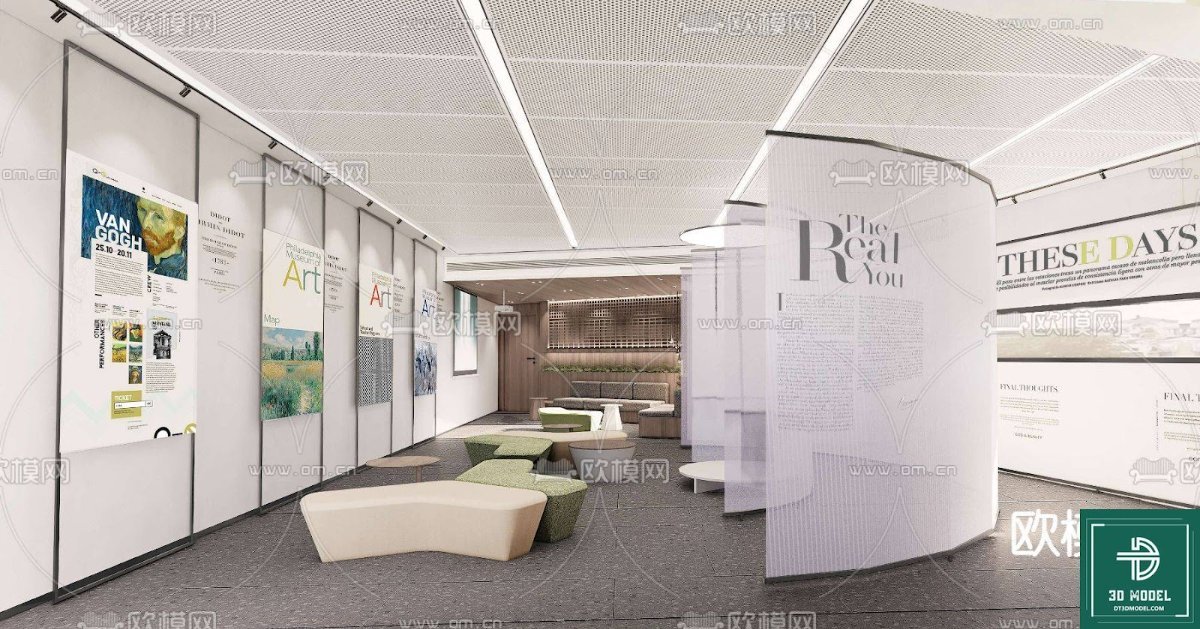
- Detailed Interior Architecture: The model captures the essence of a modern exhibition hall, complete with sleek walls, display panels, and a well-defined layout. It provides a realistic environment for showcasing art, products, or informational content.
- Integrated Lighting Solutions: Notice the strategic placement of linear LED lighting along the walls and floor. This feature is crucial for creating atmospheric renders and highlighting display elements effectively. The model’s lighting setup is designed to be both functional and aesthetically pleasing.
- Greenery and Landscaping Elements: The inclusion of subtle indoor greenery along the base of the display walls adds a touch of natural elegance, softening the industrial feel often associated with exhibition spaces. This detail contributes to a more inviting and visually appealing environment.
- Informational Display Panels: The model features large display panels, some with text (e.g., “校园简介” – Campus Introduction), suggesting its suitability for educational or corporate exhibition contexts. These panels are ready for customization with your specific content.
- High-Quality Textures and Materials: From the polished floor to the textured walls and wooden accents, the model utilizes high-quality materials that contribute to a realistic visual output. This attention to detail ensures your renders will look professional and convincing.
Technical Specifications and Format
This premium resource is provided in the SketchUp (.skp) format, making it directly compatible with Trimble SketchUp, one of the most popular and user-friendly 3D modeling software in the industry. SketchUp’s intuitive interface allows for easy manipulation and customization of the model, even for those with intermediate 3D modeling skills. The ZIP file contains the .skp file, ensuring all components and textures are bundled together for a seamless experience.
Optimal Resolution for Professional Renders
The Exhibition Hall SketchUp Model is designed with optimal resolution in mind. This means that while it is detailed enough for close-up renders, it also maintains a manageable file size, ensuring smooth workflow within SketchUp. The geometry is clean, allowing for efficient rendering in various rendering engines such as V-Ray, Enscape, or Lumion, producing high-fidelity images and animations.
How to Utilize This Exhibition Hall SketchUp Model in Your Projects
The versatility of this model opens up a plethora of possibilities for designers:
- Architectural Visualization: Use it as a base for presenting architectural projects, interior design concepts, or even entire building layouts that incorporate exhibition spaces.
- Event Planning and Design: Visualize event layouts, booth designs, or art installations within a realistic gallery setting.
- Product Showcases: Create stunning virtual showrooms for new products, allowing clients to experience them in an immersive environment.
- Educational and Corporate Presentations: Design engaging informational displays for museums, university campuses, or corporate lobbies.
- Portfolio Enhancement: Elevate your design portfolio by showcasing your work within a professionally designed 3D environment.
Why Choose Posterfree.net for Your 3D Modeling Needs?
Posterfree.net is renowned for its commitment to providing premium, high-quality graphic resources, and this Exhibition Hall SketchUp Model is a testament to that dedication. We understand the demands of creative professionals and strive to offer assets that are not only visually appealing but also technically sound and easy to integrate into your workflow. Our extensive library of 3D models, vectors, templates, and more ensures that you’ll always find the perfect resource to bring your creative visions to life. With Posterfree.net, you gain access to resources that save you time, enhance your output, and elevate your professional standing.
Conclusion
The Exhibition Hall SketchUp Model from Posterfree.net is an indispensable tool for anyone involved in architectural visualization, interior design, or event planning. Its detailed design, integrated lighting, and versatile applications make it a valuable addition to any designer’s toolkit. Download this premium resource today and transform your project presentations with unparalleled realism and sophistication. Trust Posterfree.net to be your go-to source for all your high-quality graphic asset needs.
Related Demo Images




Frequently Asked Questions
What software is required to use this Exhibition Hall SketchUp Model?
This model is provided in the .skp format, which requires Trimble SketchUp software to open and edit. You can use any version of SketchUp that supports .skp files.
Can I customize the display panels in the model?
Yes, the display panels are designed to be customizable. You can easily apply your own textures, images, or text to them within SketchUp to suit your specific project needs.
Is this model suitable for high-resolution renders?
Absolutely. The Exhibition Hall SketchUp Model is crafted with optimal geometry and textures, making it ideal for generating high-resolution renders using popular rendering engines like V-Ray, Enscape, or Lumion.
Are the lighting elements included in the SketchUp model?
Yes, the integrated linear LED lighting along the walls and floor is part of the SketchUp model. These lights are set up to enhance the visual appeal and realism of your renders.