

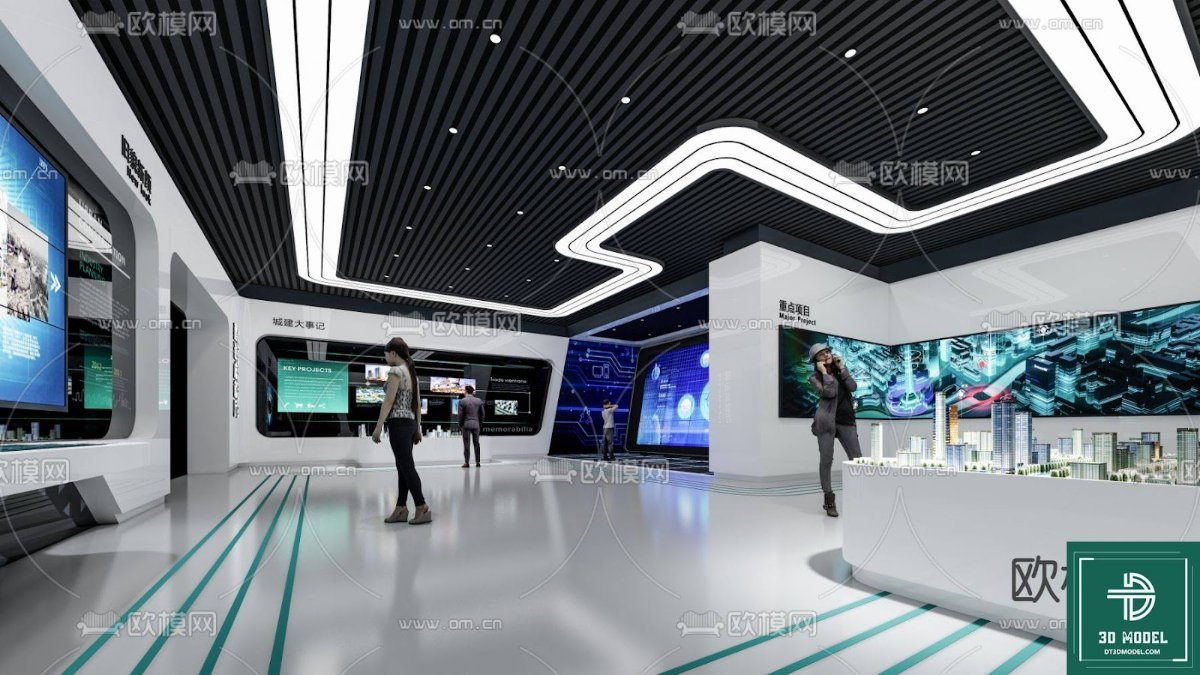
Exhibition Hall SketchUp Model. Discover a premium Exhibition Hall SketchUp Model for your architectural and interior design projects. This detailed 3D model is perfect for visualizing modern exhibition spaces.
Elevate Your Designs with a Premium Exhibition Hall SketchUp Model
In the dynamic world of architecture and interior design, presenting your vision with clarity and precision is paramount. Whether you’re an architect, an interior designer, or a student, having access to high-quality 3D models can significantly enhance your workflow and the impact of your presentations. Posterfree.net is proud to offer an exceptional Exhibition Hall SketchUp Model, a resource designed to bring your conceptual exhibition spaces to life with unparalleled detail and realism.
The Power of a Detailed 3D Model
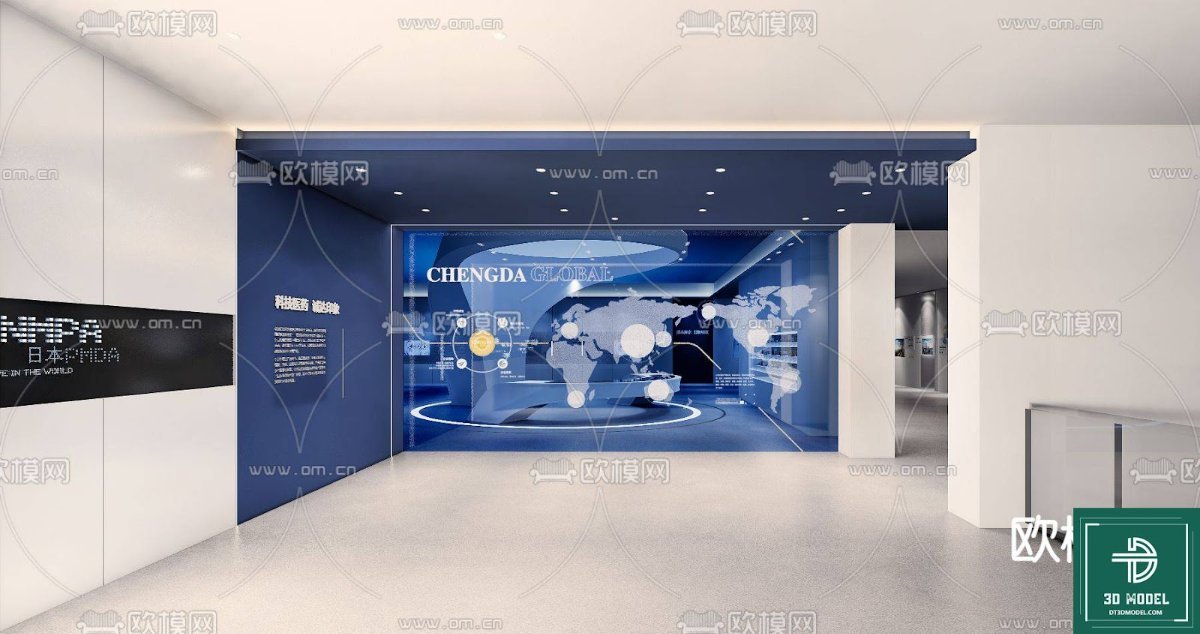
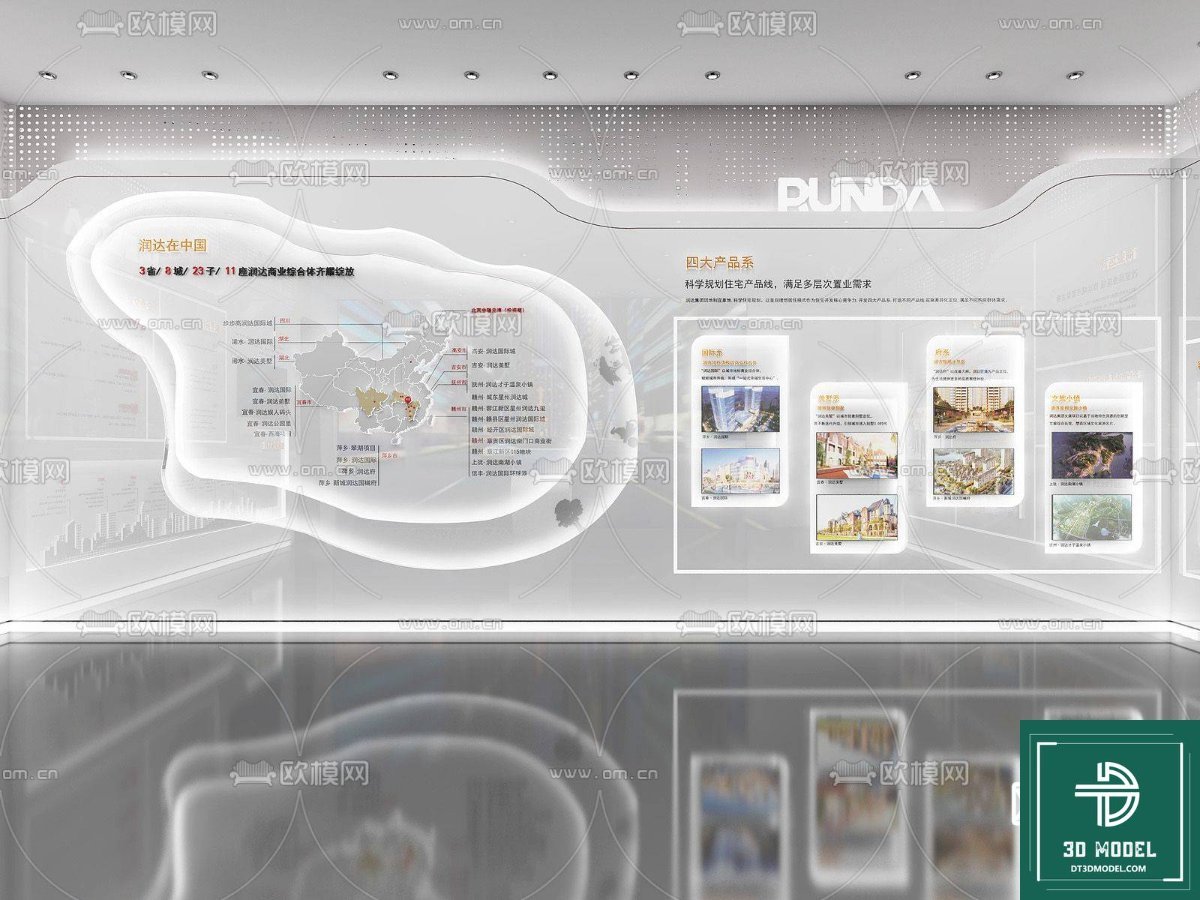
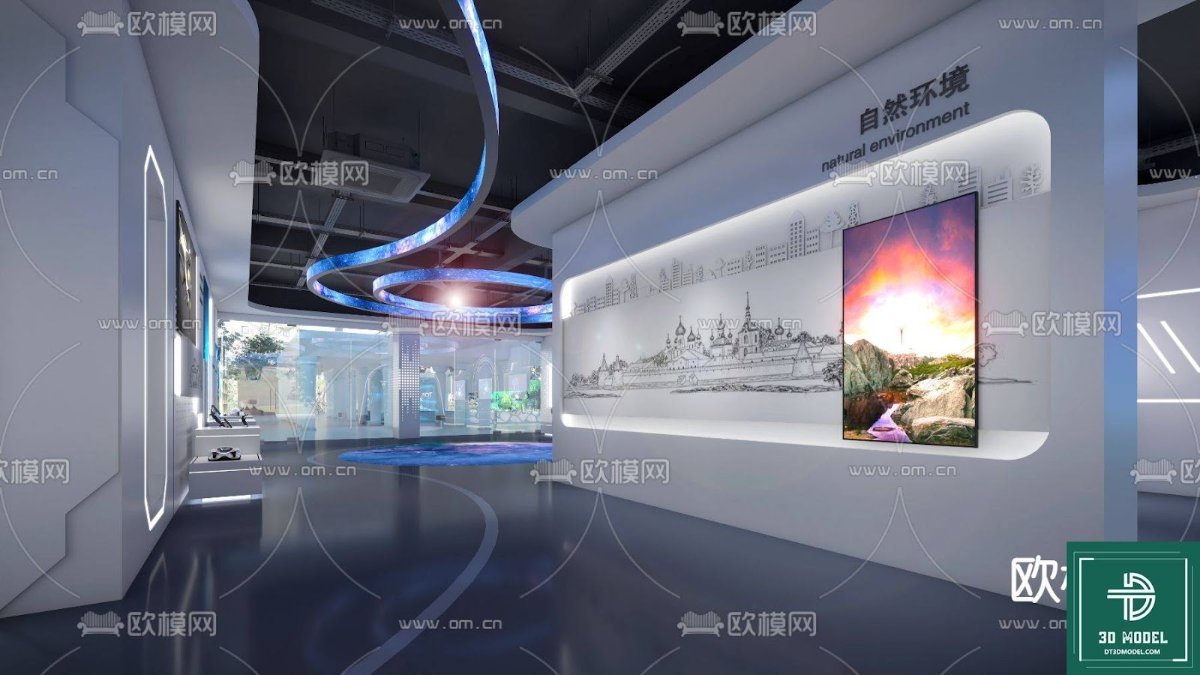
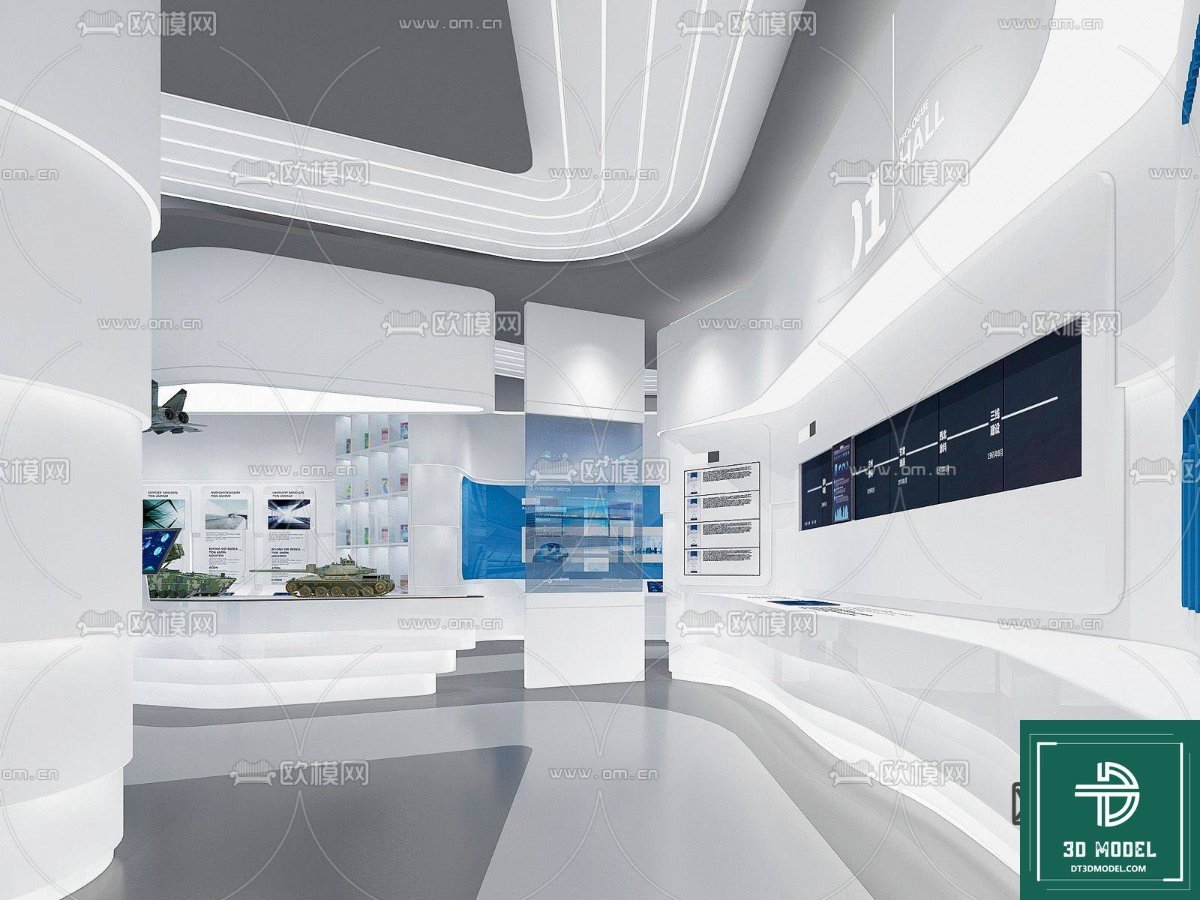
The provided image showcases a sophisticated, modern exhibition hall, complete with sleek lines, interactive displays, and a contemporary lighting scheme. This isn’t just a pretty picture; it’s a glimpse into the potential of a meticulously crafted SketchUp model. A detailed 3D model like this allows you to:
- Visualize Layouts: Experiment with different spatial arrangements and flow patterns for visitors.
- Assess Aesthetics: See how various materials, colors, and lighting interact within the space.
- Plan Functionality: Integrate display stands, seating areas, and interactive zones effectively.
- Communicate Ideas: Present your design concepts to clients or stakeholders with stunning clarity.
- Save Time: Start with a robust base model instead of building from scratch, accelerating your design process.
Unpacking the Exhibition Hall SketchUp Model
This specific Exhibition Hall SketchUp Model, identified as ‘phong trien lam SketchUp (104)’, is a testament to modern design principles. Let’s delve into its key features and potential applications:
Modern Architectural Elements
The model features a contemporary architectural style, characterized by clean lines, open spaces, and a minimalist aesthetic. The ceiling design, with its integrated lighting strips and dark panels, creates a sense of depth and sophistication. The white, polished floors reflect light, contributing to an expansive and airy feel. These elements are crucial for creating an inviting yet professional exhibition environment.
Interactive Display Integration
A standout feature of this model is the seamless integration of large digital displays and interactive kiosks. In today’s exhibitions, digital content is key to engaging visitors. This SketchUp model provides a realistic representation of how these elements can be incorporated, allowing designers to plan for screen sizes, viewing angles, and visitor interaction points. The inclusion of miniature city models on a display counter further emphasizes the model’s versatility for various exhibition themes, from technology showcases to urban planning displays.
Thoughtful Lighting Design
Lighting plays a pivotal role in setting the mood and highlighting key exhibits. The model demonstrates a sophisticated lighting strategy, combining ambient overhead lighting with accent lighting for displays. The curvilinear light fixtures on the ceiling add a dynamic visual element, guiding the eye through the space. With this SketchUp model, designers can experiment with different lighting scenarios to achieve the desired atmosphere.
Usage Instructions and Best Practices
Utilizing this Exhibition Hall SketchUp Model effectively requires a basic understanding of SketchUp software. Here are some tips:
- Importing the Model: Once downloaded from Posterfree.net, simply open the .skp file in SketchUp.
- Layer Management: Explore the layers within the model to easily toggle visibility of different components (e.g., furniture, displays, lighting fixtures).
- Material Editing: Customize the materials to match your specific design palette. SketchUp’s material editor allows for easy texture and color changes.
- Component Manipulation: The various elements within the hall are likely grouped as components, making it easy to move, copy, or replace them.
- Rendering: For photorealistic results, consider using a rendering plugin for SketchUp (e.g., V-Ray, Enscape) to produce stunning images and animations of your customized exhibition hall.
Why Choose Posterfree.net for Your Design Resources?
Posterfree.net is renowned for providing premium graphic resources that meet the highest standards of quality and utility. Our commitment to excellence ensures that every asset, including this Exhibition Hall SketchUp Model, is meticulously crafted and ready for professional use. We understand the demands of the design industry and strive to offer resources that not only inspire but also streamline your creative process. By choosing Posterfree.net, you gain access to a curated collection of assets that empower you to create compelling and impactful designs.
Resolution and Format
This SketchUp model is provided in the native .skp format, ensuring full compatibility with SketchUp software. The resolution of 3D models isn’t measured in pixels but in the detail of its geometry and textures. This model boasts a high level of detail, making it suitable for close-up renders and detailed walkthroughs without sacrificing quality. The clean geometry ensures smooth performance within SketchUp, even on moderately powerful systems.
Conclusion
The ‘phong trien lam SketchUp (104)’ Exhibition Hall SketchUp Model from Posterfree.net is an indispensable tool for anyone involved in designing modern exhibition spaces. Its detailed architecture, integrated displays, and thoughtful lighting design provide a robust foundation for your projects. Leverage this premium resource to visualize, plan, and present your designs with confidence and creativity. Explore the possibilities and transform your concepts into stunning realities with Posterfree.net.
Hình ảnh demo liên quan
Câu hỏi thường gặp
What software is required to open this Exhibition Hall SketchUp Model?
This model is provided in the .skp format, so you will need SketchUp software (any recent version) to open and edit it.
Can I customize the materials and colors in the model?
Yes, absolutely! All materials and components within the SketchUp model can be easily customized using SketchUp’s built-in tools to match your specific design preferences.
Is this model suitable for commercial projects?
Yes, resources from Posterfree.net, including this Exhibition Hall SketchUp Model, are generally suitable for both personal and commercial projects, subject to our licensing terms. Please refer to Posterfree.net’s licensing agreement for full details.
Does the model include furniture and display elements?
As seen in the image, the model includes various elements such as digital displays, a reception counter, and potentially other integrated fixtures, providing a comprehensive base for your exhibition design.





























