

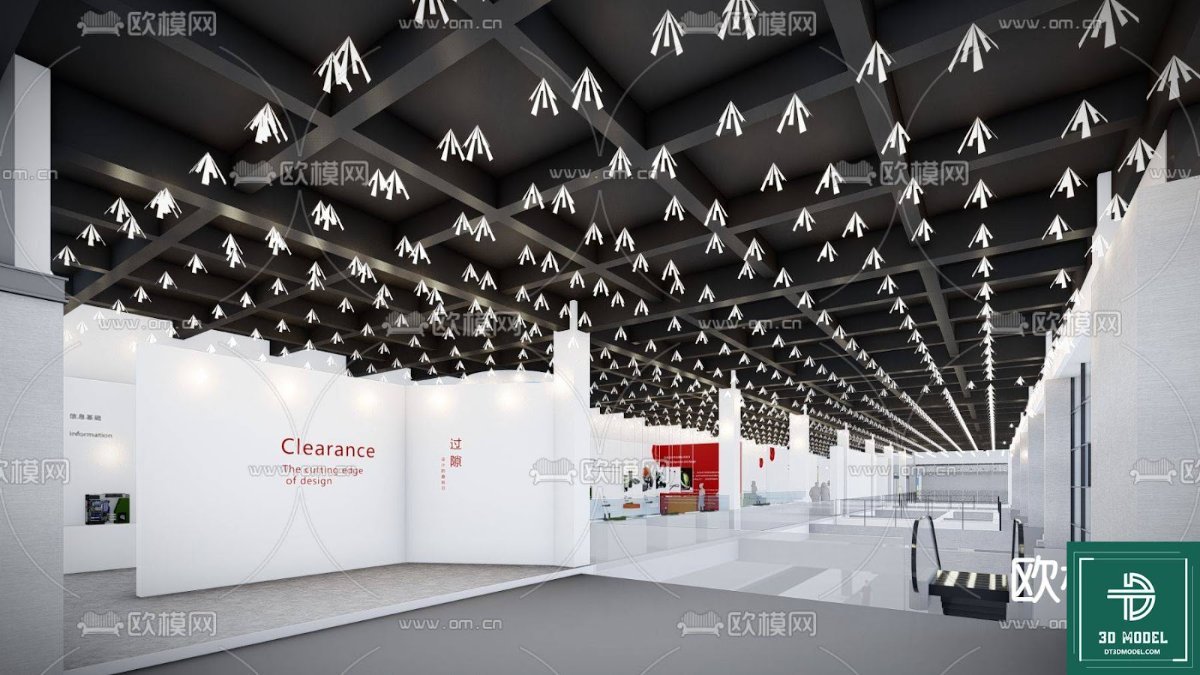
Exhibition Hall SketchUp Model. Discover a premium exhibition hall SketchUp model for your next design project. This detailed 3D model is perfect for architects and designers planning event spaces.
Transform Your Design Vision with a Premium Exhibition Hall SketchUp Model
In the dynamic world of architecture and interior design, presenting your vision clearly and effectively is paramount. Whether you’re an architect, an event planner, or a student, having access to high-quality 3D models can significantly streamline your workflow and elevate your presentations. Today, we’re diving deep into a fantastic resource that embodies precision and versatility: the exhibition hall SketchUp model available exclusively at Posterfree.net.
Why Choose a Dedicated Exhibition Hall SketchUp Model?
Designing an exhibition space is a complex endeavor. It requires careful consideration of layout, lighting, flow, and overall aesthetic to create an engaging environment. A pre-built, professional-grade exhibition hall SketchUp model provides an invaluable starting point, saving countless hours of modeling from scratch. It allows you to:
- Visualize with Accuracy: See your concepts come to life in a realistic 3D environment.
- Experiment with Layouts: Easily rearrange booths, seating, and displays to find the optimal configuration.
- Optimize Lighting: Test different lighting schemes to highlight key areas and create desired moods.
- Present Professionally: Impress clients and stakeholders with polished, detailed renderings and walkthroughs.
- Save Time and Resources: Focus on design iterations rather than foundational modeling.
Detailed Analysis of the Exhibition Hall SketchUp Model (phong trien lam SketchUp (192))
The exhibition hall SketchUp model, known as “phong trien lam SketchUp (192)” on Posterfree.net, is a prime example of a meticulously crafted 3D asset. Let’s break down its key features and benefits:
Format and Compatibility
This model is provided in the native SketchUp format (SKP), ensuring seamless integration into your existing SketchUp workflow. SketchUp is renowned for its user-friendly interface and robust capabilities, making it a favorite among designers. The SKP format allows for easy manipulation, texturing, and rendering within SketchUp and can often be exported to other popular 3D software if needed, though its primary strength lies within the SketchUp ecosystem.
Resolution and Detail
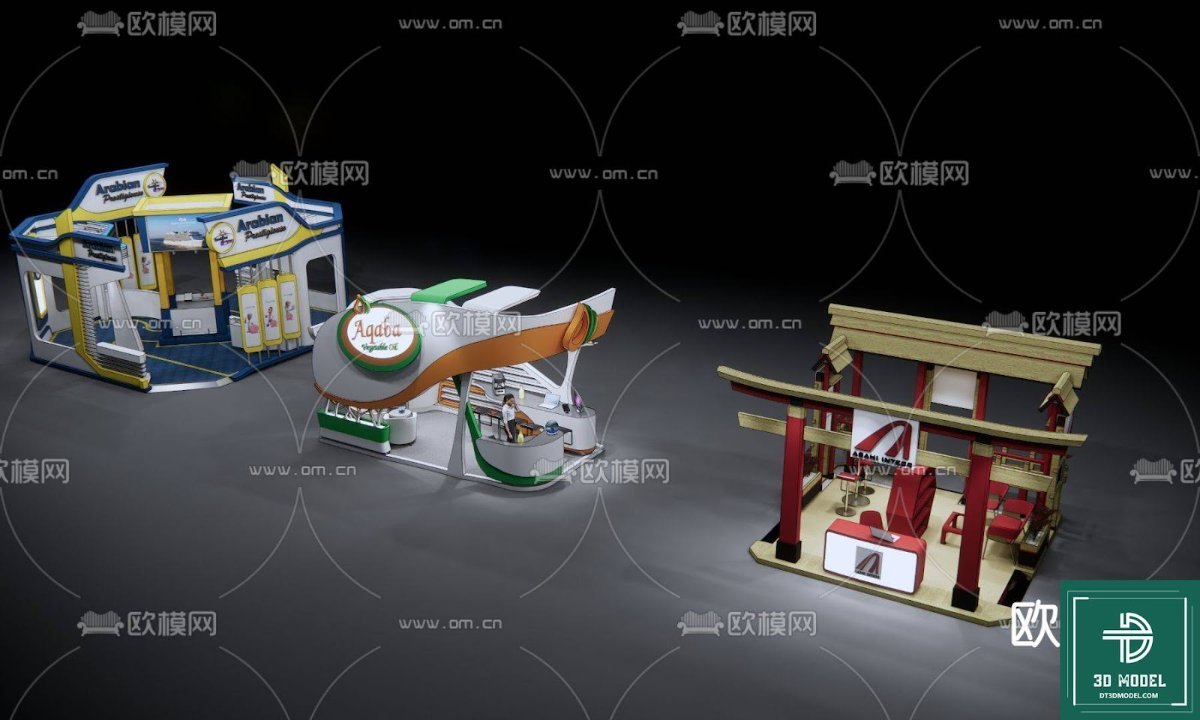
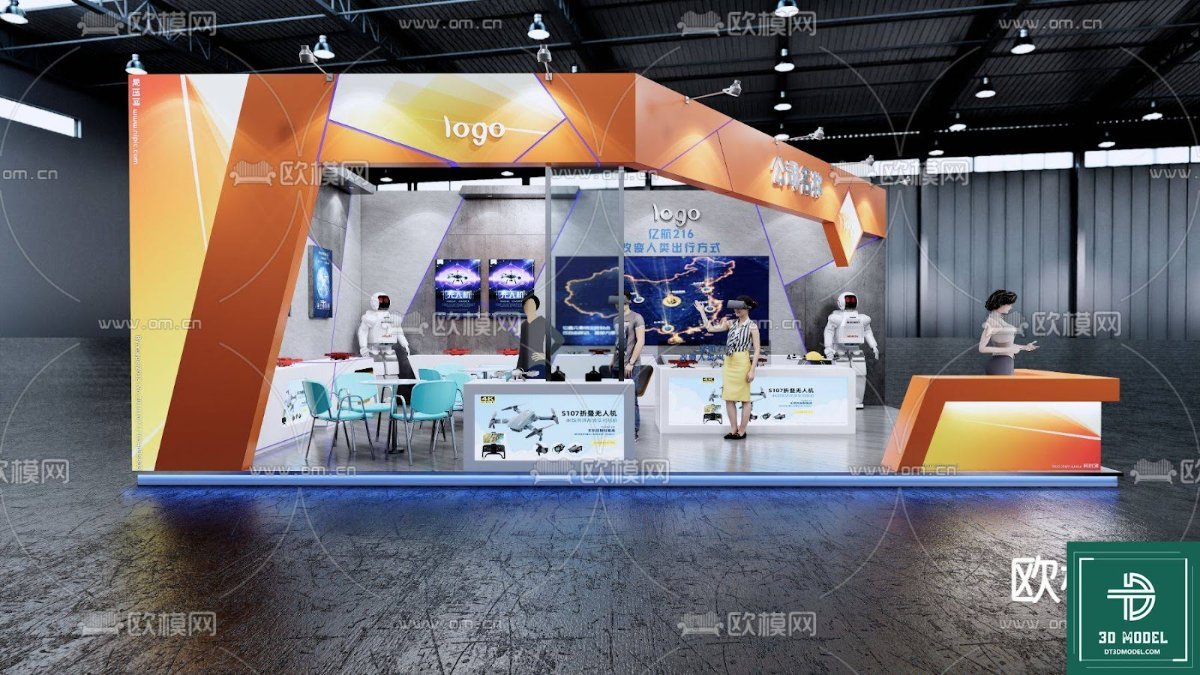
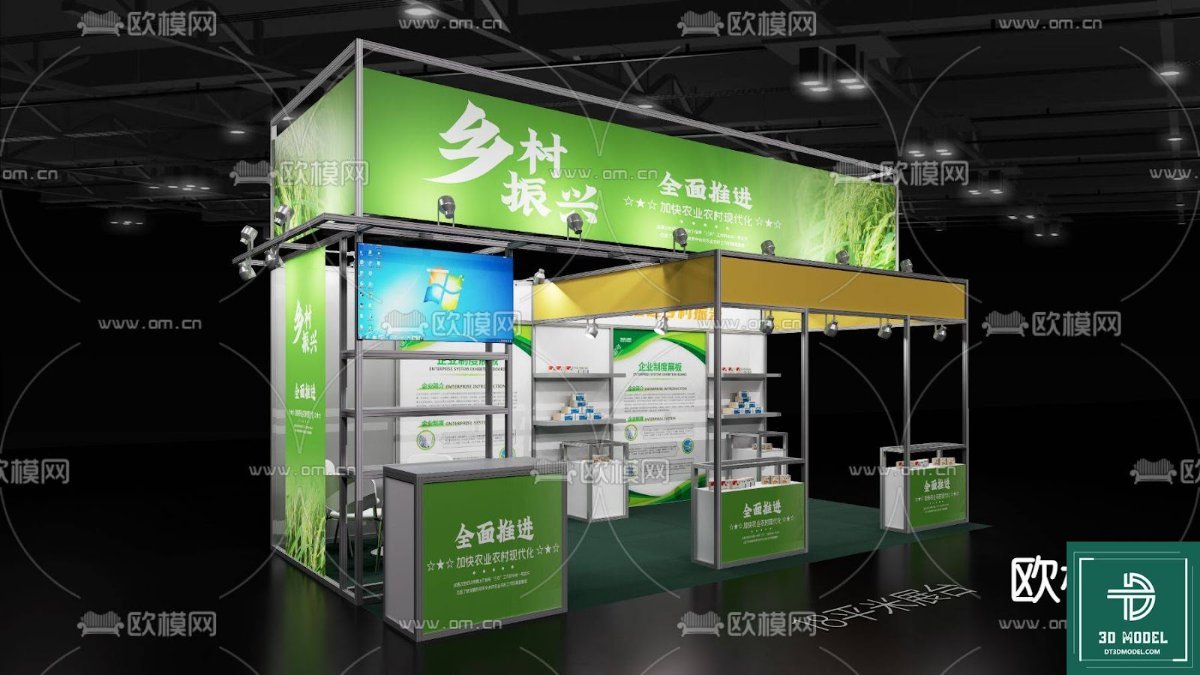
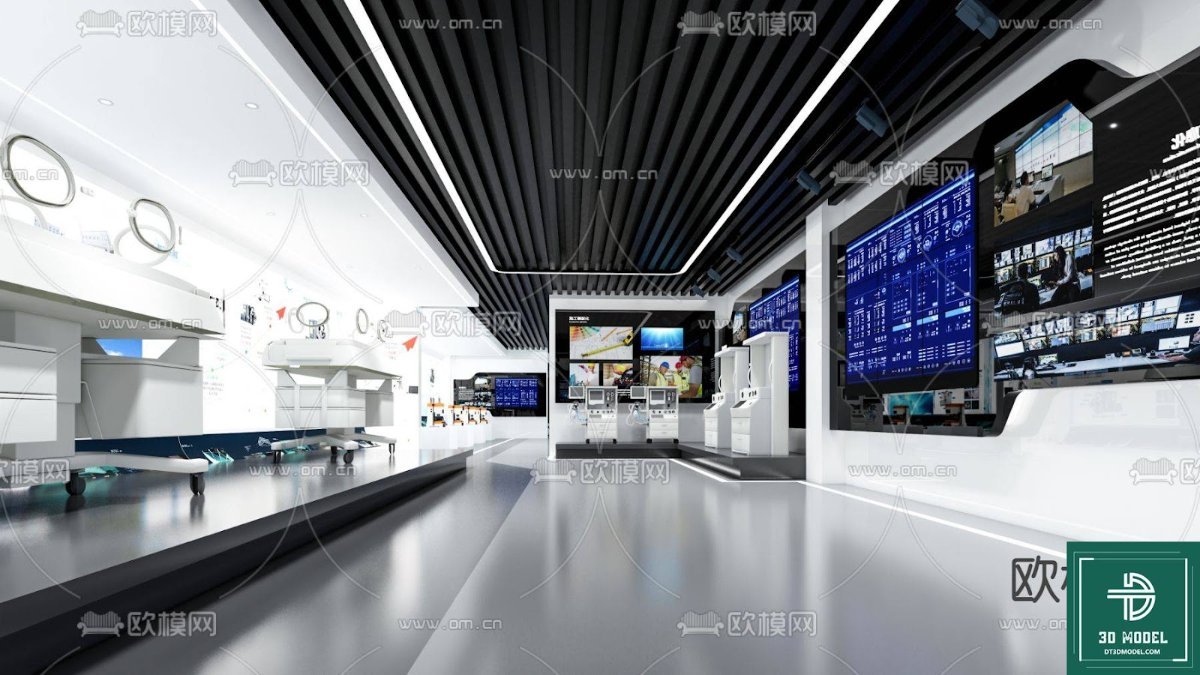
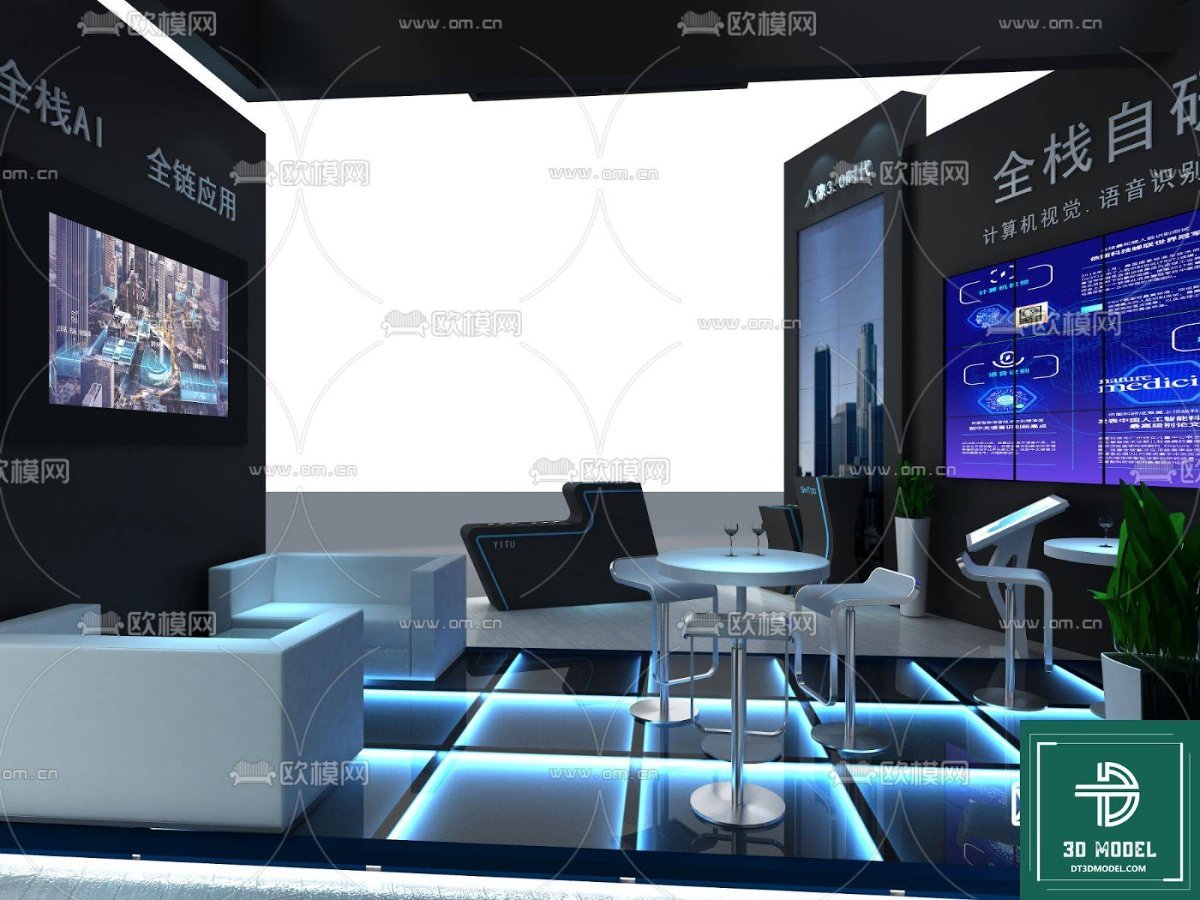
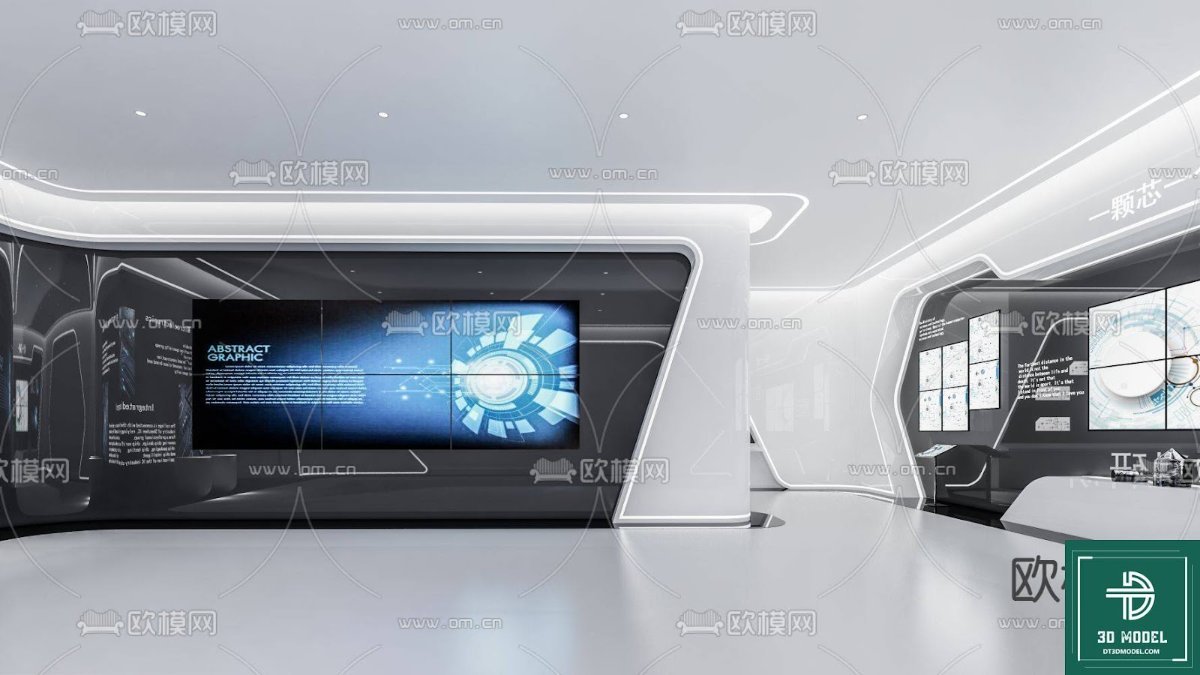
The image provided showcases a high level of detail, indicating a well-modeled structure. From the intricate ceiling grid with numerous suspended light fixtures to the clear definition of the exhibition booths and pathways, every element contributes to a realistic representation. This high resolution means that even close-up renders will maintain clarity and visual integrity, crucial for detailed presentations. The sleek, modern design with a dark ceiling and white walls provides a versatile canvas for various exhibition themes.
Usage Instructions and Best Practices
Utilizing this exhibition hall SketchUp model effectively is straightforward:
- Download and Open: Once downloaded from Posterfree.net, simply open the SKP file in SketchUp.
- Explore and Familiarize: Take time to navigate the model, understanding its components and layers.
- Customize Layouts: Use SketchUp’s tools to add, remove, or reposition elements like display stands, furniture, and signage.
- Apply Textures and Materials: Experiment with different finishes for floors, walls, and booths to match your specific design brief.
- Set Up Lighting: Adjust existing lights or add new ones to create the desired ambiance. Consider both natural and artificial light sources.
- Render Your Vision: Use SketchUp’s native rendering capabilities or integrate with V-Ray, Enscape, or other rendering plugins for photorealistic outputs.
Pro Tip: Organize your additions into separate layers within SketchUp. This will make it easier to manage complex scenes and toggle visibility for different design options.
Why Posterfree.net is Your Go-To for Premium Graphic Resources
Posterfree.net has established itself as a leading platform for high-quality graphic resources, and this exhibition hall SketchUp model is a testament to our commitment to excellence. We understand the demands of professional designers and strive to provide assets that are not only visually appealing but also technically sound and easy to use. Our curated collection ensures that you get access to premium resources that elevate your projects without compromising on quality or efficiency. When you choose Posterfree.net, you’re choosing reliability, detail, and a partner in your creative journey.
Applications Beyond Exhibitions
While designed as an exhibition hall, the versatility of this SketchUp model extends to various other applications:
- Conference Centers: Adapt the layout for large-scale conferences or seminars.
- Product Launches: Create an impactful setting for new product unveilings.
- Art Galleries: Transform the space into a modern art gallery with strategic lighting.
- Retail Pop-ups: Design temporary retail experiences within a grand setting.
- Architectural Visualization: Use it as a base for showcasing interior design concepts for large public spaces.
The clean lines and adaptable structure make it an ideal foundation for a multitude of design scenarios, proving its value far beyond a single use case.
Conclusion: Elevate Your Designs with Posterfree.net
In conclusion, the “phong trien lam SketchUp (192)” exhibition hall SketchUp model from Posterfree.net is an indispensable tool for anyone involved in designing or visualizing large interior spaces. Its high detail, professional format, and inherent flexibility make it a superior choice for bringing your architectural and event design concepts to life. Trust Posterfree.net for premium graphic resources that empower your creativity and ensure your projects stand out. Download this model today and experience the difference quality makes!
Hình ảnh demo liên quan
Câu hỏi thường gặp
What software is required to use this exhibition hall SketchUp model?
This model is in SKP format, so you will need SketchUp software (Make or Pro) to open and edit it effectively.
Can I modify the layout and design of the exhibition hall model?
Absolutely! The SketchUp model is fully editable, allowing you to customize layouts, add elements, change textures, and adjust lighting to fit your specific project requirements.
Is this exhibition hall SketchUp model suitable for commercial projects?
Yes, resources from Posterfree.net are generally suitable for both personal and commercial projects, depending on the specific license terms. Always check the licensing details on the product page for full clarity.
What level of detail can I expect from this 3D model?
The ‘phong trien lam SketchUp (192)’ model is highly detailed, featuring intricate ceiling structures, lighting fixtures, and clear definitions of exhibition areas, making it suitable for high-quality renderings and visualizations.





























