

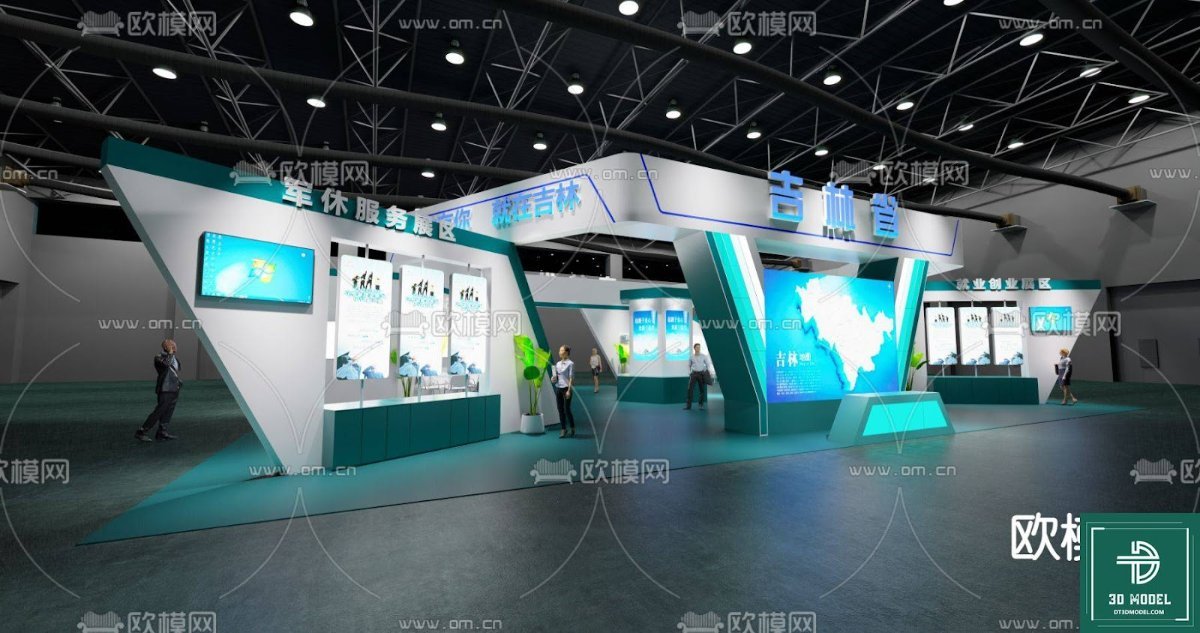
Exhibition Booth SketchUp Model. Discover a premium Exhibition Booth SketchUp Model for your next design project. This resource offers detailed 3D models for stunning exhibition stand designs.
Elevate Your Designs with a Premium Exhibition Booth SketchUp Model
In the competitive world of exhibitions and trade shows, a captivating booth design is paramount to attracting attention and making a lasting impression. For designers, architects, and event planners, having access to high-quality, versatile 3D models is crucial for visualizing and presenting their concepts effectively. Posterfree.net is proud to present an exceptional Exhibition Booth SketchUp Model, designed to streamline your workflow and inspire innovative exhibition stand creations.
The Power of 3D Visualization in Exhibition Design
Gone are the days of relying solely on 2D blueprints. Modern exhibition design demands immersive 3D visualization. A well-crafted SketchUp model allows you to:
- Present Realistic Concepts: Show clients exactly what their booth will look like, from every angle, with realistic lighting and textures.
- Iterate Quickly: Make design changes and see the results instantly, saving valuable time and resources.
- Identify Potential Issues: Spot spatial conflicts or design flaws before construction begins, preventing costly mistakes.
- Enhance Collaboration: Share models easily with teams and stakeholders, fostering better communication and understanding.
Our Exhibition Booth SketchUp Model is an invaluable asset for anyone looking to harness these benefits.
Unpacking the ‘phong trien lam SketchUp (27)’ Resource
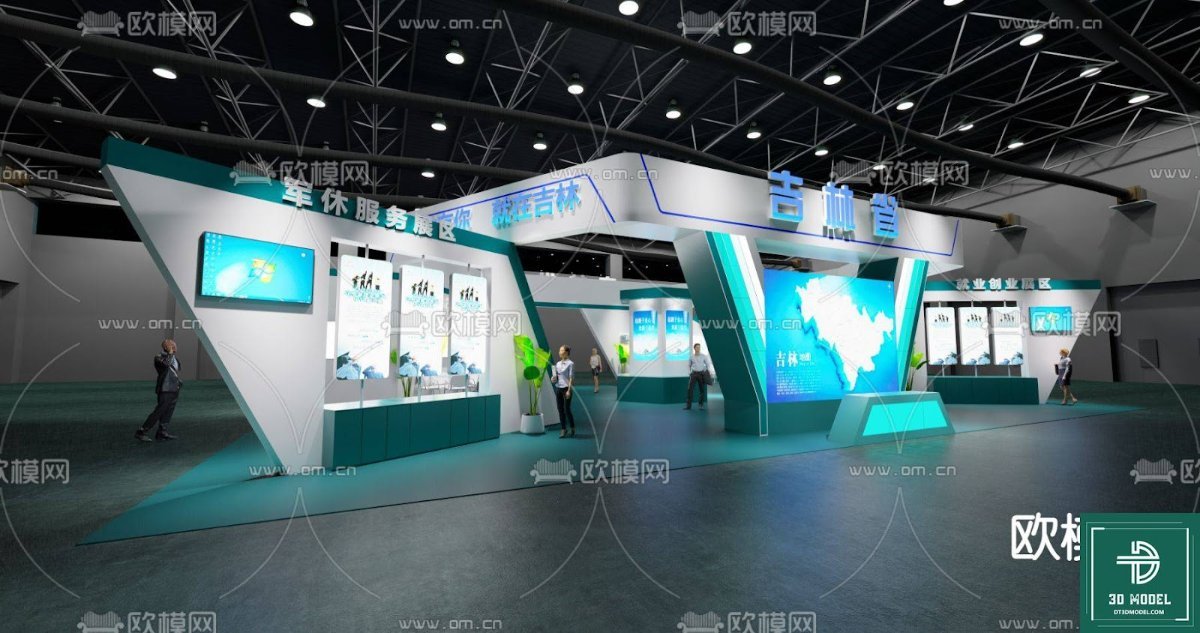
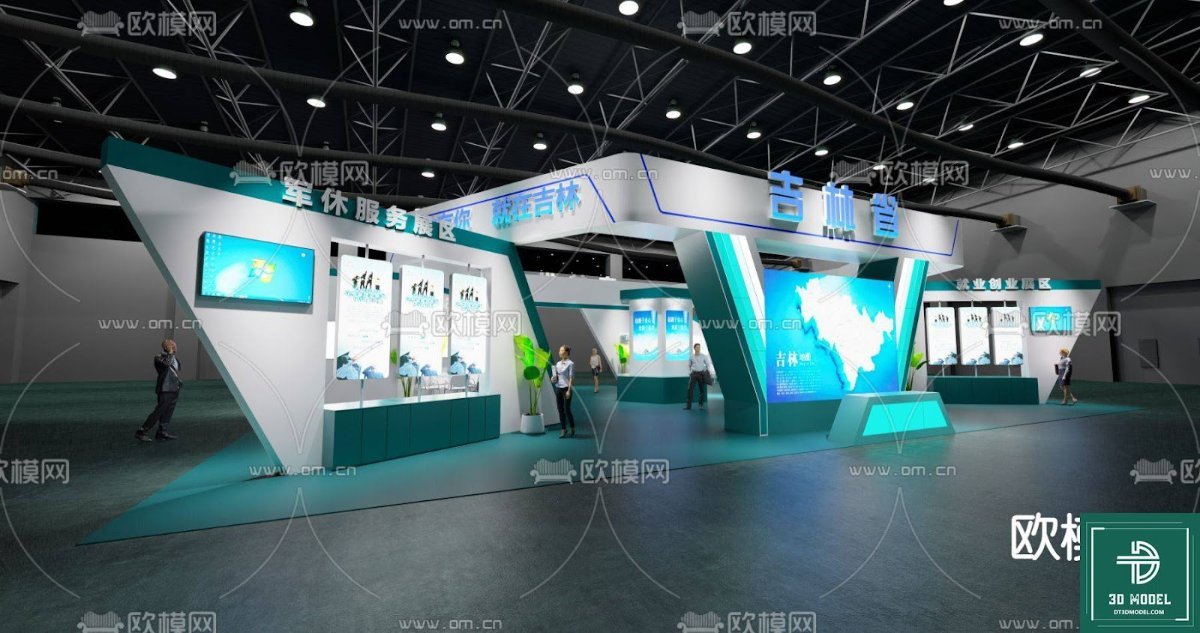
The ‘phong trien lam SketchUp (27)’ resource, available exclusively at Posterfree.net, is more than just a 3D file; it’s a comprehensive design foundation. This model showcases a contemporary exhibition booth with a dynamic, angular structure, featuring prominent display areas, integrated screens, and a welcoming entrance. The design incorporates a clean aesthetic with a striking teal and white color scheme, suggesting a modern, professional, and technologically advanced brand presence.
Detailed Analysis of the Model’s Features:
The model provides a rich environment for customization and integration. Key elements include:
- Architectural Structure: A sophisticated, multi-layered design with varying heights and angles, creating visual interest and defining distinct zones within the booth.
- Integrated Displays: Multiple large screens are incorporated, perfect for showcasing digital content, presentations, or interactive experiences.
- Product Shelving/Display Units: Dedicated areas for product placement or informational brochures, ensuring effective communication of offerings.
- Lighting Considerations: The model implicitly suggests various lighting possibilities, from overhead illumination to accent lighting for displays.
- Spacious Layout: Designed to facilitate visitor flow and interaction, with ample space for branding and engagement.
This attention to detail makes the Exhibition Booth SketchUp Model a versatile starting point for a wide range of exhibition requirements.
Optimal Usage and Customization
The beauty of this SketchUp model lies in its adaptability. Once downloaded, you can easily:
- Modify Colors and Textures: Adapt the existing color scheme to match your brand’s identity or client’s specifications. Experiment with different materials for a unique look.
- Integrate Branding: Apply logos, slogans, and graphic elements to the booth surfaces, making it truly yours.
- Populate with Assets: Add furniture, additional display items, or even virtual attendees to bring your scene to life.
- Adjust Layout: While the core structure is strong, individual elements can often be repositioned or scaled to fit specific venue dimensions or functional needs.
- Render High-Quality Visuals: Utilize SketchUp’s rendering capabilities or export to other rendering software for photorealistic images and animations.
Whether you’re designing for a tech conference, a product launch, or an industry expo, this Exhibition Booth SketchUp Model provides the flexibility you need.
Why Choose Posterfree.net for Your 3D Models?
Posterfree.net is renowned for providing premium graphic resources that empower designers and creatives. Our commitment to quality ensures that every asset, including this Exhibition Booth SketchUp Model, meets professional standards. We understand the demands of the design industry and strive to offer resources that are not only aesthetically pleasing but also practical and easy to integrate into your projects.
By choosing Posterfree.net, you gain access to a curated collection of high-quality assets, saving you time and effort in sourcing reliable design elements. Our platform is a trusted source for designers seeking excellence and efficiency.
Technical Specifications and Compatibility
This Exhibition Booth SketchUp Model is provided in formats compatible with SketchUp, a leading 3D modeling software. Users should have a basic understanding of SketchUp to fully utilize and customize the model. The file is optimized for ease of use, ensuring that even those new to 3D modeling can quickly get started.
Resolution: The model is designed with sufficient detail for close-up renders and presentations, ensuring crisp and clear visuals. Its vector-based nature within SketchUp allows for scalability without loss of quality.
Conclusion
The ‘phong trien lam SketchUp (27)’ resource from Posterfree.net is an indispensable tool for anyone involved in exhibition design. Its modern aesthetic, detailed construction, and flexibility make it an ideal foundation for creating impactful and memorable exhibition spaces. Download this premium Exhibition Booth SketchUp Model today and transform your design concepts into stunning realities, reinforcing your brand’s presence and captivating your audience.
Hình ảnh demo liên quan
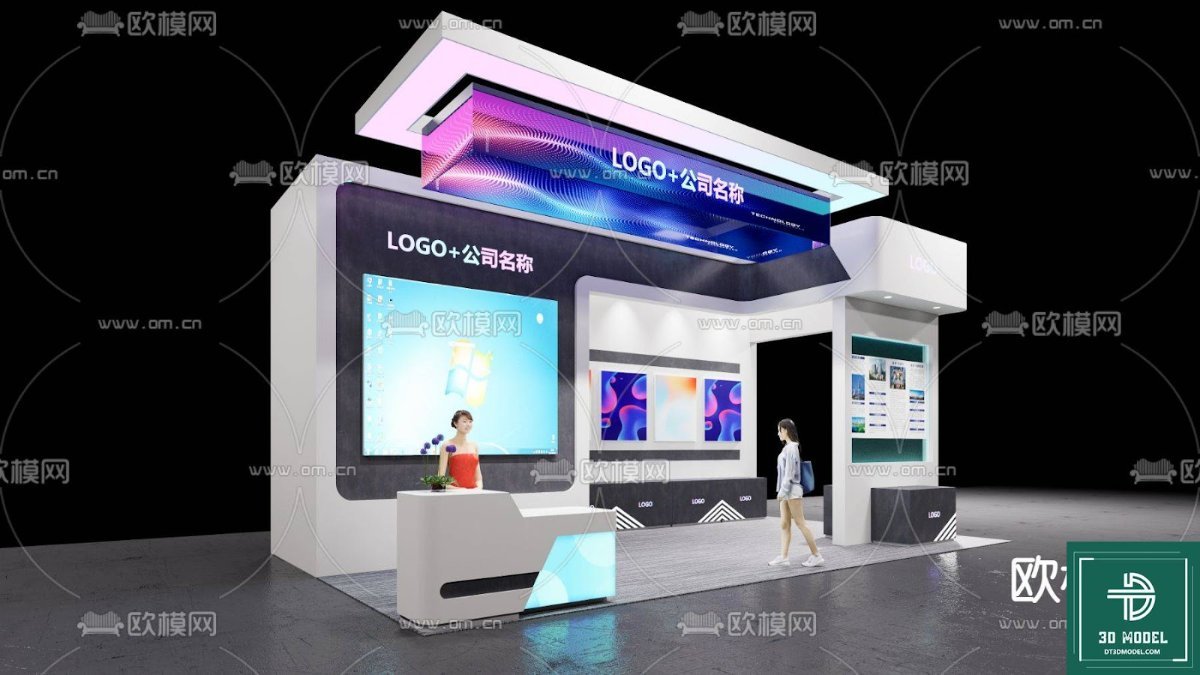
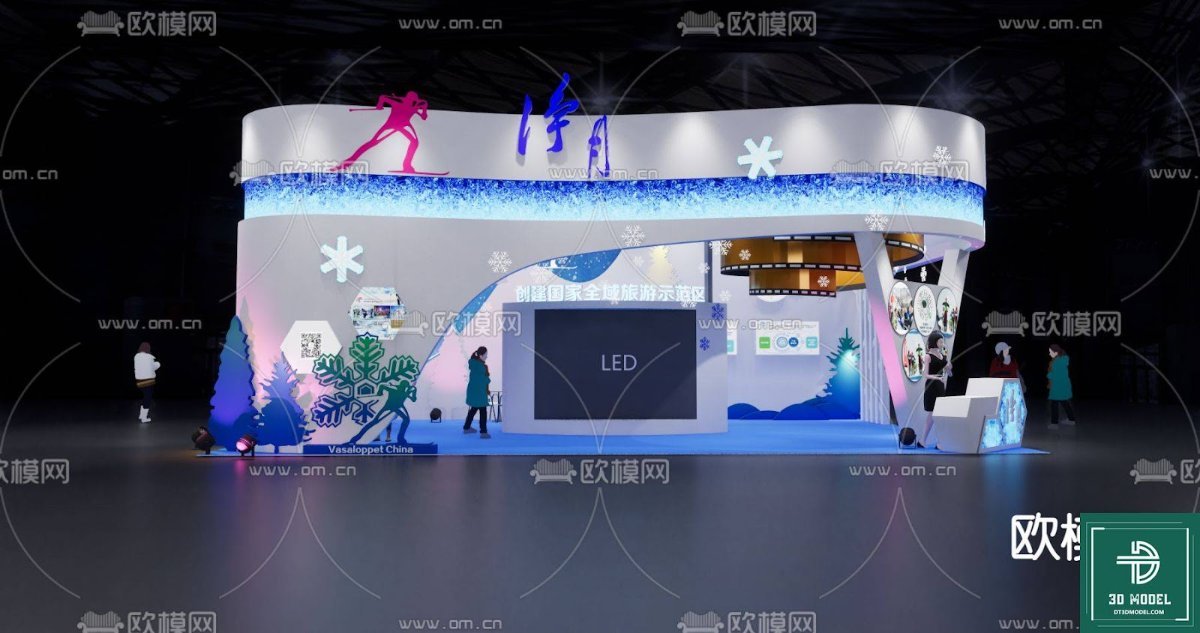
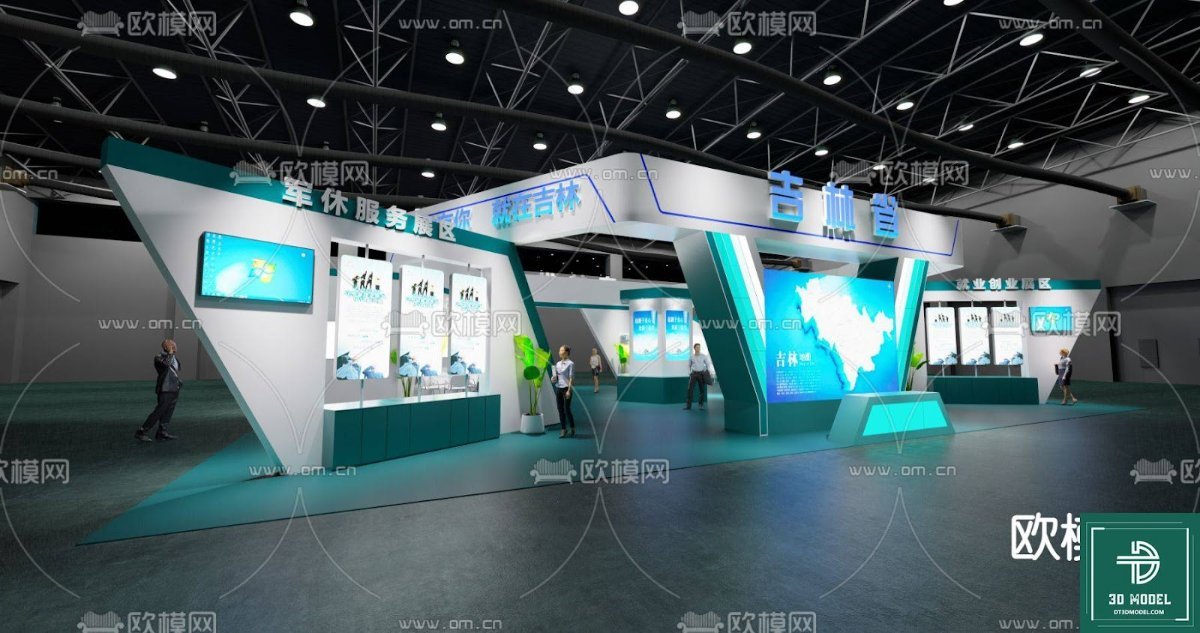
Câu hỏi thường gặp
What software is required to use this Exhibition Booth SketchUp Model?
This model is designed for use with SketchUp software. You will need a compatible version of SketchUp to open, edit, and render the file.
Can I customize the colors and branding on the booth model?
Yes, absolutely! The SketchUp model allows for extensive customization. You can easily change colors, apply textures, and integrate your own branding elements like logos and graphics onto the booth surfaces.
Is this model suitable for commercial projects?
Yes, resources from Posterfree.net are generally suitable for both personal and commercial projects, subject to our licensing terms. Please refer to the specific license for this resource on our website for full details.
What is the resolution of the 3D model?
As a SketchUp model, it is vector-based, meaning its resolution is inherently scalable. It is designed with sufficient detail for high-quality renders and presentations without pixelation.





























