

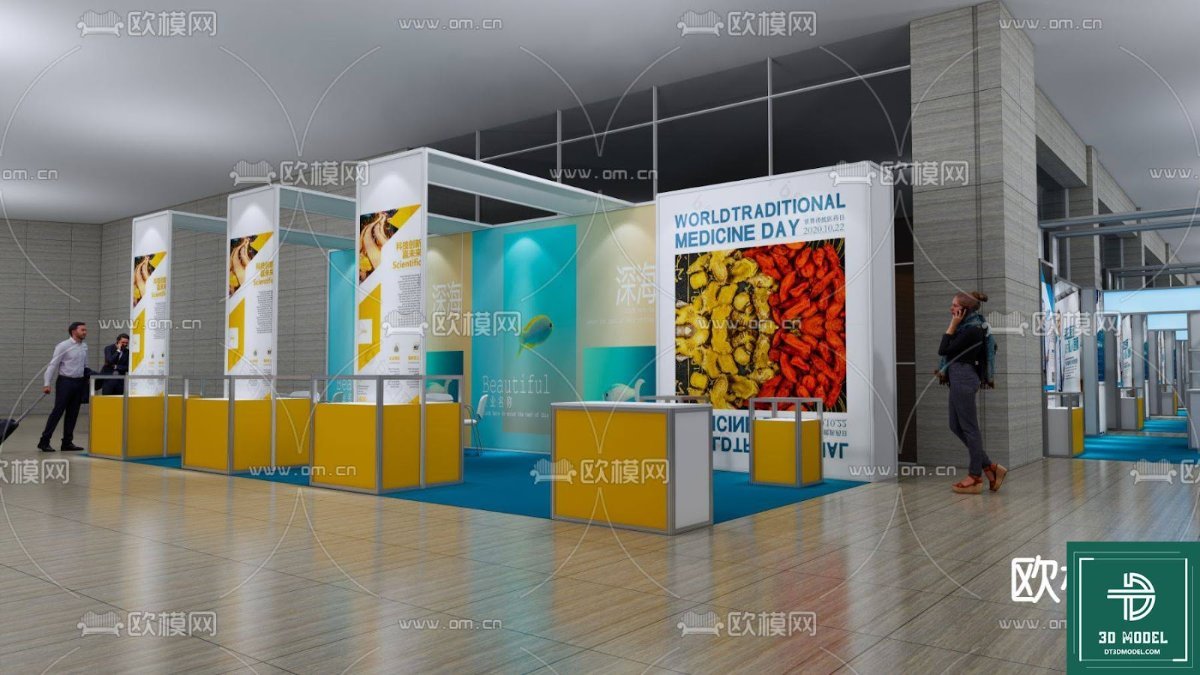
Exhibition Booth SketchUp Model. Discover our premium exhibition booth SketchUp model, perfect for designers and marketers planning impactful trade show displays. Get your exhibition booth sketchup model today!
Design Your Perfect Display with Our Exhibition Booth SketchUp Model
In the competitive world of trade shows and exhibitions, a well-designed booth is crucial for capturing attention and making a lasting impression. At Posterfree.net, we understand the importance of high-quality visual resources for designers, marketers, and event planners. That’s why we’re thrilled to offer an exceptional exhibition booth SketchUp model, meticulously crafted to help you visualize and plan your next big event with unparalleled precision and creativity.
Why Choose Our Exhibition Booth SketchUp Model?
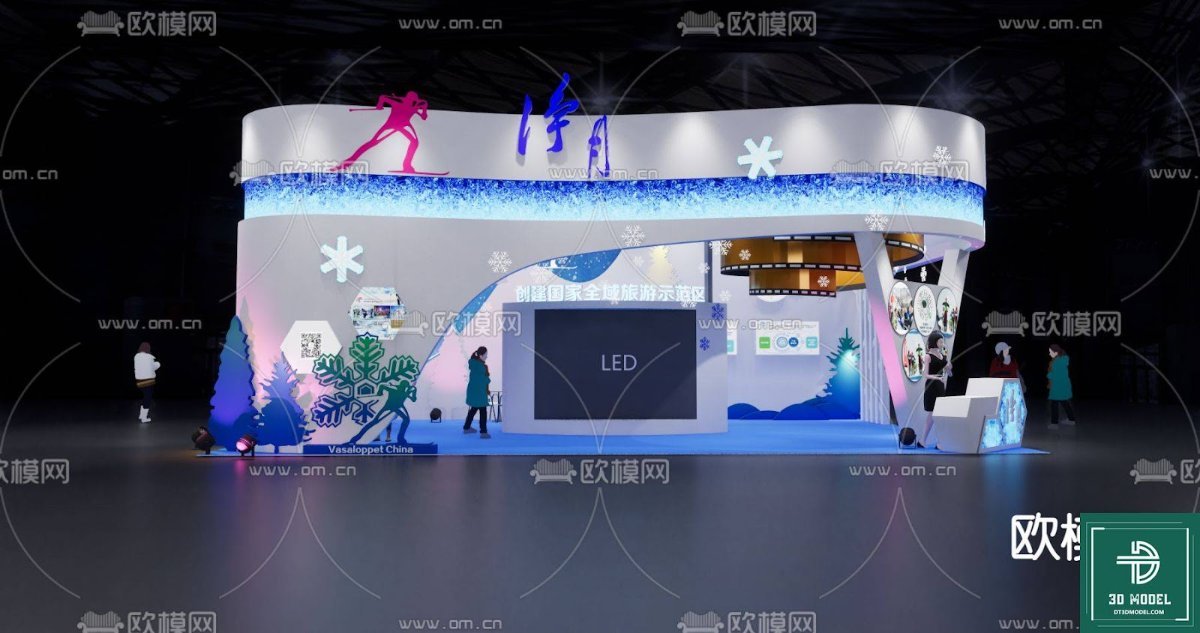
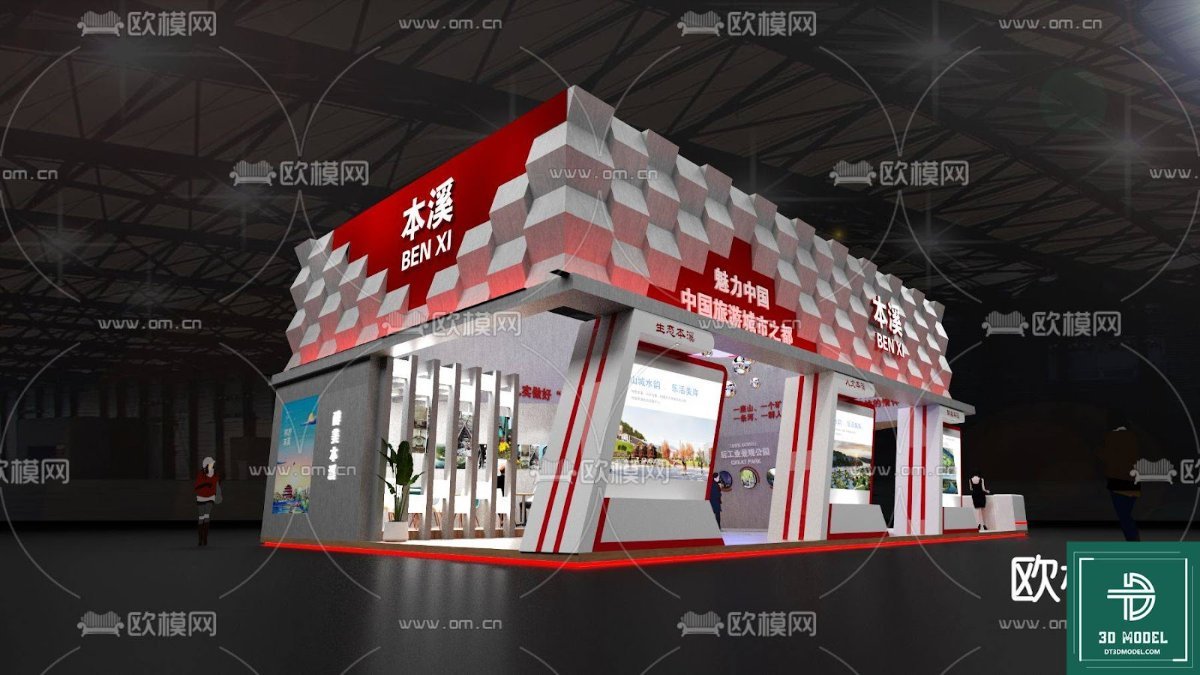
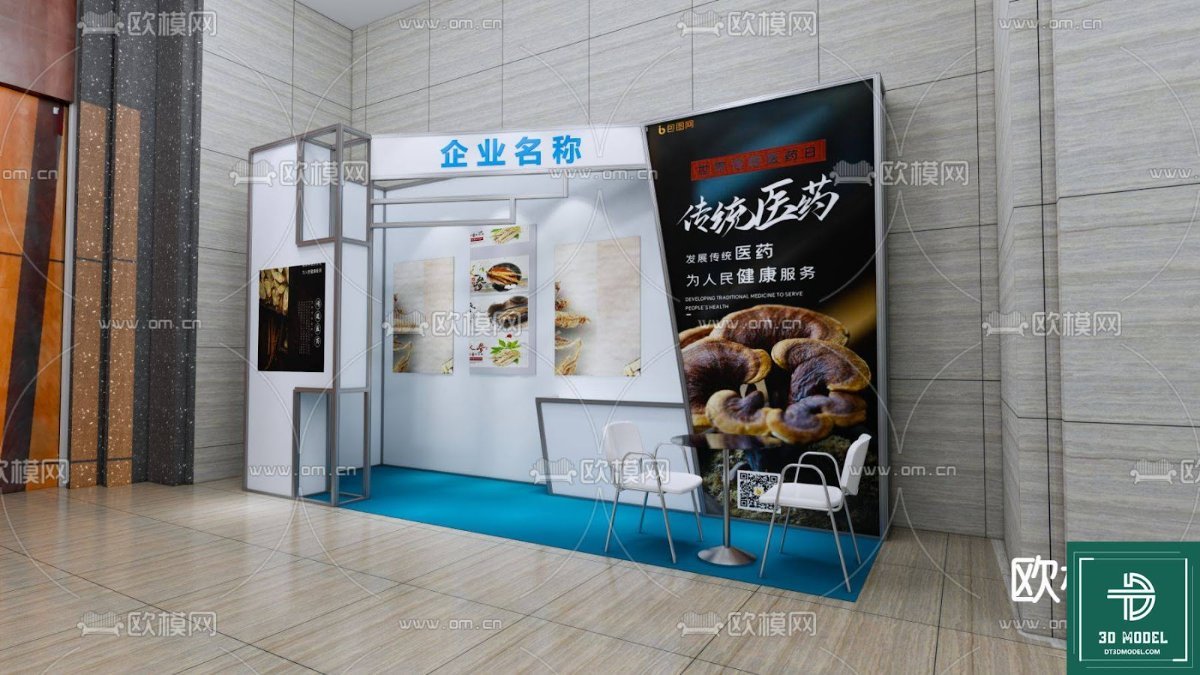
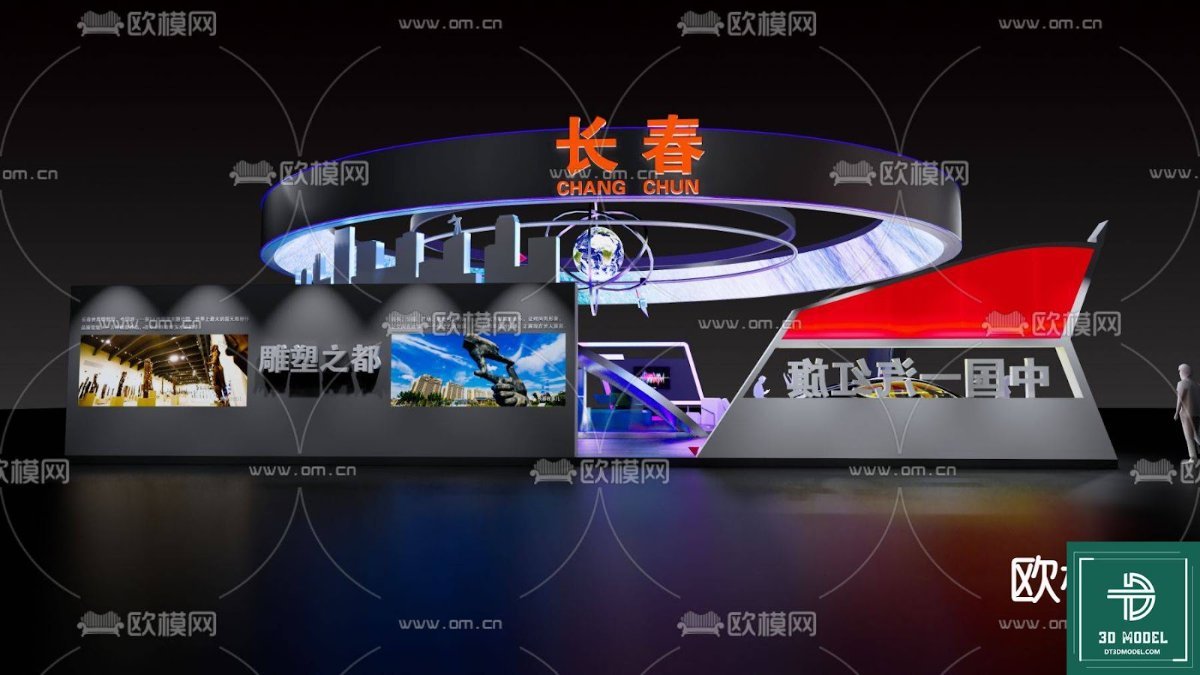
Our exhibition booth SketchUp model provides a robust foundation for your design process. It’s not just a simple layout; it’s a comprehensive 3D representation that allows you to experiment with different configurations, branding elements, and visitor flow. This particular model, titled “phong trien lam SketchUp (32)”, stands out due to its:
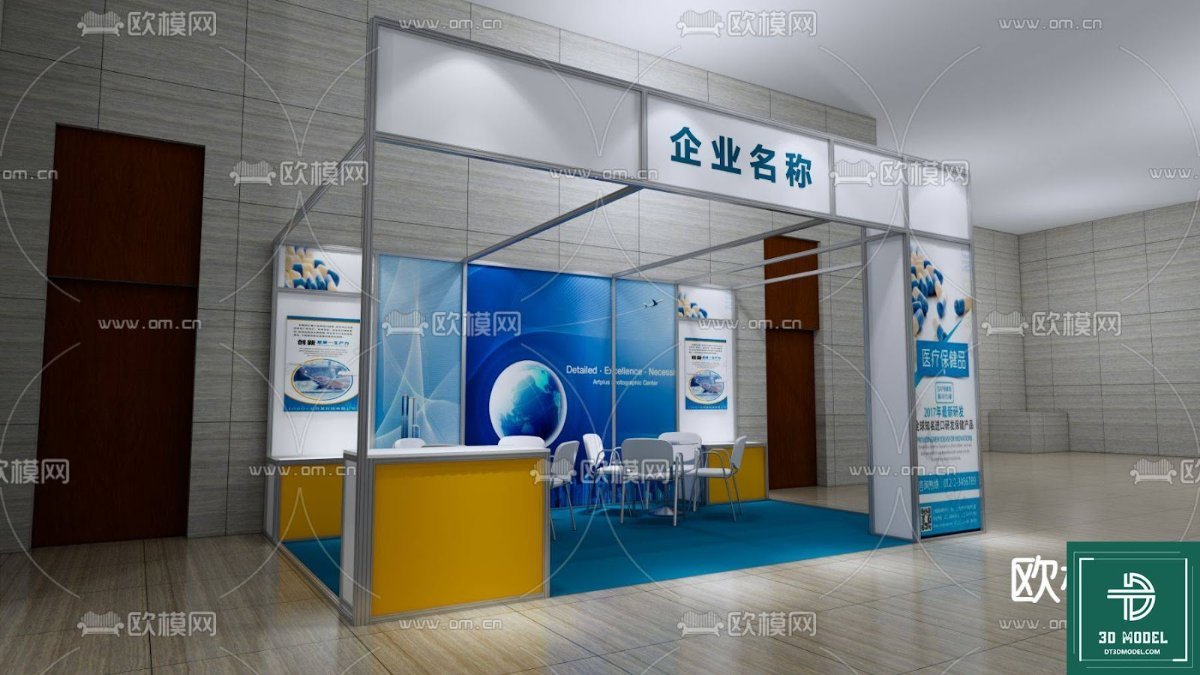
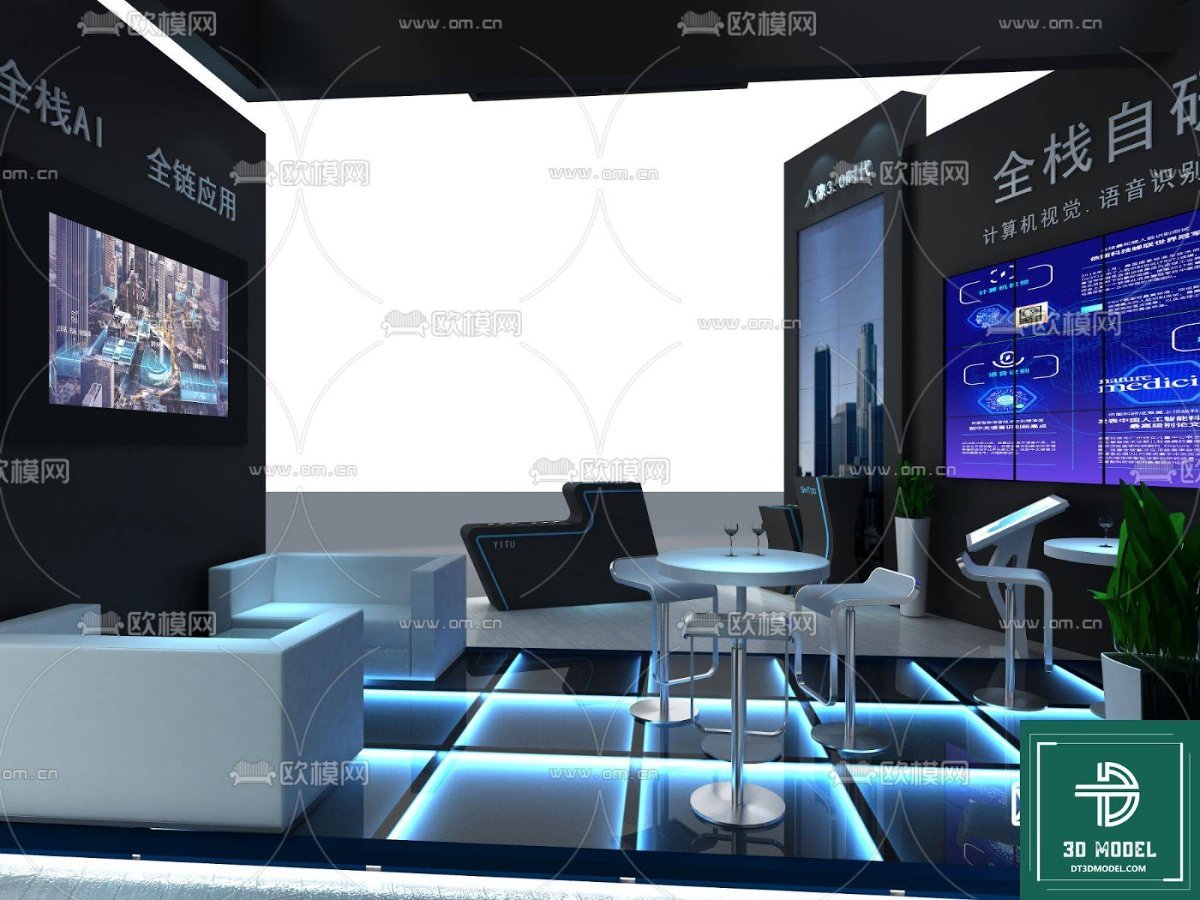
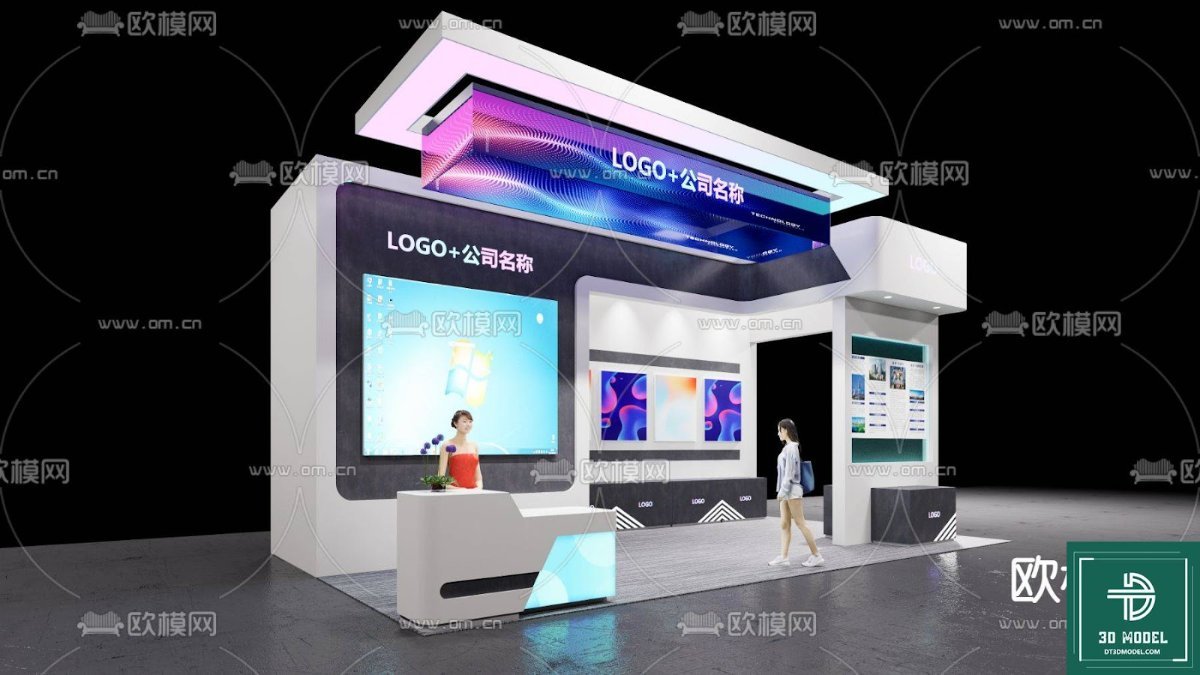
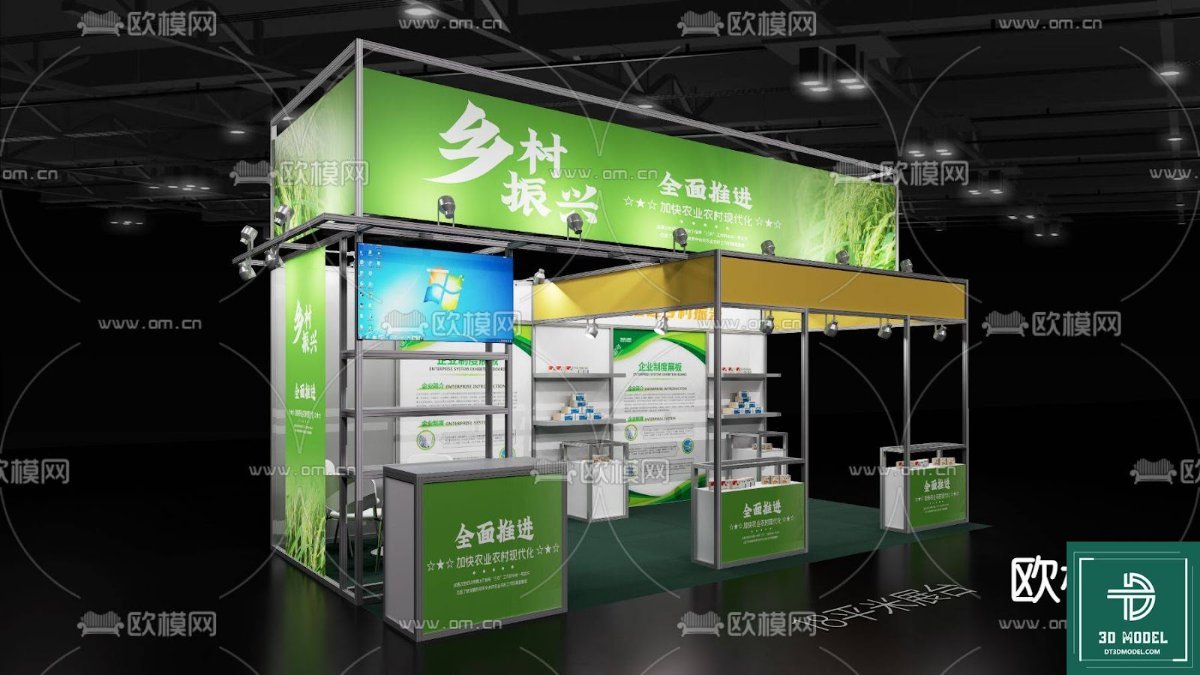
- Realistic Detailing: The model features intricate details, from the structural framework to the display counters and large format graphics, ensuring a true-to-life representation of a modern exhibition space.
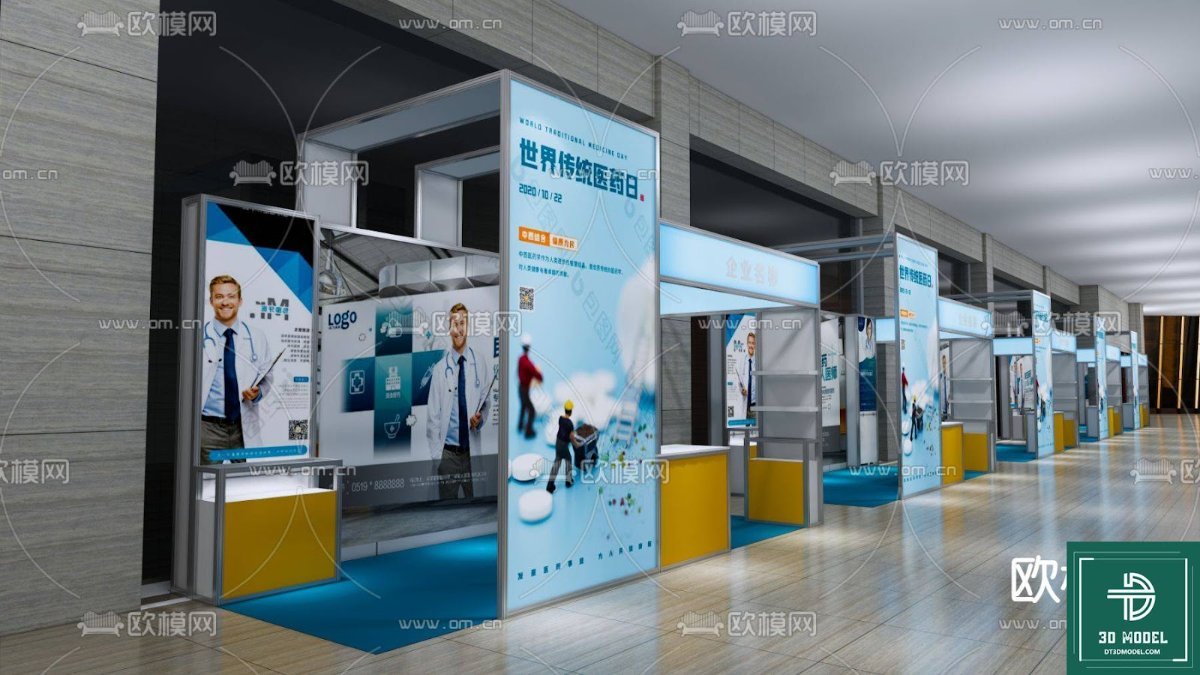
- Versatile Layout: The design incorporates multiple display areas, including prominent back walls for large banners (like the ‘World Traditional Medicine Day’ example shown), smaller kiosks, and open spaces for interaction, making it adaptable for various industries and event types.
- Optimized for SketchUp: As a SketchUp model, it offers seamless integration into your existing SketchUp workflow, allowing for easy manipulation, texturing, and rendering.
- Professional Aesthetic: The clean lines, contemporary color scheme (yellow and blue accents), and well-defined zones contribute to a professional and inviting atmosphere, crucial for attracting attendees.
Key Features and Analysis of “phong trien lam SketchUp (32)”
Upon closer inspection, the “phong trien lam SketchUp (32)” model reveals several thoughtful design elements:
Format and Resolution
This resource is provided in a SketchUp (.SKP) format, which is ideal for 3D modeling and architectural visualization. SketchUp models are inherently scalable, meaning you can zoom in and out without loss of detail, making them suitable for both broad overviews and detailed close-ups. The resolution of the textures and geometry within the model is high enough to produce professional-grade renders and walkthroughs, ensuring your presentations are always crisp and clear.
Usage Instructions and Customization
Using this exhibition booth SketchUp model is straightforward for anyone familiar with SketchUp. Once downloaded from Posterfree.net, you can:
- Open in SketchUp: Load the .SKP file directly into your SketchUp software.
- Customize Branding: Easily replace the placeholder graphics on the large back walls and smaller panels with your own company logos, product images, and promotional messages.
- Adjust Layout: Modify the placement of counters, add or remove furniture, and even reconfigure the overall booth structure to fit your specific exhibition space and requirements.
- Experiment with Lighting: Utilize SketchUp’s lighting tools to simulate different ambient conditions and highlight key areas of your booth.
- Render and Present: Use SketchUp’s rendering capabilities or export to other rendering software to create stunning photorealistic images and animations for client presentations or internal reviews.
The flexibility of this model allows for endless customization, empowering you to create a truly unique and impactful exhibition presence.
The Posterfree.net Advantage: Your Source for Premium 3D Models
Posterfree.net is renowned for providing premium graphic resources, and our 3D models are no exception. We pride ourselves on offering assets that are not only aesthetically pleasing but also highly functional and easy to integrate into professional workflows. When you download an exhibition booth SketchUp model from Posterfree.net, you’re getting:
- Quality Assurance: Every model is carefully reviewed to ensure high standards of detail, accuracy, and usability.
- Time-Saving Solutions: Our pre-built models save you countless hours of design work, allowing you to focus on creativity and strategic planning.
- Diverse Selection: We continuously update our library with a wide range of 3D models and other graphic resources to meet the evolving needs of designers.
- Reliable Support: Our platform is designed for ease of use, and our team is dedicated to providing a seamless experience for all our users.
Investing in a high-quality exhibition booth SketchUp model from Posterfree.net means investing in the success of your next event. It allows you to visualize, refine, and present your booth design with confidence, ensuring that every detail is perfect before construction even begins. Elevate your exhibition planning today with our exceptional 3D models.
Conclusion
The “phong trien lam SketchUp (32)” exhibition booth SketchUp model is an indispensable tool for anyone looking to create a memorable and effective exhibition presence. Its detailed design, versatility, and ease of customization make it a top-tier resource for visualizing and planning your trade show success. Download this premium asset from Posterfree.net today and take the first step towards an outstanding exhibition display. Remember, a well-planned booth starts with a great model, and Posterfree.net is your trusted partner for all your graphic design needs.
Hình ảnh demo liên quan
Câu hỏi thường gặp
What software is required to use this exhibition booth SketchUp model?
This model is in .SKP format, so you will need SketchUp software (SketchUp Make or SketchUp Pro) to open and edit it.
Can I customize the branding and graphics on the booth?
Yes, absolutely! The model is designed to allow easy replacement of placeholder graphics with your own logos, images, and text within SketchUp.
Is this model suitable for commercial use?
Please refer to the licensing terms on Posterfree.net for specific details regarding commercial use of our graphic resources. Generally, our resources are intended for professional design projects.
What level of detail can I expect from this SketchUp model?
The ‘phong trien lam SketchUp (32)’ model is highly detailed, featuring realistic structural elements, display counters, and large format graphic areas, suitable for high-quality renders and presentations.





























