

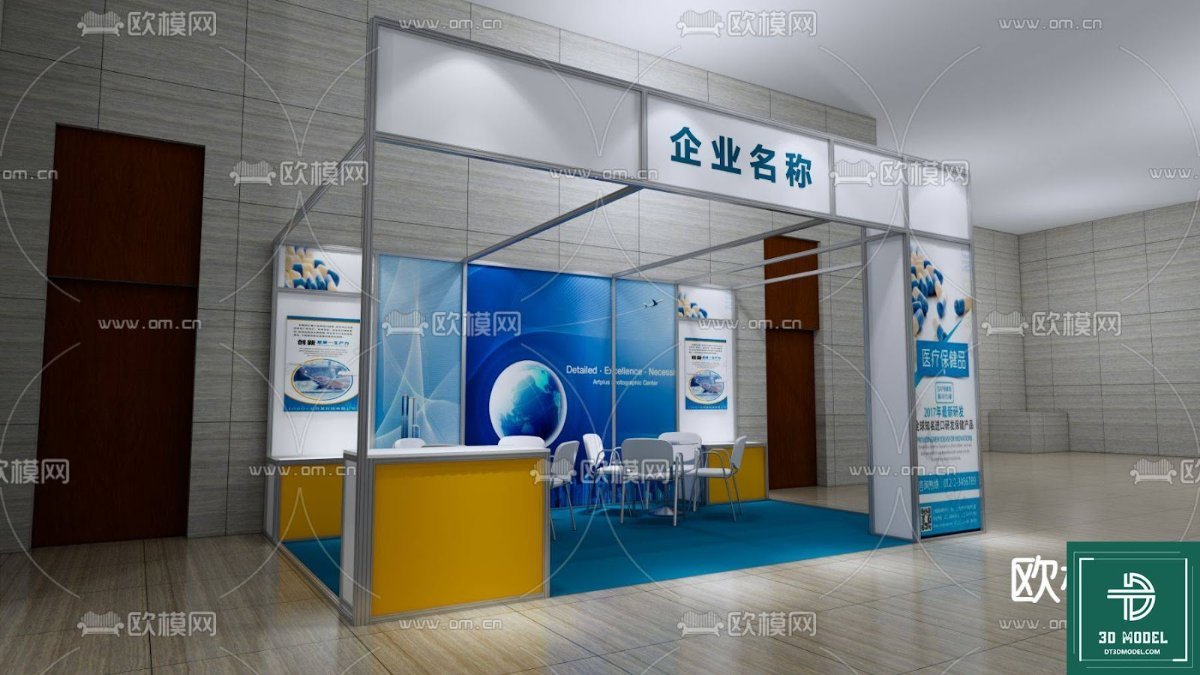
Exhibition Booth SketchUp Model. Discover a professional exhibition booth SketchUp model for your next event design. This resource offers detailed 3D visuals for effective planning and presentation.
Elevate Your Event Design with a Premium Exhibition Booth SketchUp Model
In the competitive world of trade shows and exhibitions, a well-designed booth is crucial for making a lasting impression. For designers, marketers, and event planners, visualizing and presenting these designs effectively is paramount. This is where a high-quality exhibition booth SketchUp model becomes an indispensable tool. Posterfree.net is proud to offer a premium resource like the ‘phong trien lam SketchUp (30)’ model, designed to streamline your workflow and enhance your presentations.
The Power of 3D Visualization in Exhibition Design
Gone are the days of relying solely on 2D sketches. 3D models provide an immersive and realistic preview of your exhibition space, allowing you to:
- Visualize Layouts: Experiment with different configurations of walls, counters, and display areas.
- Optimize Traffic Flow: Ensure visitors can navigate your booth easily and access key information.
- Assess Branding Impact: See how your logos, graphics, and color schemes translate into a physical space.
- Identify Potential Issues: Catch design flaws or spatial constraints before construction begins.
- Impress Clients: Present your concepts with stunning realism and clarity, securing approvals faster.
Our ‘phong trien lam SketchUp (30)’ model is meticulously crafted to provide all these benefits and more, making it an essential asset for any serious exhibition designer.
Detailed Analysis of the ‘phong trien lam SketchUp (30)’ Model
This specific exhibition booth SketchUp model is a prime example of the quality resources available at Posterfree.net. Let’s delve into its features:
Format and Compatibility
The model is provided in SketchUp format, making it directly compatible with Trimble SketchUp, one of the most popular 3D modeling software solutions for architecture, interior design, and exhibition planning. This ensures ease of use for a wide range of professionals.
Resolution and Detail
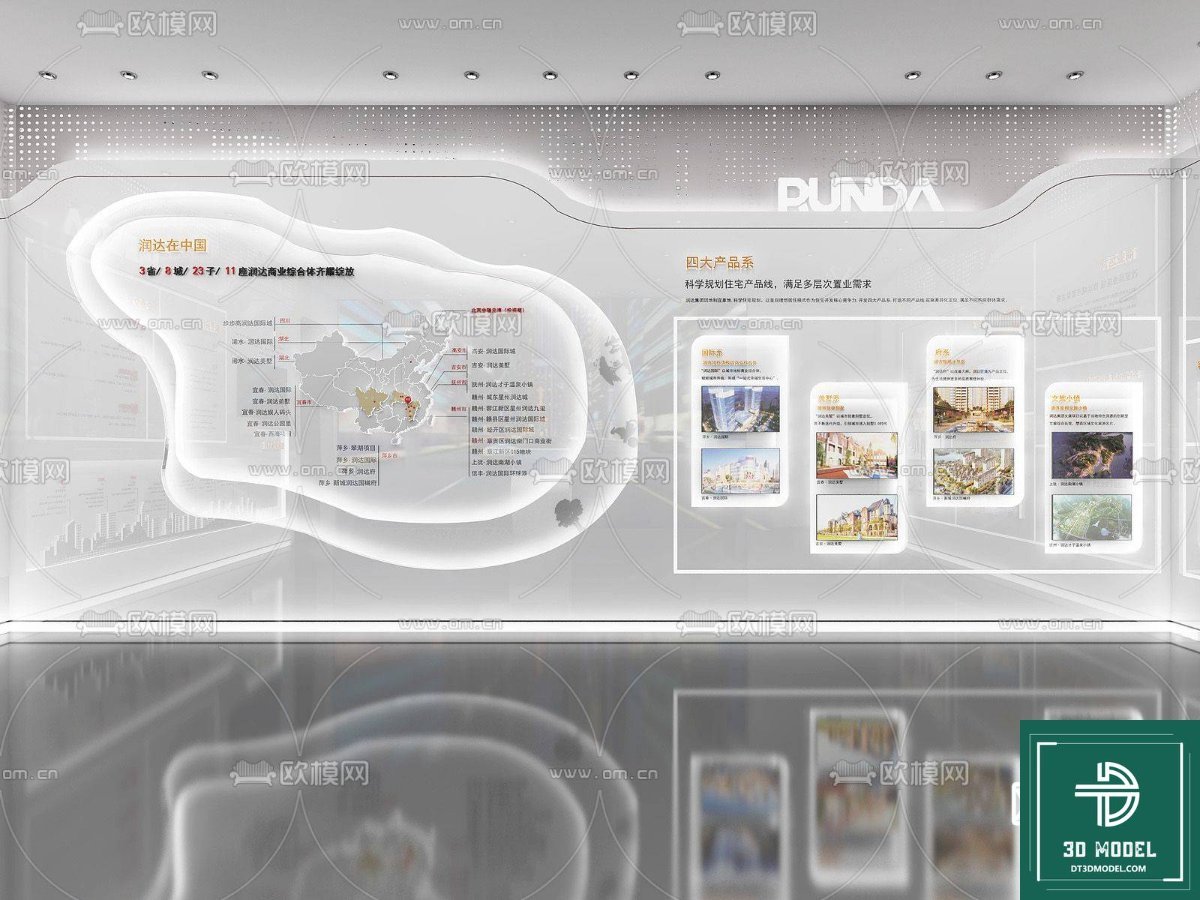
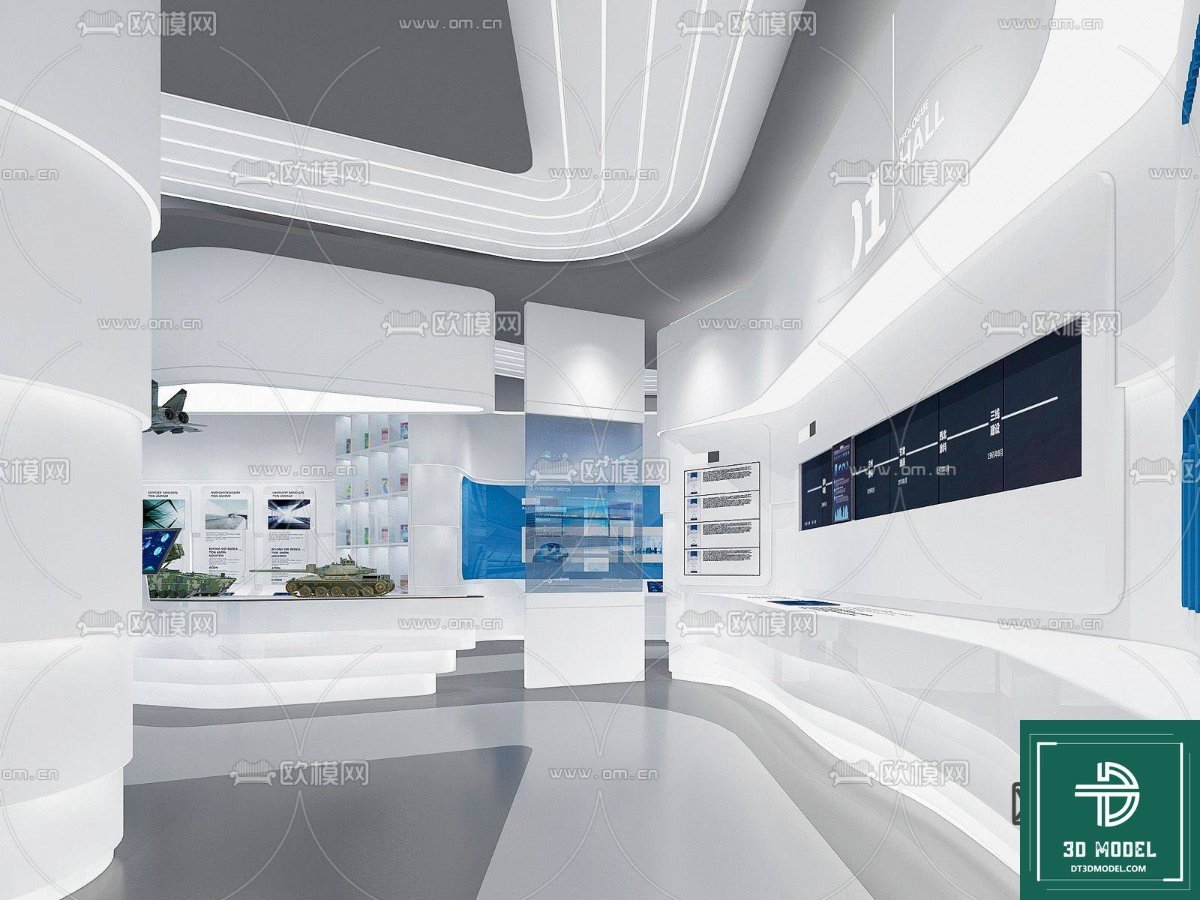
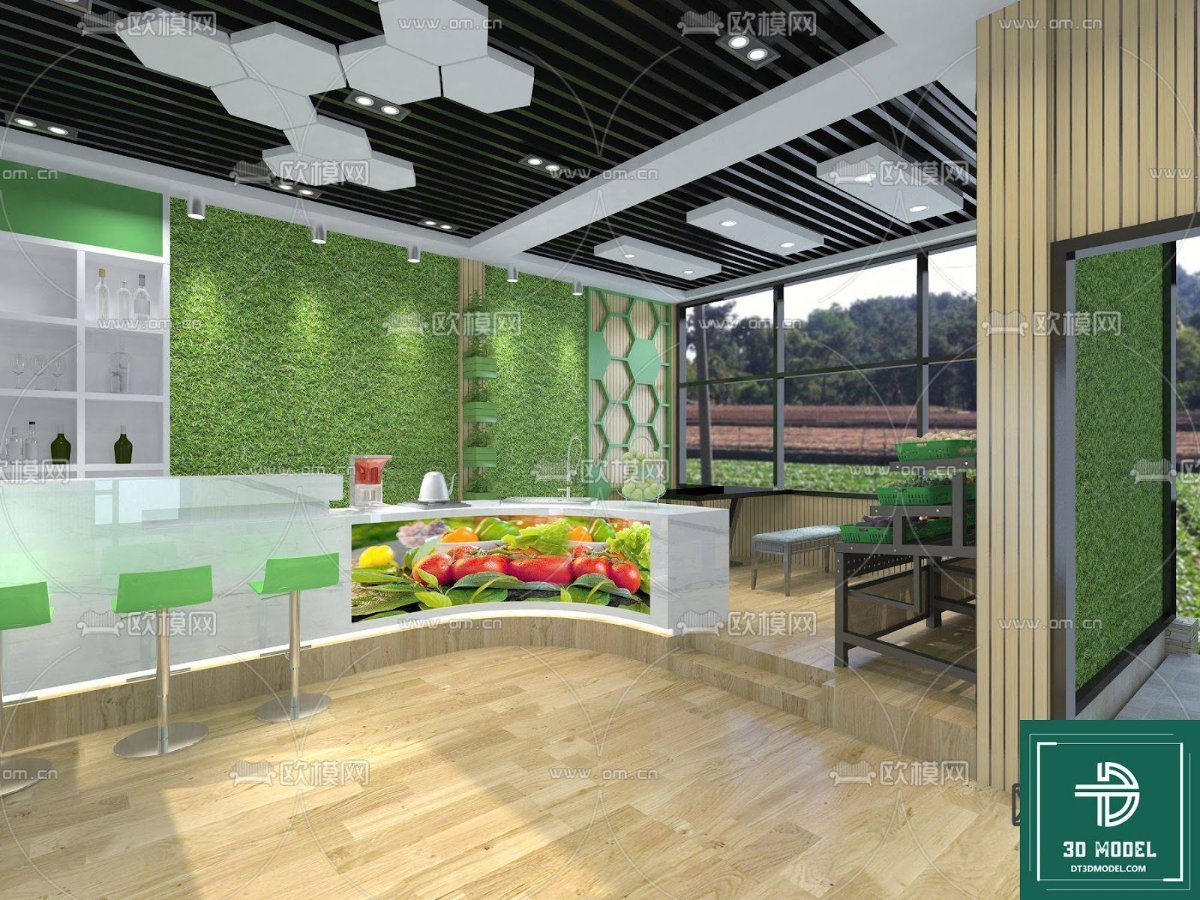
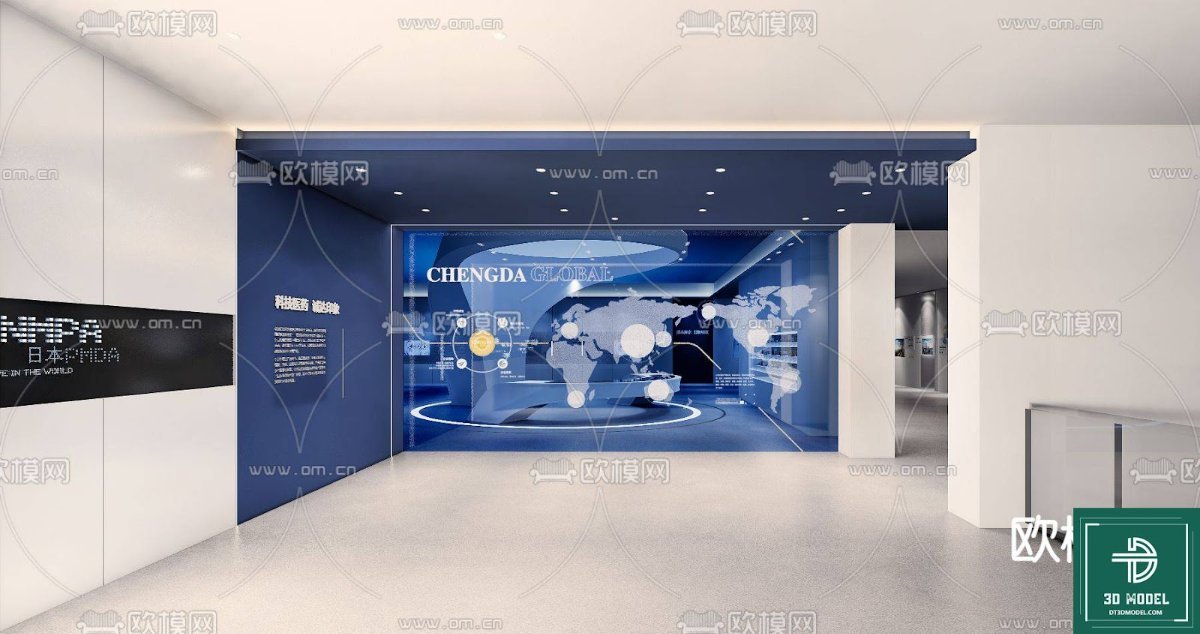
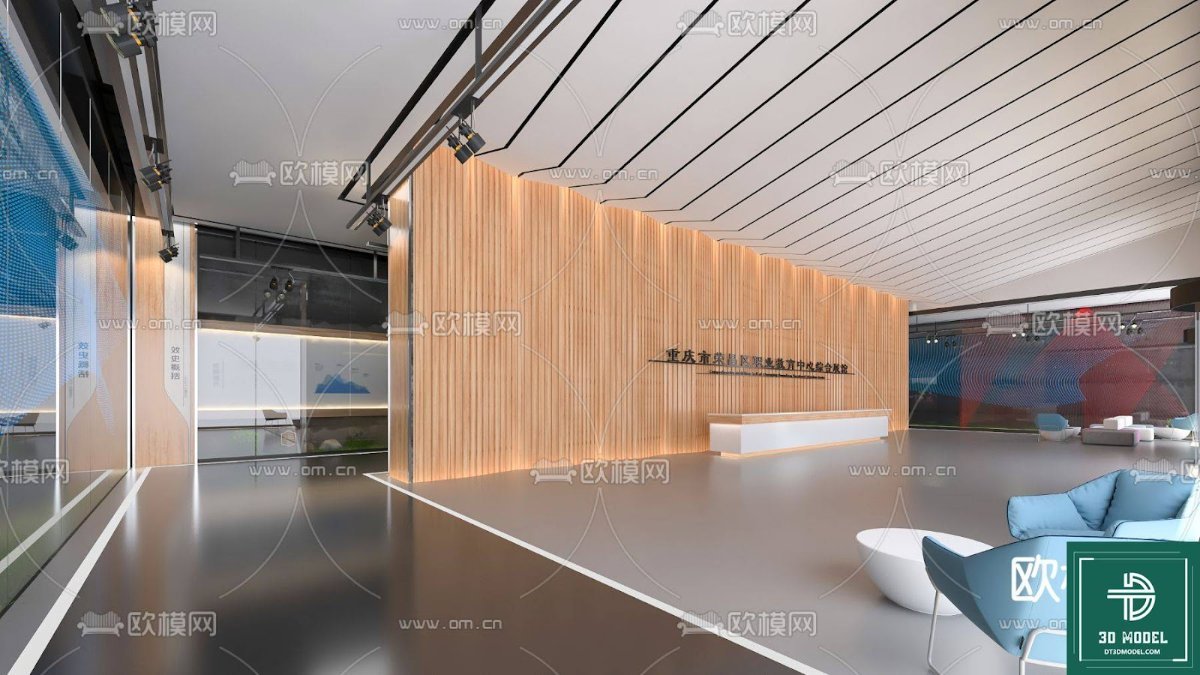
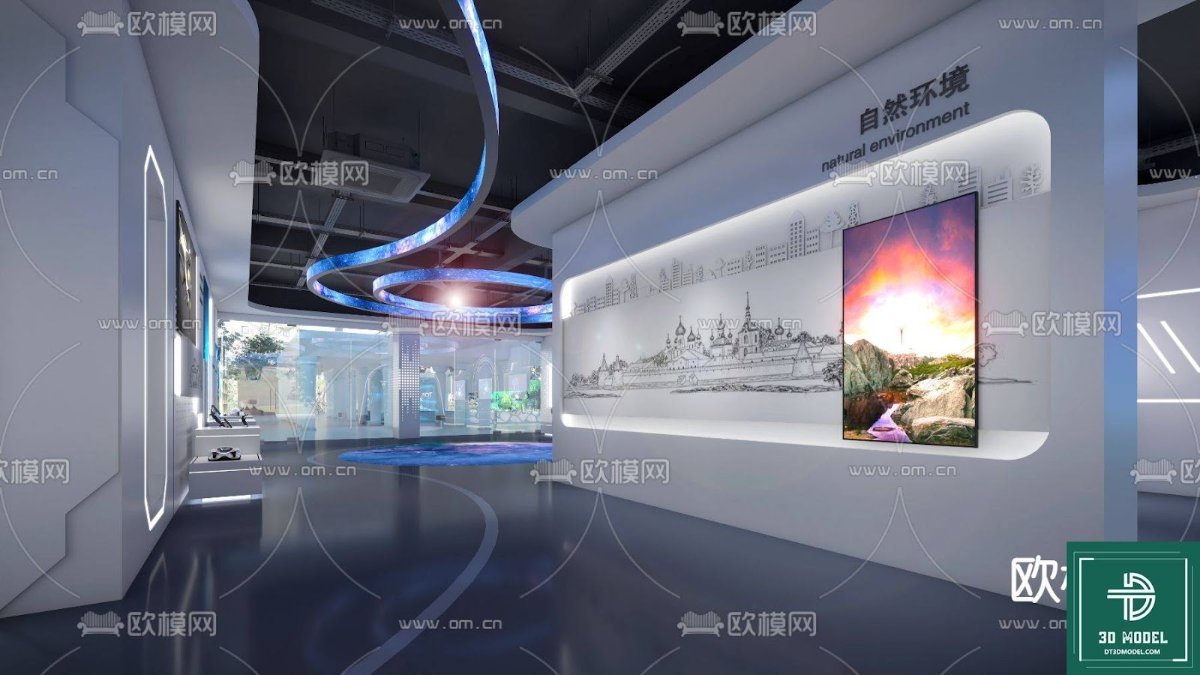
The ‘phong trien lam SketchUp (30)’ model boasts a high level of detail, capturing the nuances of a modern exhibition booth. From the structural framework to the display panels and even basic furniture elements, every component is rendered with precision. This high resolution allows for close-up views and realistic renderings, essential for client presentations and detailed planning.
Design Elements and Customization Potential
The model features a contemporary design with clear display areas, a reception counter, and seating arrangements. The modular nature of SketchUp files means that while the base model is excellent, it also offers immense customization potential. Users can easily:
- Change textures and materials to match specific brand guidelines.
- Integrate custom graphics and signage onto the display panels.
- Modify the layout to accommodate different booth sizes or event requirements.
- Add or remove furniture and decorative elements to create a unique atmosphere.
This flexibility ensures that the exhibition booth SketchUp model can be adapted to virtually any brand or event theme.
How to Effectively Use Your Exhibition Booth SketchUp Model
Leveraging this 3D model to its full potential is straightforward:
- Download and Open: Once downloaded from Posterfree.net, open the .skp file directly in SketchUp.
- Familiarize Yourself: Explore the model, understanding its components and layers.
- Customize Branding: Import your client’s logos, product images, and brand colors. Apply them to the display panels and other surfaces.
- Arrange Elements: Use SketchUp’s tools to move, scale, and rotate components like counters, chairs, and product displays to optimize the layout.
- Lighting and Rendering: Experiment with different lighting scenarios to see how your booth will look under various conditions. Utilize SketchUp’s rendering capabilities or integrate with external renderers for photorealistic outputs.
- Client Presentations: Export high-quality images or even animated walkthroughs to present your design concepts to clients with unparalleled clarity and impact.
With this exhibition booth SketchUp model, you’re not just getting a file; you’re gaining a powerful tool to bring your vision to life.
Why Choose Posterfree.net for Your 3D Model Needs?
Posterfree.net has established itself as a reputable source for premium graphic resources, and our 3D models are no exception. We understand the demands of professional design and strive to provide assets that are:
- High Quality: Meticulously crafted with attention to detail and accuracy.
- Professionally Designed: Created by experienced designers to meet industry standards.
- User-Friendly: Easy to integrate into your existing workflows.
- Diverse: A wide range of resources to cater to various project types.
When you download an exhibition booth SketchUp model from Posterfree.net, you’re investing in a resource that will save you time, enhance your creative output, and ultimately help you deliver exceptional results for your clients. Our commitment to quality ensures that every asset, including ‘phong trien lam SketchUp (30)’, meets the highest standards.
Conclusion
The ‘phong trien lam SketchUp (30)’ exhibition booth SketchUp model is an invaluable asset for anyone involved in event design and planning. Its detailed construction, compatibility with SketchUp, and extensive customization options make it a versatile tool for visualizing, refining, and presenting your booth concepts. Trust Posterfree.net to provide you with the premium resources you need to stand out in a crowded marketplace. Download this model today and transform your exhibition designs into compelling 3D realities.
Hình ảnh demo liên quan
Câu hỏi thường gặp
What software is required to use this exhibition booth SketchUp model?
This model is provided in the .skp format, so you will need Trimble SketchUp (Make or Pro) to open and edit it.
Can I customize the branding and colors on the booth?
Yes, absolutely! The SketchUp model allows for easy customization of textures, materials, and the application of your own graphics and logos onto the display panels.
Is this model suitable for commercial projects?
Yes, resources from Posterfree.net are generally suitable for both personal and commercial projects, adhering to our licensing terms. Please refer to the specific license for ‘phong trien lam SketchUp (30)’ for full details.
What level of detail can I expect from this 3D model?
The ‘phong trien lam SketchUp (30)’ model is designed with a high level of detail, including structural elements, display areas, and basic furniture, allowing for realistic renderings and presentations.





























