

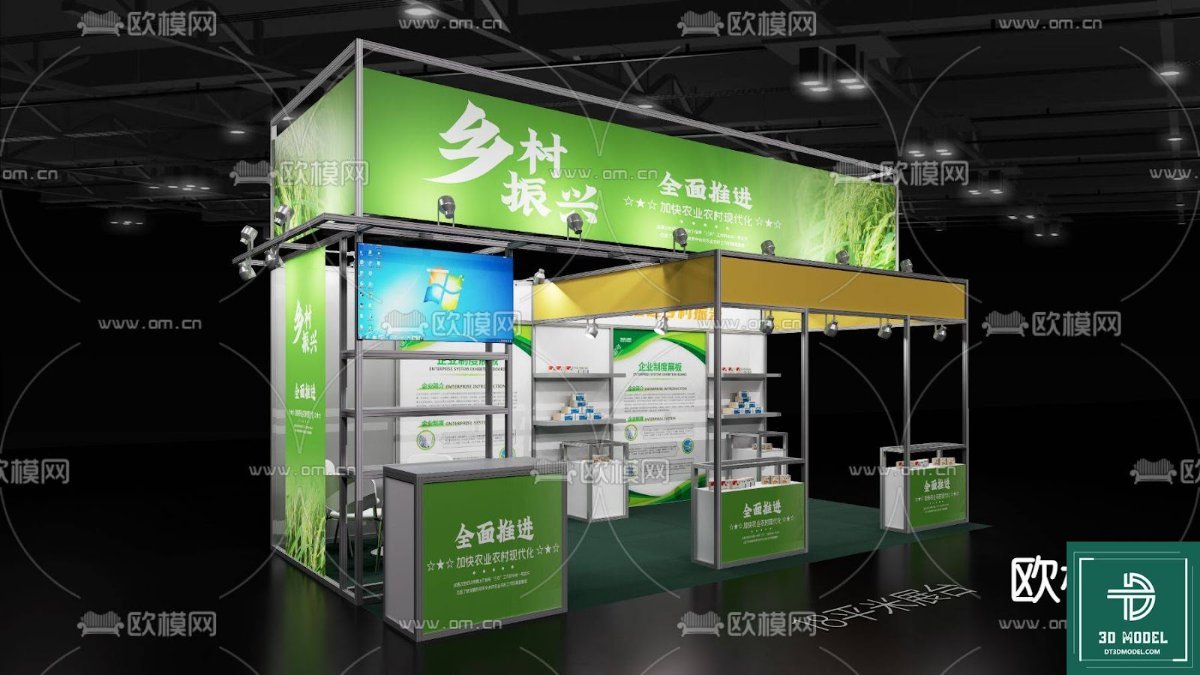
Exhibition Booth SketchUp Model. Discover a premium exhibition booth SketchUp model from Posterfree.net, perfect for designers and marketers needing high-quality 3D renders for their next event.
Elevate Your Event Planning with a Premium Exhibition Booth SketchUp Model
In the competitive world of trade shows and exhibitions, making a lasting impression is paramount. For designers, marketers, and event planners, visualizing and presenting an exhibition booth concept effectively can be the difference between a good idea and a great one. This is where a high-quality exhibition booth SketchUp model becomes an indispensable tool. At Posterfree.net, we pride ourselves on offering premium graphic resources that empower your creative projects, and this detailed SketchUp model is no exception.
What Makes This Exhibition Booth SketchUp Model Stand Out?
The ‘Phong trien lam SketchUp (51)’ resource, available exclusively at Posterfree.net, is meticulously designed to provide a realistic and versatile foundation for your exhibition booth concepts. This 3D model offers unparalleled detail, allowing you to present your ideas with clarity and professionalism.
Detailed Design and Realistic Representation
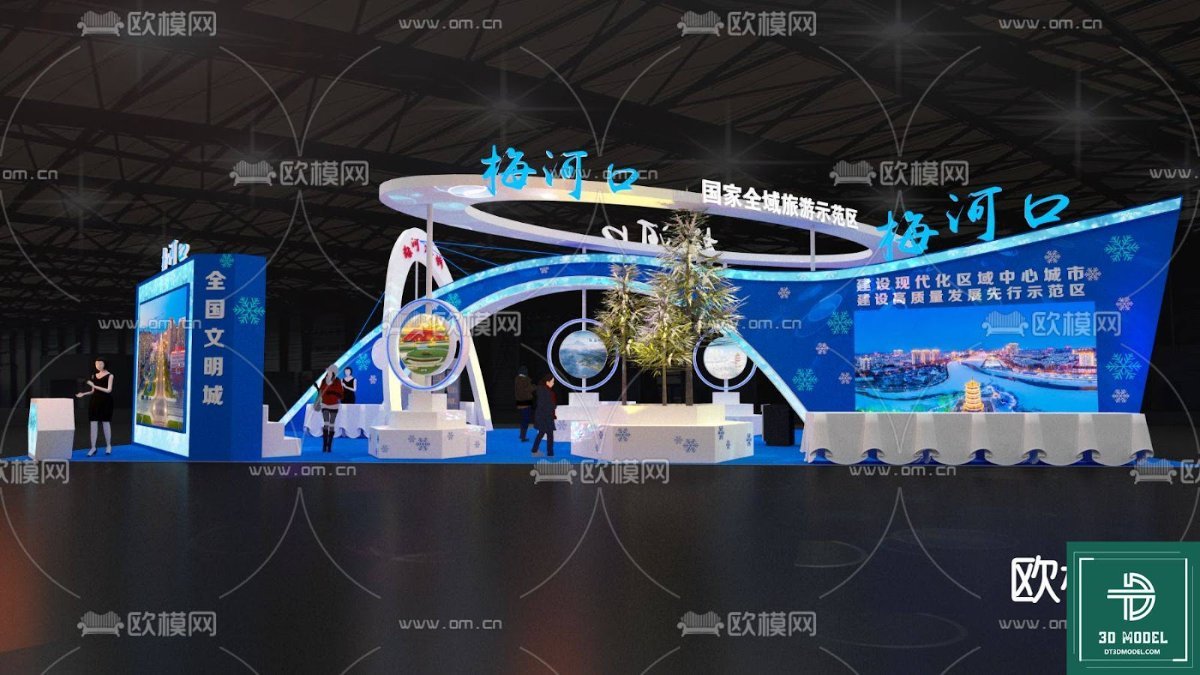
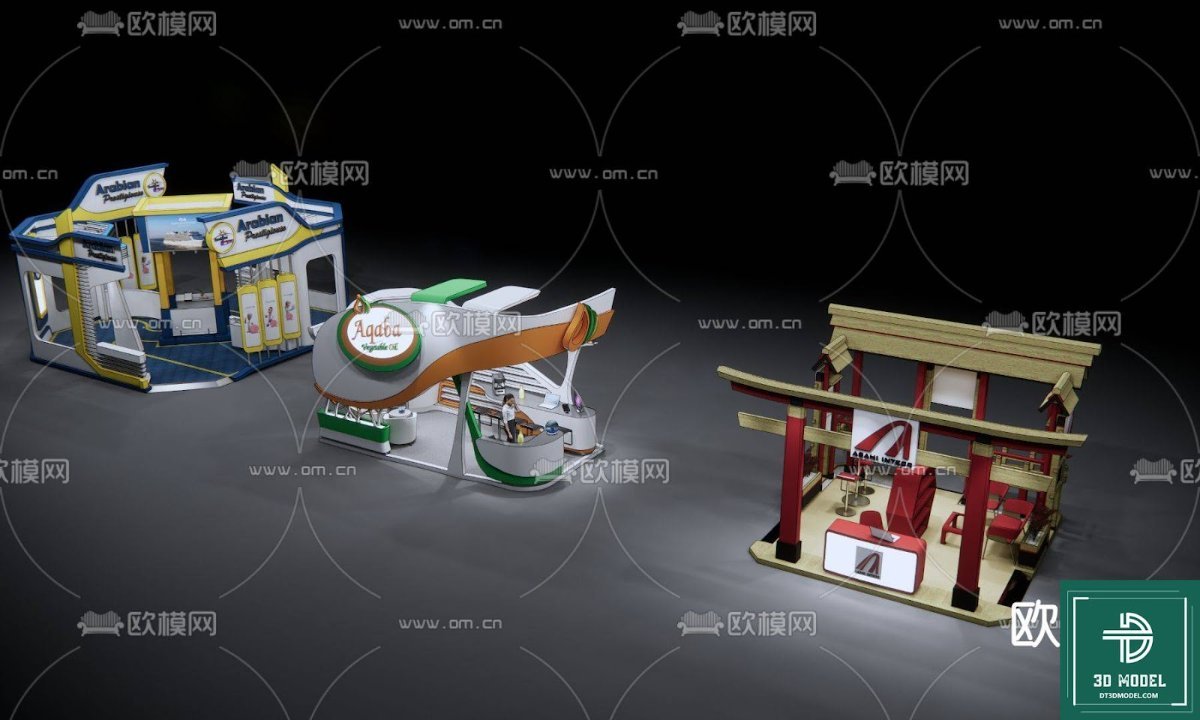
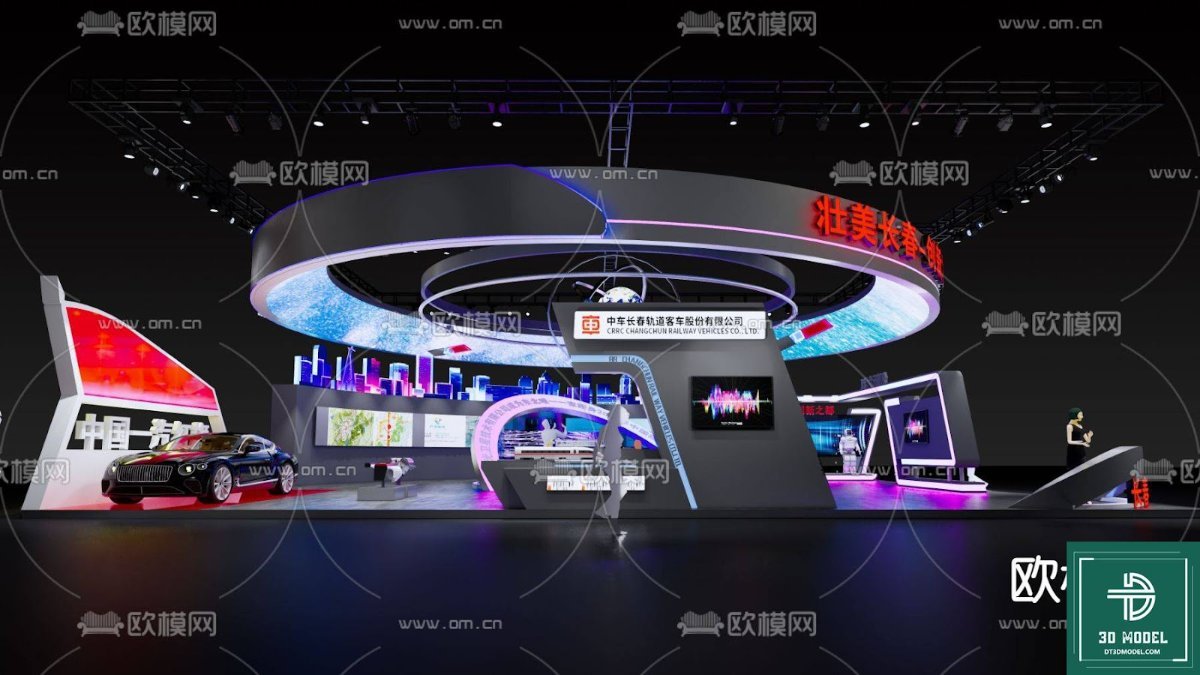
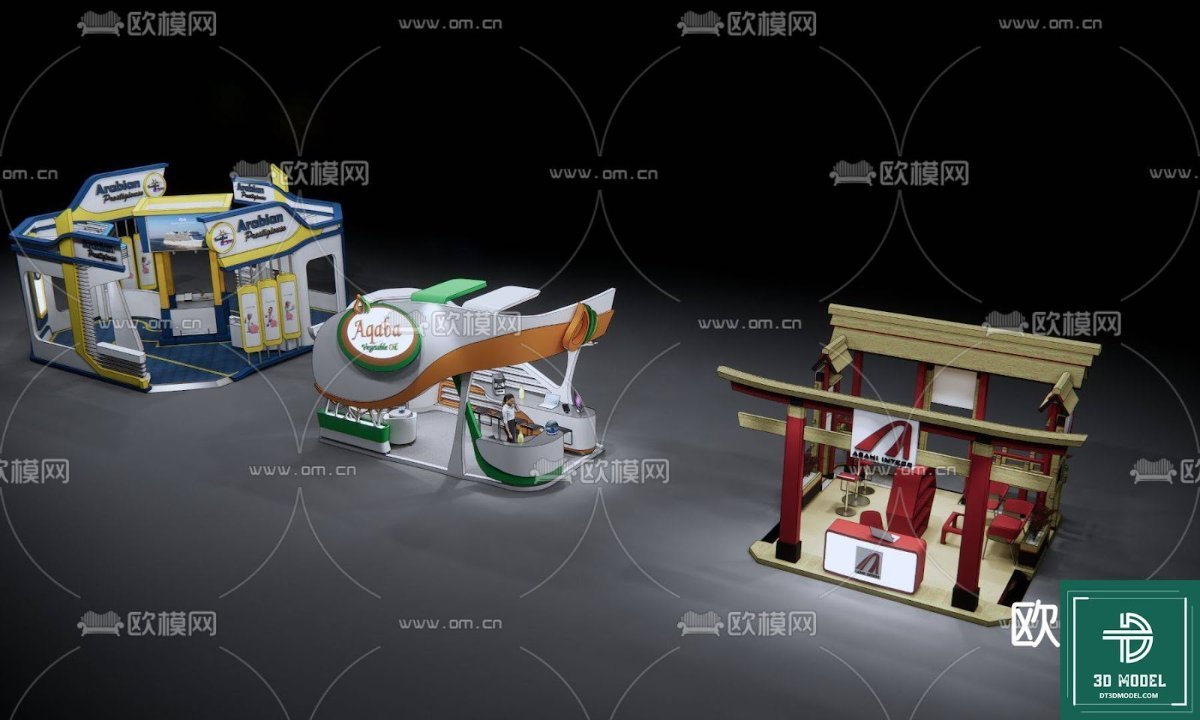
- Comprehensive Structure: The model includes a full booth structure, complete with overhead banners, display shelves, a reception desk, and integrated screens. This allows for a complete visualization of the space.
- Branding Opportunities: The large banner areas and display panels are perfectly set up for custom branding, enabling you to showcase client logos, marketing messages, and product imagery with ease.
- Integrated Technology: The inclusion of a large display screen within the model highlights modern exhibition trends, where digital content plays a crucial role in engaging visitors.
- Scalable and Adaptable: While detailed, the SketchUp format ensures that the model can be easily scaled and adapted to fit various exhibition hall dimensions and specific event requirements.
Technical Specifications and Format
This resource is provided in a standard SketchUp format, making it compatible with Trimble SketchUp software. This ensures that a wide range of designers can access and utilize the model without compatibility issues.
- Format: SKP (SketchUp)
- Resolution: High-resolution 3D geometry, ensuring crisp renders and detailed close-ups.
- File Size: Optimized for efficient download and smooth operation within SketchUp, without compromising on detail.
How to Effectively Use Your Exhibition Booth SketchUp Model
Leveraging this exhibition booth SketchUp model can significantly streamline your design workflow and enhance your presentations. Here’s a step-by-step guide:
1. Import and Customize
Once downloaded from Posterfree.net, import the SKP file into your SketchUp project. You can then begin customizing the booth to your specific needs. This includes:
- Applying Textures: Change the materials of the booth structure, flooring, and furniture to match your brand guidelines or desired aesthetic.
- Adding Branding Elements: Replace the placeholder graphics on banners and screens with your actual marketing visuals, logos, and product images.
- Arranging Layout: While the core structure is provided, you can rearrange elements, add additional furniture, or remove components to create a unique layout.
2. Lighting and Rendering
For truly stunning visuals, consider setting up appropriate lighting within SketchUp or exporting the model to a rendering engine (like V-Ray, Enscape, or Lumion). Proper lighting will bring out the details and create a realistic atmosphere.
3. Presentation and Client Approval
The final renders from your customized exhibition booth SketchUp model can be used for:
- Client Presentations: Provide clients with a clear, photorealistic preview of their booth, helping them visualize the final setup and make informed decisions.
- Marketing Materials: Use the renders in proposals, brochures, or online portfolios to showcase your event design capabilities.
- Internal Planning: Aid your team in understanding the layout, flow, and technical requirements of the booth before physical construction begins.
Why Choose Posterfree.net for Your Graphic Resources?
Posterfree.net is renowned for its commitment to providing high-quality, professional-grade graphic resources. Our extensive library is curated to meet the diverse needs of designers, marketers, and businesses looking for premium assets without the premium price tag.
- Quality Assurance: Every resource, including this exhibition booth SketchUp model, undergoes rigorous quality checks to ensure it meets our high standards.
- User-Friendly: Our resources are designed to be easy to use, even for those with intermediate design skills.
- Diverse Selection: From banners and flyers to 3D models and mockups, we offer a vast array of assets to support all your creative endeavors.
- Regular Updates: We continuously add new and trending resources to keep your designs fresh and current.
Conclusion
Investing in a high-quality exhibition booth SketchUp model from Posterfree.net is an investment in efficiency, professionalism, and impactful presentation. This resource provides the flexibility and detail needed to bring your exhibition concepts to life, helping you stand out and achieve your event goals. Download ‘Phong trien lam SketchUp (51)’ today and experience the Posterfree.net difference – where premium quality meets unparalleled convenience.
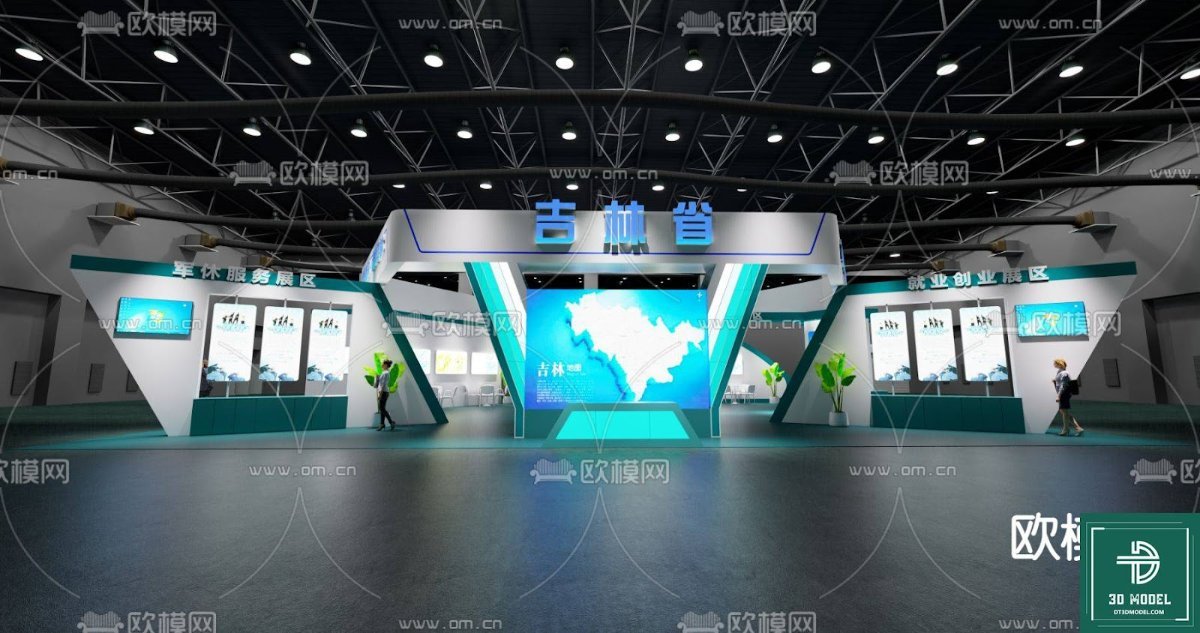
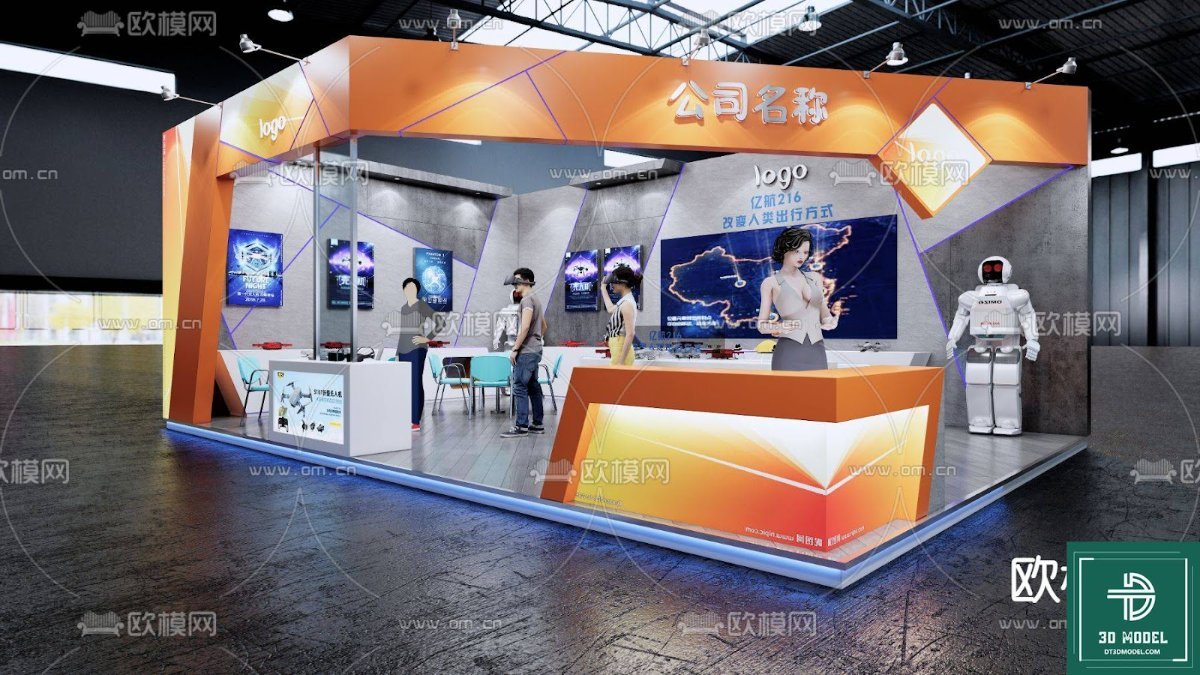
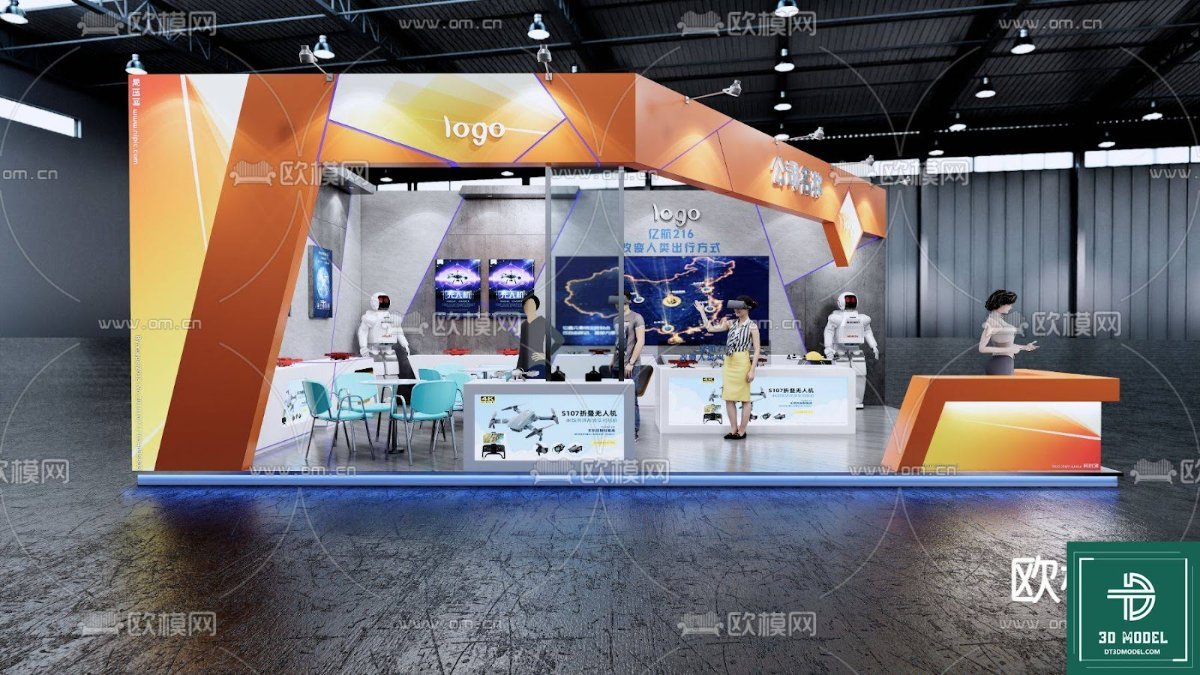
Hình ảnh demo liên quan
Câu hỏi thường gặp
What software is required to use this exhibition booth SketchUp model?
This model is in SKP format and requires Trimble SketchUp software to open and edit. It is compatible with various versions of SketchUp.
Can I customize the branding and colors on the booth model?
Yes, absolutely! The model is designed for easy customization. You can change textures, apply your own branding, logos, and marketing messages to the banners and display panels within SketchUp.
Is this model suitable for commercial use?
Yes, resources from Posterfree.net are generally suitable for both personal and commercial projects, adhering to our licensing terms. Please refer to the specific license for ‘Phong trien lam SketchUp (51)’ for full details.
What is the resolution of the 3D model?
The model features high-resolution 3D geometry, ensuring that your renders will be crisp and detailed, even in close-up views. It’s optimized for professional presentations.





























