

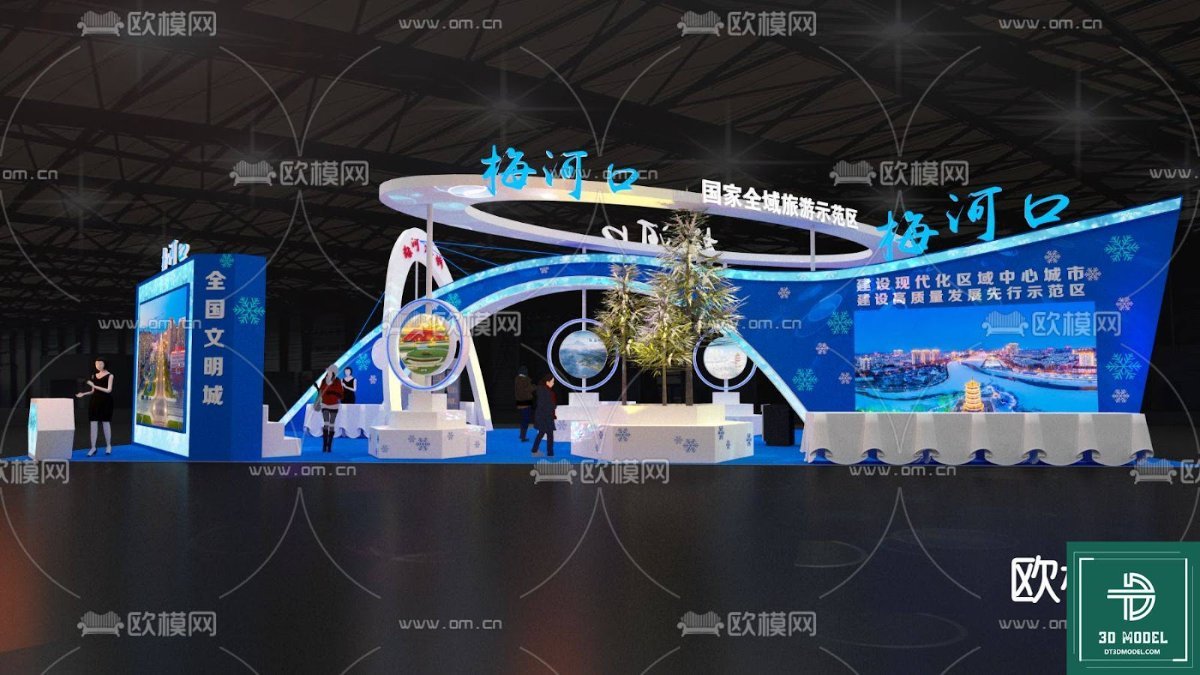
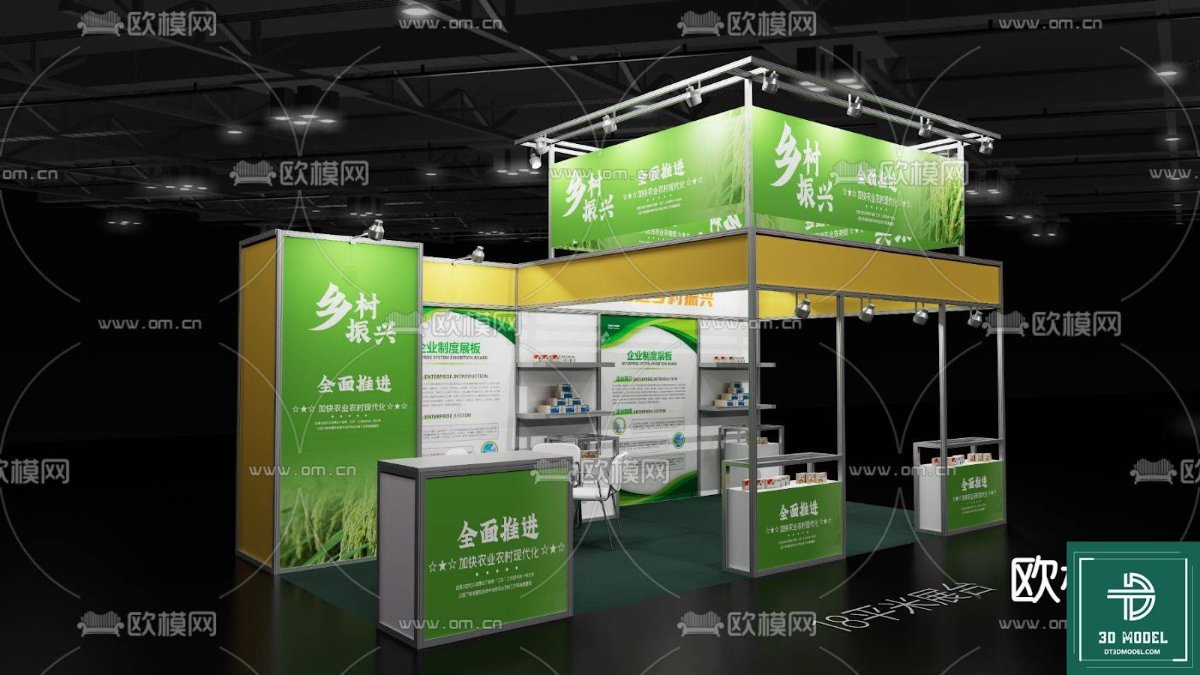
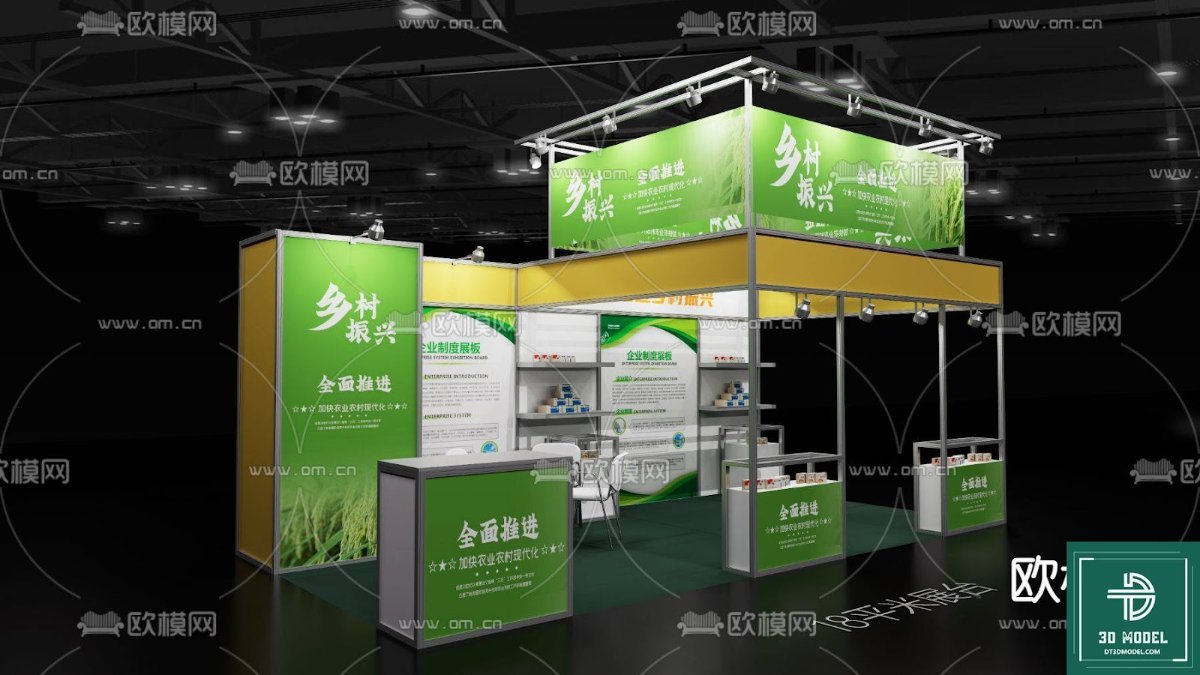
Exhibition Booth SketchUp Model. Discover our premium Exhibition Booth SketchUp Model, perfect for designers and event planners. Get high-quality, editable 3D models for your next project, exclusively from Posterfree.net.
Elevate Your Designs with a Premium Exhibition Booth SketchUp Model
In the dynamic world of events and marketing, a captivating exhibition booth is paramount to making a lasting impression. For designers, architects, and event planners, having access to high-quality 3D models is crucial for visualizing and presenting their concepts effectively. Posterfree.net is proud to offer an exceptional Exhibition Booth SketchUp Model, designed to streamline your workflow and bring your creative visions to life with unparalleled detail and realism.
Why Choose Our Exhibition Booth SketchUp Model?
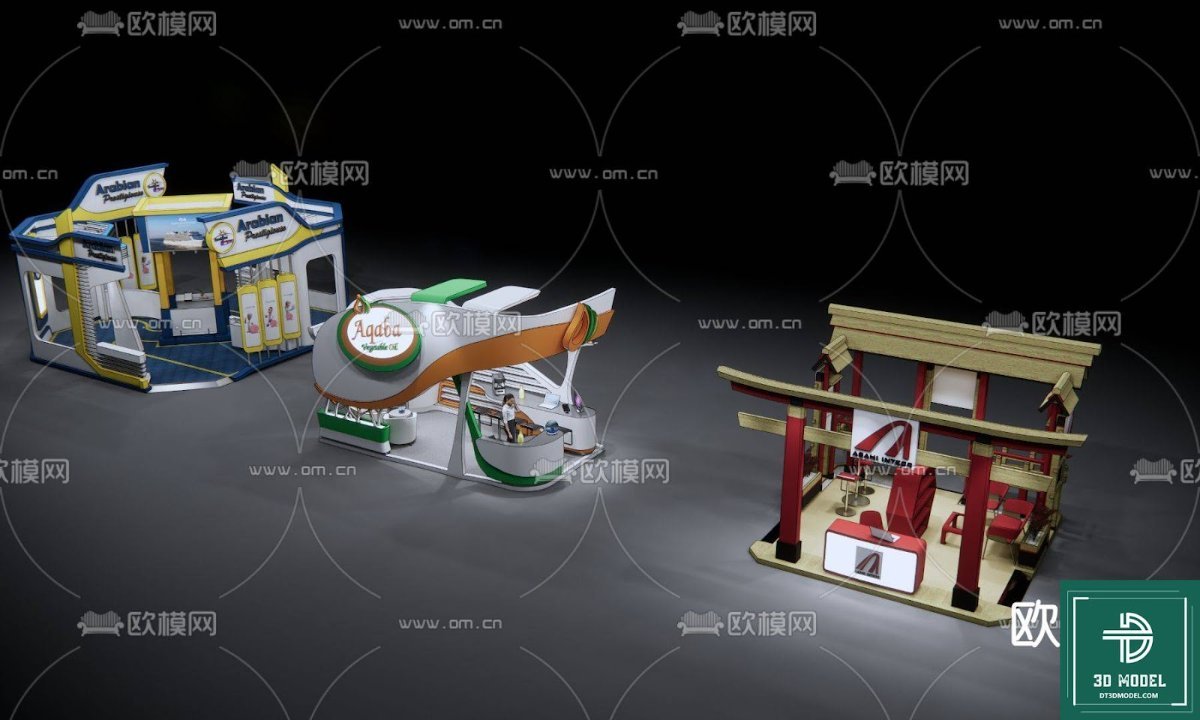
Our Exhibition Booth SketchUp Model stands out for its meticulous design, versatility, and ease of use. Crafted by experienced 3D artists, this model provides a robust foundation for various exhibition scenarios, from trade shows and product launches to corporate events and art installations. It’s not just a model; it’s a comprehensive toolkit for professional presentations.
Unmatched Detail and Realism
- High-Fidelity Design: Every element of this exhibition booth, from the structural components to the decorative accents, has been rendered with precision, ensuring a realistic and professional appearance.
- Textured Surfaces: The model includes detailed textures for various materials, allowing for accurate light simulations and visually appealing renders.
- Scalable Architecture: Designed with flexibility in mind, the booth structure can be easily scaled and adapted to fit different venue sizes and spatial requirements.
Optimized for SketchUp Users
SketchUp is renowned for its intuitive interface and powerful 3D modeling capabilities. Our Exhibition Booth SketchUp Model is fully compatible, allowing for seamless integration into your existing projects. Whether you’re a seasoned SketchUp professional or just starting, you’ll find this model incredibly user-friendly.
Key Features and Benefits
When you download this resource from Posterfree.net, you’re not just getting a file; you’re gaining a competitive edge. Here’s what makes our model an indispensable asset:
Versatile Design Components
The model includes a range of customizable components, enabling you to tailor the booth to specific brand guidelines or event themes. You can easily modify:
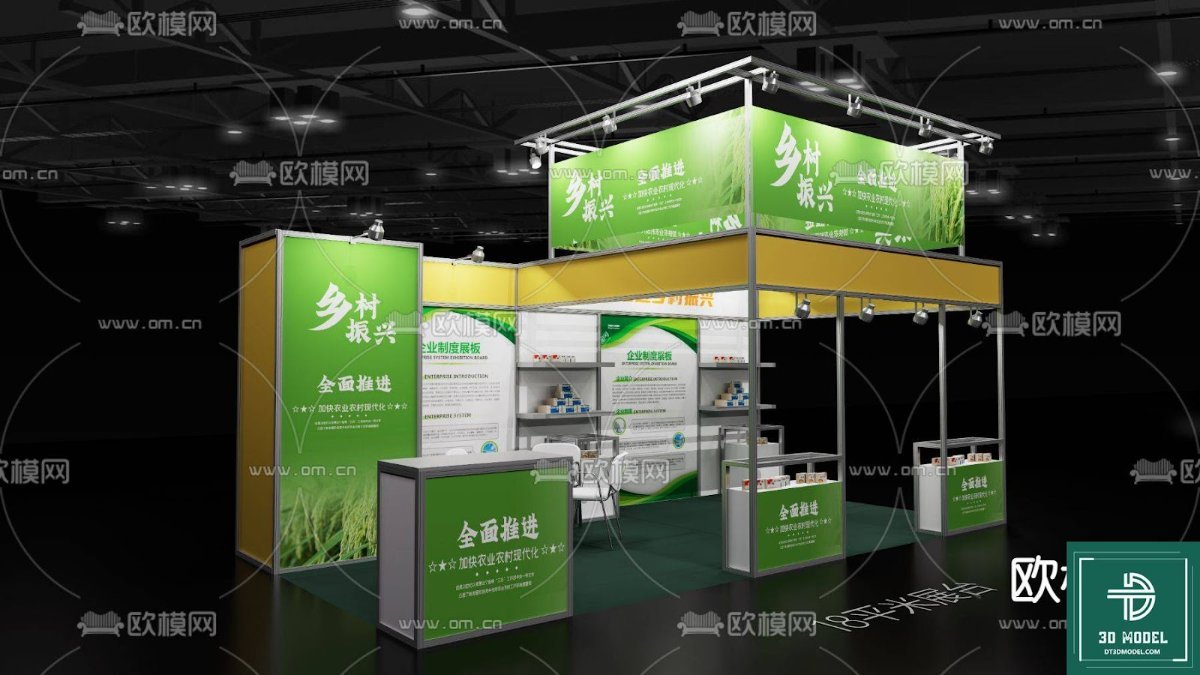
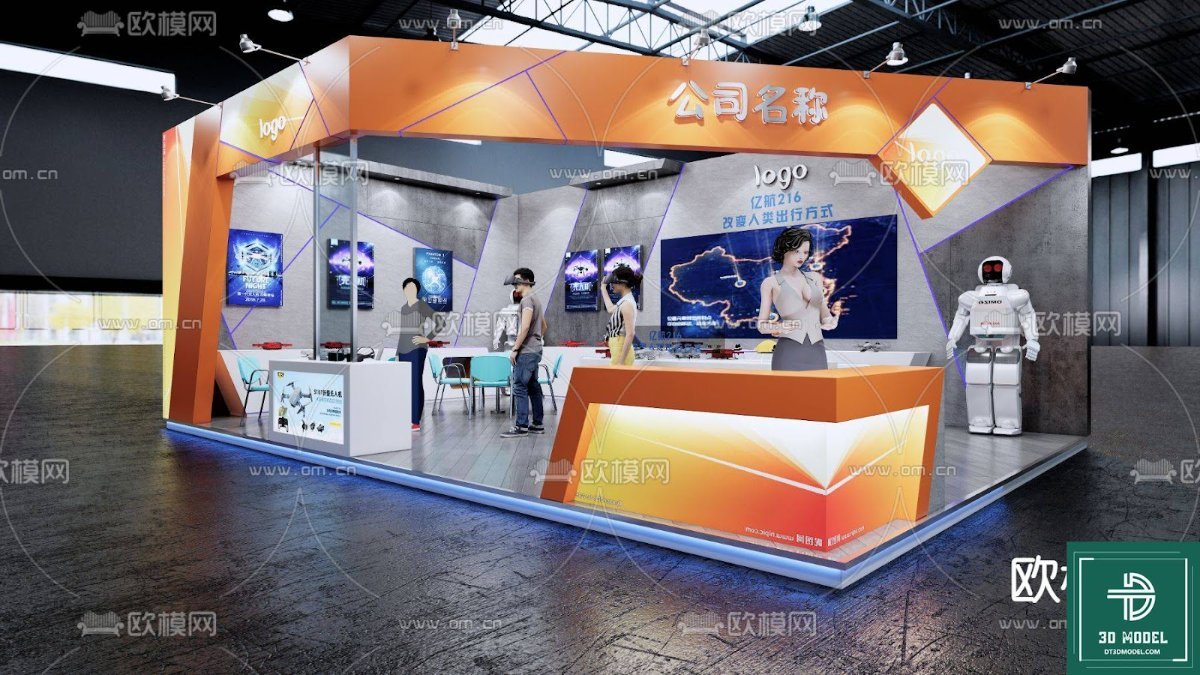
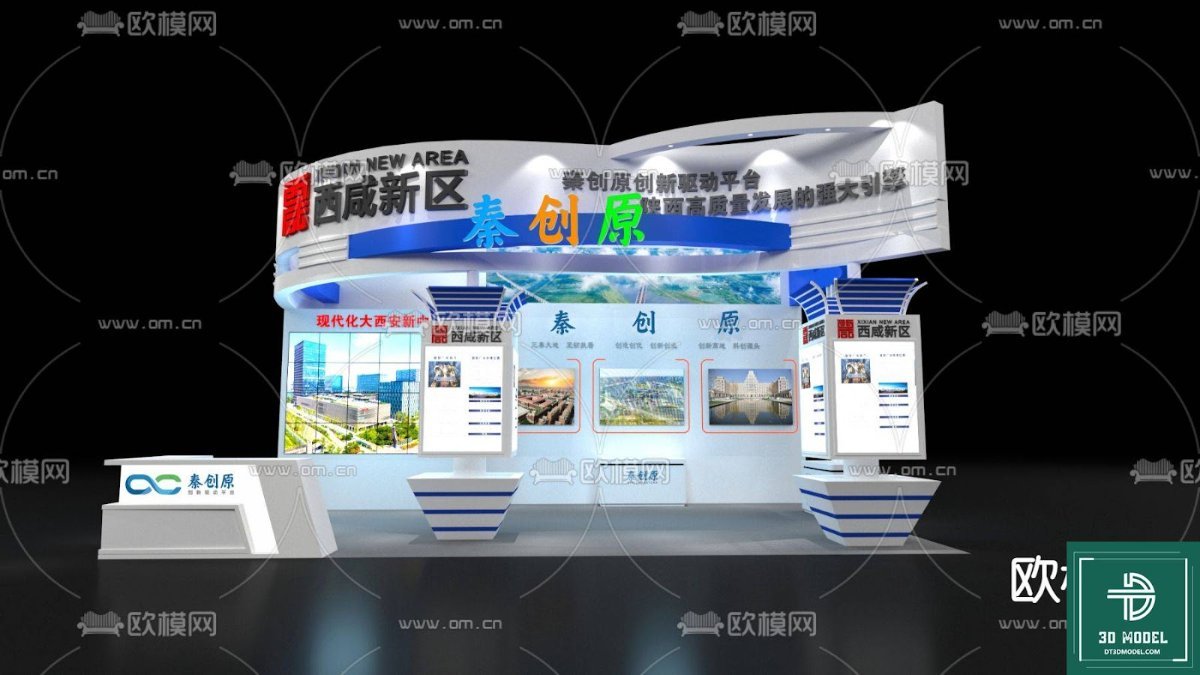
- Display Panels: Integrate your branding, product images, or informational graphics onto the large display screens and panels.
- Lighting Fixtures: Experiment with different lighting setups to highlight key areas and create desired atmospheres.
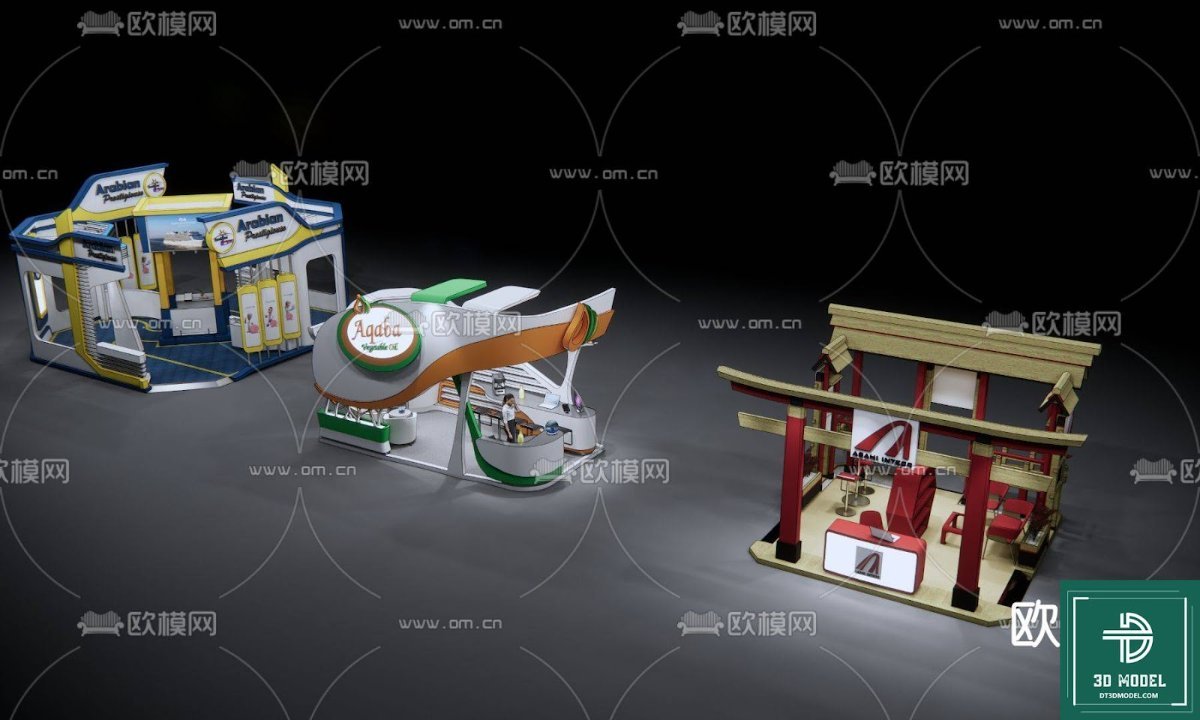
- Furniture and Props: The model may include placeholders for furniture, plants, and other props, which can be swapped out or customized.
- Structural Elements: Adjust the arches, platforms, and overall layout to create unique configurations.
Time-Saving and Efficient
Starting a booth design from scratch can be incredibly time-consuming. Our pre-built Exhibition Booth SketchUp Model significantly reduces design time, allowing you to focus on customization and client presentations rather than foundational modeling. This efficiency is a hallmark of all resources available at Posterfree.net.
High-Resolution Visualizations
The model is optimized for high-resolution rendering, ensuring that your final visualizations are crisp, clear, and professional. Impress clients with stunning walkthroughs and photorealistic images of their future exhibition space.
How to Use Your Exhibition Booth SketchUp Model
Utilizing this model is straightforward, even for those new to SketchUp:
- Download and Import: After downloading the ZIP file from Posterfree.net, extract the SketchUp file (SKP) and import it into your SketchUp project.
- Customize Branding: Replace placeholder graphics on display panels with your client’s logos, product images, and promotional content.
- Adjust Layout: Modify the arrangement of walls, arches, and display areas to suit the specific requirements of your exhibition space.
- Experiment with Materials and Lighting: Use SketchUp’s material editor to change textures and colors, and adjust lighting to create the desired ambiance.
- Render Your Vision: Utilize SketchUp’s rendering capabilities or integrate with third-party renderers to produce high-quality images and animations.
The Posterfree.net Advantage
Posterfree.net is renowned for providing premium graphic resources that empower designers and businesses. Our commitment to quality, variety, and user-friendliness makes us a go-to platform for creative professionals. This Exhibition Booth SketchUp Model is a testament to our dedication to offering top-tier assets that meet the rigorous demands of modern design projects.
Reliable and Professional Resources
Every resource on Posterfree.net undergoes a thorough quality check to ensure it meets professional standards. You can trust that our models are clean, well-organized, and ready for immediate use in your projects.
Constantly Expanding Library
We continuously update our library with new and exciting resources, ensuring you always have access to the latest trends and tools in graphic design and 3D modeling. Keep an eye out for more innovative solutions to enhance your creative endeavors.
Conclusion
Investing in a high-quality Exhibition Booth SketchUp Model from Posterfree.net is an investment in efficiency, professionalism, and creative freedom. Transform your exhibition designs from concepts to stunning realities with a model that offers unparalleled detail, versatility, and ease of use. Download today and experience the Posterfree.net difference!
Hình ảnh demo liên quan
Câu hỏi thường gặp
What software is required to use this Exhibition Booth SketchUp Model?
This model is designed for SketchUp. You will need SketchUp Pro or SketchUp Free (web version) to open and edit the .SKP file.
Can I customize the branding and graphics on the booth?
Yes, the model is designed to be highly customizable. You can easily replace placeholder graphics on display panels with your own branding, logos, and product images within SketchUp.
What is the resolution of the textures included in the model?
The textures are provided at a high resolution to ensure clear and detailed renders. Specific resolutions may vary per texture, but they are optimized for professional visualization.
Is this model suitable for commercial projects?
Yes, resources from Posterfree.net, including this Exhibition Booth SketchUp Model, are generally suitable for both personal and commercial projects, subject to our licensing terms. Please refer to the specific license for full details.
How do I download the Exhibition Booth SketchUp Model?
Simply navigate to the resource page on Posterfree.net, click the download button, and the ZIP file containing the SketchUp model will be downloaded to your device.





























