


Exhibition Booth SketchUp Model. Download a high-quality exhibition booth SketchUp model from Posterfree.net, perfect for event planning and 3D visualization projects. Get your exhibition booth SketchUp model today!
Design Your Next Event with a Premium Exhibition Booth SketchUp Model
In the competitive world of events and trade shows, a well-designed exhibition booth is crucial for making a lasting impression. Whether you’re an architect, an event planner, or a marketing professional, having access to high-quality 3D models can significantly streamline your design process. Posterfree.net is proud to offer an exceptional exhibition booth SketchUp model, providing you with a versatile and detailed resource to bring your vision to life.
Why Choose Our Exhibition Booth SketchUp Model?
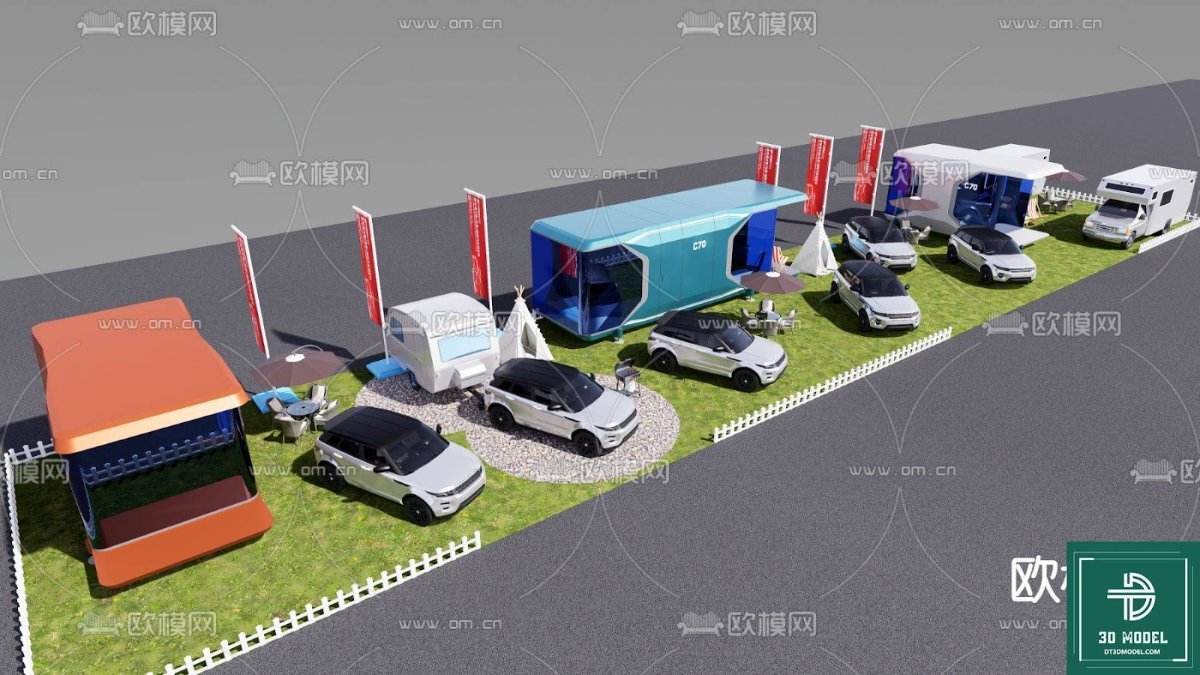
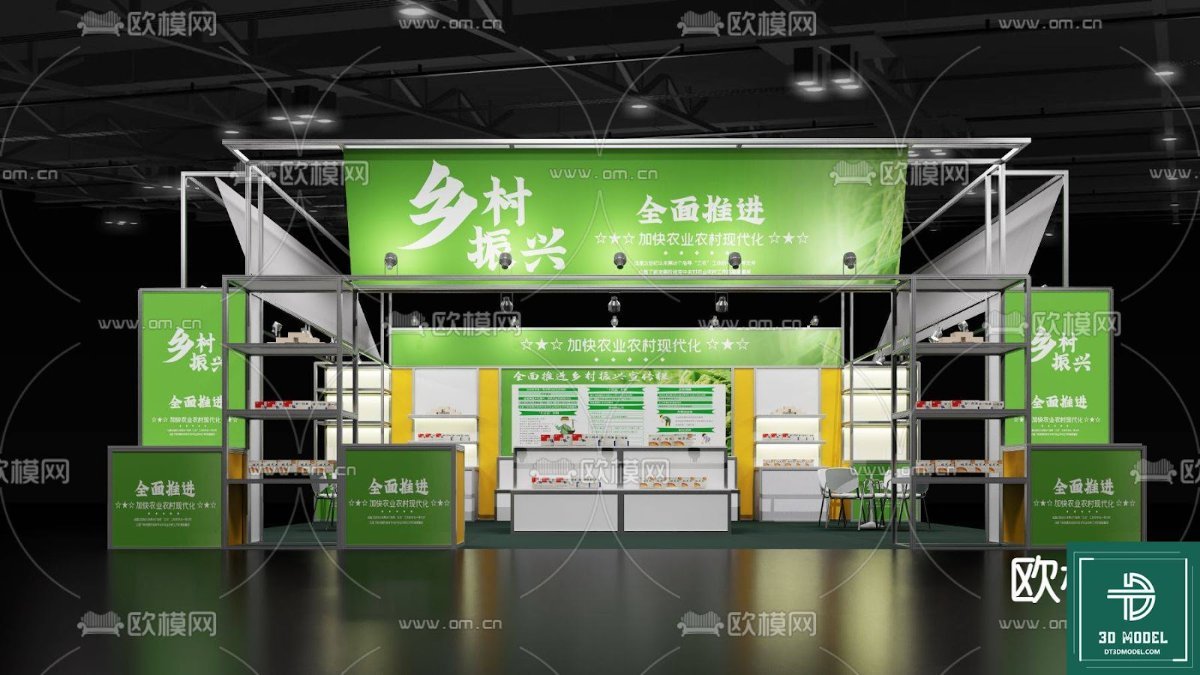
Our exhibition booth SketchUp model is meticulously crafted to meet the demands of professional designers. It offers a realistic representation of a modern exhibition space, complete with display screens, interactive areas, and sleek furniture. This model is not just a static image; it’s a fully editable 3D asset that allows for endless customization to suit your specific branding and event requirements.
Detailed Design and Realistic Elements
- Interactive Displays: The model features multiple large screens, perfect for showcasing product videos, presentations, or interactive content.
- Modern Furniture: Includes stylish seating and counter areas, designed for visitor comfort and engagement.
- Lighting and Ambiance: Integrated lighting elements create a dynamic and inviting atmosphere, crucial for attracting attendees.
- Modular Structure: The booth design is modular, allowing for easy adaptation to different venue sizes and layouts.
Unleash Your Creativity with SketchUp
SketchUp is renowned for its user-friendly interface and powerful 3D modeling capabilities, making it a favorite among designers worldwide. Our exhibition booth SketchUp model leverages these strengths, offering you a flexible platform to experiment with various design concepts. You can easily modify textures, colors, and layouts to match your brand identity or client specifications. Imagine being able to present a fully rendered, walk-through experience of the booth before a single piece of material is ordered!
Key Benefits of Using a SketchUp Model:
Using a pre-designed SketchUp model like ours saves you invaluable time and resources. Instead of building a booth from scratch, you can focus on refining the details and personalizing the space. This efficiency allows for quicker iterations and more comprehensive client presentations, ultimately leading to better outcomes.
- Time-Saving: Drastically reduces design time compared to starting from zero.
- Cost-Effective: Avoids costly mistakes by visualizing the final product in 3D.
- Enhanced Visualization: Provides a clear and immersive view of the booth, aiding in decision-making.
- Easy Customization: Simple to modify elements like colors, materials, and branding.
How to Utilize Your Exhibition Booth SketchUp Model
Once you download the exhibition booth SketchUp model from Posterfree.net, integrating it into your workflow is straightforward. Open the .skp file in SketchUp, and you’re ready to start customizing. You can:
- Adjust Dimensions: Scale the booth to fit specific floor plans.
- Change Materials: Apply different textures for flooring, walls, and furniture to match your brand.
- Add Branding: Incorporate logos, slogans, and promotional graphics onto the display screens and wall panels.
- Populate with Assets: Add additional 3D models of products, people, or interactive elements to create a lively scene.
- Render High-Quality Images: Use SketchUp’s rendering capabilities or integrate with V-Ray or other rendering engines for photorealistic outputs.
Posterfree.net: Your Go-To Resource for Premium Graphics
At Posterfree.net, we are committed to providing designers, marketers, and businesses with high-quality, professional graphic resources. Our extensive library includes everything from banners and flyers to sophisticated 3D models like this exhibition booth SketchUp model. We understand the importance of reliable and versatile assets in today’s fast-paced design environment.
Our reputation is built on offering resources that are not only aesthetically pleasing but also technically sound and easy to use. Each asset is carefully curated to ensure it meets the highest standards of design and functionality. When you choose Posterfree.net, you’re choosing a partner dedicated to enhancing your creative projects.
Conclusion
Don’t let your next exhibition booth design be anything less than spectacular. With the premium exhibition booth SketchUp model from Posterfree.net, you have all the tools you need to create an engaging, memorable, and highly effective display. Download it today and start transforming your event visions into stunning realities. Explore the possibilities and elevate your design game with Posterfree.net’s unparalleled resources!
Related Demo Images




Frequently Asked Questions
What software is required to use this model?
This model is designed for SketchUp, so you will need SketchUp Pro or SketchUp Free (web version) to open and edit the .skp file.
Can I customize the colors and textures of the booth?
Yes, the SketchUp model is fully editable, allowing you to easily change colors, apply different textures, and add your own branding elements to suit your specific needs.
Is this model suitable for commercial projects?
Yes, resources downloaded from Posterfree.net are generally suitable for both personal and commercial projects, subject to our licensing terms. Please refer to our website for detailed licensing information.
What is the resolution of the model?
As a 3D SketchUp model, its ‘resolution’ is determined by the level of detail in its geometry. It is designed with high detail suitable for close-up renders and professional presentations.
How do I download the exhibition booth SketchUp model?
You can download the model directly from the Posterfree.net product page. Simply click the download button, and the .skp file will be provided.





























