

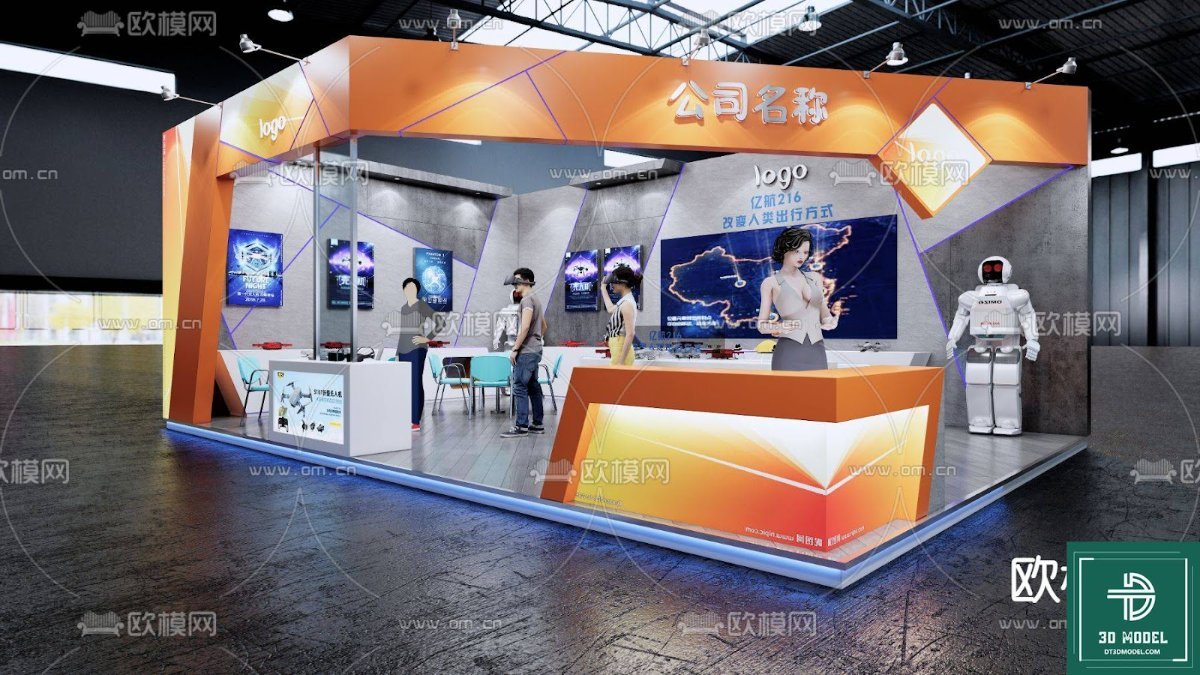
Exhibition Booth SketchUp Model. Download a premium exhibition booth SketchUp model from Posterfree.net. Perfect for visualizing your next trade show display with this detailed 3D resource.
Design Your Perfect Display with Our Exhibition Booth SketchUp Model
In the competitive world of trade shows and events, a well-designed exhibition booth is crucial for capturing attention and making a lasting impression. Visualizing your booth before construction is key to success, and that’s where a high-quality exhibition booth SketchUp model becomes an invaluable asset. Posterfree.net is proud to offer a premium resource like ‘phong trien lam SketchUp (161)’ – a meticulously crafted 3D model designed to streamline your planning process and elevate your presentation.
Why Choose a SketchUp Model for Your Exhibition Booth?
SketchUp is renowned for its user-friendly interface and powerful 3D modeling capabilities, making it a favorite among designers, architects, and event planners. Utilizing an exhibition booth SketchUp model provides numerous benefits:
- Realistic Visualization: See your booth come to life in 3D, allowing you to assess its aesthetics and functionality from every angle.
- Efficient Planning: Easily experiment with different layouts, branding elements, and furniture arrangements without physical prototypes.
- Cost Savings: Identify potential design flaws or inefficiencies early, preventing costly changes during construction.
- Improved Communication: Share a clear, comprehensive visual with clients, contractors, and marketing teams, ensuring everyone is on the same page.
- Professional Presentations: Impress stakeholders with high-quality renderings and walkthroughs of your proposed booth design.
Analyzing ‘phong trien lam SketchUp (161)’ from Posterfree.net
The ‘phong trien lam SketchUp (161)’ resource available on Posterfree.net is an excellent example of a versatile and well-executed exhibition booth design. Let’s delve into its features and potential applications:
Design and Layout
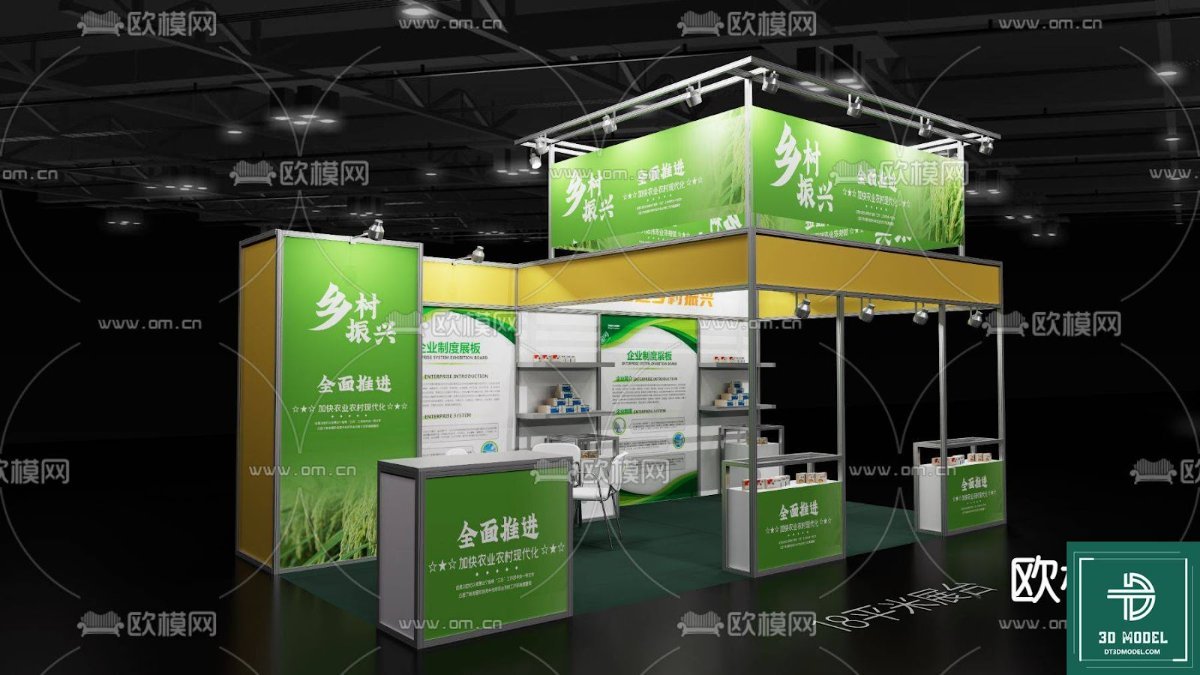
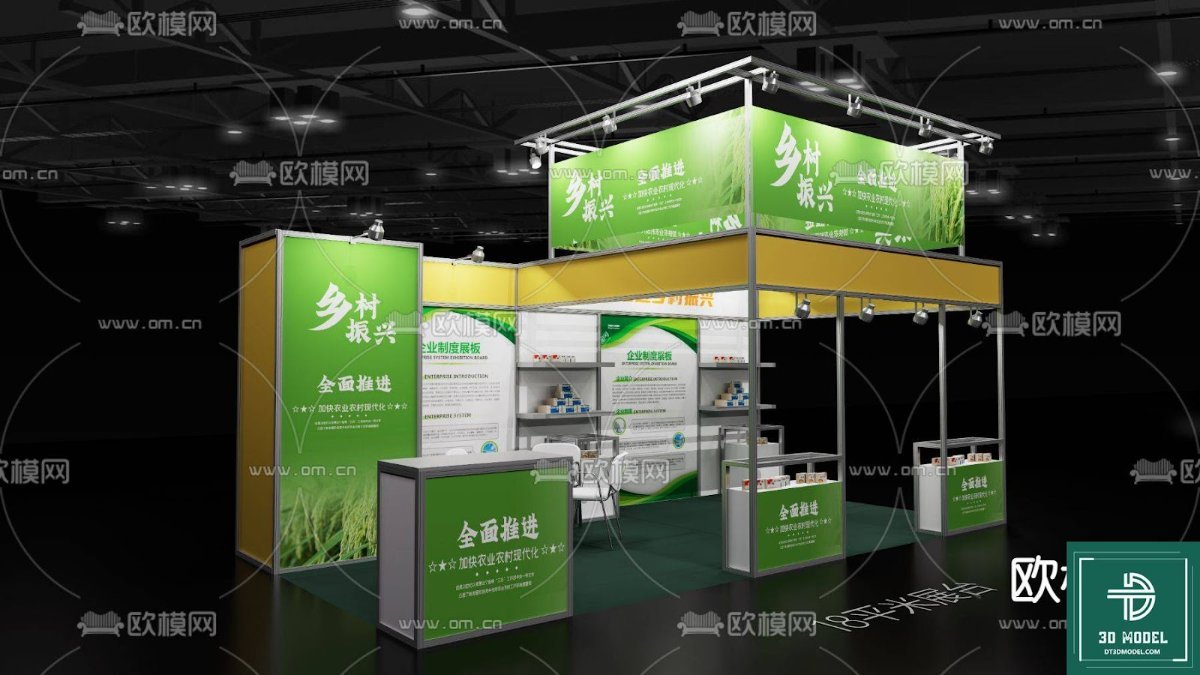
This particular model showcases a modern, open-concept booth with a striking orange and grey color scheme. The design incorporates several key elements:
- Prominent Branding Areas: Ample space for company logos and slogans, ensuring high visibility.
- Interactive Displays: Multiple screens and display areas suggest opportunities for digital content and product demonstrations.
- Reception Desk: A dedicated area for welcoming visitors and managing inquiries.
- Seating Area: A small, inviting space for more in-depth discussions with potential clients.
- Lighting Elements: Integrated lighting solutions that highlight key areas and create an inviting atmosphere.
- Human Elements: The inclusion of human figures and a robot adds a sense of scale and realism, helping users envision the booth in action.
Resolution and Detail
As a premium resource from Posterfree.net, this exhibition booth SketchUp model is crafted with attention to detail. The clean lines, well-defined surfaces, and thoughtful placement of elements indicate a high-resolution model suitable for close-up renders and detailed presentations. The textures and materials appear realistic, contributing to an immersive visualization experience.
Usage Instructions and Best Practices
To get the most out of your ‘phong trien lam SketchUp (161)’ model, consider these tips:
- Customization: While the base design is strong, SketchUp allows for extensive customization. Change colors, textures, add your specific branding, and rearrange elements to fit your unique requirements.
- Lighting and Rendering: Experiment with SketchUp’s native lighting tools or integrate with rendering plugins (like V-Ray or Enscape) to create photorealistic images and animations.
- Component Management: Utilize SketchUp’s component feature to manage repetitive elements efficiently and make global changes easily.
- Layer Organization: Keep your model organized with layers for different elements (e.g., structure, furniture, lighting) to simplify editing and visibility control.
- Scale Accuracy: Ensure your model is built to real-world scale for accurate planning and material estimations.
Posterfree.net: Your Go-To for Premium Graphic Resources
Posterfree.net is dedicated to providing designers, marketers, and businesses with a vast library of high-quality graphic resources. Our collection, including this exceptional exhibition booth SketchUp model, is curated to meet professional standards, offering both aesthetic appeal and practical utility. We understand the demands of modern design projects and strive to deliver assets that save you time and elevate your creative output.
Whether you’re designing a small pop-up display or a large-scale trade show presence, our resources are here to support your vision. The ‘phong trien lam SketchUp (161)’ model is just one example of the premium content you can expect from Posterfree.net – a trusted name in graphic design assets.
Frequently Asked Questions about Exhibition Booth SketchUp Models
Q: What software is required to open an exhibition booth SketchUp model?
A: You will need Trimble SketchUp (either the free web version or the Pro desktop version) to open and edit SketchUp models. Some 3D viewers might also support .skp files.
Q: Can I modify the colors and textures of the booth in SketchUp?
A: Yes, absolutely! SketchUp allows you to easily apply different colors, materials, and textures to any surface within the model, enabling full customization to match your brand guidelines.
Q: Is this model suitable for creating photorealistic renders?
A: Yes, with the right rendering plugins (like V-Ray, Enscape, or Lumion) integrated with SketchUp, you can achieve stunning photorealistic renders of this exhibition booth model.
Q: Are the human figures and robot included in the SketchUp model?
A: Typically, detailed models like ‘phong trien lam SketchUp (161)’ include all elements shown in the preview image, such as the human figures and robot, to provide a complete scene for visualization.
Hình ảnh demo liên quan
Câu hỏi thường gặp
What software is required to open an exhibition booth SketchUp model?
You will need Trimble SketchUp (either the free web version or the Pro desktop version) to open and edit SketchUp models. Some 3D viewers might also support .skp files.
Can I modify the colors and textures of the booth in SketchUp?
Yes, absolutely! SketchUp allows you to easily apply different colors, materials, and textures to any surface within the model, enabling full customization to match your brand guidelines.
Is this model suitable for creating photorealistic renders?
Yes, with the right rendering plugins (like V-Ray, Enscape, or Lumion) integrated with SketchUp, you can achieve stunning photorealistic renders of this exhibition booth model.
Are the human figures and robot included in the SketchUp model?
Typically, detailed models like ‘phong trien lam SketchUp (161)’ include all elements shown in the preview image, such as the human figures and robot, to provide a complete scene for visualization.





























