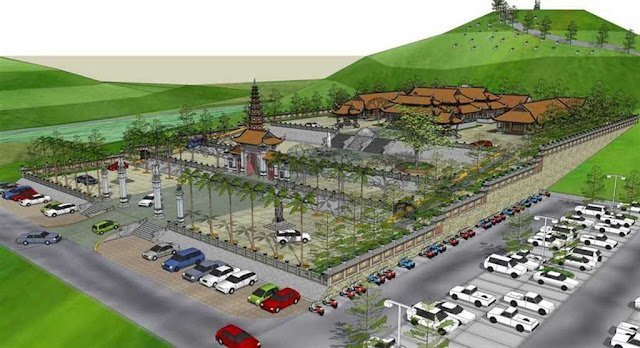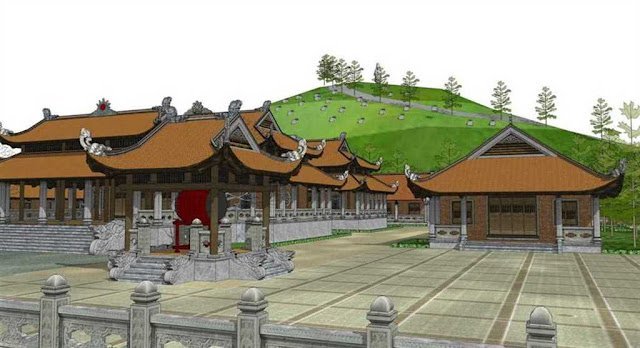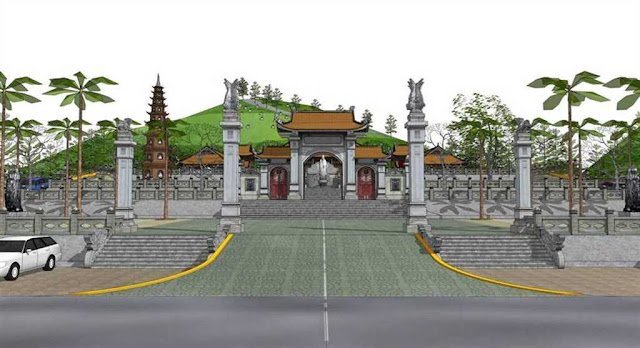
Exhibition Booth SketchUp Model. Discover a high-quality exhibition booth SketchUp model for your next event design. This detailed 3D model is perfect for visualizing trade show displays and event layouts.
Design Your Perfect Event with an Exhibition Booth SketchUp Model
In the competitive world of events and trade shows, a well-designed exhibition booth can make all the difference. Visualizing your booth before construction is crucial for success, and that’s where a high-quality exhibition booth SketchUp model comes into play. At Posterfree.net, we offer premium 3D models like ‘Phong trien lam SketchUp (54)’ to help you bring your vision to life with unparalleled detail and realism.
Why Choose a SketchUp Model for Your Exhibition Booth?
SketchUp is a powerful and intuitive 3D modeling software widely used by architects, interior designers, and event planners. Using a SketchUp model for your exhibition booth design provides numerous advantages:
- Realistic Visualization: See exactly how your booth will look, from every angle, before any physical construction begins.
- Cost Savings: Identify potential design flaws and make adjustments in the virtual space, avoiding expensive changes later on.
- Improved Collaboration: Easily share your 3D model with clients, contractors, and team members to ensure everyone is on the same page.
- Enhanced Planning: Plan lighting, traffic flow, product placement, and branding elements with precision.
- Marketing Material: Use high-quality renders from your SketchUp model in marketing presentations and proposals.
Analyzing ‘Phong trien lam SketchUp (54)’ – Your Ideal Exhibition Booth Solution
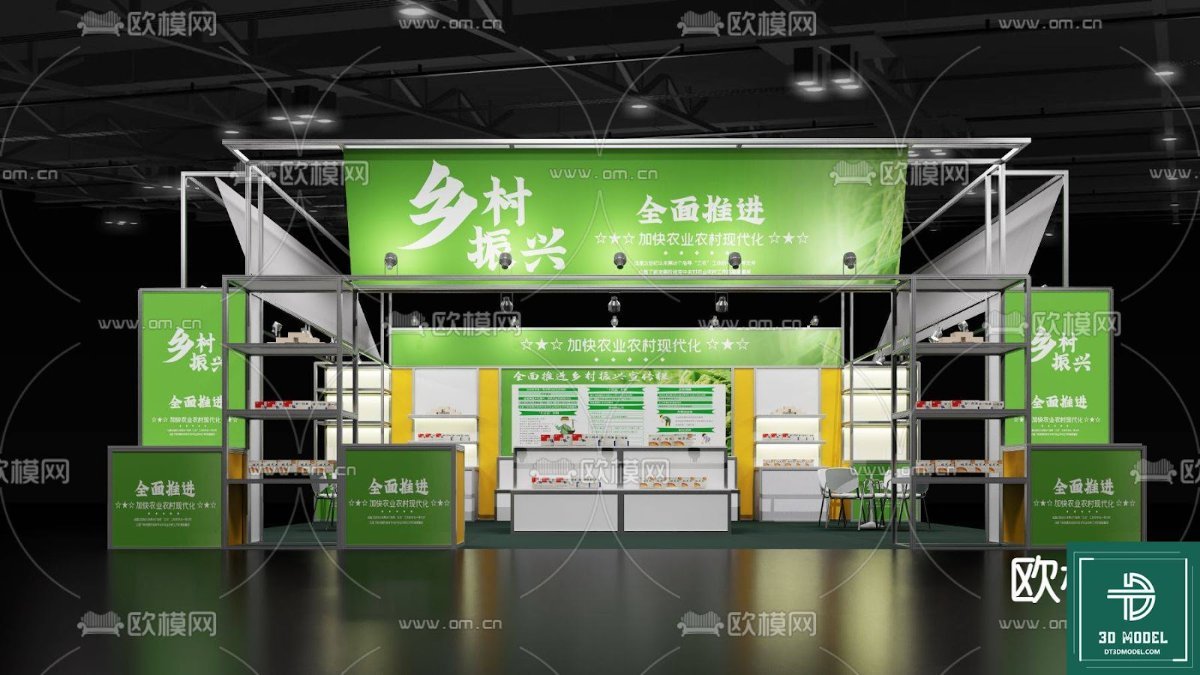
The ‘Phong trien lam SketchUp (54)’ resource available on Posterfree.net is an exceptional example of a meticulously crafted exhibition booth SketchUp model. This particular model showcases a versatile and modern booth design, perfect for a variety of industries, especially those focusing on agriculture, rural development, or local produce, as indicated by the green branding and imagery.
Key Features and Design Elements:
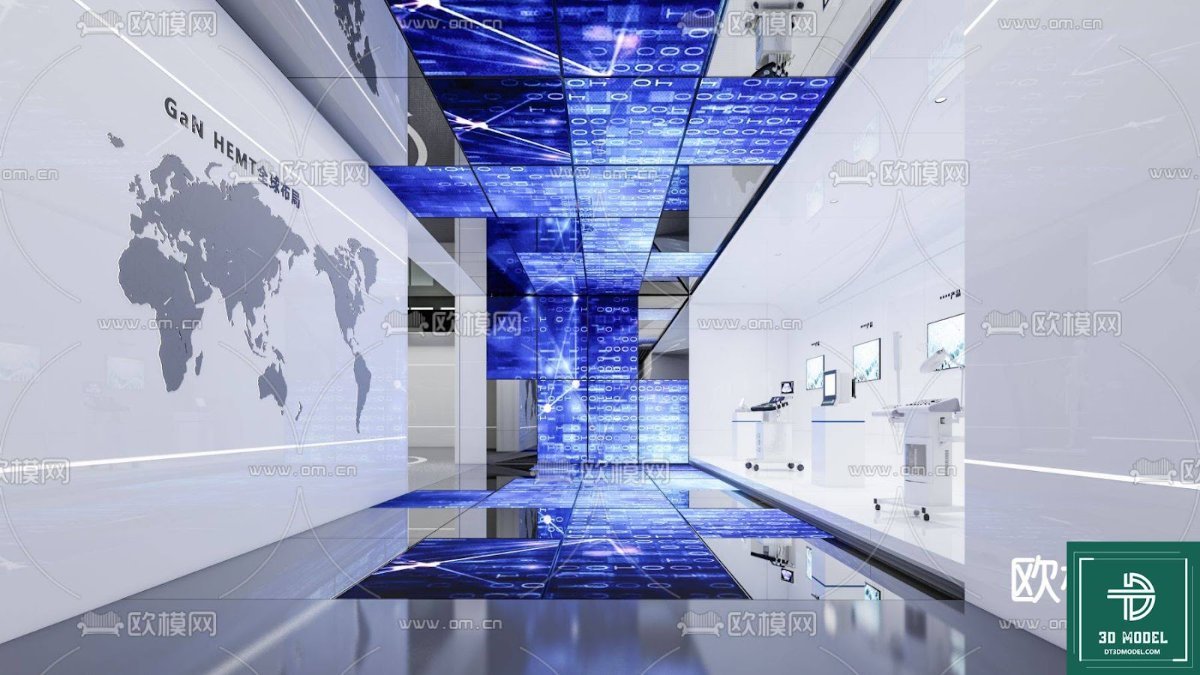
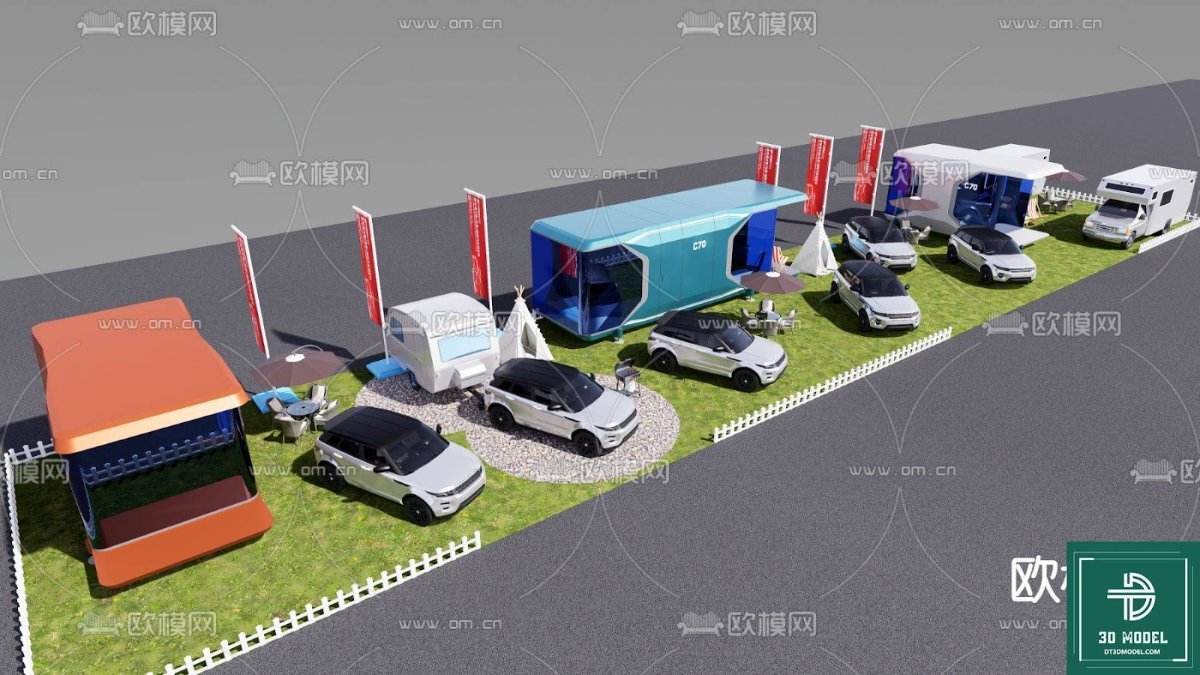
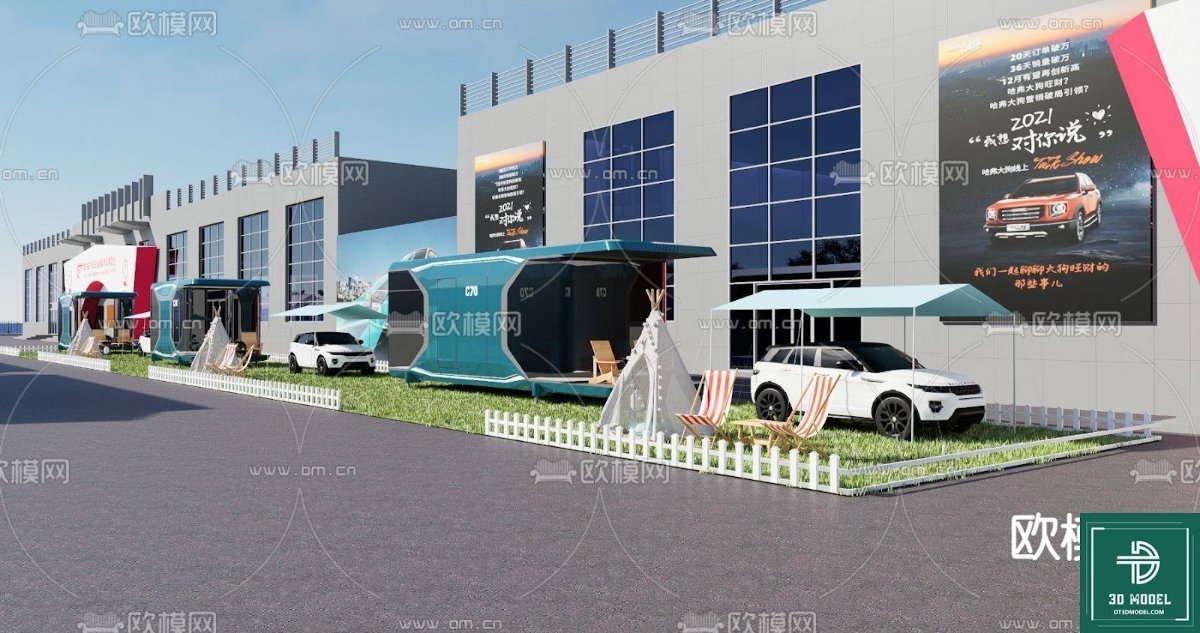
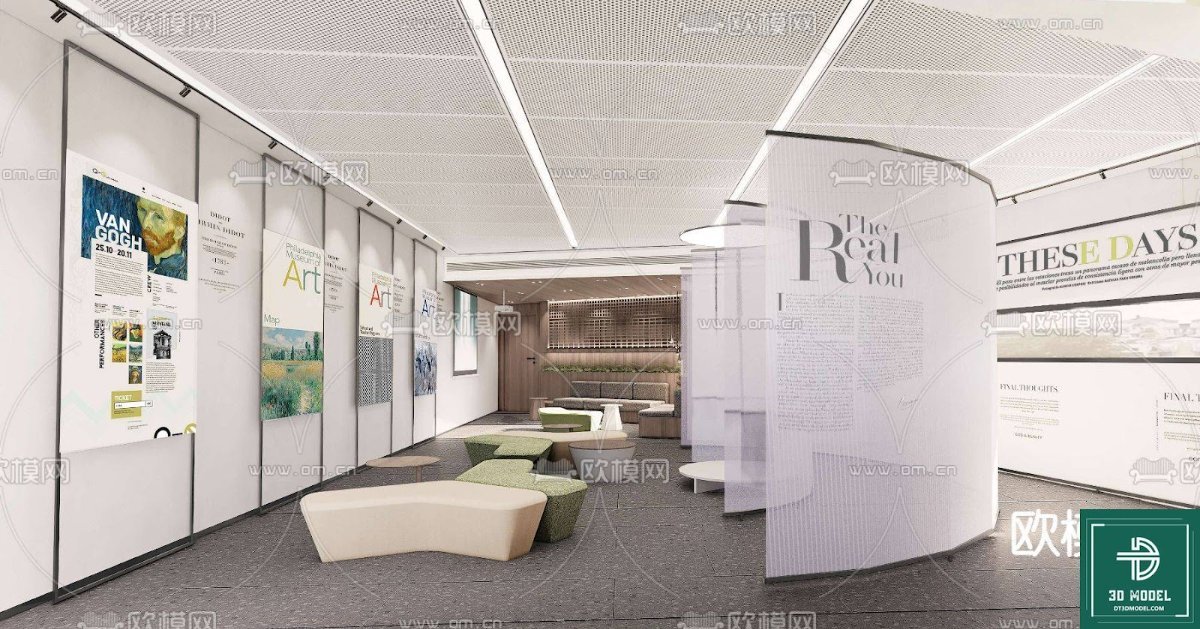
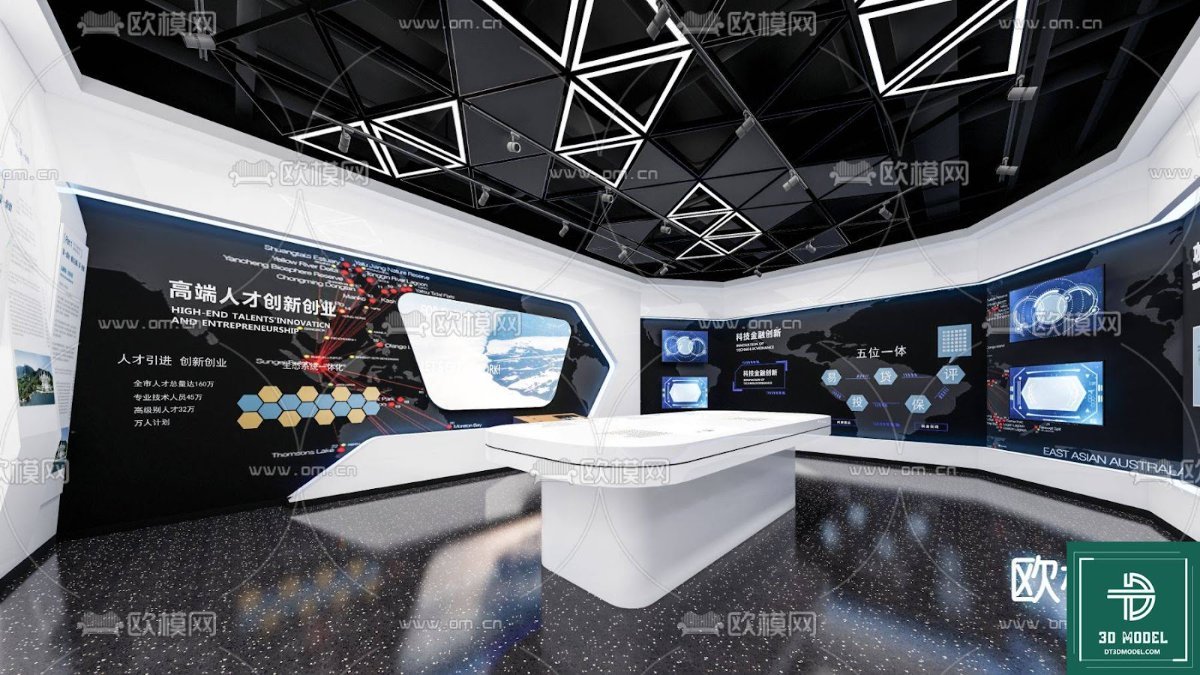
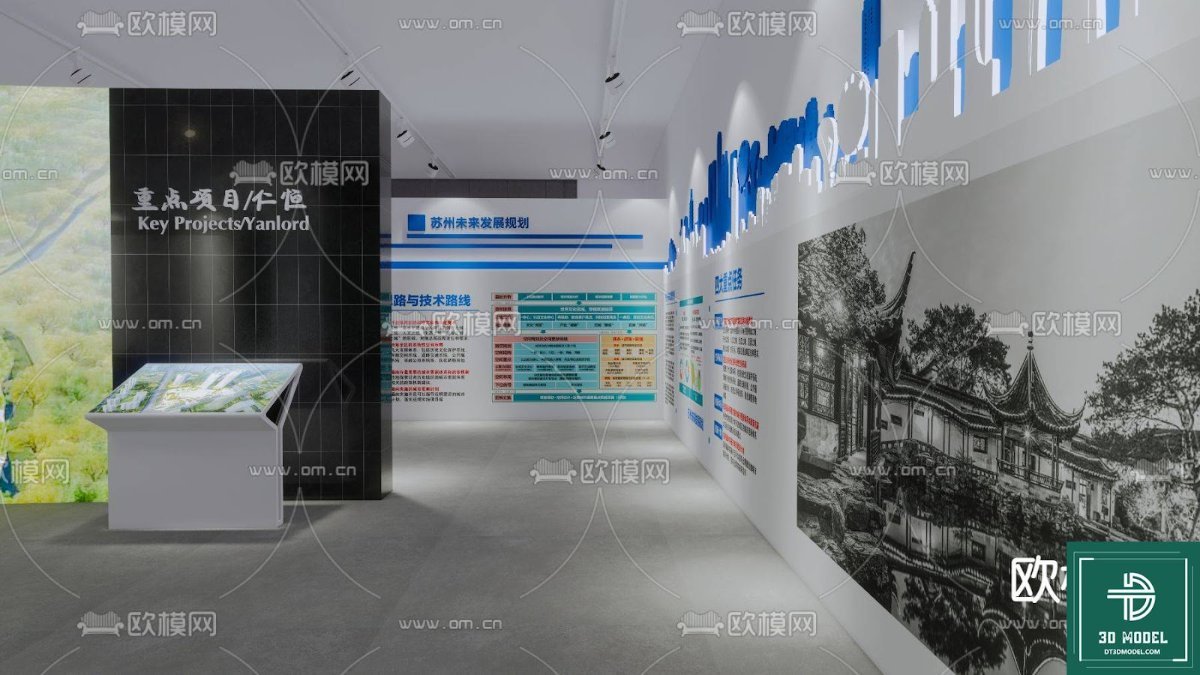
The model features a prominent central display area with multiple shelving units, ideal for showcasing products. The use of vibrant green banners with clear typography suggests a theme of growth, sustainability, or community. The overall structure is robust yet elegant, incorporating a mix of solid panels and open shelving to create an appealing and functional space.
- Spacious Layout: Provides ample room for product displays, interactive elements, and visitor engagement.
- Integrated Branding: Designed with large banner areas for easy customization with your specific branding and messaging.
- Modular Design: The structure appears modular, allowing for potential adaptation to different venue sizes and requirements.
- Effective Lighting Placement: The model includes elements suggesting optimal lighting for highlighting products and creating an inviting atmosphere.
- High-Resolution Detail: Every component, from the display shelves to the structural framework, is rendered with high fidelity, ensuring a professional presentation.
How to Utilize This Exhibition Booth SketchUp Model
Once you download the ‘Phong trien lam SketchUp (54)’ model from Posterfree.net, you can easily integrate it into your design workflow:
- Open in SketchUp: Load the model into your SketchUp software.
- Customize Branding: Replace the existing banner graphics with your company’s logos, slogans, and imagery.
- Arrange Products: Populate the shelves and display areas with 3D models of your products or placeholder objects.
- Adjust Lighting: Experiment with different lighting scenarios to create the desired ambiance.
- Render and Present: Use SketchUp’s rendering capabilities or export to other rendering software to create photorealistic images and walkthroughs for your clients or team.
The Posterfree.net Advantage: Premium Resources for Professional Designers
Posterfree.net is renowned for providing a vast collection of premium graphic resources, and our 3D models are no exception. We understand the demands of professional designers and strive to offer assets that are not only aesthetically pleasing but also highly functional and easy to use. Our commitment to quality ensures that when you download an exhibition booth SketchUp model from us, you’re getting a resource that will elevate your projects.
Our resources are carefully curated to meet industry standards, offering designers the tools they need to create stunning visuals efficiently. Whether you’re designing for a small local fair or a large international trade show, Posterfree.net has the assets to support your creative endeavors. Trust Posterfree.net for reliable, high-quality graphic resources that empower your design process.
Conclusion
An effective exhibition booth is a powerful marketing tool, and designing one requires precision and foresight. The ‘Phong trien lam SketchUp (54)’ exhibition booth SketchUp model from Posterfree.net offers an invaluable starting point for your next event design project. Its detailed construction, customizable elements, and high-resolution quality make it an essential asset for any designer looking to create impactful and memorable trade show experiences. Explore this model today and transform your event planning process.
Related Demo Images




Frequently Asked Questions
What is a SketchUp model?
A SketchUp model is a 3D digital representation created using SketchUp software, used for architectural, interior, and event design visualization.
Can I customize the branding on this exhibition booth SketchUp model?
Yes, the model is designed to allow easy customization of banners and other branding elements within SketchUp, letting you apply your own logos and messaging.
What software do I need to open this model?
You will need SketchUp software (Make or Pro version) to open and edit the ‘.skp’ file format of this exhibition booth model.
Is this model suitable for commercial use?
Yes, resources from Posterfree.net are generally suitable for commercial use, but always check the specific licensing terms for each asset.
How can this model help with event planning?
This model helps visualize the booth layout, product placement, lighting, and overall aesthetic, allowing for precise planning and avoiding costly last-minute changes.