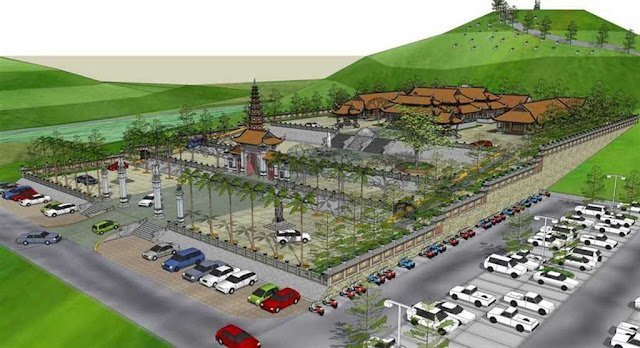
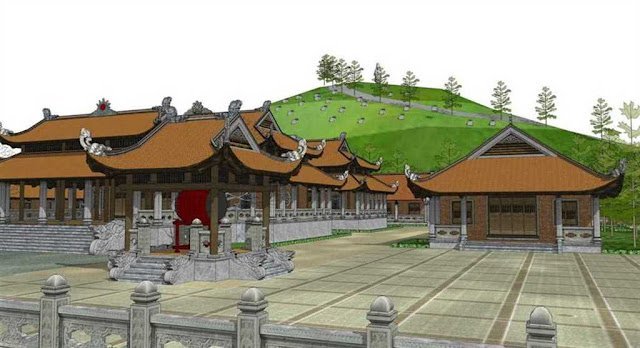
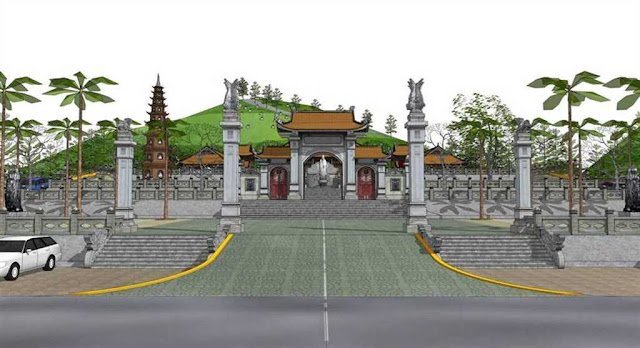
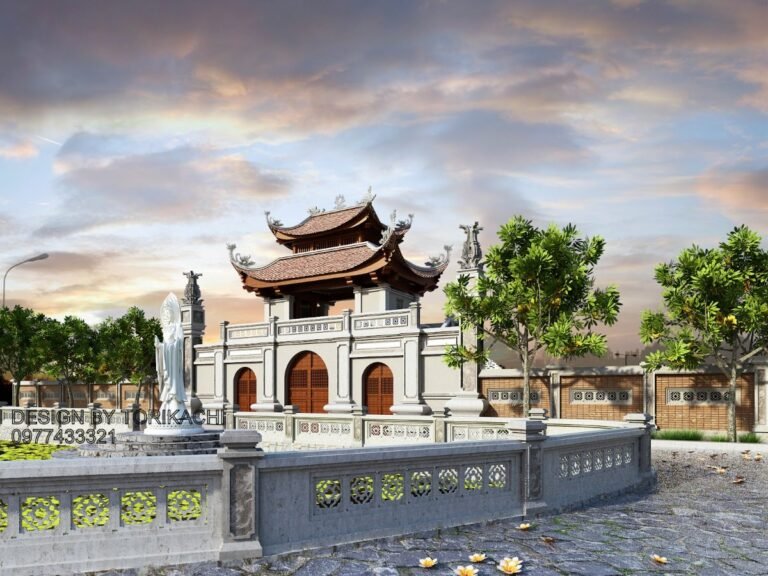
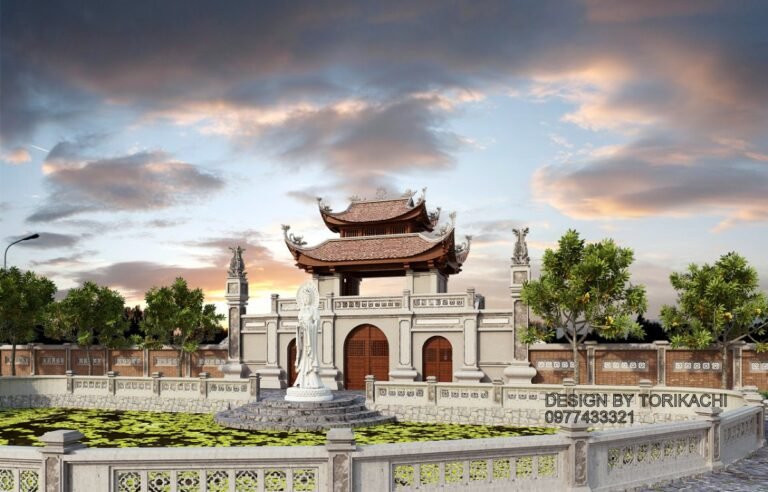
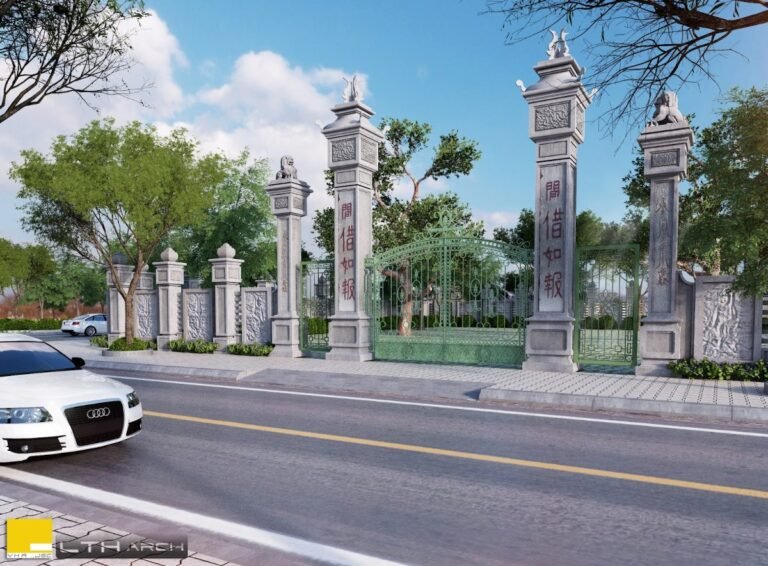
Exhibition Booth SketchUp Model. Discover our premium Exhibition Booth SketchUp Model, perfect for event planners and designers. This detailed 3D model helps visualize stunning exhibition spaces with ease.
Design Your Next Event with a Premium Exhibition Booth SketchUp Model
In the dynamic world of events and exhibitions, first impressions are everything. A well-designed booth not only attracts attention but also effectively communicates your brand’s message. For designers, architects, and event planners, having the right tools to visualize and present these concepts is crucial. That’s where a high-quality Exhibition Booth SketchUp Model becomes indispensable. Posterfree.net is proud to offer a premium resource like ‘Phong trien lam SketchUp (63)’, meticulously crafted to elevate your design process.
Why Choose a SketchUp Model for Your Exhibition Booth?
SketchUp is renowned for its user-friendly interface and powerful 3D modeling capabilities, making it a favorite among professionals. Utilizing a pre-designed SketchUp model for your exhibition booth offers numerous advantages:
- Rapid Prototyping: Quickly import and modify existing designs, saving countless hours compared to building from scratch.
- Realistic Visualization: Present your concepts with stunning realism, allowing clients to experience the booth before it’s even built.
- Cost-Effectiveness: Identify potential design flaws and make adjustments in the virtual space, avoiding costly errors during construction.
- Enhanced Collaboration: Share your 3D models easily with teams and stakeholders, fostering clear communication and feedback.
Our ‘Phong trien lam SketchUp (63)’ model provides a robust foundation, allowing you to focus on customization and branding rather than basic structural design.
Detailed Analysis of ‘Phong trien lam SketchUp (63)’
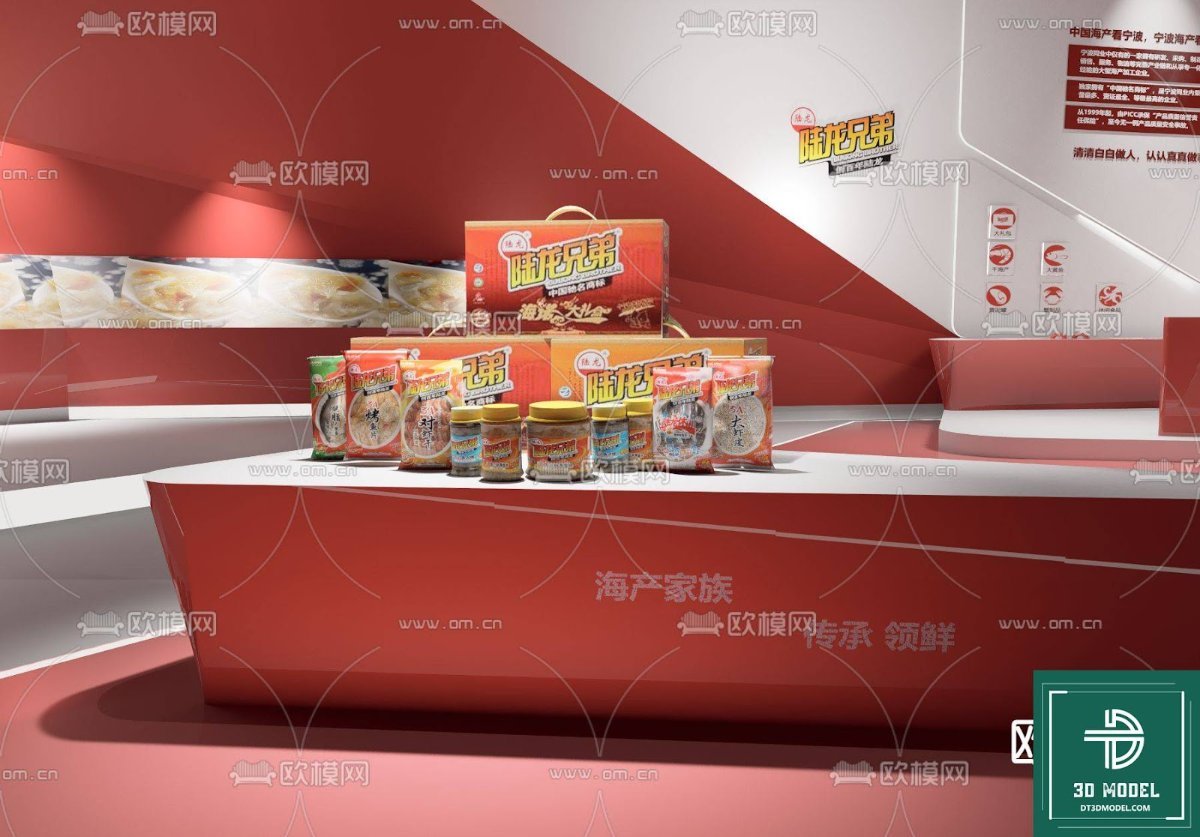
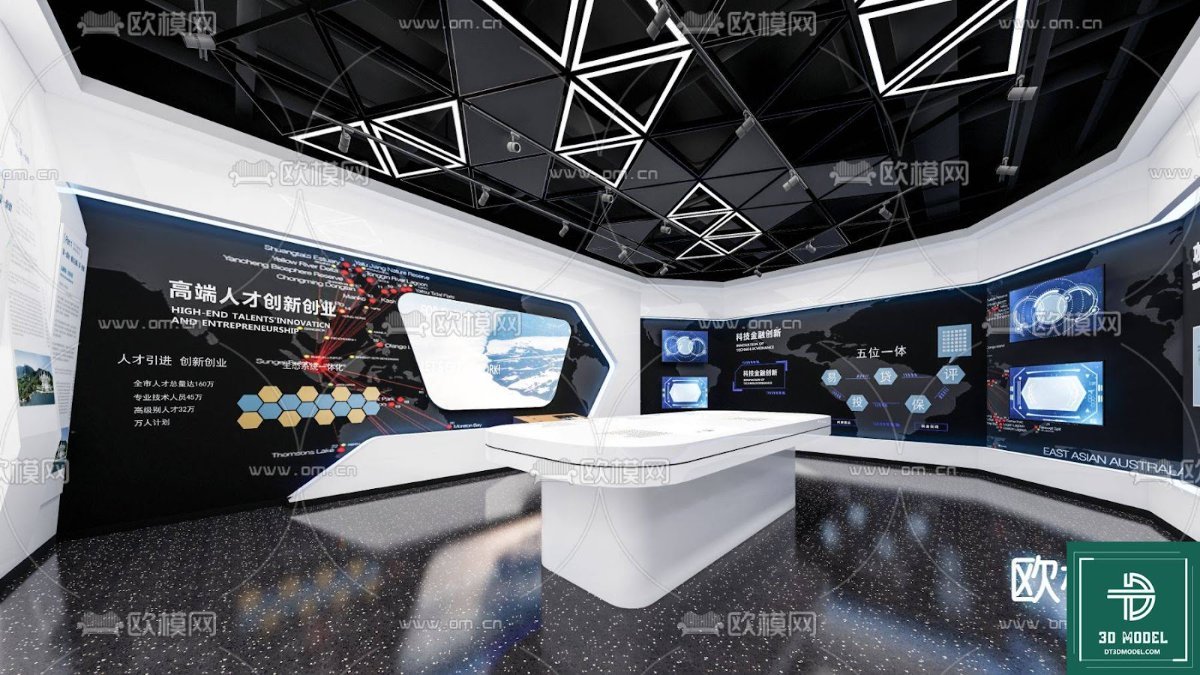
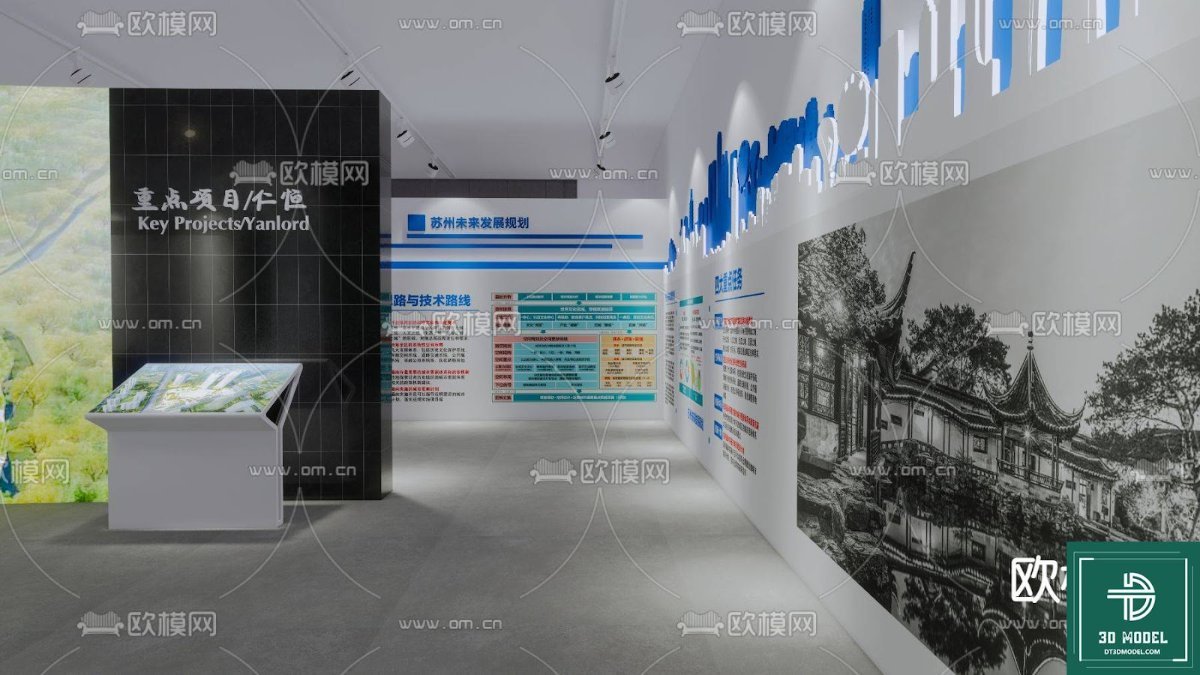
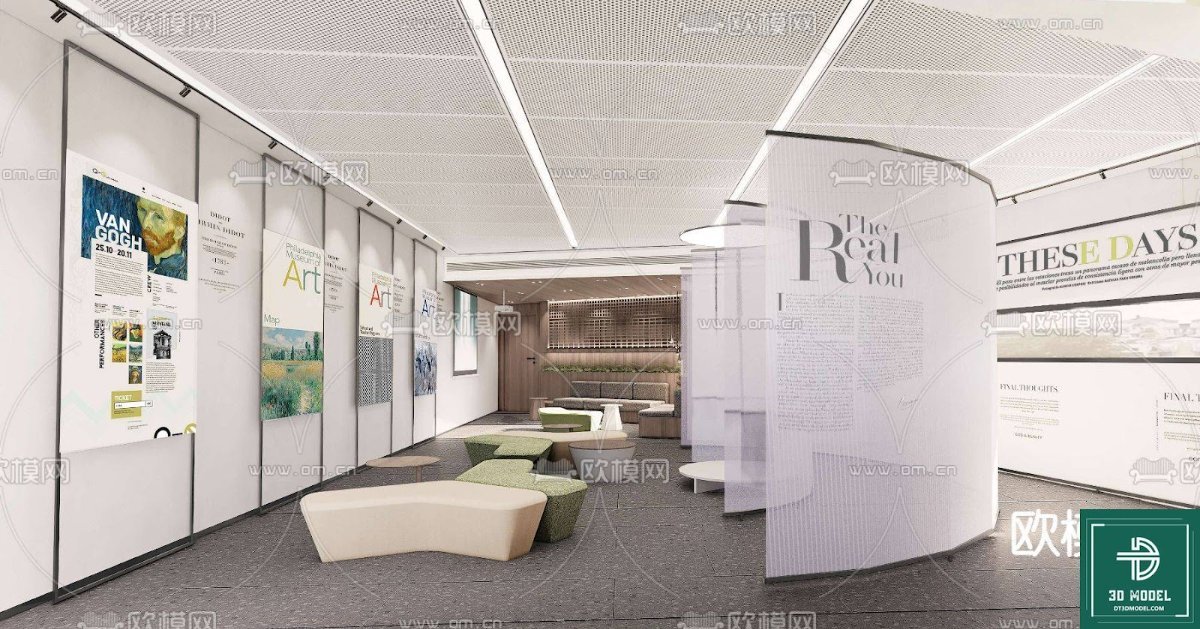
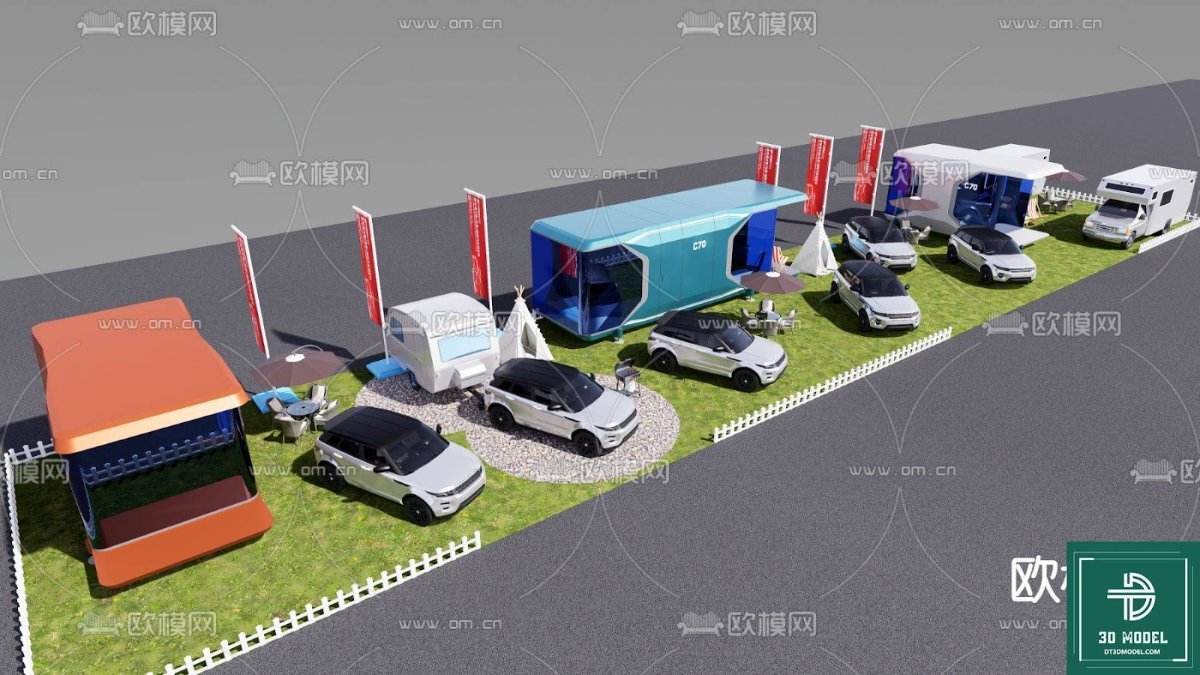
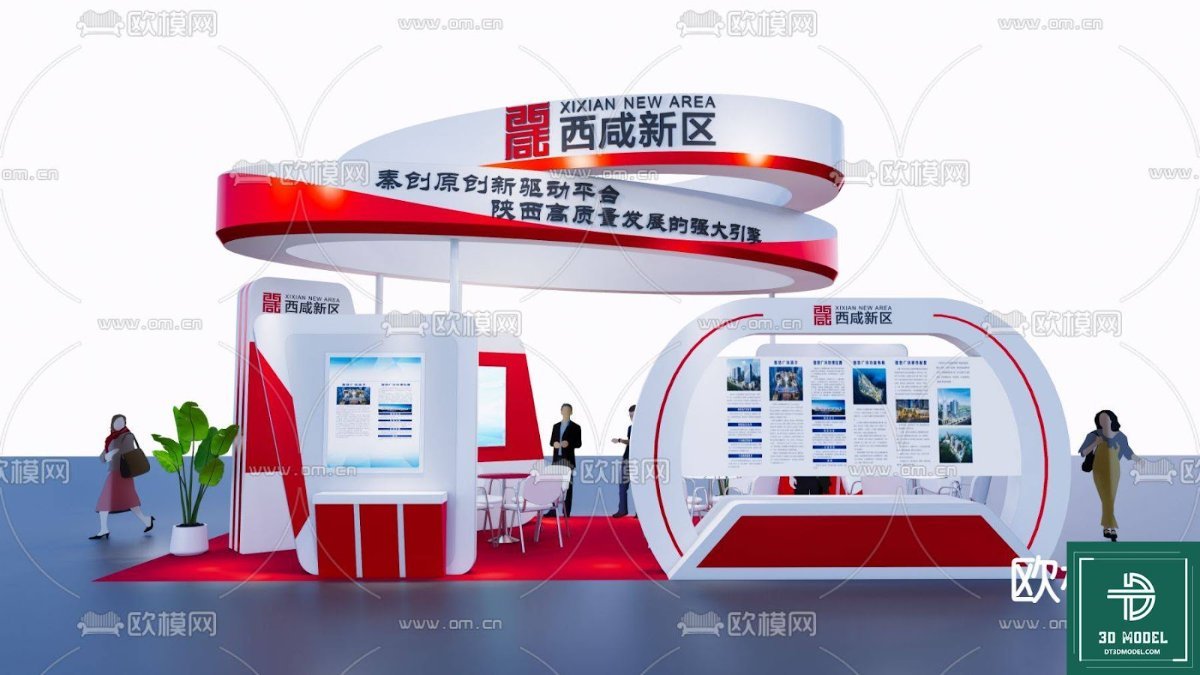
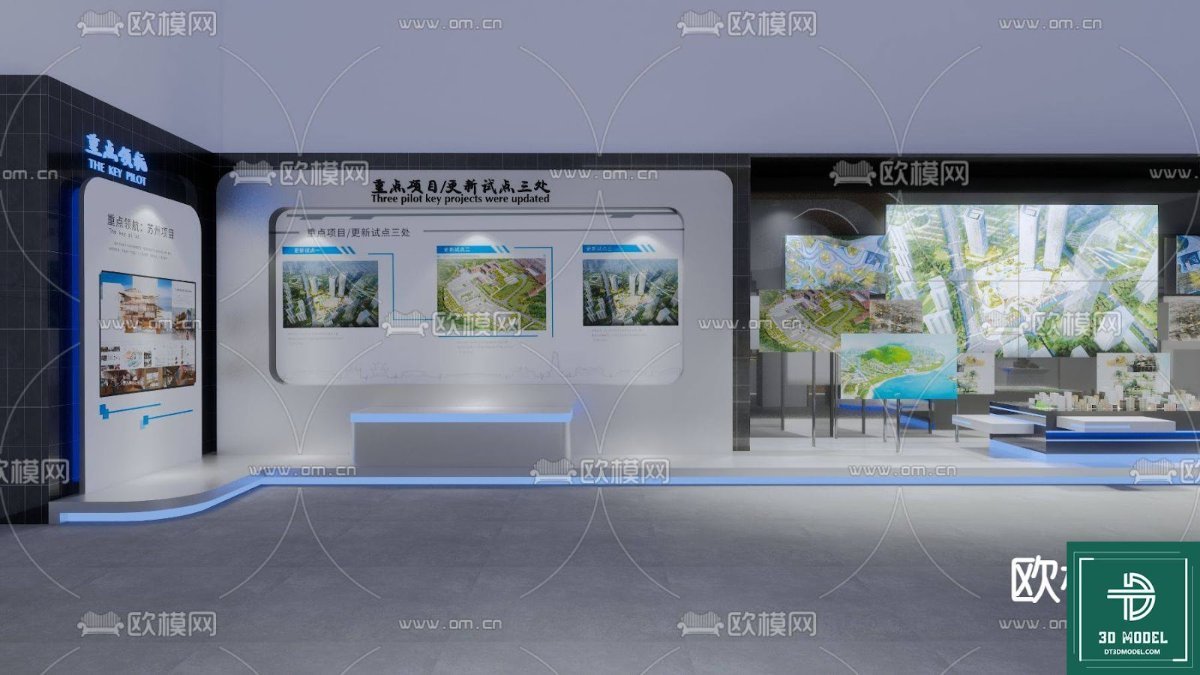
This particular Exhibition Booth SketchUp Model, available exclusively at Posterfree.net, stands out due to its intricate details and thoughtful design. The model features a modern, sleek aesthetic with dynamic curves and integrated lighting elements, making it suitable for a wide range of industries, from technology to lifestyle brands.
Format and Resolution
The resource is provided in a SketchUp (.skp) format, ensuring full compatibility with SketchUp Pro and other compatible 3D software. The model boasts a high level of detail, with clean geometry and well-organized components, allowing for smooth navigation and rendering. This high resolution ensures that even close-up renders will appear crisp and professional, reflecting the quality Posterfree.net is known for.
Key Design Elements and Features
- Dynamic Structure: The booth features an eye-catching, curved canopy design that creates a welcoming and futuristic feel.
- Integrated LED Screens: Multiple large LED screens are incorporated, perfect for displaying digital content, advertisements, or interactive presentations.
- Branding Opportunities: Ample space is available for branding, logos, and promotional graphics, allowing for complete customization to client specifications.
- Lighting Accents: Subtle yet effective lighting strips are integrated along the curves and edges, enhancing the booth’s visual appeal and drawing attention.
- Spacious Interior: The layout provides a generous amount of space for product displays, interactive zones, and visitor engagement areas.
- Modular Components: The model is likely composed of modular elements, making it easier to reconfigure or adapt parts of the design to different venue sizes or requirements.
How to Effectively Use This Exhibition Booth SketchUp Model
Leveraging ‘Phong trien lam SketchUp (63)’ for your next project is straightforward. Here’s a step-by-step guide:
- Download and Import: Once downloaded from Posterfree.net, open the .skp file directly in SketchUp Pro.
- Customize Branding: Replace placeholder graphics with your client’s logos, brand colors, and promotional imagery. Utilize SketchUp’s material editor to apply textures and colors accurately.
- Arrange Layout: Position products, furniture, and interactive elements within the booth to optimize visitor flow and engagement.
- Lighting and Rendering: Experiment with SketchUp’s built-in lighting tools or integrate with rendering plugins (like V-Ray or Enscape) to create photorealistic visualizations.
- Present to Clients: Use scenes and animations within SketchUp to create compelling presentations that showcase the booth from various angles and perspectives.
This Exhibition Booth SketchUp Model serves as a powerful starting point, allowing designers to quickly iterate and present sophisticated designs without the overhead of starting from scratch.
Posterfree.net: Your Go-To Resource for Premium Graphic Assets
At Posterfree.net, we are committed to providing designers, marketers, and businesses with an extensive library of high-quality graphic resources. Our collection, including this exceptional Exhibition Booth SketchUp Model, is curated to meet the diverse needs of creative professionals. We understand the importance of reliable, professional-grade assets in bringing your visions to life.
Our reputation as a premium resource is built on:
- Quality Assurance: Every asset undergoes rigorous quality checks to ensure it meets professional standards.
- Diverse Selection: From 3D models to vectors, PSD templates, and more, our library covers a vast array of design needs.
- User-Friendly Experience: Our platform is designed for easy navigation and quick downloads, so you can find what you need, when you need it.
- Value for Money: We offer exceptional resources that provide significant value, helping you save time and elevate your projects.
Whether you’re designing a small pop-up stand or a large-scale exhibition, Posterfree.net has the resources to help you succeed. Explore our collection today and discover why countless professionals trust us for their graphic design needs.
Related Demo Images



Frequently Asked Questions
What software is required to open this Exhibition Booth SketchUp Model?
This model is provided in .skp format, which requires SketchUp Pro or a compatible 3D modeling software that supports SketchUp files to open and edit.
Can I customize the branding and colors of the booth?
Yes, absolutely! The SketchUp model is fully customizable. You can easily apply your client’s brand colors, logos, and graphics using SketchUp’s material editor and texturing tools.
Is this model suitable for commercial use?
Yes, resources downloaded from Posterfree.net, including this Exhibition Booth SketchUp Model, are typically available for commercial use, subject to our licensing terms. Please refer to the specific license details on the product page for full information.
What level of detail can I expect from this SketchUp model?
Our ‘Phong trien lam SketchUp (63)’ model is designed with a high level of detail, featuring clean geometry and well-organized components. This ensures realistic visualizations and smooth rendering for professional presentations.