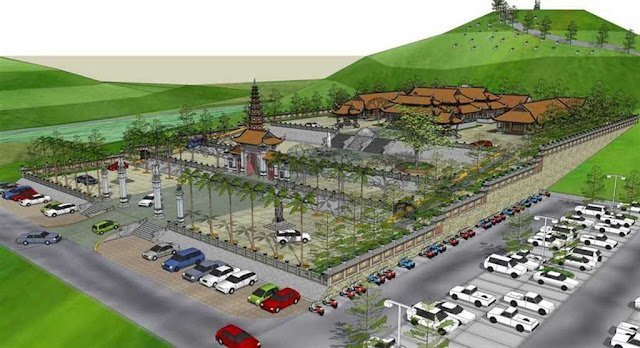
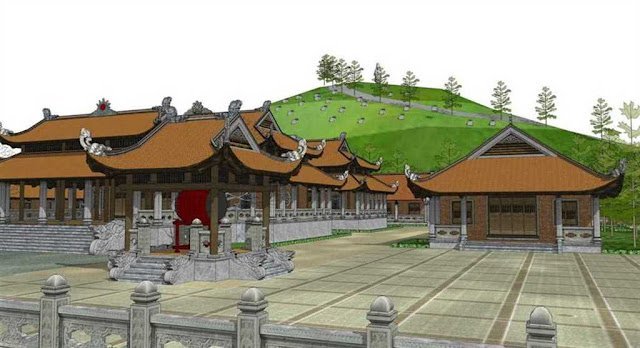
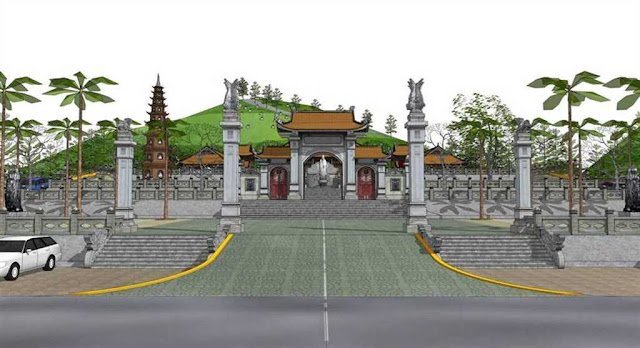
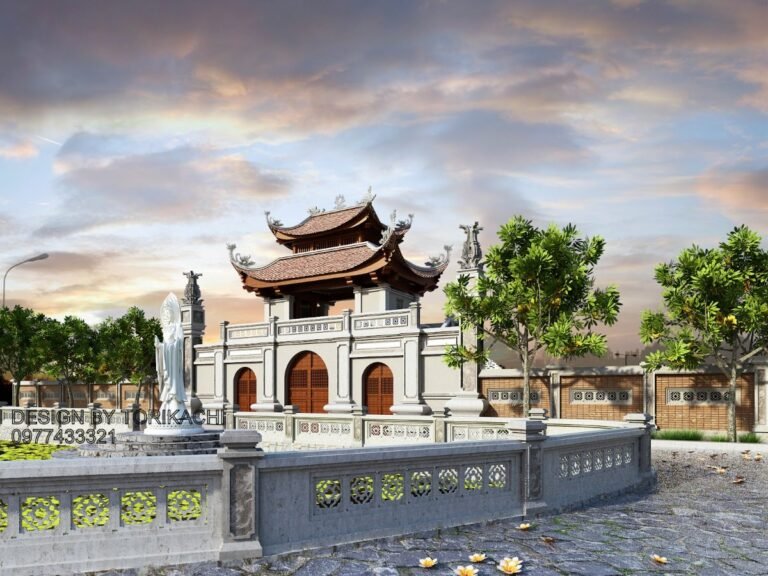
Exhibition Booth SketchUp Model. Discover a premium Exhibition Booth SketchUp Model for your next event design. This resource offers detailed 3D models for stunning exhibition layouts, perfect for designers and event planners.
Design Your Next Event with a Premium Exhibition Booth SketchUp Model
In the dynamic world of event planning and exhibition design, having access to high-quality 3D models is not just a luxury—it’s a necessity. Posterfree.net is proud to present a premium Exhibition Booth SketchUp Model, meticulously crafted to elevate your design process and bring your vision to life with unparalleled realism and precision. This resource, titled “Phong trien lam SketchUp (58)”, is an indispensable tool for architects, interior designers, event organizers, and marketing professionals looking to create impactful and engaging exhibition spaces.
Why Choose a SketchUp Model for Exhibition Booth Design?
SketchUp has long been a favorite among designers for its intuitive interface and powerful 3D modeling capabilities. When it comes to exhibition booths, SketchUp allows for rapid prototyping, detailed visualization, and easy modification. Our Exhibition Booth SketchUp Model leverages these strengths, providing a comprehensive framework that you can adapt to any event theme or brand identity.
- Visualization: See your booth in 3D before a single panel is printed or constructed.
- Collaboration: Share your designs easily with clients and team members, facilitating clearer communication.
- Cost-Effectiveness: Identify potential design flaws and make adjustments in the virtual space, saving time and money on physical mock-ups.
- Flexibility: Modify elements, change layouts, and experiment with different aesthetics with ease.
Detailed Analysis of the Exhibition Booth SketchUp Model
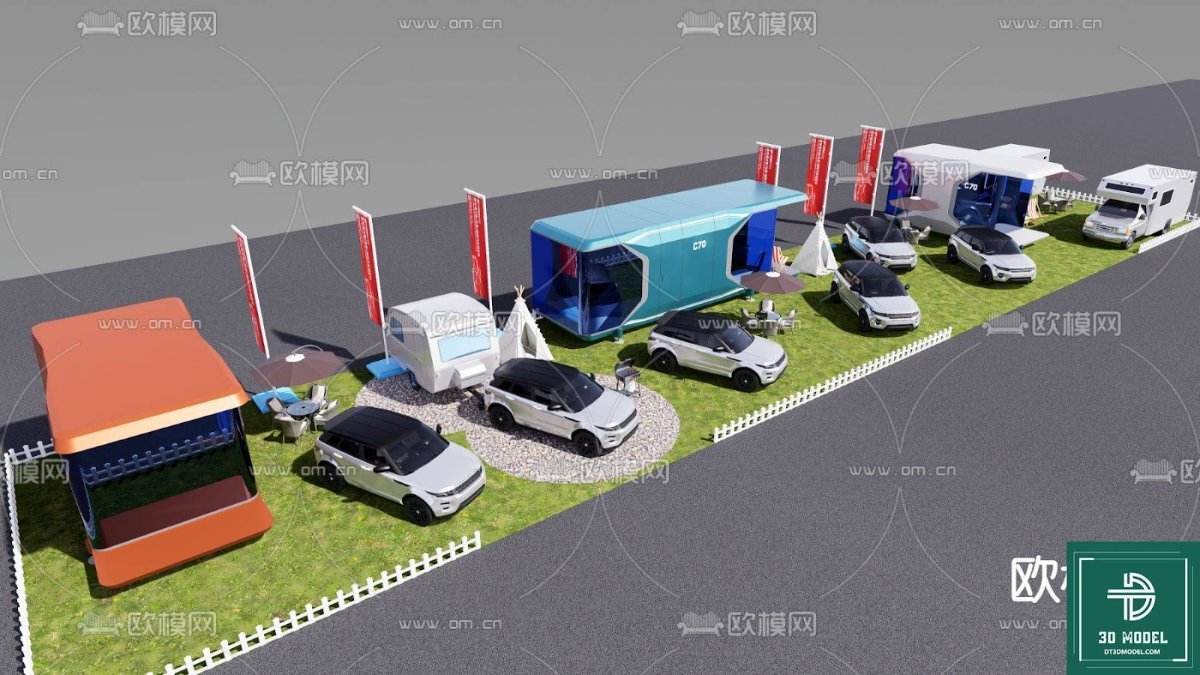
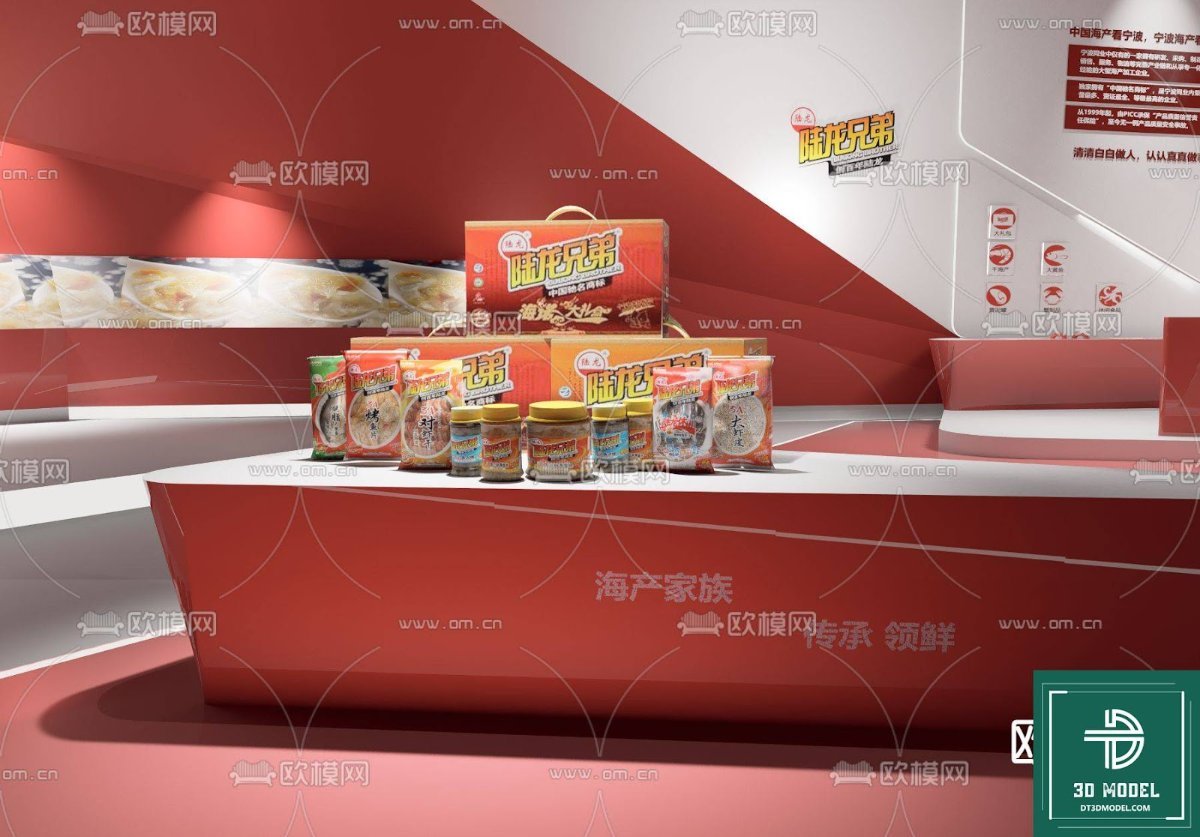
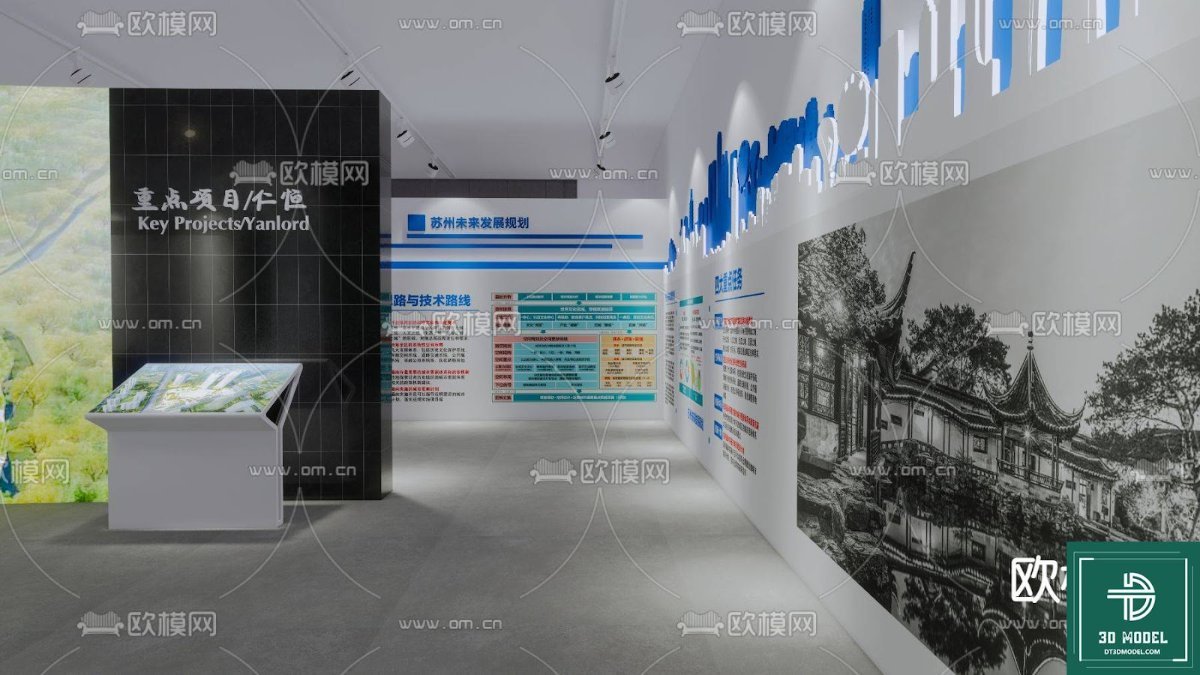
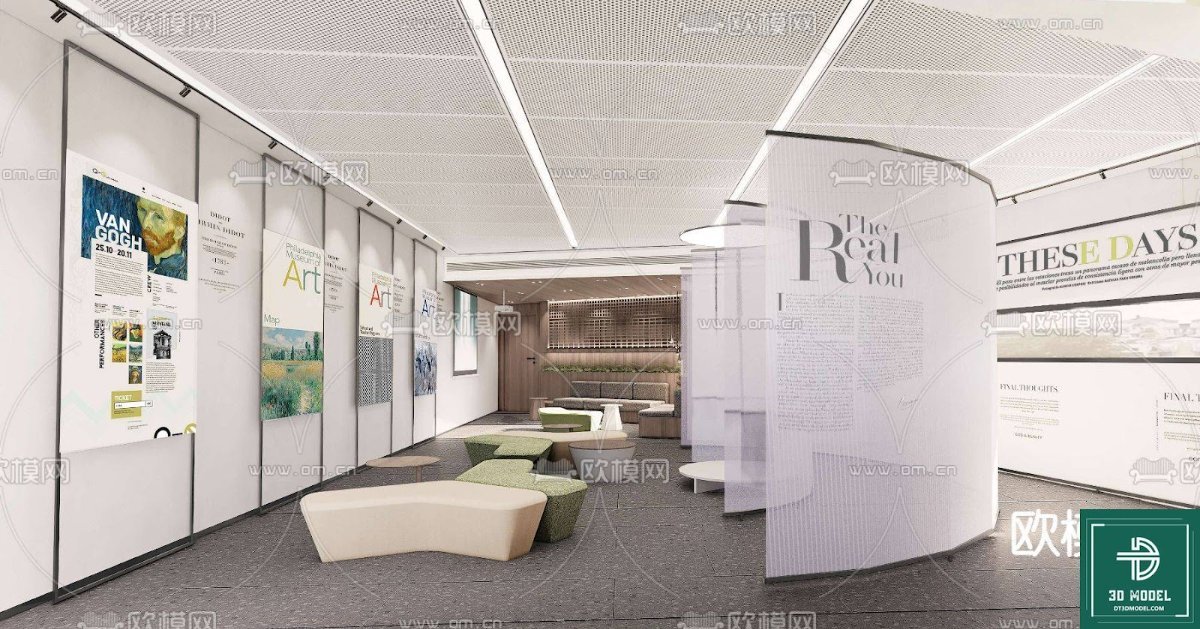
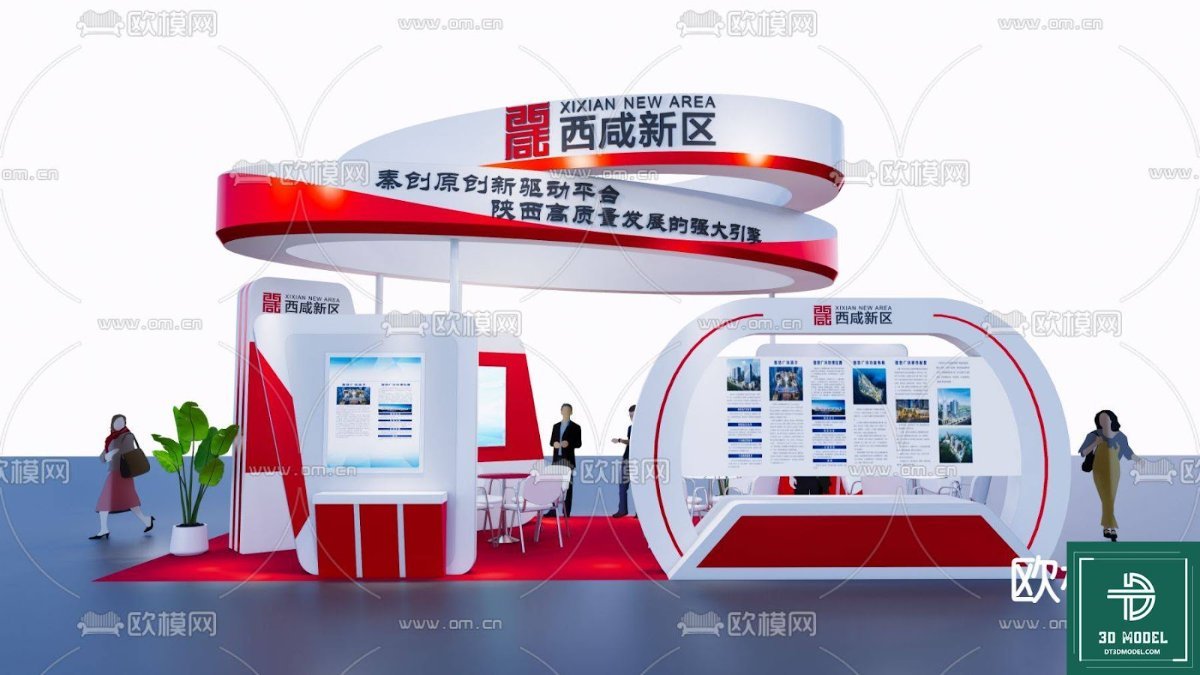
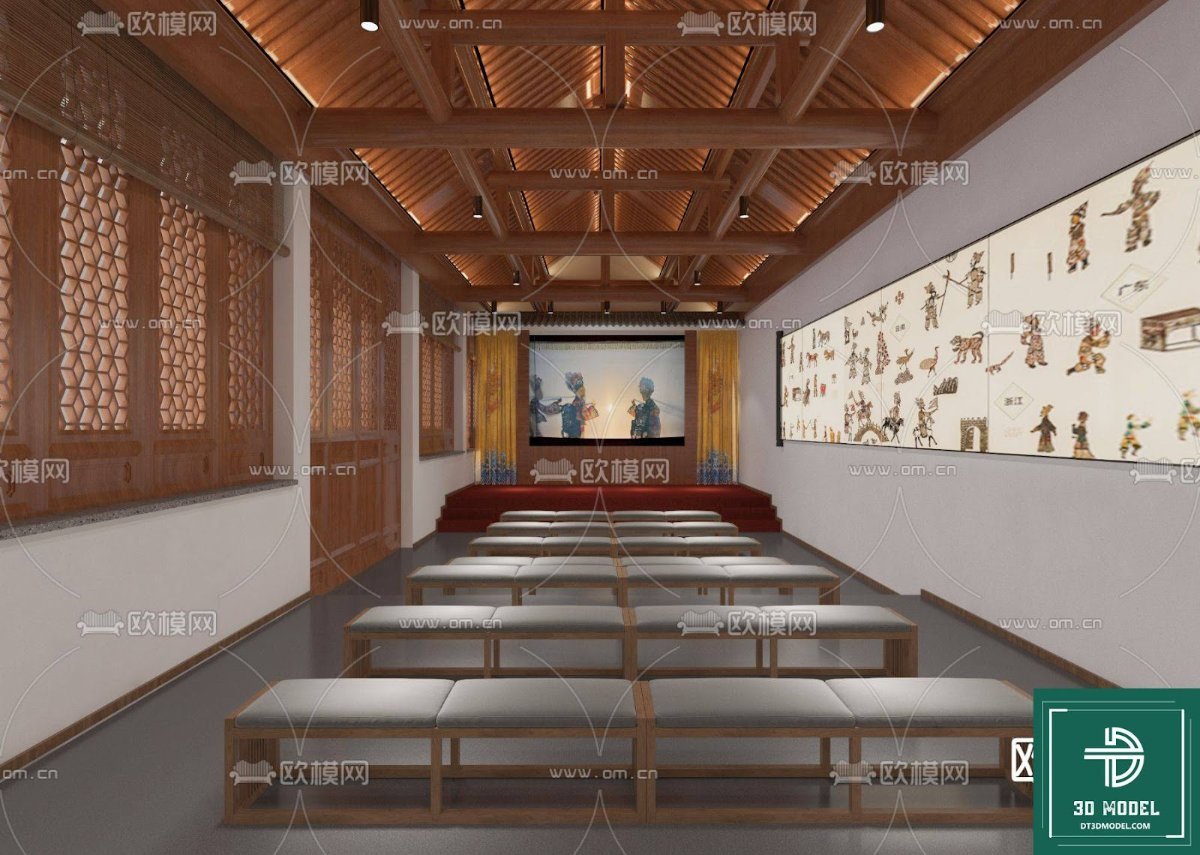
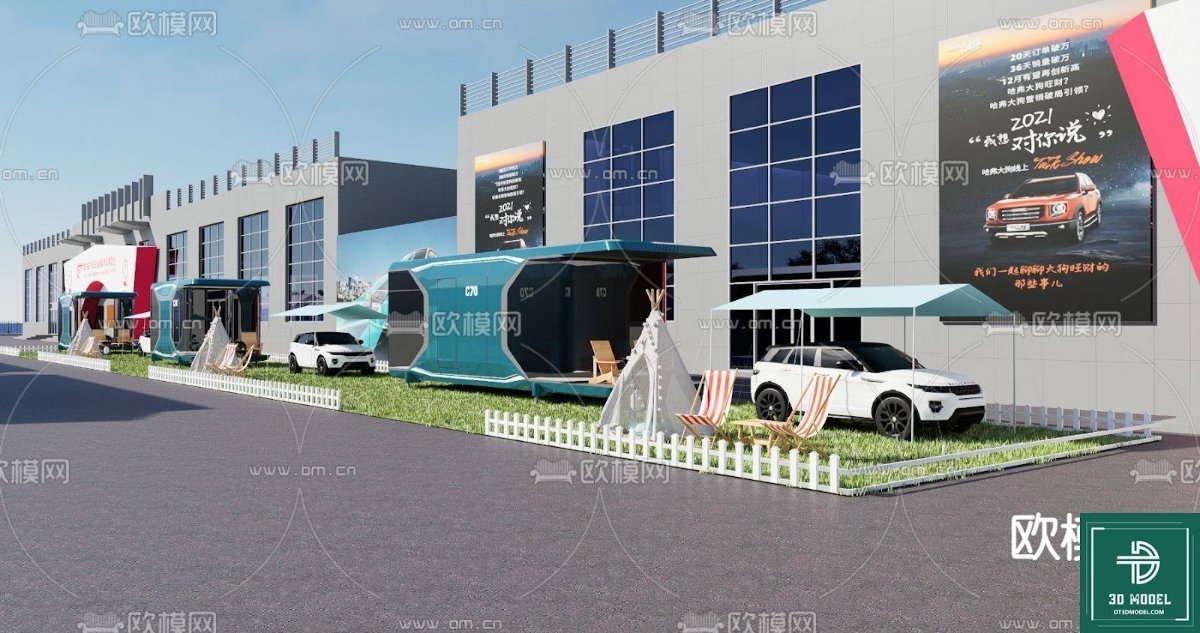
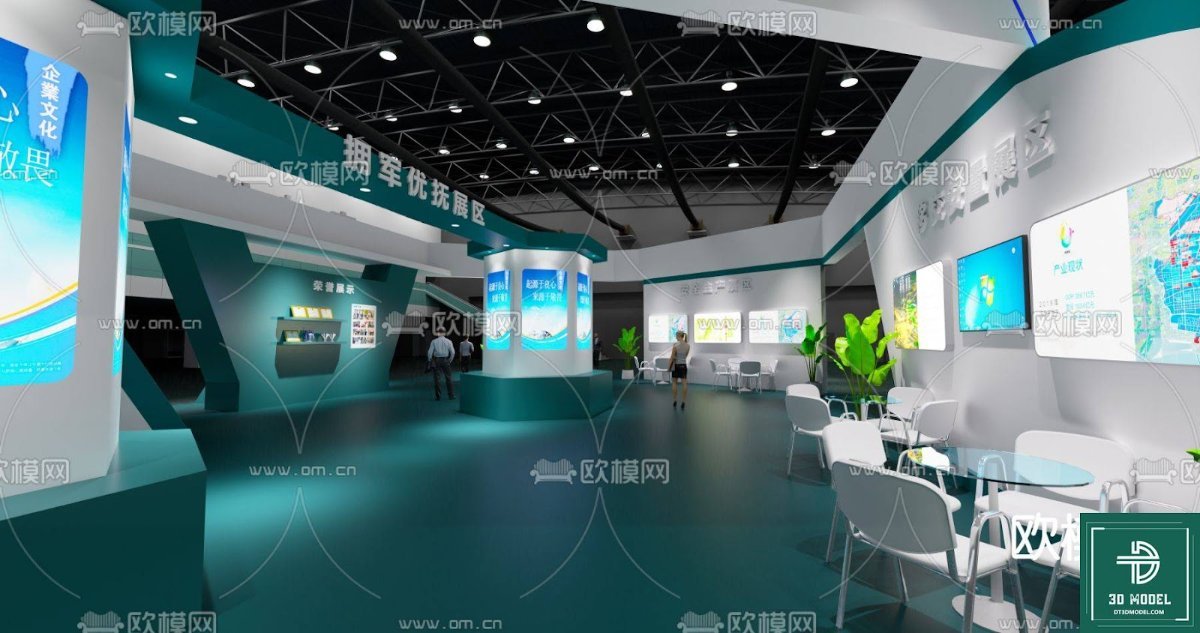
The “Phong trien lam SketchUp (58)” model available on Posterfree.net is a testament to detailed design and practical application. This specific model features a modern, eye-catching design with distinct zones for product display, interactive screens, and visitor engagement. The structure incorporates a large central screen, ideal for video presentations or branding, flanked by dynamic architectural elements that suggest movement and innovation.
Format and Resolution
This resource is provided in a SketchUp (.skp) format, ensuring compatibility with SketchUp Pro and SketchUp Free (web version). The model is designed with a high level of detail, allowing for close-up renders without pixelation. While specific resolution depends on your rendering settings, the underlying geometry is clean and optimized for performance, ensuring smooth navigation within SketchUp.
Key Features and Components:
- Modular Design: The booth components are designed to be somewhat modular, allowing for rearrangement and customization to fit various venue sizes and requirements.
- Integrated Screens: Prominent display areas are included, perfect for showcasing digital content, product videos, or interactive presentations.
- Branding Opportunities: Ample flat surfaces are available for applying custom graphics, logos, and branding elements.
- Lighting Considerations: The model includes basic lighting elements and structures that can be further enhanced with advanced rendering techniques to simulate realistic illumination.
- Visitor Flow: The layout suggests a clear path for visitors, guiding them through the booth’s features and displays.
How to Utilize This Exhibition Booth SketchUp Model
Integrating this Exhibition Booth SketchUp Model into your workflow is straightforward. Once downloaded from Posterfree.net, you can open the .skp file directly in SketchUp. From there, the possibilities are endless:
- Customization: Modify colors, textures, and materials to match your brand guidelines. Add or remove elements to suit your specific exhibition needs.
- Content Integration: Place your own images and videos onto the digital screens within the model to visualize your actual presentation.
- Layout Planning: Use the model to plan the placement of furniture, interactive kiosks, and other booth accessories.
- Rendering: Utilize SketchUp’s rendering plugins (like V-Ray, Enscape, or Lumion) to create photorealistic images and walkthrough animations of your designed booth.
- Client Presentations: Present a compelling visual of the proposed booth design to clients, helping them envision the final product and secure approvals faster.
Posterfree.net: Your Go-To Resource for Premium Graphic Assets
At Posterfree.net, we are committed to providing designers and creatives with a vast library of high-quality, professional graphic resources. Our collection spans a wide array of categories, from 3D models and vectors to PSD templates and illustrations, all curated to meet the demanding standards of today’s design industry. The “Phong trien lam SketchUp (58)” Exhibition Booth SketchUp Model is just one example of the premium assets you can expect from our platform.
We understand the importance of reliable and versatile resources. That’s why every item on Posterfree.net is carefully selected to ensure it offers both aesthetic appeal and practical utility. Whether you’re designing a small local event or a large international trade show, our resources are designed to streamline your workflow and inspire creativity.
Conclusion
Don’t leave your exhibition booth design to chance. Leverage the power of a professional Exhibition Booth SketchUp Model from Posterfree.net to create stunning, functional, and memorable event spaces. This particular model offers a robust foundation for any exhibition project, enabling you to visualize, refine, and present your designs with confidence and precision. Explore this and many other premium resources on Posterfree.net today and transform your design process.
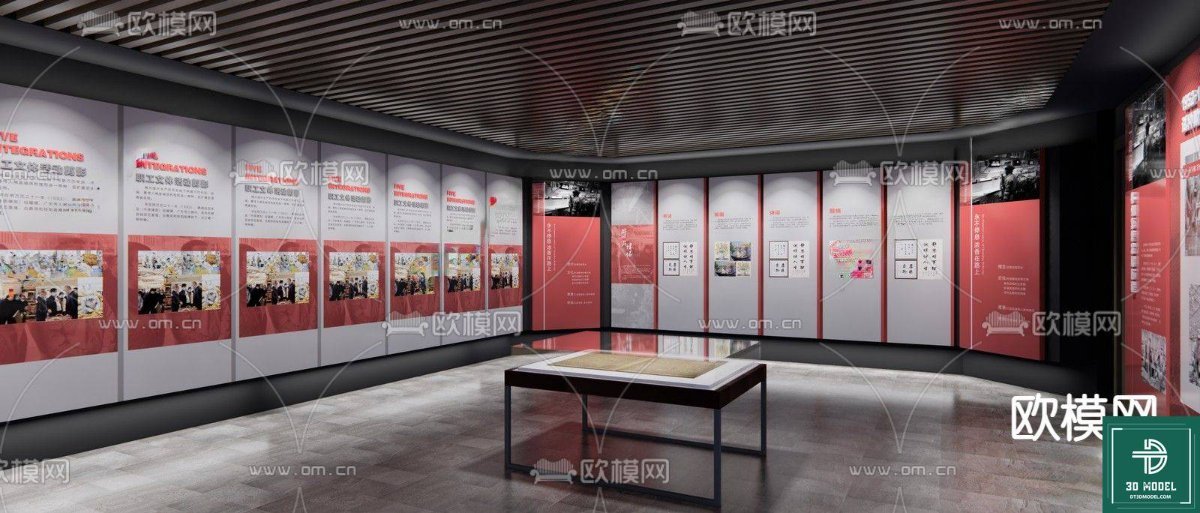
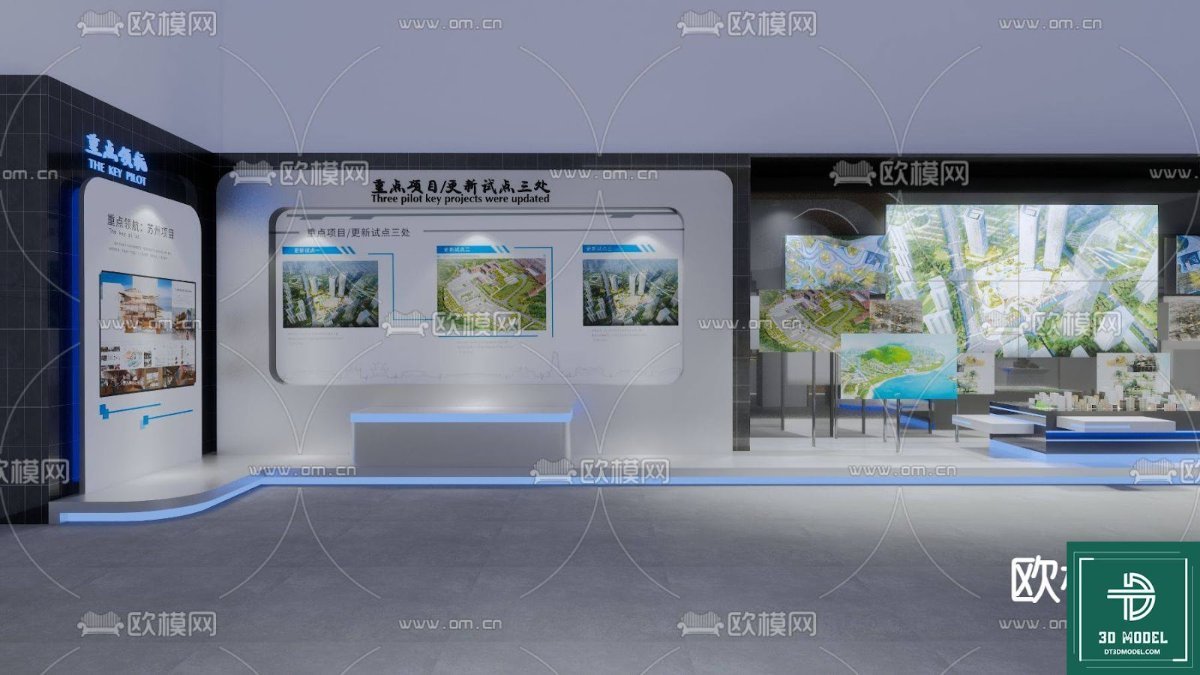
Related Demo Images

Frequently Asked Questions
What software is required to use this Exhibition Booth SketchUp Model?
You will need SketchUp Pro or access to SketchUp Free (web version) to open and edit this .skp file.
Can I customize the branding and colors of the booth?
Yes, the model is designed to be fully customizable. You can easily change colors, apply textures, and integrate your own branding elements onto the surfaces within SketchUp.
Is this model suitable for commercial projects?
Yes, resources from Posterfree.net are generally suitable for both personal and commercial projects, subject to our licensing terms. Please refer to the specific license for this asset for full details.
Does the model include lighting or furniture?
The model includes basic structural elements and areas for screens. While it provides a foundation for lighting and furniture, detailed interior elements or advanced lighting setups may need to be added by the user for specific rendering needs.