

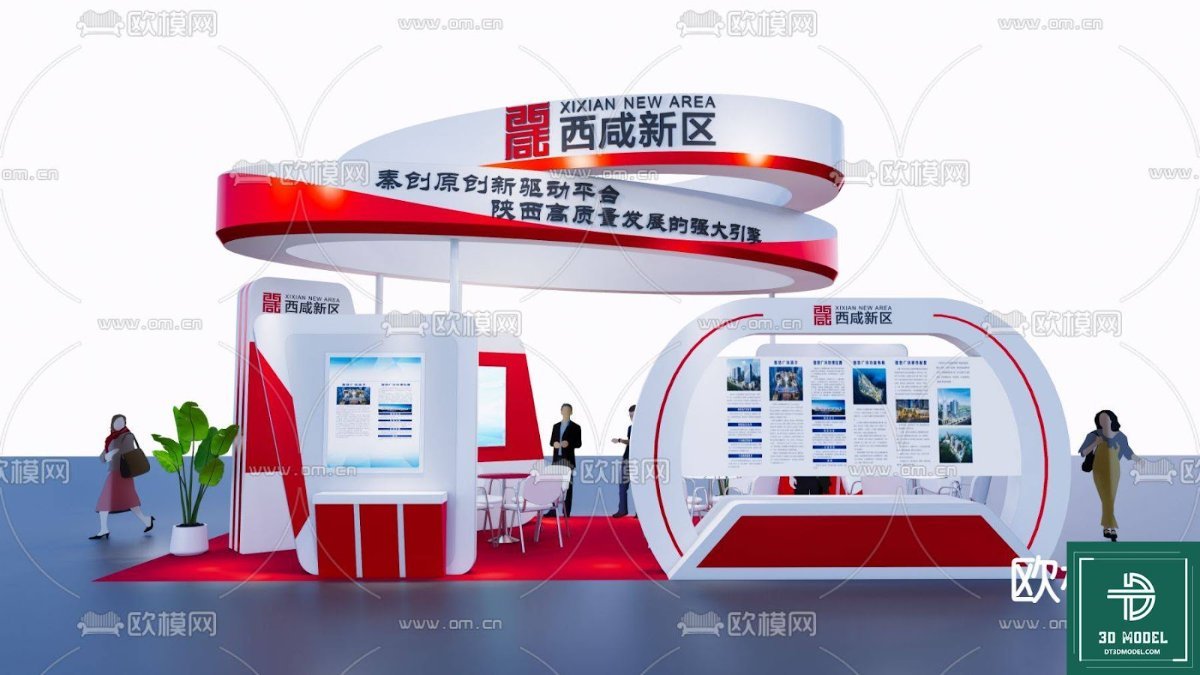
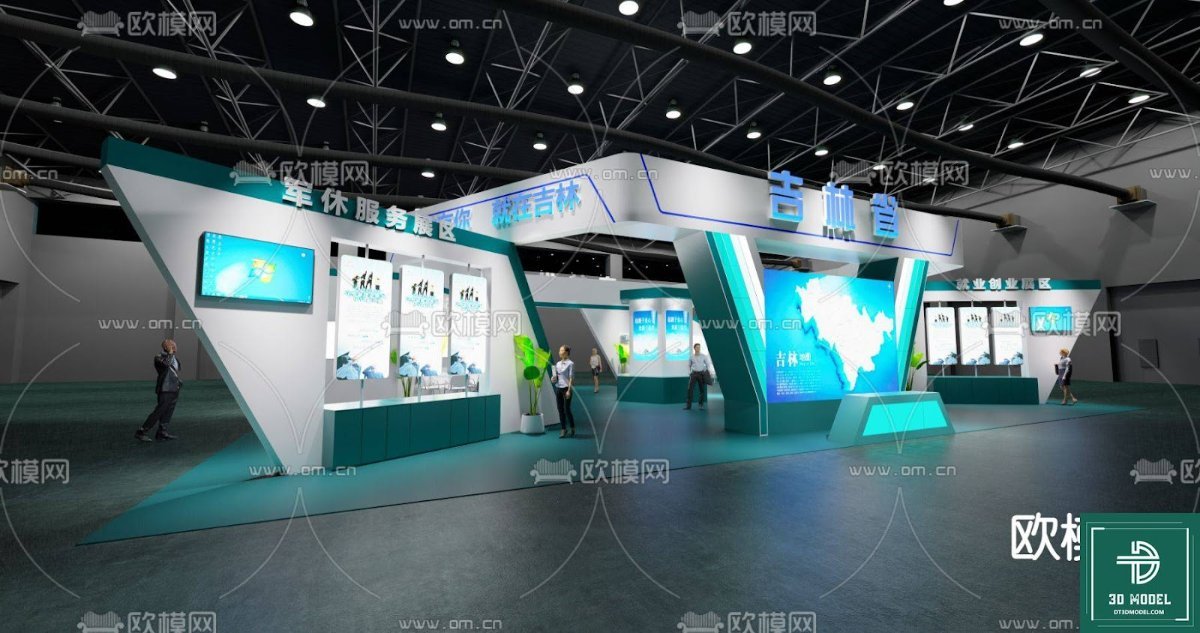
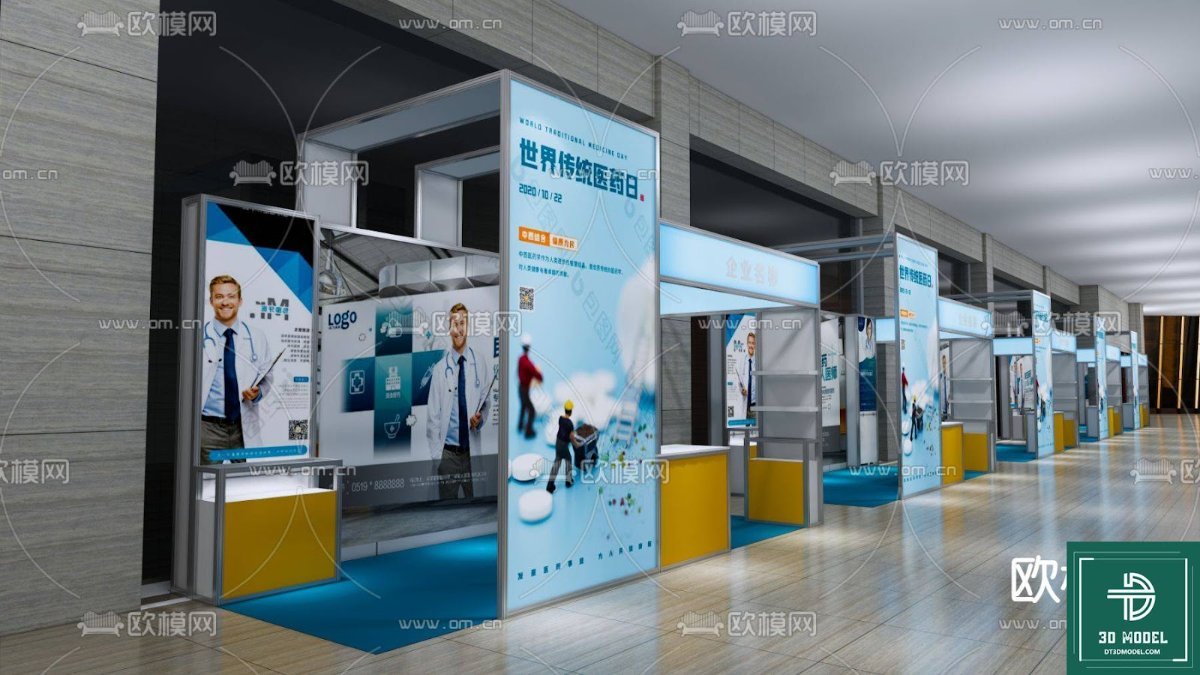
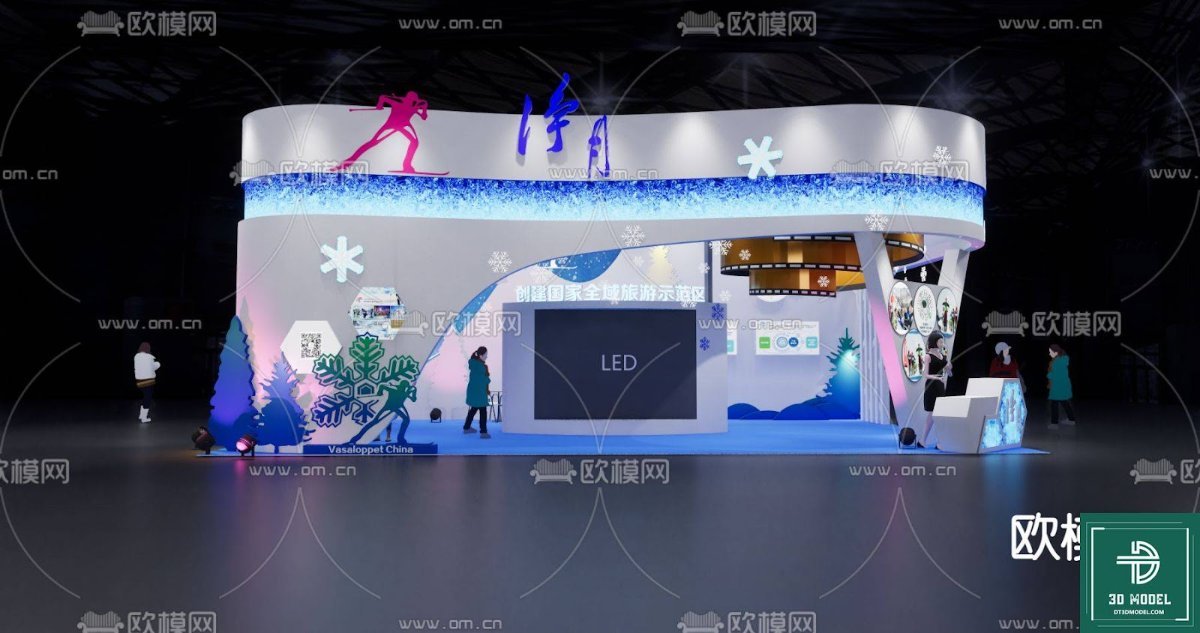
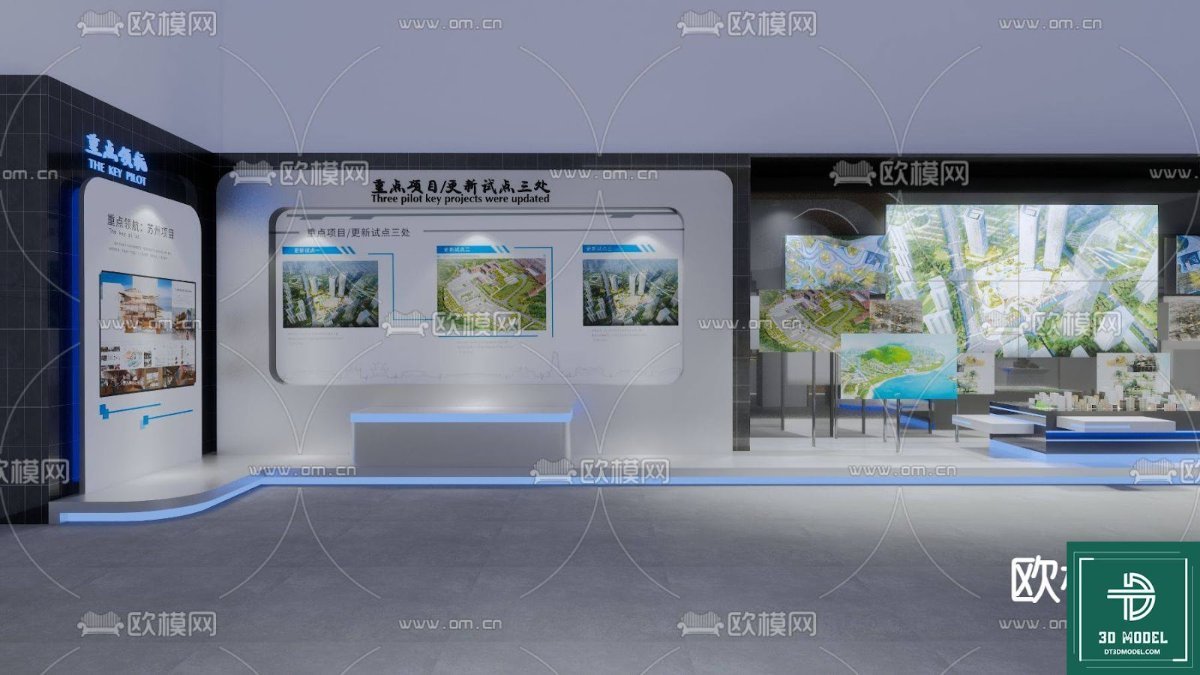
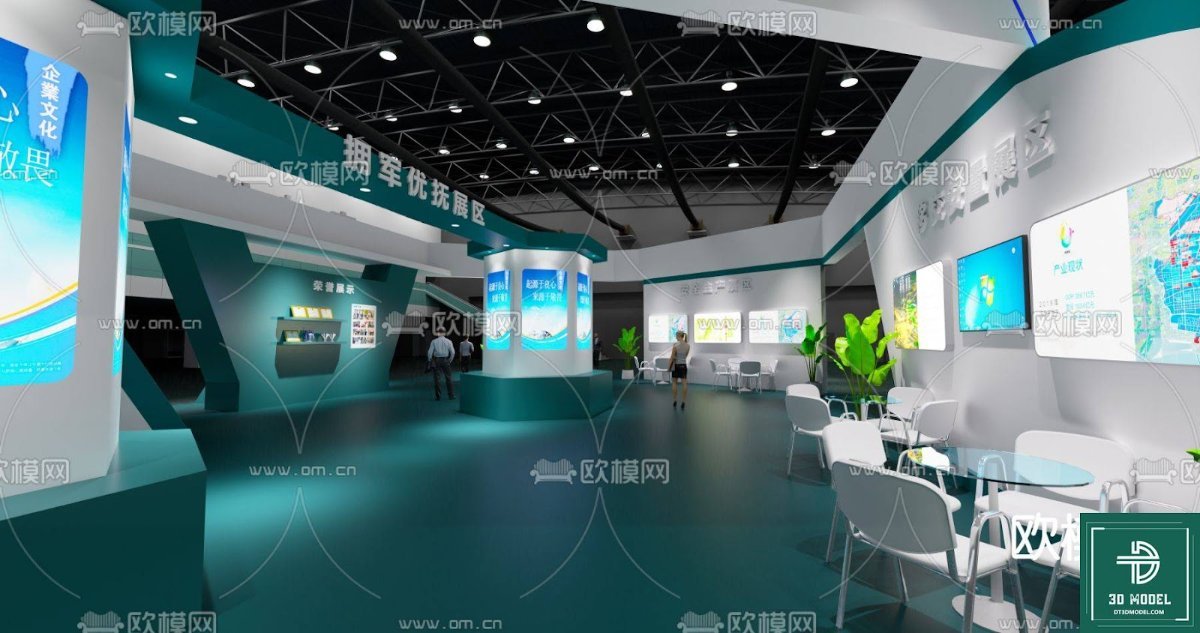
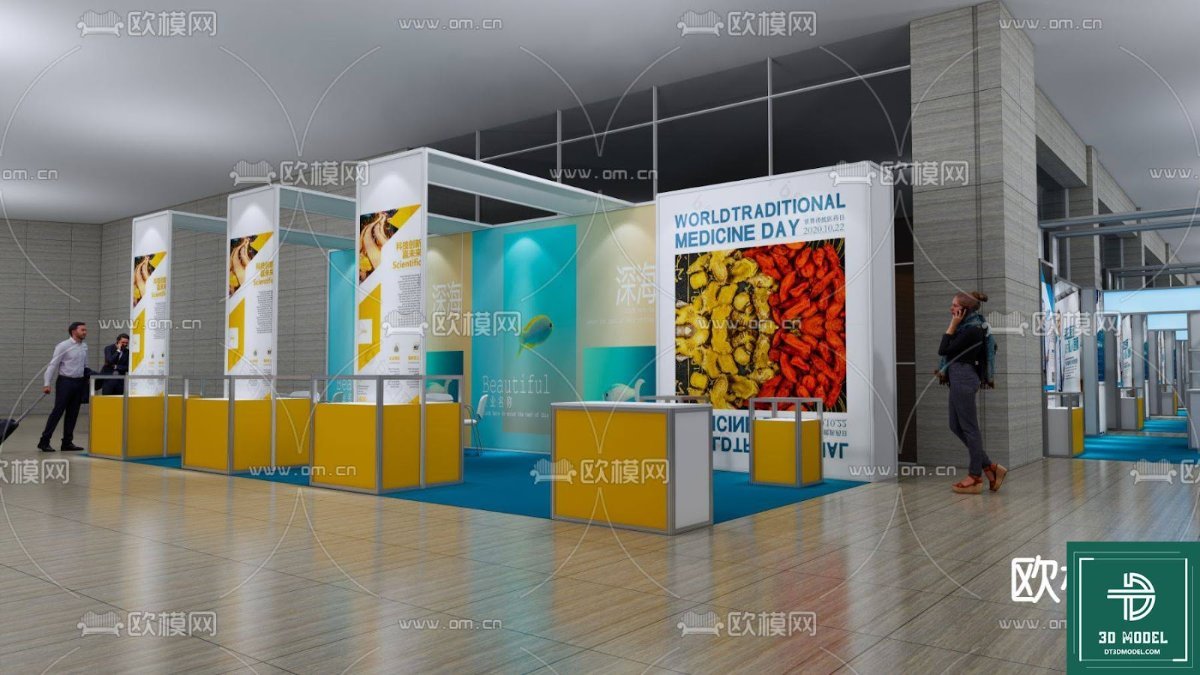
Exhibition Booth SketchUp Model. Download a premium Exhibition Booth SketchUp model from Posterfree.net, perfect for event planners and designers looking for high-quality 3D resources for their projects.
Elevate Your Event Designs with a Premium Exhibition Booth SketchUp Model
In the dynamic world of events and exhibitions, first impressions are everything. A well-designed booth not only attracts attention but also effectively communicates your brand’s message. For designers, architects, and event planners, having access to high-quality 3D models is crucial for visualizing and presenting their concepts. Posterfree.net is proud to offer an exceptional Exhibition Booth SketchUp model, designed to streamline your workflow and bring your creative visions to life with unparalleled realism and detail.
The Power of a Professional Exhibition Booth SketchUp Model
SketchUp has become an indispensable tool for 3D modeling, known for its user-friendly interface and robust capabilities. Our Exhibition Booth SketchUp model leverages these strengths, providing a comprehensive and editable asset that can be seamlessly integrated into your projects. Whether you’re designing for a trade show, a corporate event, or a product launch, this model serves as an ideal starting point or a detailed component for your larger scene.
Unmatched Detail and Realistic Representation
The Exhibition Booth SketchUp model available on Posterfree.net is crafted with meticulous attention to detail. Every element, from the structural framework to the display panels and even subtle lighting considerations, has been carefully rendered to ensure a realistic representation. This level of detail allows you to:
- Visualize Layouts: Experiment with different configurations and spatial arrangements to optimize visitor flow and engagement.
- Material and Texture Application: Easily apply various materials and textures to surfaces, allowing you to showcase branding elements, product imagery, and decorative finishes.
- Lighting Studies: Conduct lighting simulations to understand how natural and artificial light will interact with your booth design, enhancing its visual appeal.
- Client Presentations: Create stunning, photorealistic renders and animations that will impress clients and stakeholders, helping them fully grasp your design intent.
Why Choose Posterfree.net for Your 3D Resources?
Posterfree.net has established itself as a premier destination for high-quality graphic design resources, and our 3D models are no exception. We understand the demands of professional designers and strive to provide assets that are not only visually appealing but also technically sound and easy to use.
Superior Quality and Versatility
Our Exhibition Booth SketchUp model is a testament to our commitment to quality. It is designed to be highly versatile, allowing for extensive customization. You can easily modify:
- Dimensions and Scale: Adjust the booth’s size to fit various venue specifications.
- Branding Elements: Replace placeholder graphics with your client’s logos, slogans, and promotional content.
- Furniture and Props: Add or remove furniture, display cases, interactive screens, and other props to suit specific event requirements.
- Color Schemes: Change the color palette to align with brand guidelines or event themes.
Optimized for Performance
While highly detailed, our SketchUp models are also optimized for performance. This means you can work efficiently without experiencing significant slowdowns, even on moderately powerful systems. The clean geometry and organized layering within the model make it easy to navigate and edit, saving you valuable time in your design process.
How to Utilize the Exhibition Booth SketchUp Model in Your Projects
Integrating this Exhibition Booth SketchUp model into your workflow is straightforward. Here’s a brief guide:
- Download the Model: Once you’ve selected the model from Posterfree.net, download the SketchUp file (SKP format).
- Open in SketchUp: Launch SketchUp and open the downloaded file. You’ll immediately see the detailed booth structure.
- Customize and Edit: Use SketchUp’s intuitive tools to modify the booth. You can push/pull surfaces, move components, and apply new materials.
- Add Your Branding: Import your client’s branding assets (logos, images) and apply them to the designated areas on the booth panels.
- Render and Present: Utilize SketchUp’s rendering capabilities or export the model to a dedicated rendering software (like V-Ray, Enscape, or Lumion) to create high-quality images and walkthroughs for your presentations.
The Posterfree.net Advantage: A Resource You Can Trust
At Posterfree.net, we understand that professional designers need reliable, high-quality resources. Our Exhibition Booth SketchUp model is just one example of the premium content we offer. We are committed to providing assets that not only meet but exceed industry standards, empowering you to create stunning designs with ease.
Our extensive library of graphic resources, including vectors, templates, and 3D models, is curated by experienced designers. We constantly update our collection to ensure you have access to the latest trends and essential tools. When you choose Posterfree.net, you’re choosing a partner dedicated to your creative success.
Conclusion: Transform Your Event Designs Today
Don’t let mediocre visuals hinder your event design projects. With the premium Exhibition Booth SketchUp model from Posterfree.net, you have a powerful tool at your fingertips to create captivating and functional exhibition spaces. Download it today and experience the difference that high-quality, professionally crafted 3D resources can make in your design workflow. Elevate your presentations, impress your clients, and bring your most ambitious event concepts to life with the trusted resources from Posterfree.net.
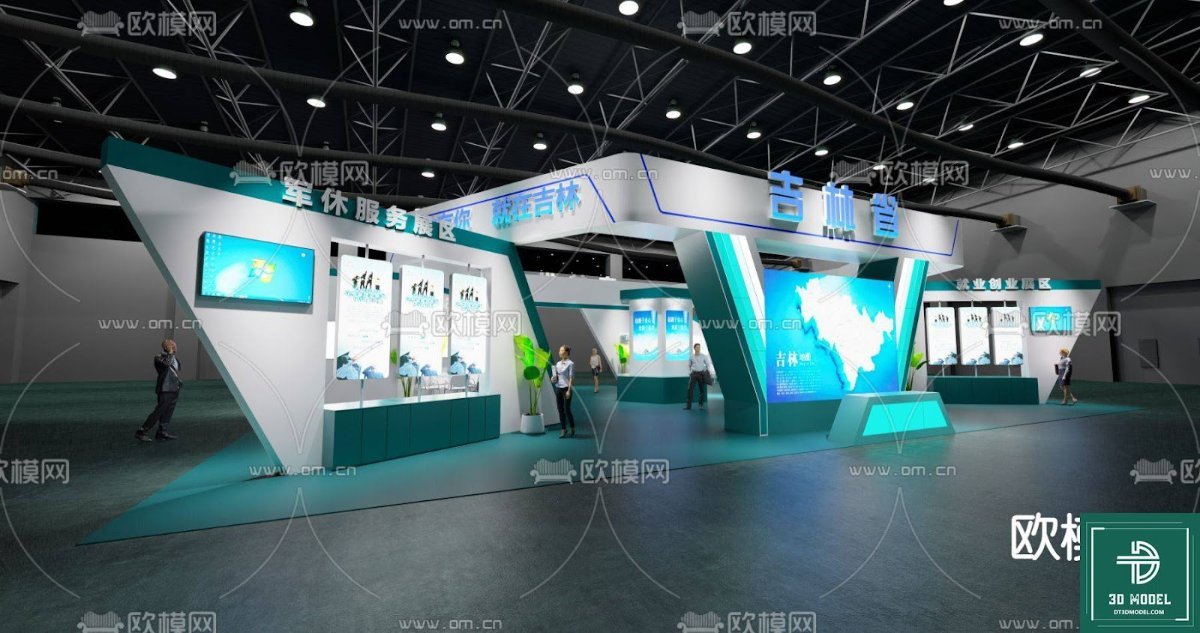
Hình ảnh demo liên quan
Câu hỏi thường gặp
What software is required to use this Exhibition Booth SketchUp model?
This model is provided in SKP format, meaning you will need SketchUp (Make or Pro version) to open, view, and edit it. It is compatible with various versions of SketchUp.
Can I customize the branding and colors of the booth?
Yes, the Exhibition Booth SketchUp model is fully customizable. You can easily change colors, apply different textures, and replace placeholder graphics with your own branding elements (logos, text, images) within SketchUp.
Is this model suitable for professional client presentations?
Absolutely. The model is highly detailed and well-structured, making it ideal for creating high-quality renders and walkthroughs for professional client presentations. You can export it to rendering software for even more photorealistic results.
What is the resolution or quality of the 3D model?
The model is crafted with meticulous detail and clean geometry, ensuring high visual quality suitable for close-up renders while maintaining optimized performance within SketchUp. It’s designed for professional use.
Are there any usage restrictions for this Exhibition Booth SketchUp model?
Please refer to Posterfree.net’s licensing terms for specific usage details. Generally, our resources are intended for both personal and commercial projects, but it’s always best to check the specific license associated with the download.





























