

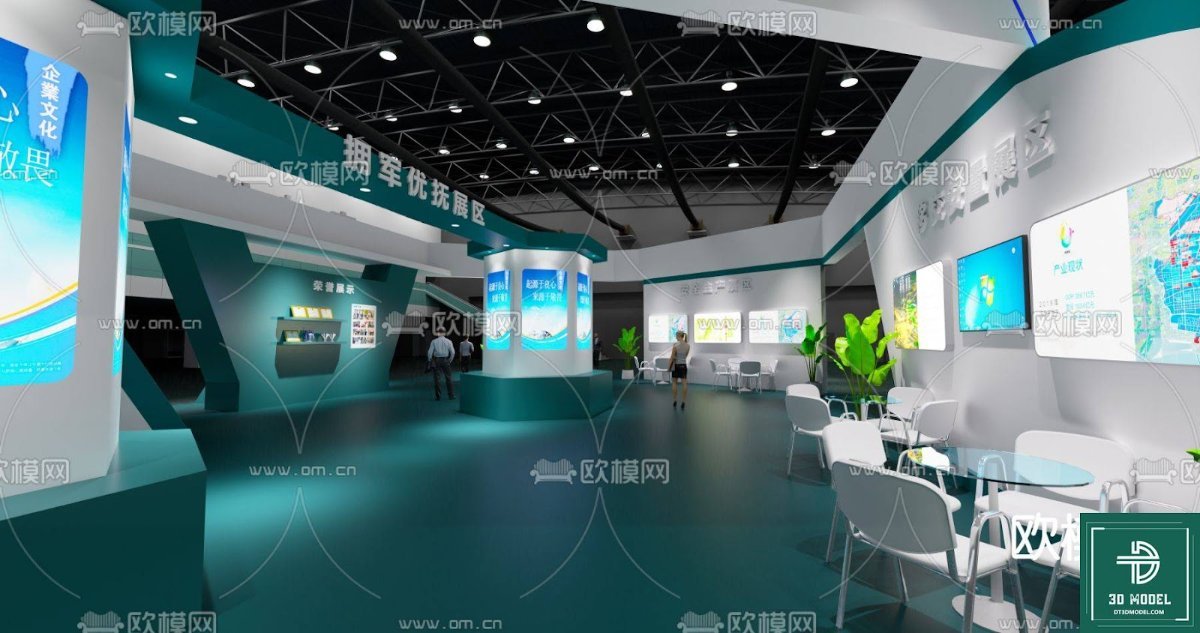
Exhibition Booth SketchUp Model. Discover a premium exhibition booth SketchUp model for your next design project. This detailed 3D model is perfect for visualizing and planning your event space.
Elevate Your Event Design with a Premium Exhibition Booth SketchUp Model
In the dynamic world of events and trade shows, making a lasting impression is paramount. Whether you’re an architect, an interior designer, or an event planner, the ability to visualize and present your concepts effectively can set you apart. That’s where a high-quality exhibition booth SketchUp model becomes an invaluable asset. Posterfree.net is proud to offer a meticulously crafted 3D model, ‘phong trien lam SketchUp (26)’, designed to streamline your workflow and bring your visions to life with unparalleled realism.
Why Choose a SketchUp Model for Your Exhibition Booth?
SketchUp is renowned for its user-friendly interface and robust capabilities in 3D modeling. For exhibition booth design, it offers several distinct advantages:
- Rapid Prototyping: Quickly experiment with different layouts, materials, and lighting schemes.
- Client Communication: Present clear, compelling visuals that clients can easily understand and approve.
- Cost-Effectiveness: Identify potential design flaws before construction, saving time and money.
- Versatility: Adapt the model for various booth sizes and configurations.
Our ‘phong trien lam SketchUp (26)’ model provides a comprehensive foundation, allowing you to focus on customization and innovation rather than building from scratch. It’s a testament to Posterfree.net’s commitment to providing premium resources that empower creative professionals.
Detailed Analysis of ‘phong trien lam SketchUp (26)’
This specific exhibition booth SketchUp model is a prime example of thoughtful design and practical utility. Let’s delve into its features:
Format and Resolution
The model is provided in a native SketchUp format (.skp), ensuring seamless integration into your existing SketchUp projects. It is designed with a high level of detail, making it suitable for both conceptual presentations and detailed technical drawings. The resolution of the textures and geometry is optimized to provide crisp visuals without overburdening your system, striking a perfect balance between quality and performance.
Key Design Elements and Features
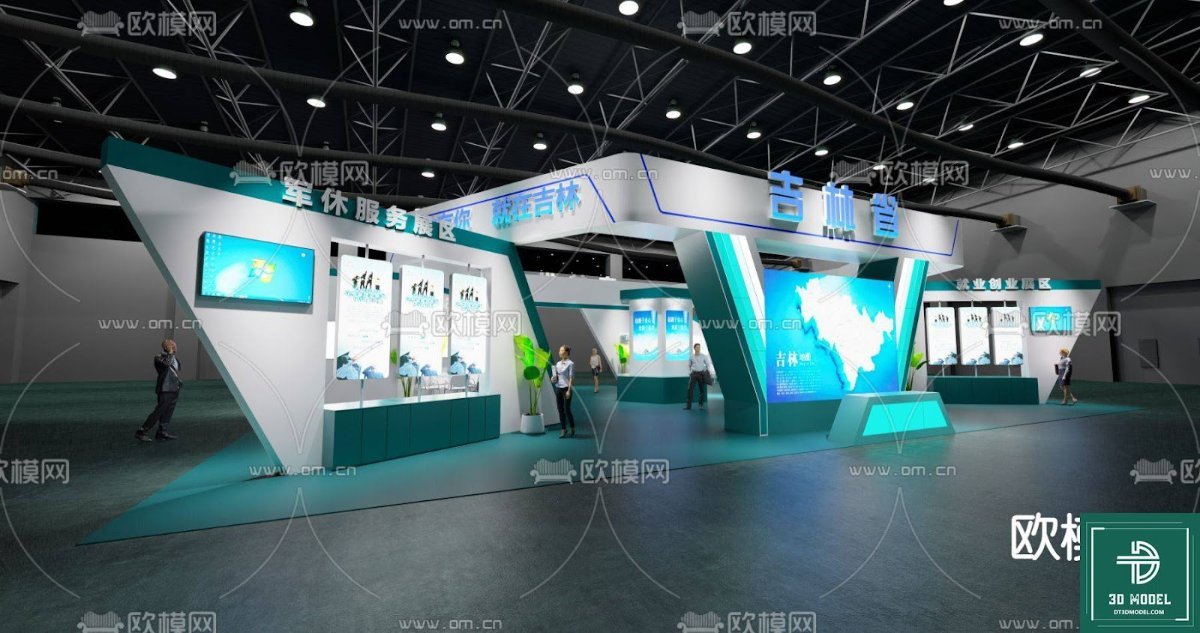
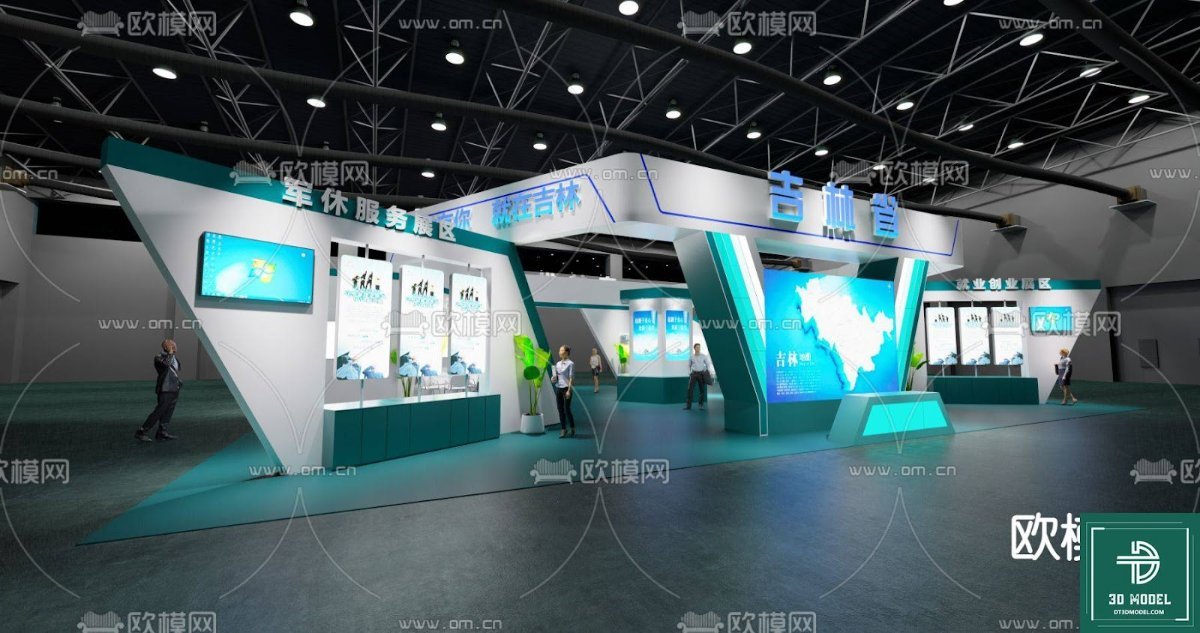
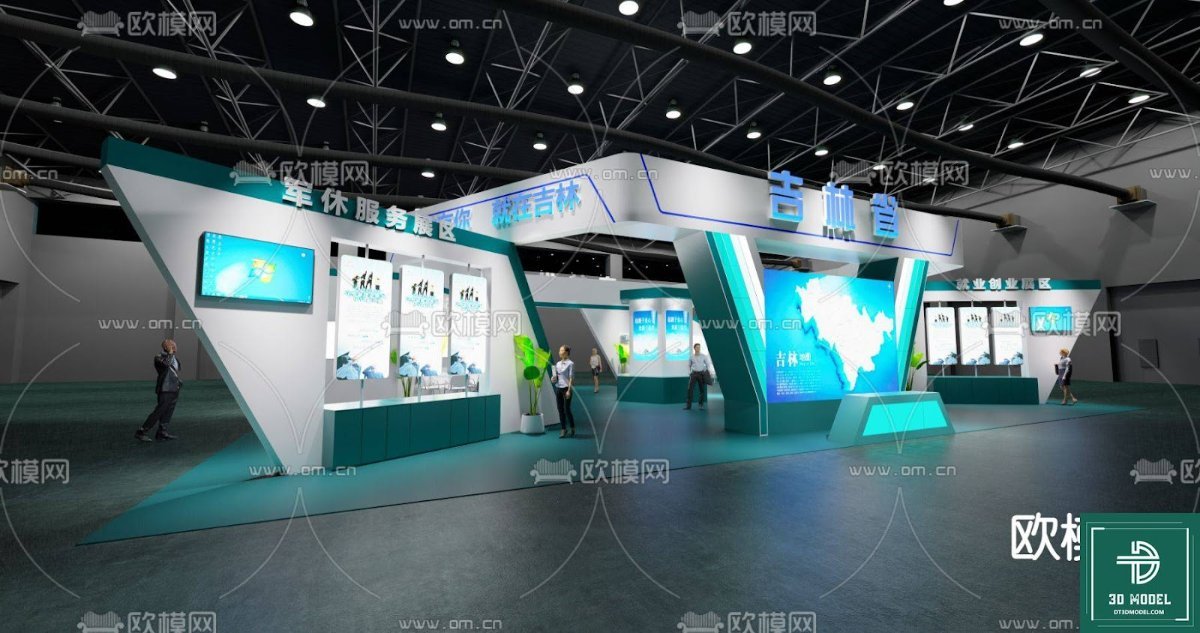
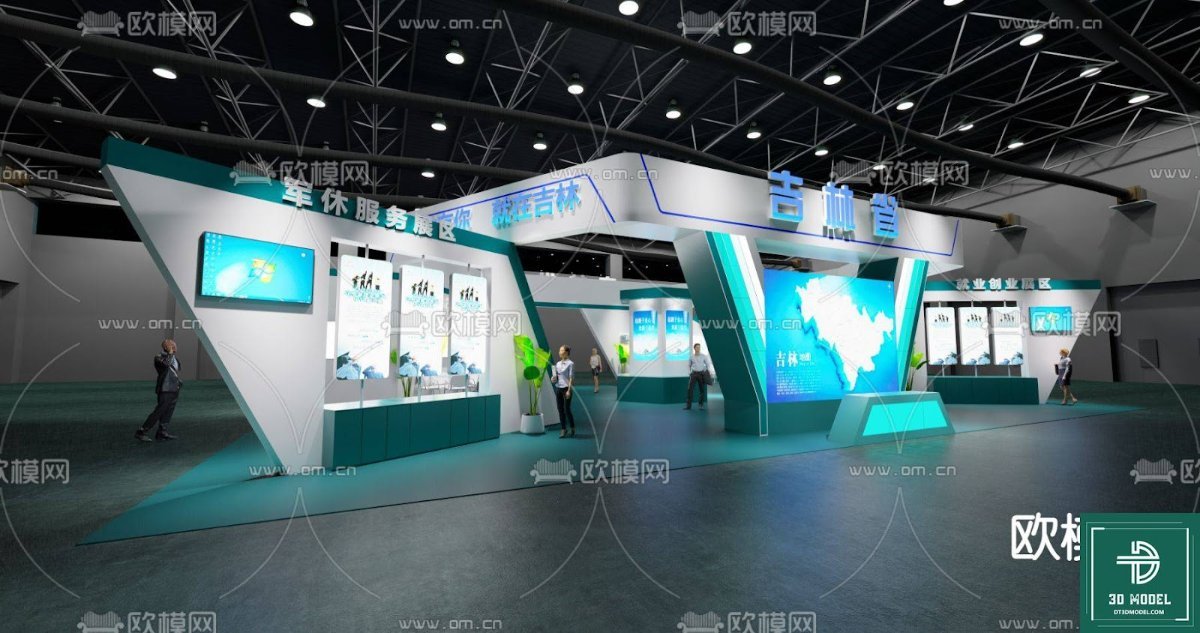
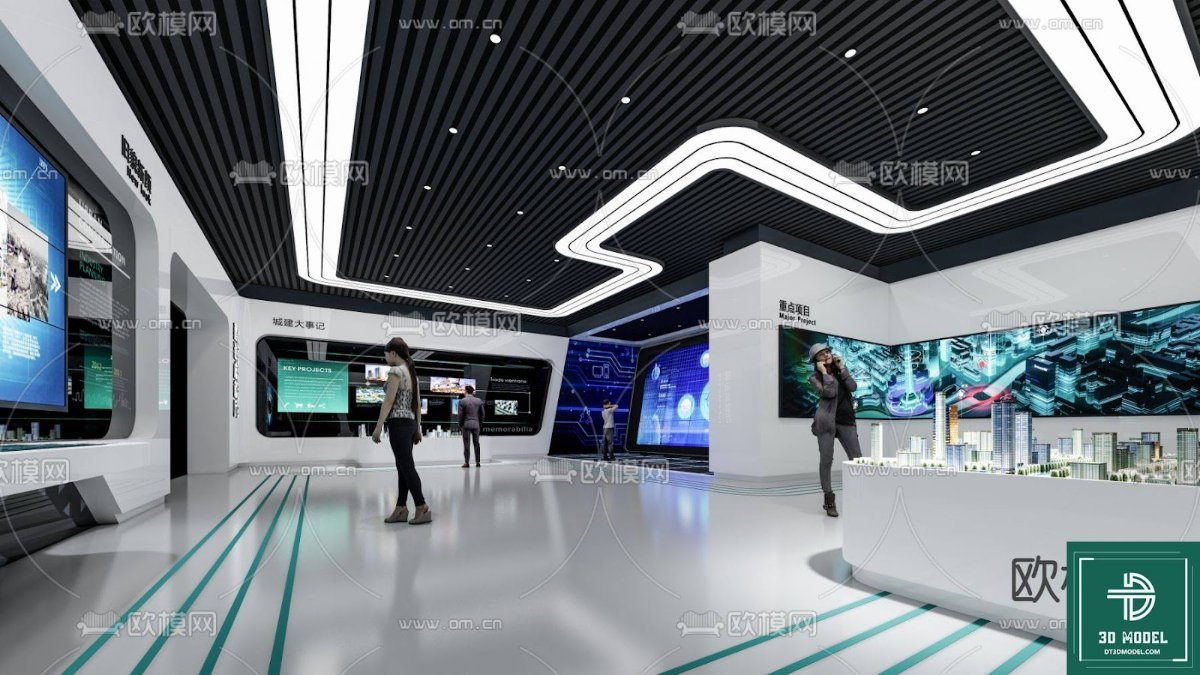
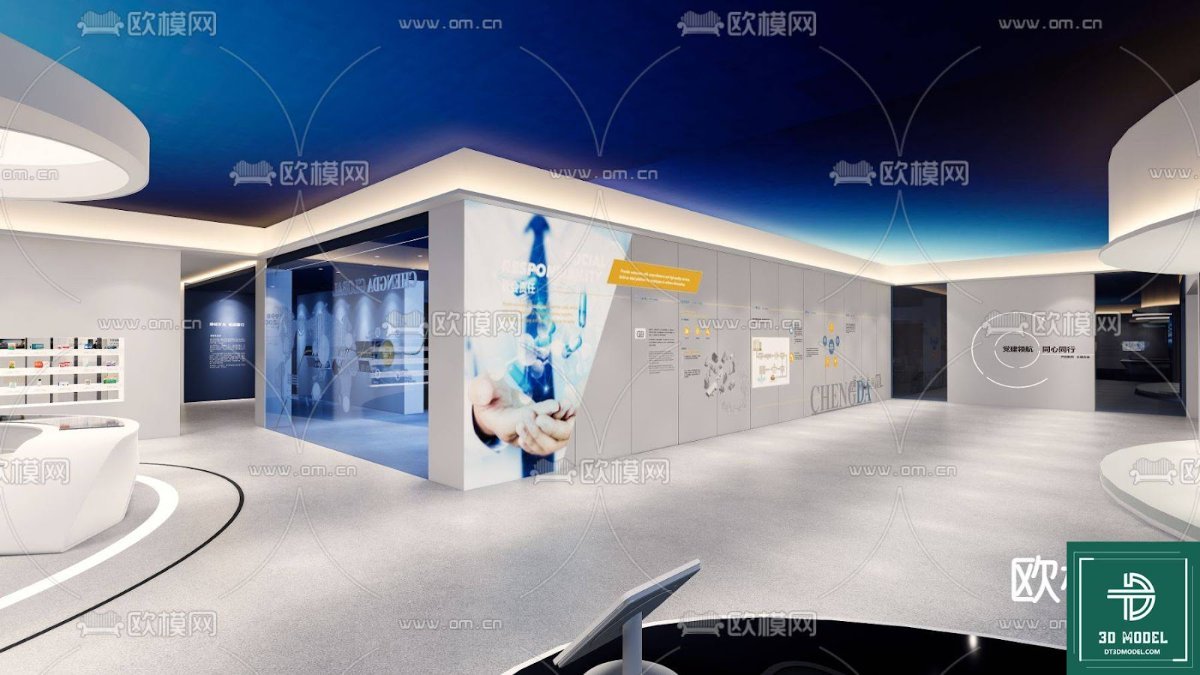
The ‘phong trien lam SketchUp (26)’ model showcases a modern, open-plan exhibition space. Key elements include:
- Spacious Layout: An inviting layout with clear pathways for visitor flow.
- Integrated Display Screens: Multiple large screens are incorporated, perfect for showcasing digital content, presentations, or branding videos.
- Seating Areas: Comfortable seating arrangements for client meetings or visitor relaxation.
- Product Display Shelves: Dedicated areas for exhibiting products or literature.
- Dynamic Lighting: A well-thought-out lighting scheme that highlights key areas and creates an engaging atmosphere.
- Branding Opportunities: Ample wall space and display surfaces for custom branding and graphics.
The teal and white color scheme creates a professional yet inviting ambiance, offering a versatile base that can be easily adapted to match any brand’s aesthetic. This model truly represents a ready-to-use solution for your exhibition booth SketchUp needs.
How to Effectively Use This Exhibition Booth SketchUp Model
Leveraging ‘phong trien lam SketchUp (26)’ in your projects is straightforward:
- Download and Import: Obtain the .skp file from Posterfree.net and import it directly into your SketchUp software.
- Customize Branding: Replace placeholder graphics on screens and walls with your client’s logos, slogans, and promotional imagery.
- Adjust Layout: Modify the arrangement of furniture, displays, and partitions to suit specific event requirements or product showcases.
- Material and Texture Swaps: Experiment with different materials for flooring, walls, and furniture to match your desired aesthetic.
- Lighting Enhancements: Fine-tune the existing lighting or add new light sources to create specific moods or highlight particular features.
- Render and Present: Utilize SketchUp’s rendering capabilities or integrate with external rendering engines (like V-Ray or Enscape) to produce photorealistic images and walkthroughs for client presentations.
This model is not just a static asset; it’s a flexible template that empowers you to create bespoke exhibition experiences. With Posterfree.net, you gain access to premium resources that are both high-quality and easy to integrate.
The Posterfree.net Advantage: Your Go-To for Premium 3D Models
At Posterfree.net, we understand the demands of creative professionals. We are dedicated to providing a curated selection of high-quality graphic resources, including an extensive range of 3D models. Our commitment to excellence ensures that every asset, like this exhibition booth SketchUp model, meets rigorous standards for detail, accuracy, and usability.
When you choose Posterfree.net, you’re not just downloading a file; you’re investing in a reliable partner for your design journey. Our resources are designed to save you time, inspire creativity, and help you deliver exceptional results. Explore our collection today and discover why countless designers trust Posterfree.net for their premium graphic needs.
Conclusion
The ‘phong trien lam SketchUp (26)’ exhibition booth SketchUp model is an indispensable tool for anyone involved in event design and visualization. Its detailed construction, versatile design, and ease of customization make it a standout resource. By leveraging this premium model from Posterfree.net, you can elevate your presentations, streamline your design process, and create truly memorable exhibition experiences. Download it today and transform your design workflow!
Hình ảnh demo liên quan
Câu hỏi thường gặp
What software is required to use this exhibition booth SketchUp model?
This model is provided in the native .skp format, so you will need SketchUp software (Make or Pro version) to open and edit it.
Can I customize the branding and colors in this SketchUp model?
Yes, absolutely! The model is designed to be fully customizable. You can easily replace textures, change colors, and add your own branding elements to suit your specific project needs.
Is this exhibition booth SketchUp model suitable for commercial projects?
Yes, resources from Posterfree.net are generally suitable for both personal and commercial projects, subject to our licensing terms. Please refer to the specific license details on the product page for full information.
Does the model include lighting and furniture?
Yes, the ‘phong trien lam SketchUp (26)’ model includes pre-arranged furniture, display screens, and a well-thought-out lighting setup, providing a ready-to-use scene for your designs.





























