

Exhibition Booth Design SketchUp. Discover premium exhibition booth design SketchUp models at Posterfree.net. Perfect for architects and designers seeking high-quality, editable 3D resources for their projects.
Unleash Creativity with Premium Exhibition Booth Design SketchUp Models
In the dynamic world of events and marketing, an outstanding exhibition booth is crucial for capturing attention and making a lasting impression. For architects, interior designers, and event planners, having access to high-quality 3D models is not just a convenience, but a necessity. Posterfree.net proudly presents an exceptional collection of resources, including the highly sought-after exhibition booth design SketchUp model, "Phong trien lam SketchUp (61)". This resource is designed to empower your creative vision, offering unparalleled flexibility and detail for your next project.
Why Choose SketchUp for Exhibition Booth Design?
SketchUp has long been a favorite among design professionals for its intuitive interface and powerful 3D modeling capabilities. When it comes to exhibition booth design, SketchUp offers several distinct advantages:
- Ease of Use: SketchUp’s user-friendly tools allow for rapid prototyping and design iteration, even for complex structures.
- Rich Ecosystem: A vast library of plugins and extensions enhances its functionality, making it adaptable to various design challenges.
- Visualization: Create stunning, realistic renderings of your booth designs to present to clients, helping them visualize the final product.
- Collaboration: Easily share your SketchUp models with team members and clients, streamlining the feedback and approval process.
Our "Phong trien lam SketchUp (61)" model leverages these strengths, providing a robust foundation for your design endeavors.
Dive Deep into "Phong trien lam SketchUp (61)"
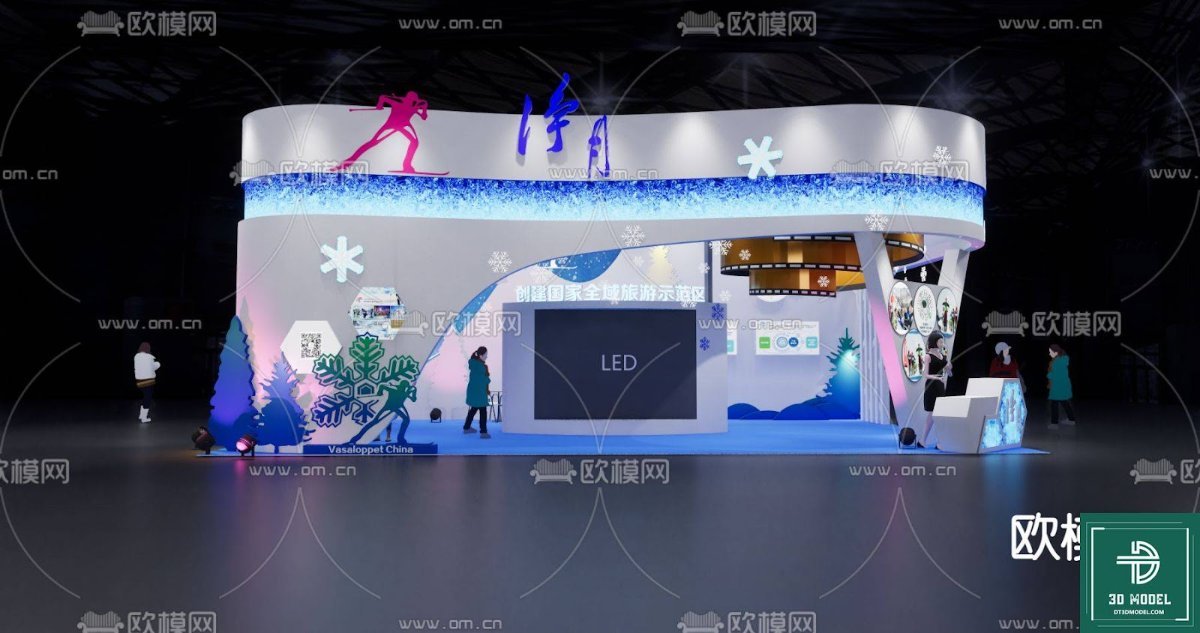
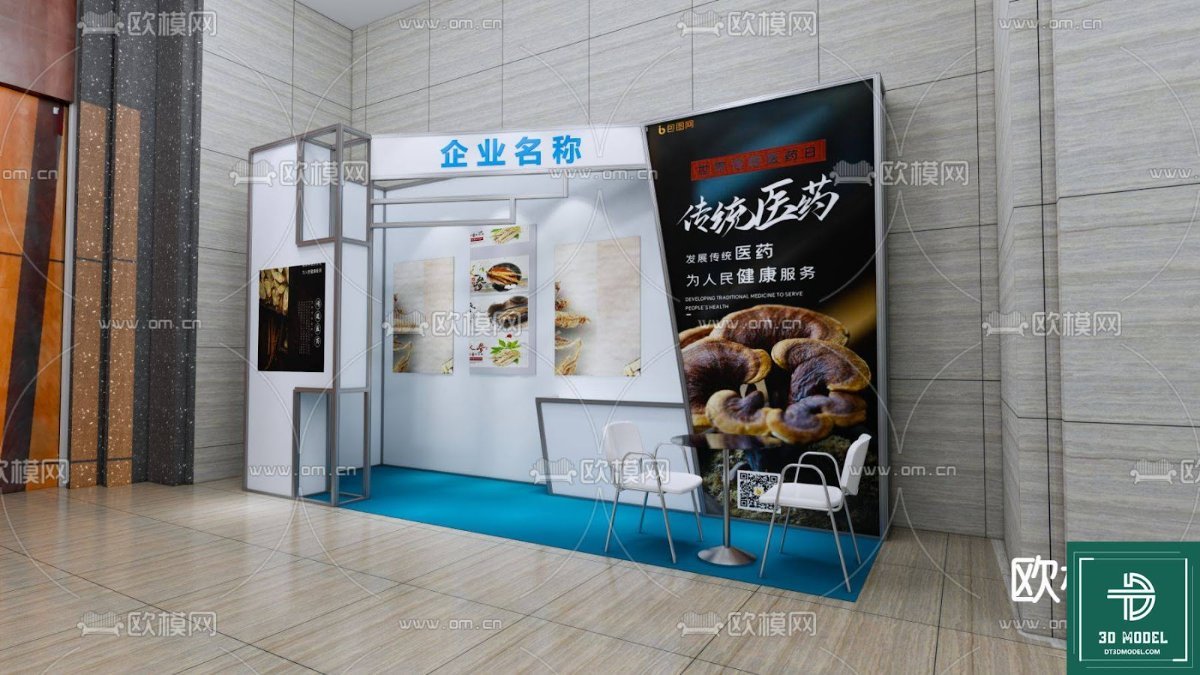
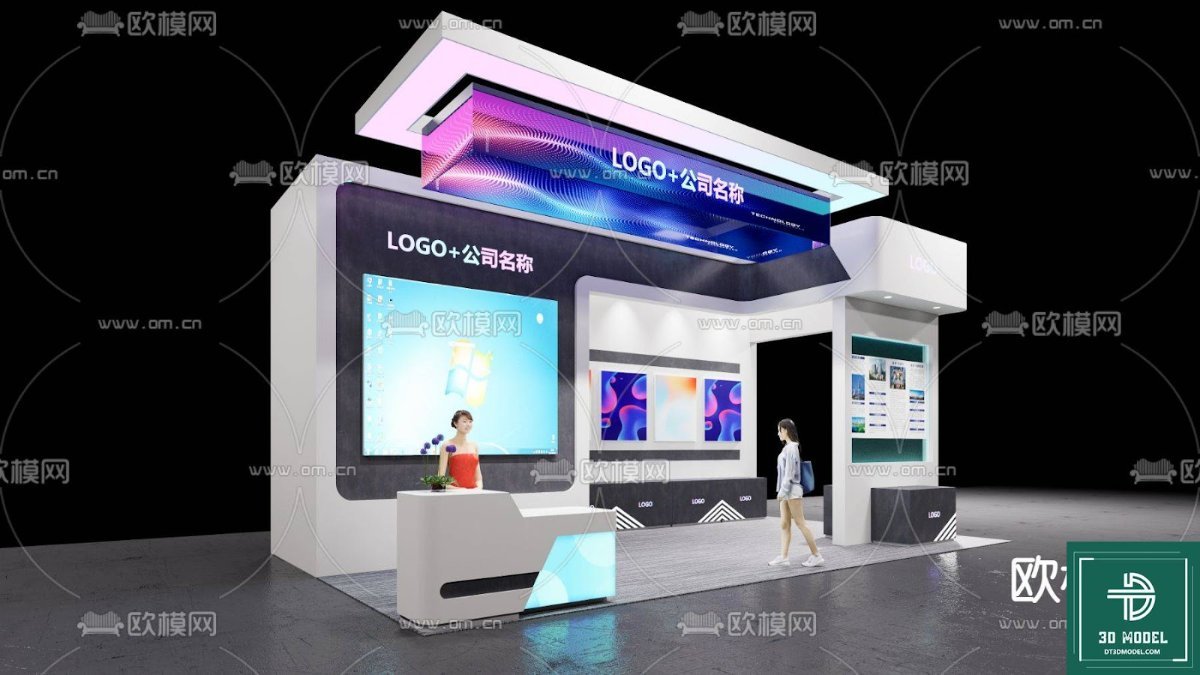
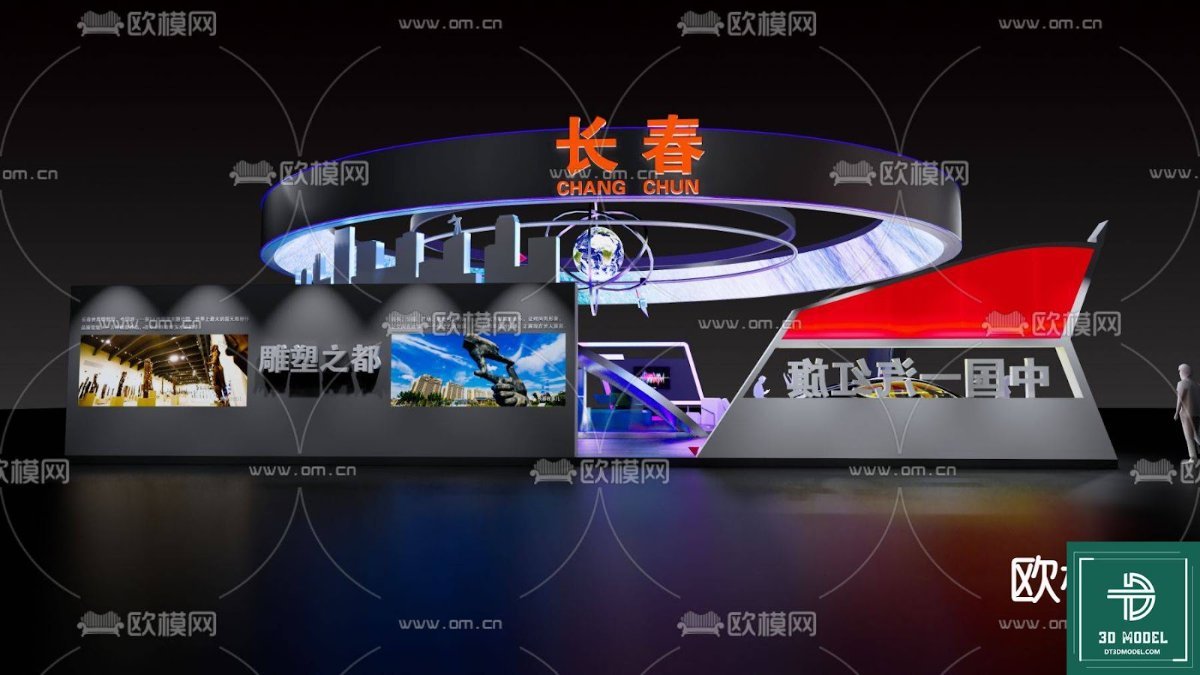
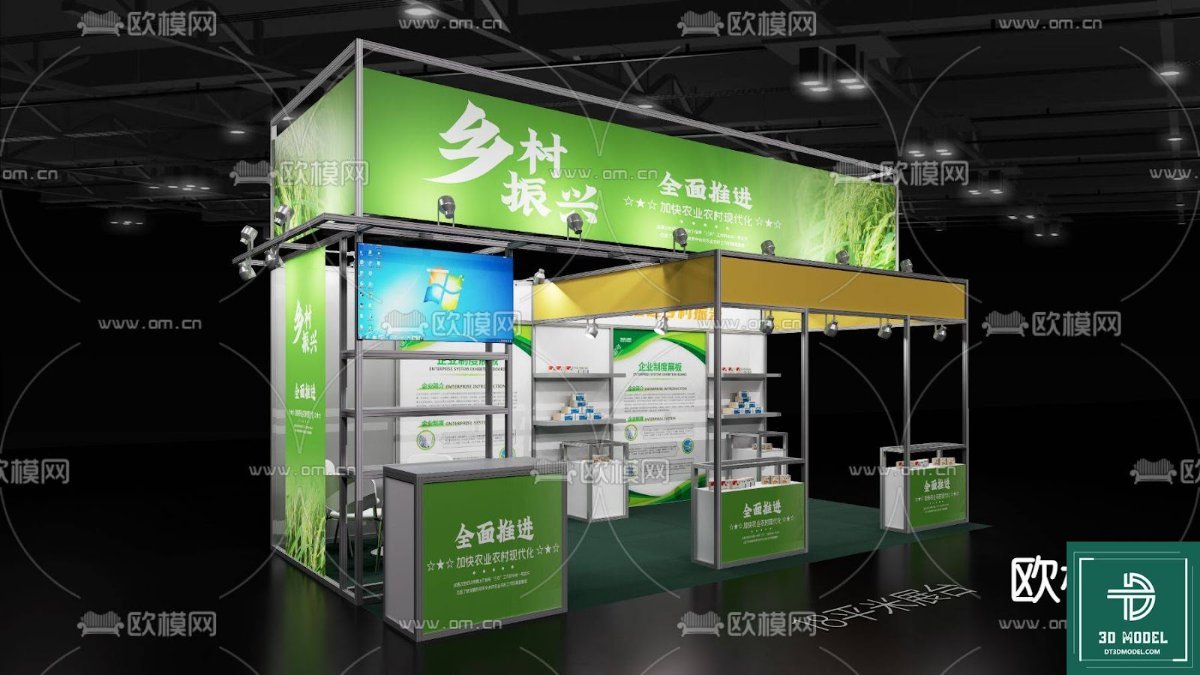
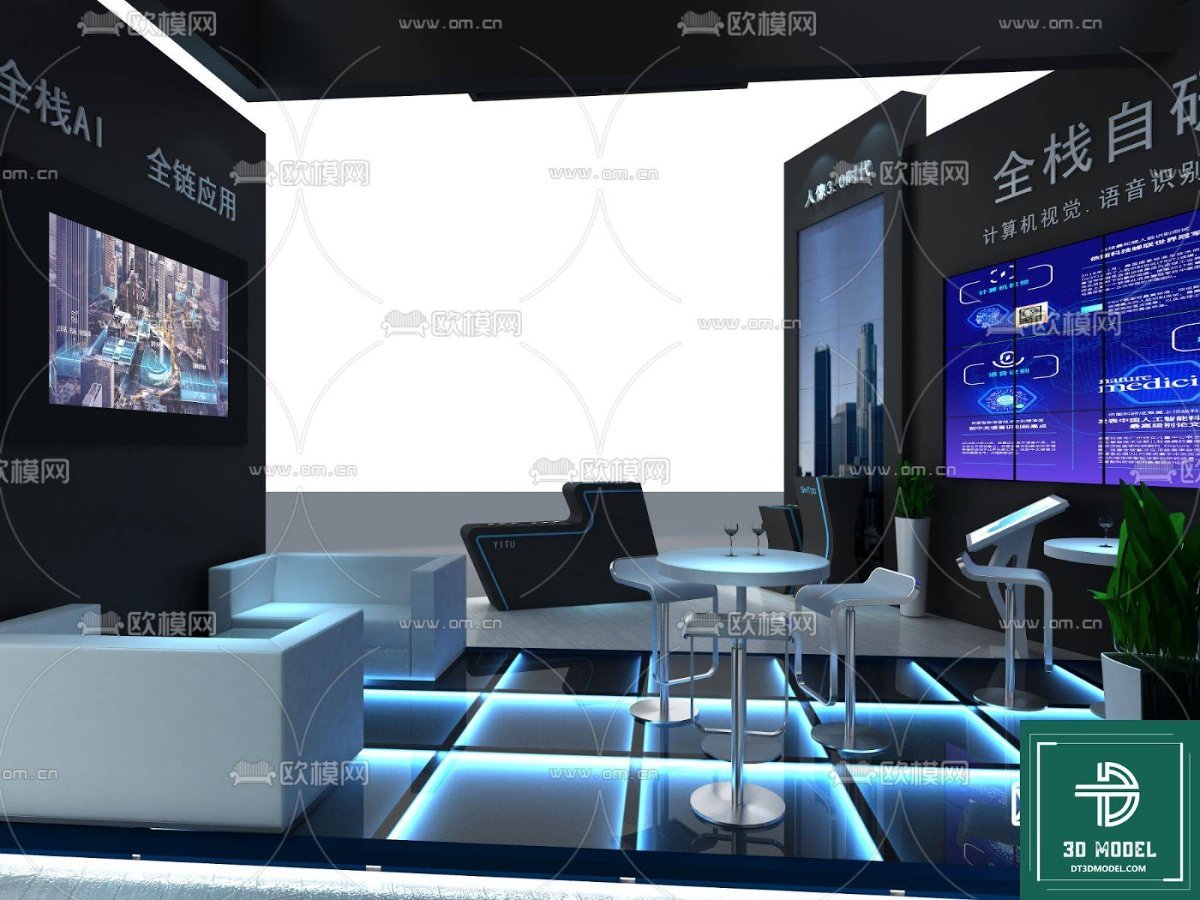
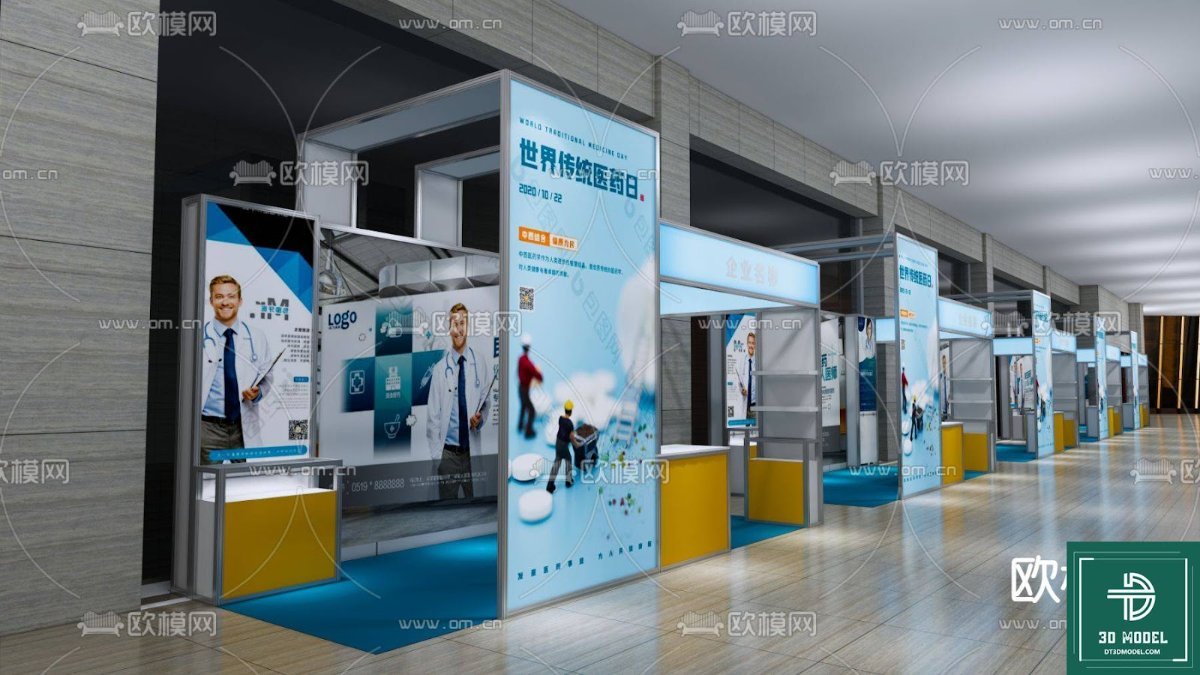
The "Phong trien lam SketchUp (61)" resource is more than just a 3D model; it’s a comprehensive design solution. This particular model showcases a modern, sleek exhibition booth with distinct features that can be adapted to various themes and branding requirements. The design incorporates elements such as:
- Dynamic Structure: A multi-level design with a curved overhead element, offering an eye-catching silhouette.
- Integrated LED Screens: Prominently placed LED displays for engaging multimedia content, a staple in contemporary exhibition spaces.
- Thematic Decor: Winter-themed elements like snowflakes and stylized trees suggest versatility for seasonal or specific product launches.
- Interactive Zones: Designated areas for product display, seating, and potential interactive experiences, enhancing visitor engagement.
- Lighting Design: Thoughtful integration of accent lighting to highlight key areas and create ambiance.
This detailed model provides a perfect starting point, allowing you to customize textures, colors, branding elements, and even the overall layout to perfectly match your client’s vision.
Optimal Resolution and Format for Professional Use
The "Phong trien lam SketchUp (61)" model is provided in a high-resolution format, ensuring crisp details and smooth rendering. The primary format is SketchUp’s native .skp file, which guarantees full compatibility with SketchUp software versions. This allows for seamless integration into your existing workflows. The model is meticulously crafted to maintain optimal polygon count, striking a balance between detail and performance, making it suitable for both quick conceptualization and final high-quality renders.
How to Utilize This Exhibition Booth Design SketchUp Model
Integrating "Phong trien lam SketchUp (61)" into your project is straightforward:
- Download: Access the ZIP file containing the SketchUp model from Posterfree.net.
- Import: Open the
.skpfile directly in SketchUp. - Customize: Begin modifying the booth elements. Change materials, colors, add your client’s logo, adjust lighting, and reposition components to fit your specific needs.
- Render: Utilize SketchUp’s rendering plugins (like V-Ray, Enscape, or Lumion) to produce photorealistic images and walkthroughs for client presentations.
- Plan: Use the model to generate accurate dimensions and layouts for fabrication and installation planning.
This resource is invaluable for creating compelling proposals, visualizing event spaces, and ensuring every detail of your exhibition booth is perfected before construction begins.
Posterfree.net: Your Go-To for Premium Graphic Resources
At Posterfree.net, we are committed to providing designers, architects, and creative professionals with an extensive library of high-quality, ready-to-use graphic resources. Our reputation for excellence stems from our dedication to curating assets that are not only aesthetically pleasing but also technically sound and highly functional. The "Phong trien lam SketchUp (61)" model is a testament to this commitment, offering a professional-grade solution for your exhibition booth design needs.
We understand the demands of the design industry, where time is often a critical factor. By offering meticulously crafted models like this exhibition booth design SketchUp, we aim to significantly reduce your design time, allowing you to focus more on creativity and less on foundational modeling. Explore our vast collection today and elevate your design projects with Posterfree.net’s premium resources.
FAQs about Exhibition Booth Design SketchUp Models
Hình ảnh demo liên quan
Câu hỏi thường gặp
What software is required to open ‘Phong trien lam SketchUp (61)’?
This resource is a SketchUp model, so you will need SketchUp software (Pro or Make) installed on your computer to open and edit the .skp file.
Can I customize the colors and textures of the booth?
Absolutely! The SketchUp model is fully editable, allowing you to easily change materials, apply new textures, and adjust colors to match your specific branding or design theme.
Is this model suitable for commercial projects?
Yes, resources from Posterfree.net, including ‘Phong trien lam SketchUp (61)’, are designed for professional use and can be incorporated into your commercial design projects. Please refer to our licensing terms for full details.
What resolution is the model provided in?
The model is provided in a high-resolution 3D format, optimized for detailed rendering and smooth performance within SketchUp. The visual quality will depend on your rendering settings and software.
Are there other similar exhibition booth models available on Posterfree.net?
Yes, Posterfree.net offers a diverse and growing collection of 3D models and graphic resources, including various exhibition booth designs. We encourage you to explore our categories for more options.





























