

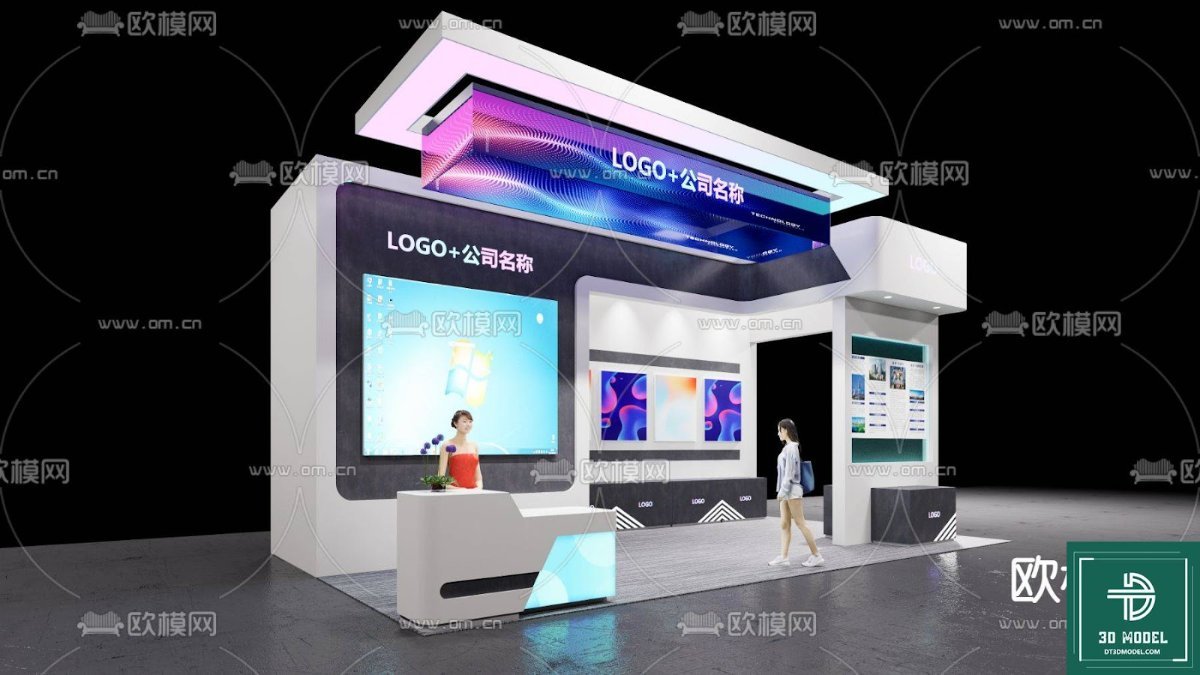
Exhibition Booth Design SketchUp. Discover premium exhibition booth design SketchUp models at Posterfree.net, perfect for creating stunning and functional trade show displays with ease and precision.
Elevate Your Event Presence with Premium Exhibition Booth Design SketchUp Models
In today’s competitive market, a compelling exhibition booth is more than just a space; it’s a powerful statement of your brand’s identity and innovation. At Posterfree.net, we understand the critical role a well-designed booth plays in attracting visitors, engaging prospects, and leaving a lasting impression. That’s why we’re proud to offer an extensive collection of high-quality exhibition booth design SketchUp models, meticulously crafted to help you visualize and execute your perfect trade show presence.
The Power of Professional Exhibition Booth Design SketchUp Resources
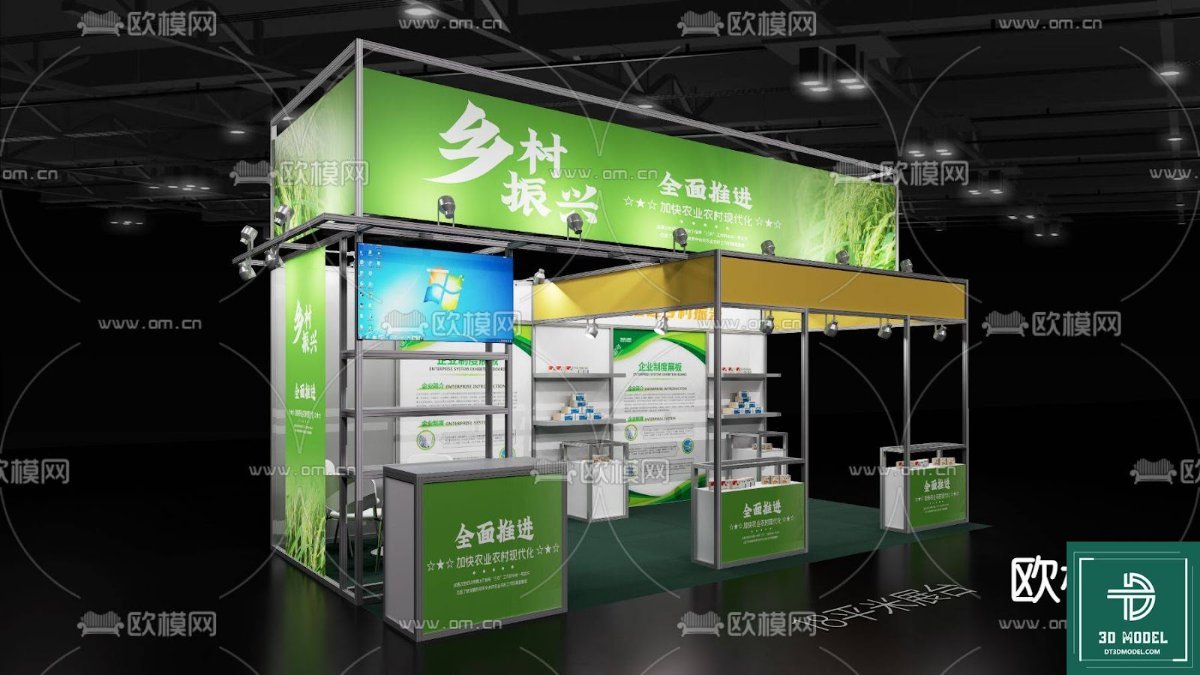
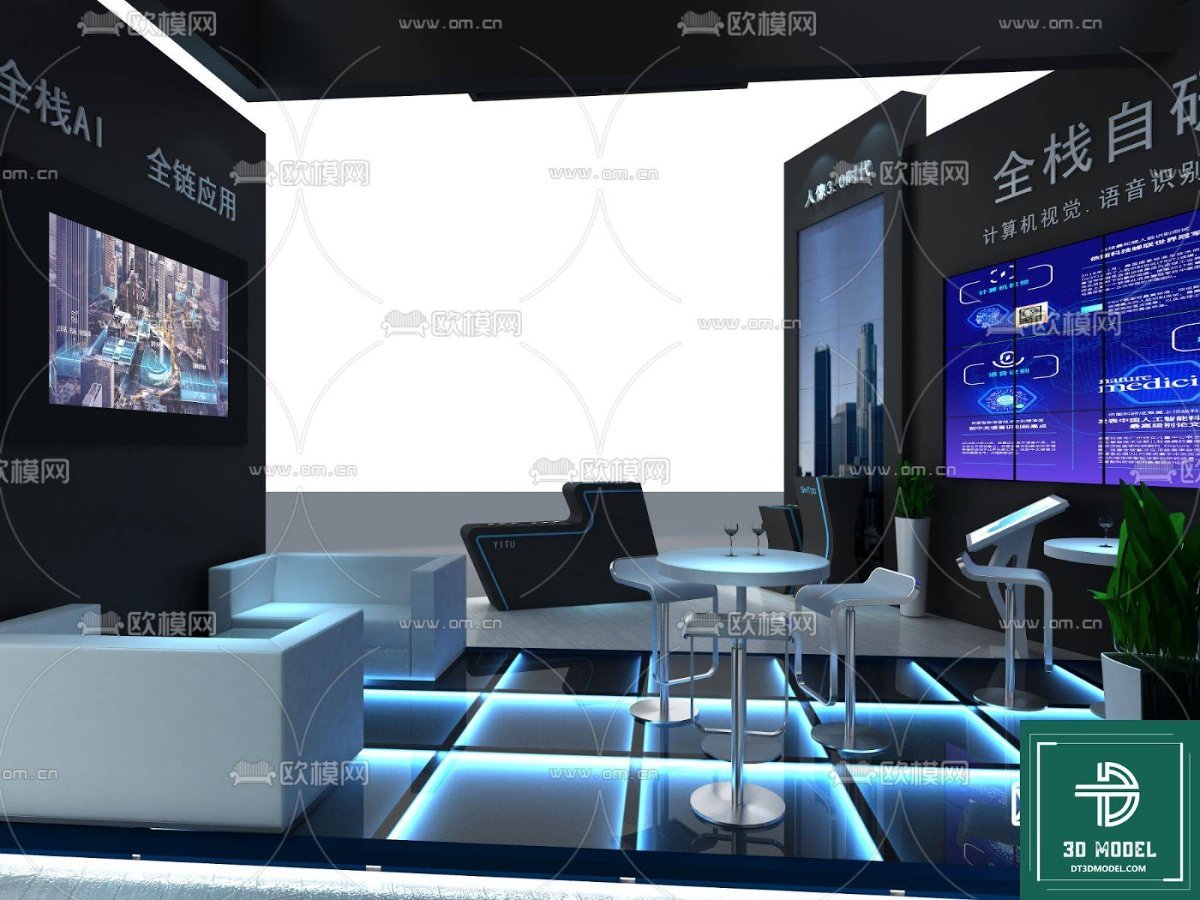
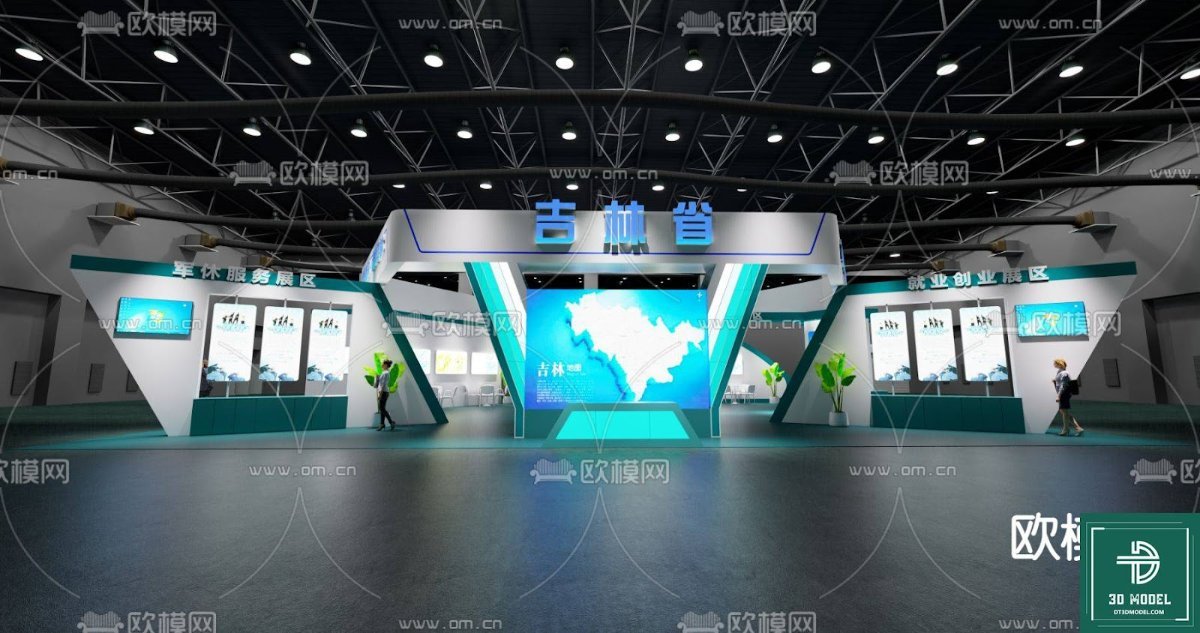
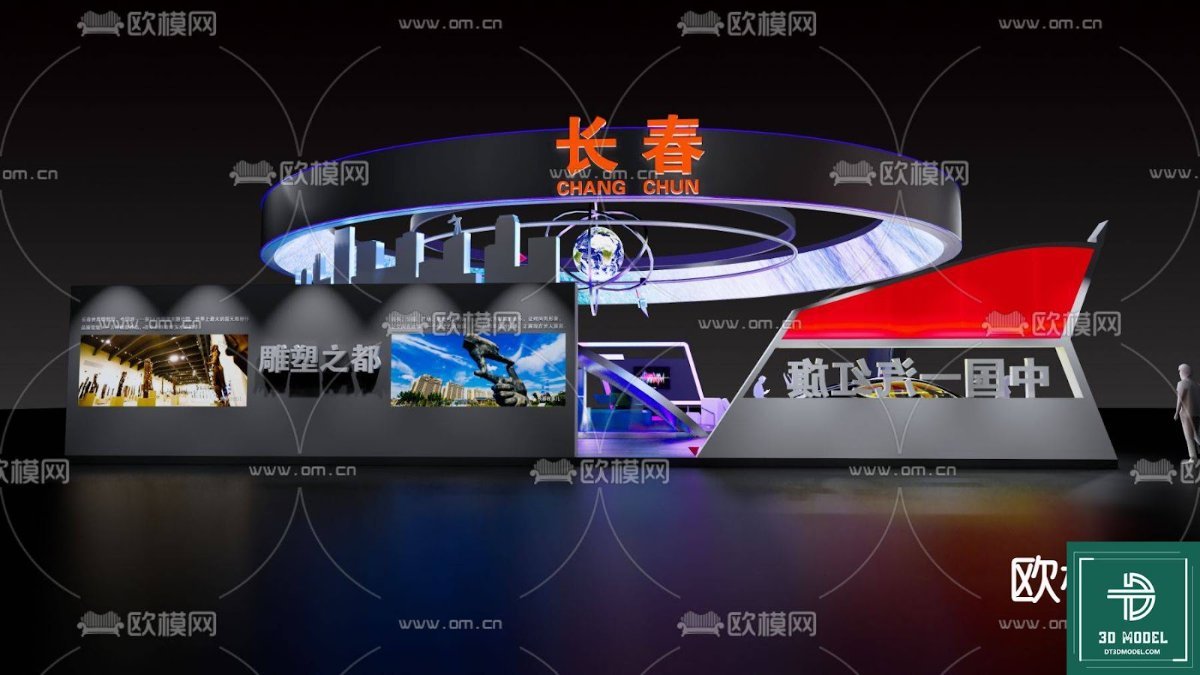
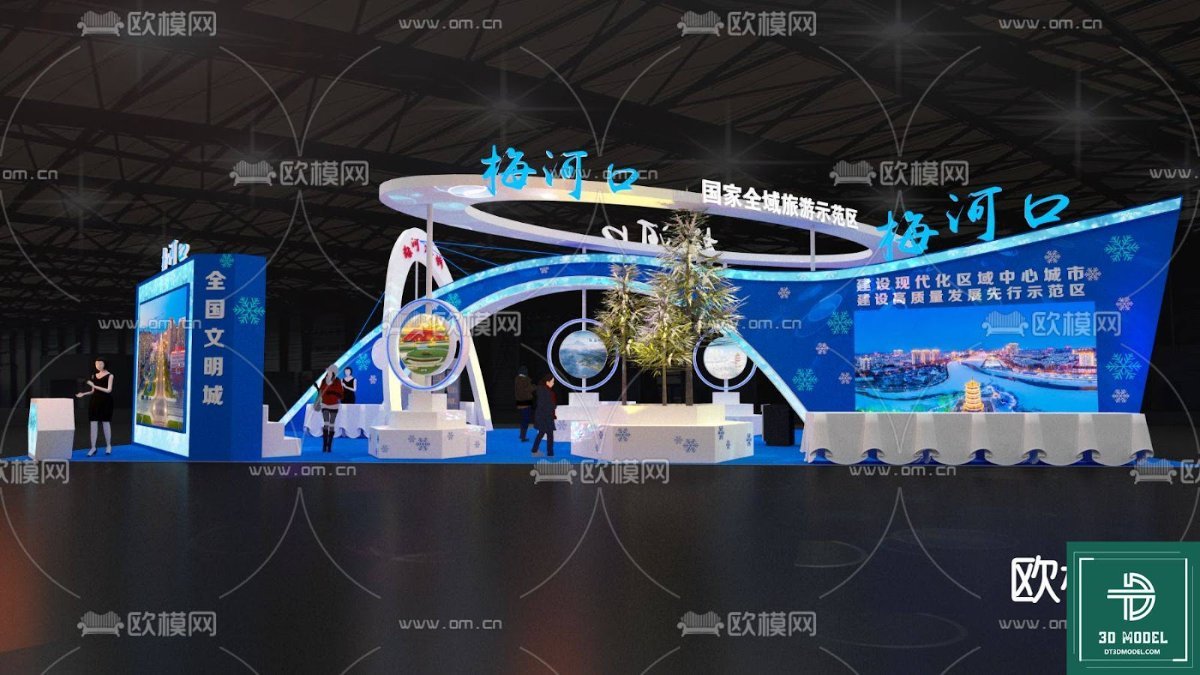
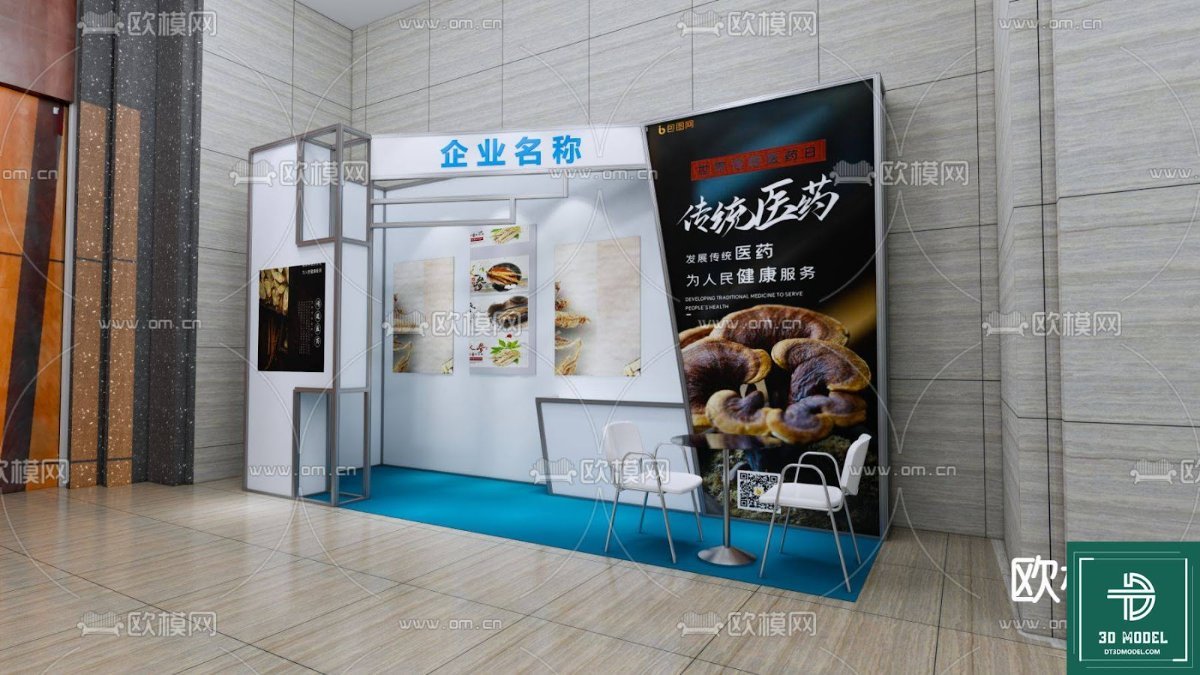
SketchUp has revolutionized the world of 3D design, offering an intuitive platform for architects, designers, and marketers to bring their visions to life. Our ‘Phong trien lam SketchUp (56)’ resource is a prime example of the detailed and versatile models available on Posterfree.net. This particular model provides a comprehensive framework for a modern, engaging exhibition space, complete with dynamic lighting, interactive display areas, and a welcoming reception counter. It’s designed to be easily customizable, allowing you to adapt it to your specific brand guidelines and event requirements.
Using a professional exhibition booth design SketchUp model from Posterfree.net means you can:
- Visualize with Precision: See your booth in 3D before construction, allowing for critical adjustments and refinements.
- Save Time and Resources: Reduce design iterations and material waste by having a clear plan from the outset.
- Impress Stakeholders: Present realistic renderings to clients and management, securing approvals with confidence.
- Ensure Functionality: Plan traffic flow, product placement, and interactive zones for maximum impact.
Key Features of Our ‘Phong trien lam SketchUp (56)’ Model
The ‘Phong trien lam SketchUp (56)’ model is a testament to the quality and attention to detail you can expect from Posterfree.net. This resource includes:
- Modern Aesthetic: A sleek, contemporary design that projects professionalism and innovation.
- Integrated Display Screens: Spaces for large digital displays, perfect for showcasing videos, presentations, or interactive content.
- Welcoming Reception Area: A dedicated counter for greeting visitors and managing inquiries efficiently.
- Overhead Branding Opportunities: Prominent areas for your logo and company name, ensuring high visibility.
- Flexible Layout: A versatile structure that can be adapted for various product launches, demonstrations, or networking events.
Our models are built with user-friendliness in mind. Whether you’re a seasoned SketchUp professional or new to 3D design, you’ll find our resources easy to navigate and modify. The clean geometry and organized layers ensure a smooth workflow, allowing you to focus on creative customization rather than technical hurdles.
How to Utilize Your Exhibition Booth Design SketchUp Model
Once you download your exhibition booth design SketchUp model from Posterfree.net, the possibilities are endless. Here’s a step-by-step guide to making the most of your new asset:
- Import into SketchUp: Open the model in your SketchUp software.
- Customize Branding: Replace placeholder logos and text with your own company’s branding. Adjust colors and textures to match your corporate identity.
- Arrange Displays: Populate the display screens with your marketing content, product images, or promotional videos.
- Add Furniture & Props: Integrate additional furniture, product displays, or decorative elements to enhance the booth’s appeal.
- Experiment with Lighting: Adjust the lighting to create different moods and highlight key areas of your booth.
- Render & Present: Use SketchUp’s rendering capabilities or integrate with external rendering software to create photorealistic images and walkthroughs for presentations.
The high resolution and detailed geometry of our models ensure that your final renders will be crisp, professional, and impactful, making your presentations truly stand out.
Why Choose Posterfree.net for Your Design Needs?
Posterfree.net has established itself as a premium destination for designers, marketers, and businesses seeking high-quality graphic resources. Our commitment to excellence is reflected in every asset we offer, including our extensive range of exhibition booth design SketchUp models. We pride ourselves on providing:
- Unmatched Quality: Every model is meticulously crafted by experienced designers, ensuring accuracy and aesthetic appeal.
- Diverse Selection: A wide variety of styles and configurations to suit every industry and event type.
- User-Friendly Resources: Models designed for ease of use, even for those new to 3D software.
- Regular Updates: A constantly growing library of fresh and innovative designs to keep you ahead of the curve.
- Exceptional Value: Access to professional-grade resources that save you time and money on design and development.
Our reputation as a reliable source for premium graphics is built on the satisfaction of our global community of users. When you choose Posterfree.net, you’re not just downloading a file; you’re gaining a powerful tool that enhances your creative workflow and elevates your projects.
Conclusion
A successful exhibition begins with exceptional design. With Posterfree.net’s ‘Phong trien lam SketchUp (56)’ and our other premium exhibition booth design SketchUp models, you have all the tools you need to create an unforgettable presence at your next event. Stop imagining and start creating your ideal exhibition space today. Explore our collection and transform your vision into a stunning reality with the unparalleled resources available at Posterfree.net.
Hình ảnh demo liên quan
Câu hỏi thường gặp
What is a SketchUp exhibition booth model?
A SketchUp exhibition booth model is a 3D digital representation of a trade show or event booth, created using SketchUp software. It allows designers to visualize, plan, and customize the booth layout, branding, and features before physical construction.
How can I use the ‘Phong trien lam SketchUp (56)’ model?
You can use this model to design and visualize your exhibition space. Import it into SketchUp, customize branding, adjust colors, add specific products, and create realistic renderings for client presentations or event planning. It’s ideal for architects, interior designers, and marketing professionals.
Are Posterfree.net’s SketchUp models easy to customize?
Yes, our SketchUp models, including the ‘Phong trien lam SketchUp (56)’, are designed for ease of use and customization. They feature organized layers and clean geometry, making it simple to modify elements like branding, colors, textures, and layouts to fit your specific needs.
What formats are available for this exhibition booth design?
The ‘Phong trien lam SketchUp (56)’ model is primarily available in the SKP format, which is native to SketchUp. This ensures full compatibility and optimal performance within the SketchUp environment.
Why should I choose Posterfree.net for SketchUp models?
Posterfree.net offers premium, high-quality SketchUp models crafted by experienced designers. We provide a diverse selection, user-friendly resources, and a commitment to excellence, making us a trusted source for professional graphic assets that enhance your creative projects.





























