

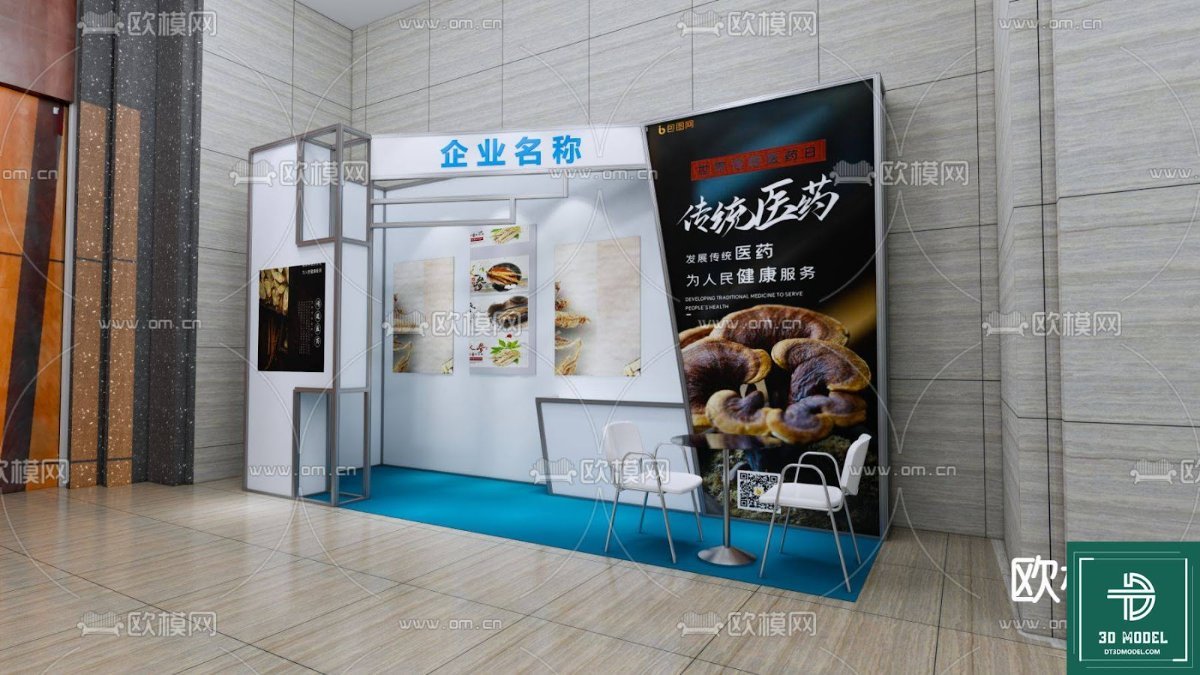
Exhibition Booth 3D Model SketchUp. Discover a versatile exhibition booth 3D model for SketchUp, perfect for visualizing your next trade show display with ease and precision.
Elevate Your Event Planning with a Premium Exhibition Booth 3D Model
In today’s competitive market, making a lasting impression at trade shows and exhibitions is crucial for businesses. The key to success often lies in meticulous planning and stunning visual presentations. This is where a high-quality exhibition booth 3D model becomes an invaluable asset. Posterfree.net is proud to present a versatile SketchUp 3D model, specifically designed to help you visualize and refine your exhibition space with unparalleled detail and realism.
Why Choose a 3D Model for Your Exhibition Booth Design?
Gone are the days of relying solely on 2D blueprints and static images. A 3D model offers a dynamic and immersive way to experience your booth design before it even takes physical form. Here’s why it’s a game-changer:
- Realistic Visualization: See exactly how your booth will look, from every angle, with accurate lighting and material representation. This helps in making informed decisions about layout, branding, and product placement.
- Early Problem Detection: Identify potential design flaws or spatial constraints long before construction begins, saving time and costly revisions.
- Enhanced Collaboration: Share the 3D model with clients, team members, and contractors for clearer communication and feedback, ensuring everyone is on the same page.
- Cost-Effectiveness: Minimize errors and rework, leading to significant cost savings in materials and labor.
- Marketing & Pitching Tool: Use the realistic renderings from the 3D model to create compelling marketing materials or impress potential clients and investors with your vision.
Introducing the “phong trien lam SketchUp (29)” Exhibition Booth 3D Model
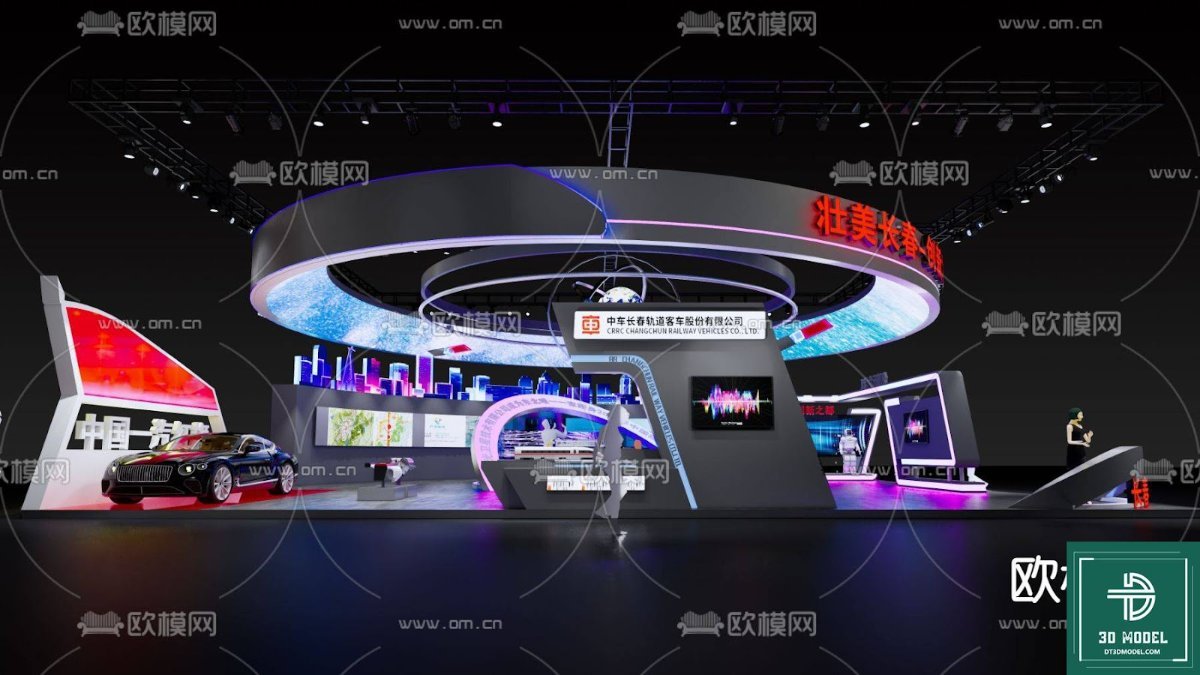
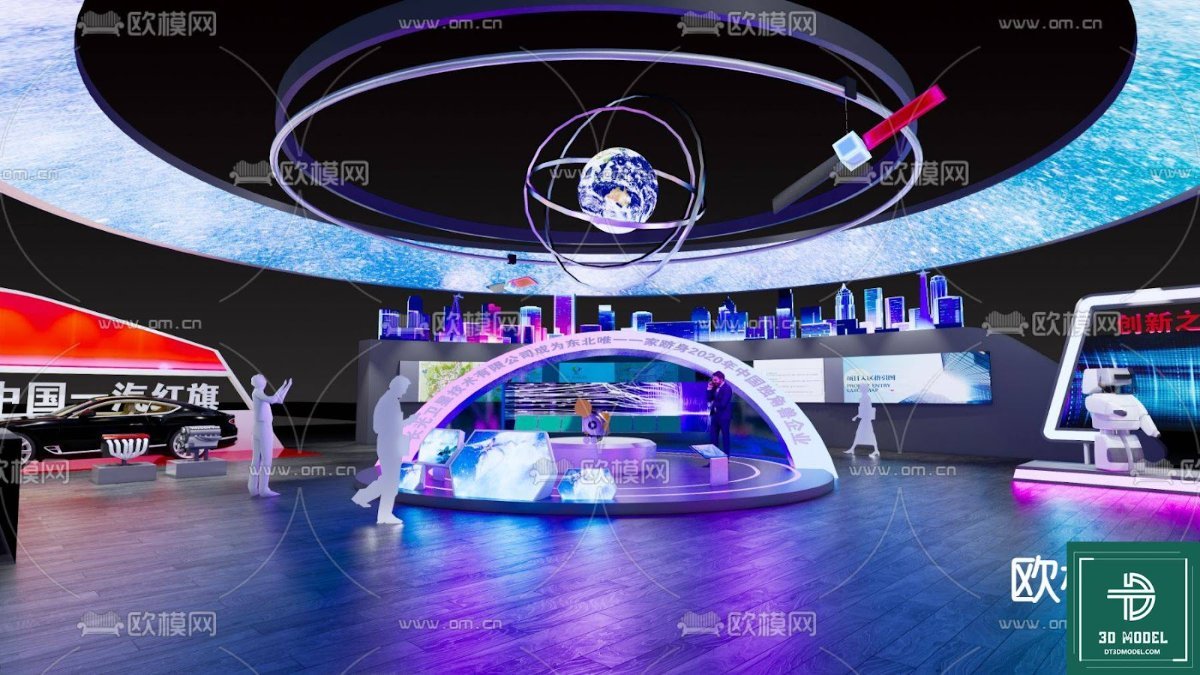
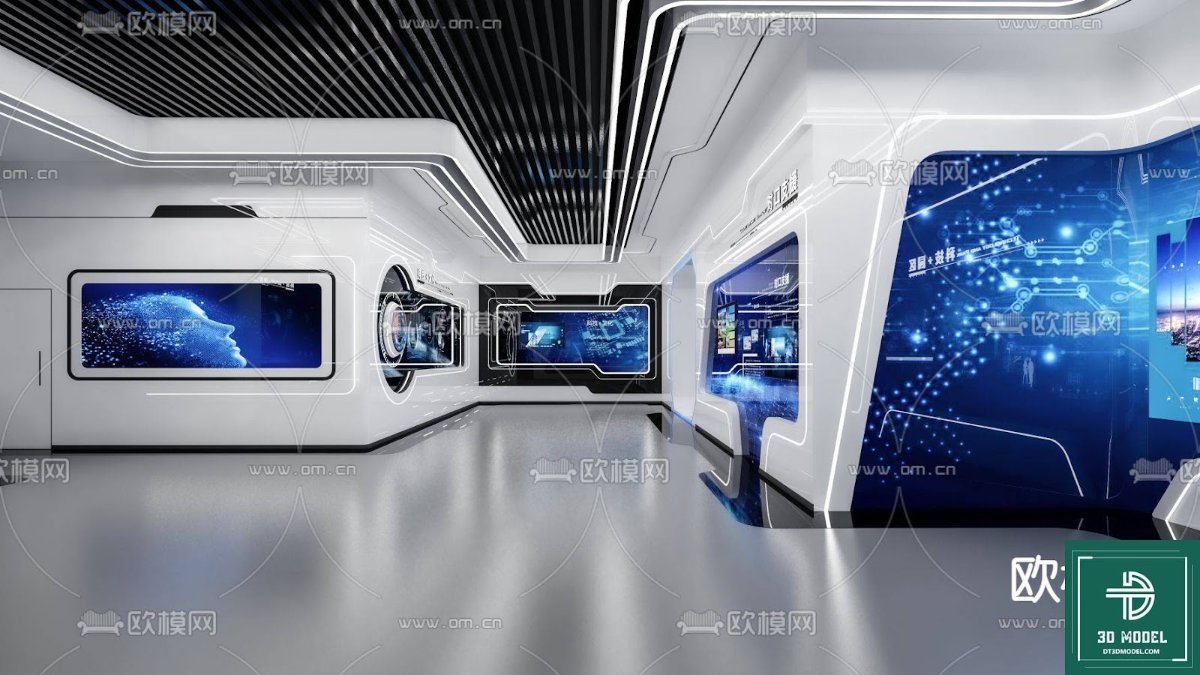
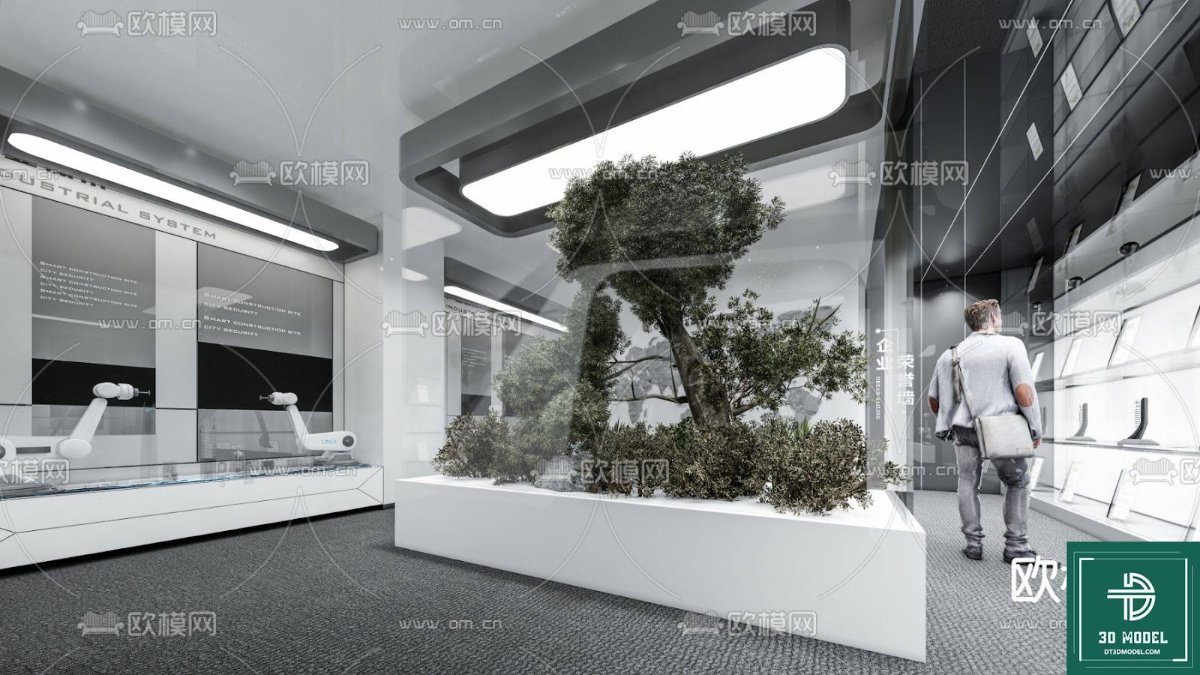
Our featured resource, “phong trien lam SketchUp (29)”, is a meticulously crafted exhibition booth 3D model designed for use with SketchUp. This model provides a comprehensive and realistic representation of a modern exhibition stand, complete with structural elements, display areas, seating, and prominent branding opportunities. The attention to detail ensures that you can accurately plan every aspect of your booth’s appearance and functionality.
Key Features and Analysis of This Specific Model:
This particular exhibition booth 3D model stands out due to several key characteristics:
- Modular Design: The model appears to feature a modular structure, allowing for flexibility in arrangement and adaptation to different venue sizes and requirements.
- Integrated Display Panels: Notice the large, prominent display panels on the back wall and side, ideal for showcasing high-impact graphics, product images, or brand messaging. The large vertical banner on the right provides an excellent opportunity for striking visual communication.
- Seating Area: The inclusion of a small table and chairs suggests a dedicated space for client meetings or casual discussions, enhancing the booth’s functionality.
- Lighting Considerations: While not explicitly detailed, the model provides a solid foundation for adding realistic lighting fixtures within SketchUp, further enhancing the visual appeal.
- Clean and Modern Aesthetic: The design features clean lines and a contemporary feel, making it suitable for a wide range of industries and branding styles.
- High Resolution Potential: When rendered in SketchUp, this model can produce high-resolution images, perfect for presentations, marketing materials, and detailed planning documents.
How to Effectively Use This Exhibition Booth 3D Model
Leveraging this exhibition booth 3D model in your workflow is straightforward and highly beneficial:
- Import into SketchUp: Download the model from Posterfree.net and import it directly into your SketchUp project.
- Customize Branding: Replace placeholder graphics with your company’s logos, product images, and promotional content on the display panels and banners.
- Arrange Layout: Experiment with different furniture arrangements, product placements, and visitor flow within the booth space.
- Material & Texture Application: Apply specific materials and textures to surfaces to match your brand guidelines or desired aesthetic.
- Lighting & Rendering: Add virtual lights to simulate different lighting conditions and render high-quality images or animations of your final design.
- Virtual Walkthroughs: Utilize SketchUp’s navigation tools to conduct virtual walkthroughs, giving you a real sense of the space.
Why Posterfree.net is Your Go-To Resource for 3D Models
At Posterfree.net, we are committed to providing premium, high-quality graphic resources that empower designers and businesses. Our collection of 3D models, including this exceptional exhibition booth 3D model, is curated to meet professional standards. We understand the importance of reliable and detailed assets for your projects, and our resources are designed to save you time and elevate the quality of your work. With Posterfree.net, you gain access to a vast library of meticulously crafted designs, ensuring you always find the perfect asset for your creative needs.
Conclusion
Investing in a well-designed exhibition booth 3D model like “phong trien lam SketchUp (29)” from Posterfree.net is an investment in the success of your next event. It provides the tools necessary to visualize, refine, and present your booth design with confidence and precision. Download this versatile model today and transform your exhibition planning process into a streamlined, visually rich experience.
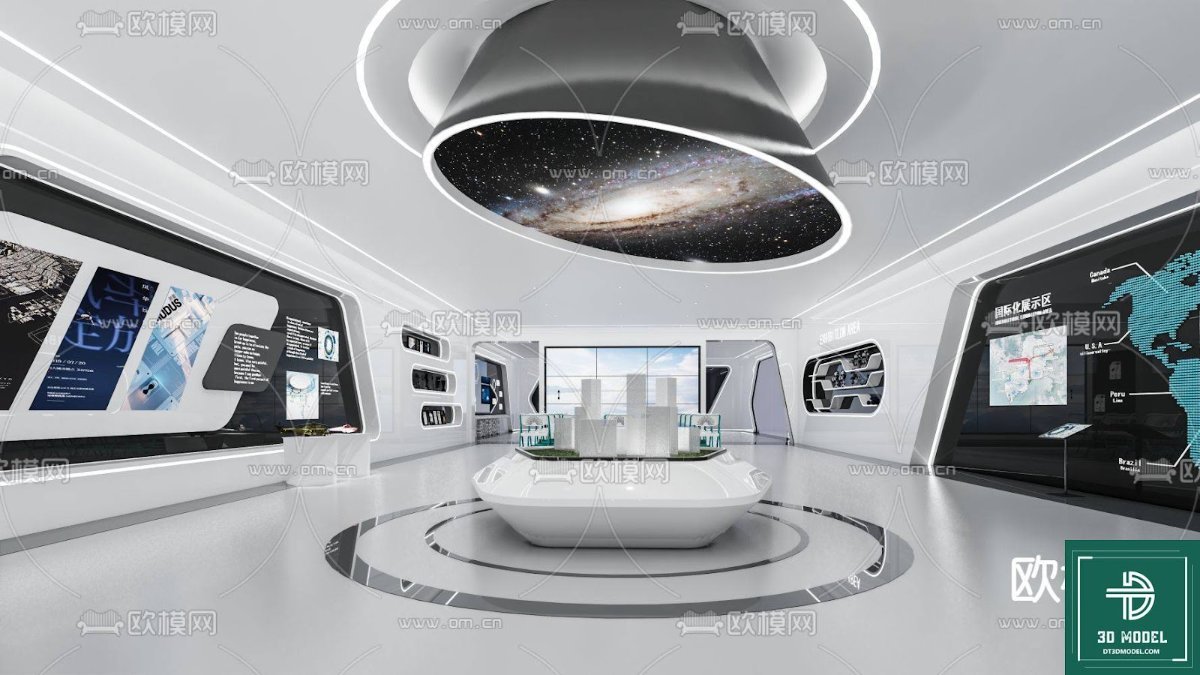
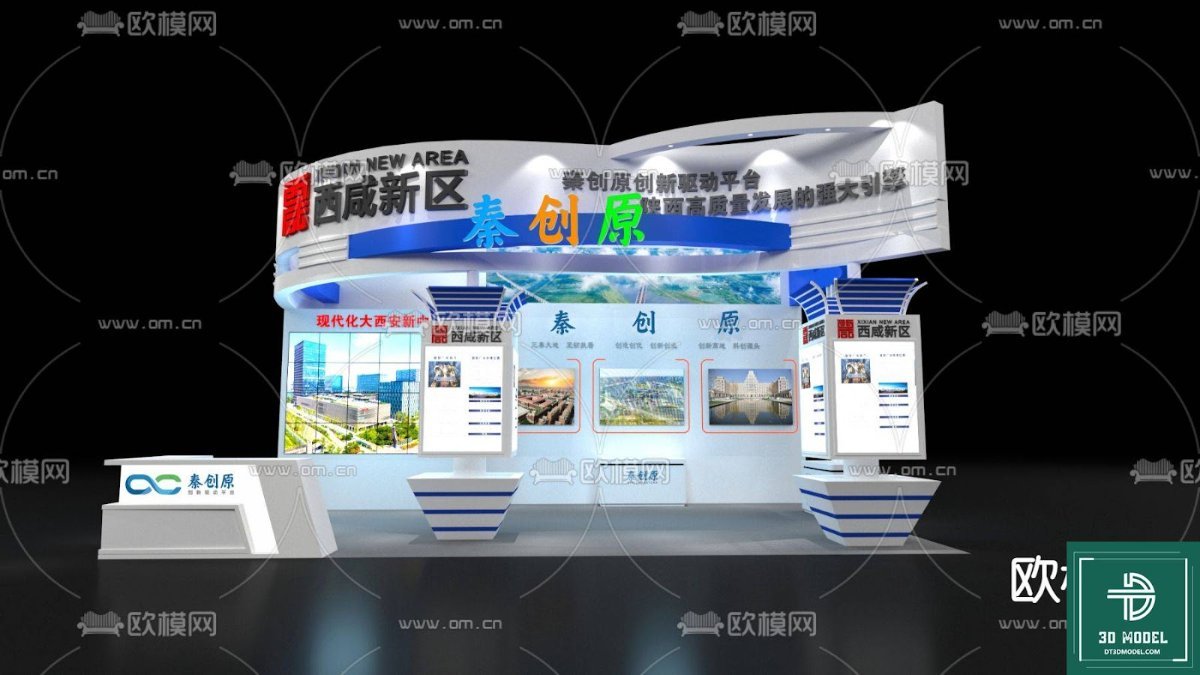
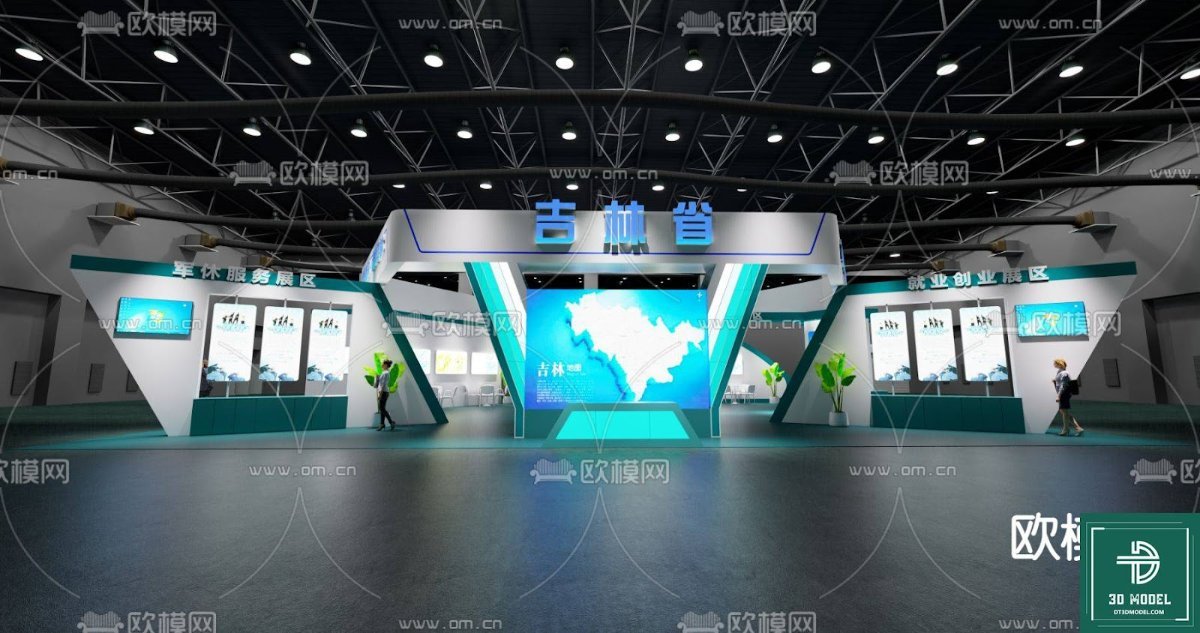
Hình ảnh demo liên quan
Câu hỏi thường gặp
What software is required to use this exhibition booth 3D model?
This 3D model is specifically designed for SketchUp, so you will need SketchUp software to open and edit it.
Can I customize the branding and graphics on the booth model?
Yes, the model is designed to allow for easy customization. You can replace the placeholder graphics with your own company logos, product images, and promotional content within SketchUp.
Is this 3D model suitable for commercial use?
Please refer to the licensing terms on Posterfree.net for specific details regarding commercial use of this resource. Generally, resources from Posterfree.net are intended for professional applications.
What are the benefits of using a 3D model for exhibition planning?
Using a 3D model allows for realistic visualization, early detection of design flaws, enhanced collaboration with stakeholders, cost savings by minimizing rework, and serves as an effective marketing and pitching tool.





























