

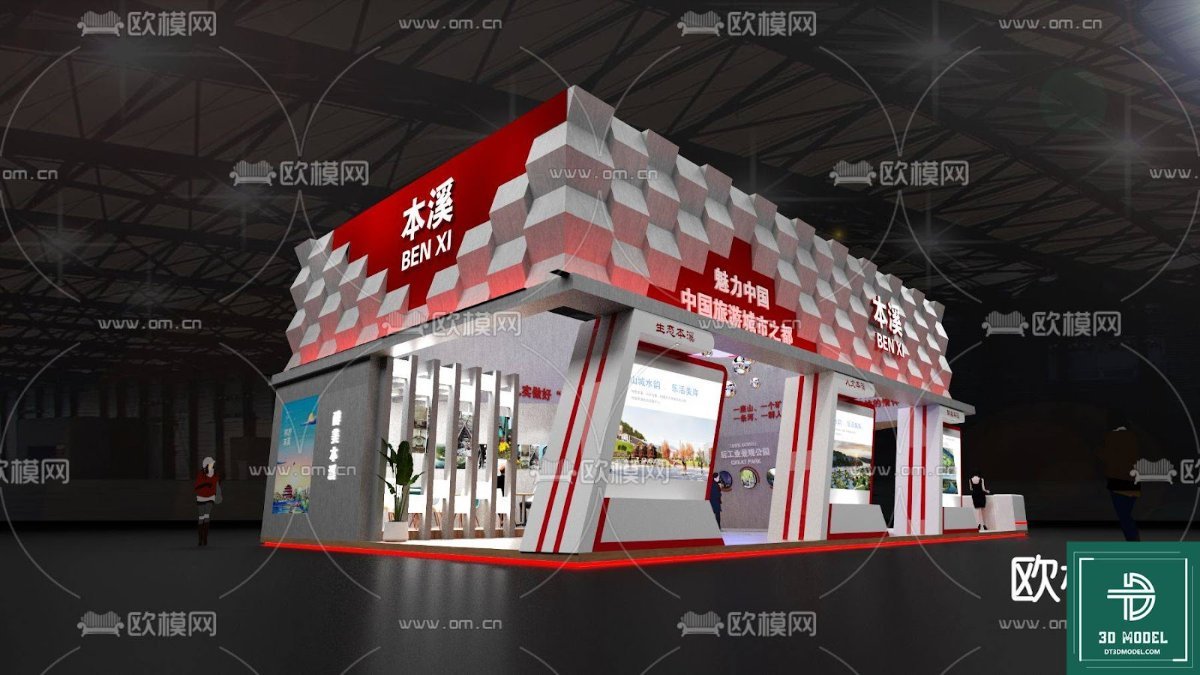
Exhibition Booth 3D Model. Discover a premium exhibition booth 3D model, perfect for visualizing your next trade show presence. This detailed model helps you plan and design with ease.
Elevate Your Event Planning with a Premium Exhibition Booth 3D Model
In the competitive world of trade shows and exhibitions, making a lasting impression is paramount. A well-designed booth not only attracts visitors but also effectively communicates your brand’s message. For designers, marketers, and event planners, visualizing these spaces before construction is crucial. This is where a high-quality exhibition booth 3D model becomes an indispensable tool. Posterfree.net is proud to offer a meticulously crafted 3D model that empowers you to conceptualize, refine, and present your exhibition space with unparalleled realism and precision.
The Power of Visualization: Why a 3D Model Matters
Gone are the days of relying solely on 2D sketches or vague descriptions. A 3D model provides a comprehensive, immersive view of your proposed exhibition booth. It allows you to:
- Experiment with Layouts: Easily test different configurations, product placements, and traffic flows.
- Visualize Branding: See how your logos, color schemes, and promotional graphics will appear in a realistic setting.
- Identify Potential Issues: Spot design flaws or logistical challenges before they become costly problems during construction.
- Impress Stakeholders: Present your vision to clients, management, and partners with professional, engaging visuals that leave no room for misinterpretation.
- Save Time and Money: Reduce the need for physical prototypes and costly last-minute changes.
Our featured exhibition booth 3D model is designed to meet these needs, offering a robust foundation for your creative process.
Detailed Analysis of Our Exhibition Booth 3D Model
The ‘phong trien lam SketchUp (34)’ resource available on Posterfree.net is a prime example of a professional-grade exhibition booth 3D model. Let’s delve into its key features and benefits:
Format and Compatibility: SketchUp Excellence
This 3D model is provided in the SketchUp format. SketchUp is renowned for its user-friendly interface and powerful 3D modeling capabilities, making it a favorite among architects, interior designers, and exhibition stand builders. The native SketchUp format ensures seamless integration into your existing workflows if you’re already familiar with the software. For those new to 3D modeling, SketchUp’s intuitive tools make it relatively easy to learn and modify the model to your specific requirements.
Resolution and Detail: A Feast for the Eyes
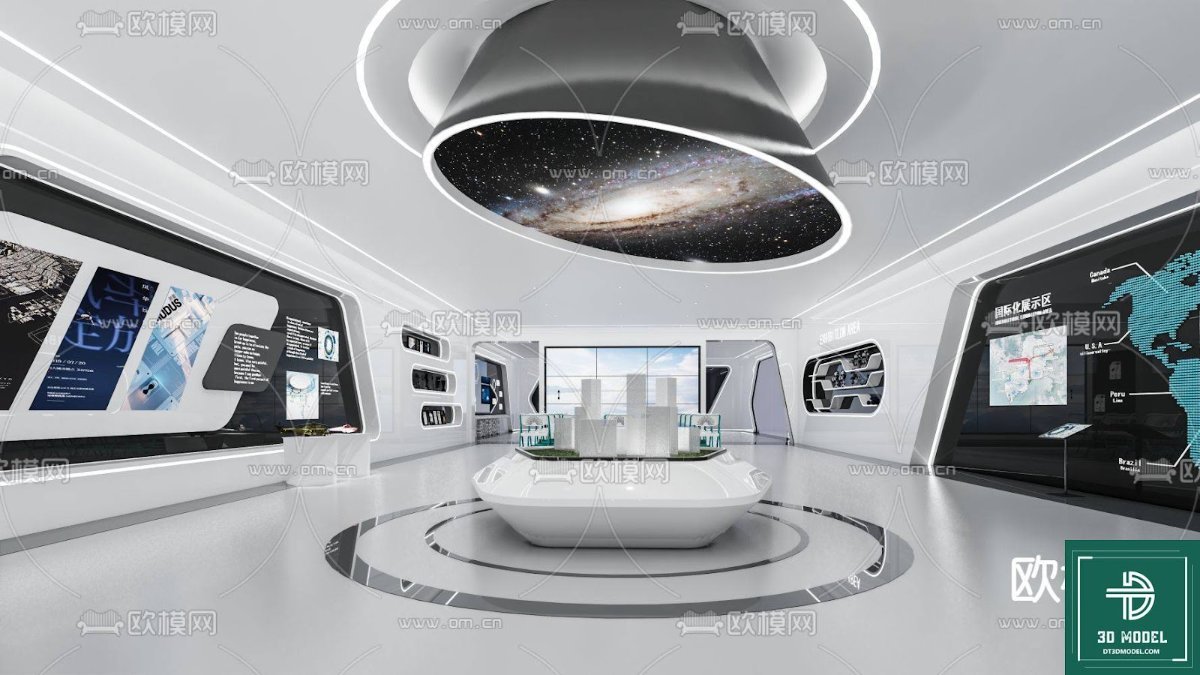
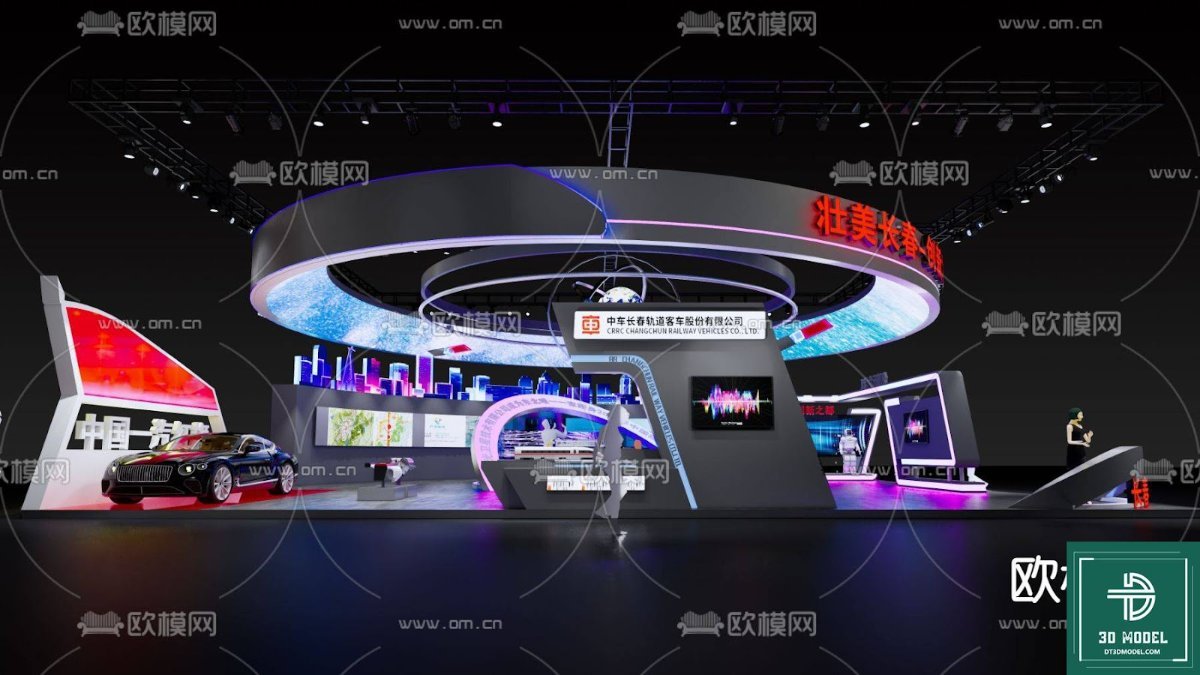
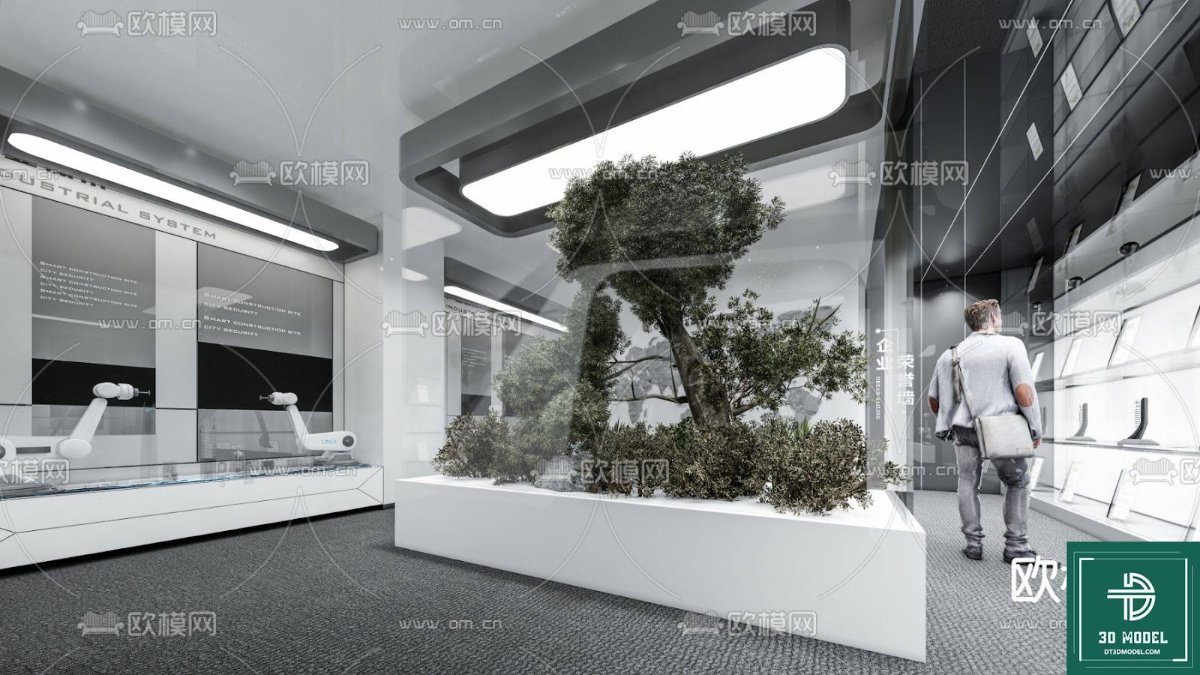
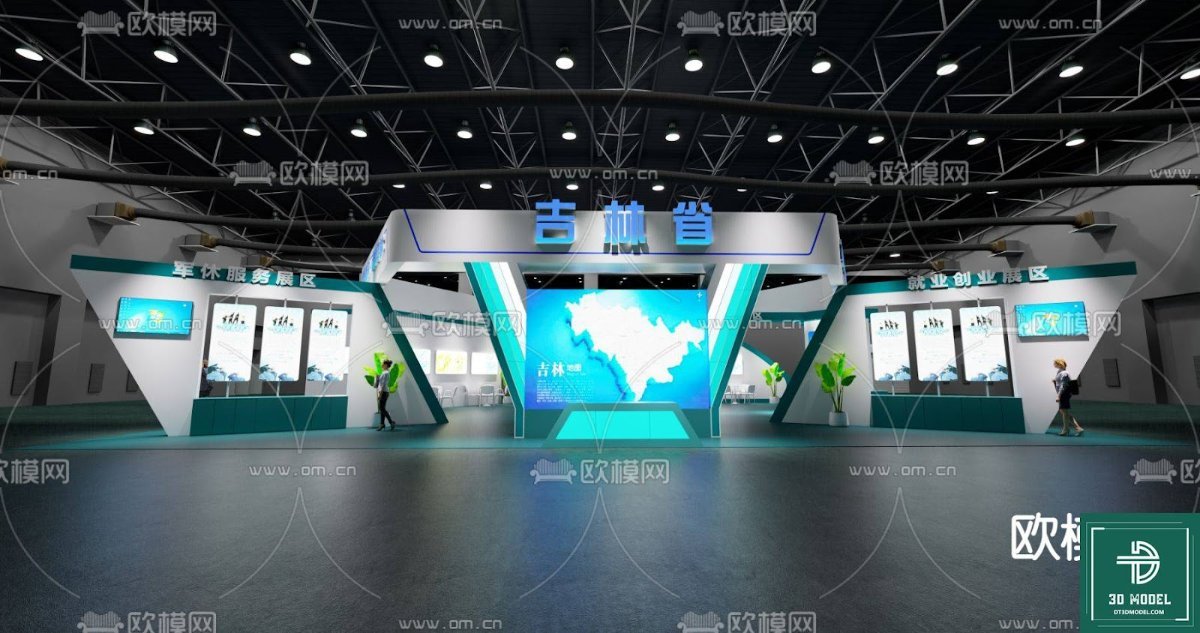
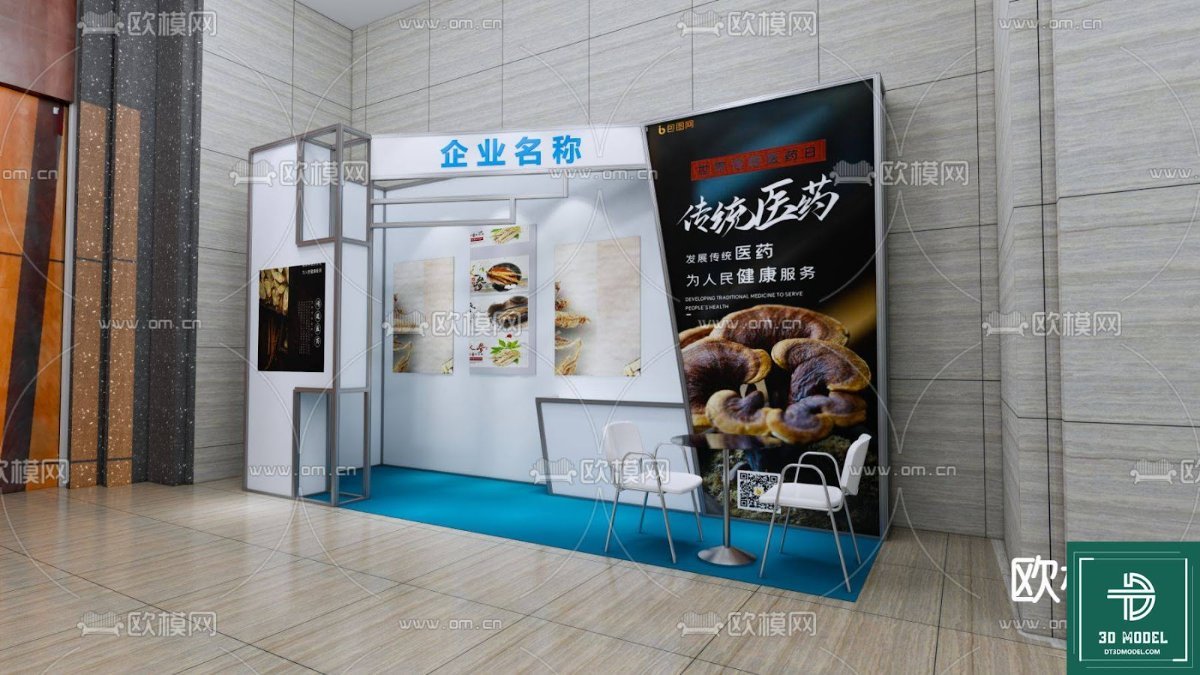
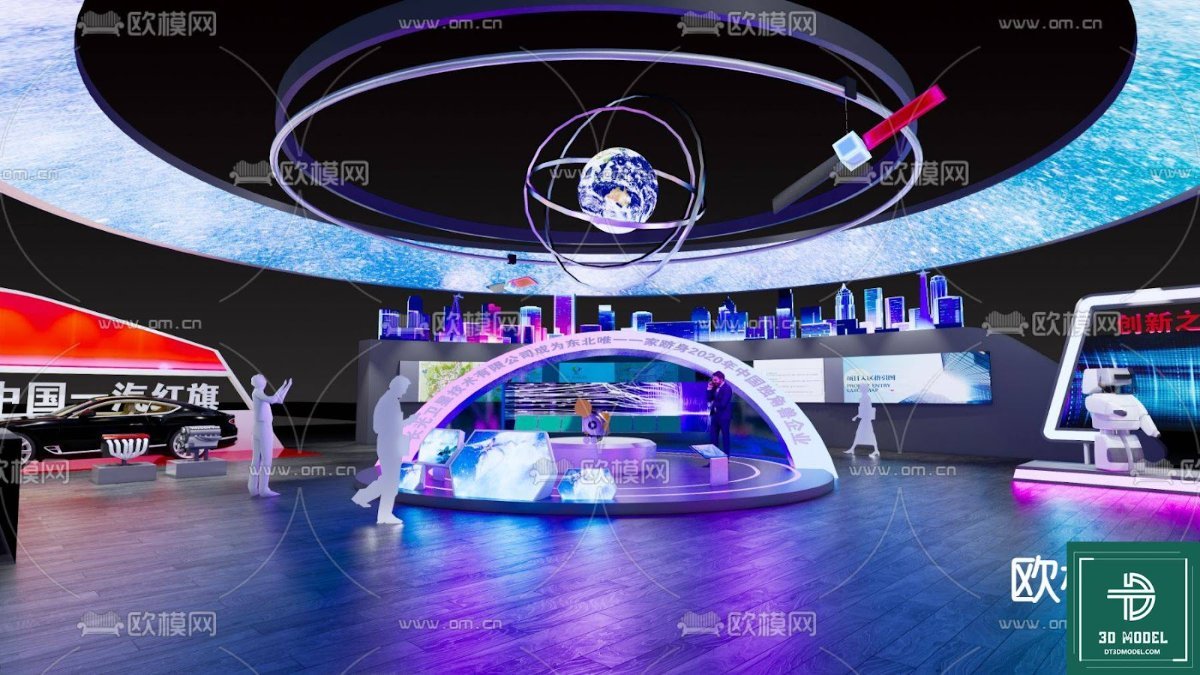
The model boasts excellent resolution and attention to detail. From the structural elements like walls and ceilings to the smaller decorative components and display areas, every aspect is rendered with precision. The textures and materials applied to the model give it a realistic appearance, allowing you to accurately judge how different surfaces will look under various lighting conditions. This high level of detail is crucial for creating convincing presentations and making informed design decisions.
Design Aesthetics: Modern and Versatile
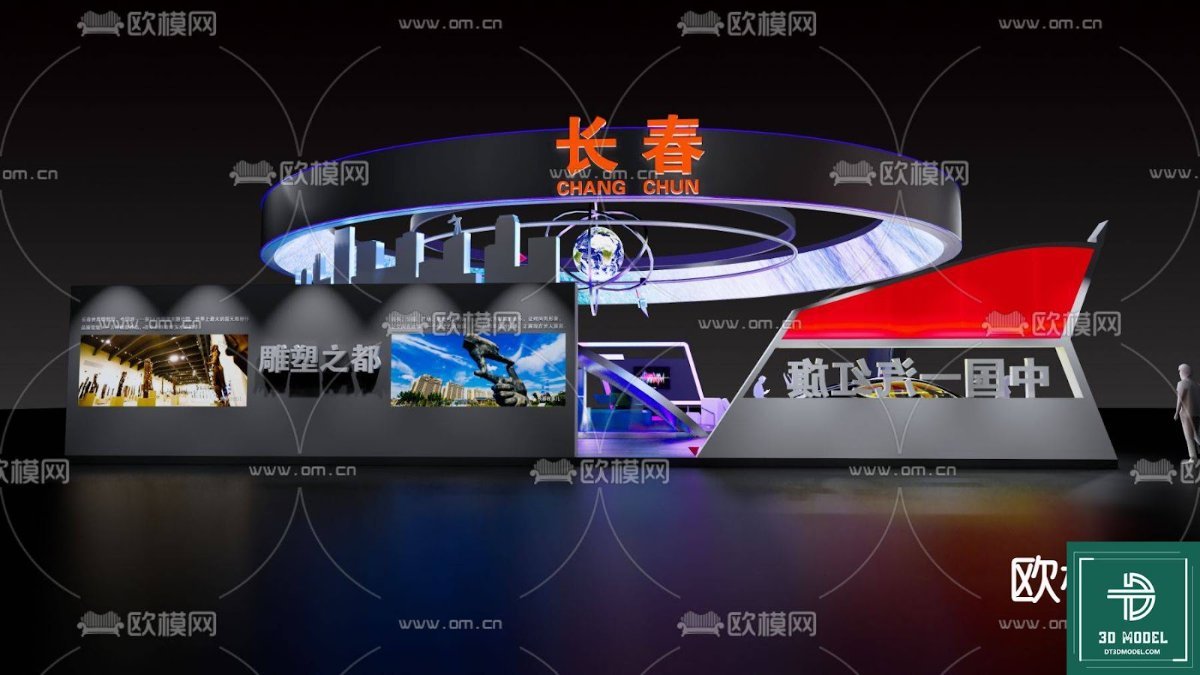
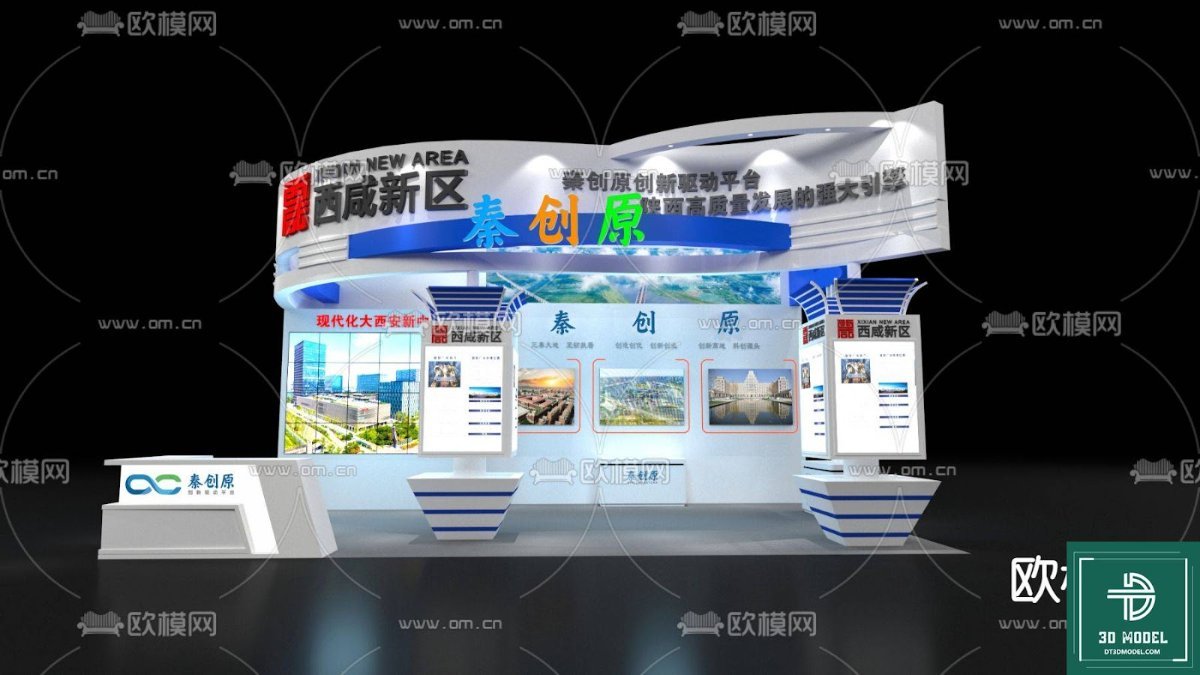
The design of this particular exhibition booth 3D model is modern and versatile, featuring a striking red and white color scheme with geometric patterns on the upper facade. This contemporary aesthetic makes it suitable for a wide range of industries, from technology and automotive to consumer goods and services. The open-plan layout with large glass panels invites visitors, while dedicated display areas provide ample space for product showcases and interactive experiences. The modular nature of the design also suggests possibilities for customization and adaptation to different venue sizes and brand identities.
How to Utilize This Exhibition Booth 3D Model
Leveraging this exhibition booth 3D model from Posterfree.net is straightforward. Here’s a step-by-step guide:
- Download the Model: Access the ‘phong trien lam SketchUp (34)’ resource from Posterfree.net.
- Open in SketchUp: Import the file into your SketchUp software.
- Customize and Brand: Modify the existing elements to match your brand guidelines. Change colors, add your logos, incorporate specific furniture, and place your product displays.
- Lighting and Rendering: Experiment with different lighting setups to simulate various times of day or event atmospheres. Use SketchUp’s rendering capabilities or integrate with external renderers for photorealistic outputs.
- Walkthroughs and Presentations: Create virtual walkthroughs or generate high-quality images and animations to present your booth design to stakeholders.
This model serves as an excellent starting point, saving you countless hours of modeling from scratch and allowing you to focus on the creative aspects of your booth design.
Why Choose Posterfree.net for Your 3D Models?
Posterfree.net has established itself as a premium resource for high-quality graphic assets, and our collection of 3D models is no exception. We understand the demands of professional designers and strive to provide resources that are not only aesthetically pleasing but also technically sound and easy to use. When you choose Posterfree.net, you benefit from:
- Curated Selection: Every asset, including this exhibition booth 3D model, is carefully selected for its quality and utility.
- Professional Standards: Our resources meet industry standards, ensuring they are suitable for commercial projects.
- Ease of Access: A user-friendly platform makes finding and downloading the assets you need quick and efficient.
- Value for Money: We offer exceptional value, providing premium resources that enhance your projects without breaking the bank.
Investing in a quality exhibition booth 3D model from Posterfree.net means investing in efficiency, professionalism, and impactful presentations. Let us help you bring your next exhibition vision to life with confidence and flair.
Hình ảnh demo liên quan
Câu hỏi thường gặp
What software is required to use this 3D model?
This 3D model is provided in the SketchUp format (.skp), so you will need SketchUp software to open and edit it.
Can I customize the colors and branding of the booth?
Yes, the model is fully customizable within SketchUp. You can easily change colors, apply your brand’s logos, and modify textures to match your specific requirements.
Is this model suitable for commercial projects?
Yes, all resources from Posterfree.net, including this exhibition booth 3D model, are designed for professional use and can be incorporated into commercial projects.
What level of detail can I expect from this 3D model?
The model features excellent resolution and attention to detail, including structural elements, display areas, and realistic textures, making it ideal for high-quality visualizations and presentations.





























