

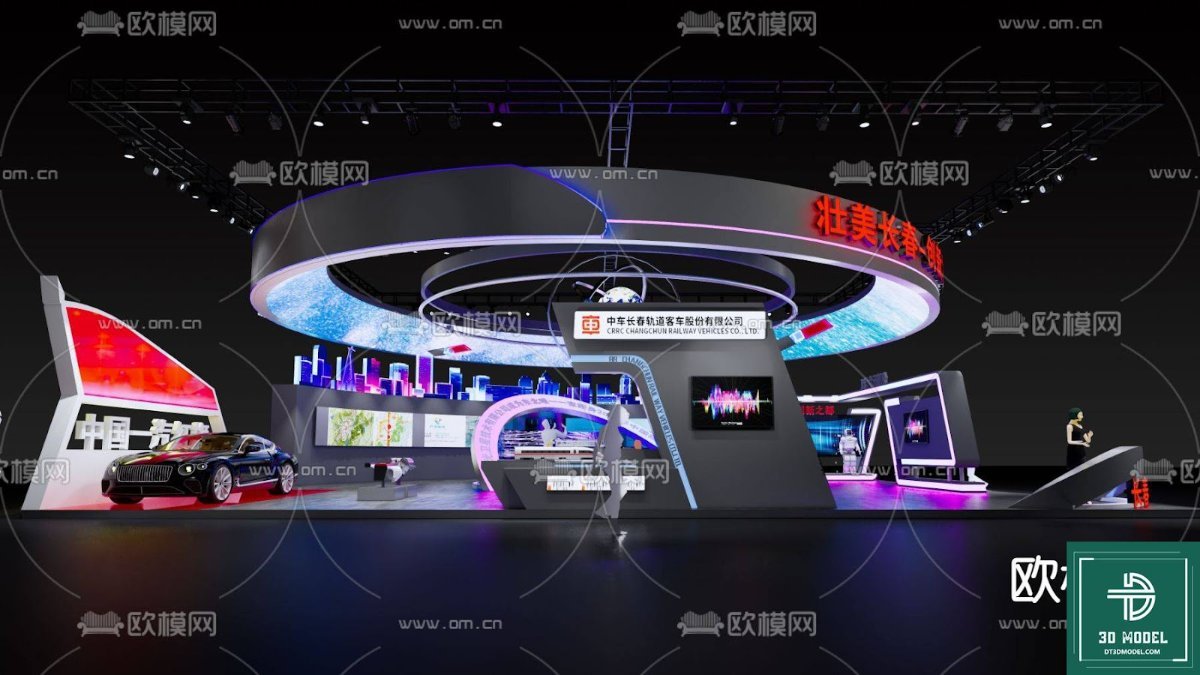
Exhibition Booth 3D Model. Discover a stunning exhibition booth 3D model, perfect for visualizing your next event. This detailed 3D model is available for download, enhancing your design projects.
Elevate Your Event Planning with a Premium Exhibition Booth 3D Model
In the competitive world of events and trade shows, making a lasting impression is paramount. Visualizing your booth design before construction is crucial for success, allowing for adjustments and refinements that save time and money. This is where a high-quality exhibition booth 3D model becomes an indispensable tool. Posterfree.net is proud to present a meticulously crafted 3D model that brings your exhibition concepts to life with unparalleled detail and realism.
The Power of 3D Visualization in Exhibition Design
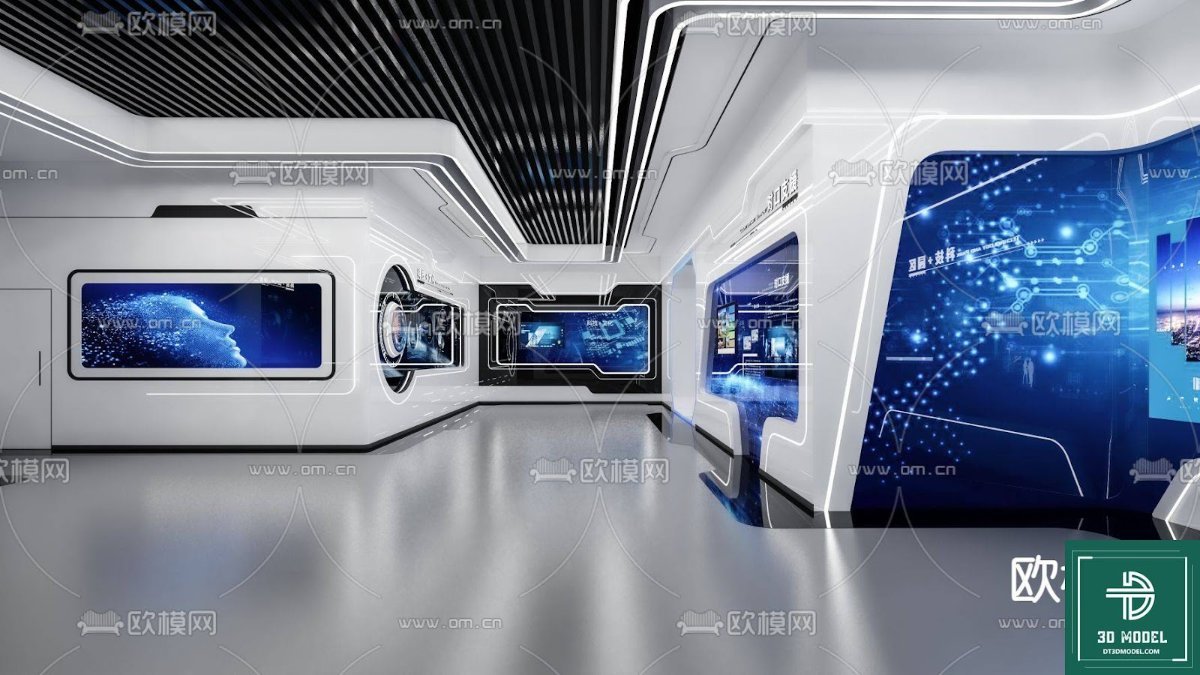
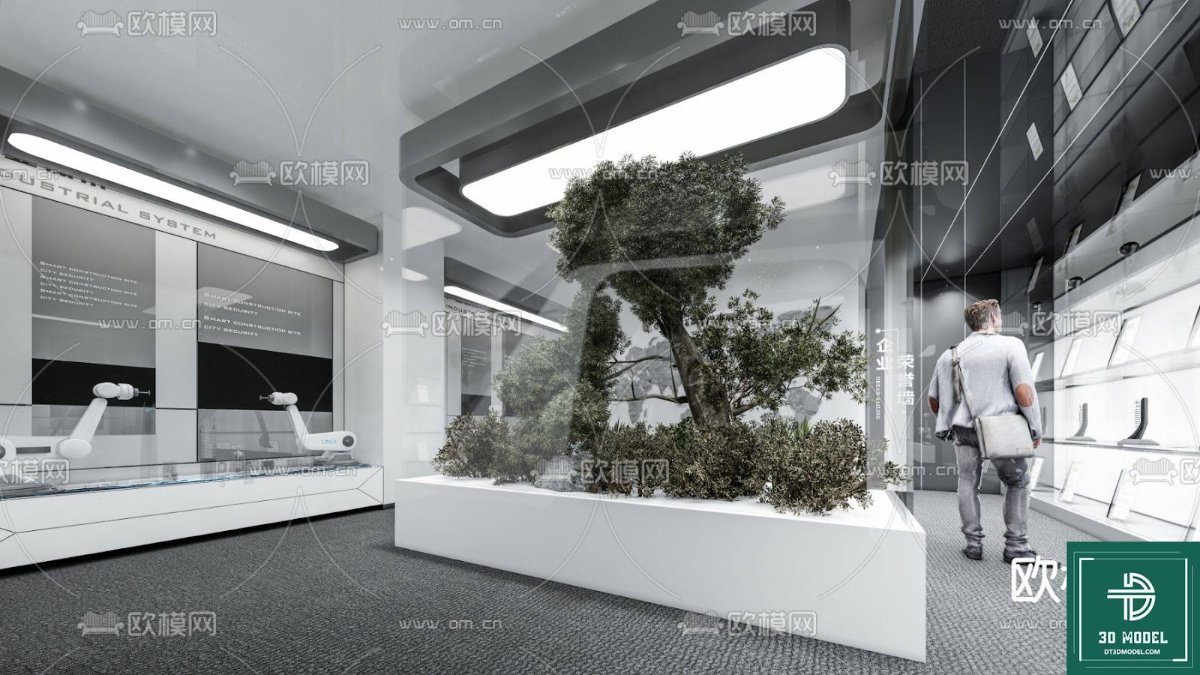
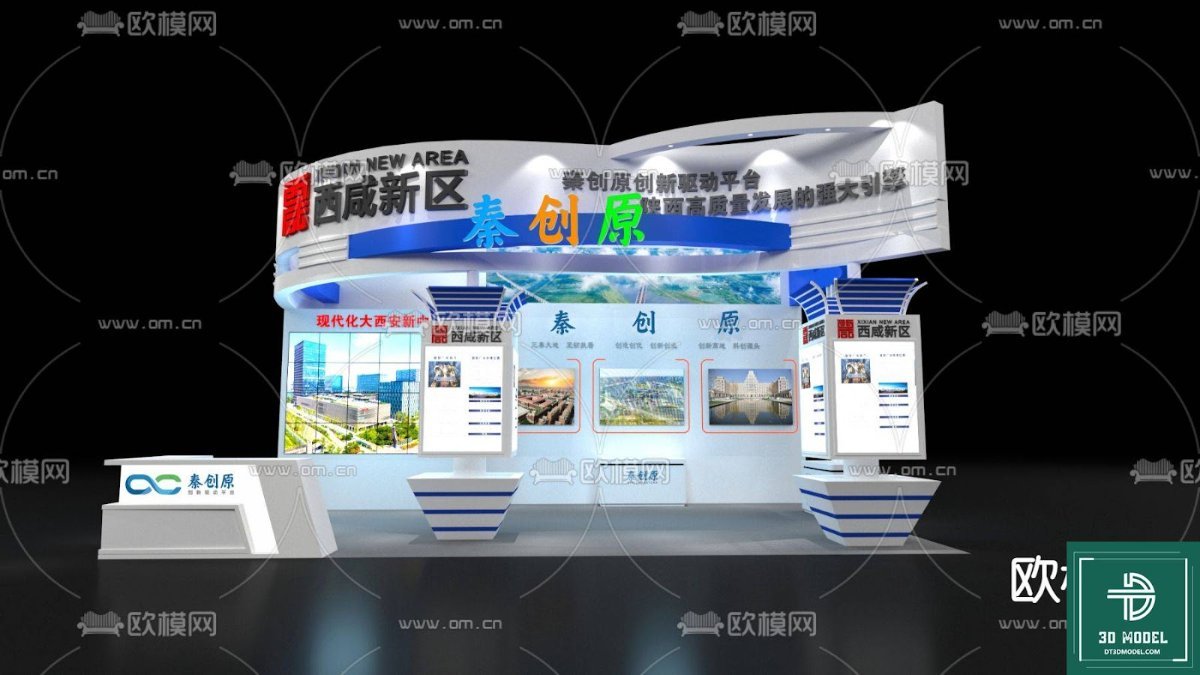
Gone are the days of relying solely on 2D sketches or basic mock-ups. A comprehensive exhibition booth 3D model offers a dynamic and immersive way to explore every aspect of your design. From the layout and flow to lighting and branding elements, a 3D model provides a complete spatial understanding. This particular model, ‘phong trien lam SketchUp (21)’, showcases a modern, high-tech aesthetic, perfect for automotive, technology, or innovative product launches.
Key benefits of using this 3D model:
- Realistic Previews: See exactly how your booth will look, allowing for early identification of potential issues.
- Enhanced Collaboration: Share the 3D model with clients and team members for clear communication and feedback.
- Cost Savings: Avoid expensive last-minute changes during construction by finalizing designs virtually.
- Marketing Advantage: Use high-quality renders from the 3D model in your promotional materials even before the event.
Detailed Analysis of ‘phong trien lam SketchUp (21)’
This specific exhibition booth 3D model is a testament to sophisticated design and practical functionality. It features a striking circular overhead structure with integrated lighting, drawing attention to the central display area. The booth incorporates multiple interactive screens, sleek display pedestals, and dedicated zones for product showcasing, as evidenced by the luxury car prominently featured. The overall aesthetic is futuristic and professional, designed to captivate visitors.
Design Elements and Layout:
The layout is intelligently designed to guide visitors through different product experiences. The open-plan approach encourages exploration, while distinct zones provide focused areas for presentations or product demonstrations. The use of vibrant LED lighting, particularly within the circular structure and display units, creates an engaging atmosphere and highlights key features. The model also includes subtle details like a reception desk and a designated staff area, adding to its realism and practical utility.
Resolution and Format:
As a premium resource from Posterfree.net, this exhibition booth 3D model is typically provided in industry-standard formats like SketchUp (.skp), ensuring compatibility with popular 3D modeling and rendering software. The resolution and detail are optimized for both close-up renders and overall scene visualization, allowing designers to produce stunning, photorealistic images and animations. The clean topology and organized layers within the model make it easy to customize and adapt to specific branding requirements.
How to Utilize This Exhibition Booth 3D Model
Integrating this exhibition booth 3D model into your workflow is straightforward, offering immense flexibility for various applications:
- Design Prototyping: Use the model as a base to experiment with different color schemes, material textures, and branding placements.
- Client Presentations: Create compelling visual presentations that showcase the booth’s design and functionality to clients.
- Marketing Materials: Generate high-resolution images and walkthrough animations for brochures, websites, and social media campaigns.
- Event Planning: Collaborate with event organizers and contractors, providing them with a clear visual reference for setup and logistics.
- Virtual Tours: Develop interactive virtual tours of the booth for online audiences or pre-event engagement.
Posterfree.net is renowned for providing high-quality graphic resources, and this exhibition booth 3D model is no exception. We understand the demands of professional designers and marketers, which is why our assets are meticulously crafted for ease of use and exceptional visual impact. This model empowers you to create stunning, memorable exhibition experiences that stand out from the crowd.
Why Choose Posterfree.net for Your 3D Models?
At Posterfree.net, we are committed to being your go-to source for premium graphic design assets. Our extensive library includes a wide range of 3D models, templates, and vectors, all designed to meet professional standards. When you download an exhibition booth 3D model from our platform, you’re not just getting a file; you’re gaining access to a tool that will significantly enhance your creative projects. Our resources are curated to ensure quality, versatility, and ease of integration into your existing design workflows.
Invest in the best for your next event. Download this exceptional exhibition booth 3D model today and transform your exhibition planning into a seamless, visually spectacular process. With Posterfree.net, premium design is always within reach.
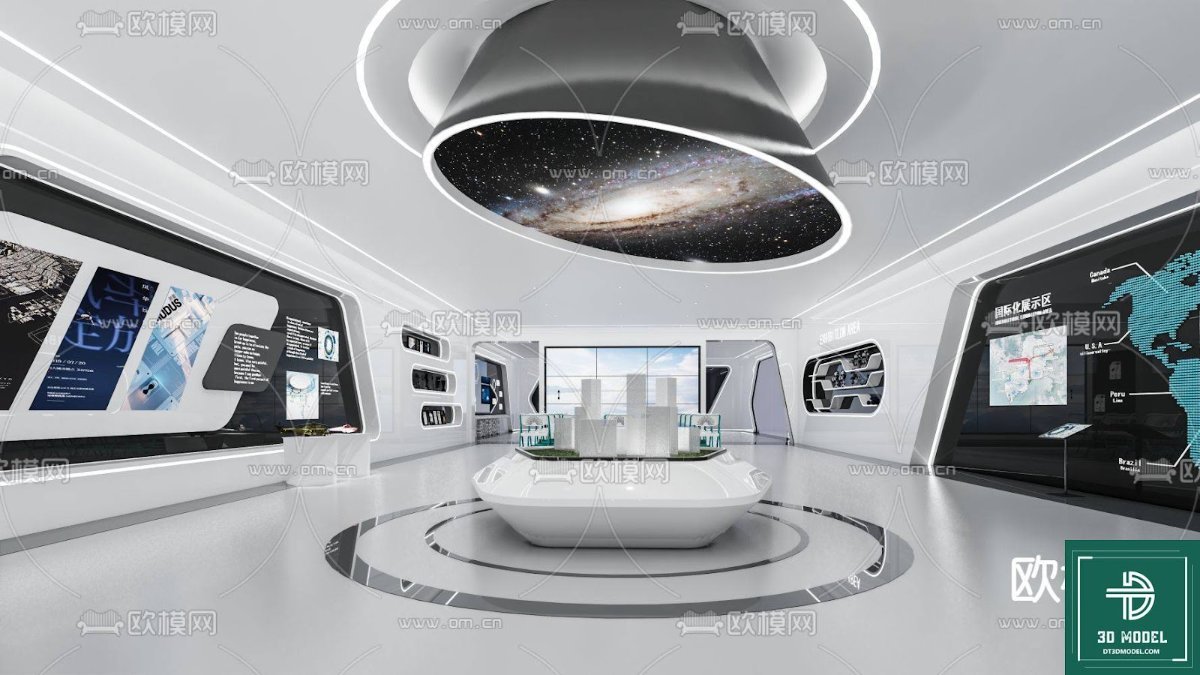
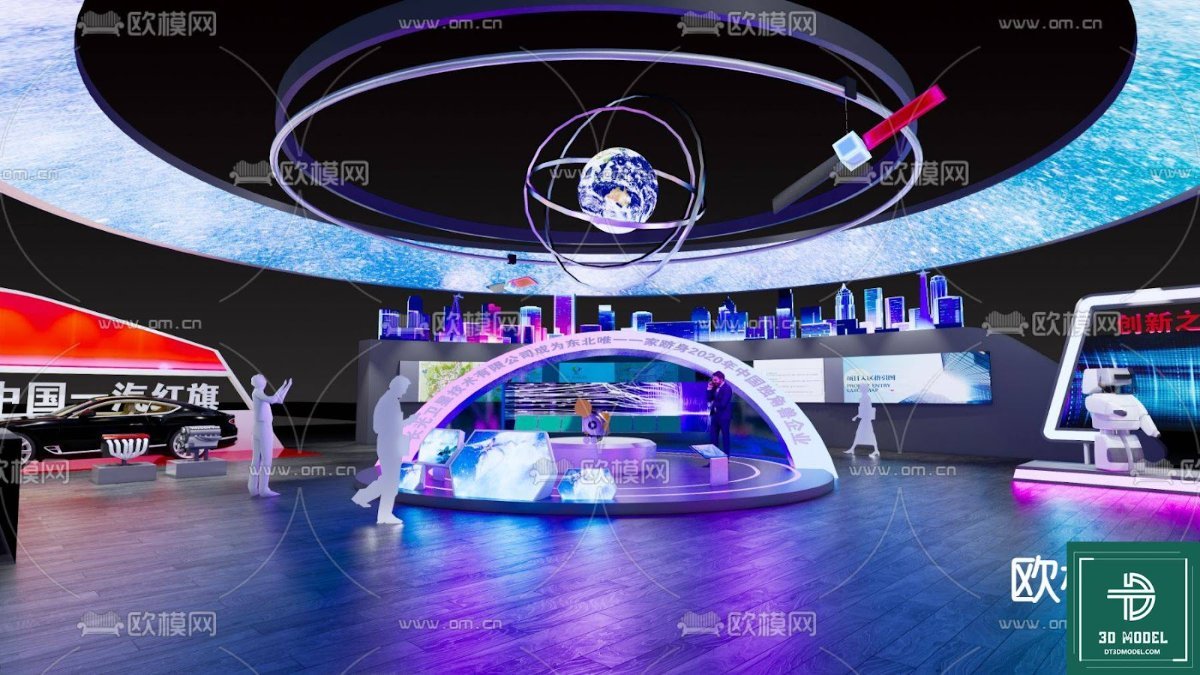
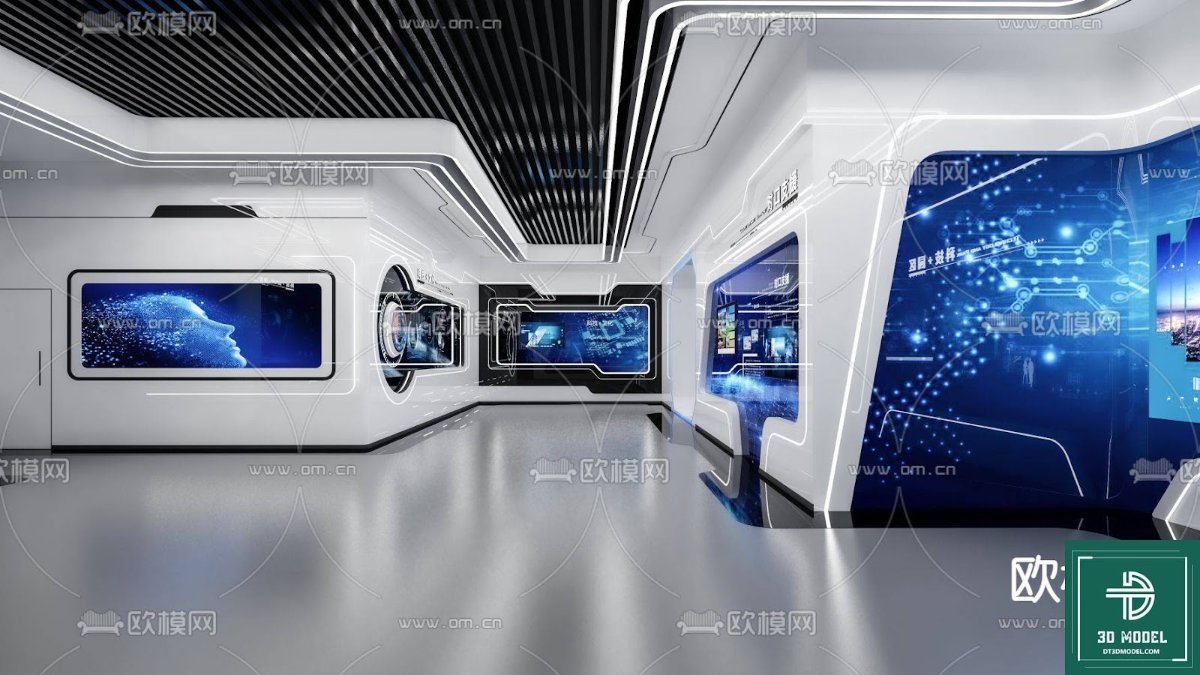
Hình ảnh demo liên quan

Câu hỏi thường gặp
What software is required to open this exhibition booth 3D model?
This 3D model is primarily designed for SketchUp (.skp) and can be opened with SketchUp Pro or SketchUp Free (web version). It may also be importable into other 3D software like 3ds Max, Blender, or Cinema 4D with appropriate plugins or converters.
Can I customize the colors and branding on the 3D model?
Yes, the 3D model is typically structured with separate components and materials, allowing you to easily change colors, apply textures, and integrate your own branding elements onto the surfaces within SketchUp or your preferred 3D software.
Is this 3D model suitable for commercial use?
Resources from Posterfree.net are generally available for commercial use, but it’s always recommended to check the specific licensing terms associated with each download to ensure compliance with your project’s requirements.
What are the advantages of using a 3D model for exhibition design?
Using a 3D model allows for realistic visualization, early identification of design flaws, improved client communication, and the ability to generate high-quality renders for marketing purposes before any physical construction begins, ultimately saving time and resources.





























