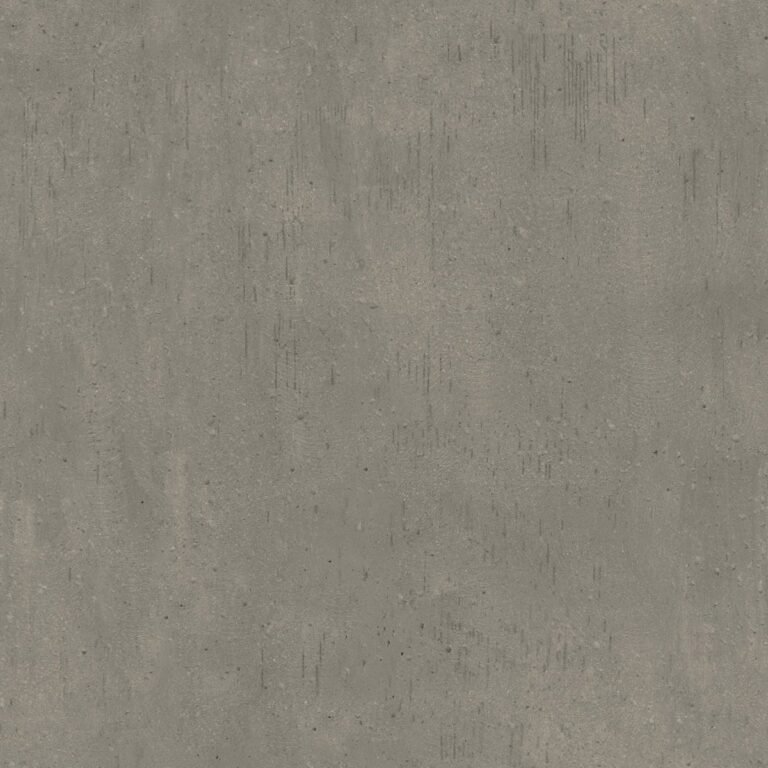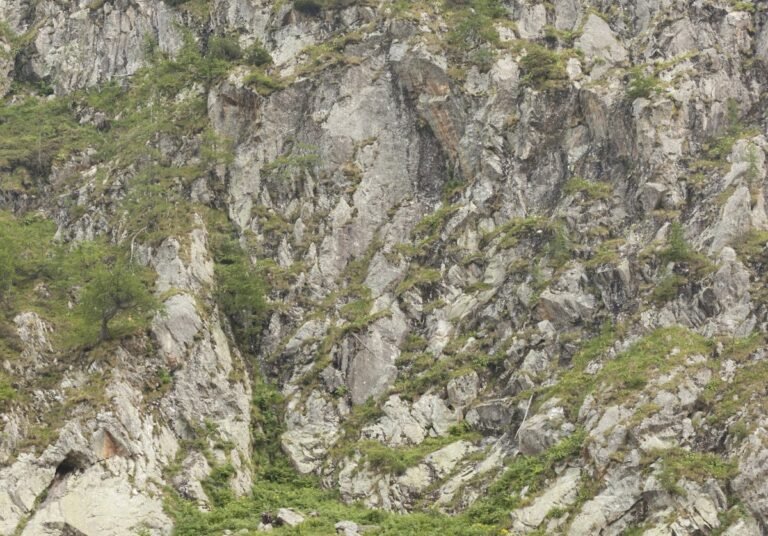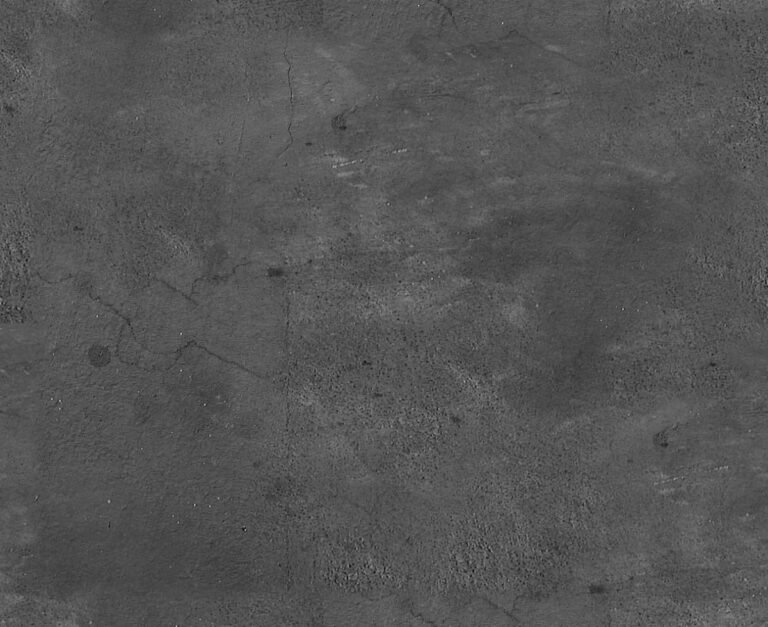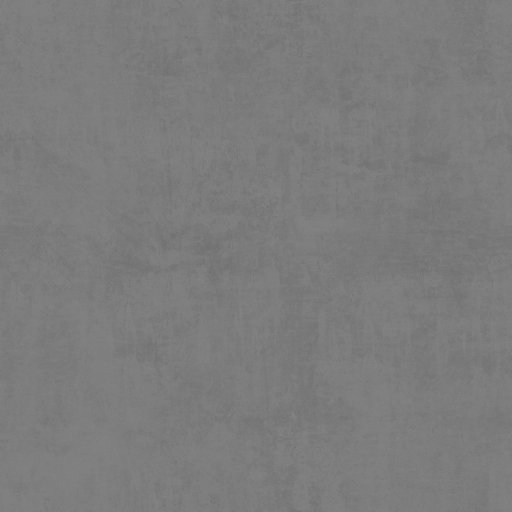
Diffuse Texture 9_2. Discover the versatility of Diffuse Texture 9_2, a high-quality graphic resource perfect for 3D rendering and digital art projects. Enhance your designs with this essential texture.
Unlock Realism with Diffuse Texture 9_2: Your Go-To Graphic Resource
In the intricate world of 3D modeling and digital art, the devil is truly in the details. One of the most critical elements in achieving photorealistic renders and immersive visual experiences is the quality of your textures. Among the vast array of options available, a high-quality Diffuse Texture 9_2 stands out as an indispensable asset for any designer or artist. At Posterfree.net, we pride ourselves on offering premium resources that elevate your creative projects, and this particular diffuse texture is no exception.
What is a Diffuse Texture and Why is it Essential?
A diffuse texture, often referred to as an albedo map, is a fundamental component in physically based rendering (PBR) workflows. It defines the base color of a surface, representing how light reflects off it when scattered uniformly in all directions. Unlike other texture maps that might control shininess or bumpiness, the diffuse texture is all about the raw color information, free from lighting or shadowing. This makes Diffuse Texture 9_2 incredibly versatile and a foundational layer for building realistic materials.
- Base Color Foundation: It provides the core color data for your 3D models.
- Realism Enhancement: A well-crafted diffuse texture is key to making objects look believable.
- Versatility: Can be combined with various other maps (normal, roughness, metallic) to create complex materials.
Analyzing Diffuse Texture 9_2: Quality and Characteristics
The Diffuse Texture 9_2 graphic resource available on Posterfree.net is meticulously crafted to meet the demands of professional artists. Upon close examination, several key characteristics emerge:
Exceptional Resolution and Detail
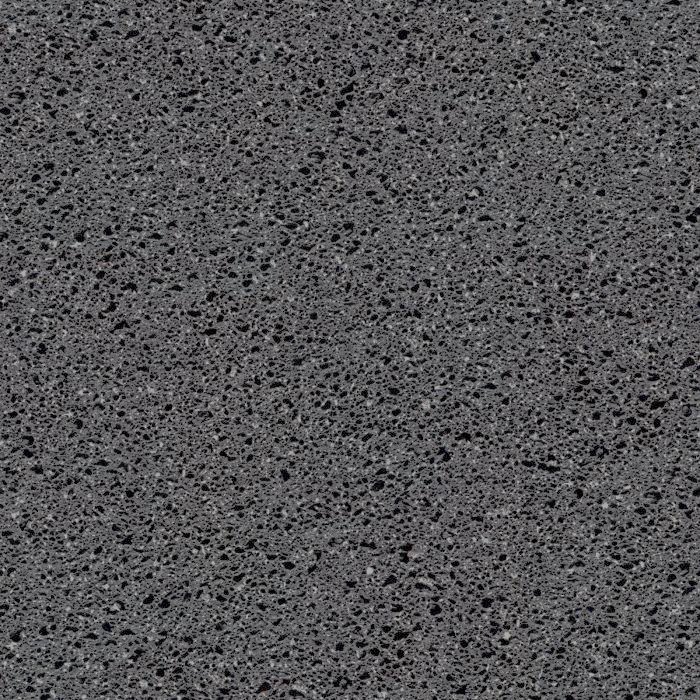
High resolution is paramount for textures, especially when objects are viewed up close or in high-definition renders. Diffuse Texture 9_2 boasts an impressive resolution, ensuring that even the finest nuances of its surface are captured. This prevents pixelation and maintains crispness, allowing for seamless integration into your scenes without compromising visual fidelity. The subtle variations in tone and slight imperfections within the texture contribute significantly to its realistic appearance, mimicking natural surfaces.
Neutral Tones for Maximum Adaptability
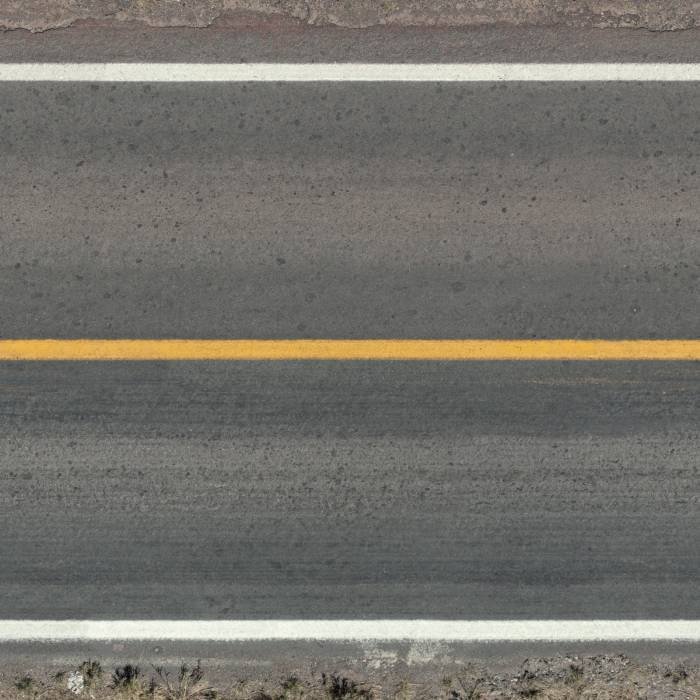
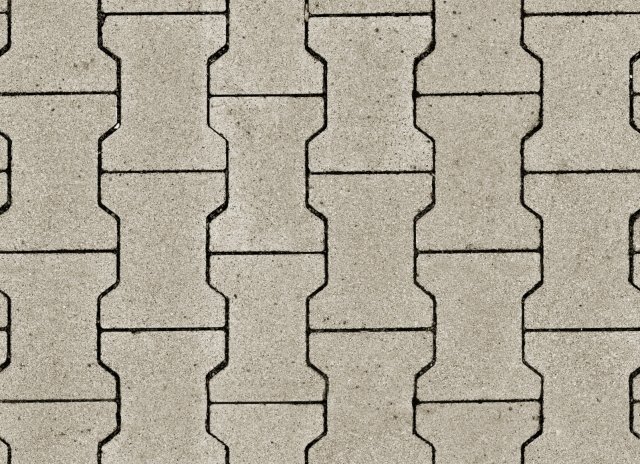
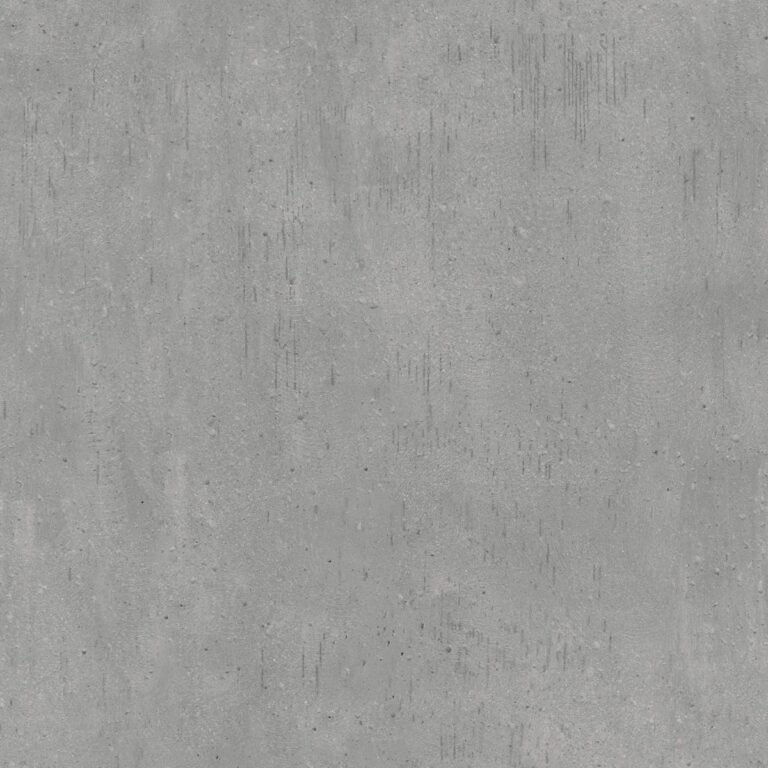
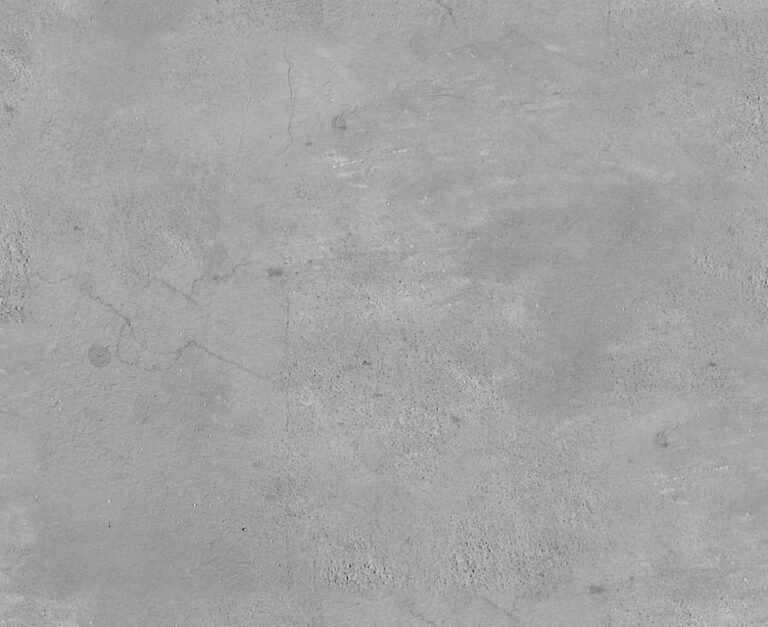
One of the greatest strengths of this specific texture is its neutral, mid-grey tone. This isn’t a limitation but a deliberate design choice that enhances its utility. A neutral diffuse texture serves as an excellent starting point for a multitude of materials. Whether you’re aiming for concrete, stone, fabric, or even a custom painted surface, the neutral base of Diffuse Texture 9_2 allows you to easily tint, color correct, and layer other effects without fighting against an inherent color bias. This adaptability saves countless hours in post-production and material creation.
Subtle Surface Variation
While appearing relatively uniform at first glance, a closer inspection reveals subtle, organic variations across the surface of Diffuse Texture 9_2. These aren’t harsh patterns but rather gentle shifts in luminance and very fine grain, suggesting a natural, slightly worn, or imperfect surface. Such subtleties are crucial for breaking up perfectly flat, synthetic-looking surfaces and injecting a sense of realism. This texture avoids the repetitive tiling artifacts often found in lower-quality assets, ensuring a more natural look even across large areas.
How to Effectively Use Diffuse Texture 9_2 in Your Projects
Leveraging the full potential of Diffuse Texture 9_2 is straightforward, yet powerful. Here’s a guide to integrating it into your 3D workflow:
Step-by-Step Usage Instructions:
- Import into Your 3D Software: Begin by importing the Diffuse Texture 9_2 image file into your preferred 3D modeling and rendering software (e.g., Blender, 3ds Max, Maya, Cinema 4D, Unreal Engine, Unity).
- Create a New Material: Assign a new material to your 3D object. This could be a standard PBR material or a custom shader.
- Connect to the Base Color/Albedo Input: In your material editor, locate the ‘Base Color’ or ‘Albedo’ input slot. Connect the Diffuse Texture 9_2 to this slot. This will apply the texture’s color information directly to your object.
- Adjust UV Mapping: Ensure your object has proper UV mapping. Adjust the tiling and offset of the texture to fit the scale and orientation of your model. Experiment with different UV projections (planar, box, cylindrical) to achieve the best results.
-
Combine with Other Maps: To achieve ultimate realism, combine Diffuse Texture 9_2 with other PBR maps. For instance:
- Normal Map: Add a normal map to simulate surface bumps and details without adding geometry.
- Roughness Map: Control how rough or shiny the surface appears.
- Metallic Map: Define metallic properties for metallic surfaces.
- Ambient Occlusion Map: Enhance contact shadows and crevices.
- Color Correction and Tinting: Utilize your software’s color correction tools to adjust the hue, saturation, and brightness of the diffuse texture. You can easily tint the neutral grey to any desired color, making it suitable for a vast range of materials.
- Layering and Blending: For complex materials, consider layering Diffuse Texture 9_2 with other textures using blend modes to create unique effects, such as dirt, grime, or wear.
Why Choose Posterfree.net for Your Graphic Resources?
Posterfree.net is renowned as a premier destination for high-quality graphic assets, and our commitment to excellence is reflected in resources like Diffuse Texture 9_2. We understand the demands of modern design and strive to provide assets that are not only visually stunning but also technically robust and easy to integrate into your workflow.
- Curated Selection: Every resource on Posterfree.net is carefully selected and vetted for quality.
- Professional Grade: Our assets are designed to meet the standards of professional artists and designers.
- User-Friendly: We ensure our resources are easy to download and use, saving you valuable time.
- Diverse Formats: We offer assets in widely compatible formats to suit various software and pipelines.
Applications Across Industries
The versatility of Diffuse Texture 9_2 extends across numerous industries and creative applications:
- Game Development: Create realistic environments, props, and character details for video games.
- Architectural Visualization (ArchViz): Render lifelike building materials, interiors, and exteriors.
- Product Design: Visualize product prototypes with accurate material representations.
- Film and Animation: Build detailed sets, characters, and VFX elements.
- Virtual Reality (VR) / Augmented Reality (AR): Develop immersive experiences with high-fidelity textures.
Conclusion
Diffuse Texture 9_2 from Posterfree.net is more than just an image file; it’s a foundational tool that empowers you to achieve unparalleled realism and detail in your 3D projects. Its high resolution, neutral tones, and subtle surface variations make it an incredibly adaptable and essential asset for any digital artist or designer. By integrating this premium resource into your workflow, you can elevate your creations, save time, and bring your visions to life with stunning clarity. Explore Diffuse Texture 9_2 today and discover the difference that quality textures can make.
Related Demo Images





Frequently Asked Questions
What is a diffuse texture?
A diffuse texture, also known as an albedo map, defines the base color of a surface without any lighting or shadowing information. It’s crucial for physically based rendering (PBR) to achieve realistic material appearances.
How can I use Diffuse Texture 9_2 in my 3D software?
You can import Diffuse Texture 9_2 into your 3D software (e.g., Blender, 3ds Max, Maya) and connect it to the ‘Base Color’ or ‘Albedo’ input of your material. Remember to adjust UV mapping and combine it with other PBR maps for best results.
Is Diffuse Texture 9_2 suitable for professional projects?
Yes, Diffuse Texture 9_2 is a high-resolution, professionally crafted resource designed to meet the demands of professional artists and designers. Its neutral tones and subtle variations make it highly adaptable for various applications.
Can I change the color of Diffuse Texture 9_2?
Absolutely! Its neutral grey base makes it ideal for color correction and tinting. You can easily adjust the hue, saturation, and brightness within your 3D software or image editor to achieve any desired color for your materials.