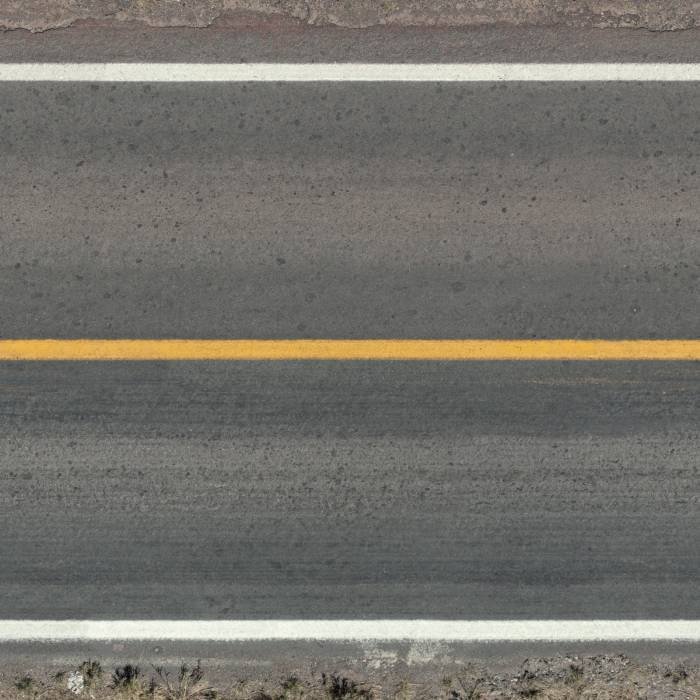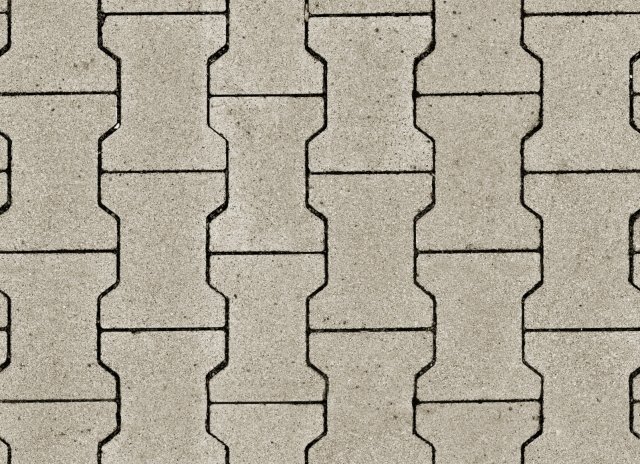
Concrete Texture Diffuse. Discover high-quality concrete texture diffuse maps for 3D rendering and graphic design. Enhance your projects with realistic surfaces from Posterfree.net.
Unlocking Realism: The Power of Concrete Texture Diffuse Maps
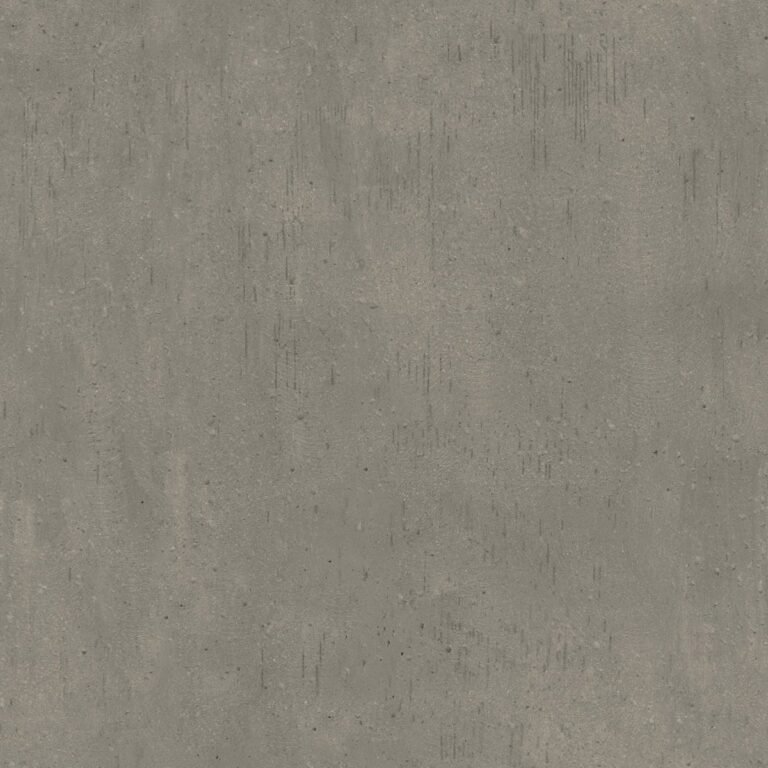
In the world of 3D rendering and graphic design, realism is paramount. Achieving that coveted sense of authenticity often hinges on the quality of your textures. Among the most versatile and frequently used textures is the concrete texture diffuse map. This essential graphic resource, like the ‘DiffuseTexture_贴图 9_1’ available on Posterfree.net, serves as the foundation for creating believable concrete surfaces in any digital environment.
What is a Diffuse Texture Map?
Before diving into the specifics of concrete, let’s clarify what a diffuse texture map is. In 3D graphics, a diffuse map (also known as an albedo map) defines the base color and brightness of a surface when lit by a direct light source. It’s the primary visual information that tells your rendering engine what color and pattern a material should have, independent of shadows or reflections. For concrete, this means capturing the subtle variations in gray tones, the aggregate patterns, and the inherent imperfections that give concrete its unique character.
Why is a High-Quality Concrete Texture Diffuse Essential?
The ‘DiffuseTexture_贴图 9_1’ resource from Posterfree.net exemplifies why quality matters. A high-resolution, well-captured concrete diffuse map is crucial for several reasons:
- Authenticity: It provides the foundational visual data that makes concrete look like concrete, not just a flat gray surface.
- Detail: It captures the fine grain, minor cracks, and subtle discoloration that are characteristic of real concrete, even if those details are later enhanced by normal or displacement maps.
- Versatility: A good diffuse map can be used for various types of concrete, from smooth polished floors to rough industrial walls, simply by adjusting other material properties.
- Performance: While high resolution is good, an optimized diffuse map ensures your scenes render efficiently without sacrificing visual fidelity.
Analyzing ‘DiffuseTexture_贴图 9_1’: A Closer Look
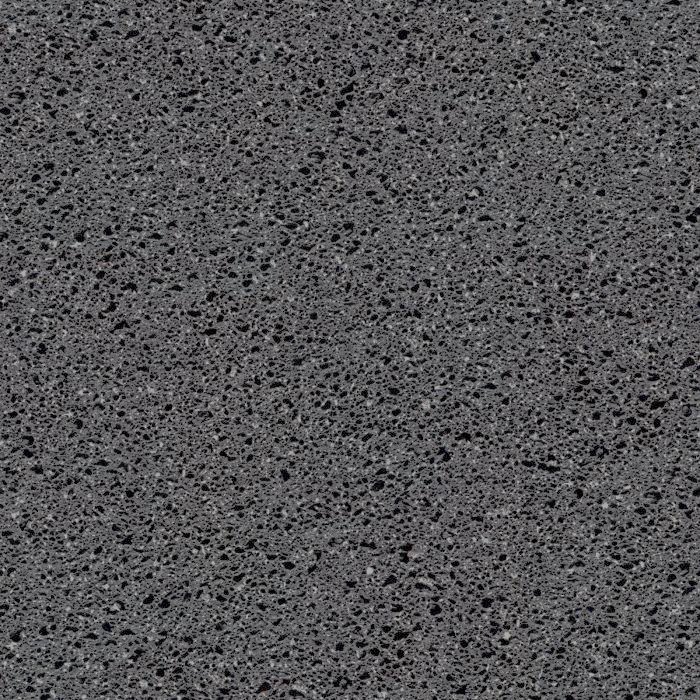
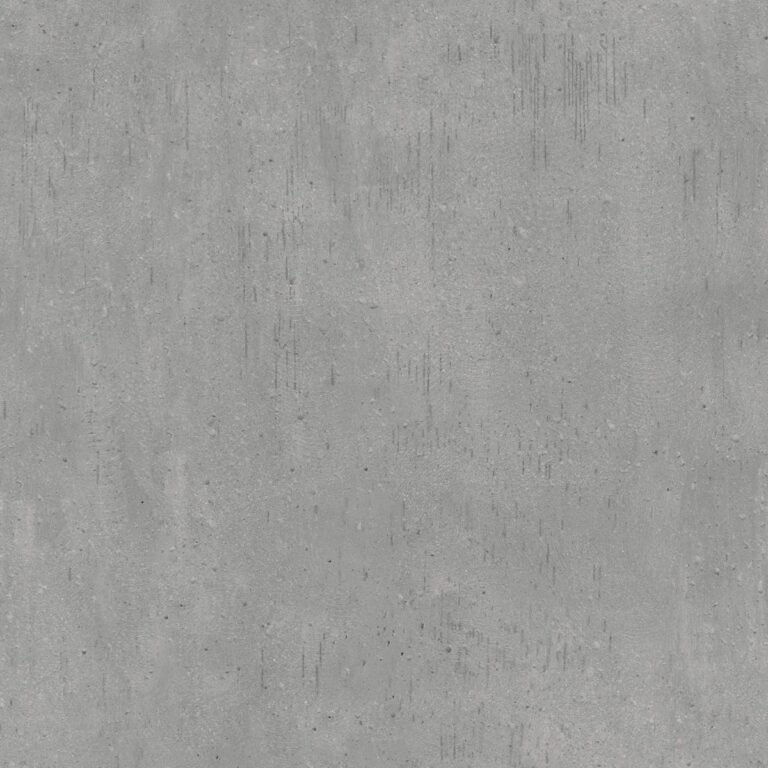
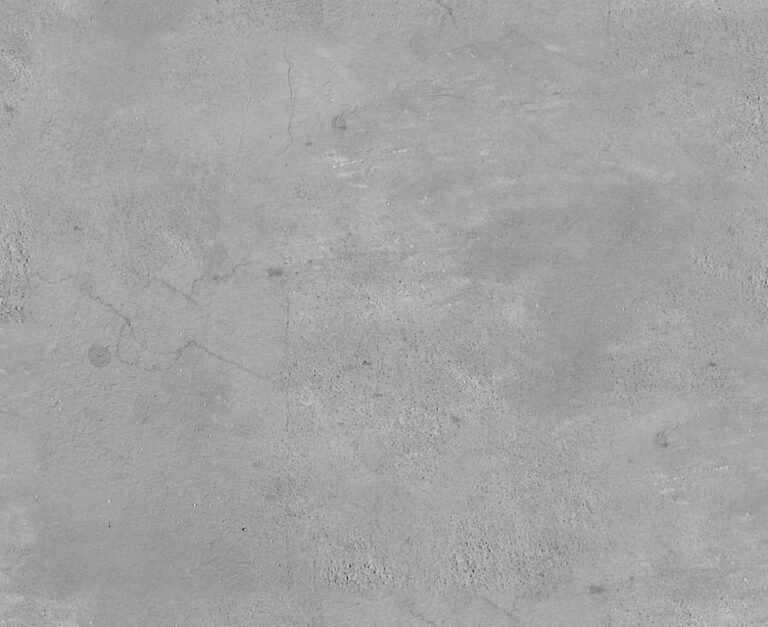
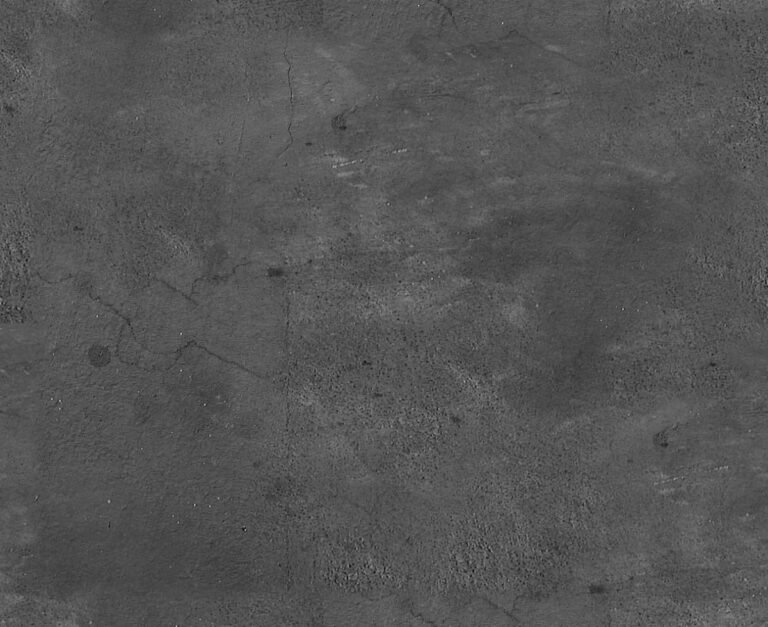
The ‘DiffuseTexture_贴图 9_1’ resource is a prime example of a robust concrete texture diffuse map. Upon examination, several key characteristics stand out:
- Subtle Variation: The texture exhibits a natural, non-uniform distribution of light and dark gray tones, mimicking the inherent inconsistencies found in real concrete. This prevents a sterile, artificial look.
- Organic Imperfections: There are faint, organic-looking blemishes and slight abrasions visible, which are critical for breaking up perfect uniformity and adding to the realism. These aren’t harsh or distracting but rather contribute to the material’s history and wear.
- Seamless Tiling Potential: While not explicitly stated, the nature of such a texture suggests it’s designed for seamless tiling, allowing it to be repeated across large surfaces without noticeable seams. This is a fundamental requirement for any practical texture asset.
- Neutral Color Palette: The grayscale nature provides an excellent base that can be easily tinted or color-corrected within your 3D software to match specific project requirements, whether you need a warm, aged concrete or a cool, modern finish.
Optimal Usage and Integration
Integrating a concrete texture diffuse map like ‘DiffuseTexture_贴图 9_1’ into your workflow is straightforward, yet requires attention to detail for the best results:
1. 3D Rendering Software (Blender, 3ds Max, Maya, Cinema 4D, etc.)
- Material Setup: Load the diffuse map into the ‘Base Color’ or ‘Diffuse’ slot of your material node editor.
- UV Mapping: Ensure your 3D model has proper UV mapping. This dictates how the 2D texture is projected onto the 3D surface. Experiment with different UV projections (e.g., box, planar, cylindrical) and scaling to achieve the desired look.
- Complementary Maps: While the diffuse map provides the color, pair it with other maps for ultimate realism:
- Normal Map: For surface bumps and details without adding geometry.
- Roughness/Glossiness Map: To control how light reflects off the surface, simulating smooth or rough patches.
- Displacement Map: For actual geometric deformation, adding depth to cracks and imperfections (use sparingly due to performance impact).
- Ambient Occlusion Map: To enhance contact shadows and crevices.
- Lighting: Good lighting is crucial. Experiment with HDRIs, area lights, and sun lamps to bring out the texture’s details.
2. Graphic Design (Photoshop, GIMP, Affinity Photo)
- Backgrounds: Use the concrete texture as a background for posters, flyers, or website banners to add an industrial or urban aesthetic.
- Overlays: Apply it as an overlay texture to other images or designs, adjusting blend modes (e.g., Overlay, Soft Light, Multiply) and opacity to add subtle grit and realism.
- Text Effects: Incorporate it into text masks or layer styles to give text a concrete-like appearance.
- Digital Painting: Use it as a brush texture or stamp to add organic details to digital paintings.
Resolution and Format Considerations
While the exact resolution of ‘DiffuseTexture_贴图 9_1’ isn’t specified, for professional 3D rendering and high-quality graphic design, textures typically range from 2K (2048×2048 pixels) to 8K (8192×8192 pixels) or even higher. Higher resolutions allow for greater detail when viewed up close, preventing pixelation. Common formats include JPG, PNG, or TIFF, with PNG and TIFF often preferred for their lossless compression and ability to support alpha channels (though less critical for a diffuse map).
Why Choose Posterfree.net for Your Textures?
Posterfree.net is renowned for providing premium graphic resources, and ‘DiffuseTexture_贴图 9_1’ is a testament to this commitment. When you source your textures from Posterfree.net, you benefit from:
- Professional Quality: Resources are curated to meet industry standards, ensuring your projects look their best.
- Time-Saving: Accessing ready-to-use, high-quality textures saves valuable production time compared to creating them from scratch.
- Versatility: A wide range of textures means you’ll find the perfect fit for any project, from architectural visualizations to game development.
- Reliability: Posterfree.net is a trusted name in graphic design, offering dependable assets that enhance your creative workflow.
Elevate your digital creations with the authentic look and feel that only a superior concrete texture diffuse map can provide. Explore ‘DiffuseTexture_贴图 9_1’ and countless other professional resources at Posterfree.net today.
Conclusion
The concrete texture diffuse map is an indispensable tool for any 3D artist or graphic designer aiming for realism. Resources like ‘DiffuseTexture_贴图 9_1’ from Posterfree.net offer the quality and detail needed to transform ordinary digital surfaces into believable, tactile concrete. By understanding its purpose, analyzing its characteristics, and applying it effectively with complementary maps and proper lighting, you can achieve stunning, professional-grade results that truly stand out.
Related Demo Images




Frequently Asked Questions
What is a diffuse texture map?
A diffuse texture map defines the base color and brightness of a surface in 3D rendering, independent of shadows or reflections. It’s the primary visual information for a material’s appearance.
How do I use a concrete texture diffuse map in 3D software?
Load the diffuse map into the ‘Base Color’ or ‘Diffuse’ slot of your material. Ensure proper UV mapping on your 3D model and consider adding normal, roughness, and displacement maps for enhanced realism.
What resolution should a good texture diffuse map be?
For professional work, textures typically range from 2K (2048×2048) to 8K (8192×8192) pixels or higher, depending on the required detail and viewing distance.
Can I use this concrete texture for graphic design projects?
Yes, high-quality concrete textures can be used as backgrounds, overlays, or for text effects in graphic design software like Photoshop to add an urban or industrial aesthetic.
Why choose Posterfree.net for graphic resources?
Posterfree.net provides professional-quality, curated graphic resources that save time and enhance creative workflows, ensuring your projects achieve a high standard of visual fidelity.