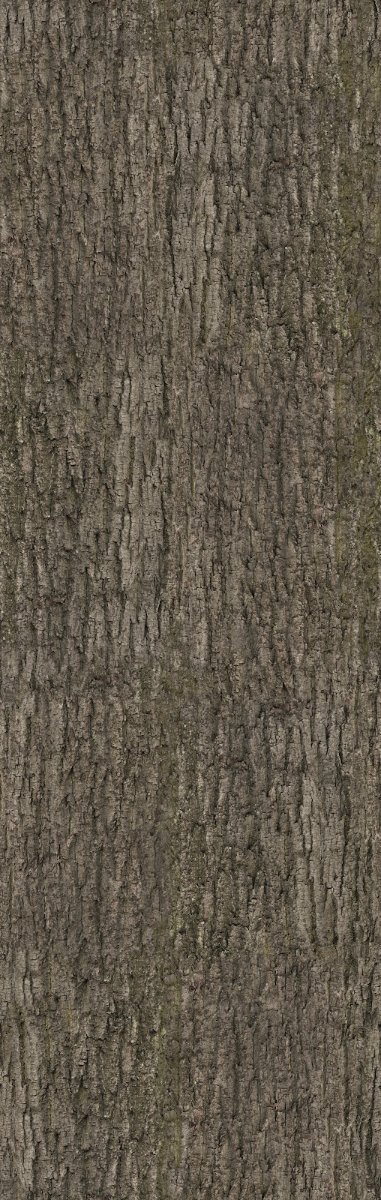
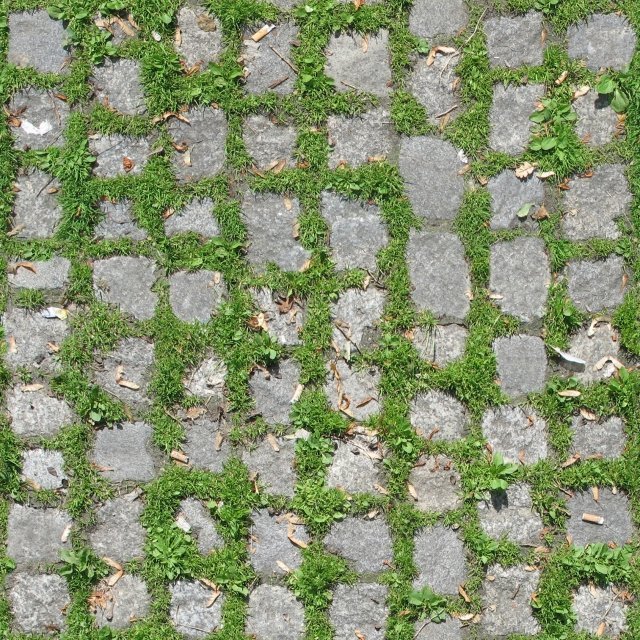
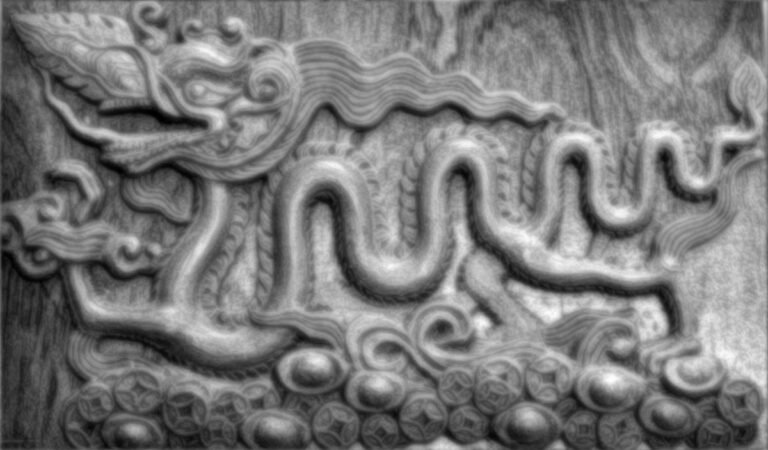
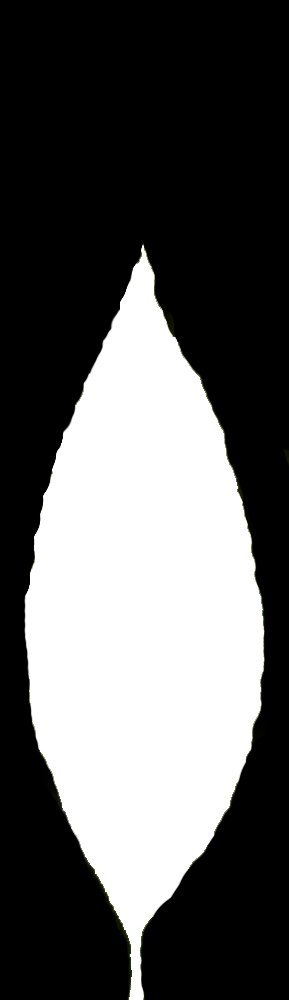
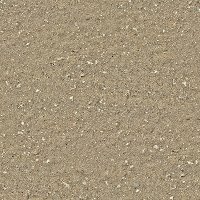
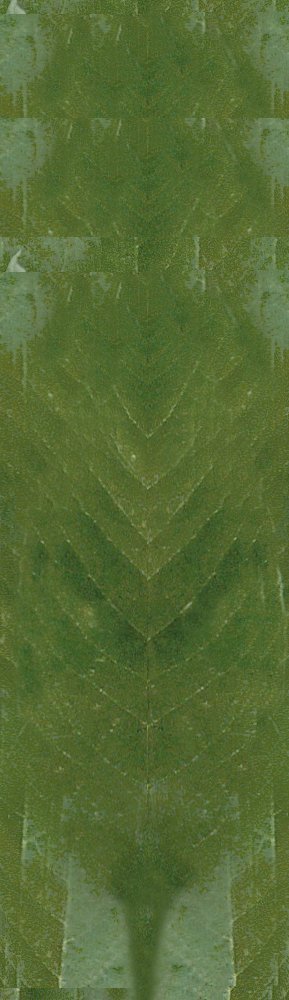
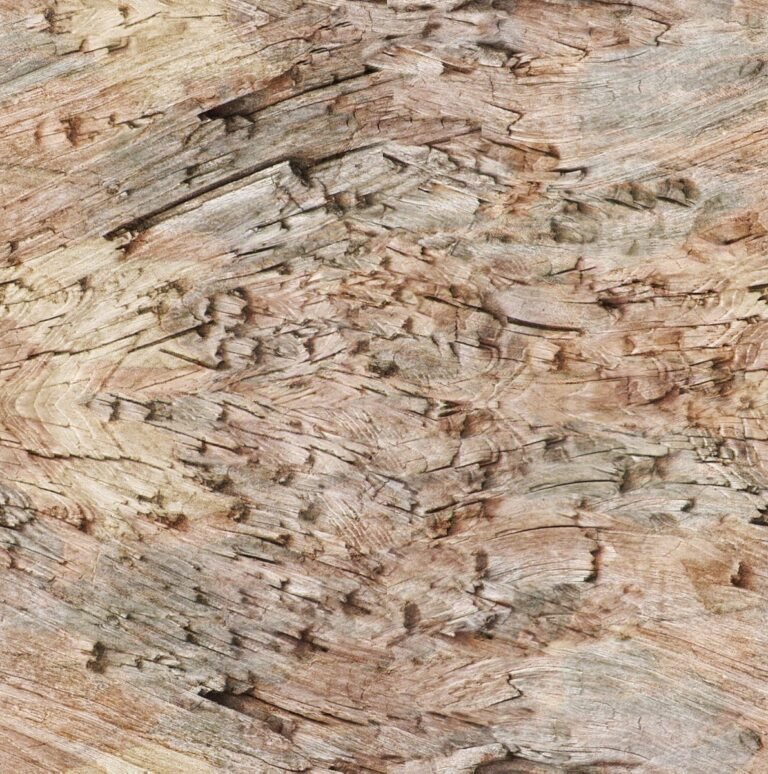
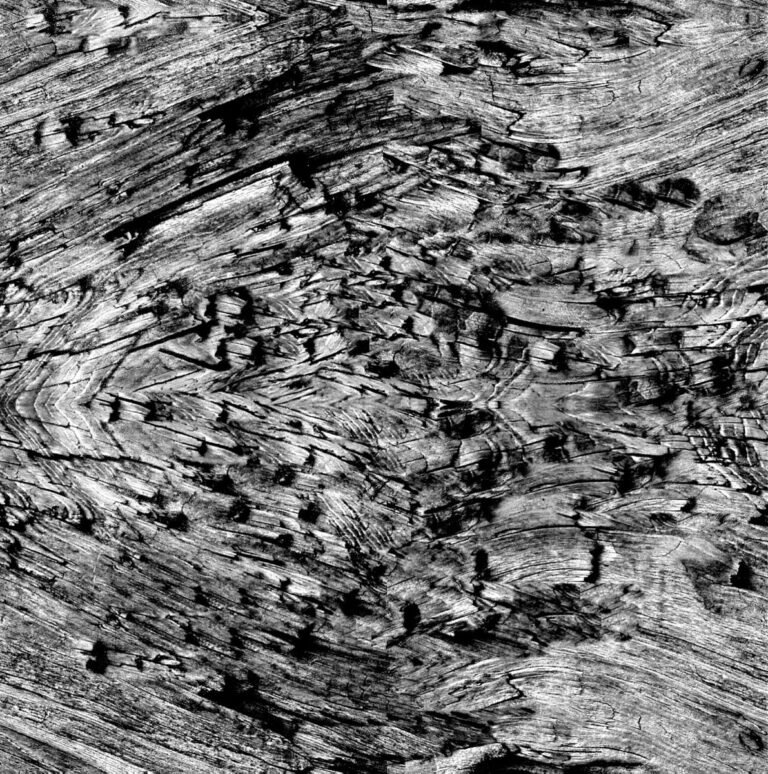
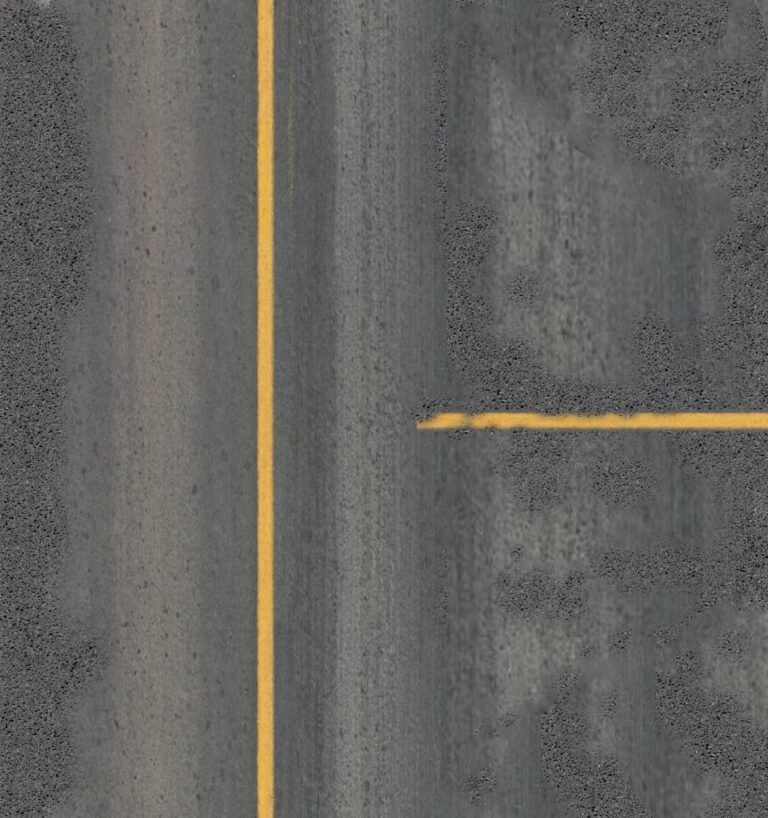
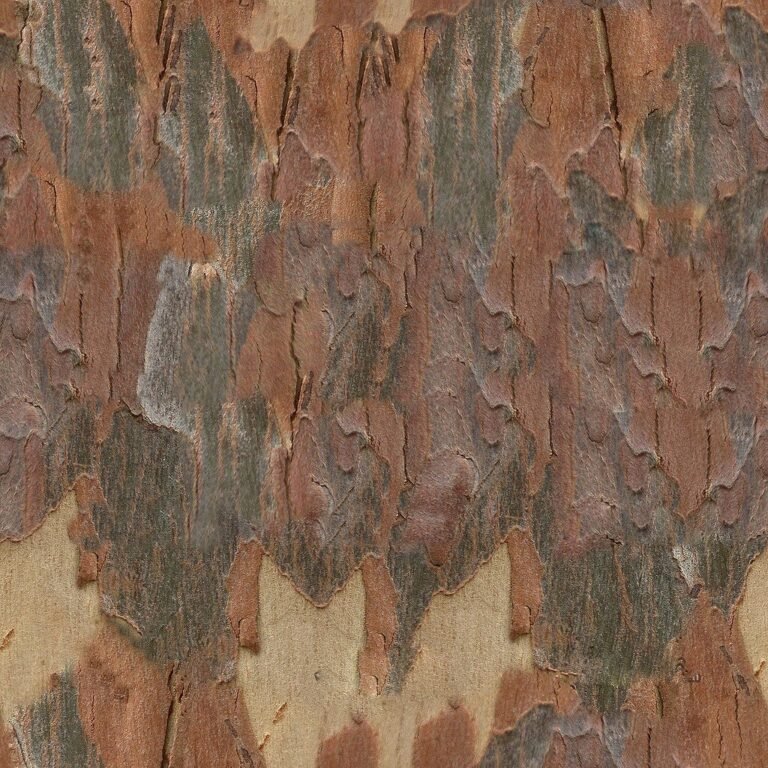
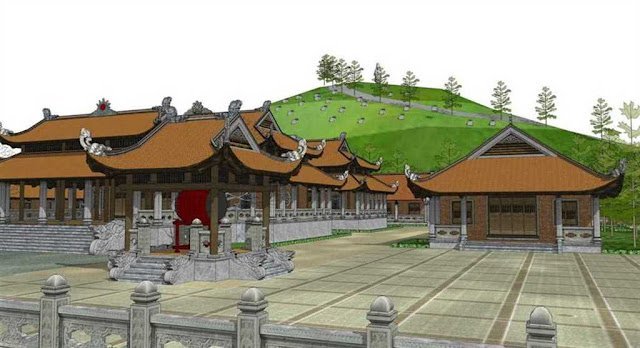
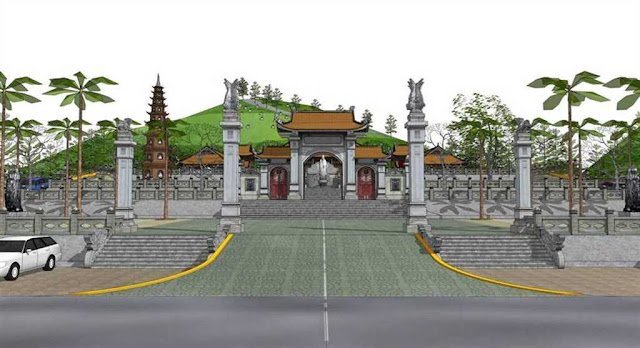
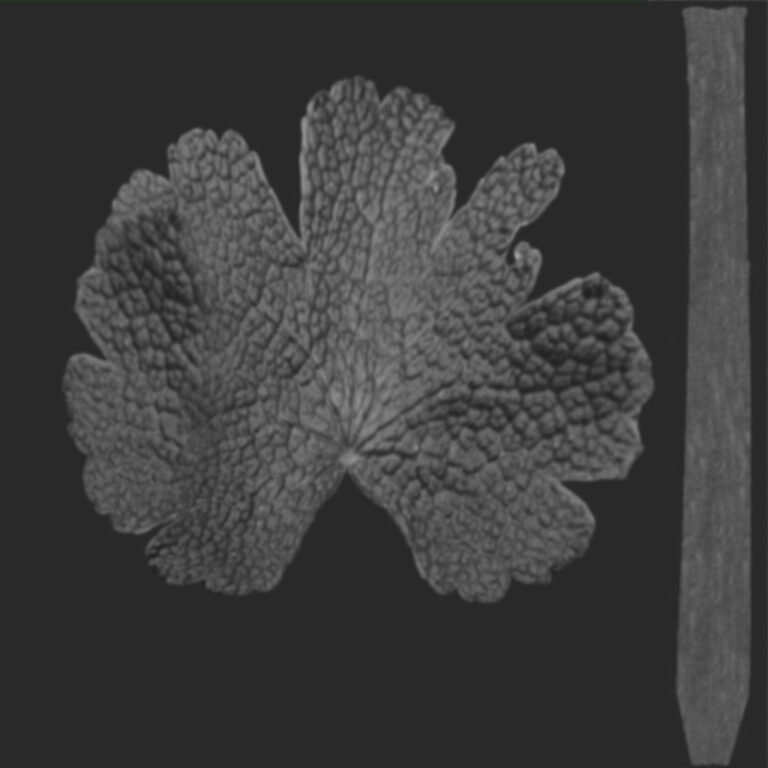
3D Model Normal Map Texture. Enhance your 3D models with this high-quality normal map texture. Perfect for adding intricate surface details and realism to your digital creations.
Unlock Realism with Advanced Normal Map Textures
In the dynamic world of 3D modeling and game development, realism is paramount. Achieving lifelike textures and intricate surface details without significantly increasing polygon count is a challenge that normal maps elegantly solve. Posterfree.net is proud to present a premium normal map texture, an essential asset for any serious 3D artist or developer looking to elevate their projects.
What is a Normal Map Texture?
A normal map is a special type of texture map used in 3D computer graphics to add surface detail such as bumps, grooves, and scratches to a model without actually adding more polygons. Instead of altering the geometry, it manipulates the way light interacts with the surface, making it appear as if the details are physically present. This technique is crucial for optimizing performance while maintaining visual fidelity, especially in real-time applications like video games and interactive simulations.
The Power of Our Normal Map
Our featured normal map texture, identified as ‘3d66Model-866675-files-119’, is meticulously crafted to deliver exceptional results. It’s designed to provide subtle yet impactful surface variations, making your models stand out. The intricate patterns within this normal map are perfect for simulating a variety of materials, from rough concrete to delicate fabric, or even complex mechanical surfaces.
Key Features and Benefits
- Enhanced Realism: Adds depth and detail to flat surfaces, making your 3D models more believable.
- Performance Optimization: Achieves high visual quality without increasing polygon count, ensuring smooth performance.
- Versatility: Suitable for a wide range of applications, including game development, architectural visualization, product rendering, and animation.
- High Resolution: Ensures crisp and clear details, even on close-up shots.
- Easy Integration: Compatible with most major 3D software packages and game engines.
How to Use This Normal Map Texture
Integrating this normal map texture into your 3D workflow is straightforward. Here’s a general guide:
- Import: Load the normal map image into your 3D software (e.g., Blender, 3ds Max, Maya, Cinema 4D, Substance Painter).
- Material Setup: Create a new material or modify an existing one for your 3D model.
- Connect to Normal Input: Connect the normal map texture to the ‘Normal’ input or ‘Normal Map’ slot of your material shader. Ensure you use a ‘Normal Map’ node if available in your software, as it correctly interprets the color data as direction vectors.
- Adjust Strength: Most software allows you to adjust the strength or intensity of the normal map. Experiment with this setting to achieve the desired level of detail and bumpiness.
- UV Unwrapping: For optimal results, ensure your 3D model has proper UV unwrapping. The normal map will be projected onto the model based on its UVs.
Why Choose Posterfree.net for Your Normal Maps?
Posterfree.net is renowned for providing high-quality graphic resources that empower creators. Our commitment to excellence means every asset, including this normal map texture, is carefully curated to meet professional standards. We understand the demands of modern 3D production and strive to offer resources that not only look great but also integrate seamlessly into your workflow. By choosing Posterfree.net, you’re investing in reliability, quality, and a vast library of assets designed to bring your creative visions to life.
Applications Across Industries
The utility of a high-quality normal map extends across various industries:
- Game Development: Essential for creating visually stunning game environments and characters with optimized performance.
- Architectural Visualization: Adds realistic surface imperfections and textures to building facades, interior elements, and landscapes.
- Product Design & Rendering: Enhances the realism of product prototypes and marketing renders, showcasing intricate details of materials.
- Film & Animation: Contributes to the visual richness of CGI assets, making them more believable in cinematic sequences.
- Virtual Reality (VR) & Augmented Reality (AR): Delivers immersive experiences with detailed environments without compromising frame rates.
Technical Specifications and Best Practices
This normal map is provided in a standard image format, typically PNG or JPG, ensuring broad compatibility. Its resolution is optimized for detailed application while remaining efficient for rendering. When working with normal maps, remember to:
- Color Space: Ensure the normal map is interpreted as ‘Non-Color Data’ or ‘Raw’ in your 3D software’s texture settings. This prevents incorrect color management from distorting the normal vectors.
- Tangent Space: Most normal maps are tangent space normal maps, meaning they represent details relative to the surface of the model. Ensure your renderer and model’s tangent basis are correctly calculated.
- Seamless Tiling: For repeating textures, ensure the normal map is tileable to avoid visible seams when applied across large surfaces.
In conclusion, this normal map texture from Posterfree.net is an indispensable tool for any 3D artist aiming for photorealism and performance efficiency. Its versatility and quality make it a valuable addition to your asset library, helping you create stunning and immersive 3D experiences. Explore our collection today and discover how Posterfree.net can empower your next creative project.
Related Demo Images


Frequently Asked Questions
What is a normal map texture used for?
A normal map texture is used to add surface detail and depth to 3D models without increasing their polygon count, making them appear more realistic and detailed while optimizing performance.
How do I apply a normal map in 3D software?
You typically connect the normal map image to the ‘Normal’ input or ‘Normal Map’ slot of your material shader in your 3D software. Ensure it’s set to ‘Non-Color Data’ and your model has proper UVs.
Is this normal map compatible with all 3D software?
Yes, normal maps are a standard texture type and are compatible with most major 3D software packages and game engines, including Blender, 3ds Max, Maya, Unity, and Unreal Engine.
Does using a normal map affect rendering performance?
Normal maps are designed to improve rendering performance by allowing complex surface details to be simulated without the computational cost of high-polygon geometry. They are highly efficient.